Playground AI Alternatives
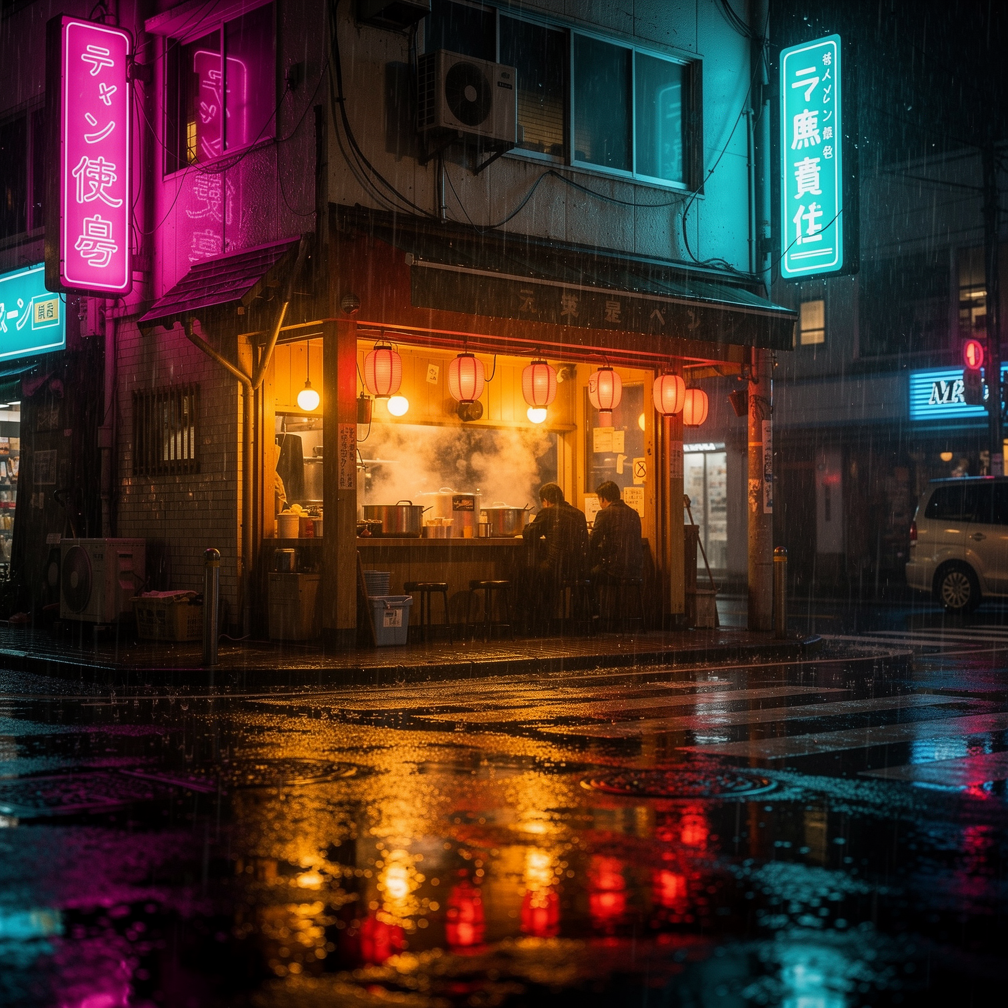
Generated on PixelDojo with Flux 2 Pro. Produced by PixelDojo's generation pipeline.
Playground AI shifted its focus from open-ended image generation toward graphic design workflows like logos, t-shirts, and templates. If what you liked was the original loop of typing a prompt, exploring models, and refining results, PixelDojo is the closest current home. It offers 82 image models including Flux 2 Pro, GPT Image 2, and Seedream 5, full parameter control, and 59 video models for when a still is not enough. We ran a cinematic night-scene prompt through 5 models to compare them honestly. Krea Image was quickest at 4.3s.
Real image examples generated on PixelDojo
Every example below was produced on PixelDojo. Hover to see the prompt.
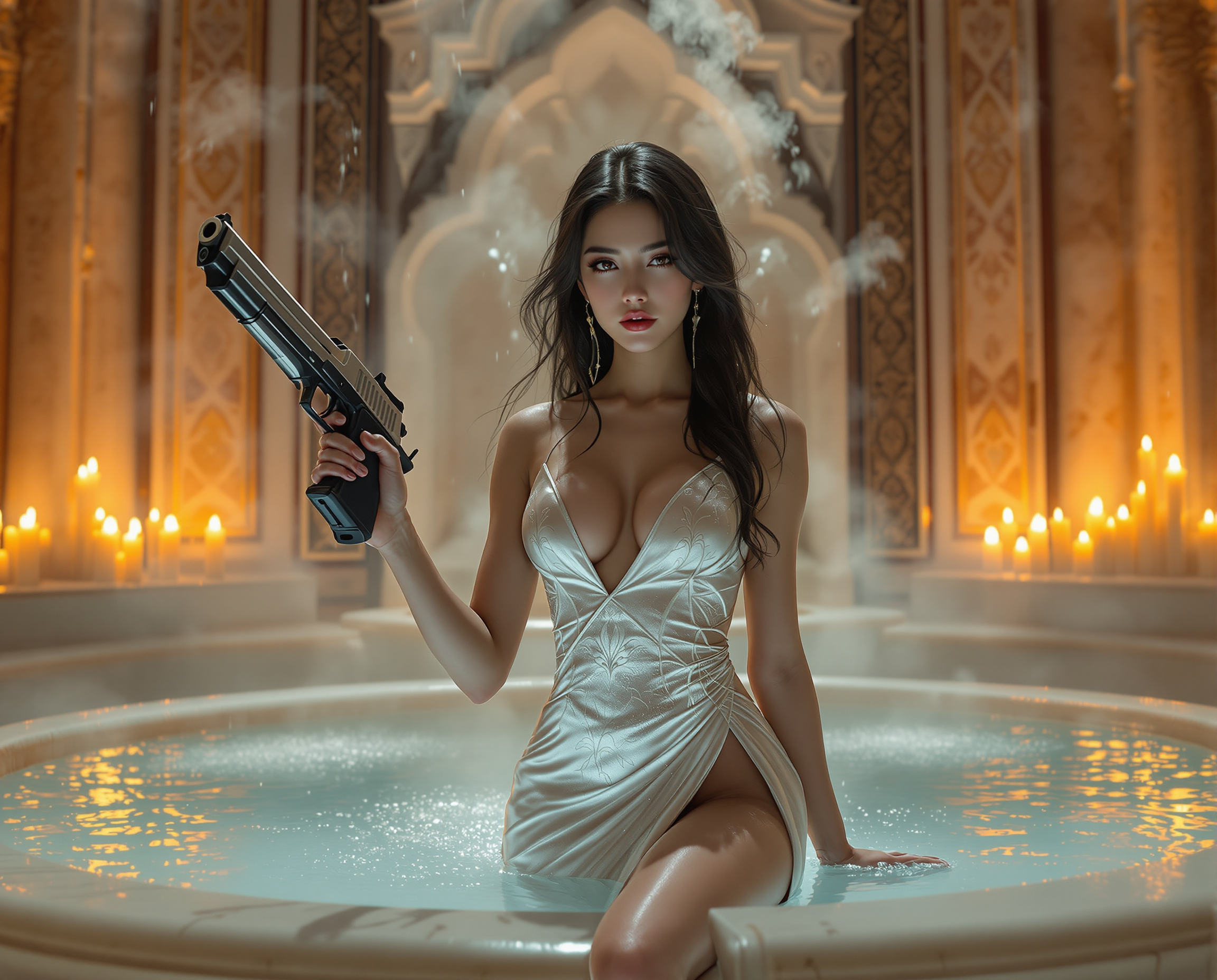
Here is a high-quality prompt for AI image generation: A cinematic masterpiece featuring a…
flux
Playground AI Alternatives on PixelDojo
p-video-avatar
Create stunning AI videos from a single photo
p-video-avatar

This image is a digitally created fantasy scene that exudes a sense of enchantment and whi…
flux
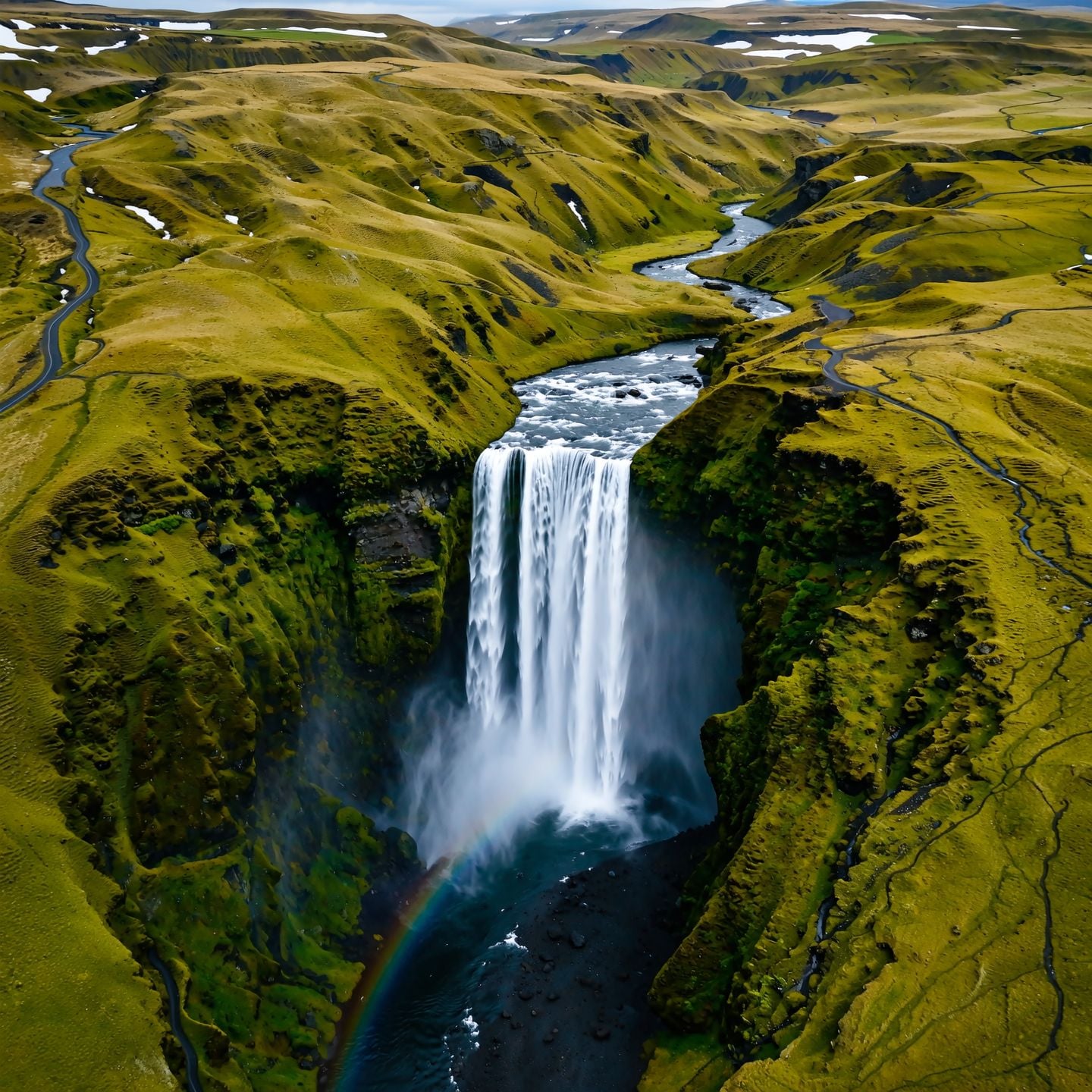
A powerful waterfall cascading through a lush green canyon
wan-image

This image is a charming and whimsical depiction of a child dressed in festive reindeer pa…
flux
Models you can run on PixelDojo for Playground AI Alternatives
Switch models without switching tools. Each one runs in the same PixelDojo studio.
What you can do with Playground AI Alternatives on PixelDojo
Exploration across model families
Compare interpretations from Flux, GPT Image, Seedream, and Nano Banana on one prompt and keep the best.
Deep parameter control
Seeds, aspect ratios, negative prompts, and model-specific settings are exposed for users who want them.
Personal style training
LoRA trainers let you teach a model your aesthetic and reuse it across projects.
A finish line for every image
Edit models, upscalers, and image-to-video turn a good generation into a shipped asset.
All timings are real PixelDojo jobs: one cinematic prompt through each model, measured from submission to finished image.
Why Choose Pixel Dojo for Playground AI Alternatives
Professional-quality results with cutting-edge AI technology
The prompt-first workflow, preserved
Type, generate, compare, refine. PixelDojo keeps the exploratory loop Playground users came for, with current models instead of templates.
Model breadth as a feature
When one engine plateaus on a prompt, switch to Flux 2 Pro, GPT Image 2, Nano Banana 2, or Seedream 5 without leaving the page.
Room to grow into video
The same subscription covers 59 video models, so a favorite still can become a moving shot with one image-to-video step.
How It Works
Prompt like you always did
Describe the scene. Negative prompts, aspect ratios, seeds, and per-model settings are all exposed when you want them.
Explore across engines
Run the same idea on several models and study how each interprets light, mood, and detail.
Refine and finish
Edit with dedicated edit models, upscale with Magnific or Clarity Pro, and download with commercial rights.
The Pixel Dojo Advantage
Playground pivoted to design tooling. PixelDojo keeps prompt-first generation at the center and builds depth around it.
| Others | Pixel Dojo |
|---|---|
| Product now centers on design templates | Prompt-first generation across 82 image models |
| In-house model focus | Flux 2 Pro, GPT Image 2, Seedream 5, Nano Banana 2, Qwen, and more |
| No video generation | 59 video models plus image-to-video animation |
| Editing oriented to design canvases | Dedicated AI edit models for targeted image changes |
| Basic enlargement | Magnific, Clarity Pro, and Creative Upscale included |
| No LoRA training | Train your own style LoRAs on Flux and other families |
| No public generation API | REST API and MCP server on every plan |
| Terms shifted with the product pivot | Full commercial rights and no watermarks, consistently |
Loved by creators on PixelDojo
Real feedback from people using PixelDojo, pulled from our in-product surveys.
Amazing features, easy to use, privacy
the number of options, and especially the quick response to questions on Discord
Love you guys!!
Trained my Lora super fast. Still working out how to creat content wit it, but I love it so far.
I love this app
It has all the tools I can think of...
Explore more AI tools on PixelDojo
Popular AI Models
AI Tools
Compare & Switch
- Best AI Image Generators
- Best AI Video Generators
- Midjourney Alternatives
- Civitai Alternatives
- Runway Alternatives
- Leonardo Alternatives
- Pika Alternatives
- Luma Alternatives
- Magnific Alternatives
- Veo Alternatives
- Flux Alternatives
- Freepik Alternatives
- Seedance Alternatives
- Seedream Alternatives
- Pixverse Alternatives
- GPT Image Alternatives
- Synthesia Alternatives
- NightCafe Alternatives
- Canva AI Alternatives
- ElevenLabs Alternatives
- ComfyUI Alternatives
- Fal Alternatives
- Replicate Alternatives
Common Questions
Everything you need to know about Playground AI Alternatives
What changed at Playground AI?
Playground redirected its product toward graphic design use cases such as logos, merch, and template-based design. The open-ended generation experience stopped being the center of the product.
Is PixelDojo a good replacement for the old Playground workflow?
Yes, that workflow is PixelDojo's core: prompt, generate across models, compare, refine. It adds current engines like Flux 2 Pro and Seedream 5, LoRA training, and video generation on top.
Which model won your night-scene test?
Krea Image returned first at 4.3s. Flux 2 Pro at 12.4s rendered the most convincing wet-pavement reflections, and GPT Image 2 at 197.8s followed the scene brief most literally.
Does PixelDojo have a free tier like Playground did?
PixelDojo is subscription based with a credit allowance and no watermarks. You can cancel anytime, and pricing is flat rather than seat or feature gated.
Can I do inpainting-style edits?
Yes. Dedicated edit models like Flux Edit, Qwen Image Edit, and GPT Image 2 Edit handle targeted changes, object swaps, and restyles.
Can I make design assets too?
Yes. Ideogram 4 for text rendering and Recraft V4.1 for design-style output cover most graphic work, without locking the whole tool to that use case.