AI Product Photography AI Generator
Generated on PixelDojo. Produced by PixelDojo's generation pipeline.
PixelDojo is an AI product photography generator that turns a prompt, a model choice, and a few refinements into polished product shots. The example on this page was generated live on PixelDojo for this exact task: 'a professional product photo of a luxury wristwatch on a marble surface, studio lighting, soft reflections'. We ran the same brief across GPT Image 2, Flux 2 Pro, Nano Banana Pro, and Seedream 4.5, giving a practical comparison of quality, speed, and commercial usefulness. For most product photography workflows, Flux 2 Pro is the best starting point because it balances studio polish with a 24.3 second run time, while GPT Image 2 is the detail-first option when wait time matters less. The wider catalog adds Seedream 5, Recraft V4.1, and Ideogram 4 for label and packaging text, plus image-to-video models and Marketing Studio for turning finished shots into product ads.
Real image examples generated on PixelDojo
Every example below was produced on PixelDojo. Hover to see the prompt.
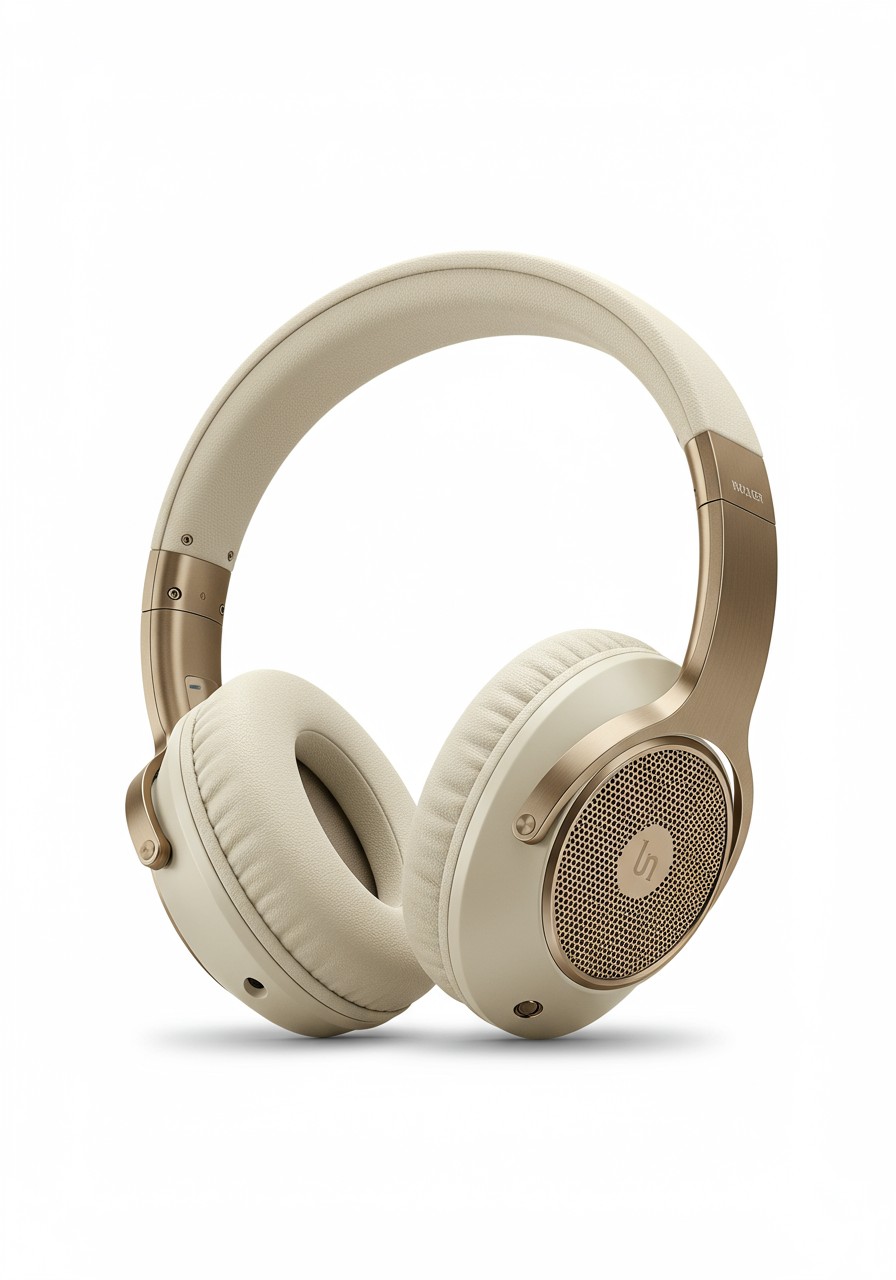
A photo of a high end designer over the ear headphones in cream and brushed dark gold agai…
imagen
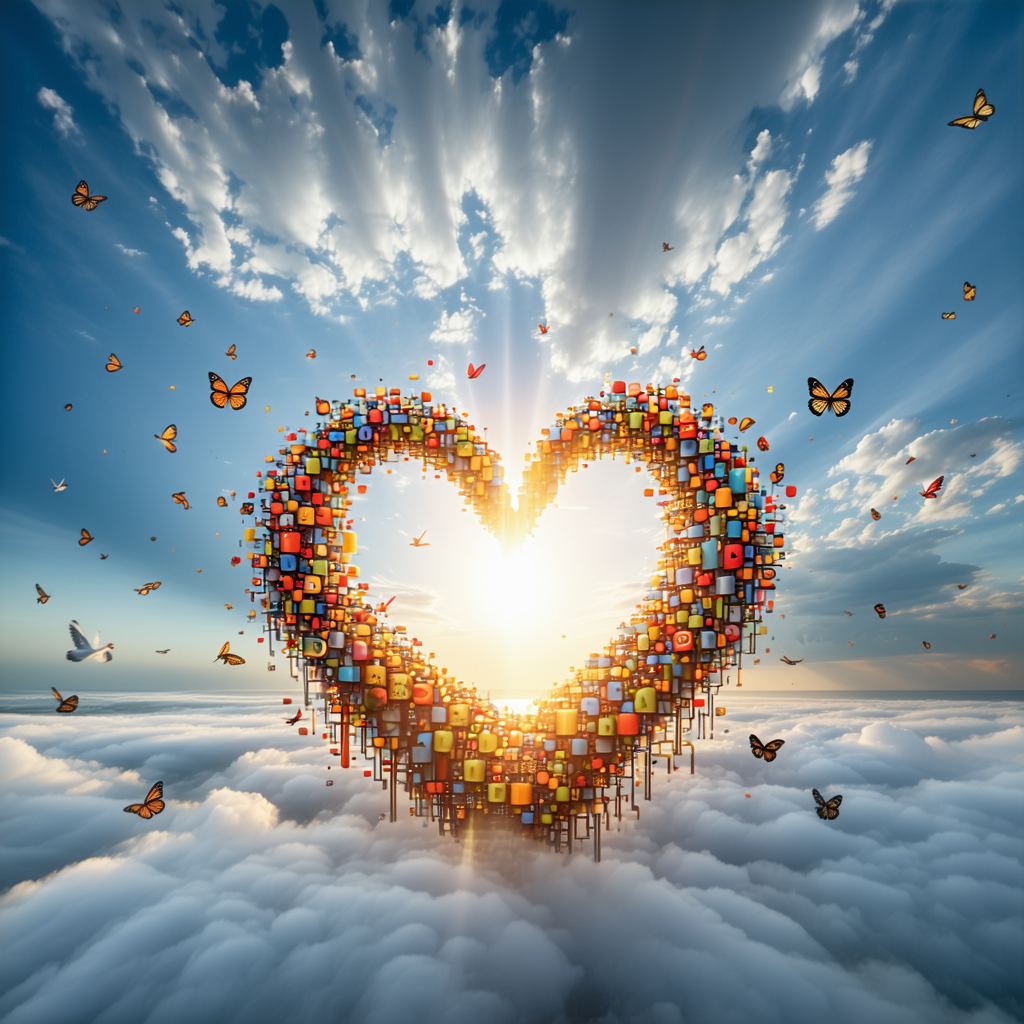
An image representing the concept of hope
stable-diffusion-3
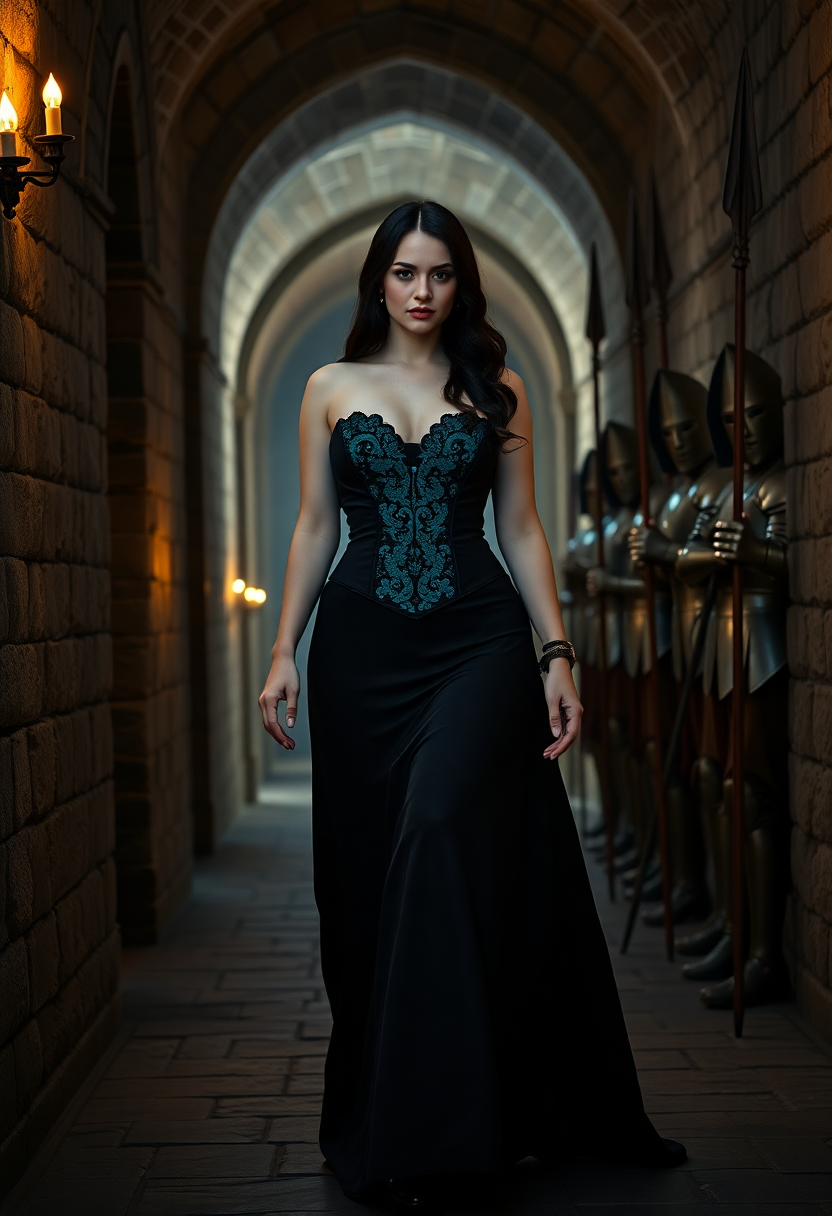
Create a striking half-body portrait of a 40-year-old woman
flux
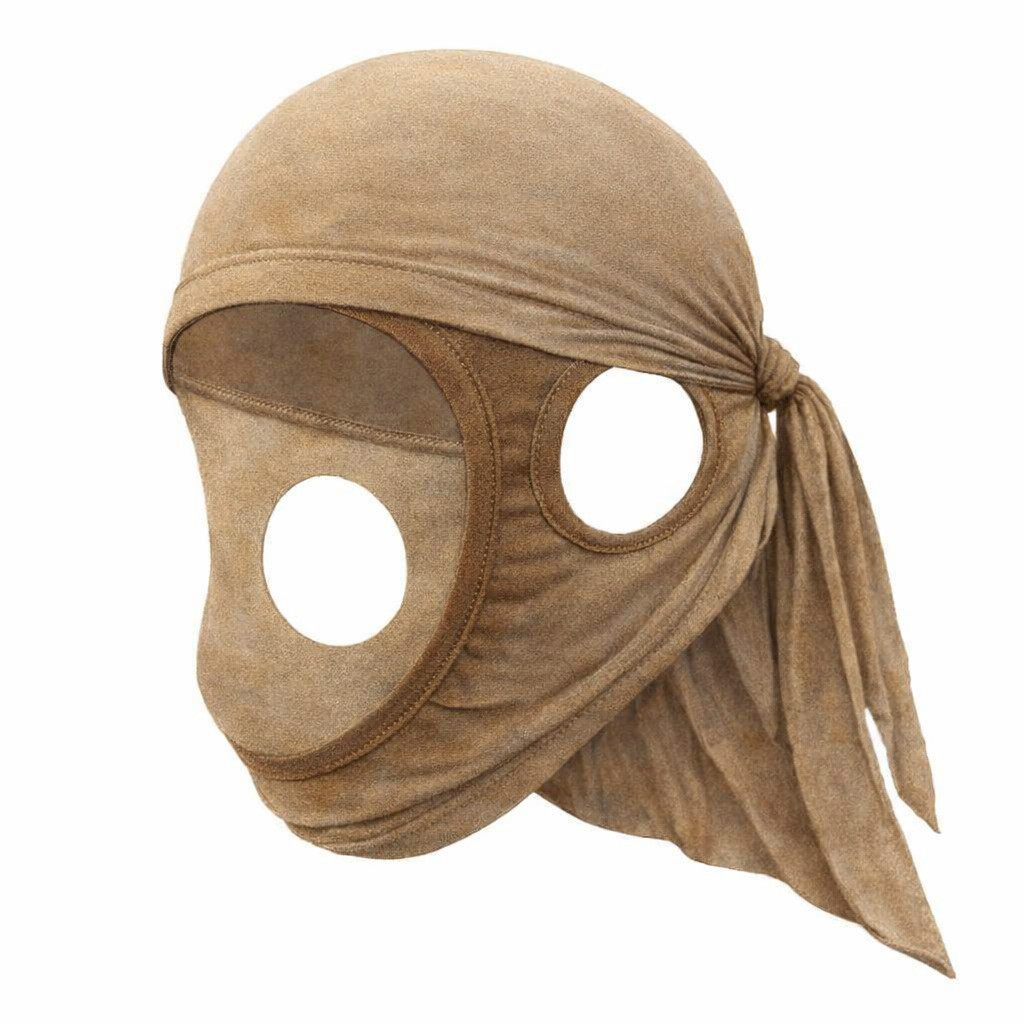
Make in tones inspired by dune edited
gpt-image-1-5
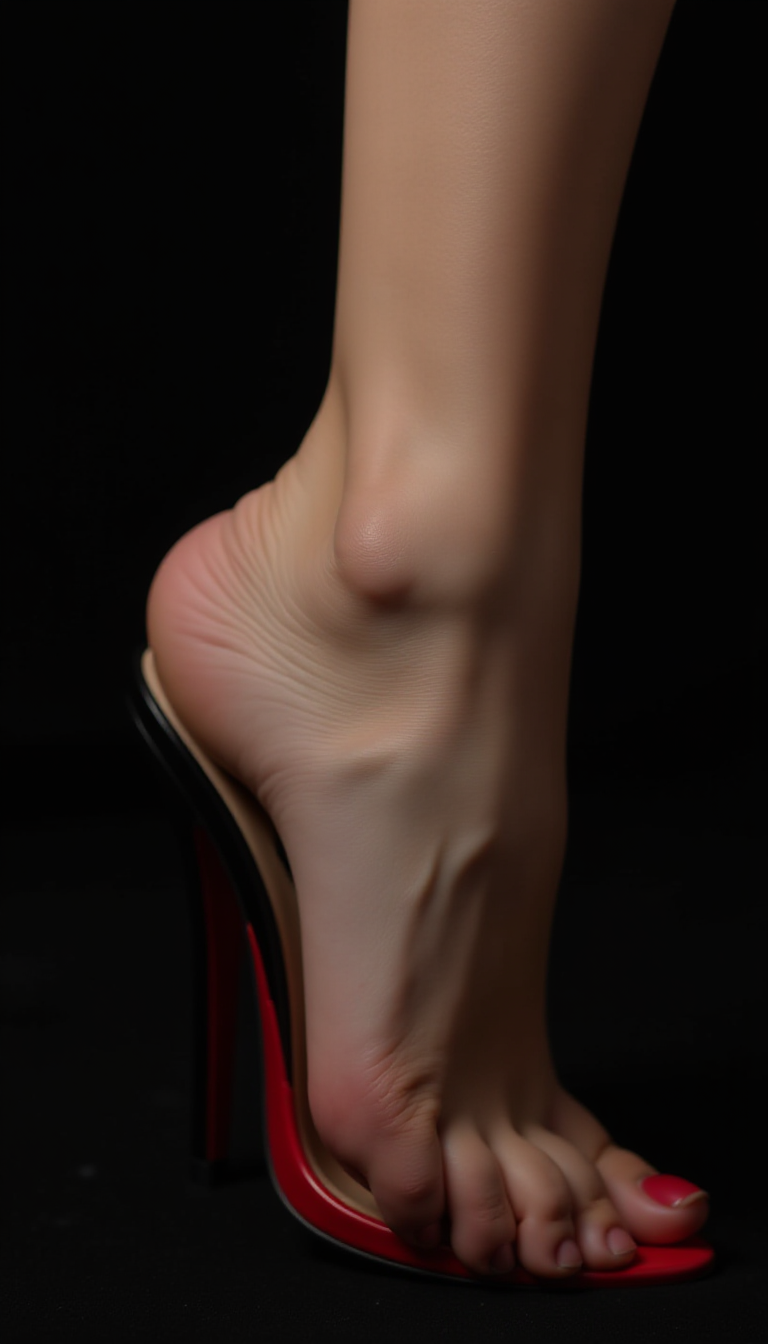
This Ultra HD photo by a professional studio photographer for advertising advertisements
flux
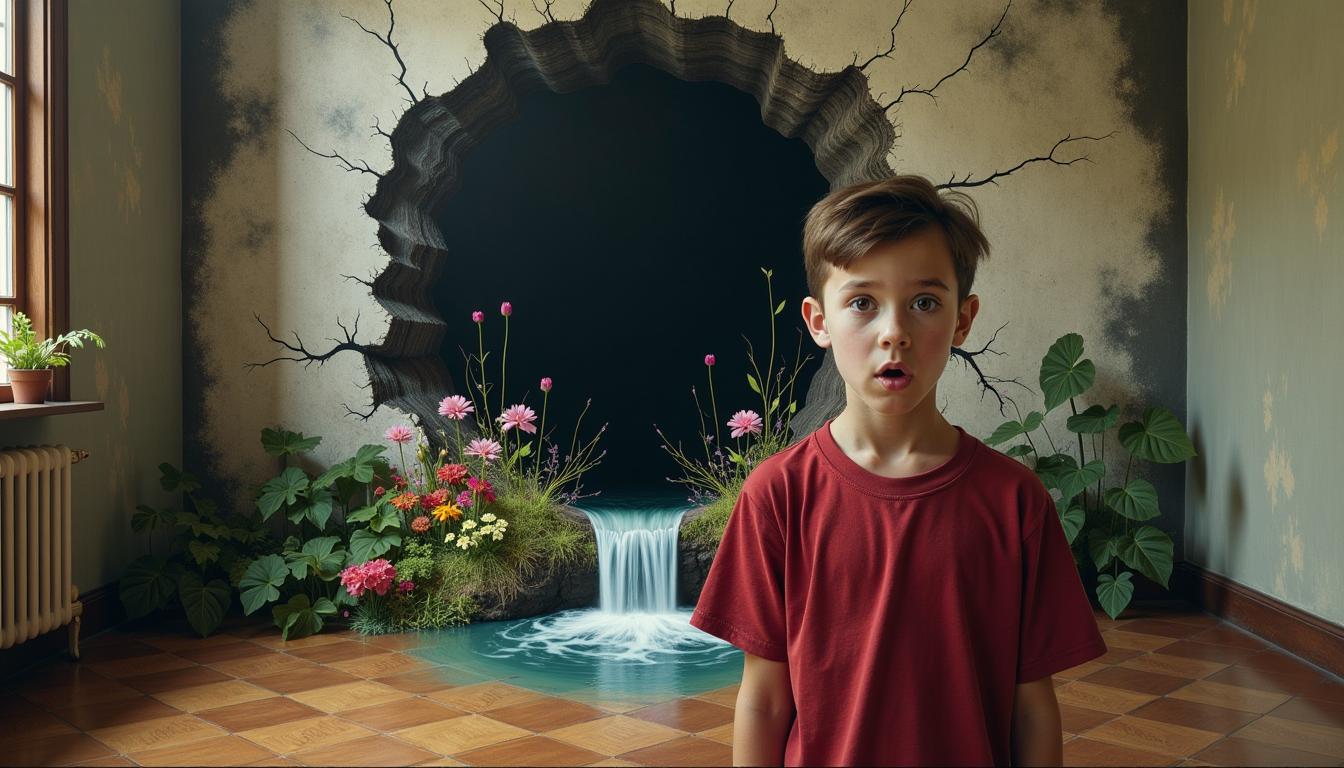
Prompt: Amazed tenager looks into the camera
flux
Models you can run on PixelDojo for AI Product Photography
Switch models without switching tools. Each one runs in the same PixelDojo studio.
What you can do with AI Product Photography on PixelDojo
Create Custom Product Photos
Generate studio shots from a text brief across Flux 2 Pro, Nano Banana Pro, Seedream 5, and more than 80 hosted image models.
Edit Product Image Details
Adjust color, texture, background, and props with image editing models, then chain edits and upscales in Canvas.
Generate Consistent Product Shots
Keep one style across a full catalog by reusing prompts and models, or train a LoRA on your product line for repeatable looks.
Export High Resolution Images
Upscale finals with Magnific or Clarity Pro and export marketing-ready files with full commercial rights and no watermarks.
Why Choose Pixel Dojo for AI Product Photography
Professional-quality results with cutting-edge AI technology
Generate studio-style product photos without a full shoot
Use PixelDojo to create marble surfaces, softbox lighting, clean backgrounds, reflections, lifestyle scenes, and premium ecommerce compositions from a single product brief.
Compare multiple image models in one workflow
Run the same brief across Flux 2 Pro, GPT Image 2, Nano Banana Pro, Seedream 5, and Recraft V4.1 to choose the best match for detail, realism, texture, and speed. Ideogram 4 handles packaging and label text when words must render cleanly.
Refine product visuals for ads, listings, and social posts
Adjust prompts for angle, lens, surface, lighting, mood, color palette, and background so product images stay consistent across marketplaces. Then animate the strongest shots with image-to-video models or build full ad creative in Marketing Studio.
How It Works
Write a clear product photography prompt
Start with the product, material, surface, lighting, camera style, and intended use. Example: 'a professional product photo of a luxury wristwatch on a marble surface, studio lighting, soft reflections'.
Choose the model that fits the job
Select Flux 2 Pro for the best everyday balance, GPT Image 2 for highly detailed premium imagery, Nano Banana Pro for clean commercial compositions, Seedream 5 for fast realistic renders, Recraft V4.1 for brand-styled layouts, or Ideogram 4 when packaging text must read cleanly.
Refine, rerun, and export the strongest image
Improve results by specifying logo placement, reflection strength, background simplicity, lens length, shadow softness, and aspect ratio. Keep successful prompt elements for future product sets, then upscale finals or animate them into product ads.
Loved by creators on PixelDojo
Real feedback from people using PixelDojo, pulled from our in-product surveys.
good tools in one place
Prompt updates, strong features, and a community that is always willing to help and hear/act on professional feedback. I've never had a better experience.
user friendly all in one thing
I really like the schedule of AI work performed!
The best tools for IA on the web !
The guy that operates the website is constantly updating it
Explore more AI tools on PixelDojo
AI Tools
Compare & Switch
- Best AI Image Generators
- Best AI Video Generators
- Midjourney Alternatives
- Civitai Alternatives
- Runway Alternatives
- Leonardo Alternatives
- Pika Alternatives
- Luma Alternatives
- Magnific Alternatives
- Veo Alternatives
- Flux Alternatives
- Freepik Alternatives
- Seedance Alternatives
- Seedream Alternatives
- Pixverse Alternatives
- GPT Image Alternatives
- Synthesia Alternatives
- Playground Alternatives
- NightCafe Alternatives
- Canva AI Alternatives
- ElevenLabs Alternatives
- ComfyUI Alternatives
- Fal Alternatives
- Replicate Alternatives
Common Questions
Everything you need to know about AI Product Photography
Which PixelDojo model is best for AI product photography?
Flux 2 Pro is the best default choice for most AI product photography because it produced a strong balance of commercial polish, detail, and speed at 24.3 seconds in the watch brief. Seedream 5 and Nano Banana Pro are strong alternates for fast, clean commercial renders.
When should GPT Image 2 be used for product photos?
Use GPT Image 2 when fine detail, controlled lighting, and premium texture matter more than speed. In this comparison, it took 190.9 seconds, so it is better for final hero images than rapid exploration.
How should prompts be written for better product photography results?
Include the product type, material, setting, surface, lighting, camera angle, mood, and output purpose. Add constraints such as 'clean background', 'soft reflections', 'sharp product detail', or 'no extra objects'.
Can PixelDojo help create ecommerce listing images?
Yes. Generate clean catalog images and hero shots with Flux 2 Pro or Seedream 5, brand-styled layouts with Recraft V4.1, and readable packaging or label text with Ideogram 4. Upscalers like Magnific and Clarity Pro finish images for large marketplace crops.
Can product photos be turned into video ads on PixelDojo?
Yes. Feed a finished product shot into image-to-video models such as Kling v3, Veo 3.1, or Seedance 2 for short product motion clips, or use Marketing Studio to build ad creative around your product images. All output ships with commercial rights and no watermarks.
What practical tips improve AI product photos?
Use specific materials, avoid vague style words, describe lighting clearly, keep backgrounds simple for ecommerce, ask for realistic shadows, and rerun the same prompt across multiple models before selecting a final image.