Grok Imagine AI Image Generator

Generated on PixelDojo with xai-image. Produced by PixelDojo's generation pipeline.
Grok Imagine is an AI image model for turning text prompts into stylized, cinematic, and social-ready visuals, with a standout strength in fast concept generation from simple language. On PixelDojo, creators can use Grok Imagine AI to explore visual ideas, compare prompt directions, and produce polished image outputs without switching tools. This page covers what is Grok Imagine, how to use Grok Imagine on PixelDojo, practical Grok Imagine examples, Grok Imagine pricing notes, and a concise Grok Imagine review for image creators.
Real image examples generated on PixelDojo
Every example below was produced on PixelDojo. Hover to see the prompt.
Create a YouTube Header for "FLUXPRO" AI image generation
flux

Image of an ai painting a human and a human painting an ai
flux
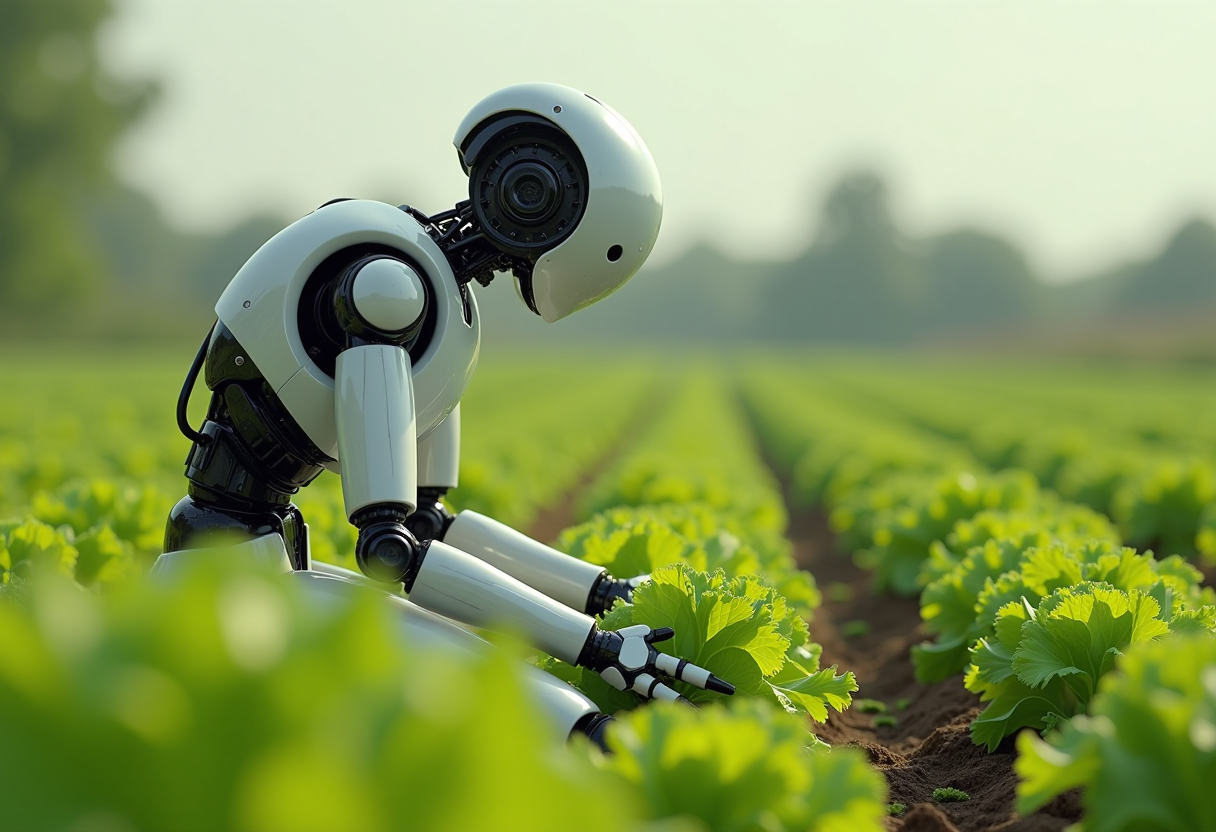
Create an image of a many streampunk android robot on their knees picking lettuce
flux
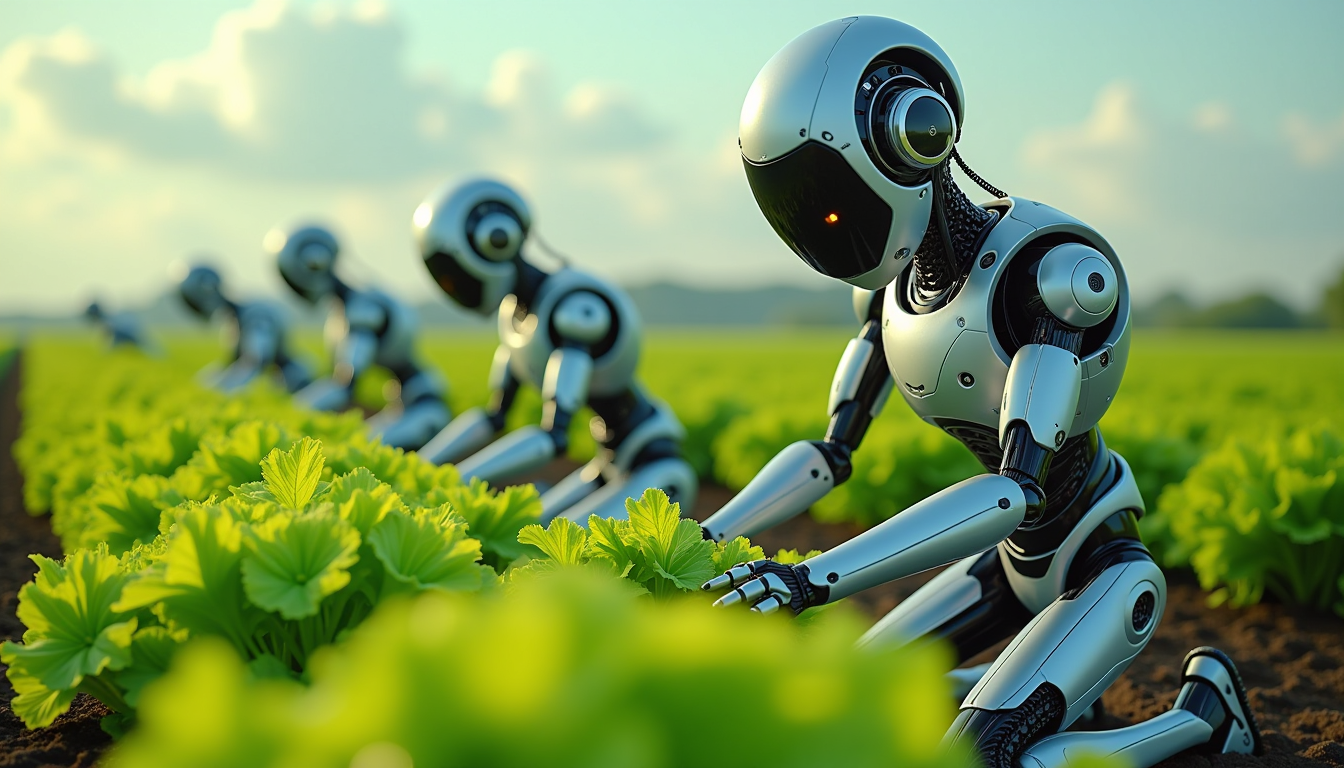
Create an image of a many lots 10 streampunk androids robots on their knees picking lettuc…
flux
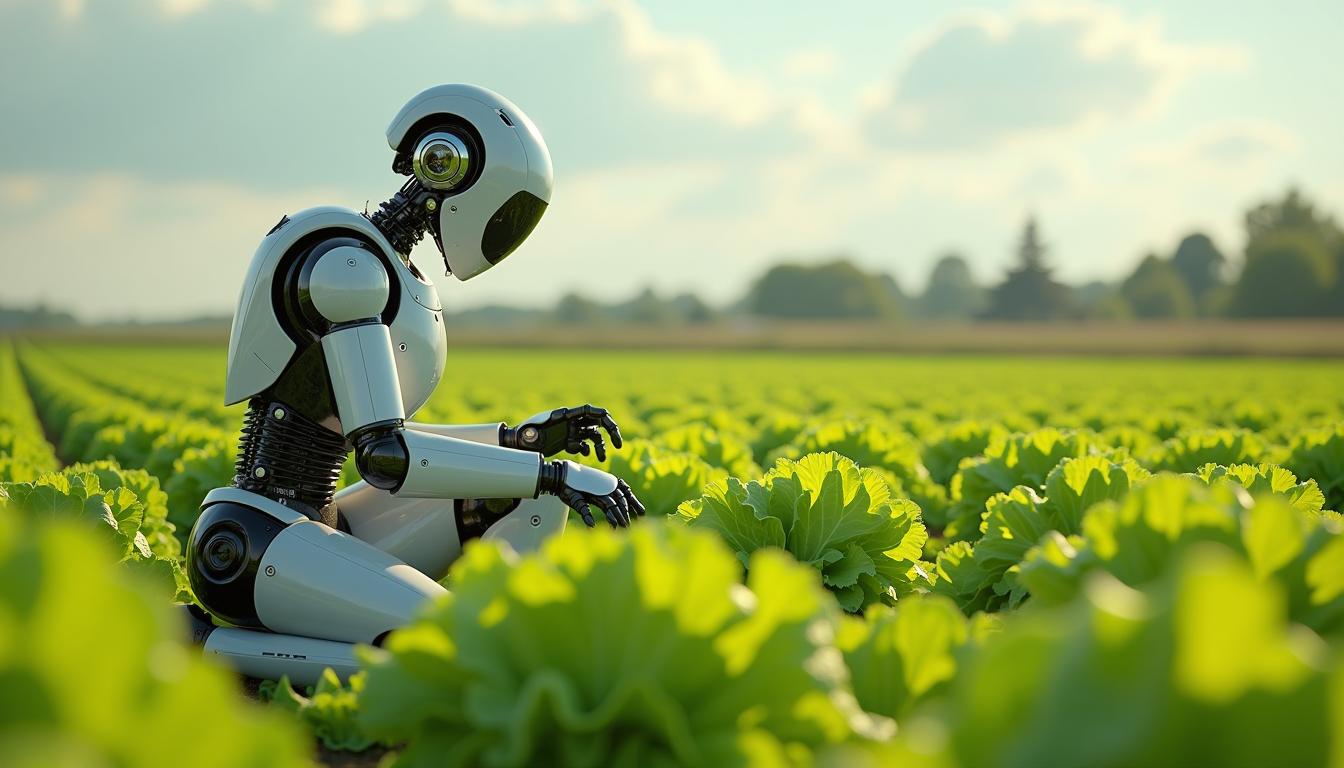
Create an image of a many lots 10 streampunk android robot on their knees picking lettuce
flux
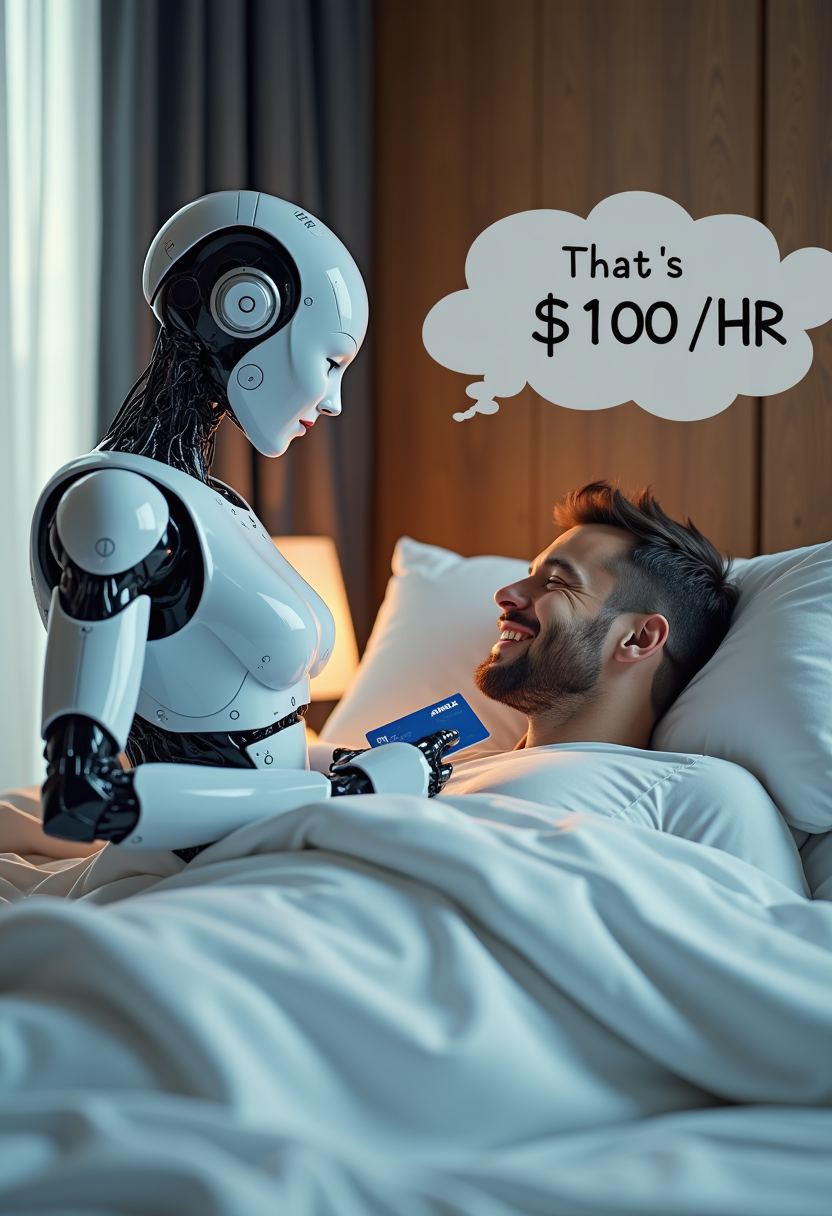
Create image of very beautiful AI robot woman in bed a happy man under the covers
flux
Models you can run on PixelDojo for Grok Imagine AI Image Generator
Switch models without switching tools. Each one runs in the same PixelDojo studio.
What you can do with Grok Imagine AI Image Generator on PixelDojo
Generate Images from Text
We let creators input detailed prompts to produce images using Grok Imagine.
Control Output Resolution
Creators select image sizes and aspect ratios before generation on PixelDojo.
Refine Prior Generations
We support prompt edits to existing images for adjusted results.
Download Standard File Formats
Creators save completed images in common formats for external projects.
PixelDojo brings Grok Imagine into a focused creative workflow built for prompt drafting, image generation, variation testing, and export-ready results.
Why Choose Pixel Dojo for Grok Imagine AI Image Generator
Professional-quality results with cutting-edge AI technology
Fast image ideation
Use Grok Imagine to move from a short text prompt to multiple visual directions quickly. It is useful for concept art, social graphics, thumbnails, moodboards, and campaign visuals.
Strong style control
Guide the model with prompts for lighting, camera angle, mood, composition, color palette, and format. Grok Imagine examples can range from cinematic portraits to product-style visuals and surreal scenes.
Simple model access on PixelDojo
PixelDojo keeps Grok Imagine AI inside a clear creation flow with prompt input, generation settings, output review, and download options. Grok Imagine pricing is shown through the current PixelDojo plan or credit system before use.
How It Works
Enter a prompt
Describe the subject, style, setting, mood, and format you want. For best results, include details such as lighting, lens type, background, color palette, and aspect ratio.
Generate and compare outputs
Run Grok Imagine on PixelDojo, review the generated images, then adjust the prompt if you want a different style, clearer subject, or stronger composition.
Refine and export
Select the best image, create variations if needed, and download the final result for creative projects, marketing assets, social posts, or visual planning.
Loved by creators on PixelDojo
Real feedback from people using PixelDojo, pulled from our in-product surveys.
versatile menu of tools
Best AI tool availble the suite is rad
Versatility quality, value, ROI, innovation
variety of tools available and prompt tools
A "one-stop-shop" for creators! Thanks!!
Lots of different tools. It's easy to purchase more credits.
Explore more AI tools on PixelDojo
AI Tools
Compare & Switch
- Best AI Image Generators
- Best AI Video Generators
- Midjourney Alternatives
- Civitai Alternatives
- Runway Alternatives
- Leonardo Alternatives
- Pika Alternatives
- Luma Alternatives
- Magnific Alternatives
- Veo Alternatives
- Flux Alternatives
- Freepik Alternatives
- Seedance Alternatives
- Seedream Alternatives
- Pixverse Alternatives
- GPT Image Alternatives
- Synthesia Alternatives
- Playground Alternatives
- NightCafe Alternatives
- Canva AI Alternatives
- ElevenLabs Alternatives
- ComfyUI Alternatives
- Fal Alternatives
- Replicate Alternatives
Common Questions
Everything you need to know about Grok Imagine AI Image Generator
What is Grok Imagine?
Grok Imagine is an AI image model that creates images from text prompts. It is designed for fast visual exploration, including stylized scenes, cinematic concepts, character ideas, social visuals, and creative variations.
How do I use Grok Imagine on PixelDojo?
Open PixelDojo, choose Grok Imagine from the available image models, enter a detailed prompt, select any available settings, then generate images. Review the outputs, revise the prompt if needed, and download the image you want to keep.
How much does Grok Imagine cost?
Grok Imagine pricing on PixelDojo depends on the current PixelDojo plan, credit balance, or usage rules shown in your account. The cost or credit requirement is displayed before or during generation so you can confirm before creating images.
What is Grok Imagine best at?
Grok Imagine is best at fast image ideation, bold stylized visuals, cinematic concepts, social-ready compositions, imaginative scenes, and prompt-driven variations. It is especially useful when you want several creative directions from one idea.
Is there a free way to try Grok Imagine?
Yes, if PixelDojo is offering free starter credits, a trial, or free model access in your account. Check the PixelDojo dashboard for current free options. If no free credits are available, use the listed plan or credit pricing to generate with Grok Imagine.