Google Nano Banana Pro AI Image Generator
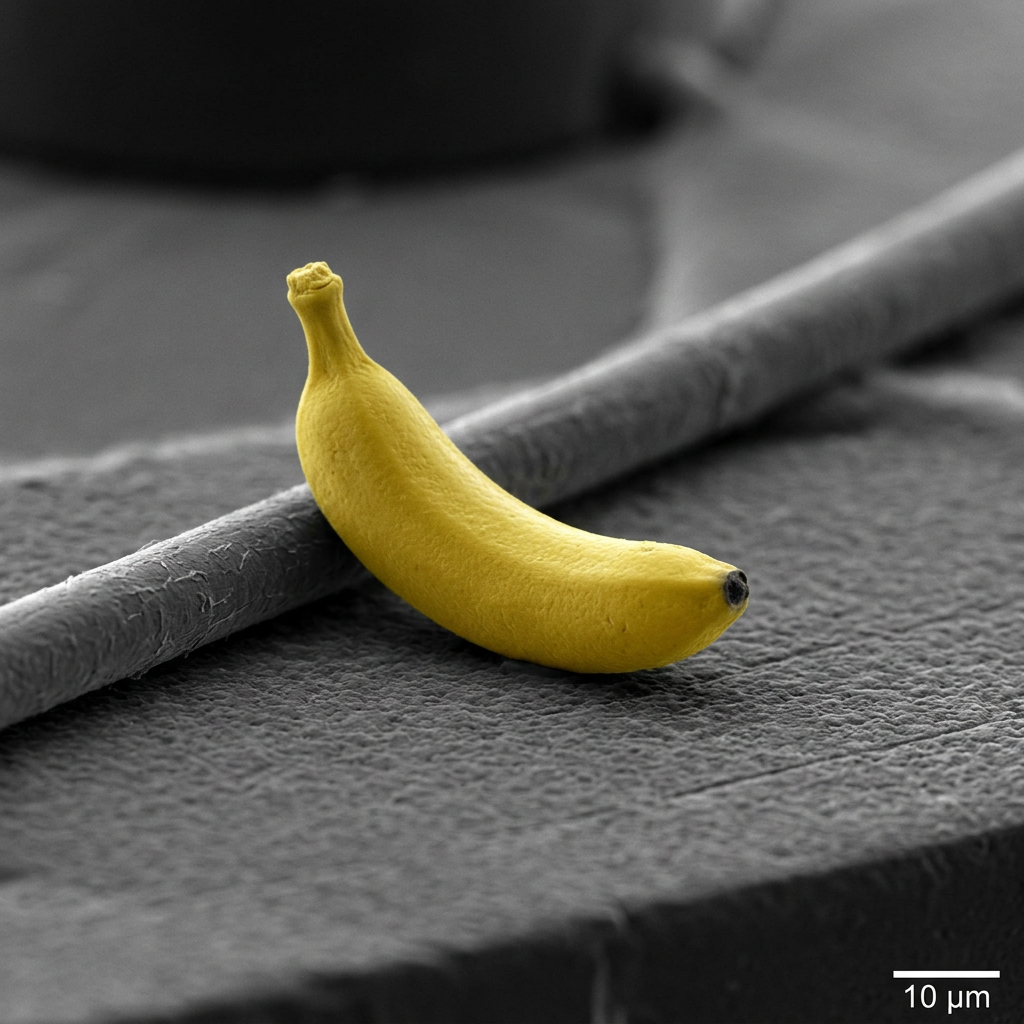
Generated on PixelDojo with nano-banana-pro. Produced by PixelDojo's generation pipeline.
Google Nano Banana Pro is an advanced AI image model for creating polished visuals from text prompts, reference images, and style direction. Its standout strength is prompt control: users can guide composition, subject details, lighting, and visual style with clear natural language, making Google Nano Banana Pro ai useful for product shots, concept art, marketing images, character design, and fast creative exploration on PixelDojo. This page explains what is Google Nano Banana Pro, how to use Google Nano Banana Pro, where to find Google Nano Banana Pro examples, practical Google Nano Banana Pro review notes, and what to know about Google Nano Banana Pro pricing.
Real image examples generated on PixelDojo
Every example below was produced on PixelDojo. Hover to see the prompt.
A nano banana
google-gemini-image
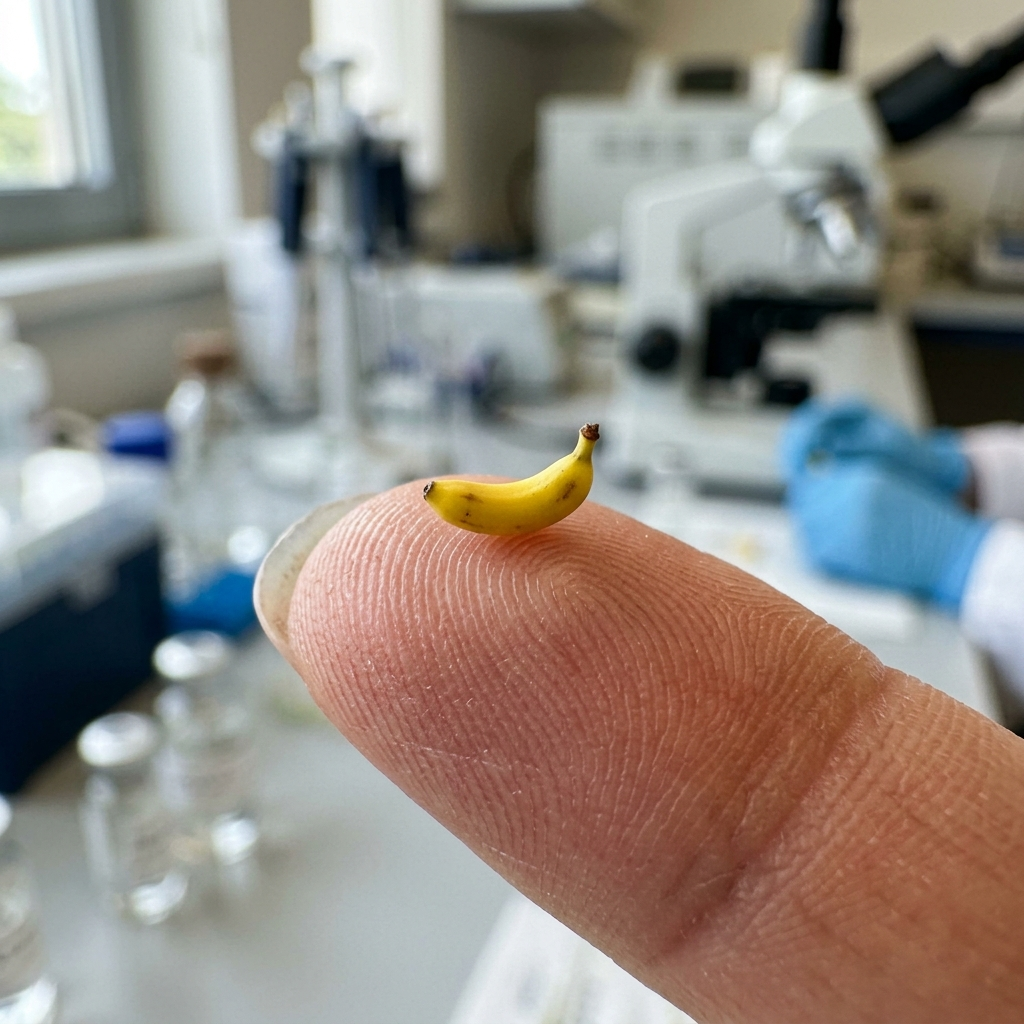
A nano banana
google-gemini-image

Give the dog crazy eyes like the man edited with Google Nano Banana Pro
google-gemini-image

Give the dog crazy eyes like the man edited with Google Nano Banana Pro
google-gemini-image
A nano banana
image-to-video

Masterpiece
creative-upscaler
Models you can run on PixelDojo for Google Nano Banana Pro AI Image Generator
Switch models without switching tools. Each one runs in the same PixelDojo studio.
What you can do with Google Nano Banana Pro AI Image Generator on PixelDojo
Text Prompt Image Generation
We enable creators to enter text descriptions and receive matching images from the model.
Style Guided Image Creation
Creators can include style references in prompts to direct the visual characteristics of outputs.
High Resolution Output Support
We generate images at resolutions suitable for print and digital distribution needs.
Multiple Variation Production
We produce several image options from a single prompt to assist selection and iteration.
PixelDojo brings leading AI image models into one workspace, so creators can compare outputs, refine prompts, and build production ready visuals without switching tools.
Why Choose Pixel Dojo for Google Nano Banana Pro AI Image Generator
Professional-quality results with cutting-edge AI technology
High quality image generation from plain language
Describe the scene, subject, style, lighting, camera angle, and mood you want. Google Nano Banana Pro turns detailed prompts into polished images suited for creative drafts, brand assets, social content, and visual concepts.
Useful for both new ideas and refined edits
Start from a text prompt, use a reference image, or iterate on an existing concept. PixelDojo makes it simple to adjust prompts, compare variations, and move from rough direction to a more finished visual.
One page for learning, trying, and comparing
Use PixelDojo to review Google Nano Banana Pro examples, test prompt styles, compare results with other models, and understand the practical strengths of the model before choosing your workflow.
How It Works
Choose Google Nano Banana Pro
Open PixelDojo, select Google Nano Banana Pro from the image model options, and choose whether to start with a text prompt or a reference image.
Write a clear prompt
Describe the image you want, including subject, setting, visual style, aspect ratio, lighting, color palette, and any details to avoid. Clear instructions help Google Nano Banana Pro produce more accurate results.
Generate, review, and refine
Run the generation, compare the outputs, then adjust your prompt or settings. Save strong results, create variations, or continue editing until the image matches your goal.
Loved by creators on PixelDojo
Real feedback from people using PixelDojo, pulled from our in-product surveys.
I really like the schedule of AI work performed!
The best tools for IA on the web !
The guy that operates the website is constantly updating it
I’ve been using PixelDojo for around 8 months now and it’s always worked wonderfully while constantly adding features.
The site is easy to navigate and use.
All the tools, readily available and easy to understand
Explore more AI tools on PixelDojo
Popular AI Models
AI Tools
Compare & Switch
- Best AI Image Generators
- Best AI Video Generators
- Midjourney Alternatives
- Civitai Alternatives
- Runway Alternatives
- Leonardo Alternatives
- Pika Alternatives
- Luma Alternatives
- Magnific Alternatives
- Veo Alternatives
- Flux Alternatives
- Freepik Alternatives
- Seedance Alternatives
- Seedream Alternatives
- Pixverse Alternatives
- GPT Image Alternatives
- Synthesia Alternatives
- Playground Alternatives
- NightCafe Alternatives
- Canva AI Alternatives
- ElevenLabs Alternatives
- ComfyUI Alternatives
- Fal Alternatives
- Replicate Alternatives
Common Questions
Everything you need to know about Google Nano Banana Pro AI Image Generator
What is Google Nano Banana Pro?
Google Nano Banana Pro is an AI image generation model from Google designed to create images from text prompts and visual guidance. On PixelDojo, it can be used for concept art, product visuals, advertising concepts, social graphics, character ideas, and other creative image workflows.
How do I use Google Nano Banana Pro on PixelDojo?
Sign in to PixelDojo, open the image generation workspace, select Google Nano Banana Pro, enter a detailed prompt, add a reference image if needed, choose the available settings, and generate. Review the result, then refine the prompt or create variations to improve composition, style, or detail.
How much does Google Nano Banana Pro cost?
Google Nano Banana Pro pricing on PixelDojo is based on the current PixelDojo plan and credit system. The app shows the required credits before generation, and the latest plan costs are listed on the PixelDojo pricing page, so users can confirm the cost before creating images.
What is Google Nano Banana Pro best at?
Google Nano Banana Pro is best at detailed prompt following, polished image creation, creative concept exploration, controlled style direction, and generating multiple visual options quickly. It is especially useful for marketing visuals, product concepts, illustration ideas, cinematic scenes, and design references.
Is there a free way to try Google Nano Banana Pro?
Yes, PixelDojo may provide free starter credits or trial access for eligible users, depending on current availability. Create a PixelDojo account and check the model page or pricing page to see whether free credits can be used for Google Nano Banana Pro generations.