Flux 2 Pro AI Image Generator
Generated on PixelDojo with flux-2-pro. Produced by PixelDojo's generation pipeline.
Flux 2 Pro is an AI image model for generating detailed, prompt faithful images, and its standout advantage is strong control over complex prompts, scene composition, and text within images. PixelDojo gives creators a direct way to use Flux 2 Pro AI for product visuals, cinematic concepts, social graphics, character designs, and commercial image workflows. This page covers what is Flux 2 Pro, how to use Flux 2 Pro on PixelDojo, practical Flux 2 Pro examples, a concise Flux 2 Pro review, and clear guidance on Flux 2 Pro pricing.
Real image examples generated on PixelDojo
Every example below was produced on PixelDojo. Hover to see the prompt.
A man talking
image-to-video
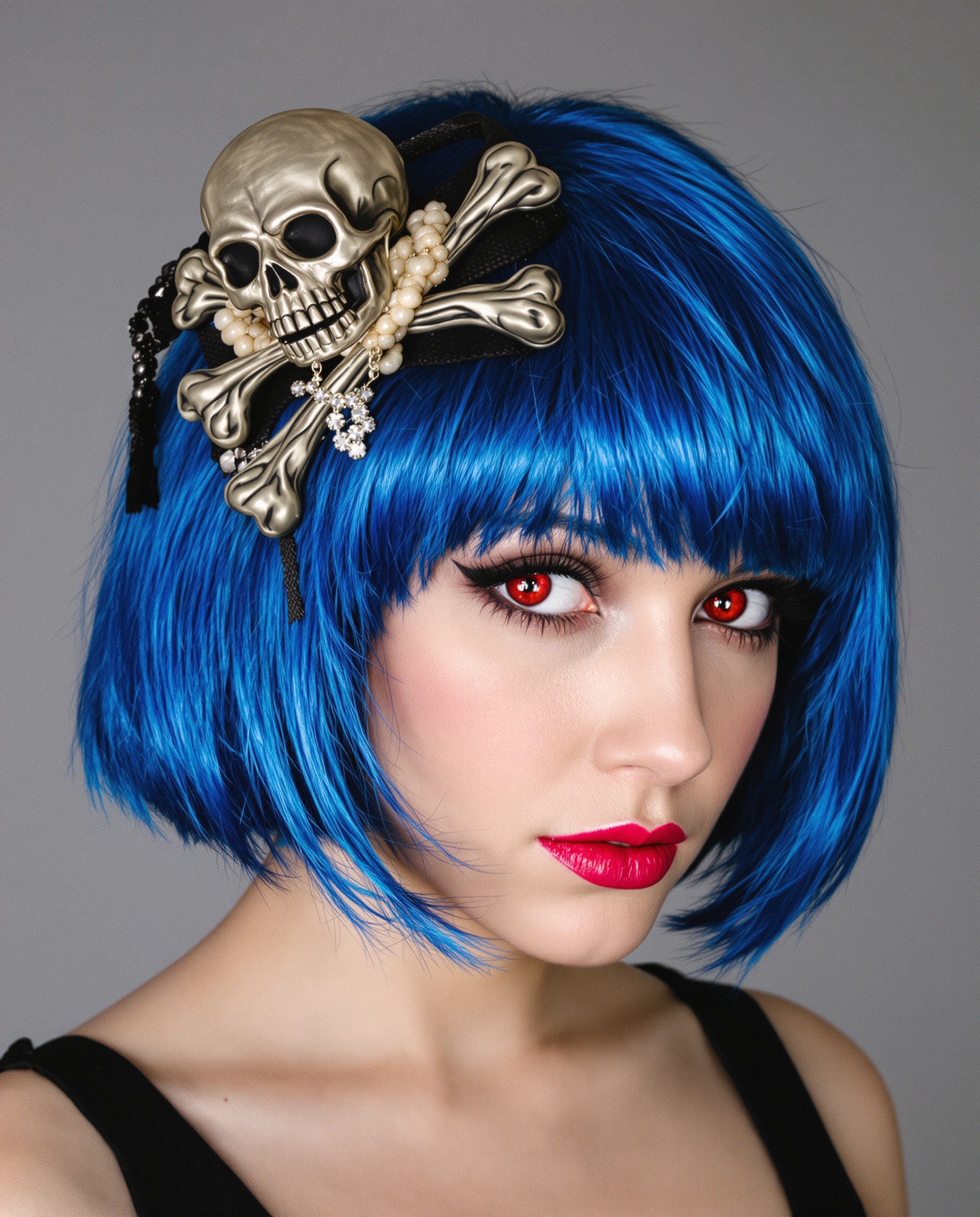
A realistic photograph of a young woman with striking blue bob-cut hair adorned with a sku…
flux
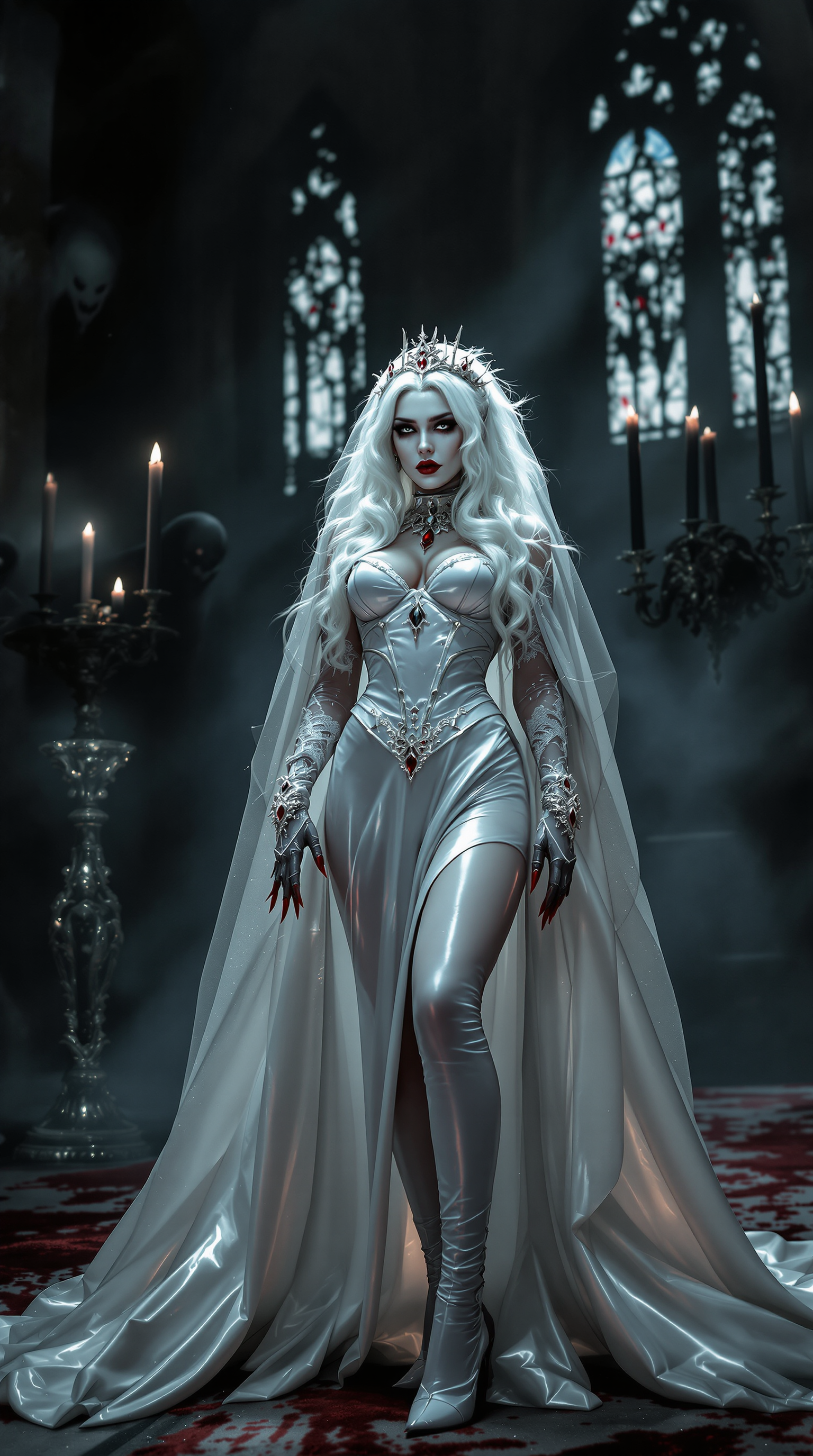
A striking vampire queen in her mid-20s stands dominantly at a desecrated altar in a midni…
flux
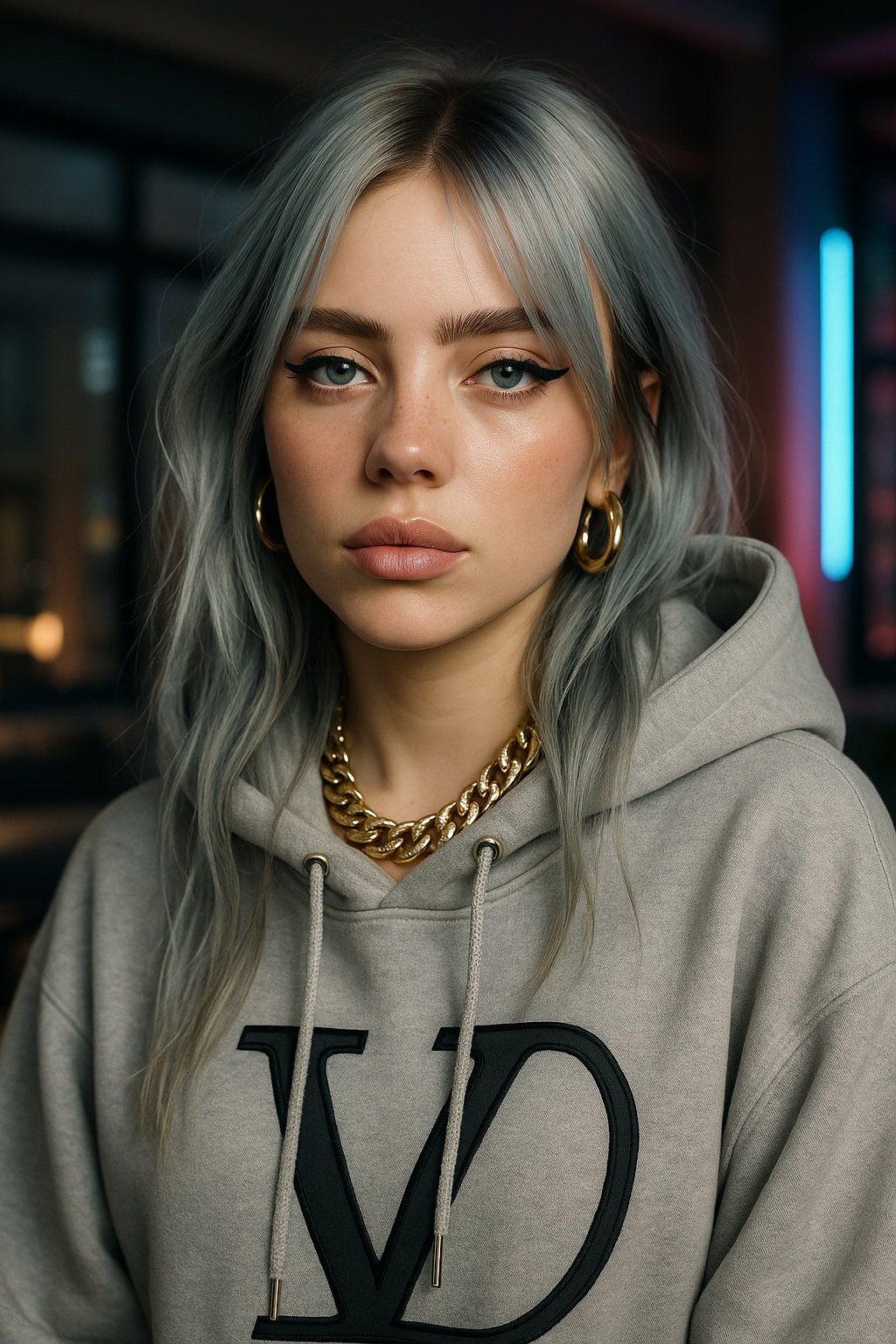
Ultra-realistic portrait of a stunning young female influencer with a captivating and edgy…
stable-diffusion
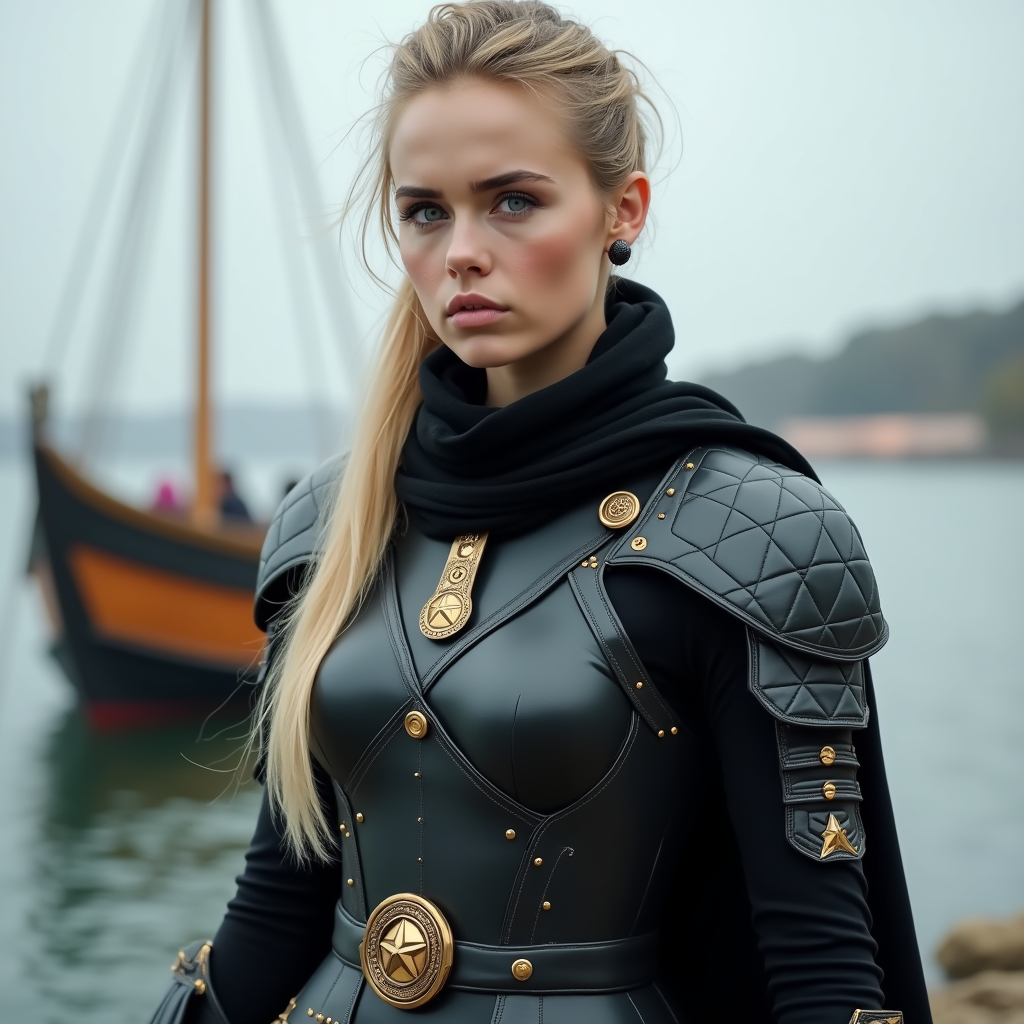
Flux 2 Pro AI Image Generator on PixelDojo
flux-redux

Two cartoon characters drawing a picture
flux-studio
Models you can run on PixelDojo for Flux 2 Pro AI Image Generator
Switch models without switching tools. Each one runs in the same PixelDojo studio.
What you can do with Flux 2 Pro AI Image Generator on PixelDojo
Text Prompt Image Creation
We generate images from detailed text prompts using Flux 2 Pro. Creators receive outputs that reflect the described elements and composition.
Aspect Ratio Selection Tool
We support multiple aspect ratios for generated images. Creators choose formats that match their specific project requirements.
Style Reference Application
We apply consistent visual styles across multiple generations. Creators maintain coherence when producing related image sets.
Variation Generation Option
We produce several image variations from one prompt. Creators review alternatives to select the best result for their needs.
PixelDojo brings leading AI image models into one creation workspace, so users can generate, compare, refine, and save Flux 2 Pro outputs without switching tools.
Why Choose Pixel Dojo for Flux 2 Pro AI Image Generator
Professional-quality results with cutting-edge AI technology
High prompt accuracy
Flux 2 Pro is built for detailed prompts, making it useful when the final image needs specific subjects, settings, colors, camera angles, mood, or visual structure.
Strong visual detail and text handling
Use Flux 2 Pro for polished images with clean lighting, refined surfaces, and improved text generation for posters, product mockups, ads, and branded concepts.
Practical creative range
Flux 2 Pro examples can include ecommerce product shots, editorial scenes, fantasy art, app visuals, fashion concepts, architecture studies, thumbnails, and campaign imagery.
How It Works
Choose Flux 2 Pro
Open PixelDojo, select Flux 2 Pro from the image model options, and start a new generation. This is the fastest path for users looking for how to use Flux 2 Pro without local setup.
Write a clear prompt
Describe the subject, style, lighting, composition, aspect ratio, and any text that should appear in the image. Add negative guidance if there are details to avoid.
Generate, refine, and save
Run the prompt, review the output, adjust the wording or settings, then save or upscale the image when it matches the intended result.
Loved by creators on PixelDojo
Real feedback from people using PixelDojo, pulled from our in-product surveys.
You guys, the LORA training is the BEST in the space right now, great job with that!
Tons of variety. Ease of use. Tools for beginners and advance users.
easiest workflow to get best output image or video
awesome functionality, UX, constant flood of improvements, discord interactivity
Awesome site with so many features
Love how I can almost create anything
Explore more AI tools on PixelDojo
AI Tools
Compare & Switch
- Best AI Image Generators
- Best AI Video Generators
- Midjourney Alternatives
- Civitai Alternatives
- Runway Alternatives
- Leonardo Alternatives
- Pika Alternatives
- Luma Alternatives
- Magnific Alternatives
- Veo Alternatives
- Flux Alternatives
- Freepik Alternatives
- Seedance Alternatives
- Seedream Alternatives
- Pixverse Alternatives
- GPT Image Alternatives
- Synthesia Alternatives
- Playground Alternatives
- NightCafe Alternatives
- Canva AI Alternatives
- ElevenLabs Alternatives
- ComfyUI Alternatives
- Fal Alternatives
- Replicate Alternatives
Common Questions
Everything you need to know about Flux 2 Pro AI Image Generator
What is Flux 2 Pro?
Flux 2 Pro is an advanced AI image generation model designed to turn text prompts into detailed images. It is especially useful for controlled composition, realistic detail, stylized artwork, commercial concepts, and images that need more accurate prompt following.
How do I use Flux 2 Pro on PixelDojo?
Sign in to PixelDojo, open the image generator, choose Flux 2 Pro, enter a detailed prompt, select the available settings, then generate the image. After generation, refine the prompt or settings to create variations until the result fits your goal.
How much does Flux 2 Pro cost?
Flux 2 Pro pricing on PixelDojo is based on the PixelDojo credit or plan system. The exact credit cost is shown in the tool before you generate, so you can review the price for the selected model and settings before using credits.
What is Flux 2 Pro best at?
Flux 2 Pro is best at prompt faithful image generation, detailed scenes, polished product and marketing visuals, cinematic compositions, stylized art, and image concepts that require specific placement, mood, lighting, or text elements.
Is there a free way to try Flux 2 Pro?
Yes. New PixelDojo users can create a free account and use available starter credits to try Flux 2 Pro before choosing a paid plan. The account dashboard shows current credit availability and any upgrade options.