faceswap ai
Generated on PixelDojo. Produced by PixelDojo's generation pipeline.
You can now place any face into any photo or scene with stunning realism that fools the eye and drives real results. PixelDojo's faceswap ai tools let you achieve viral social posts, consistent brand characters, personalized marketing assets, and fun personal creations without hiring editors or spending hours in software. Upload a source face and a target image, and watch lighting, pose, expression, and skin texture blend seamlessly so the final result looks like it was captured in one shot. Marketers use this to test campaign concepts faster, content creators turn everyday photos into shareable masterpieces that grow followings, and everyday users craft memorable gifts or memories. With dedicated Face Swap, LoRA Face Swap, Consistent Characters, and video options like WAN Video Character Swap plus Kling Video Character Swap, you get professional outcomes in seconds. Start creating today and see how quickly ordinary images become high-impact visuals that convert attention into action.
Real image examples generated on PixelDojo
Every example below was produced on PixelDojo. Hover to see the prompt.
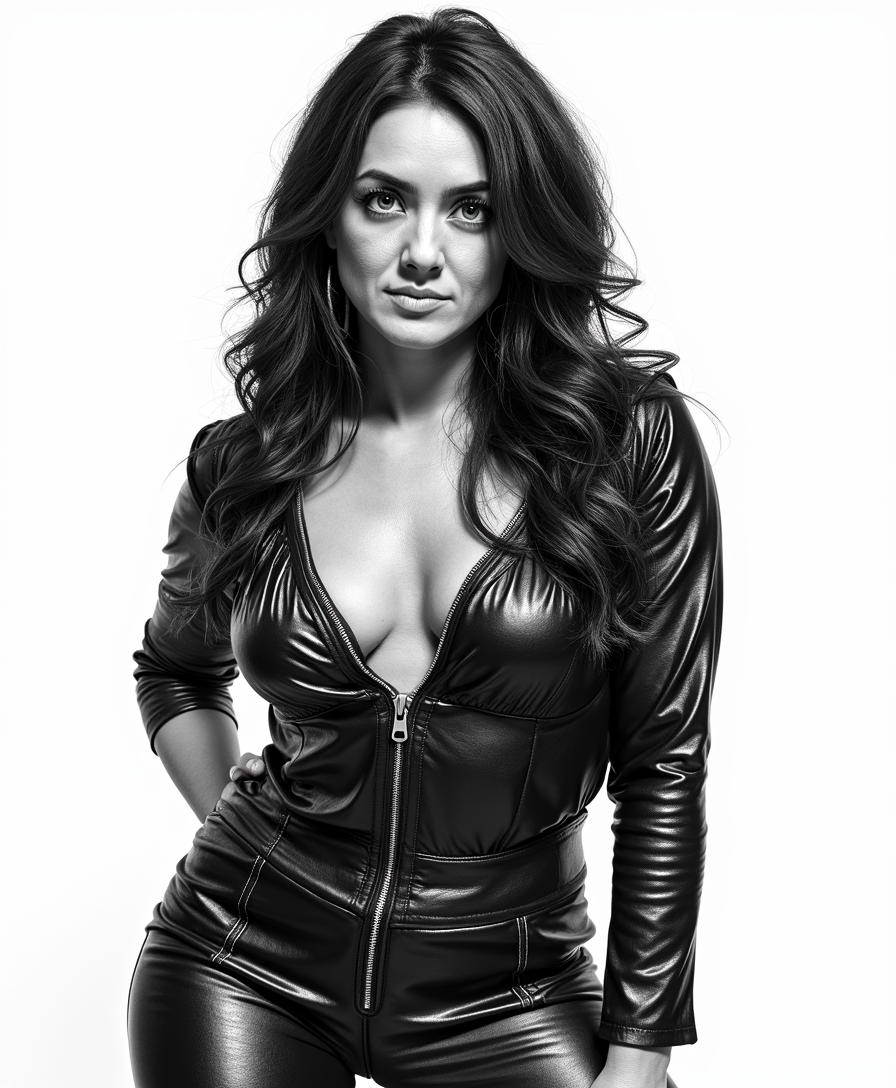
An illustration in the style of BWcomix featuring TOKALEMAP wearing a shiny black leather…
flux-studio

Split screen
flux
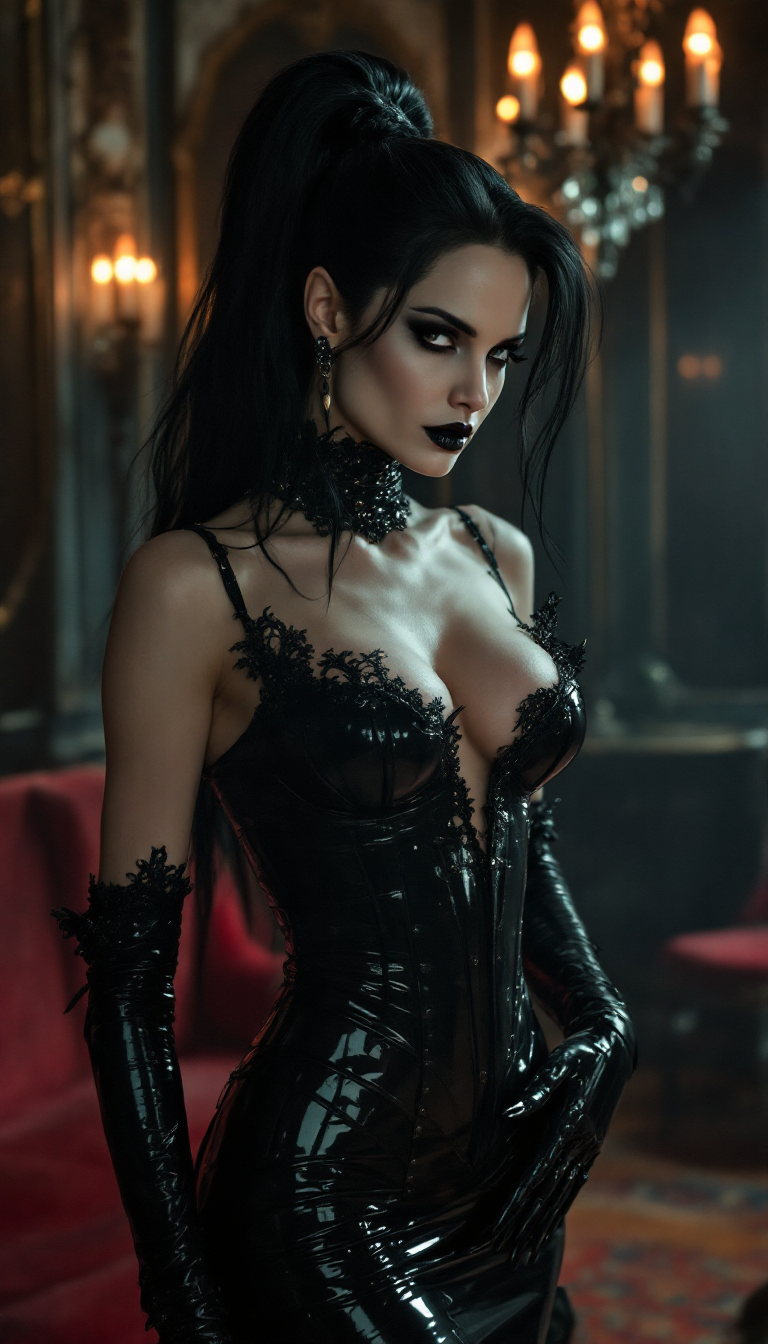
Angelina Jolie
stable-diffusion
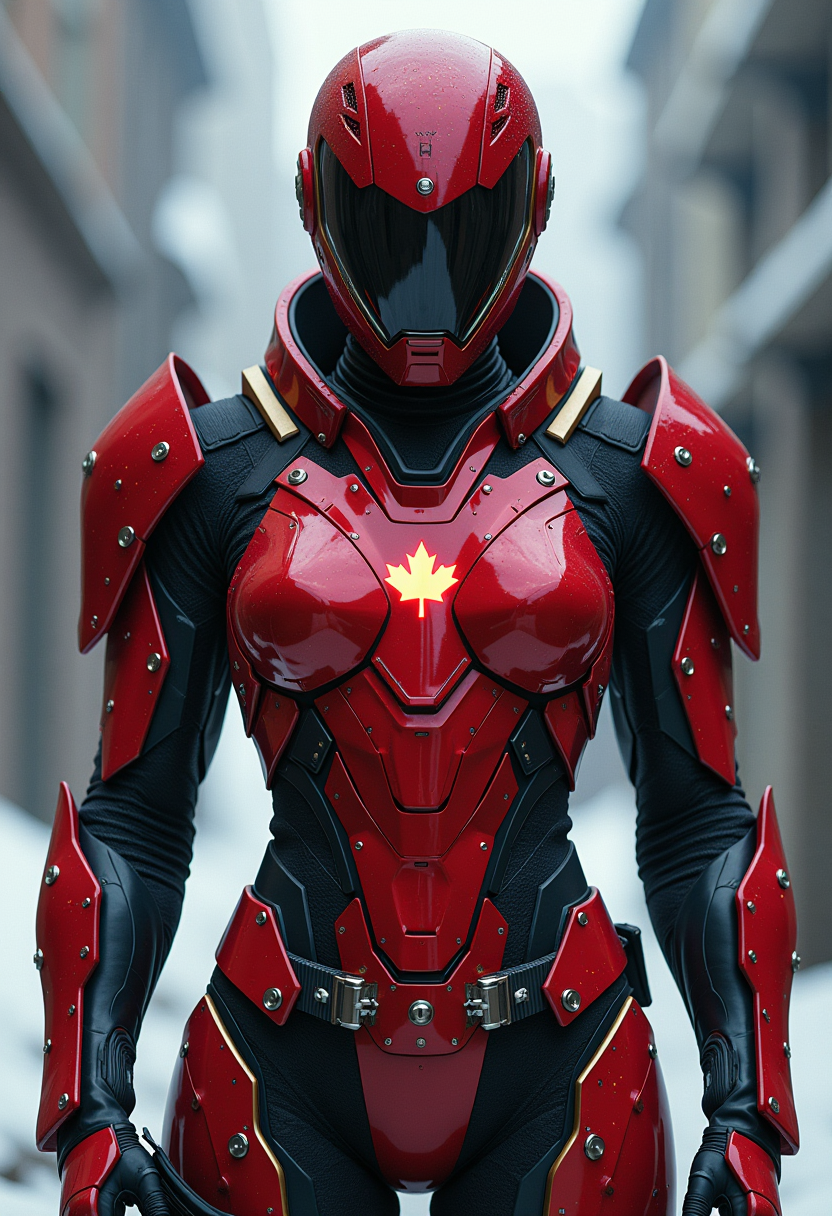
This image features a figure clad in a striking red and black armored suit with a futurist…
flux

faceswap ai on PixelDojo
flux
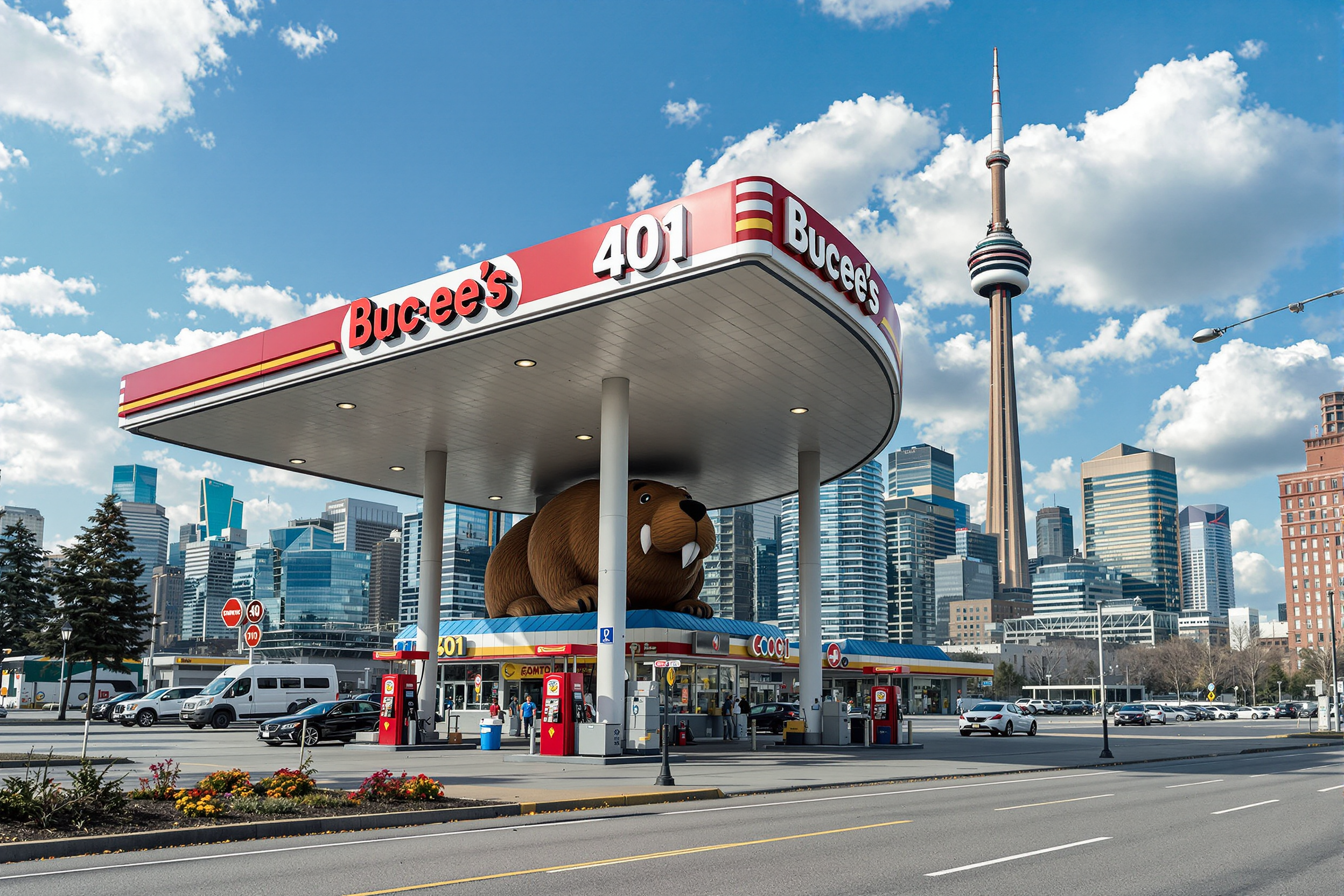
Create an image of a huge 40 pump Buc-ee’s gas station
flux
Models you can run on PixelDojo for faceswap ai
Switch models without switching tools. Each one runs in the same PixelDojo studio.
What you can do with faceswap ai on PixelDojo
Swap Faces Across Photos
We map a source identity onto a target photo while keeping pose, lighting, and background. You get a new still you can iterate on inside PixelDojo.
Tune Identity And Expression
You control how strongly the source face appears so skin tone and expression stay consistent. We keep the rest of the image aligned with the original shot.
Handle Single Or Group Shots
We let you pick which face to replace in portraits or multi-person scenes. You can swap one subject at a time without rebuilding the whole frame.
Export For Further Editing
Download swapped stills in common image formats. You can post them or send them into other PixelDojo image tools for another pass.
Loved by thousands of creators worldwide who have produced millions of realistic face swaps. Rated highly for photorealistic quality that preserves identity and scene details. Trusted for marketing campaigns, social virality, and personal projects with 40+ cutting-edge AI tools available. Cancel anytime with no long-term commitment.
Why Choose Pixel Dojo for faceswap ai
Professional-quality results with cutting-edge AI technology
Create Viral Social Content That Grows Your Audience Fast
You transform simple photos into trending memes, reaction images, and personalized videos that stop the scroll and spark shares. PixelDojo's Face Swap and Kling Video Character Swap match lighting and expressions perfectly so your content looks authentic, helping you build engagement and followers without extra production time or cost.
Build Consistent Characters Across All Your Campaigns
You maintain the exact same face, identity, and style in dozens of images and videos for branding, storytelling, or influencer-style content. Use LoRA Face Swap, Consistent Characters, Character Sheets, and Ideogram Character together with Flux.2 Studio generations to lock in likeness even as poses, outfits, and scenes change, delivering professional cohesion that strengthens recognition and trust.
Save Hours and Budget While Delivering Studio-Quality Visuals
You skip expensive photoshoots, complex editing software, and lengthy revisions. PixelDojo combines Face Swap with Image to Image, Inpainting, Reality Polisher, Portrait Upscaler, and Magic Lighting so you produce polished, high-resolution results instantly. Cancel anytime and access 40+ tools loved by thousands of creators for outcomes that look custom-made.
How It Works
You create professional faceswap ai images and videos in three straightforward steps using PixelDojo's specialized tools. High-quality source photos with clear faces, similar angles, and matching lighting deliver the most realistic blends. Multiple reference images further lock in identity for even better consistency across projects.
Step 1: Choose Your Tool
Open PixelDojo and go to Characters & Faces. Select Face Swap for quick one-click results on photos or LoRA Face Swap when you want a trained custom identity that stays consistent. For video, pick WAN Video Character Swap or Kling Video Character Swap. Upload a sharp, unobstructed source face photo (front-facing or close angle works best) and the target image or clip. Pair with Generate Images tools like Flux.2 Studio, Seedream 5, or QWEN Image if you first need a custom scene.
Step 2: Enter Your Prompt
Add a short description to guide the blend if desired, such as keep original lighting, preserve expression, match skin texture, or maintain background. For generated bases use Flux.1 Studio or Ideogram 4 prompts that specify pose and scene first. The AI uses identity encoding to fuse the source face while retaining the target's attributes. Combine with Style Transfer or Change Camera Angle for extra control before the swap processes.
Step 3: Customize & Download
Review the result and refine using Edit Images tools like Inpainting for small fixes, Background Remover, Reality Polisher, or Magic Lighting to perfect the match. Upscale with Portrait Upscaler, P-Image Upscale, or Magnific Upscaler for print-ready sharpness. For video extend or edit with Grok Video Edit or Kling Video Edit, then download in high resolution. Save to My Media for reuse with Consistent Characters in future projects.
The Pixel Dojo Advantage
Why PixelDojo outperforms other options for faceswap ai image generation and delivers the realistic, usable results you actually need
| Others | Pixel Dojo |
|---|---|
| Traditional photoshoots | You skip costly photoshoots, model bookings, and location fees. PixelDojo's Face Swap plus Flux.2 Studio and Seedream 5 let you generate or swap into any scene instantly while keeping identity and lighting intact, turning weeks of production into minutes. |
| Generic AI tools | You get purpose-built Face Swap, LoRA Face Swap, WAN Video Character Swap, and Kling Video Character Swap that preserve expression, pose, and texture far better than one-size-fits-all generators. Combined with 40+ specialized tools like Portrait Upscaler and Reality Polisher you achieve production-ready quality instead of obvious artifacts. |
| Manual photo editing | You eliminate hours of masking, blending, and color matching in complex software. PixelDojo handles detection, identity fusion, and restoration automatically so you focus on creative choices, then polish with Inpainting or Image Outpainting for results that look captured in-camera. |
Loved by creators on PixelDojo
Real feedback from people using PixelDojo, pulled from our in-product surveys.
Very fair and very broad in tools.
Accurate results
Great site and so much fun to use!
very useful set of tools for image creation, upscaling and enhancement
ease of use, variety of tools, high quality trainings, and a well-maintained discord channel
Ease of use, friendliness and support of the owner, continued innovation.
Explore more AI tools on PixelDojo
Popular AI Models
AI Tools
Compare & Switch
- Best AI Image Generators
- Best AI Video Generators
- Midjourney Alternatives
- Civitai Alternatives
- Runway Alternatives
- Leonardo Alternatives
- Pika Alternatives
- Luma Alternatives
- Magnific Alternatives
- Veo Alternatives
- Flux Alternatives
- Freepik Alternatives
- Seedance Alternatives
- Seedream Alternatives
- Pixverse Alternatives
- GPT Image Alternatives
- Synthesia Alternatives
- Playground Alternatives
- NightCafe Alternatives
- Canva AI Alternatives
- ElevenLabs Alternatives
- ComfyUI Alternatives
- Fal Alternatives
- Replicate Alternatives
Common Questions
Everything you need to know about faceswap ai
How do I get the most realistic faceswap ai results with PixelDojo?
Start with high-resolution, well-lit source and target photos where faces are large, unobstructed, and at similar angles. Use Face Swap or LoRA Face Swap and add 3-5 reference images of the same person for stronger identity lock. After the swap, apply Reality Polisher, Magic Lighting, and Portrait Upscaler. Matching lighting direction and avoiding heavy filters on originals produces blends that look completely natural and ready to share or use commercially.
Which PixelDojo tools are best for faceswap ai on both images and videos?
For still images choose Face Swap for speed or LoRA Face Swap plus Consistent Characters and Character Sheets for repeatable identities. Generate custom scenes first with Flux.2 Studio, Krea Image, or Seedream 5 then swap. For motion use WAN Video Character Swap, Kling Video Character Swap, P Video Avatar, or Kling Avatar. Follow up with video editors like Kling Video Edit and upscalers such as FLUX Video Upscale so your faceswap ai content stays consistent from photo to full clip.
Can I use PixelDojo faceswap ai for professional marketing and commercial projects?
Yes. You create campaign visuals, product try-ons with Flux Pro Virtual Try-On, branded characters, and ad creatives that look shot by a professional team. Marketing Studio and Consistent Characters keep the same face across an entire series. Always confirm you have rights and consent for faces used. With 40+ tools and the ability to cancel anytime you can test ideas quickly and scale what works without large upfront investment.
How does LoRA Face Swap improve faceswap ai consistency compared to a single photo?
LoRA Face Swap lets you train a lightweight custom model on several photos of one person so identity holds across new poses, lighting, and scenes. Pair it with Ideogram Character, Character Stylist, and Flux Trainer or QWEN Trainer. The result is characters you can drop into new generations via Generate Images tools or video swaps, giving you the reliable likeness needed for series, influencers, or long-running campaigns.
Is there a free way to try faceswap ai on PixelDojo before committing?
You can start creating immediately with access to Face Swap, LoRA Face Swap, and the full suite of 40+ cutting-edge tools. Thousands of creators worldwide already use the platform daily. There is no long-term lock-in—you can cancel anytime. This low-friction approach lets you test photorealistic results on your own photos and see the quality and speed firsthand.
What should I do after a faceswap ai generation to make it even better?
Run the output through Portrait Upscaler or Clarity Pro for extra sharpness, then use Image to Image, Inpainting, or Style Transfer for refinements. Reality Polisher and Background Remover help final polish. For video, apply Video Reframe, Merge Videos, or Extract Frame. Saving everything in My Media lets you reuse the identity with Consistent Characters later, turning one successful swap into an entire content library.