krea realtime alternative
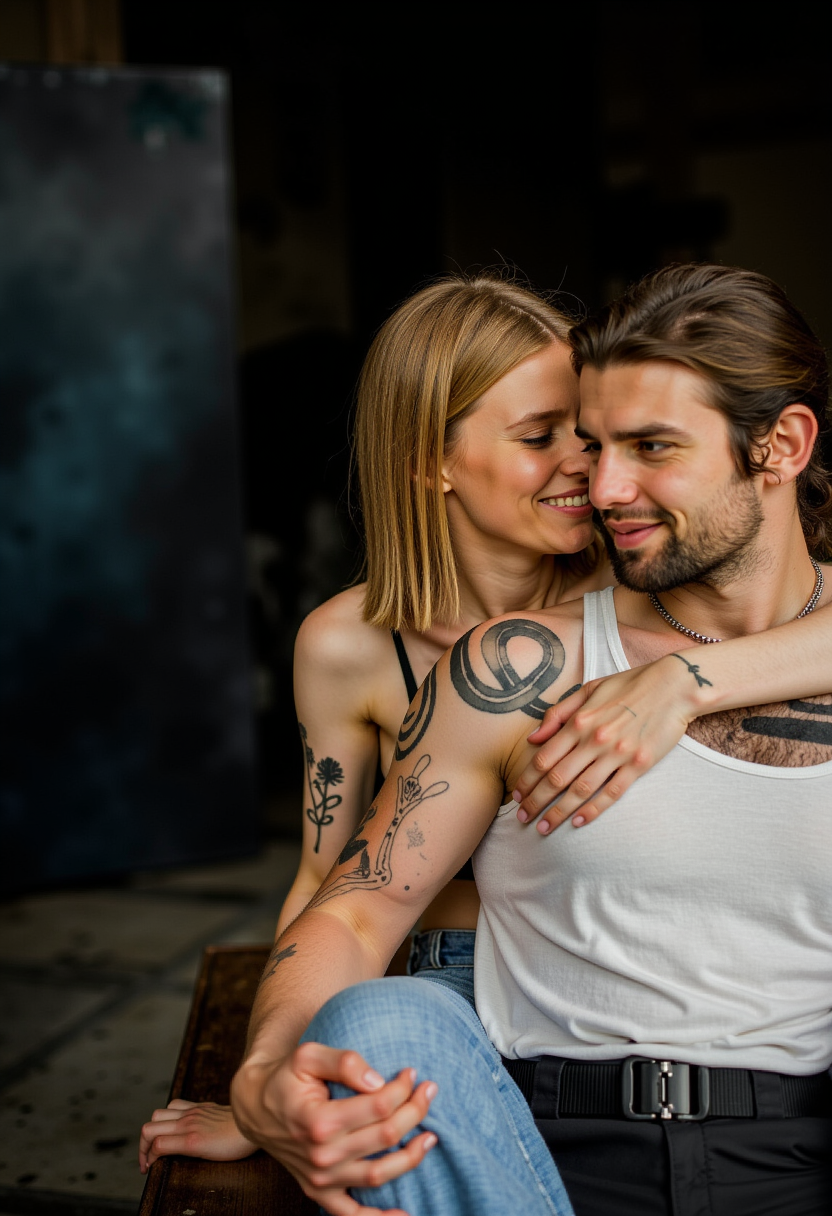
Generated on PixelDojo. Produced by PixelDojo's generation pipeline.
You have a vision. You want to see it come to life the moment the idea forms—not after waiting through queues or slow renders. PixelDojo is your Krea realtime alternative, built so you can generate professional AI images at the speed of thought. Sketch a rough concept, type a prompt, or upload a reference, and watch high-quality results appear almost instantly using tools like Flux.2 Studio, Krea Image, Nano Banana 2, GPT Image 2, Z Image Turbo, and Seedream 5. You iterate freely, explore dozens of styles, and move from first idea to campaign-ready visual without friction. Whether you need photorealistic product shots, concept art, character designs, or social content, you stay in creative flow. Thousands of creators already use PixelDojo to produce more, faster, and with greater control. You get 40+ cutting-edge AI tools in one place, loved by thousands of creators worldwide, and you can cancel anytime. Stop waiting. Start creating the images you actually want.
Real image examples generated on PixelDojo
Every example below was produced on PixelDojo. Hover to see the prompt.
Photorealistic
flux
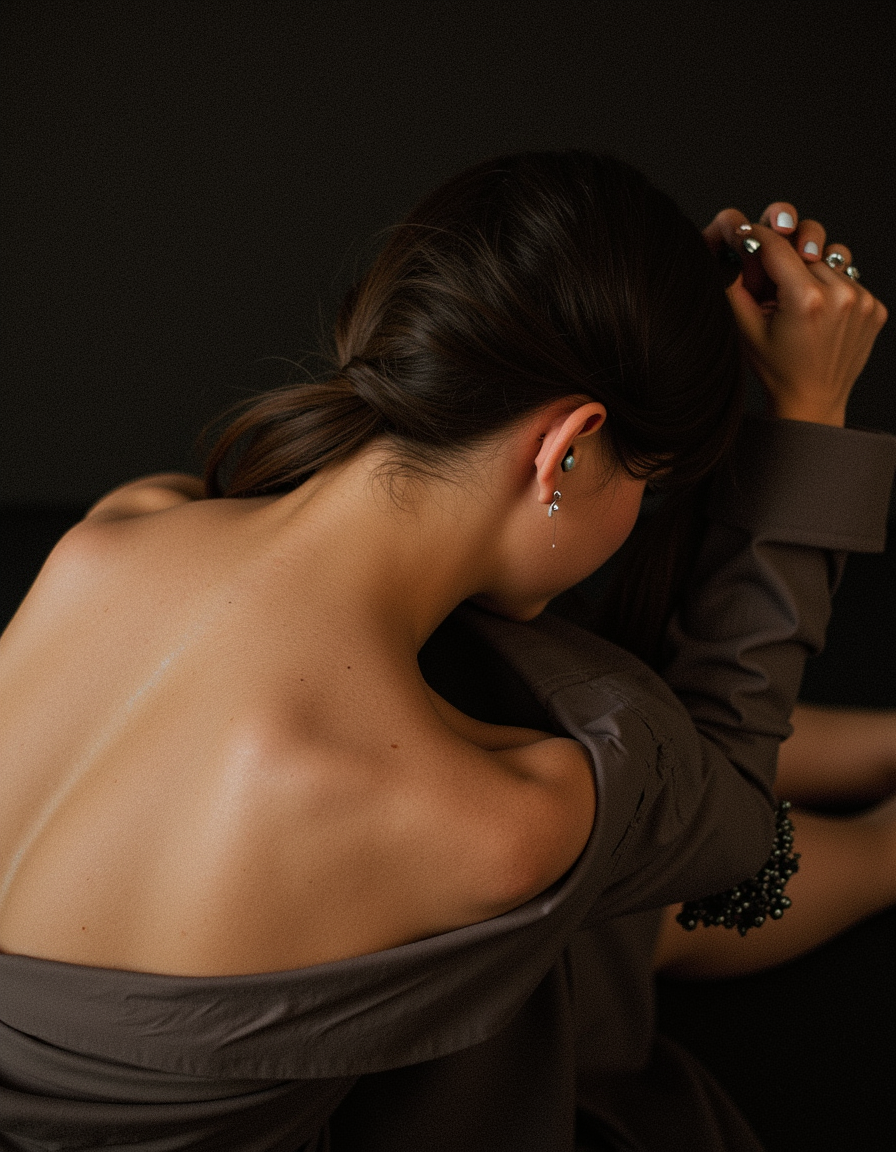
Photorealistic
flux
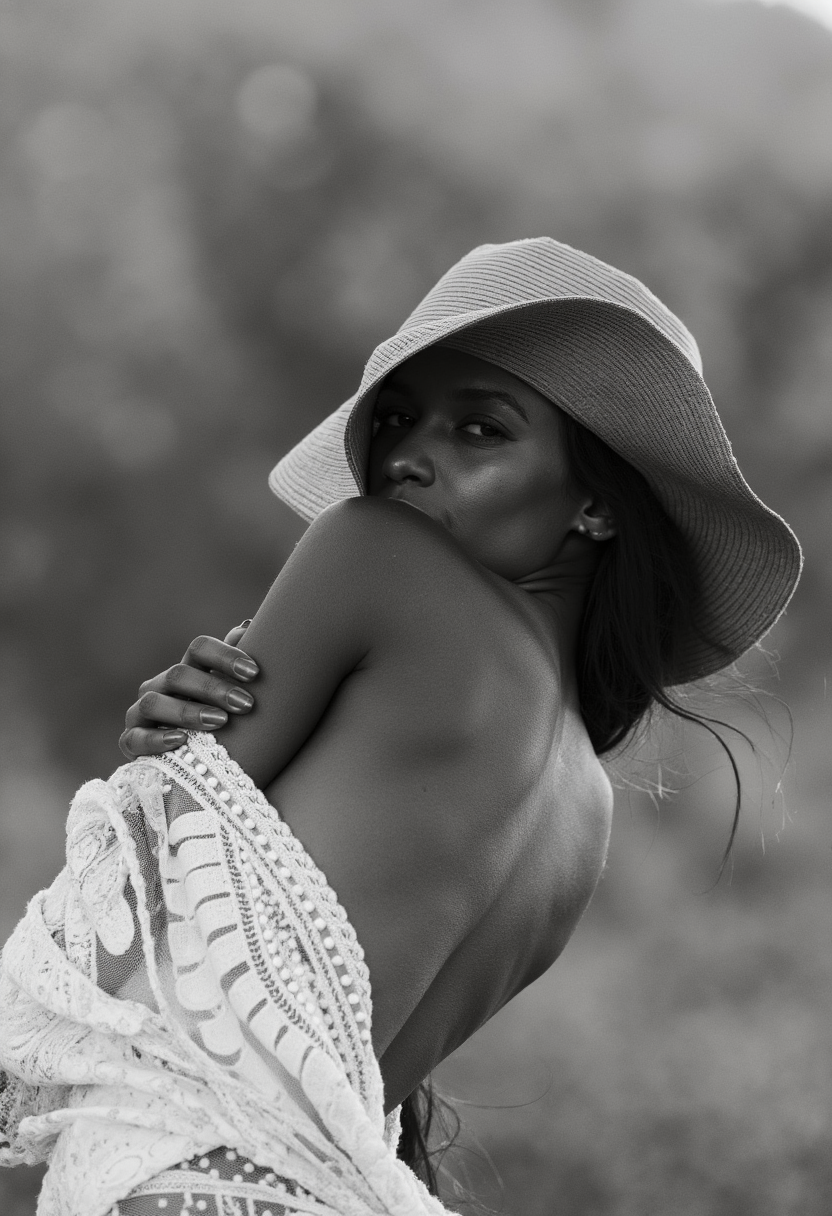
Photorealistic
flux
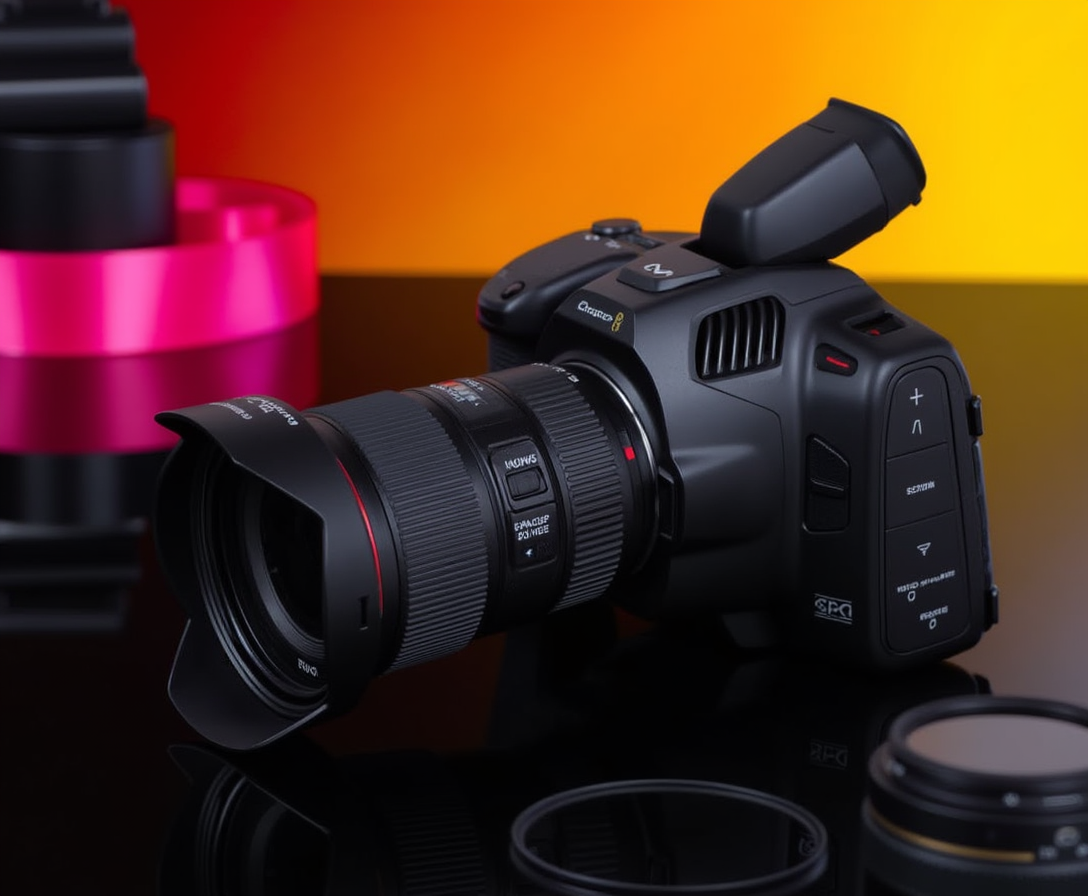
Photorealistic
flux
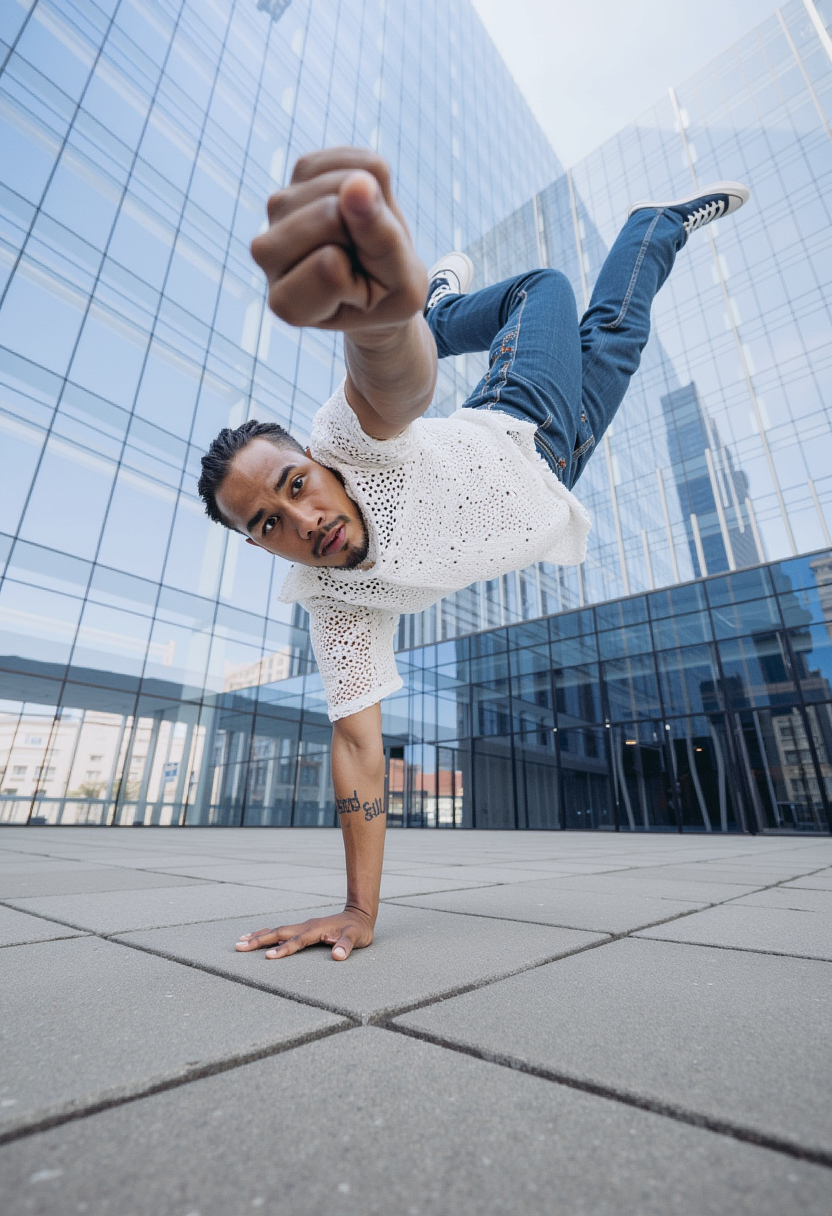
Photorealistic
flux
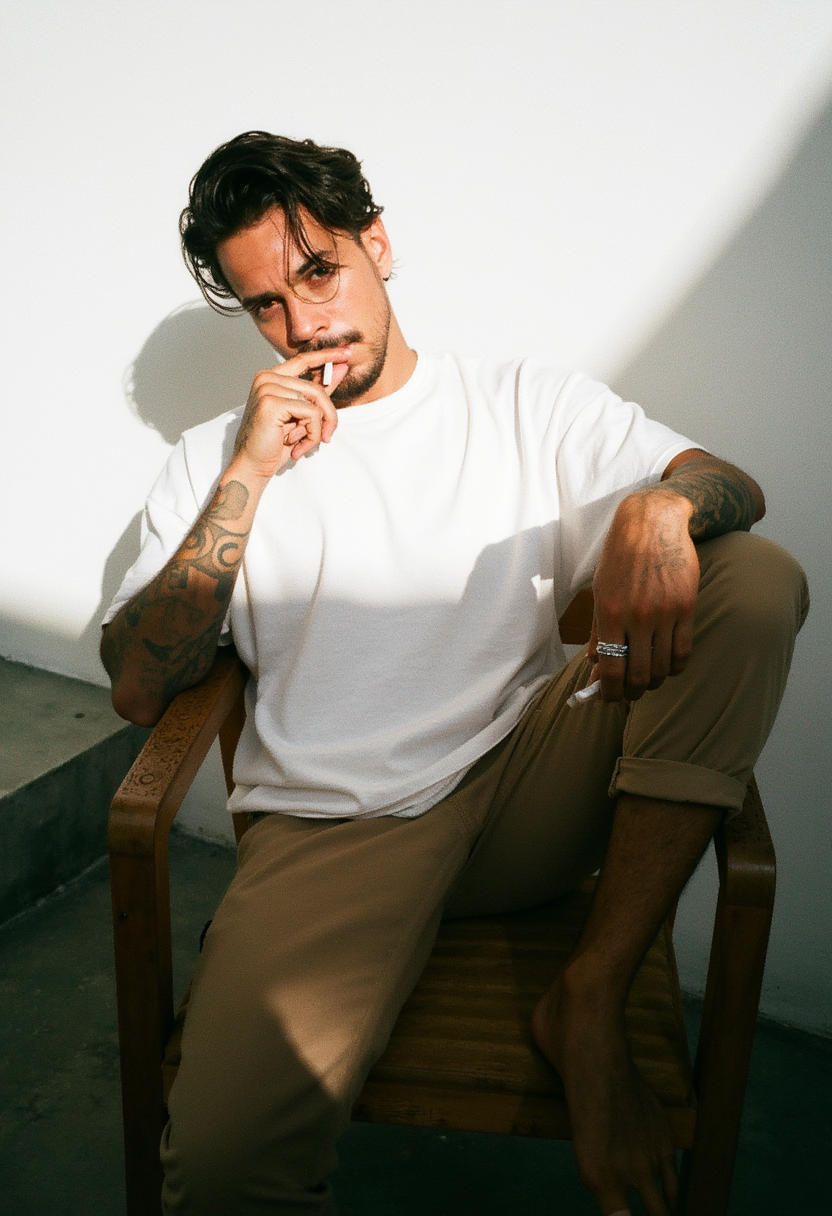
Photorealistic
flux
Models you can run on PixelDojo for krea realtime alternative
Switch models without switching tools. Each one runs in the same PixelDojo studio.
What you can do with krea realtime alternative on PixelDojo
Live prompt to image
We generate images as you type so you can steer composition, lighting, and style in real time. Creators iterate without waiting on long queues.
Multiple generation models
We give you access to several image models in one workspace. Switch models to match the look you want for a given shot.
Fine control over output
We support aspect ratios, seeds, and prompt refinements so you can lock a direction and vary details. You keep a clear trail of versions as you work.
Ready for production use
We let you download high-resolution stills and reuse prompts across sessions. Teams can move from sketch to asset without leaving the same flow.
Loved by thousands of creators worldwide. 40+ cutting-edge AI tools. Cancel anytime. Join the community turning ideas into visuals every day.
Why Choose Pixel Dojo for krea realtime alternative
Professional-quality results with cutting-edge AI technology
Iterate at the Speed of Your Ideas
You refine compositions, lighting, and style in seconds instead of minutes. Fast models like Z Image Turbo, Flux.2 Studio, and Krea Image let you test variations live so you lock in the perfect look before anyone else has even started generating.
Unlock Every Style You Need in One Place
You access photorealism, illustration, concept art, and more without switching platforms. Combine Nano Banana 2, GPT Image 2, Seedream 4.5, Ideogram 4, and Recraft V4.1 to match any brand, mood, or campaign requirement instantly.
Go From Rough Sketch to Polished Asset Fast
You upload a doodle or photo and transform it with Image to Image, Inpainting, Style Transfer, and Reality Polisher. Then upscale with P-Image Upscale or Magnific Upscaler and walk away with production-ready files in a fraction of the time.
How It Works
You create stunning images with PixelDojo in three simple steps that keep you in creative flow the entire time.
Step 1: Choose Your Tool
Open PixelDojo and pick a fast generator such as Flux.2 Studio, Krea Image, Z Image Turbo, or Nano Banana 2. These models deliver high-quality results quickly so you can stay in the moment instead of watching a progress bar.
Step 2: Enter Your Prompt
Type a detailed description or drop in a sketch, photo, or reference. Add style keywords, camera details, or lighting notes. The selected model interprets your input immediately and begins generating so you see results almost as fast as you think.
Step 3: Customize & Download
Use Image to Image, Inpainting, Change Camera Angle, Magic Lighting, or Background Remover to perfect every detail. Upscale with Clarity Pro or Portrait Upscaler, then download in the resolution you need. You walk away with a finished asset ready to use.
The Pixel Dojo Advantage
Why PixelDojo outperforms other options for krea realtime alternative image generation
| Others | Pixel Dojo |
|---|---|
| Traditional photoshoots and illustration | You skip location scouting, talent booking, and days of waiting. Generate dozens of variations in minutes and keep full creative control from the first sketch. |
| Generic AI tools | You get 40+ specialized models plus dedicated editing, upscaling, character, and video tools instead of being locked into one slow generator with limited options. |
| Manual photo editing | You replace hours of masking, retouching, and compositing with one-click Inpainting, Style Transfer, Reality Polisher, and Magic Lighting that deliver professional results instantly. |
Loved by creators on PixelDojo
Real feedback from people using PixelDojo, pulled from our in-product surveys.
it's very easy to use
Practically every Ai suite in one place? Who wouldn't?
versatile menu of tools
Best AI tool availble the suite is rad
Versatility quality, value, ROI, innovation
variety of tools available and prompt tools
Explore more AI tools on PixelDojo
Popular AI Models
AI Tools
Compare & Switch
- Best AI Image Generators
- Best AI Video Generators
- Midjourney Alternatives
- Civitai Alternatives
- Runway Alternatives
- Leonardo Alternatives
- Pika Alternatives
- Luma Alternatives
- Magnific Alternatives
- Veo Alternatives
- Flux Alternatives
- Freepik Alternatives
- Seedance Alternatives
- Seedream Alternatives
- Pixverse Alternatives
- GPT Image Alternatives
- Synthesia Alternatives
- Playground Alternatives
- NightCafe Alternatives
- Canva AI Alternatives
- ElevenLabs Alternatives
- ComfyUI Alternatives
- Fal Alternatives
- Replicate Alternatives
Common Questions
Everything you need to know about krea realtime alternative
What is the best krea realtime alternative for instant AI image generation?
PixelDojo stands out as the strongest krea realtime alternative because you combine lightning-fast models like Flux.2 Studio, Krea Image, Z Image Turbo, and Nano Banana 2 with a complete suite of editing and enhancement tools. You iterate in seconds, access 40+ cutting-edge options, and never wait in queues. Thousands of creators already rely on it daily and you can cancel anytime.
How does PixelDojo let me create images as fast as a krea realtime alternative?
You select high-speed generators such as Flux.2 Studio or Z Image Turbo, enter your prompt or upload a sketch, and receive results almost immediately. Then you refine with Image to Image, Inpainting, and Style Transfer without starting over. The entire workflow keeps you in flow so you produce more finished images in less time than traditional methods.
Can I turn sketches into polished images like a krea realtime alternative on PixelDojo?
Yes. Upload your rough drawing and use Image to Image or Krea Image to transform it instantly. Follow up with Inpainting, Change Camera Angle, and Reality Polisher to add details, fix perspective, and achieve a professional finish. You go from doodle to downloadable asset in minutes.
Is there a free way to try PixelDojo as a krea realtime alternative?
You can start creating right away with PixelDojo’s generous trial access. Explore Flux.2 Studio, Nano Banana 2, GPT Image 2, and the full editing suite with no long-term commitment. Thousands of creators begin this way and stay because the 40+ tools deliver real results. Cancel anytime if it is not the right fit.
Which PixelDojo tools work best for realtime-style AI image creation?
For speed you start with Flux.2 Studio, Krea Image, Z Image Turbo, and Seedream 5. For refinement you add Image to Image, Inpainting, Magic Lighting, Background Remover, and P-Image Upscale. Character work uses Consistent Characters and Ideogram Character. Everything lives in one dashboard so you never lose momentum.
How do I generate professional images without waiting like a krea realtime alternative?
Choose a fast model, write a clear prompt that includes subject, style, lighting, and composition, then generate. Immediately apply Image Outpainting or Style Transfer if needed, upscale with Magnific Upscaler or Clarity Pro, and download. You complete the entire process in the time it used to take just to queue a single generation elsewhere.