google flow veo alternative
Generated on PixelDojo. Produced by PixelDojo's generation pipeline.
You want cinematic videos with realistic motion, native speech, and stunning stills that rival professional productions, but expensive subscriptions, short clip limits, and being locked into a single model family hold you back. PixelDojo is the complete Google Flow Veo alternative that puts VEO 3.1, Gemini Omni Flash, Grok Video, Kling Video, WAN 3.0, Seedance 2.5, Hailuo 2.3, MiniMax H3, PixVerse V6 and dozens more in your hands. Generate photorealistic images first with Nano Banana 2, GPT Image 2, Flux.2 Studio, Krea Image or Ideogram 4, then turn them into talking, moving scenes using image-to-video, first-and-last-frame control and reference ingredients. Build marketing campaigns, character-driven stories and social clips with Marketing Studio, Consistent Characters and Character Sheets. Edit everything with Inpainting, Change Camera Angle, Style Transfer, Kling Video Edit, WAN 2.7 Video Edit and Video Autocaption. Upscale to 4K with P-Image Upscale, Magnific Upscaler or FLUX Video Upscale. You get professional outcomes—cinematic quality, character consistency, native audio and commercial-ready files—without the high monthly ceiling or credit anxiety. Thousands of creators already use these 40+ cutting-edge AI tools every day and cancel anytime if their needs change. Start producing the videos and images you actually want to ship.
Real video examples generated on PixelDojo
Every example below was produced on PixelDojo. Hover to see the prompt.
Gv-product
image-to-video
The waterfall flows naturally
wan-2.7-i2v-spicy
Gv-vertical
image-to-video

Create a YouTube Header for "FLUXPRO" AI image generation
flux
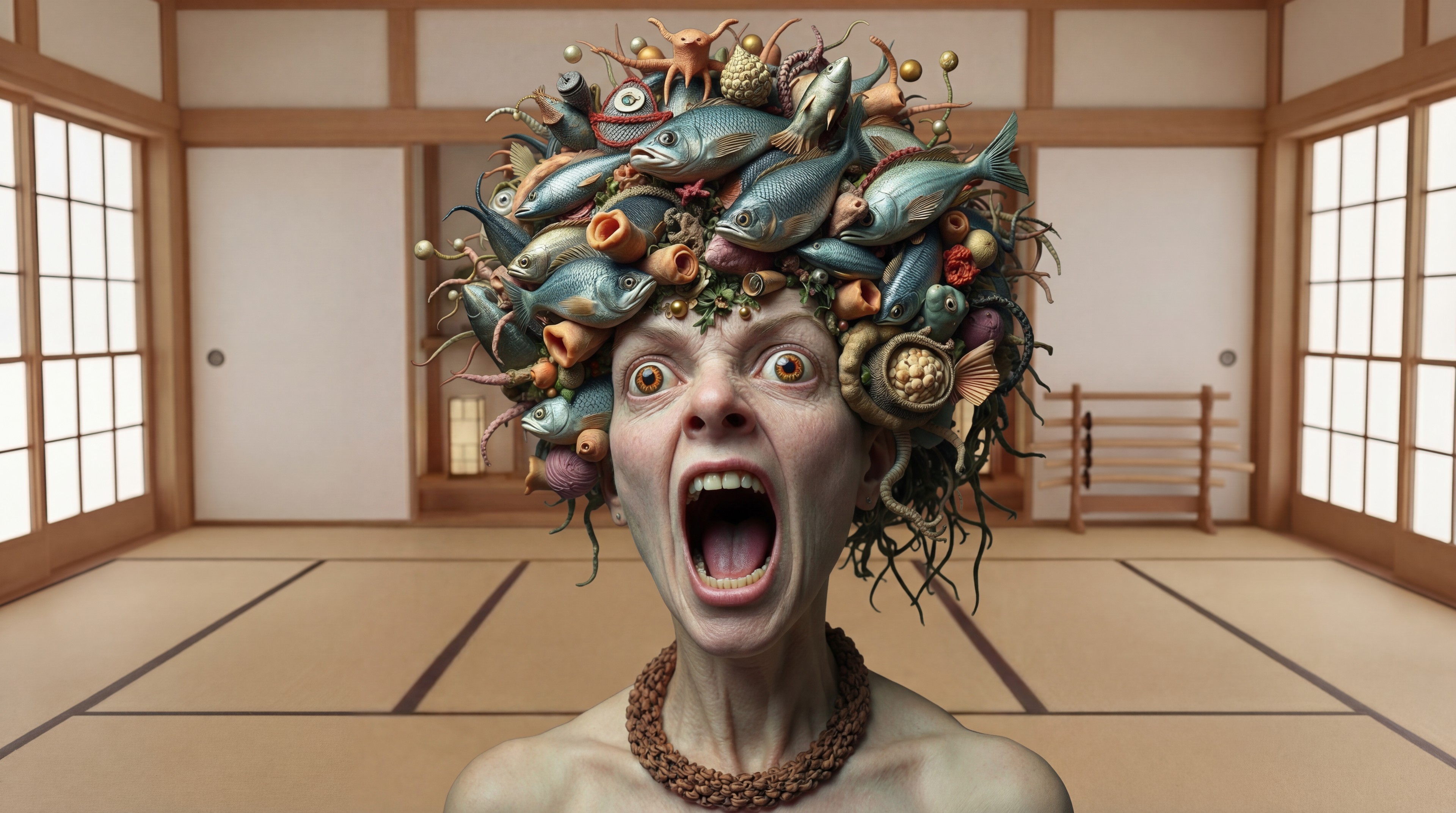
Replace the woman in the black dress with the woman with the fish edited with Google Nano…
google-gemini-image
The woman Image1 Image2 Image3 Image4 is frantically running through a candy store in sear…
image-to-video
Models you can run on PixelDojo for google flow veo alternative
Switch models without switching tools. Each one runs in the same PixelDojo studio.
What you can do with google flow veo alternative on PixelDojo
Text to Video Generation
We turn written prompts into short clips so you can storyboard ideas without a full production setup. You control subject, motion, and style in one place.
Image to Video Motion
We animate still frames into moving shots while keeping composition and character look consistent. You start from a keyframe and extend it into a sequence.
Multiple Video Models
We give you access to several video generators so you can pick the look and length that fit the scene. You can compare outputs and keep the version that matches your brief.
Iterate and Export Clips
We let you refine prompts, regenerate takes, and download files ready for editing. You stay in one workflow from first draft to shareable video.
Loved by thousands of creators worldwide who generate professional videos and images daily. 40+ cutting-edge AI tools, flexible plans, cancel anytime.
Why Choose Pixel Dojo for google flow veo alternative
Professional-quality results with cutting-edge AI technology
Cinematic Videos With Native Audio and Multiple Models
Produce Veo-quality clips featuring synchronized speech, sound effects and environmental audio using VEO 3.1, Gemini Omni Flash and Grok Video, then switch to Kling Video, WAN 3.0 or Seedance 2.5 when you need different motion styles or longer sequences. You achieve Hollywood-level realism and prompt adherence for ads, stories and social content without being stuck on one engine or watching credits vanish on failed generations.
Consistent Characters Across Images and Videos
Keep the same faces, outfits and personalities from stills to motion by starting with Nano Banana 2 or Flux.2 Studio images, then applying Consistent Characters, Character Sheets, Ideogram Character, WAN Video Character Swap, Kling Avatar or Face Swap. You create branded spokespeople, series protagonists and virtual try-ons that stay recognizable shot after shot, turning one idea into an entire campaign.
Full Creative Control From Generation to Final Delivery
Refine every frame with Image to Image, Inpainting, Magic Lighting, Background Remover, Reality Polisher and Image Outpainting, then polish videos using Runway Aleph-style edits, Grok Video Edit, Seedance 2.5 Video Edit, Video Reframe and Merge Videos. Upscale portraits and footage with Portrait Upscaler, Clarity Pro and Creative Upscaler. You deliver 4K-ready, captioned, commercially licensed files faster than traditional pipelines while keeping complete ownership of your workflow.
How It Works
Turning your vision into cinematic AI videos and images as a Google Flow Veo alternative takes just three straightforward steps inside PixelDojo’s unified studio.
Step 1: Choose Your Tool
Open the Generate Videos section and pick VEO 3.1 for native-audio cinematic clips, Gemini Omni Flash for conversational multi-turn editing, Marketing Studio for ad-ready sequences, or Kling Video and WAN 3.0 for extended motion. Prefer to start with stills? Select Nano Banana 2, Flux.2 Studio, GPT Image 2 or Seedream 5 to create high-fidelity reference frames you can later animate.
Step 2: Enter Your Prompt
Describe the scene in everyday language—camera movement, lighting, character dialogue, first and last frames, and reference images for consistency. Add ingredients such as a character sheet or product photo. PixelDojo’s models interpret natural prompts just like advanced filmmaking tools, generating talking characters, realistic physics and branded visuals in seconds.
Step 3: Customize & Download
Fine-tune with Edit Images tools (Inpainting, Style Transfer, Change Camera Angle) or Edit Videos tools (Kling Video Edit, WAN 2.7 Video Edit, Video Autocaption, Extract Frame). Enhance resolution using P-Image Upscale, Magnific Upscaler or FLUX Video Upscale, then export watermark-free files ready for social, ads or film. Repeat or train custom LoRAs with Flux Trainer if you need even tighter brand control.
The Pixel Dojo Advantage
Why PixelDojo outperforms other options for Google Flow Veo alternative image and video generation
| Others | Pixel Dojo |
|---|---|
| Traditional filmmaking and photography | Skip crews, locations and weeks of post-production. Generate, edit and upscale cinematic videos and images in minutes with VEO 3.1, Flux.2 Studio and Marketing Studio while keeping full commercial rights. |
| Generic AI tools | Instead of one locked model family you get VEO 3.1 plus Kling, WAN, Seedance, Hailuo, MiniMax, PixVerse, Nano Banana 2, Ideogram 4 and 30 more, plus dedicated character, edit, upscale and training suites that generic platforms simply do not offer. |
| Manual photo and video editing | Replace hours of masking, rotoscoping and color grading with one-click Inpainting, Magic Lighting, Reality Polisher, Video Reframe and automatic captions, then finish with professional upscalers so you ship more content every day. |
Where PixelDojo matches or beats Higgsfield Starter
Our live list price at the settings shown, next to Higgsfield's Starter plan price.
| Model and settings | PixelDojo list price | Higgsfield Starter |
|---|---|---|
| WAN 3.0 Fast (Higgsfield: Wan 3.0 Prime), 720p, 5 s | $0.94 (15 credits)per 5 s clip at 720p with audio | about $1.06 (about 15 credits) |
| WAN 3.0 Fast (Higgsfield: Wan 3.0 Prime), 1080p, 5 s | $1.88 (30 credits)per 5 s clip at 1080p with audio | about $2.11 (about 30 credits) |
| Veo 3.1 Fast, 1080p, 4 s | $1.13 (18 credits)per 4 s clip at 1080p with audio | about $1.13 (about 16 credits) |
| Nano Banana 2, per image | $0.14 (2.25 credits)per image at 1K | about $0.14 (about 2 credits) |
| WAN 3.0, 720p, 5 s | $0.63 (10 credits)per 5 s clip at 720p with audio | about $0.62 (about 8.75 credits) |
Full comparison
| Model and settings | PixelDojo list price | Higgsfield Starter |
|---|---|---|
| WAN 3.0 Fast (Higgsfield: Wan 3.0 Prime), 720p, 5 s | $0.94 (15 credits)per 5 s clip at 720p with audio | about $1.06 (about 15 credits) |
| WAN 3.0 Fast (Higgsfield: Wan 3.0 Prime), 1080p, 5 s | $1.88 (30 credits)per 5 s clip at 1080p with audio | about $2.11 (about 30 credits) |
| Veo 3.1 Fast, 1080p, 4 s | $1.13 (18 credits)per 4 s clip at 1080p with audio | about $1.13 (about 16 credits) |
| Nano Banana 2, per image | $0.14 (2.25 credits)per image at 1K | about $0.14 (about 2 credits) |
| WAN 3.0, 720p, 5 s | $0.63 (10 credits)per 5 s clip at 720p with audio | about $0.62 (about 8.75 credits) |
| Veo 3.1, 1080p, 4 s | $3.00 (48 credits)per 4 s clip at 1080p with audio. Audio off: $2.00 (32 credits) | about $2.81 (about 40 credits) |
| Seedance 2.0, 1080p, 5 s | $3.59 (57.5 credits)per 5 s clip at 1080p | about $3.17 (about 45 credits) |
| Hailuo 2.3, 768p, 6 s | $0.50 (8 credits)per 6 s clip at 768p | about $0.42 (about 6 credits) |
| Seedance 2.0, 720p, 5 s | $1.88 (30 credits)per 5 s clip at 720p | about $1.55 (about 22 credits) |
| WAN 3.0, 1080p, 5 s | $1.56 (25 credits)per 5 s clip at 1080p with audio | about $1.23 (about 17.5 credits) |
| Nano Banana Pro, 2K image | $0.28 (4.5 credits)per image at 2K | about $0.14 (about 2 credits) |
| Seedream, per image | $0.16 (2.5 credits)per image at 2K | about $0.07 (about 1 credit) |
| Kling 3.0, 720p, 5 s | $1.25 (20 credits)per 5 s clip with audio. Audio off: $0.94 (15 credits) | about $0.49 (about 7 credits) |
| Kling 3.0, 1080p, 5 s | $1.72 (27.5 credits)per 5 s clip with audio. Audio off: $1.25 (20 credits) | about $0.56 (about 8 credits) |
Higgsfield prices from https://higgsfield.ai/pricing as of September 24, 2026, on their Starter plan ($19 for 270 credits, $0.0704 per credit). Higgsfield marks many of these prices as approximate. Their larger annual plans lower the per-credit price: Plus $0.039 and Ultra $0.033 per credit, billed annually.
PixelDojo prices are current list prices at the settings shown, at $0.0625 per credit: the Lite plan and small credit pack rate, with no annual commitment. Bigger plans pay less per credit: Pro $0.0500 and Pro Max $0.0455 on monthly billing, and $0.0432 on the prepaid annual Pro Max term. List prices do not include limited-time sales.
Loved by creators on PixelDojo
Real feedback from people using PixelDojo, pulled from our in-product surveys.
the quality is the best
All the tools needed in one dashboard
Very fair and very broad in tools.
Accurate results
Great site and so much fun to use!
very useful set of tools for image creation, upscaling and enhancement
Explore more AI tools on PixelDojo
AI Tools
Compare & Switch
- Best AI Image Generators
- Best AI Video Generators
- Midjourney Alternatives
- Civitai Alternatives
- Runway Alternatives
- Leonardo Alternatives
- Pika Alternatives
- Luma Alternatives
- Magnific Alternatives
- Veo Alternatives
- Flux Alternatives
- Freepik Alternatives
- Seedance Alternatives
- Seedream Alternatives
- Pixverse Alternatives
- GPT Image Alternatives
- Synthesia Alternatives
- Playground Alternatives
- NightCafe Alternatives
- Canva AI Alternatives
- ElevenLabs Alternatives
- ComfyUI Alternatives
- Fal Alternatives
- Replicate Alternatives
Common Questions
Everything you need to know about google flow veo alternative
What is the best Google Flow Veo alternative for cinematic videos with native audio?
PixelDojo gives you VEO 3.1 alongside Gemini Omni Flash, Grok Video, Kling Video and Seedance 2.5 so you can generate talking characters, environmental sound and speech without a premium Google subscription. You also receive image-to-video, first-last-frame control and scene extension plus 40+ additional models, making it the most complete and flexible Google Flow Veo alternative for professional results.
Can I create consistent characters like in Google Flow using PixelDojo?
Yes. Start with Nano Banana 2 or Flux.2 Studio stills, then lock identity using Consistent Characters, Character Sheets, Ideogram Character, WAN Video Character Swap, Kling Avatar, Face Swap and LoRA Face Swap. The same face and outfit stay recognizable across images, videos and even 3D with Rodin or Hunyuan 3D, giving you series-ready assets that Google Flow’s ingredient system cannot match in variety.
Is PixelDojo a cheaper Google Veo 3.1 alternative with more tools?
Absolutely. You access VEO 3.1 plus Kling, WAN 3.0, Hailuo 2.3, MiniMax H3, PixVerse V6, Marketing Studio, 20+ image models, full edit suites, upscalers, audio tools and model trainers under one roof. Plans are flexible, you only pay for what you use, and you can cancel anytime—removing the $250-tier lock-in and credit-drain frustration of other platforms.
How do I generate images first then turn them into Veo-style videos on PixelDojo?
Create high-quality stills with Nano Banana 2, GPT Image 2, Flux.2 Studio, Krea Image or Recraft V4.1. Feed those frames into VEO 3.1, P Video Animate, WAN Reference to Video or Kling Video using first-and-last-frame or ingredients-to-video workflows. Then polish with Image to Image, Inpainting, Change Camera Angle and video editors before upscaling. The entire pipeline lives in one dashboard.
Does PixelDojo support 4K upscaling and professional video editing as a Flow alternative?
Yes. After generation you can apply P-Image Upscale, Magnific Upscaler, Creative Upscaler, Clarity Pro, Portrait Upscaler and FLUX Video Upscale. Edit with Kling Video Edit, WAN 2.7 Video Edit, Seedance 2.5 Video Edit, Video Autocaption, Video Analyzer, Video Reframe and Merge Videos. You finish with commercial-ready 4K files, captions and consistent branding that traditional or generic tools cannot deliver as quickly.
Can developers and teams use an API or train custom models as a Google Flow Veo alternative?
PixelDojo offers a full Developer API, API Keys, usage dashboards and credit purchases plus ComfyUI integration. Train your own styles and faces with Flux Trainer, QWEN Trainer, SDXL Trainer, Z-Image Trainer, WAN 2.2 Image Trainer and Flux 2 Trainer. Teams get the same 40+ models, character tools and edit suites that individual creators love, all with the freedom to cancel anytime.