earth zoom AI Generator

Generated on PixelDojo. Produced by PixelDojo's generation pipeline.
Imagine captivating your audience with a mesmerizing journey from a close-up image to a breathtaking view of Earth from space. With PixelDojo's advanced AI tools, you can effortlessly create stunning Earth zoom videos that elevate your content and engage viewers like never before.
Real image examples generated on PixelDojo
Every example below was produced on PixelDojo. Hover to see the prompt.
Zoom out
ideogram-character

Zoom out
ideogram-character

Zoom out
ideogram-character

Zoom out
ideogram-character

Zoom out
ideogram-character
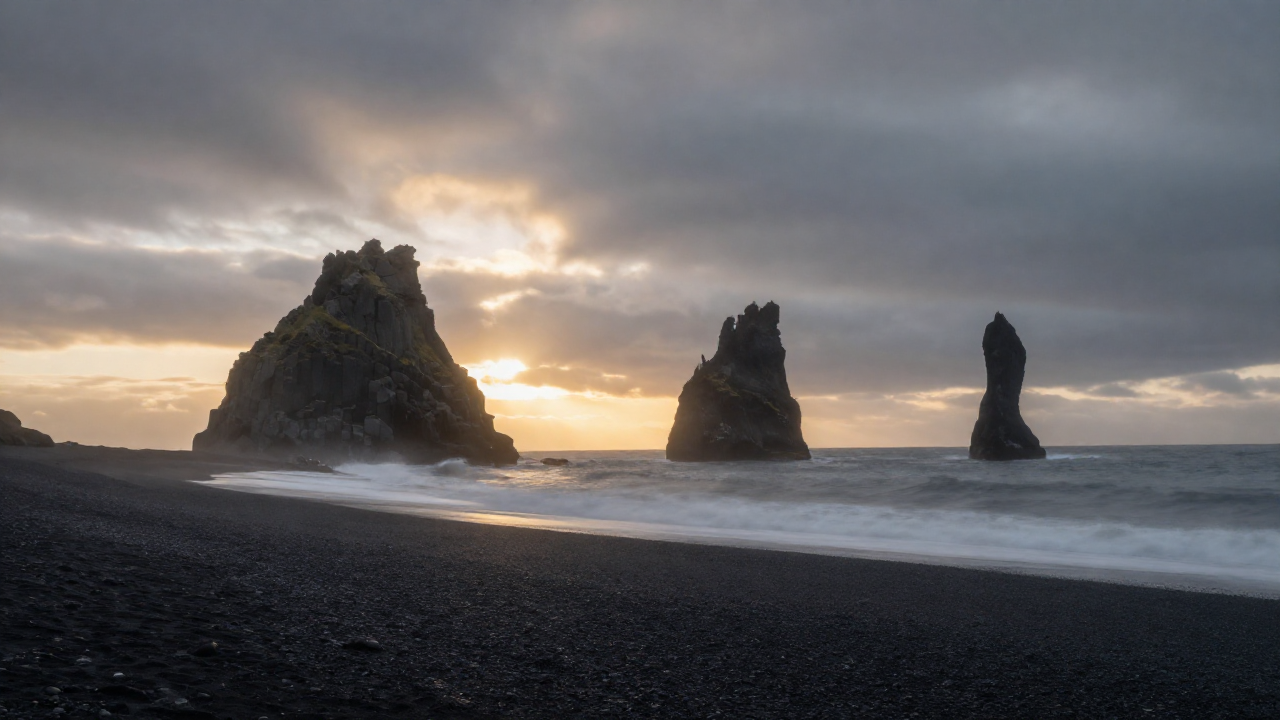
Z-landscape
image-to-image
Models you can run on PixelDojo for earth zoom
Switch models without switching tools. Each one runs in the same PixelDojo studio.
What you can do with earth zoom on PixelDojo
Generate Orbital to Surface Zooms
We produce images that move from wide Earth views to focused ground details at user selected locations.
Set Custom Zoom Coordinates
Creators enter latitude and longitude values to direct the image generation to specific points on Earth.
Control Output Image Resolution
We support selection of final image dimensions and detail levels before generation completes.
Apply Time Based Lighting
Users choose lighting conditions tied to time of day for the resulting Earth zoom images.
Join over 10,000 creators who have transformed their content with PixelDojo's AI-powered Earth zoom video generator.
Why Choose Pixel Dojo for earth zoom
Professional-quality results with cutting-edge AI technology
Effortless Creation
Generate professional-quality Earth zoom videos without any prior editing experience.
High-Quality Output
Produce cinematic 4K videos that are perfect for social media and presentations.
Rapid Processing
Create stunning Earth zoom videos in minutes, saving you time and effort.
How It Works
Creating captivating Earth zoom videos is simple with PixelDojo's AI tools. Follow these steps to bring your images to life:
Step 1: Choose Your Tool
Select the 'Image to Video' tool from PixelDojo's suite of AI applications.
Step 2: Upload Your Image
Click 'Upload' to select the image you want to transform into an Earth zoom video.
Step 3: Generate and Download
Click 'Generate' and let the AI create your Earth zoom video. Once complete, download your high-quality video.
The Pixel Dojo Advantage
Why PixelDojo outperforms other options for Earth zoom video creation:
| Others | Pixel Dojo |
|---|---|
| Traditional Video Editing | No need for complex software or editing skills; our AI handles it all. |
| Generic AI Tools | Specifically designed for Earth zoom effects, ensuring optimal results. |
| Manual Animation | Save hours of work with our rapid AI processing. |
Loved by creators on PixelDojo
Real feedback from people using PixelDojo, pulled from our in-product surveys.
awesome functionality, UX, constant flood of improvements, discord interactivity
Awesome site with so many features
Love how I can almost create anything
The Flux Pro Ultra is just amazing!
Very easy to use, and they have fast wan 2.2 video generation with custom loras available.
The overall quality of the site and it's amazing variety of tools. The continued updates of the UI. The unbelievable level of tech support.
Explore more AI tools on PixelDojo
AI Tools
Compare & Switch
- Best AI Image Generators
- Best AI Video Generators
- Midjourney Alternatives
- Civitai Alternatives
- Runway Alternatives
- Leonardo Alternatives
- Pika Alternatives
- Luma Alternatives
- Magnific Alternatives
- Veo Alternatives
- Flux Alternatives
- Freepik Alternatives
- Seedance Alternatives
- Seedream Alternatives
- Pixverse Alternatives
- GPT Image Alternatives
- Synthesia Alternatives
- Playground Alternatives
- NightCafe Alternatives
- Canva AI Alternatives
- ElevenLabs Alternatives
- ComfyUI Alternatives
- Fal Alternatives
- Replicate Alternatives
Common Questions
Everything you need to know about earth zoom
How can I create Earth zoom videos using PixelDojo?
Simply select the 'Image to Video' tool, upload your image, and let our AI generate the video for you.
Do I need any video editing experience to use PixelDojo?
No, our tools are designed for users of all skill levels, requiring no prior editing experience.
What formats are supported for image uploads?
PixelDojo supports common image formats such as JPG, PNG, and WEBP.
Can I use the generated videos for commercial purposes?
Yes, videos created with PixelDojo can be used for both personal and commercial projects.
How long does it take to generate an Earth zoom video?
Our AI processes your image and generates the video within minutes.
Is there a limit to the number of videos I can create?
With a PixelDojo subscription, you can create an unlimited number of videos.