Z Image Turbo AI Image Generator

Generated on PixelDojo with z-image-turbo. Produced by PixelDojo's generation pipeline.
Z Image Turbo is a fast AI image model for generating polished visuals from text prompts, with a standout focus on quick iteration for creators who need more results in less time. For anyone asking what is Z Image Turbo, it is a prompt based image generator available on PixelDojo for concept art, marketing visuals, stylized scenes, product ideas, social content, and rapid creative exploration. This page covers how to use Z Image Turbo, what it is best at, practical Z Image Turbo examples, a neutral Z Image Turbo review, and what to know about Z Image Turbo pricing on PixelDojo.
Real image examples generated on PixelDojo
Every example below was produced on PixelDojo. Hover to see the prompt.
Create a YouTube Header for "FLUXPRO" AI image generation
flux
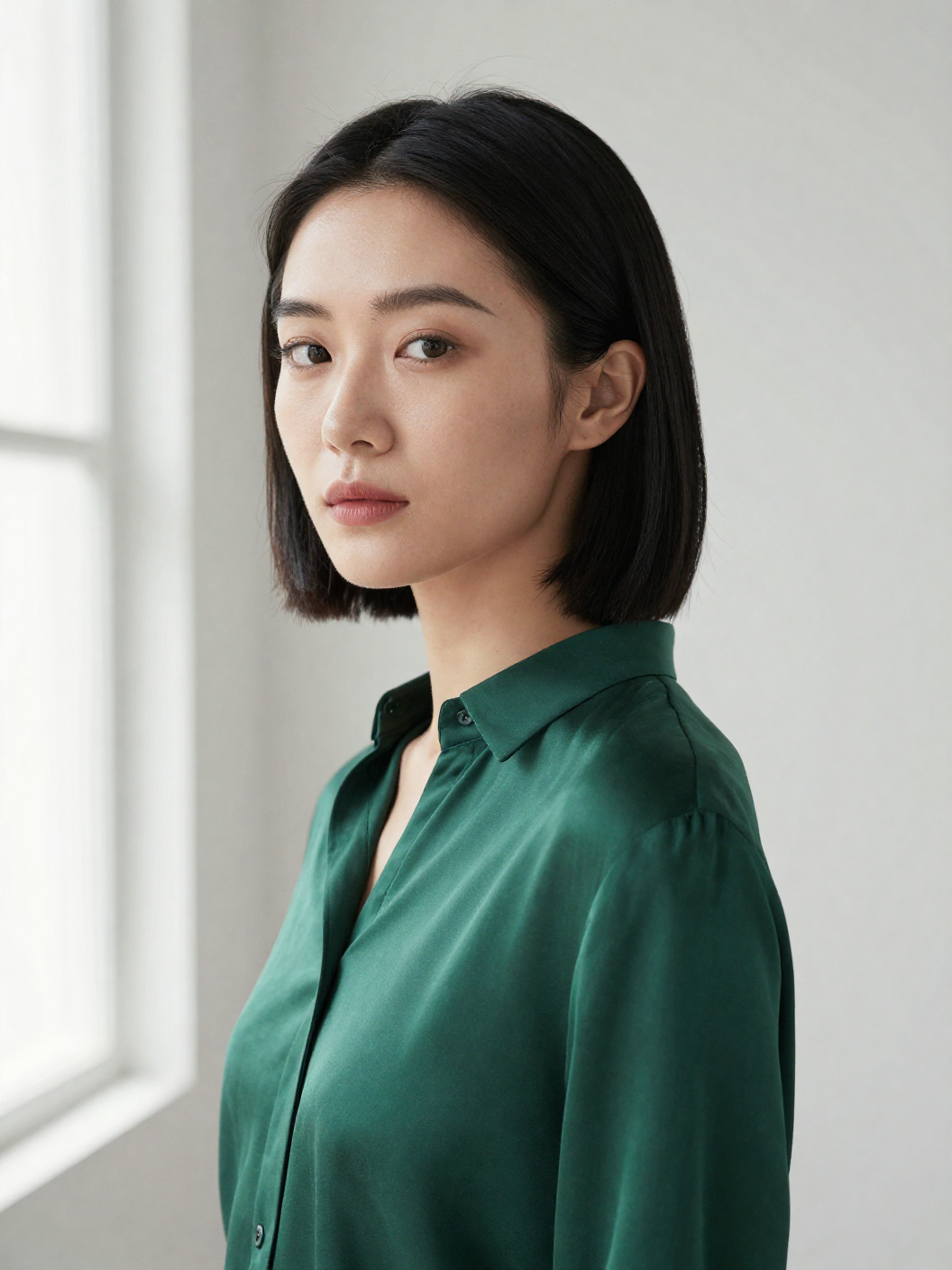
Z-portrait
image-to-image
A man talking
image-to-video
A friendly female podcaster in a cool modern studio announcing that Pixel Dojo now has sup…
image-to-video

A dramatic
flux
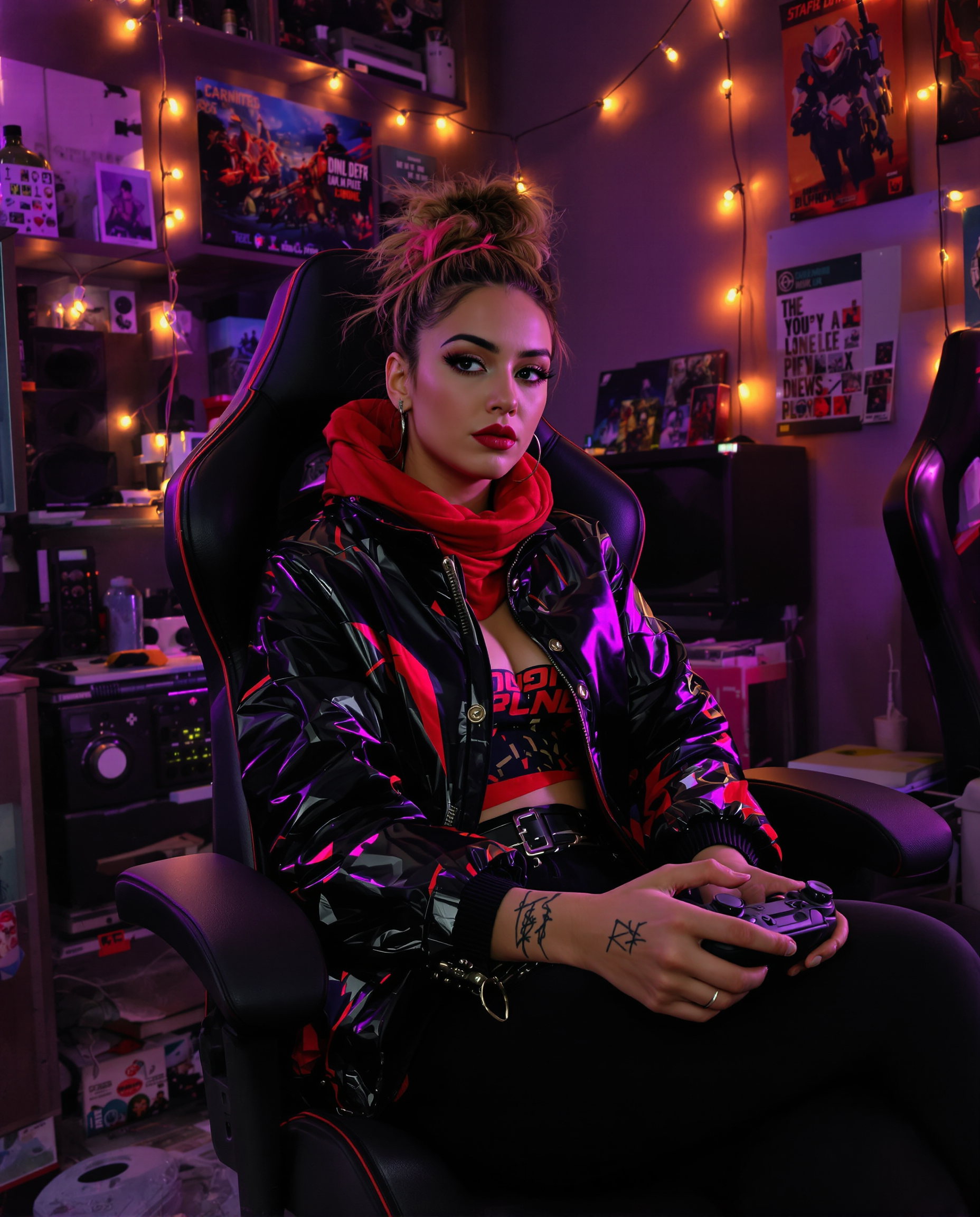
A striking digital painting of a young woman seated in a sleek black gaming chair
flux
Models you can run on PixelDojo for Z Image Turbo AI Image Generator
Switch models without switching tools. Each one runs in the same PixelDojo studio.
What you can do with Z Image Turbo AI Image Generator on PixelDojo
Fast Prompt Based Generation
We create images from text descriptions rapidly. Creators iterate on ideas without long waits.
Multiple Image Variations
Our system produces several options per prompt. Creators choose the best match for their needs.
Custom Aspect Ratio Control
We allow selection of different image dimensions. Creators prepare content for various platforms and formats.
Direct Export To Projects
Generated images integrate with other PixelDojo tools. Creators maintain workflow continuity across applications.
PixelDojo brings leading AI image models into one workspace so creators can compare outputs, refine prompts, and generate production ready visuals without switching tools.
Why Choose Pixel Dojo for Z Image Turbo AI Image Generator
Professional-quality results with cutting-edge AI technology
Fast image generation for rapid ideation
Z Image Turbo ai is designed for speed, making it useful when you need to test multiple prompt directions, compare styles, or produce several visual options in a short session.
Strong prompt control for creative results
Use natural language prompts to guide subject, style, lighting, camera angle, composition, color, and mood. PixelDojo helps keep the workflow clear from prompt to final image.
Useful across many visual tasks
Z Image Turbo examples can include character concepts, cinematic scenes, product mockups, thumbnails, posters, fashion concepts, social graphics, and design references.
How It Works
Choose Z Image Turbo on PixelDojo
Open PixelDojo, select the Z Image Turbo model, and start a new image generation project from the model workspace.
Enter a detailed prompt
Describe the image you want, including subject, setting, style, composition, lighting, color palette, aspect ratio, and any details to avoid if the tool provides negative prompt controls.
Generate, compare, and refine
Review the first results, adjust the prompt, then generate variations until the image fits your goal. Save or download the strongest outputs for your project.
Loved by creators on PixelDojo
Real feedback from people using PixelDojo, pulled from our in-product surveys.
A well resourced sunscription with attention to updates.
Easy to use and there's lots of options.
super lora download
Great variety of tools to create and modify images and video.
Lots of Tools, and the one time I needed support I got help right away
Easy to use once you get the hang of it
Explore more AI tools on PixelDojo
AI Tools
Compare & Switch
- Best AI Image Generators
- Best AI Video Generators
- Midjourney Alternatives
- Civitai Alternatives
- Runway Alternatives
- Leonardo Alternatives
- Pika Alternatives
- Luma Alternatives
- Magnific Alternatives
- Veo Alternatives
- Flux Alternatives
- Freepik Alternatives
- Seedance Alternatives
- Seedream Alternatives
- Pixverse Alternatives
- GPT Image Alternatives
- Synthesia Alternatives
- Playground Alternatives
- NightCafe Alternatives
- Canva AI Alternatives
- ElevenLabs Alternatives
- ComfyUI Alternatives
- Fal Alternatives
- Replicate Alternatives
Common Questions
Everything you need to know about Z Image Turbo AI Image Generator
What is Z Image Turbo?
Z Image Turbo is an AI image generation model that creates images from text prompts. On PixelDojo, it is used for fast visual creation, including concept art, stylized scenes, product ideas, marketing assets, thumbnails, and design references.
How do I use Z Image Turbo on PixelDojo?
Sign in to PixelDojo, choose Z Image Turbo from the available image models, enter a prompt that describes the image you want, select any available settings such as aspect ratio or output options, then generate. Refine the prompt and run more variations to improve the result.
How much does Z Image Turbo cost?
Z Image Turbo pricing on PixelDojo is based on the current PixelDojo plan and credit system. The tool shows the applicable credit use before or during generation, and paid plans provide larger credit allowances for more image creation.
What is Z Image Turbo best at?
Z Image Turbo is best at quick image ideation, prompt based concept creation, stylized visuals, social content, thumbnails, product mockups, character concepts, and situations where generating several variations quickly is valuable.
Is there a free way to try Z Image Turbo?
Yes. PixelDojo may provide free starter credits or trial access for new users, depending on the current account offer. Create a PixelDojo account, open Z Image Turbo, and check the available free credits or trial options in your workspace.