luma-uni-1 AI Image Generator

Generated on PixelDojo with luma-uni-1. Produced by PixelDojo's generation pipeline.
luma-uni-1 is an AI image model for creating polished images from text prompts, with a standout strength in cinematic lighting, coherent scenes, and visually rich compositions. On PixelDojo, luma-uni-1 AI can be used to generate concept art, product visuals, character studies, social content, and style explorations from a simple prompt. This guide covers what is luma-uni-1, how to use luma-uni-1 on PixelDojo, practical luma-uni-1 examples, a neutral luma-uni-1 review, and key notes on luma-uni-1 pricing.
Real image examples generated on PixelDojo
Every example below was produced on PixelDojo. Hover to see the prompt.
Create a YouTube Header for "FLUXPRO" AI image generation
flux
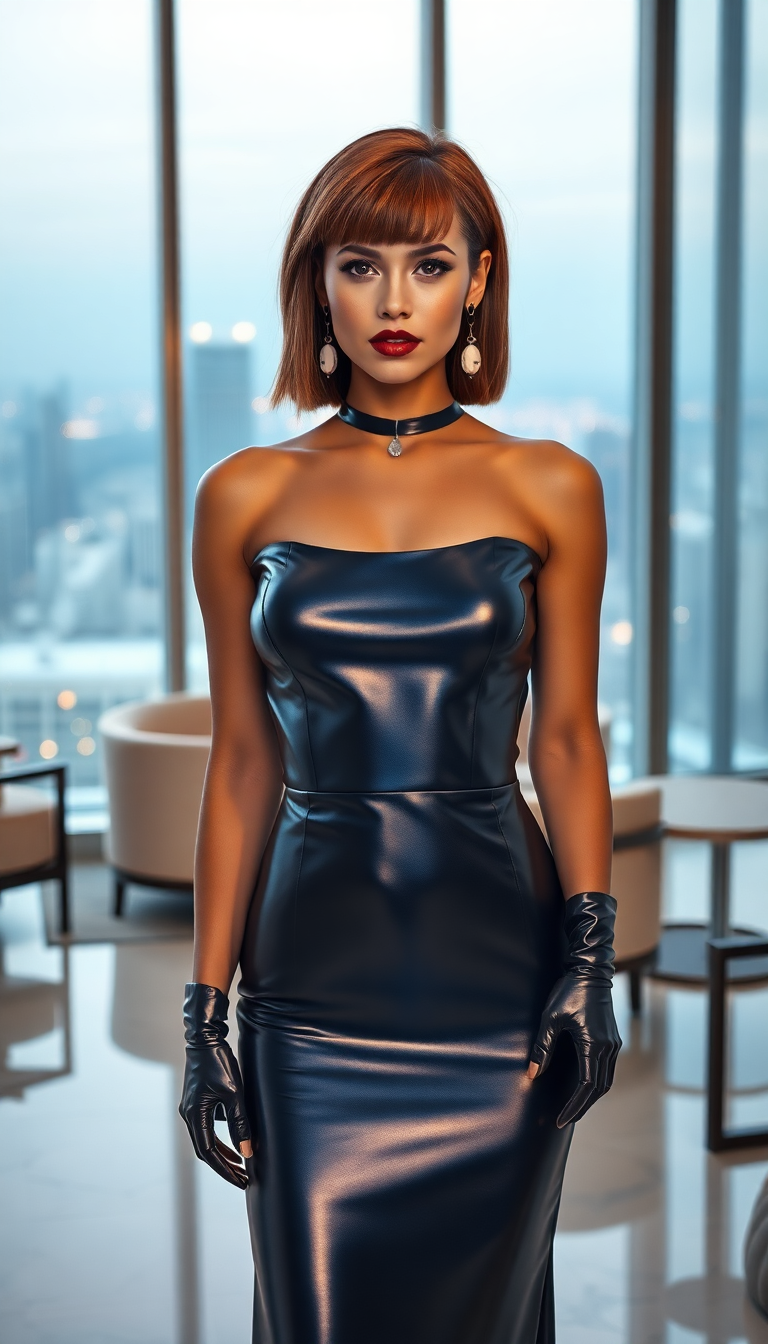
A breathtaking portrait of a 21-year-old woman with a Rubenesque physique
flux
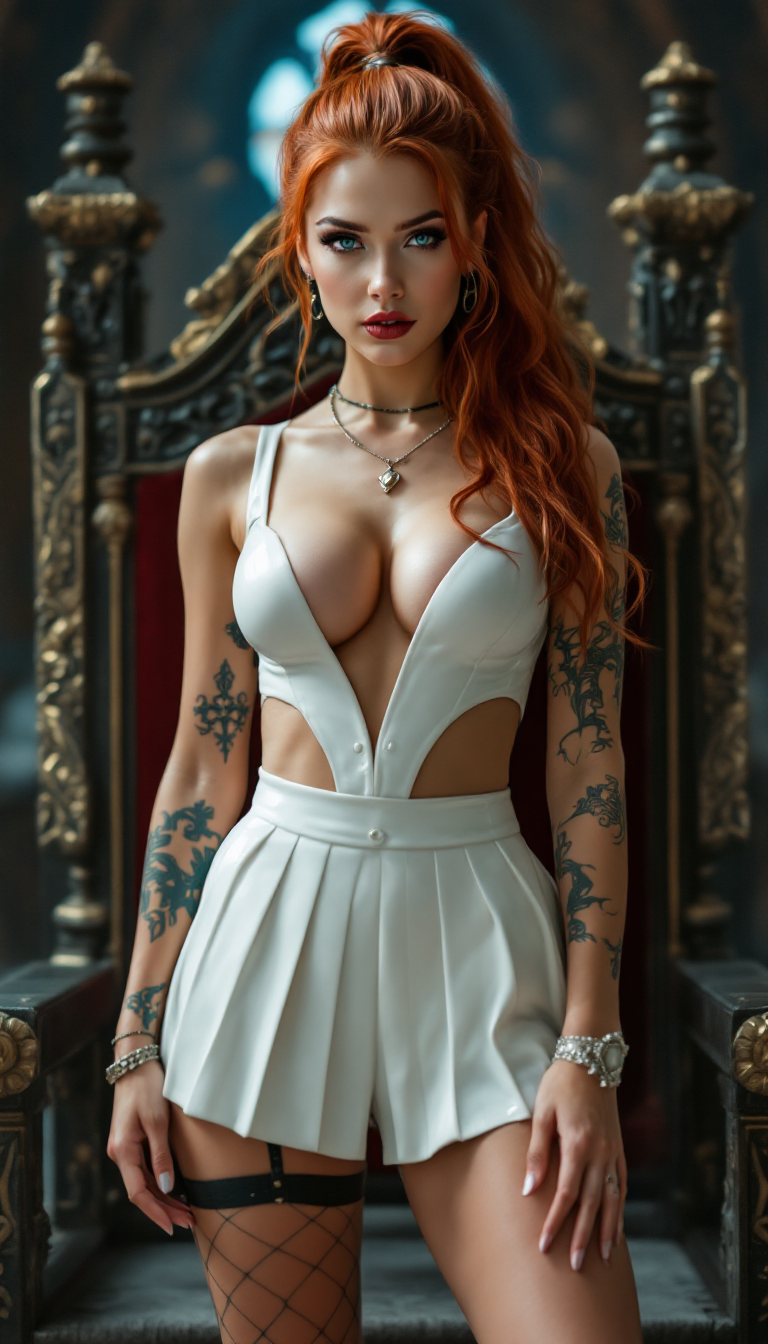
"SHOT COMPOSITION": "Full body shot captured with a Canon 5D camera using a 50mm lens for…
stable-diffusion

Capture a dynamic
flux
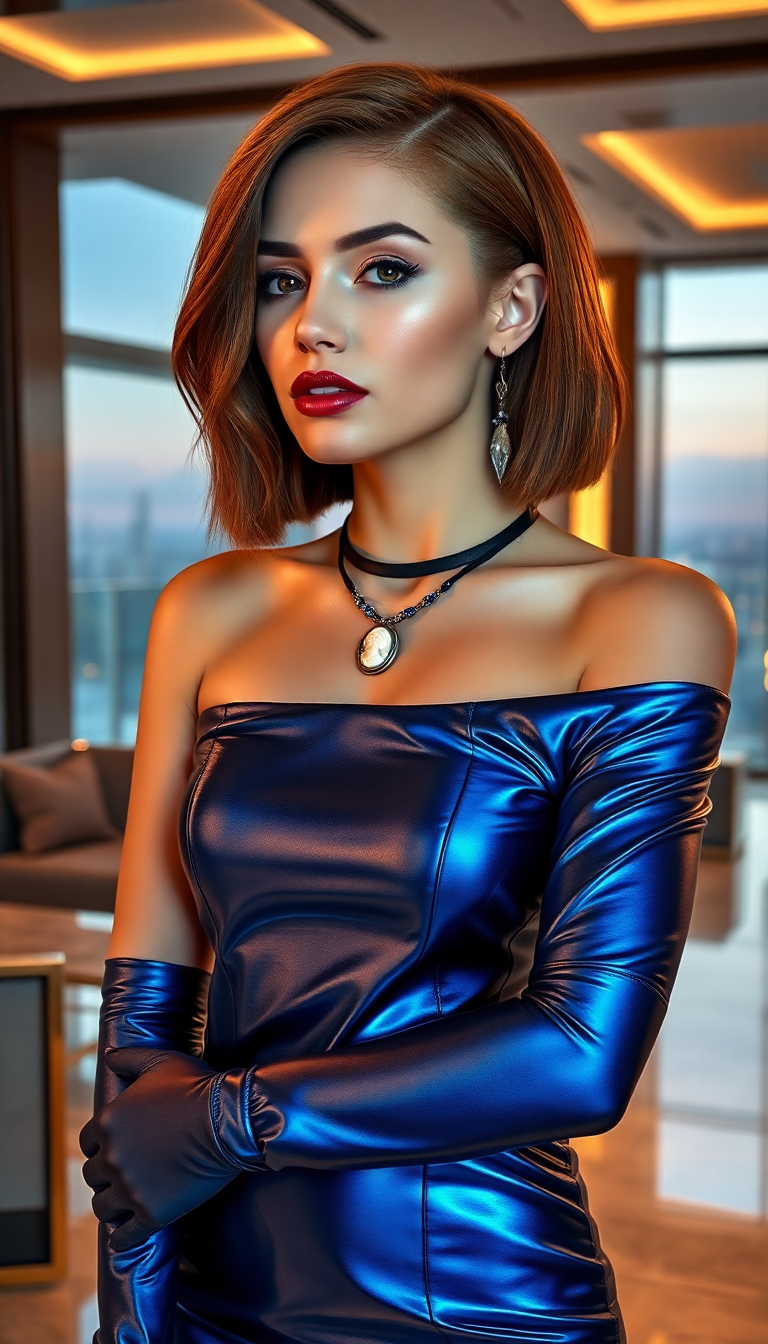
A breathtaking portrait of a 21-year-old woman with an rubenesque physique and a striking…
flux
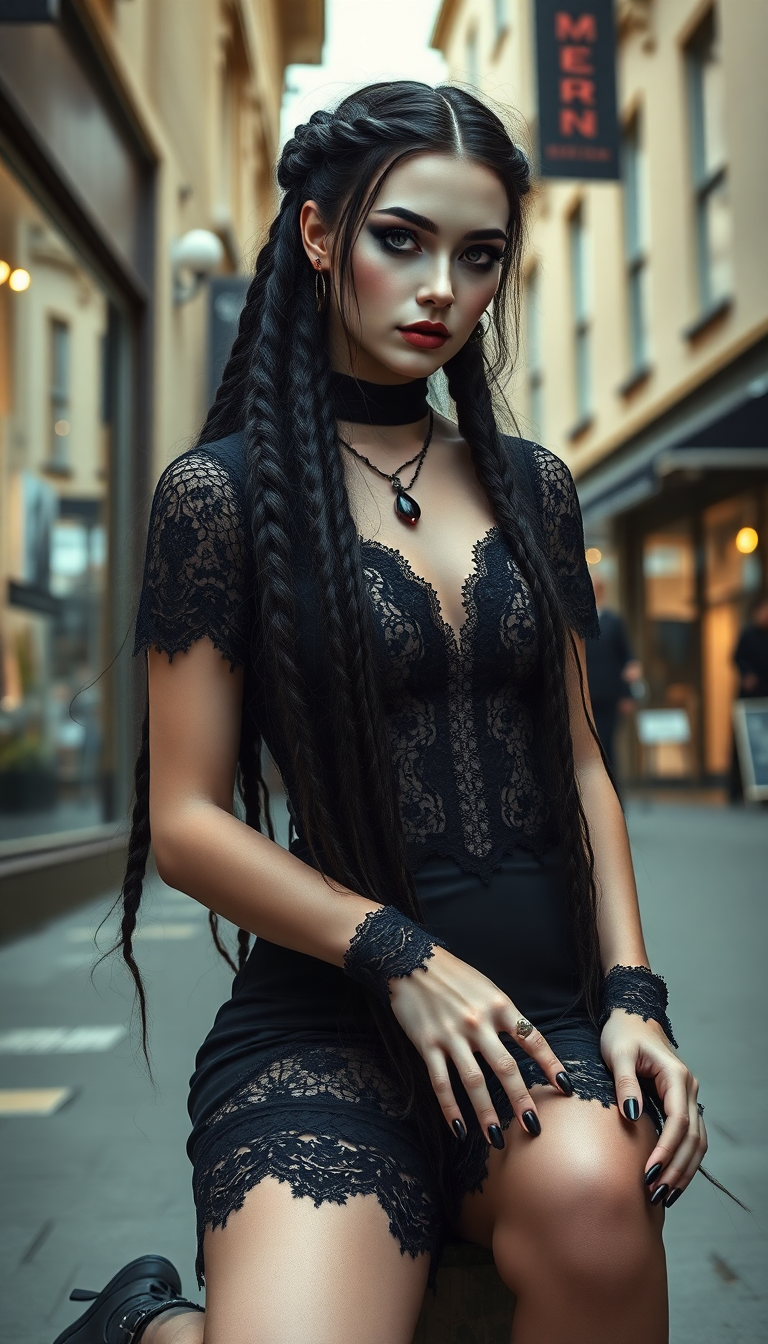
A hyper realistic full body image depicting a goth girl with pale skin and very long black…
flux
Models you can run on PixelDojo for luma-uni-1 AI Image Generator
Switch models without switching tools. Each one runs in the same PixelDojo studio.
What you can do with luma-uni-1 AI Image Generator on PixelDojo
Text Prompt Image Creation
We let creators generate images directly from text prompts with luma-uni-1.
Style Specification Through Prompts
Creators define artistic styles and lighting through their prompts for tailored outputs.
Multiple Image Variations
We produce several image options from a single prompt for comparison and selection.
High Resolution Image Export
Creators download images in resolutions suitable for professional use and distribution.
Why Choose Pixel Dojo for luma-uni-1 AI Image Generator
Professional-quality results with cutting-edge AI technology
Create polished visuals from short prompts
luma-uni-1 helps turn a written idea into a finished image with strong lighting, composition, and atmosphere. It is useful for fast ideation when a project needs several visual directions before selecting a final style.
Explore styles, subjects, and scene ideas
Use luma-uni-1 examples such as cinematic portraits, product shots, fantasy environments, editorial visuals, and branded social graphics as starting points. Adjust the prompt to refine mood, camera angle, color palette, and level of detail.
Run the model inside a guided PixelDojo workflow
PixelDojo keeps the process simple by placing luma-uni-1 alongside prompt controls, output settings, and account pricing details. This makes it easier to compare results, manage credits, and continue editing generated images.
How It Works
Choose luma-uni-1 on PixelDojo
Open PixelDojo, go to the image generation tools, and select luma-uni-1 from the available AI image models. Check the displayed credit cost before generating so luma-uni-1 pricing is clear before you start.
Write a specific prompt
Describe the subject, setting, style, mood, lighting, and format. For example, request a cinematic product photo, a futuristic city at dusk, or a detailed character portrait. This is the core of how to use luma-uni-1 effectively.
Generate, compare, and refine
Review the outputs, save the strongest image, then revise the prompt if needed. Add details such as lens style, color palette, background elements, or composition notes to guide the next luma-uni-1 result.
Loved by creators on PixelDojo
Real feedback from people using PixelDojo, pulled from our in-product surveys.
exceptional quality and great overall design of platform and interface. very intuative. love the creative freedom.
Qwen image 2 is amazing!!
Creative freedom, range of tools and options.
I love the training feature
the quality is the best
All the tools needed in one dashboard
Explore more AI tools on PixelDojo
AI Tools
Compare & Switch
- Best AI Image Generators
- Best AI Video Generators
- Midjourney Alternatives
- Civitai Alternatives
- Runway Alternatives
- Leonardo Alternatives
- Pika Alternatives
- Luma Alternatives
- Magnific Alternatives
- Veo Alternatives
- Flux Alternatives
- Freepik Alternatives
- Seedance Alternatives
- Seedream Alternatives
- Pixverse Alternatives
- GPT Image Alternatives
- Synthesia Alternatives
- Playground Alternatives
- NightCafe Alternatives
- Canva AI Alternatives
- ElevenLabs Alternatives
- ComfyUI Alternatives
- Fal Alternatives
- Replicate Alternatives
Common Questions
Everything you need to know about luma-uni-1 AI Image Generator
What is luma-uni-1?
luma-uni-1 is an AI image model that generates images from text prompts. It is designed for visually rich outputs with strong composition, cinematic lighting, and detailed scene construction. On PixelDojo, users can access luma-uni-1 as part of the platform’s image generation tools.
How do I use luma-uni-1 on PixelDojo?
To use luma-uni-1 on PixelDojo, sign in, open the image generation area, choose luma-uni-1 from the model list, enter a prompt, review the credit cost, and generate. For better results, include the subject, style, setting, lighting, mood, and intended use in the prompt.
How much does luma-uni-1 cost?
luma-uni-1 pricing on PixelDojo is shown before generation and depends on the current credit system, plan, and selected output settings. Users can check the live pricing page or in-app credit display for the exact cost before running the model.
What is luma-uni-1 best at?
luma-uni-1 is best at cinematic images, atmospheric scenes, concept art, polished portraits, product-style visuals, and prompt-driven style exploration. It is especially useful when the goal is a strong first visual direction with appealing lighting and composition.
Is there a free way to try luma-uni-1?
Yes. PixelDojo may offer free starter credits or trial access that can be used to try luma-uni-1 when available on the account. If free credits are not available, the platform shows the lowest current paid option before generation.