sora 2 ai

Generated on PixelDojo. Produced by PixelDojo's generation pipeline.
Imagine turning a simple idea into a breathtaking cinematic video where every movement follows real-world physics, objects interact naturally, and audio syncs perfectly with the action. That's the power you unlock with Sora 2 AI-style generation on PixelDojo. You no longer need a full production crew, expensive cameras, or weeks of editing. In minutes, you generate professional videos featuring dynamic camera moves, realistic lighting, and immersive sound that captivate audiences on social media, ads, or your next project. Whether you want a product demo with fluid motion, a story sequence that holds together across shots, or still images that pop with cinematic flair, PixelDojo puts Hollywood-level results in your hands. Start creating videos that look like they were shot on location with the latest models, all from your browser. Thousands of creators already use these tools daily to ship content faster and stand out.
Real image examples generated on PixelDojo
Every example below was produced on PixelDojo. Hover to see the prompt.
sora 2 ai on PixelDojo
creative-upscaler

Kira-Super
stable-diffusion
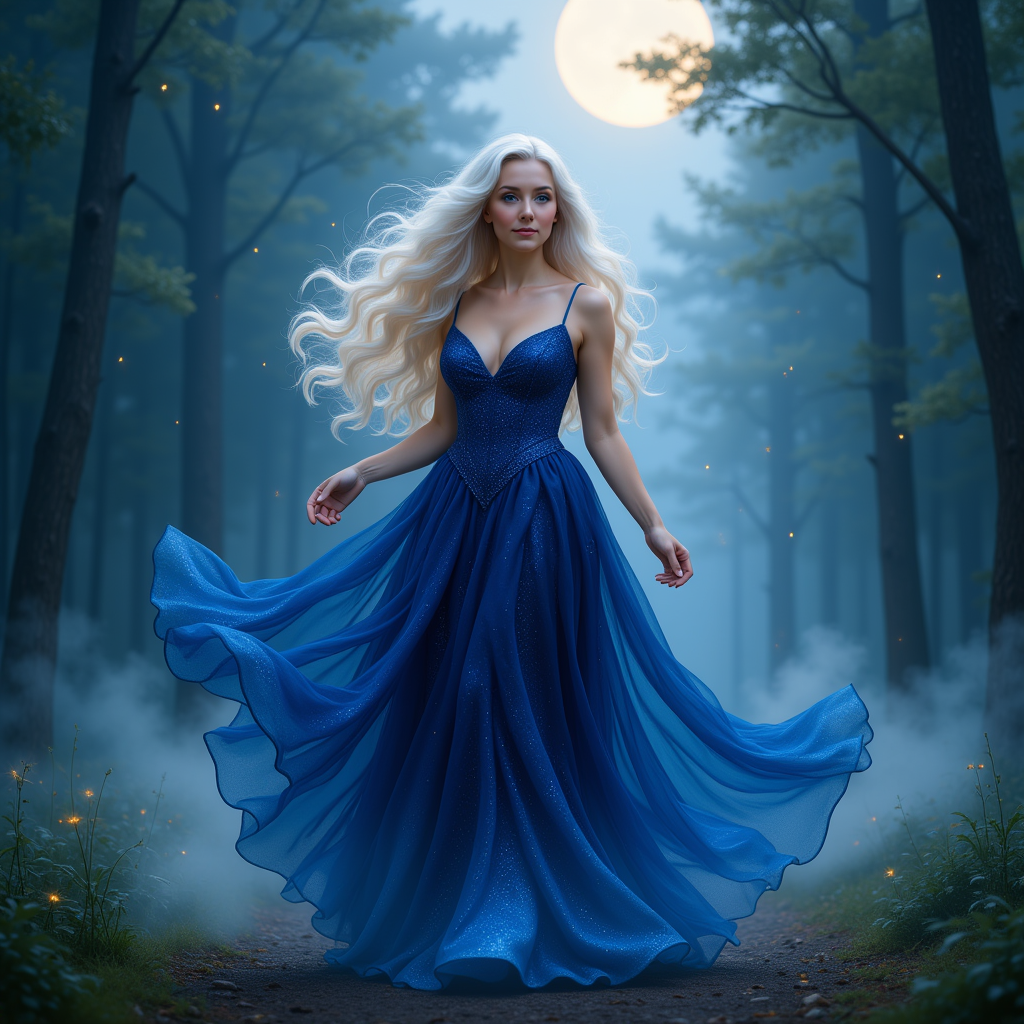
KIRA_SUNRISE
stable-diffusion
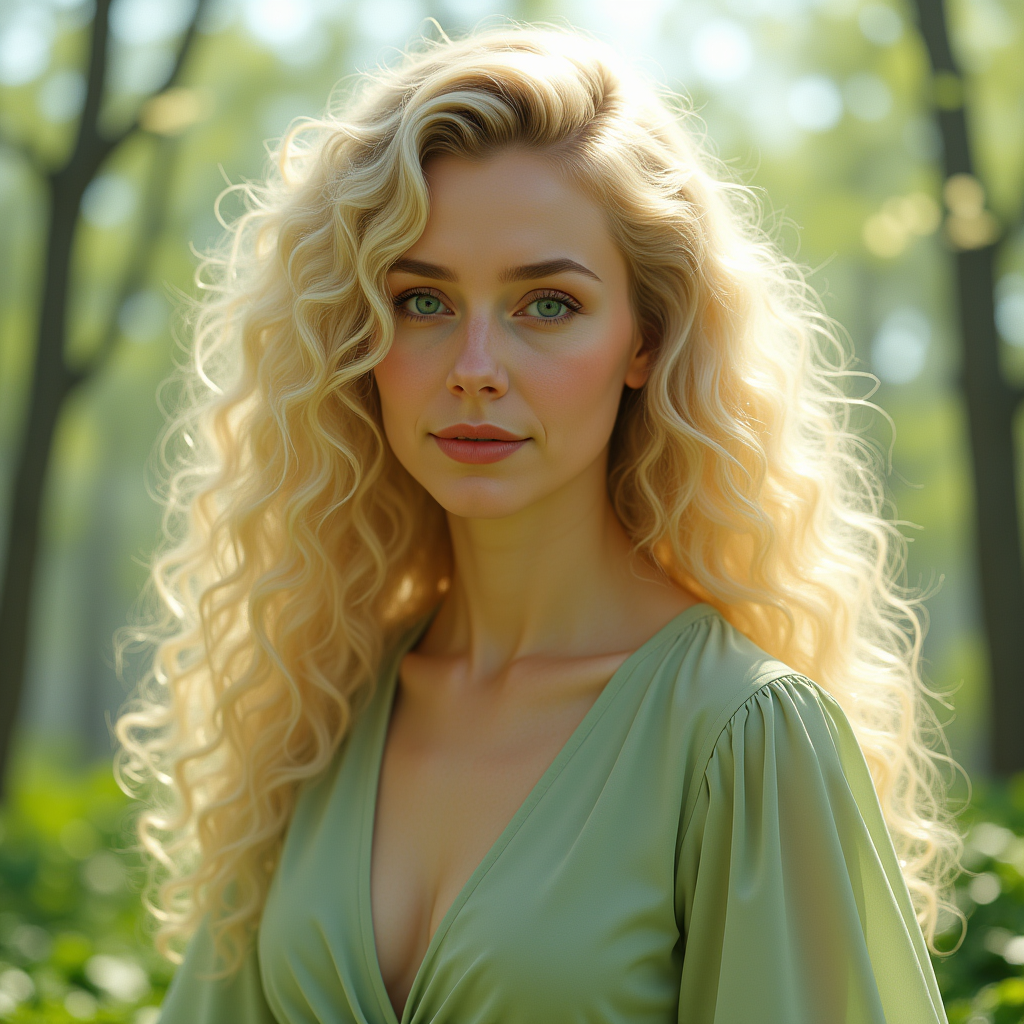
Kira-Original-Zip
stable-diffusion
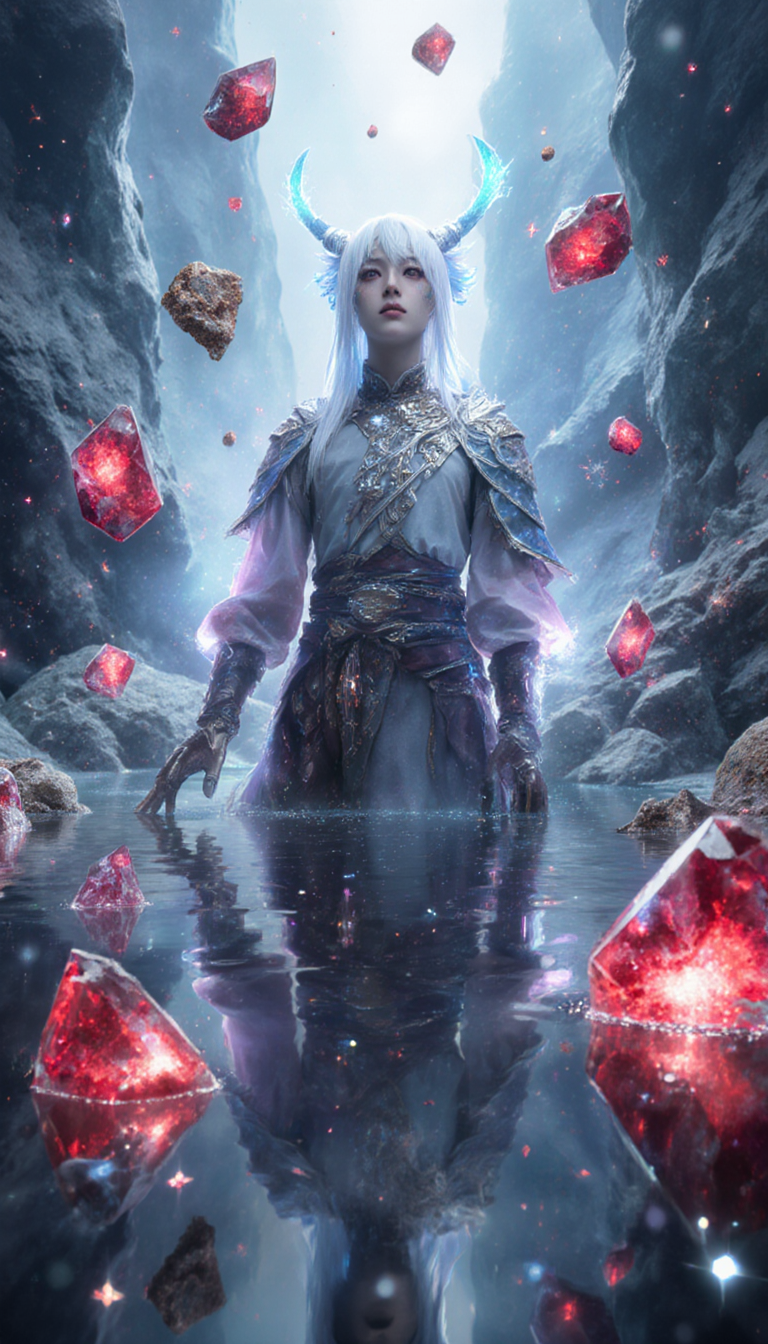
<lora:Urushihara Satoshi_XL_PONY_V2:1>
flux-studio
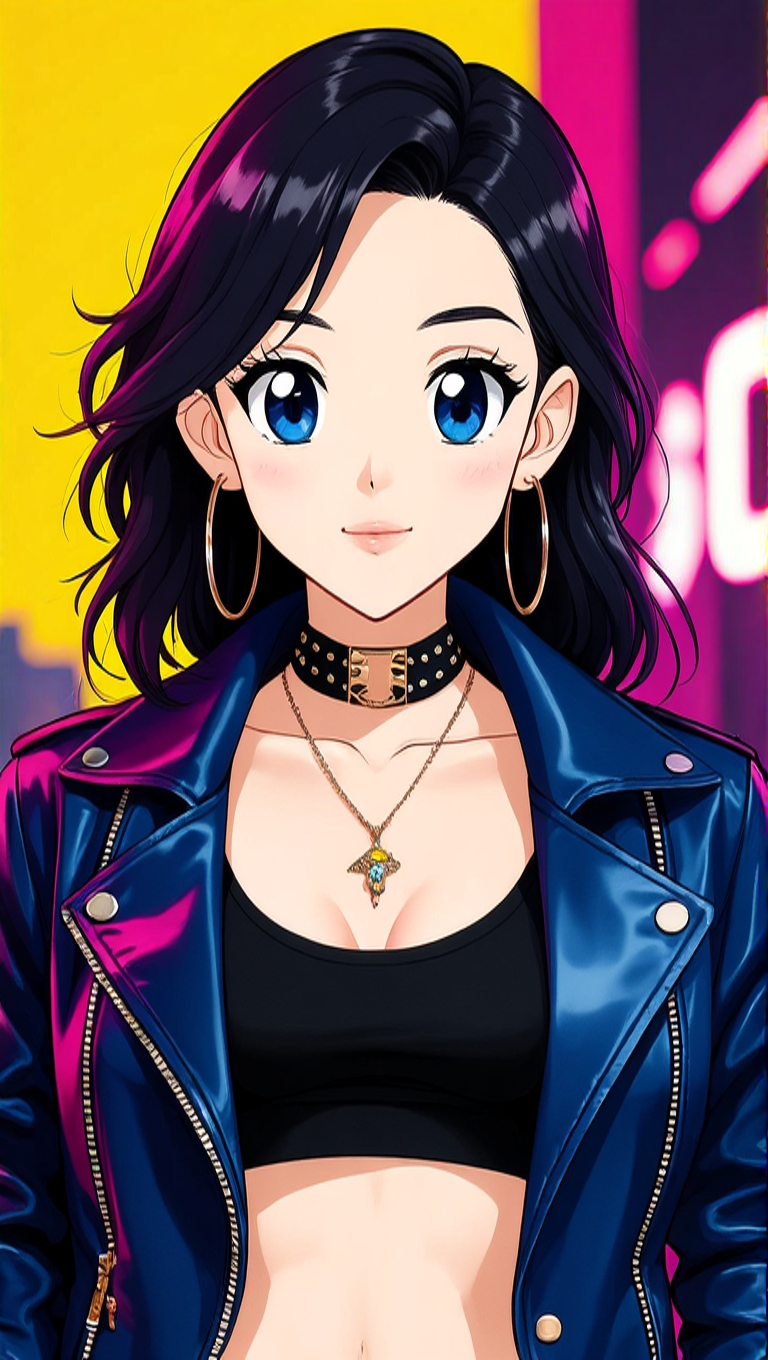
Make her look like an anime character edit
hidream
Models you can run on PixelDojo for sora 2 ai
Switch models without switching tools. Each one runs in the same PixelDojo studio.
What you can do with sora 2 ai on PixelDojo
Prompt-Driven Image Generation
We run Sora 2 AI so you can turn written prompts into still images you can review, refine, and export for creative work.
Style and Composition Control
We let you steer look, framing, and subject detail with prompt edits so each generation better matches the scene you have in mind.
Iterate Without Starting Over
We keep generations in one workspace so you can compare variants, tweak prompts, and continue from results you already like.
Download Ready Assets
We give you images you can save and use in decks, social posts, concept art, and other production pipelines you already run.
Loved by thousands of creators worldwide. Access 40+ cutting-edge AI tools with cancel anytime. Join the community turning ideas into viral-ready videos every day.
Why Choose Pixel Dojo for sora 2 ai
Professional-quality results with cutting-edge AI technology
Physics-Real Motion That Feels Alive
You create videos where water splashes correctly, fabric flows naturally, and objects bounce or collide as they should in the real world. No more floating artifacts or impossible movements. Your audience stays immersed because every frame respects gravity, momentum, and material behavior. Perfect for product launches, action sequences, or lifestyle clips that look professionally filmed.
Cinematic Quality with Synced Audio Instantly
You produce multi-shot sequences with matching dialogue, sound effects, and ambient audio generated together. Camera work like slow dollies, rack focus, and anamorphic looks come built-in. Your videos feel like they came from a film set, ready for ads, explainers, or social stories without extra post-production.
From Prompt to Polished Asset in Minutes
You iterate quickly, lock in characters and compositions with references, then enhance with upscaling and edits. Download high-res files you can use commercially right away. Save time and budget while delivering results that convert viewers into customers.
How It Works
You create Sora 2 AI-style videos and images by combining PixelDojo's advanced generators with simple, director-like prompts. Follow these steps to go from concept to finished cinematic piece.
Step 1: Choose Your Tool
Select a video tool like VEO 3.1 for native audio and 4K cinematic output, Kling Video for lip-synced multi-shot stories, WAN 3.0 or Seedance 2.5 for physics-accurate motion and reference-driven control, or Hailuo 2.3 and MiniMax H3 for fast character-focused clips. For stills that feed into video, start with Flux.2 Studio, Seedream 5, or Ideogram 4 to generate high-quality reference images. Pick the model that matches your goal: speed, length, or ultra-realism.
Step 2: Enter Your Prompt
Write a vivid, structured prompt like a shot list. Describe the scene, subject action in beats, camera (wide establishing, slow dolly-in, 50mm lens, shallow depth of field), lighting (golden hour backlight, volumetric rays), style (cinematic, anamorphic flares), and audio (dialogue, foley, ambient). Use natural language paragraphs. Add an image reference from Flux.2 Studio or Seedream 5 to lock faces, wardrobe, and composition. Keep one clear camera move per shot for best results.
Step 3: Customize & Download
Review the output, then refine with Edit Videos tools like Kling Video Edit, WAN 2.7 Video Edit, or Seedance 2.5 Video Edit. Extend clips, reframe, add captions with Video Autocaption, or merge sequences. Upscale with FLUX Video Upscale or Magnific Upscaler for extra sharpness. For images, use Inpainting, Style Transfer, or Reality Polisher. Download in high resolution, ready for your campaign. Iterate as needed until it matches your vision.
The Pixel Dojo Advantage
Why PixelDojo outperforms other options for Sora 2 AI-style image and video generation
| Others | Pixel Dojo |
|---|---|
| Traditional video production | You skip crew, locations, and weeks of shooting. Generate physics-real cinematic clips with audio in minutes at a fraction of the cost, then iterate instantly. |
| Generic AI tools | You get specialized models like VEO 3.1, Kling Video, WAN 3.0, and Seedance 2.5 plus full edit and upscale suites. More control, better physics, and consistent quality across shots. |
| Manual photo and video editing | You start with AI-generated bases that already look professional, then polish with Inpainting, Style Transfer, Video Reframe, and Upscalers. Hours of work become minutes. |
Loved by creators on PixelDojo
Real feedback from people using PixelDojo, pulled from our in-product surveys.
Great site and so much fun to use!
very useful set of tools for image creation, upscaling and enhancement
ease of use, variety of tools, high quality trainings, and a well-maintained discord channel
Ease of use, friendliness and support of the owner, continued innovation.
it is an amazing site to create a pics and vids for those who don't have the hardware themselves
good tools in one place
Explore more AI tools on PixelDojo
AI Tools
Compare & Switch
- Best AI Image Generators
- Best AI Video Generators
- Midjourney Alternatives
- Civitai Alternatives
- Runway Alternatives
- Leonardo Alternatives
- Pika Alternatives
- Luma Alternatives
- Magnific Alternatives
- Veo Alternatives
- Flux Alternatives
- Freepik Alternatives
- Seedance Alternatives
- Seedream Alternatives
- Pixverse Alternatives
- GPT Image Alternatives
- Synthesia Alternatives
- Playground Alternatives
- NightCafe Alternatives
- Canva AI Alternatives
- ElevenLabs Alternatives
- ComfyUI Alternatives
- Fal Alternatives
- Replicate Alternatives
Common Questions
Everything you need to know about sora 2 ai
How do I create Sora 2 AI style videos with realistic physics on PixelDojo?
Choose VEO 3.1, Kling Video, WAN 3.0, or Seedance 2.5. Write a prompt that specifies materials, forces, and motion beats such as 'wet fabric catching wind, droplets sliding, realistic splash on impact.' Add camera and lighting details. The models excel at natural object behavior so your videos feel grounded and professional.
What is the best way to get cinematic Sora 2 AI results with synced audio?
Use VEO 3.1 or Kling Video and include audio cues in your prompt: short dialogue, specific foley, and ambient beds. Describe shots with lens, movement, and lighting. PixelDojo generates video and sound together so everything stays in sync. Then refine with Video Edit tools for perfect timing.
Can I use my own images as references for Sora 2 AI video generation?
Yes. Generate or upload a still with Flux.2 Studio, Seedream 5, or Ideogram 4, then feed it into video tools like WAN Reference to Video, Seedance 2 Reference, or Kling Video. This locks character appearance, wardrobe, and composition so your sequences stay consistent across shots.
How long can Sora 2 AI style videos be on PixelDojo?
Depending on the tool you select, you can create clips from a few seconds up to extended sequences. VEO 3.1 and Kling Video support longer, multi-shot storytelling. Use Video Extend features and Merge Videos to build complete scenes while keeping physics and audio coherent.
Is PixelDojo good for commercial Sora 2 AI video and image projects?
Absolutely. You get commercial-ready output from 40+ tools including Marketing Studio, Consistent Characters, and high-res upscalers. Thousands of creators use PixelDojo for ads, social content, and client work. Cancel anytime with no long-term commitment.
What editing options help polish Sora 2 AI generated videos?
After generation, use Kling Video Edit, WAN 2.7 Video Edit, Seedance 2.5 Video Edit, Video Autocaption, Video Reframe, and Extract Frame. Combine with Image Outpainting or Reality Polisher on stills. These tools let you fix details, add captions, change angles, and upscale without starting over.