try flux 2 pro AI Generator

Generated on PixelDojo. Produced by PixelDojo's generation pipeline.
You can now produce studio-quality product photography, brand-consistent campaign visuals, and photorealistic scenes in seconds instead of days. PixelDojo puts Flux 2 Pro in your hands through Flux.2 Studio so you skip expensive photoshoots, model bookings, and endless revisions. Describe the lighting, camera angle, exact hex brand colors, and composition you need and watch your vision appear with accurate textures, readable text, and natural lighting that looks ready for e-commerce, ads, or social. Upload reference photos of your product, character, or style and keep identity locked across dozens of variations. Whether you need lifestyle shots, infographics with perfect typography, or fashion editorials, you get professional results without photography skills or a big budget. Start generating today and turn ideas into assets your audience actually wants to buy from.
Real image examples generated on PixelDojo
Every example below was produced on PixelDojo. Hover to see the prompt.
Make it photo realistic edited with Flux Kontext Pro
flux-studio

Turn your image into a cartoon with FLUX
stable-diffusion

Add a log edited with Flux Kontext Dev
flux-studio
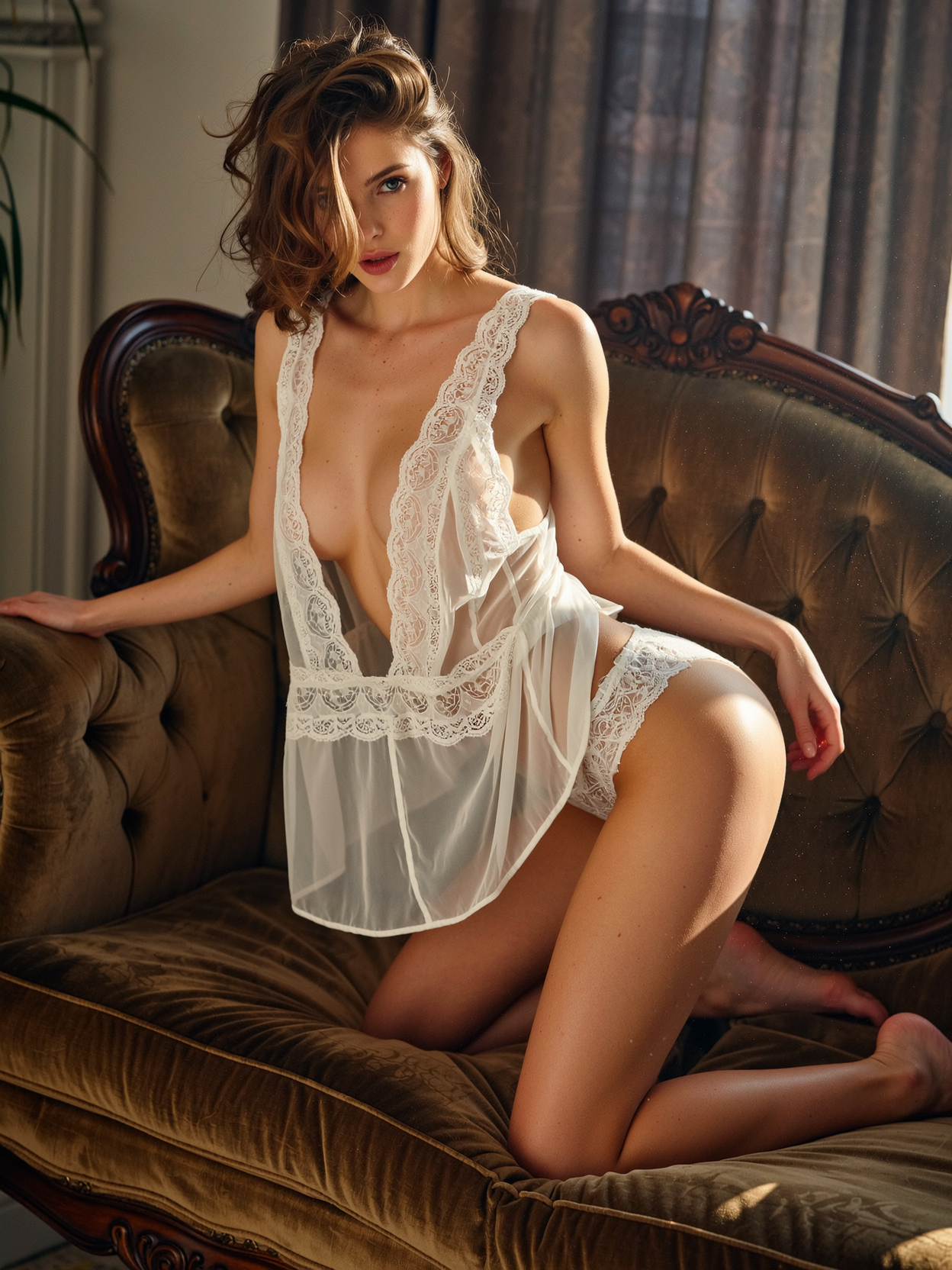
Seductive lingerie model crawling on all fours across a tufted velvet chaise
wan-image

A tiny mini diminutive steampunk grizzly
hidream
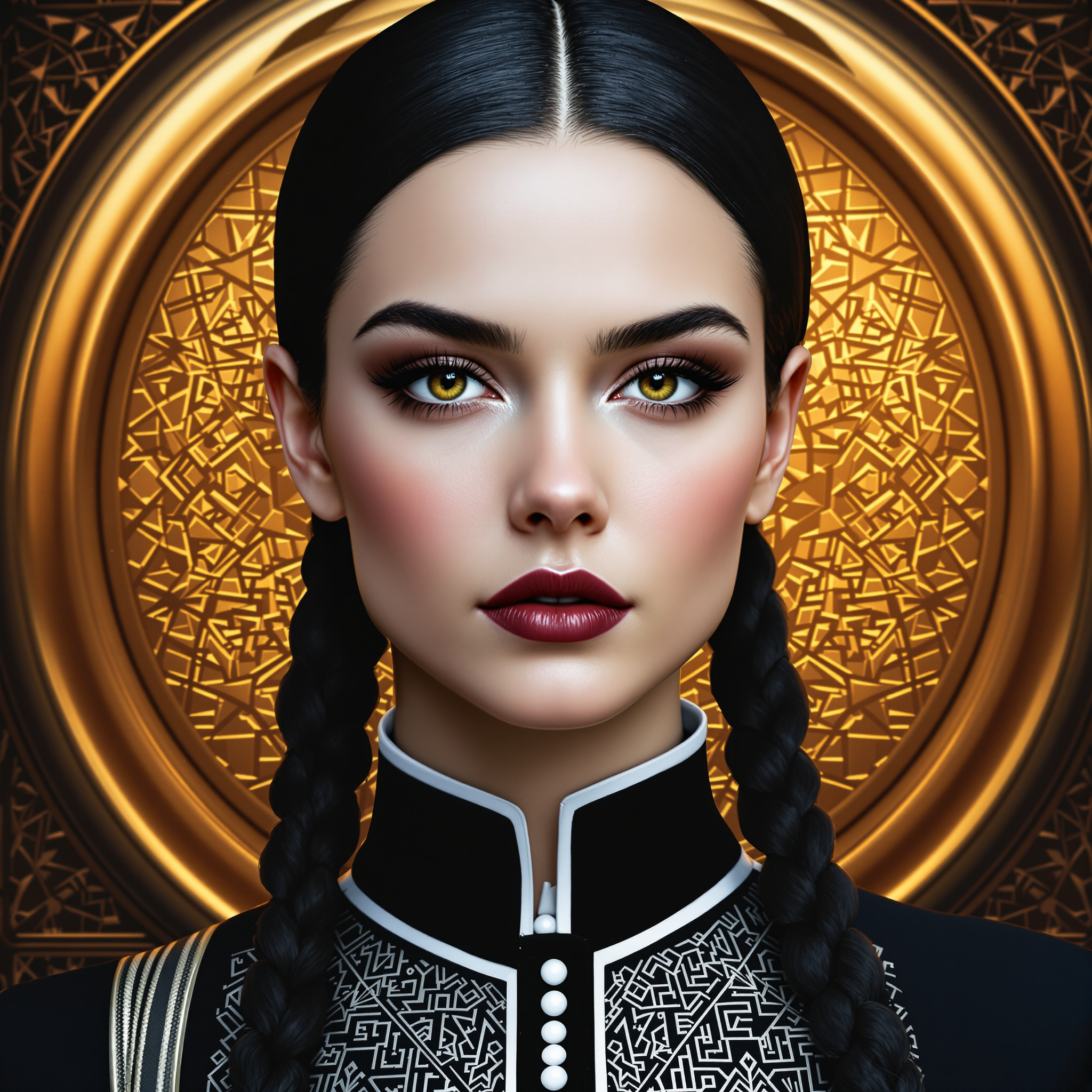
try flux 2 pro on PixelDojo
flux-redux
Models you can run on PixelDojo for try flux 2 pro
Switch models without switching tools. Each one runs in the same PixelDojo studio.
What you can do with try flux 2 pro on PixelDojo
Try Flux 2 Pro
We give you access to Flux 2 Pro so you can generate images from text prompts in our studio. You can iterate on a prompt and export the results you want to keep.
Prompt Driven Image Output
Describe the scene, subject, lighting, and style you need and we run Flux 2 Pro against that prompt. You stay in control of the wording and can refine it across multiple generations.
Studio Ready Exports
We let you generate stills you can download and use in your own projects. You can keep versions side by side so you can pick the frame that fits the brief.
Iterate Without Leaving PixelDojo
We keep generation, prompt edits, and history in one place so you can try Flux 2 Pro without switching tools. You can reuse a strong prompt and adjust details as you go.
Loved by thousands of creators worldwide who generate marketing assets, product catalogs, and character series every day. 40+ cutting-edge AI tools in one platform, cancel anytime.
Why Choose Pixel Dojo for try flux 2 pro
Professional-quality results with cutting-edge AI technology
Campaign-Ready Product Images Overnight
You create e-commerce and advertising shots with precise lighting, material details, and brand colors matched by hex code. Flux.2 Studio delivers images that look photographed, not generated, so you launch products faster and convert more shoppers.
Lock Characters and Products Across Every Shot
You upload up to eight reference images and keep the same face, garment, or product identical in 50 ad variants or editorial series. Combined with Consistent Characters and Flux 2 Trainer, your brand stays recognizable everywhere.
Professional Quality Without the Studio Cost
You generate high-resolution images with accurate hands, fabrics, logos, and typography that used to require a full production team. Edit further with Inpainting, Style Transfer, or P-Image Upscale and download print-ready files in minutes.
How It Works
You create stunning Flux 2 Pro images in three simple steps inside PixelDojo. No software to install, no technical setup, just results you can use immediately.
Step 1: Choose Flux.2 Studio
Log into PixelDojo and open Generate Images. Select Flux.2 Studio to access the latest Flux 2 Pro capabilities including multi-reference support and unified generation plus editing. You can also train custom versions later with Flux 2 Trainer if you need your own style or character locked in.
Step 2: Enter Your Prompt and References
Write a natural-language description covering subject, action, lighting, camera lens, and exact colors. Quote any text you want rendered and add hex codes for brand matching. Upload up to eight reference images of your product, model, or mood so Flux 2 Pro keeps everything consistent. The model follows structured instructions closely so you get what you asked for on the first try.
Step 3: Customize, Enhance, and Download
Choose aspect ratio, generate, then refine with PixelDojo’s Edit Images tools such as Inpainting, Change Camera Angle, Magic Lighting, or Background Remover. Upscale with P-Image Upscale or Magnific Upscaler for extra sharpness. Download in the format you need and reuse the same prompt or references for unlimited variations. You stay in control from first draft to final asset.
The Pixel Dojo Advantage
Why PixelDojo outperforms other options for Flux 2 Pro image generation
| Others | Pixel Dojo |
|---|---|
| Traditional photography and design | You skip location scouting, talent fees, and post-production delays. Generate unlimited on-brand variations in minutes instead of weeks and keep every asset consistent without extra shoots. |
| Generic AI tools | You get Flux.2 Studio plus 40+ complementary models including GPT Image 2, Seedream 5, Ideogram 4, and Flux 2 Trainer all in one account. Switch between generation, editing, upscaling, and custom training without leaving the platform. |
| Manual photo editing software | You start with a photorealistic base image instead of a blank canvas. Then apply Image to Image, Style Transfer, Reality Polisher, or Video tools if you later need motion, all without hours of layer work. |
Loved by creators on PixelDojo
Real feedback from people using PixelDojo, pulled from our in-product surveys.
I love the training feature
the quality is the best
All the tools needed in one dashboard
Very fair and very broad in tools.
Accurate results
Great site and so much fun to use!
Explore more AI tools on PixelDojo
AI Tools
Compare & Switch
- Best AI Image Generators
- Best AI Video Generators
- Midjourney Alternatives
- Civitai Alternatives
- Runway Alternatives
- Leonardo Alternatives
- Pika Alternatives
- Luma Alternatives
- Magnific Alternatives
- Veo Alternatives
- Flux Alternatives
- Freepik Alternatives
- Seedance Alternatives
- Seedream Alternatives
- Pixverse Alternatives
- GPT Image Alternatives
- Synthesia Alternatives
- Playground Alternatives
- NightCafe Alternatives
- Canva AI Alternatives
- ElevenLabs Alternatives
- ComfyUI Alternatives
- Fal Alternatives
- Replicate Alternatives
Common Questions
Everything you need to know about try flux 2 pro
How can I try Flux 2 Pro for free on PixelDojo?
Create a free PixelDojo account and you receive starter credits you can spend immediately on Flux.2 Studio. Generate your first photorealistic product shot or character scene, then decide if you want more credits or a monthly plan. You can cancel anytime and keep access to all 40+ tools while you test.
What are the best Flux 2 Pro prompting techniques for photorealistic results?
Describe the scene in natural language: subject, action, lighting direction and quality, camera lens, and exact hex colors. Quote any text you want rendered and skip negative prompts. PixelDojo’s Flux.2 Studio follows these structured instructions closely so you get accurate hands, fabrics, and lighting that look photographed rather than artificial.
Can I keep the same character or product consistent across many Flux 2 Pro images?
Yes. Upload up to eight reference images in Flux.2 Studio and the model locks identity, clothing, and product details. Pair it with PixelDojo’s Consistent Characters, Character Sheets, or train a custom LoRA using Flux 2 Trainer so every future generation stays on brand without extra work.
Is Flux 2 Pro good for product photography and e-commerce images?
You produce catalog-ready shots with precise color matching, realistic materials, and studio lighting that convert browsers into buyers. Generate lifestyle scenes, pack shots, or infographics with readable text, then enhance with Background Remover or P-Image Upscale. Everything stays inside PixelDojo so you move from idea to listing in one workflow.
Which PixelDojo tools work together with Flux 2 Pro images?
After generation you can edit with Image to Image, Inpainting, Change Camera Angle, Style Transfer, or Magic Lighting. Upscale using P-Image Upscale, Magnific Upscaler, or Clarity Pro. Train personalized versions with Flux 2 Trainer, create video from stills with Flux 3 Video or Kling Video, and even generate matching audio. All 40+ tools stay connected so your Flux 2 Pro assets become a complete campaign.
Does PixelDojo offer a Flux 2 Pro API for developers?
Yes. Use the Developer API, generate API Keys, and buy API Credits to integrate Flux 2 Pro (and every other PixelDojo model) into your own apps or pipelines. ComfyUI support is also available if you prefer local workflows. You keep the same high-quality results and multi-reference power while scaling production.