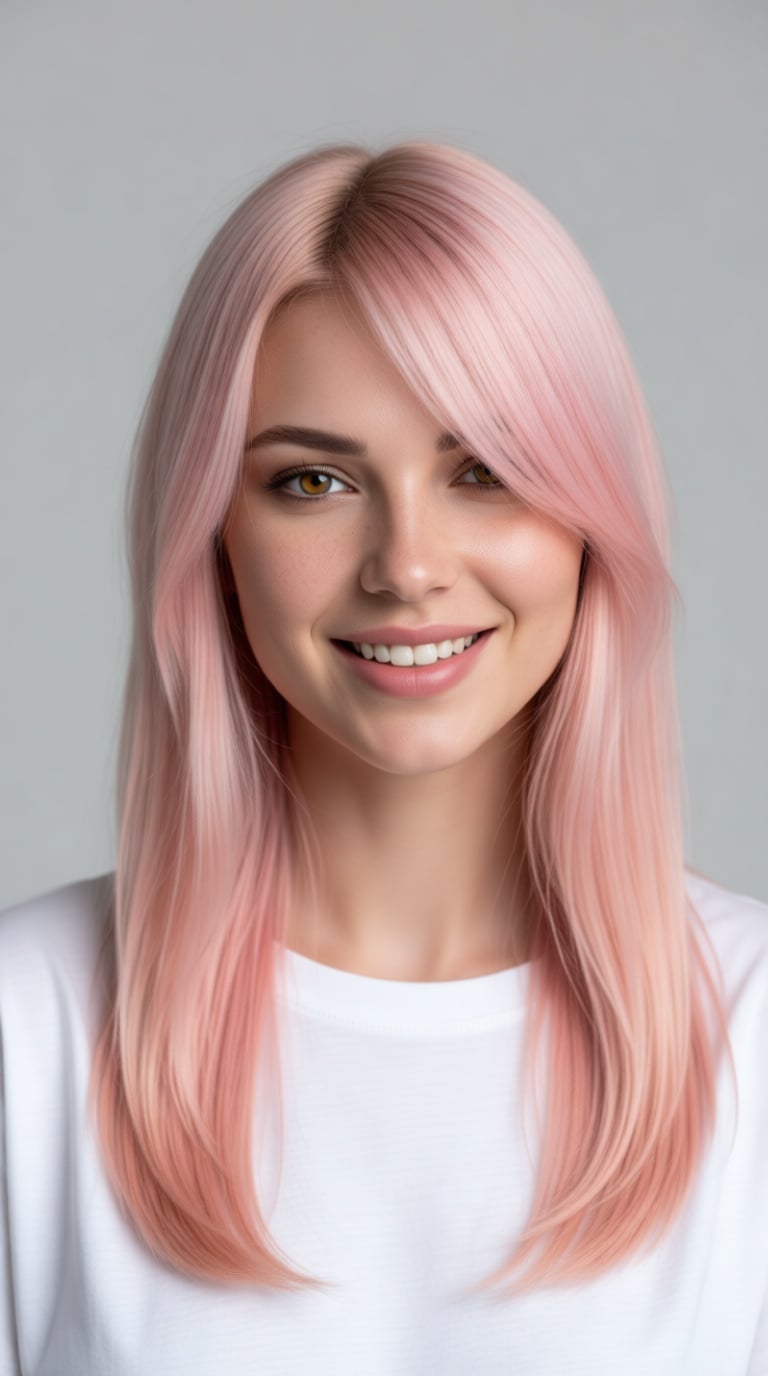
“photorealistic half upper-body portrait of a young woman with long pastel pink hair, soft cotton-candy pink tones with subtle peach undertones, straight flowing hair with layered strands and long slightly messy bangs partially covering one eye. Hair color is predominantly pink, not blonde, with soft natural shine and realistic strand detail. Warm pale skin with natural skin texture, visible pores, subtle freckles across the nose and cheeks, and a gentle natural blush. Bright amber-gold eyes with a relaxed playful expression. She has a casual natural smile with normal human teeth, slightly asymmetrical friendly expression. Natural eyebrows, minimal makeup, soft natural lips. She is wearing a simple loose white cotton t-shirt, soft fabric with slight wrinkles, casual everyday clothing. Soft diffused studio lighting, bright neutral background, minimal modern interior or light gray backdrop. Professional portrait photography, shallow depth of field, 85mm lens, RAW photo, high dynamic range, ultra detailed skin texture, visible pores, cinematic lighting, photorealistic. (edited)”
P-Image
Sub-second generation with text rendering
What it's good at
- Sub-second generation
- Native text rendering
- Editing capabilities
Best for
Quick mockups, text overlays, rapid prototyping
Example prompts the community voted up
Real images from PixelDojo creators. Hover or tap into the gallery to see more — copy any prompt as a starting point for your own work.
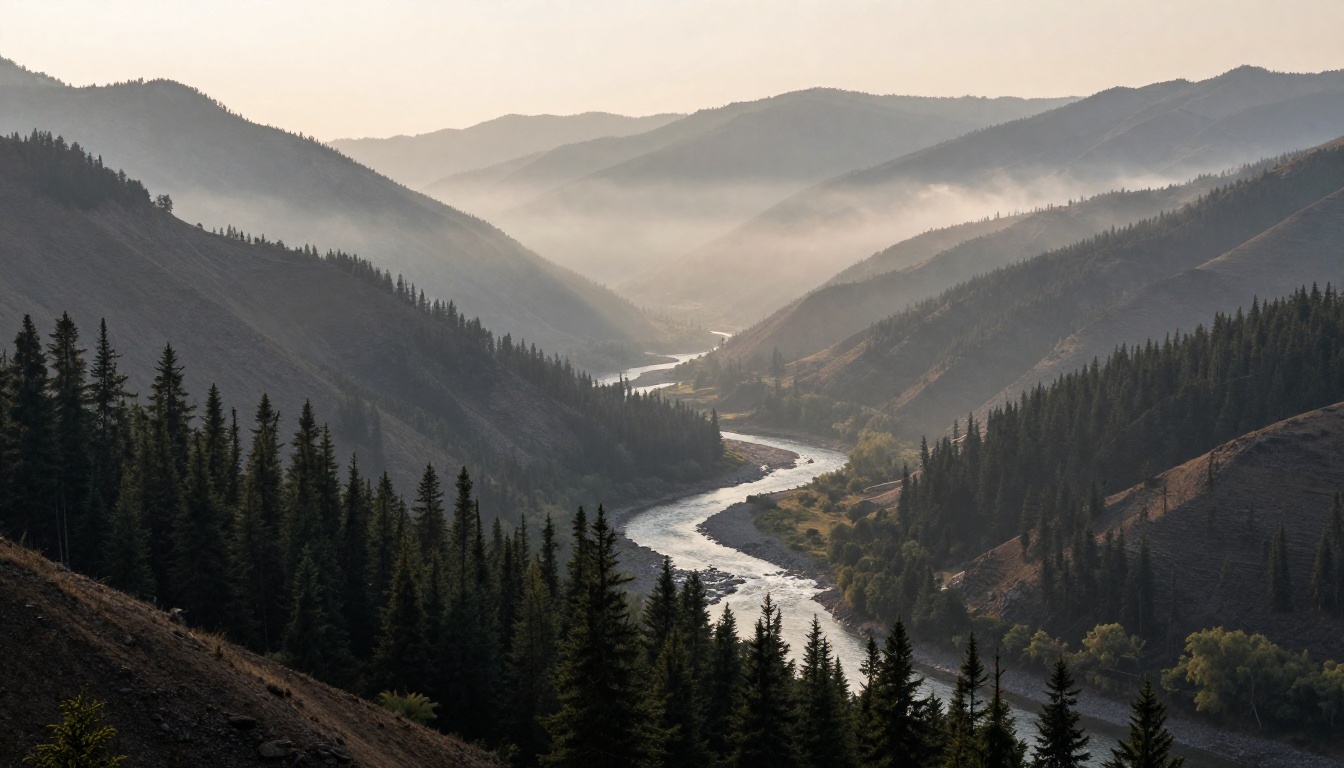
“A misty mountain valley at dawn, layered ridgelines, a winding river through pine forest, soft light”
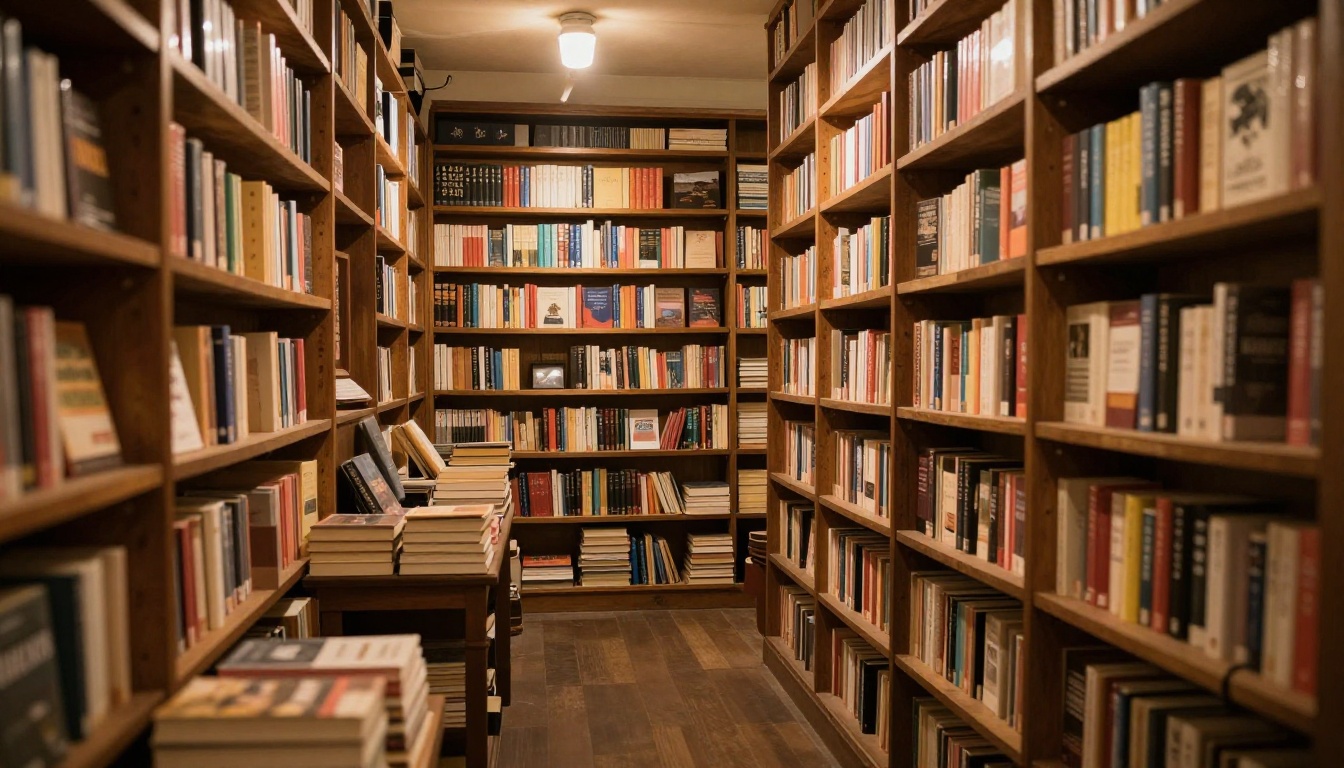
“A cozy independent bookshop interior with warm lamplight and towering shelves, inviting reading nook”
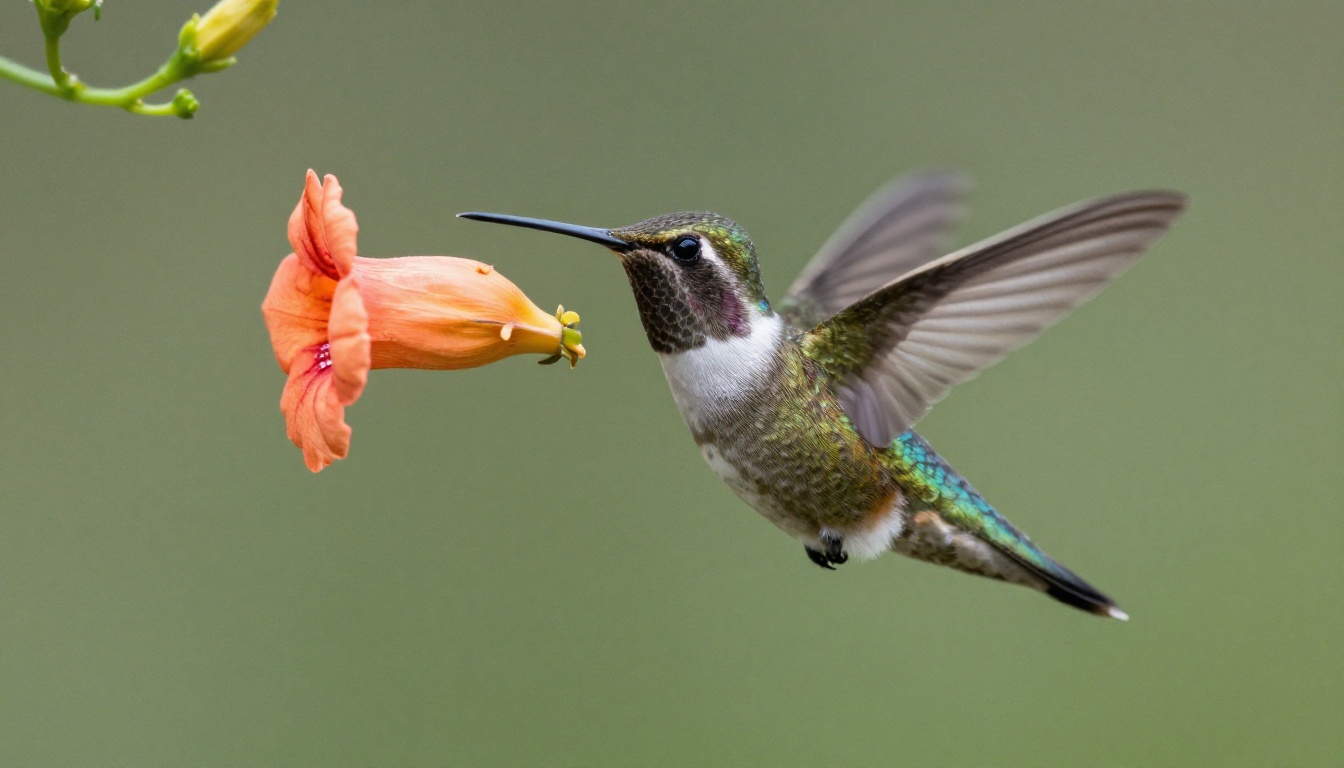
“A delicate hummingbird hovering beside a trumpet flower, iridescent feathers, crisp macro photography”
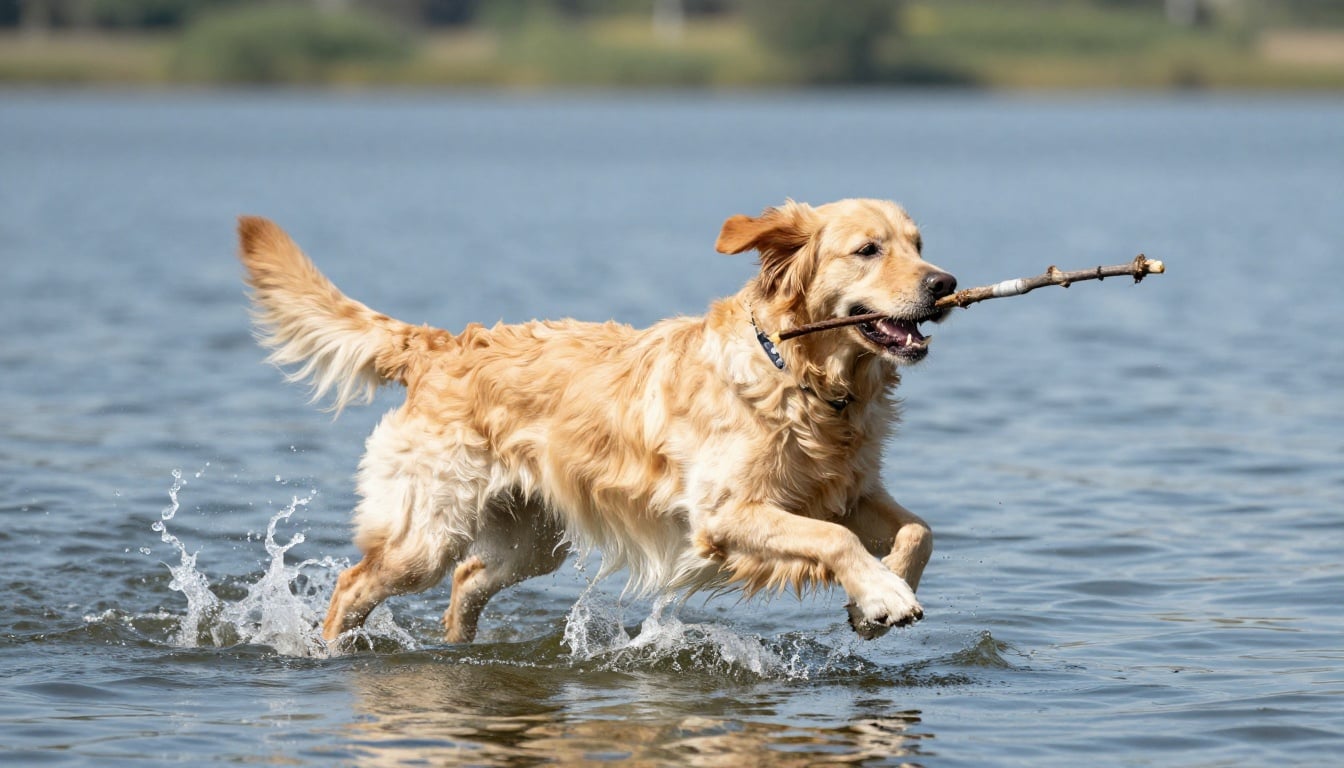
“A playful golden retriever leaping into a lake to fetch a stick, water splashing, sunny summer day”
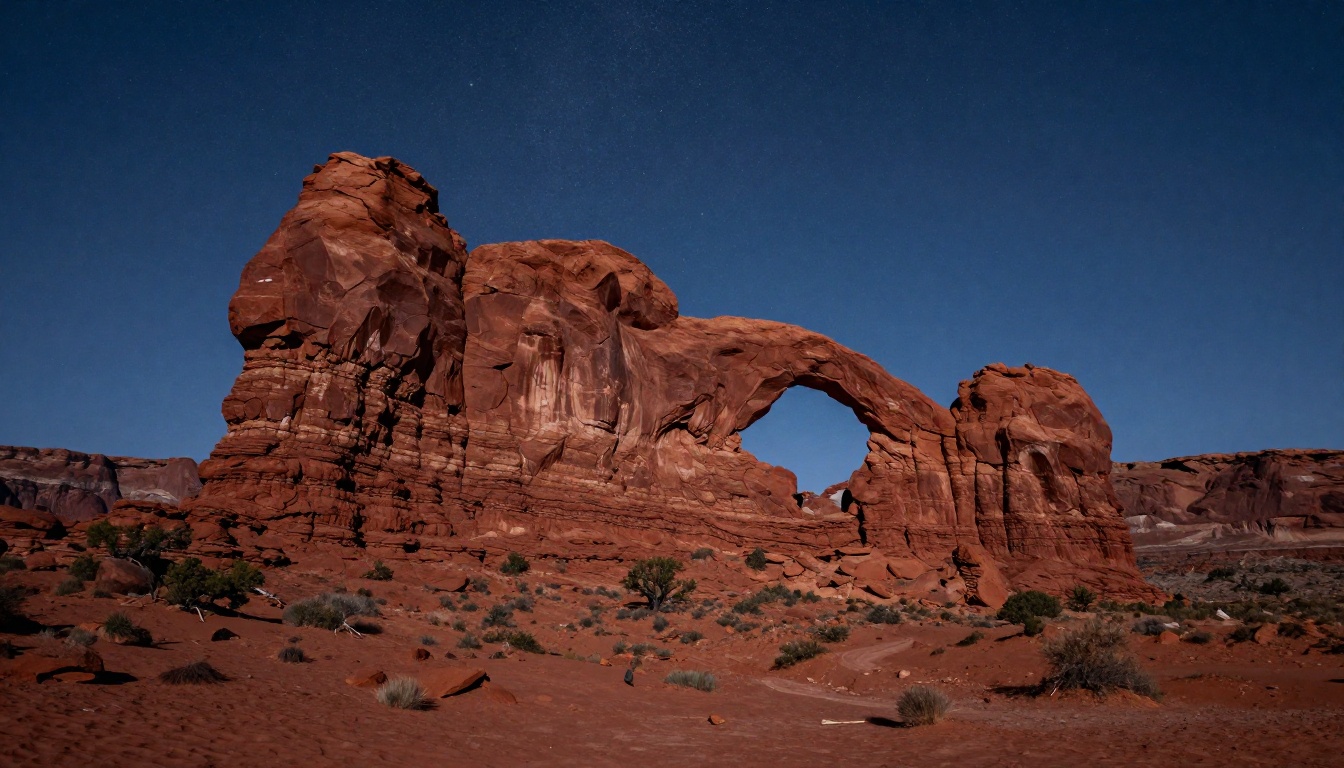
“A dramatic desert landscape with towering red rock arches under a star-filled night sky, long exposure”
Quick tips for P-Image
Match prompt length to the model
P-Image runs fast — keep prompts under 80 words and lean on iteration. Generate three variants, pick the closest, then refine.
Lead with what it's best at
Match your brief to the model's strengths: quick mockups, text overlays, rapid prototyping.
Iterate cheaply
Generate four variants per prompt, save the best two, refine the winner. Smart Resize can output every aspect ratio in one click once you have the hero shot.
Hand-curated guides for similar models
We're writing detailed guides one model at a time. These cover image models with deeper prompt patterns and worked examples.
Ready to try P-Image?
Open the tool and bring your prompt — credits only deduct on a successful generation, refunded automatically if anything goes sideways.