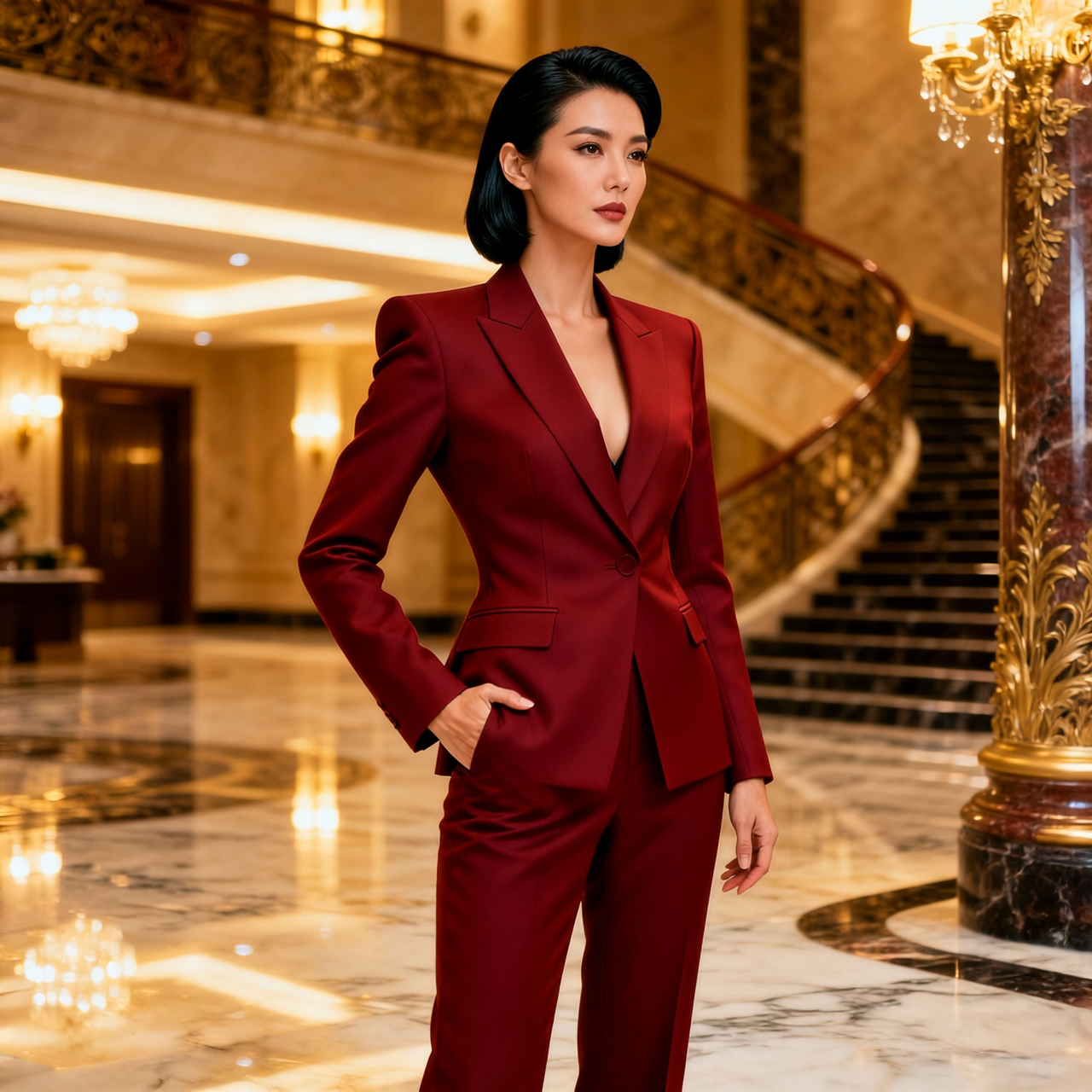
Prompt
“Glamour fashion portrait of an adult woman in a tailored crimson power suit with statement gold jewelry, confident pose in a luxury hotel lobby, warm cinematic lighting, high-fashion editorial, fully clothed, photorealistic”
Auto-Generated Guide
Legacy Wan 2.6 image generation and editing
Keeping the original Wan 2.6 behavior and settings unchanged
Real images from PixelDojo creators. Hover or tap into the gallery to see more. Copy any prompt as a starting point for your own work.
“Glamour fashion portrait of an adult woman in a tailored crimson power suit with statement gold jewelry, confident pose in a luxury hotel lobby, warm cinematic lighting, high-fashion editorial, fully clothed, photorealistic”
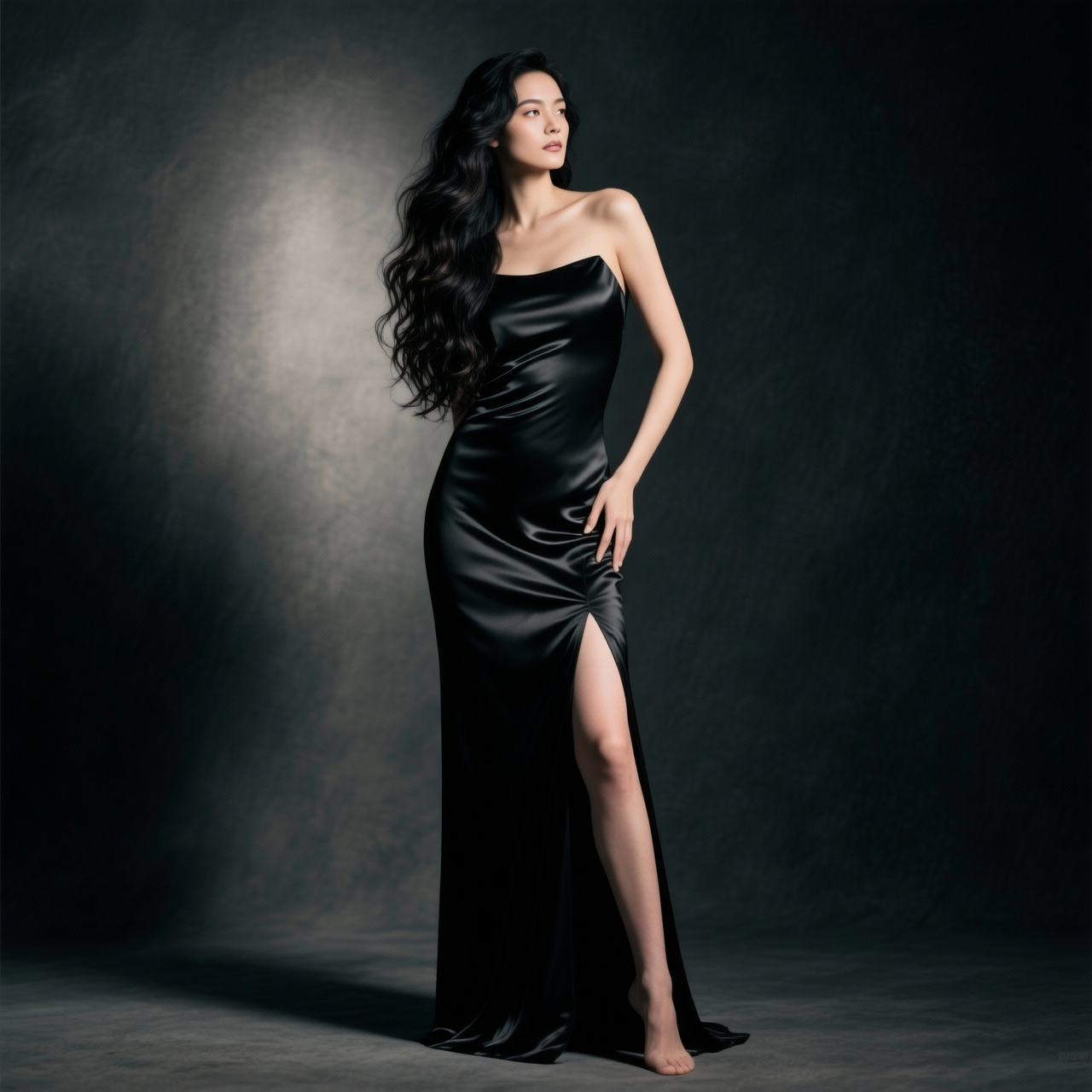
“Editorial glamour portrait of a confident woman in her late 20s with long dark wavy hair, wearing an elegant black evening gown with a subtle high slit, soft studio rim lighting, dramatic shadows, luxury fashion photography, 85mm, shallow depth of field, photorealistic”
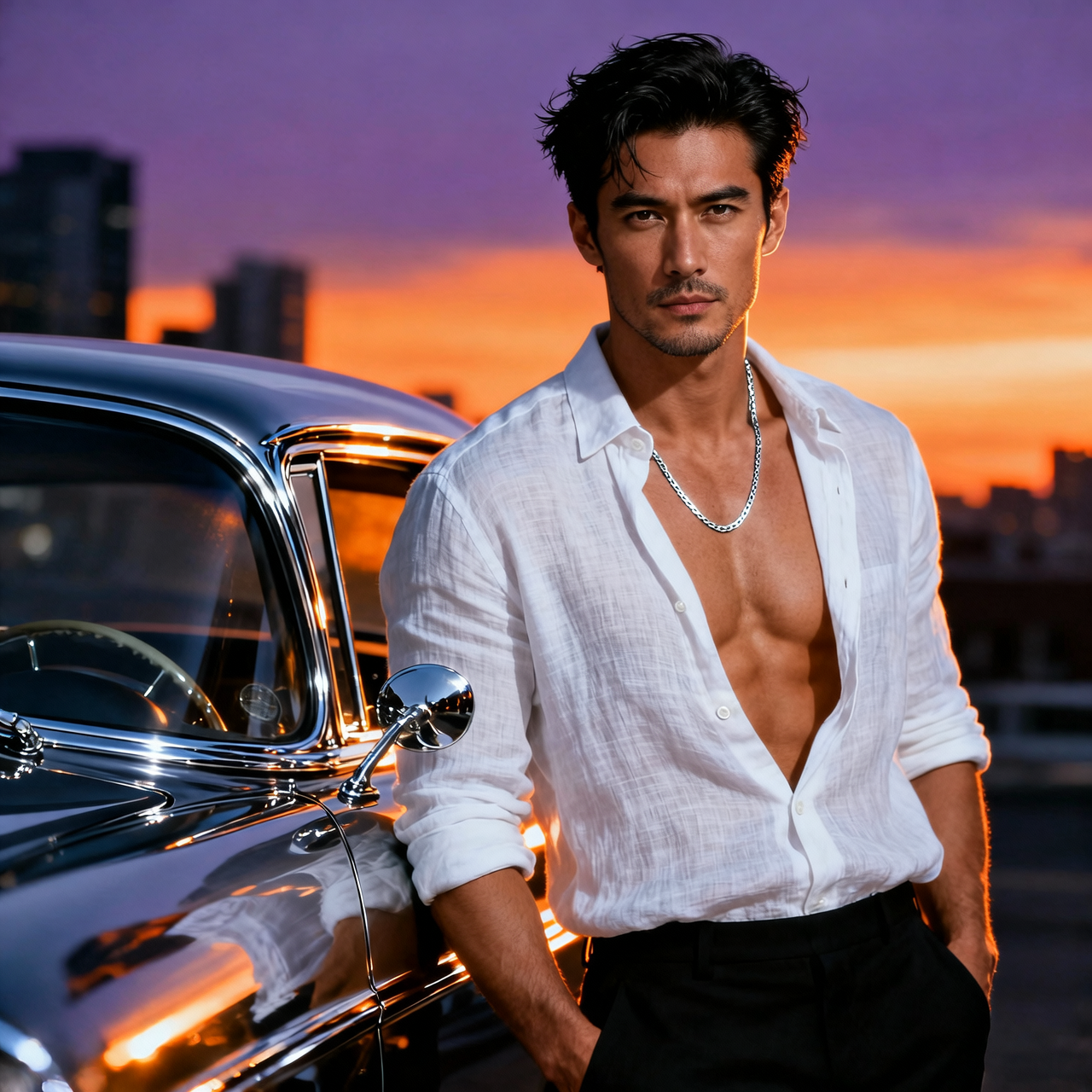
“Dramatic fashion portrait of a handsome man in his 30s with an open shirt and toned physique, leaning against a vintage car at dusk, cinematic rim light, GQ editorial style, photorealistic”
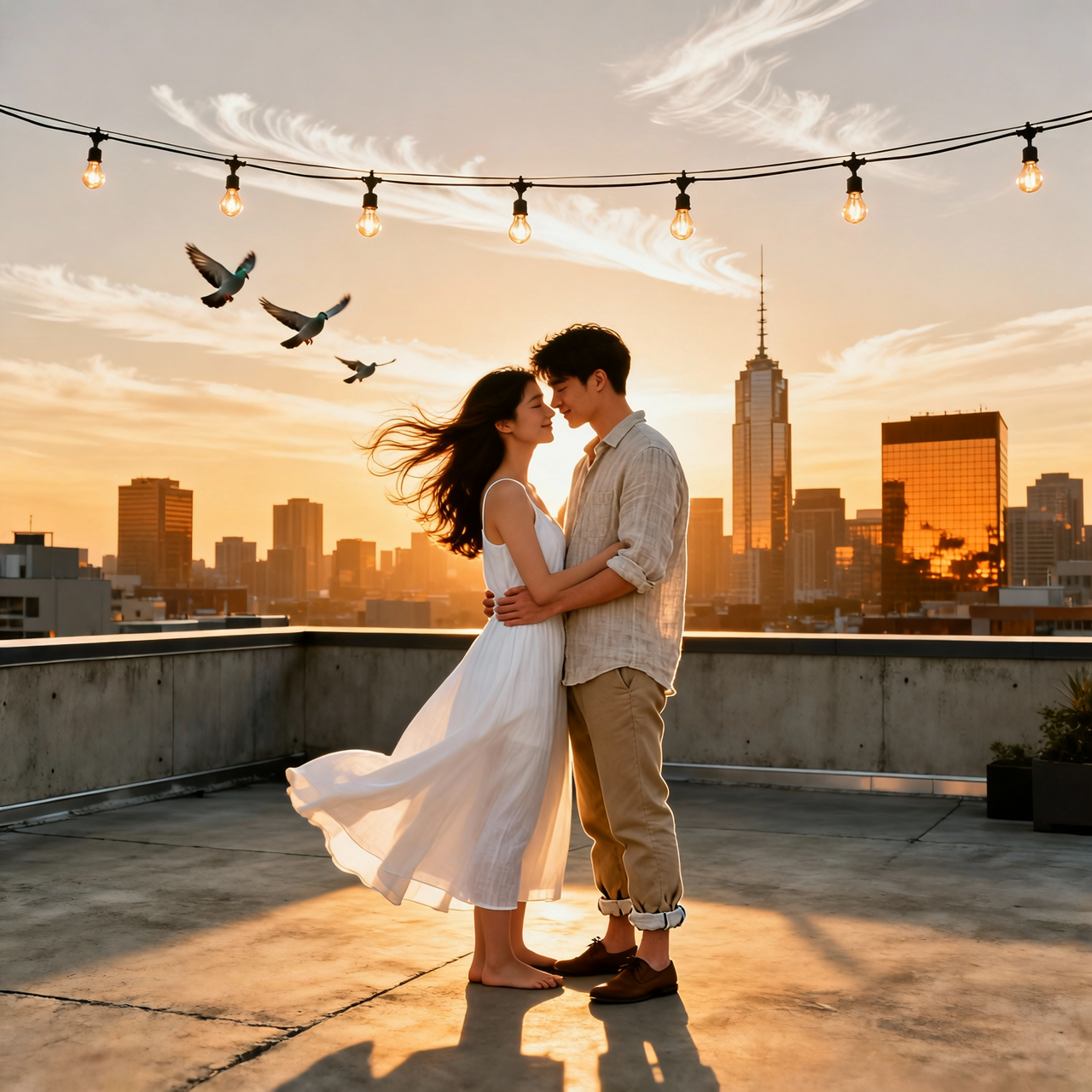
“Sun-drenched lifestyle portrait of an attractive adult couple in their late 20s embracing on a rooftop at sunset, stylish summer outfits, candid romantic mood, warm cinematic light, photorealistic”
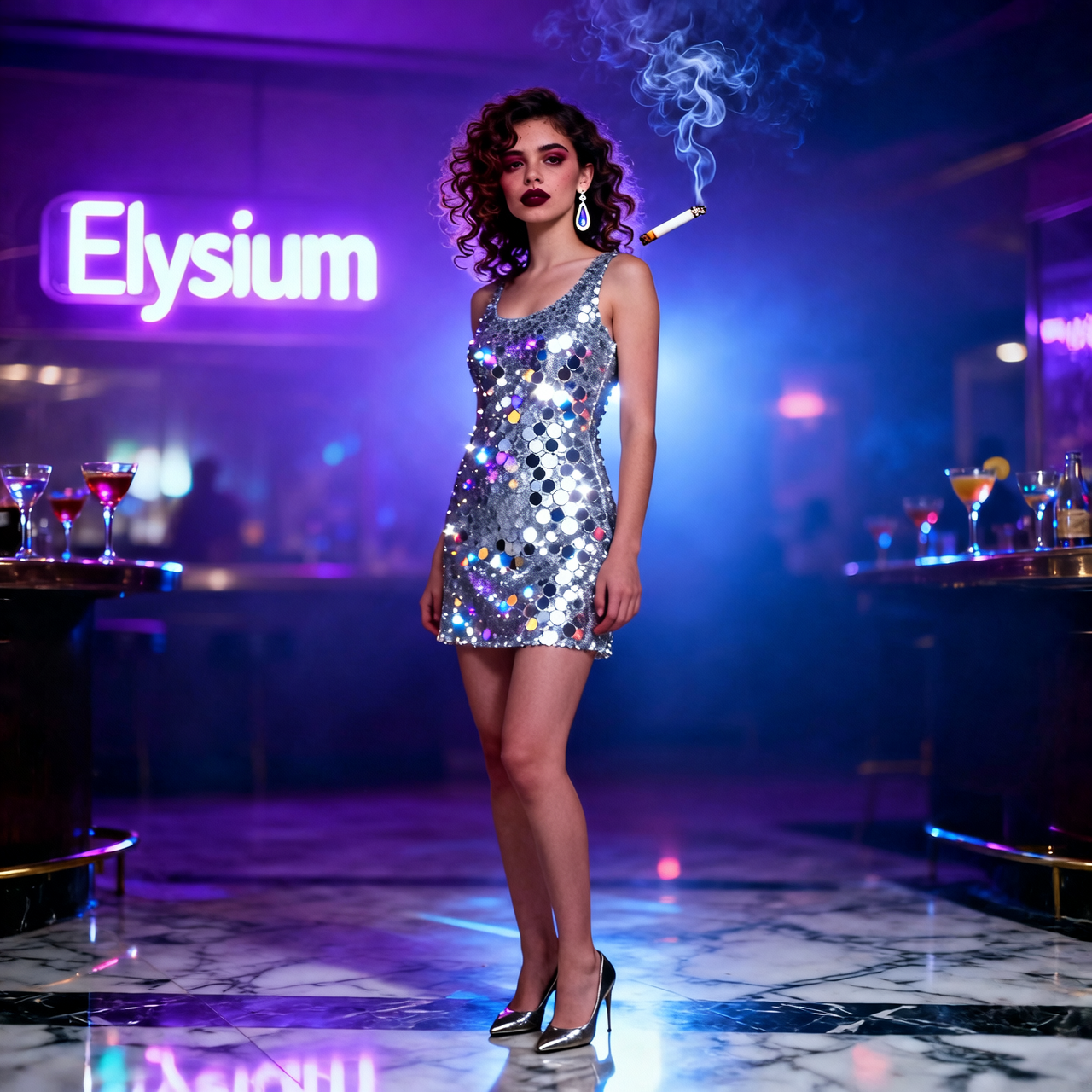
“Moody nightclub glamour shot of a woman in her late 20s in a sequinned mini dress, smoky bokeh, cool neon spill, confident expression, cinematic noir styling, 35mm film grain, photorealistic”
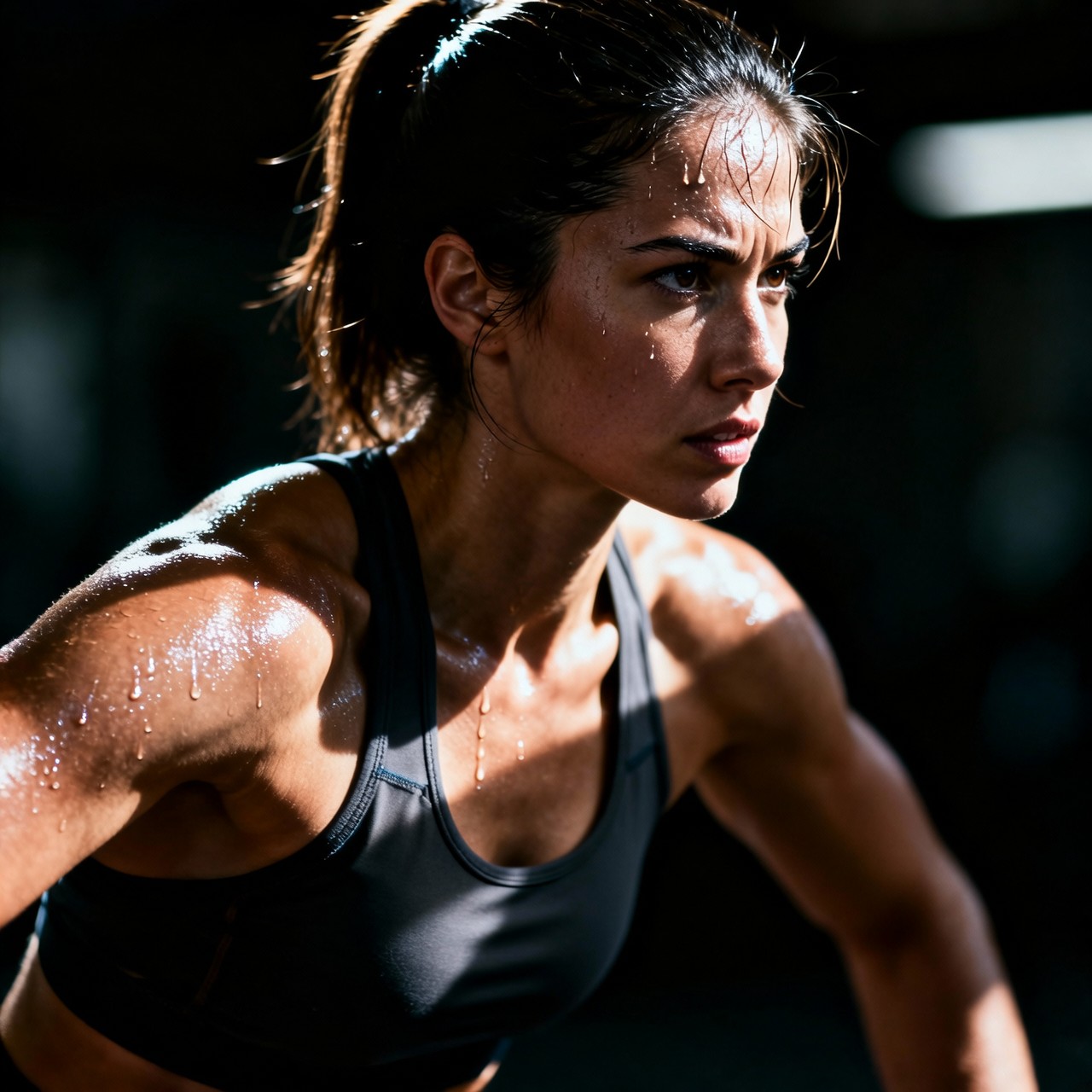
“Sensual fitness portrait of a toned adult woman in athletic wear, post-workout glow, dramatic gym lighting, defined physique, motivational fashion editorial, sharp focus, photorealistic”
WAN 2.6 Image runs fast: keep prompts under 80 words and lean on iteration. Generate three variants, pick the closest, then refine.
Match your brief to the model's strengths: keeping the original wan 2.6 behavior and settings unchanged.
Generate four variants per prompt, save the best two, refine the winner. Smart Resize can output every aspect ratio in one click once you have the hero shot.
We're writing detailed guides one model at a time. These cover image models with deeper prompt patterns and worked examples.
Open the tool and bring your prompt. Credits only deduct on a successful generation, refunded automatically if anything goes sideways.