ltx video
Generated on PixelDojo. Produced by PixelDojo's generation pipeline.
Imagine turning a simple idea or a still photo into a breathtaking cinematic video that looks like it came from a professional studio. With PixelDojo you achieve exactly that for LTX video style content. You produce fluid, high-fidelity motion, dramatic camera moves and visually rich scenes that grab attention on social feeds, ads, product launches and creative projects. No film crew, no expensive equipment, no waiting weeks for results. You describe the action, lighting and movement in everyday language and watch PixelDojo's video tools bring it to life with the speed and quality modern creators demand. Whether you need a soaring landscape sequence, a product reveal with perfect timing or an animated character moment, you get polished LTX video output that converts viewers into customers and followers. Thousands of marketers, filmmakers and brands already rely on these tools to scale their visual storytelling without the traditional bottlenecks.
Real video examples generated on PixelDojo
Every example below was produced on PixelDojo. Hover to see the prompt.
Merged video from "lobster on the loose" - 5 clips
image-to-video
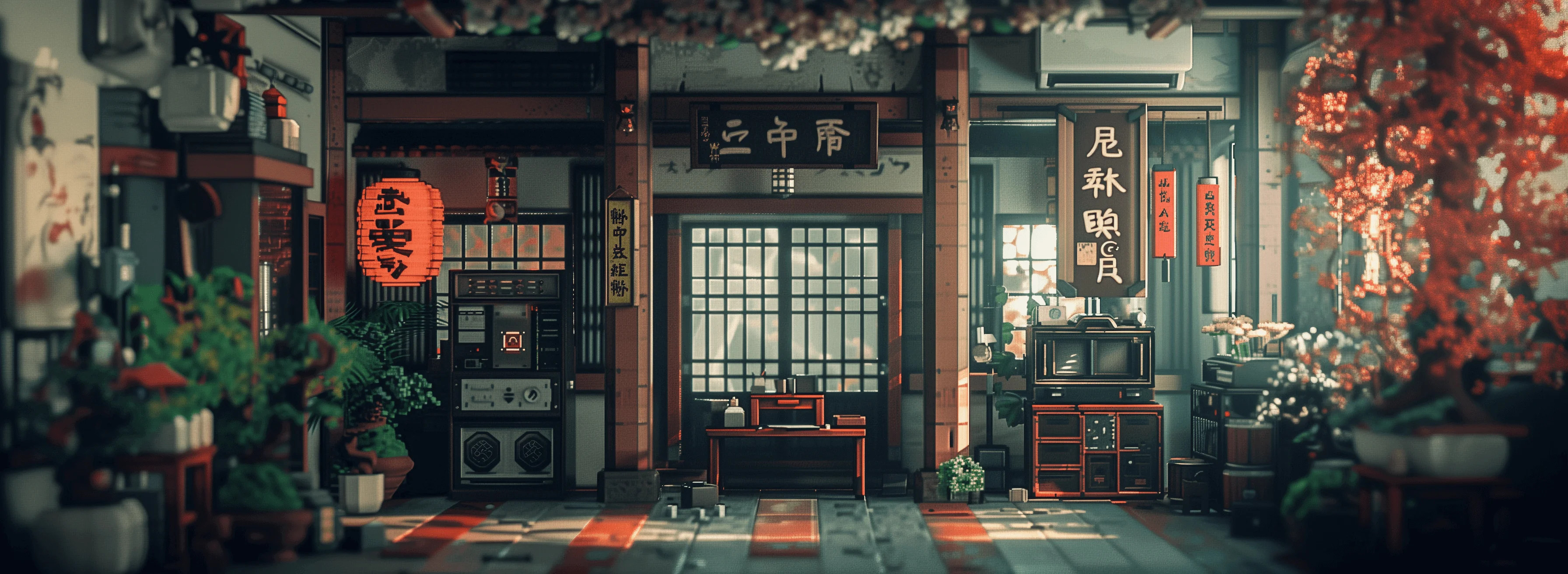
Masterpiece
creative-upscaler
OmniHuman video with 15
image-to-video
OmniHuman generated video
image-to-video
A woman says "hi
image-to-video
Midstream in the green river
seedance-2-reference
Models you can run on PixelDojo for ltx video
Switch models without switching tools. Each one runs in the same PixelDojo studio.
What you can do with ltx video on PixelDojo
Text to Video
We run LTX Video so you can turn a written prompt into a short clip without leaving PixelDojo. You pick the prompt, settings, and output, then generate on our stack.
Image Conditioned Clips
We let you start from a still and generate motion with LTX Video. Use a frame you already like as the visual anchor for the shot.
Prompt Driven Motion
We give you control over subject, camera, and action through the prompt. Iterate on wording and regenerate until the clip matches the scene you want.
Creator Workflow Access
We host LTX Video next to your other PixelDojo tools so generation, review, and downloads live in one place. You work with the model through our standard generation interface.
Loved by thousands of creators worldwide who generate millions of videos every month. 40+ cutting-edge AI tools deliver consistent cinematic results. Cancel anytime with no long-term commitment.
Why Choose Pixel Dojo for ltx video
Professional-quality results with cutting-edge AI technology
Deliver Cinematic Motion That Holds Attention
You create videos with natural, coherent movement and professional camera work that keep viewers watching longer. Perfect for ads, reels and presentations that need to stand out and drive action.
Transform Still Images into Living Scenes Instantly
Upload any photo and watch it come alive with realistic motion, lighting changes and environmental effects. You turn product shots, portraits or landscapes into engaging LTX video clips in minutes instead of hours.
Produce Professional Content on Demand
You scale your video output for campaigns, social calendars and client work without extra budget or team members. Generate variations, test ideas and publish high-quality LTX video whenever you need it.
How It Works
You create compelling LTX video content in three simple steps using PixelDojo's dedicated video generation and editing tools. The process is designed so you focus on your vision while the platform handles the heavy lifting of motion, consistency and quality.
Step 1: Choose Your Tool
Select a powerful video generator such as Kling Video, WAN 3.0, Seedance 2.5, P Video or Film Studio from the Generate Videos section. These tools excel at producing the fluid cinematic motion and high visual fidelity associated with LTX video. If you start from a still, first create a strong reference image with Flux.2 Studio or ImagineArt, then move it into video. Marketing Studio is ideal when you need branded, conversion-focused clips.
Step 2: Enter Your Prompt
Write a natural, flowing description of the scene, actions, camera movement and mood. For example describe a character walking through a sunlit forest with a slow dolly-in, or clouds drifting over mountains at golden hour. For image-to-video simply add what happens next after the starting frame. PixelDojo's models interpret these details to deliver coherent LTX-style motion, lighting and composition without needing technical jargon.
Step 3: Customize & Download
Review the generated clip, then refine it with Kling Video Edit, WAN 2.7 Video Edit, Seedance 2.5 Video Edit or Grok Video Edit. Adjust timing, add effects, reframe with Video Reframe, upscale using FLUX Video Upscale or Clarity Pro, and merge clips if needed. Download in the resolution you want and use immediately for your campaign or project. You can iterate quickly until the LTX video matches your exact vision.
The Pixel Dojo Advantage
Why PixelDojo outperforms other options for LTX video generation
| Others | Pixel Dojo |
|---|---|
| Traditional LTX video creation | You skip costly cameras, crews, locations and post-production time. Generate multiple cinematic variations in the time it used to take to set up one shot, then refine instantly. |
| Generic AI tools | You access specialized video models like Kling Video, WAN 3.0 and Seedance 2.5 that deliver superior motion coherence, camera control and visual richness compared with one-size-fits-all generators. |
| Manual photo editing | You go far beyond static images. Animate any photo into full LTX video sequences with natural movement, lighting and atmosphere that would take hours of frame-by-frame work. |
Loved by creators on PixelDojo
Real feedback from people using PixelDojo, pulled from our in-product surveys.
Love it make anything I can think of so far
Great for all your ideas use it encourage more people to use it
Because it is awesome
exceptional quality and great overall design of platform and interface. very intuative. love the creative freedom.
Qwen image 2 is amazing!!
Creative freedom, range of tools and options.
Explore more AI tools on PixelDojo
Popular AI Models
AI Tools
Compare & Switch
- Best AI Image Generators
- Best AI Video Generators
- Midjourney Alternatives
- Civitai Alternatives
- Runway Alternatives
- Leonardo Alternatives
- Pika Alternatives
- Luma Alternatives
- Magnific Alternatives
- Veo Alternatives
- Flux Alternatives
- Freepik Alternatives
- Seedance Alternatives
- Seedream Alternatives
- Pixverse Alternatives
- GPT Image Alternatives
- Synthesia Alternatives
- Playground Alternatives
- NightCafe Alternatives
- Canva AI Alternatives
- ElevenLabs Alternatives
- ComfyUI Alternatives
- Fal Alternatives
- Replicate Alternatives
Common Questions
Everything you need to know about ltx video
How do I generate LTX video from a text prompt on PixelDojo?
Choose a video tool such as Kling Video or WAN 3.0, enter a detailed natural-language description of the scene, actions and camera movement, then generate. PixelDojo interprets your words to produce coherent cinematic LTX video with professional motion and lighting. You can iterate the prompt and regenerate until it matches your vision perfectly.
Can I create LTX style image to video clips with PixelDojo?
Yes. First generate or upload a high-quality starting image using tools like Flux.2 Studio or ImagineArt. Then select an image-to-video capable generator such as P Video, Seedance 2.5 or Kling Video and describe the motion, camera path and changes you want. The result is a fluid LTX video that brings your still to life with realistic dynamics.
What resolution and quality can I expect from PixelDojo LTX video generation?
You produce sharp, cinematic videos suitable for social, web and professional use. Combine generation with FLUX Video Upscale, Magnific Upscaler or Clarity Pro to reach higher resolutions while preserving motion quality. Many creators use the output directly in ads, presentations and online content.
How fast can I produce LTX video content for marketing campaigns?
Most clips generate in minutes rather than days. You can create multiple versions, test different motions and camera angles, then edit with dedicated video tools like Video Autocaption or Merge Videos. This speed lets you keep up with campaign deadlines and social calendars without extra staff.
Do I need technical skills to make professional LTX video on PixelDojo?
No. You simply choose a tool, write a clear description of what you want to see, and let PixelDojo handle the rest. Built-in editors let you tweak results visually. Thousands of non-technical marketers and creators already produce studio-quality LTX video this way.
Can I cancel my PixelDojo subscription after trying LTX video generation?
Absolutely. You get access to 40+ cutting-edge AI tools including all video generators and editors. There is no long-term contract. Cancel anytime if it does not fit your workflow, though most creators stay because of the quality and speed they achieve.