Goofy AI Image
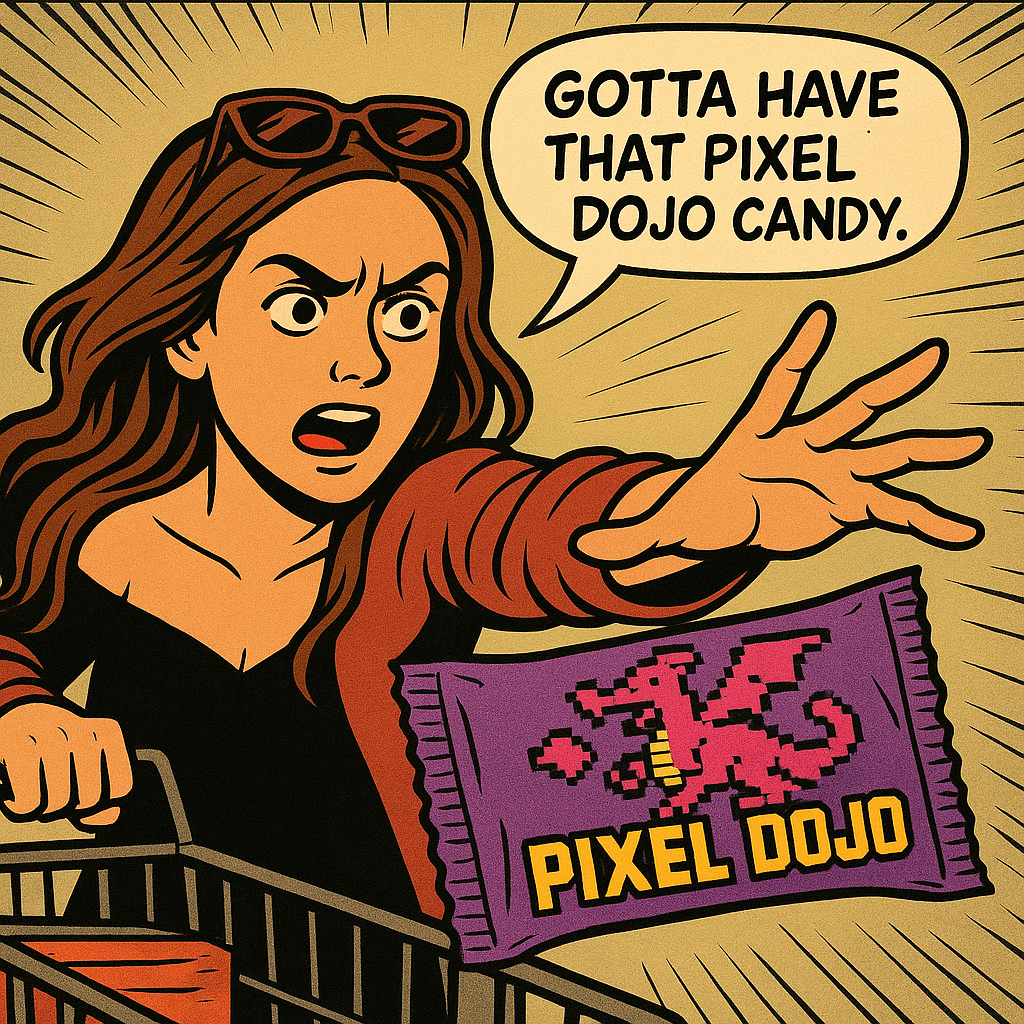
Generated on PixelDojo with google-nano-banana. Produced by PixelDojo's generation pipeline.
Turn odd prompts, playful ideas, and meme concepts into goofy AI images that feel ready to share. The example shown on this page was produced live on PixelDojo with google-nano-banana, giving you a real look at what the tool can create.
Real image examples generated on PixelDojo
Every example below was produced on PixelDojo. Hover to see the prompt.
Show me this woman in the cartoon image edited with OpenAI Image 1
openai-image-1

Image of an ai painting a human and a human painting an ai
flux
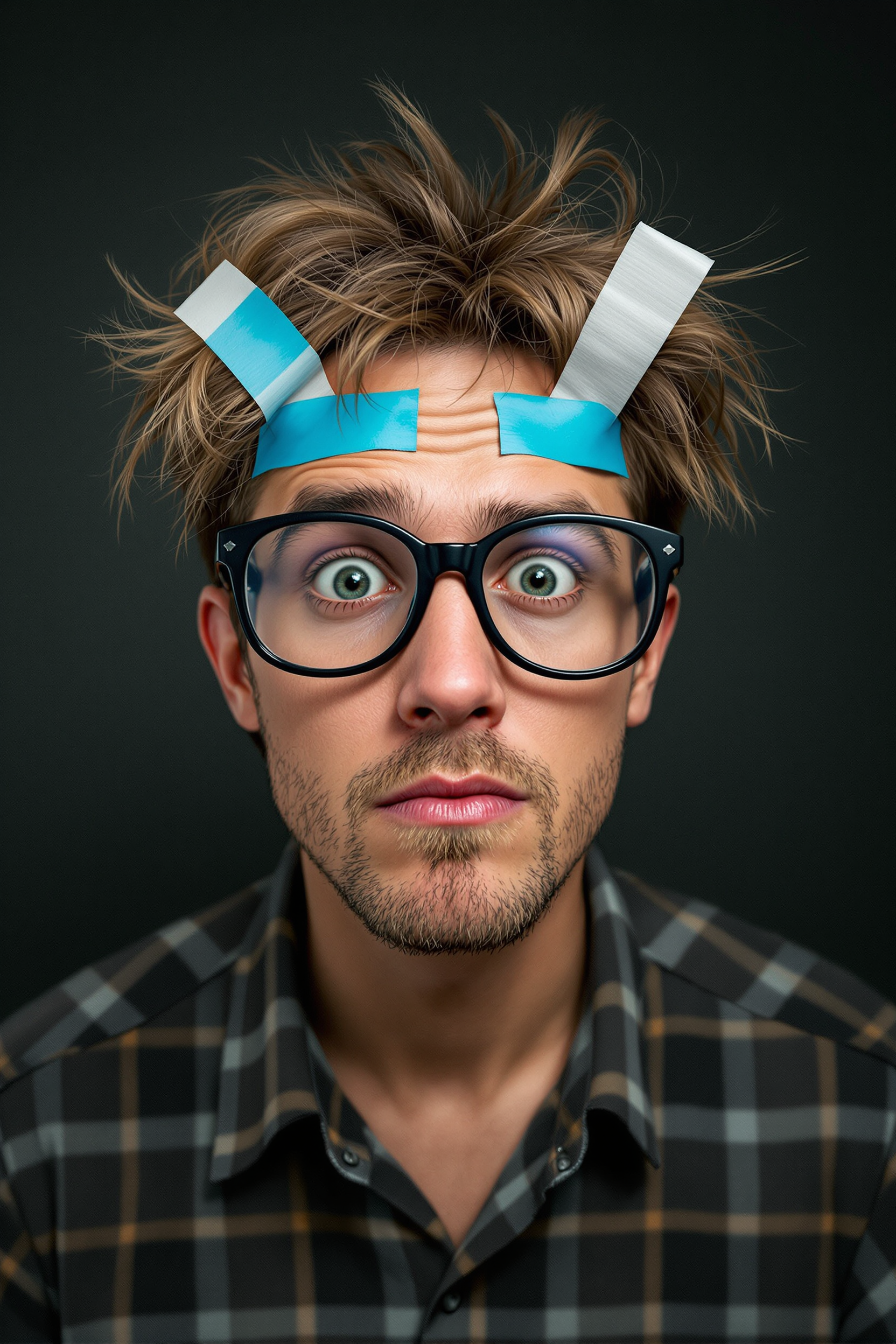
Create an image 9d someone who looks stupid
flux
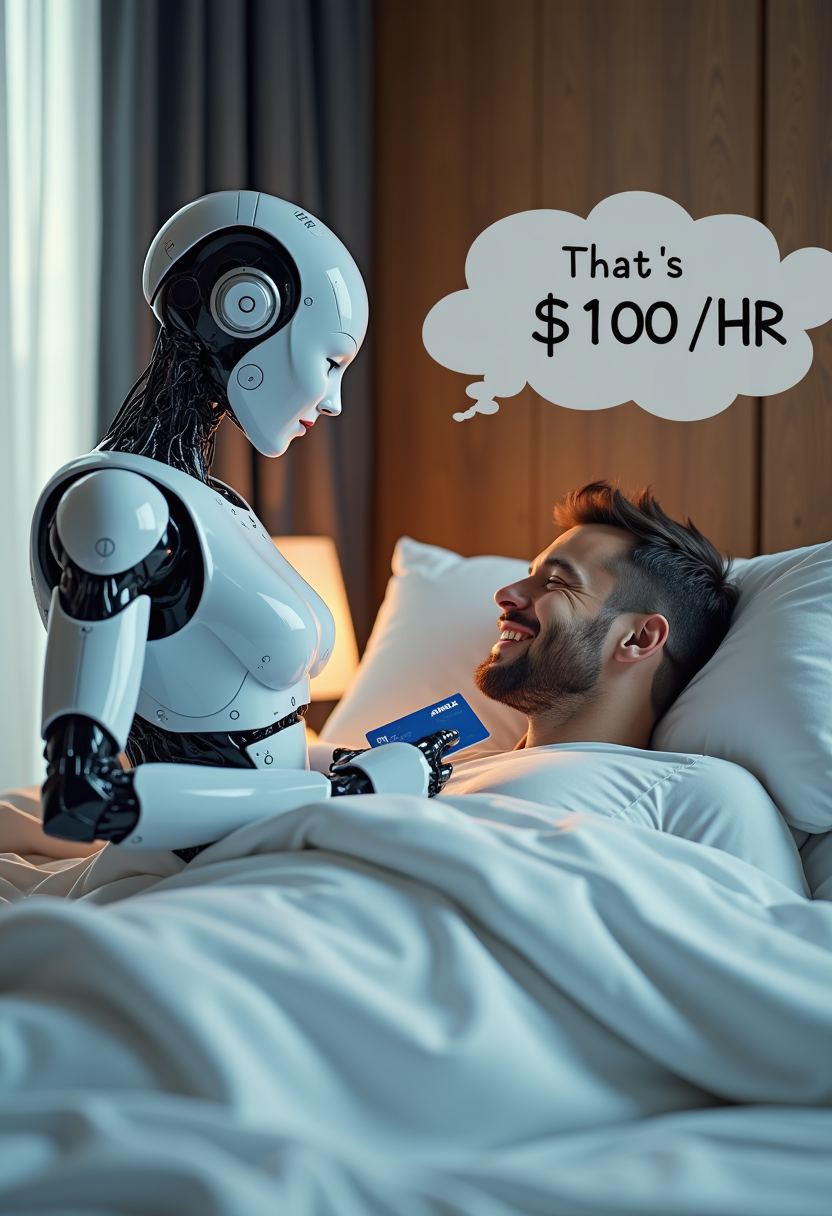
Create image of very beautiful AI robot woman in bed a happy man under the covers
flux

Create a YouTube Header for "FLUXPRO" AI image generation
flux
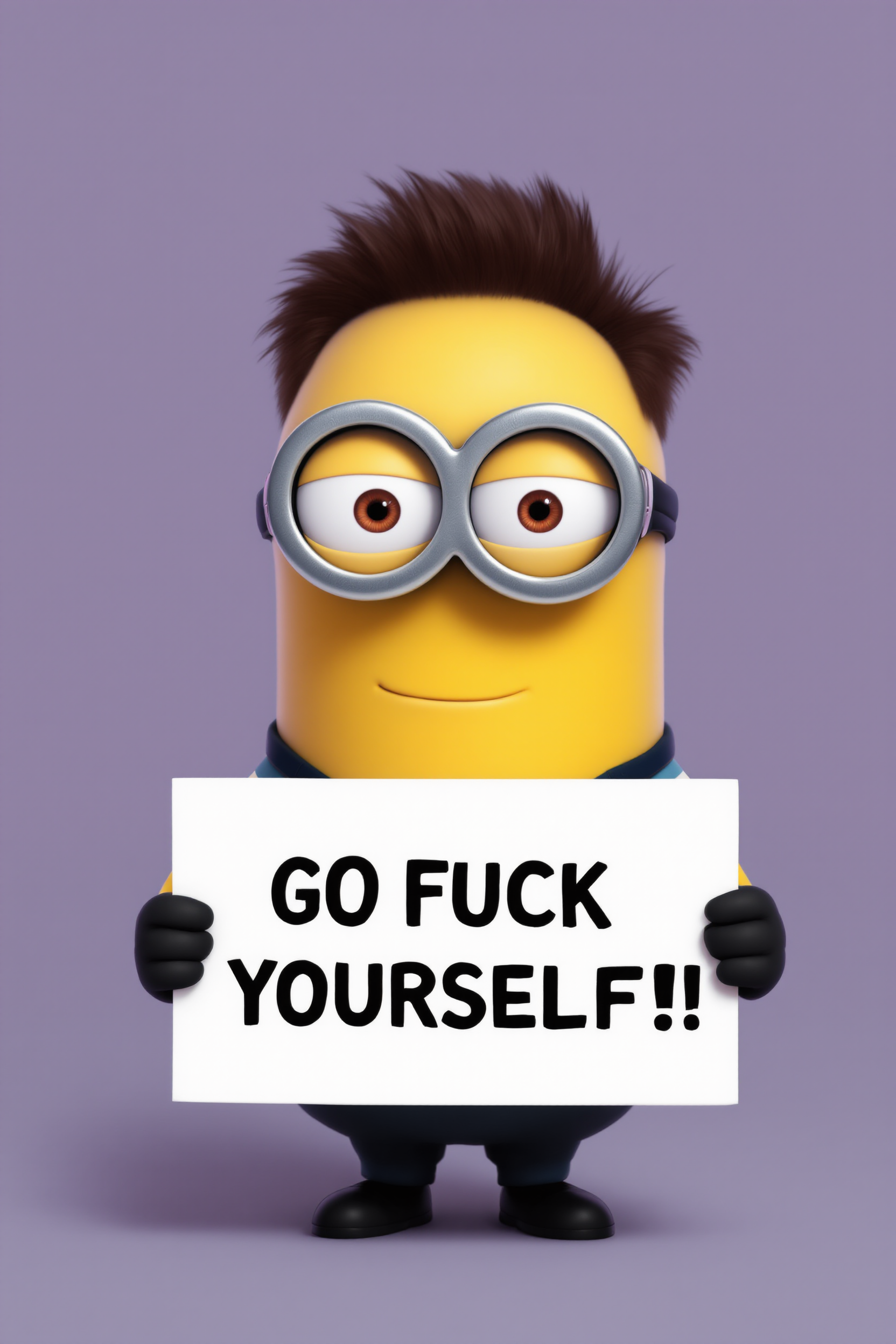
Create a minion that looks like Elon Musk holding a sign that reads "GO FUCK YOURSELF!!" w…
flux
Models you can run on PixelDojo for Goofy AI Image
Switch models without switching tools. Each one runs in the same PixelDojo studio.
What you can do with Goofy AI Image on PixelDojo
Generate Images From Text
We turn text prompts into images that feature exaggerated and humorous elements chosen by the creator.
Modify Uploaded Photos
Creators upload images and we apply described changes to add playful details or distortions.
Produce Image Variations
We output multiple versions of an image based on the same prompt with controlled differences.
Adjust Output Parameters
Creators set values that influence how much humor and exaggeration appear in each result.
Live PixelDojo example: google-nano-banana by runware, generated in 33.0 seconds at https://cdn.pixeldojo.ai/pixeldojo/api-examples/1780345735441-929003.png
Why Choose Pixel Dojo for Goofy AI Image
Professional-quality results with cutting-edge AI technology
Make funny concepts visual fast
Start with a strange idea, a character gag, or a chaotic scene, then generate an image that captures the joke visually without needing design software.
Explore weird ideas without friction
PixelDojo helps you test silly prompts quickly, so you can refine expressions, props, settings, and punchlines until the image lands.
Create shareable AI images
Generate goofy visuals for memes, social posts, group chats, thumbnails, reaction images, creative briefs, and any moment that needs more personality.
How It Works
Write a goofy prompt
Describe the joke, character, mood, setting, and any visual details you want. The more playful the prompt, the more personality the result can have.
Generate with PixelDojo
Choose a model such as google-nano-banana and create your image directly on PixelDojo. The featured example was generated live in 33.0 seconds.
Save, remix, or make another
Download the result, adjust the prompt, or keep experimenting with new expressions, costumes, backgrounds, and absurd details.
Loved by creators on PixelDojo
Real feedback from people using PixelDojo, pulled from our in-product surveys.
Love it make anything I can think of so far
Great for all your ideas use it encourage more people to use it
Because it is awesome
exceptional quality and great overall design of platform and interface. very intuative. love the creative freedom.
Qwen image 2 is amazing!!
Creative freedom, range of tools and options.
Explore more AI tools on PixelDojo
AI Tools
Compare & Switch
- Best AI Image Generators
- Best AI Video Generators
- Midjourney Alternatives
- Civitai Alternatives
- Runway Alternatives
- Leonardo Alternatives
- Pika Alternatives
- Luma Alternatives
- Magnific Alternatives
- Veo Alternatives
- Flux Alternatives
- Freepik Alternatives
- Seedance Alternatives
- Seedream Alternatives
- Pixverse Alternatives
- GPT Image Alternatives
- Synthesia Alternatives
- Playground Alternatives
- NightCafe Alternatives
- Canva AI Alternatives
- ElevenLabs Alternatives
- ComfyUI Alternatives
- Fal Alternatives
- Replicate Alternatives
Common Questions
Everything you need to know about Goofy AI Image
What are goofy AI images?
Goofy AI images are playful, silly, exaggerated, or absurd visuals generated from text prompts. They are useful for memes, jokes, reaction images, social posts, and creative experiments.
Was the example image really generated on PixelDojo?
Yes. The featured asset was produced live on PixelDojo using the google-nano-banana model from runware, with a recorded generation time of 33.0 seconds.
Do I need design skills to make goofy AI images?
No. You can start with a plain-language prompt, generate an image, then refine the wording to adjust the character, style, expression, setting, or level of absurdity.
What should I include in a good goofy image prompt?
Include the subject, the funny situation, facial expression, props, setting, style, and any exaggerated details. For example, describe a confused animal wearing office clothes in a dramatic scene.
Can I make multiple versions of the same idea?
Yes. PixelDojo is built for iteration, so you can rerun, revise, and experiment with your prompt until the image matches the joke or creative direction you want.