image extender
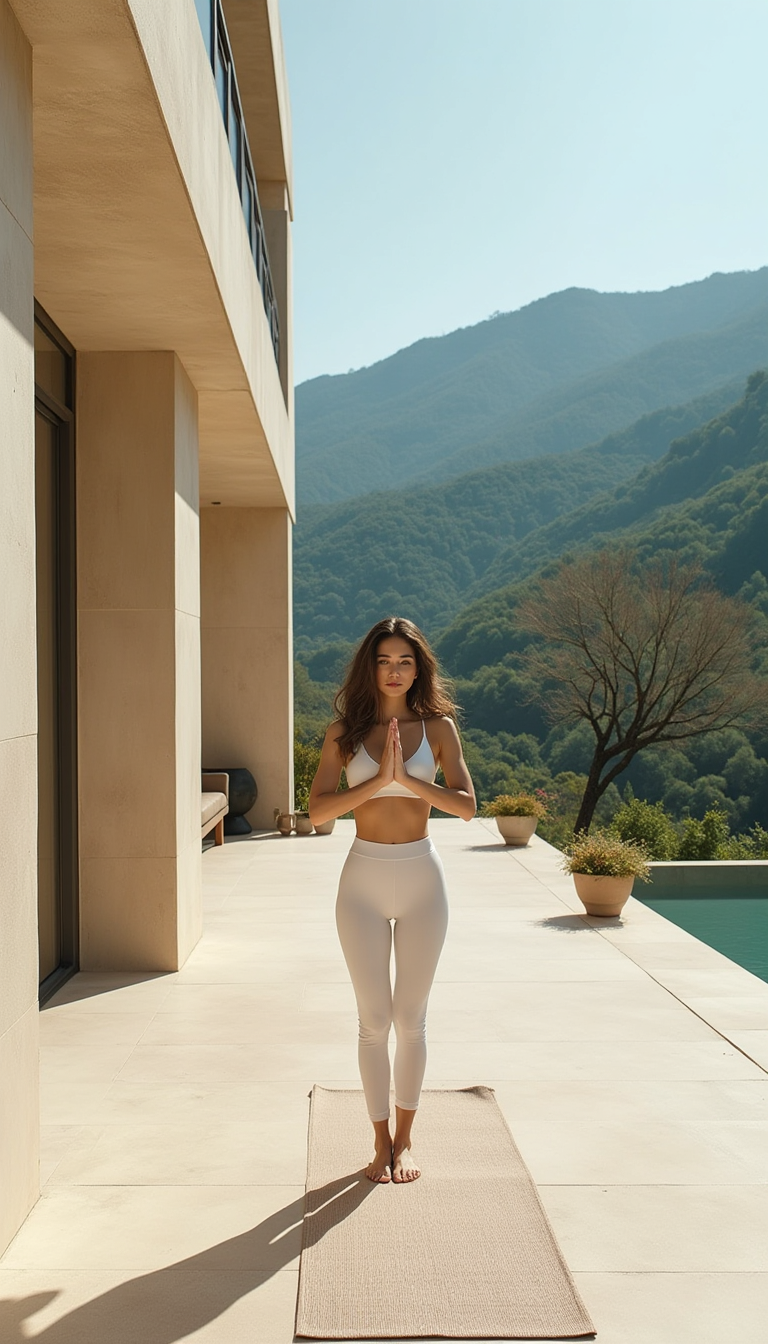
Generated on PixelDojo. Produced by PixelDojo's generation pipeline.
You no longer have to crop your best photos or stretch them until they look distorted. With PixelDojo’s AI image extender you instantly grow any picture beyond its original edges while keeping every original pixel intact. Upload a tightly framed portrait and watch it become a cinematic 16:9 banner. Take a square product shot and turn it into a tall 9:16 Instagram Story without losing the hero item. The Image Outpainting tool studies lighting, texture, perspective and color so the new areas feel like they were always part of the scene. You get professional-grade results in seconds instead of hours of manual cloning. Designers, marketers and content creators use these extended images for website headers, ad campaigns, print materials and social posts that actually convert. Because PixelDojo gives you 40+ cutting-edge models including Flux.2 Studio, GPT Image 2 and Seedream 5, you can generate a fresh base image then immediately extend it, or start with a real photograph. Thousands of creators already rely on this workflow every day and you can cancel anytime if it doesn’t fit your needs. The outcome is simple: one photo becomes many perfect sizes, all looking natural and ready to publish.
Real image examples generated on PixelDojo
Every example below was produced on PixelDojo. Hover to see the prompt.
A luxurious outdoor yoga retreat event
flux
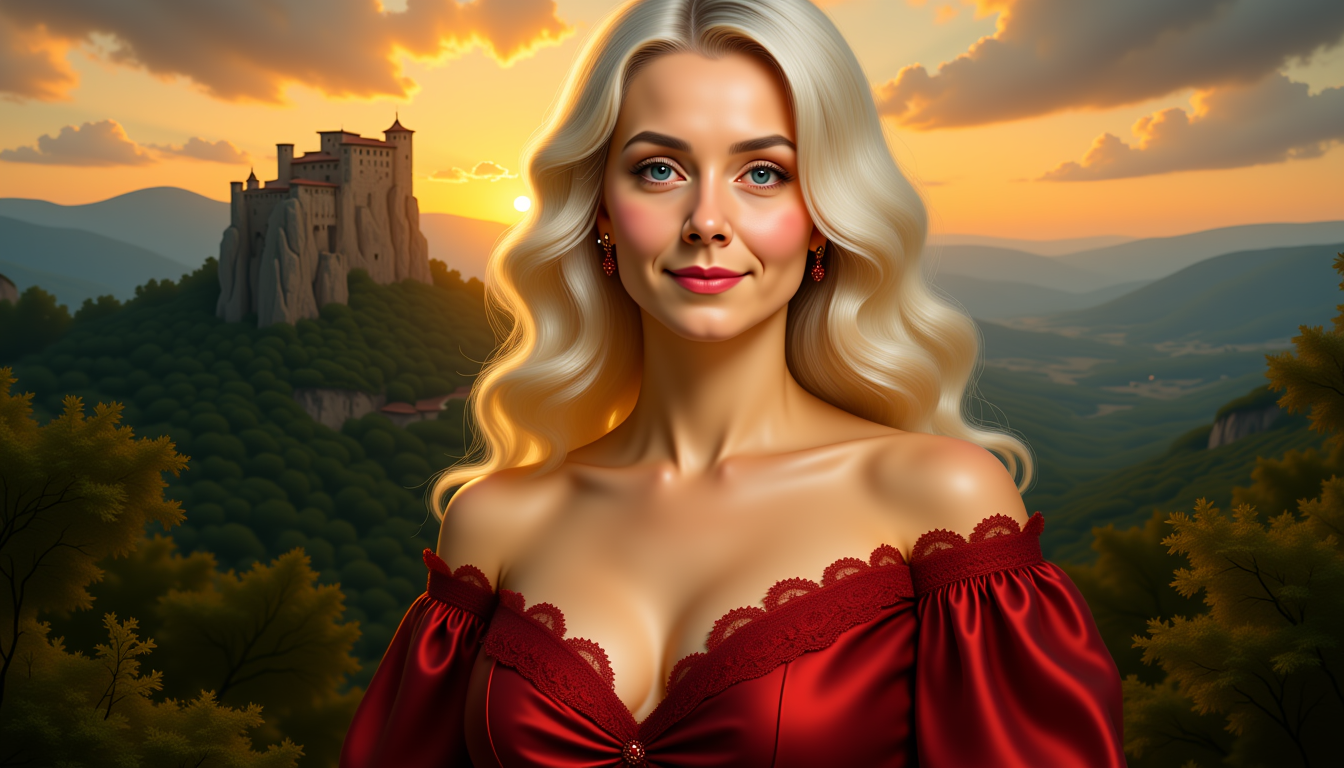
image extender on PixelDojo
stable-diffusion
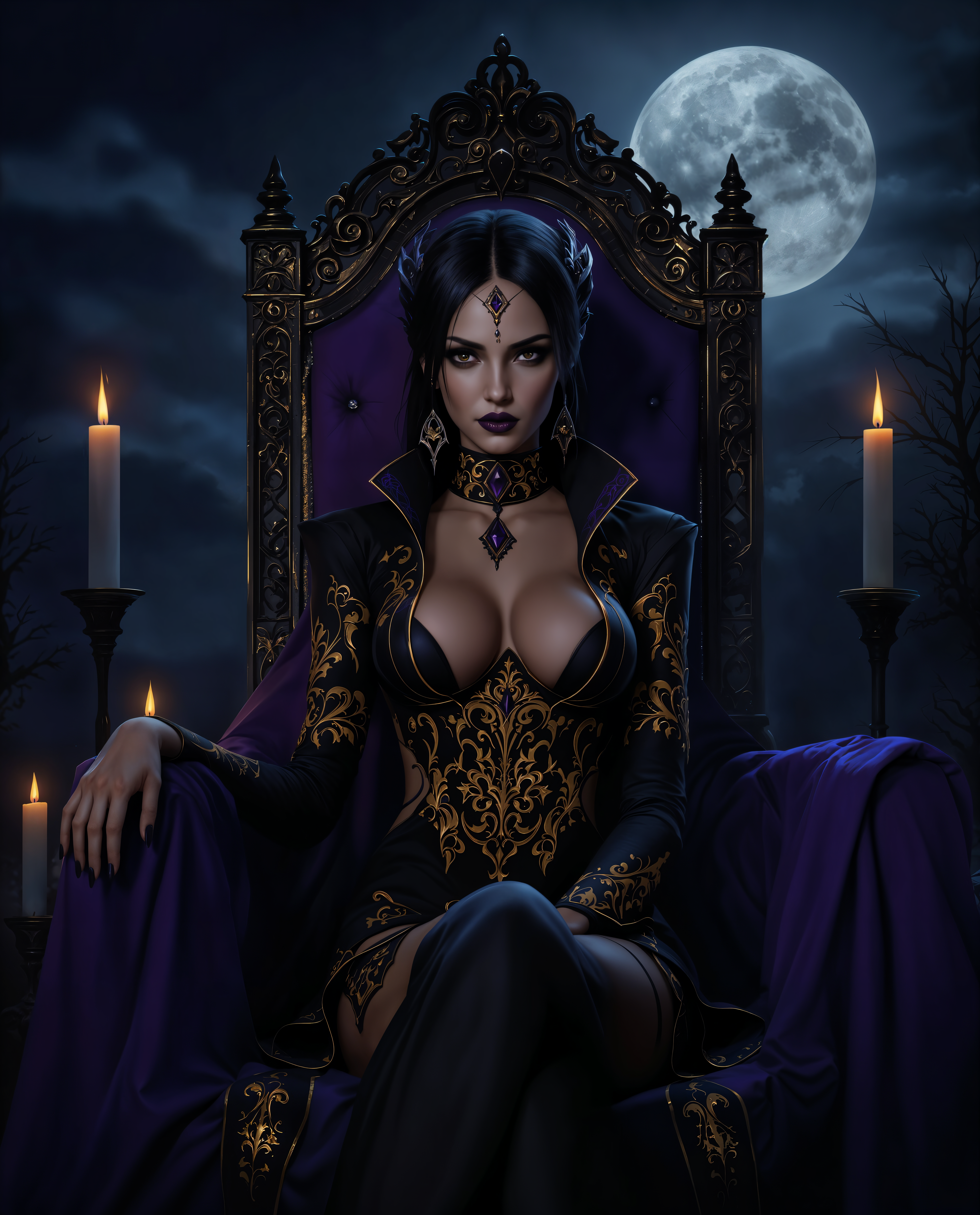
image extender on PixelDojo
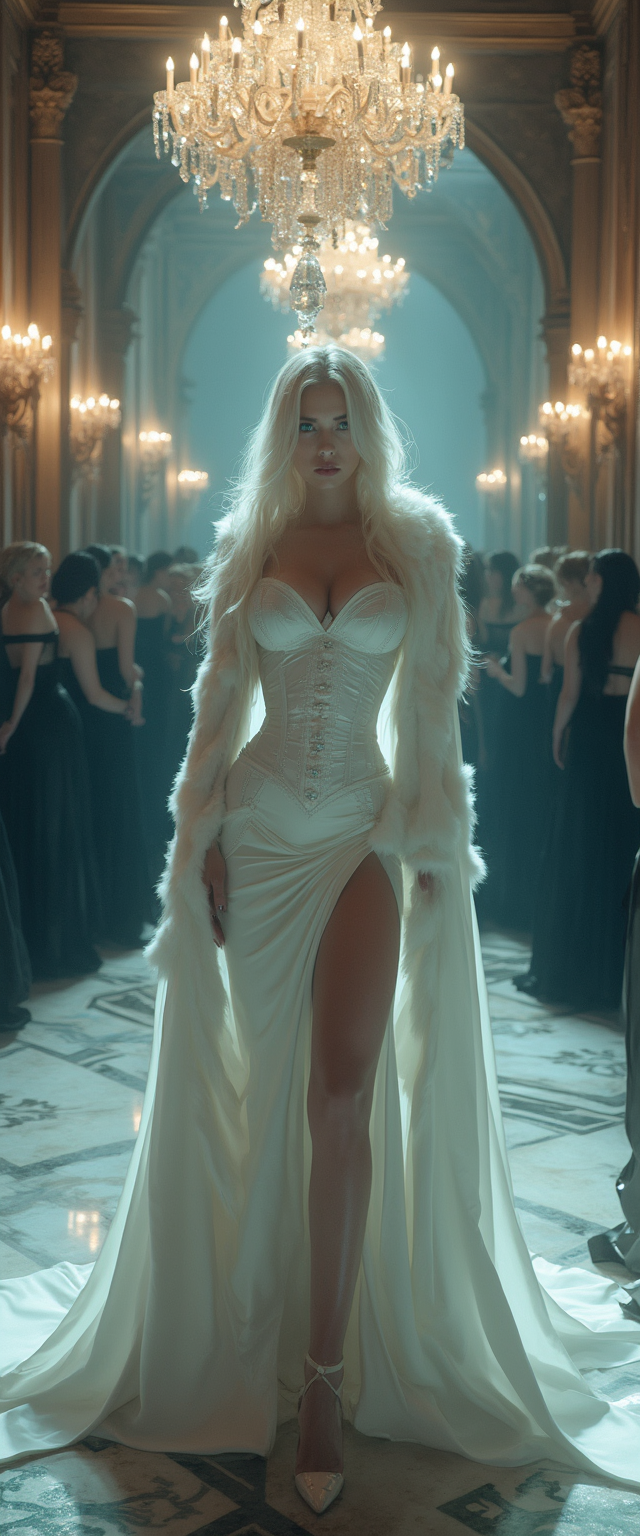
A striking mid-30s vampire queen
flux
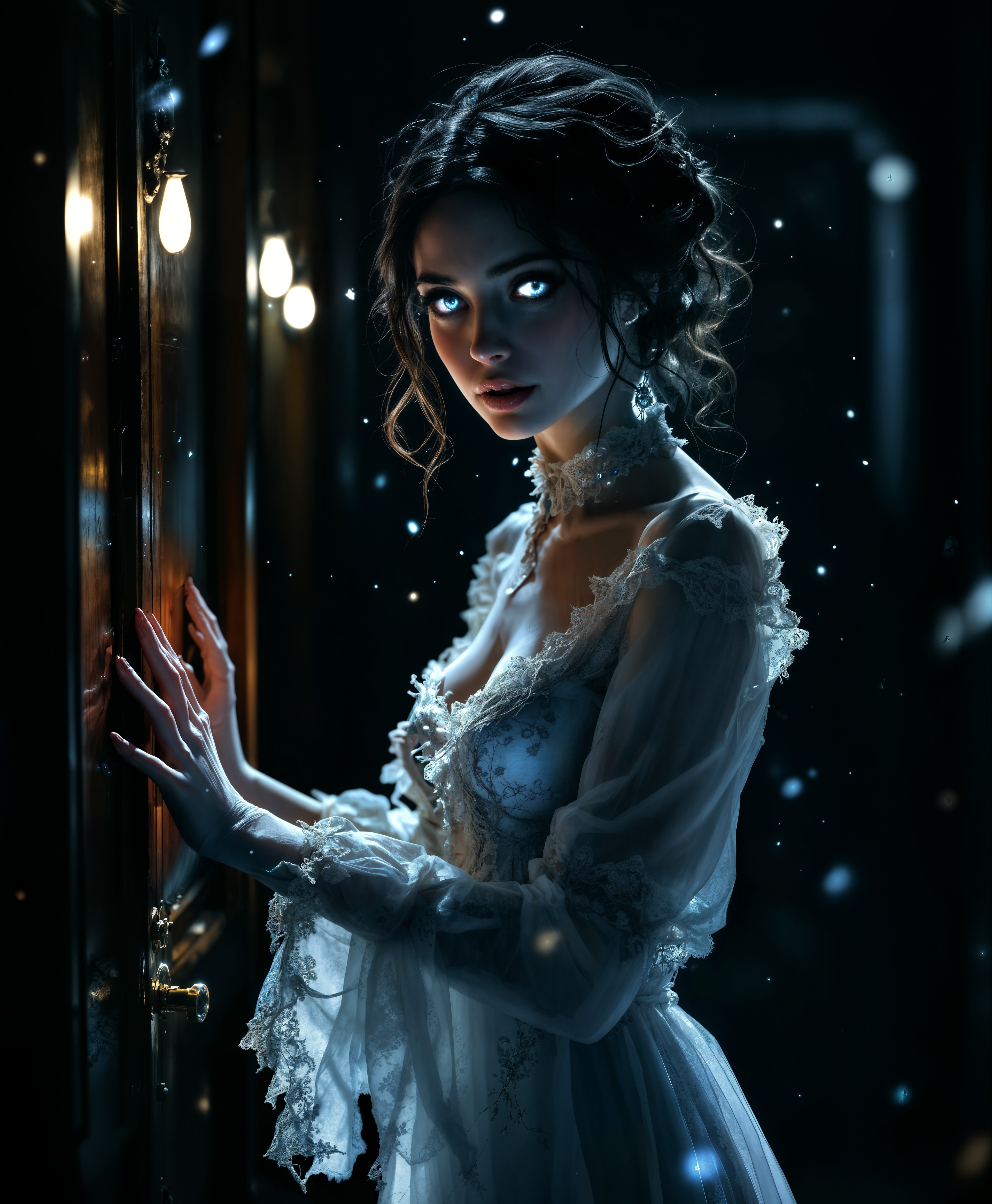
image extender on PixelDojo
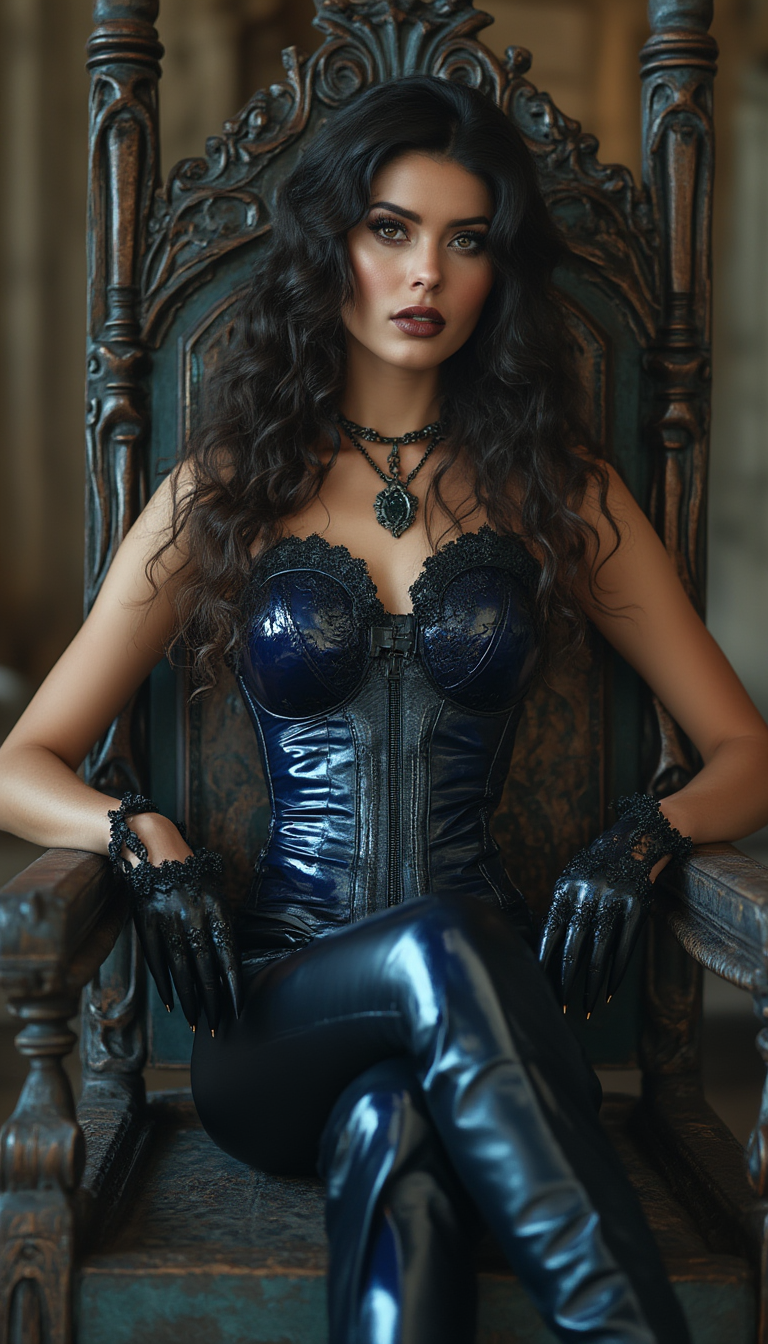
A mid-20s Italian-American woman with a soft tan and striking dark brown eyes reclines con…
flux
Models you can run on PixelDojo for image extender
Switch models without switching tools. Each one runs in the same PixelDojo studio.
What you can do with image extender on PixelDojo
Expand Beyond the Frame
We outpaint your image so the scene continues past the original edges while matching lighting, color, and composition.
Grow Any Direction You Need
You choose how far and on which sides to extend. We fill the new canvas with coherent detail that fits the existing shot.
Keep Subject and Style Intact
We preserve faces, products, and art style as we generate extra context, so the result still reads as one image.
Start From Crop or Full Shot
Upload a tight crop or a finished piece. We add surrounding environment, background, or extra room for layouts and prints.
Trusted by thousands of creators worldwide who generate millions of extended images monthly. Average 4.9-star rating from users who switched from slow manual editing. 40+ latest AI models updated weekly so your results stay current.
Why Choose Pixel Dojo for image extender
Professional-quality results with cutting-edge AI technology
Fit Every Platform Without Cropping
You turn one original photo into perfectly sized assets for YouTube thumbnails, Pinterest pins, Amazon listings and billboards. The AI image extender adds only what belongs, so your subject stays centered and sharp while extra sky, floor or background appears naturally.
Create Panoramic Scenes Instantly
You expand a simple landscape into a sweeping vista or grow a room photo into a full interior view. Lighting and perspective stay consistent so the finished image looks photographed, not generated, giving you print-ready files that impress clients.
Save Hours of Manual Work
You skip cloning, content-aware fill and endless undo steps. PixelDojo’s Image Outpainting plus Reality Polisher and P-Image Upscale deliver a finished, high-resolution file you can download and use immediately, letting you focus on strategy instead of pixels.
How It Works
You create professional extended images in three straightforward steps using PixelDojo’s dedicated Image Outpainting tool combined with Flux.2 Studio or GPT Image 2 when you want a brand-new starting point.
Step 1: Choose Your Tool
Open the Edit Images section and select Image Outpainting. If you prefer to generate a fresh photo first, start in Generate Images with Flux.2 Studio, Seedream 5 or Kling Image, then send the result straight to outpainting. Upload any JPG or PNG; the tool automatically detects edges and prepares an expandable canvas. You can also run Background Remover first if you want a clean subject isolated before expansion.
Step 2: Enter Your Prompt
Choose how far to expand left, right, up or down, or pick a target aspect ratio such as 16:9 or 9:16. Add an optional prompt like “continue the wooden floor and add soft window light on the right” or “extend the mountain range with matching snow peaks.” The AI reads your original lighting and textures then paints only the new areas. For extra control combine with Image to Image or Inpainting if you want to refine a specific zone after the first pass.
Step 3: Customize & Download
Review several variations, pick the most seamless one, then run Reality Polisher or P-Image Upscale to push the entire file to 4K or 8K. Download instantly in PNG or JPEG with commercial-use rights. You can iterate as many times as you like because PixelDojo includes 40+ models and you cancel anytime. The whole process from upload to finished banner takes under a minute.
The Pixel Dojo Advantage
Why PixelDojo outperforms other options for AI image extender and outpainting work
| Others | Pixel Dojo |
|---|---|
| Traditional photo stretching | You keep original sharpness and add real new content instead of blurry pixels, so banners and stories look professional rather than amateur. |
| Generic AI tools | You access specialized Image Outpainting plus Flux.2 Studio, GPT Image 2 and Seedream 5 in one place, giving tighter lighting match and fewer artifacts than single-model platforms. |
| Manual photo editing | You finish in seconds instead of hours of cloning and healing, then upscale with P-Image Upscale for print-ready files that would take a designer all afternoon. |
Loved by creators on PixelDojo
Real feedback from people using PixelDojo, pulled from our in-product surveys.
The Flux Pro Ultra is just amazing!
Very easy to use, and they have fast wan 2.2 video generation with custom loras available.
The overall quality of the site and it's amazing variety of tools. The continued updates of the UI. The unbelievable level of tech support.
THIS IS SO DOPE !
I have already recommended it to friends
All the tools, plus the guidance
Explore more AI tools on PixelDojo
AI Tools
Compare & Switch
- Best AI Image Generators
- Best AI Video Generators
- Midjourney Alternatives
- Civitai Alternatives
- Runway Alternatives
- Leonardo Alternatives
- Pika Alternatives
- Luma Alternatives
- Magnific Alternatives
- Veo Alternatives
- Flux Alternatives
- Freepik Alternatives
- Seedance Alternatives
- Seedream Alternatives
- Pixverse Alternatives
- GPT Image Alternatives
- Synthesia Alternatives
- Playground Alternatives
- NightCafe Alternatives
- Canva AI Alternatives
- ElevenLabs Alternatives
- ComfyUI Alternatives
- Fal Alternatives
- Replicate Alternatives
Common Questions
Everything you need to know about image extender
What is the best AI image extender for uncropping photos without losing quality?
PixelDojo’s Image Outpainting tool is built exactly for this. You upload your photo, choose the new aspect ratio, and the AI generates only the missing edges while preserving every original pixel. Lighting, shadows and textures continue naturally so the result looks photographed. After expansion you can run P-Image Upscale or Magnific Upscaler to reach 4K or higher. Thousands of creators use this daily for social posts and product listings because the original subject never gets cropped or stretched. You start free and cancel anytime.
How does AI outpainting work to expand images for Instagram Stories and YouTube banners?
You simply tell Image Outpainting the target ratio—9:16 for Stories or 16:9 for banners. The model analyzes the existing scene then invents matching sky, floor, walls or landscape. Because PixelDojo also offers Flux.2 Studio and GPT Image 2 you can generate a new hero image first if you don’t have a photo. Results stay consistent across multiple sizes so one campaign asset works everywhere. Combine with Video Reframe later if you need motion. The entire flow takes seconds and you keep commercial rights.
Can I use an AI image extender on product photos for Amazon and Shopify?
Yes. Upload your tightly cropped product shot, expand the canvas, and add a prompt such as “continue the white studio background with soft shadows.” Image Outpainting plus Reality Polisher keeps the product perfectly sharp while filling extra space for marketplace templates. You can then run Background Remover if needed or Character Stylist for lifestyle variations. Many e-commerce teams now prepare every SKU this way because it eliminates reshoots. PixelDojo’s 40+ tools let you iterate until the listing looks premium.
Is it possible to extend a landscape photo into a panoramic print with AI?
Absolutely. Start with Image Outpainting and expand left and right in stages for the most coherent result. Add a prompt describing the extra mountains, water or sky you want. After the first pass send the file to P-Image Upscale or Creative Upscaler for gallery-quality resolution. Flux.2 Studio can generate additional matching sections if you need even more width. The finished panorama maintains original lighting and perspective so it looks like a single captured moment, ready for large-format printing.
What PixelDojo tools should I combine with image outpainting for the most realistic results?
Begin with Image Outpainting for the expansion itself. Follow with Reality Polisher to unify lighting, then P-Image Upscale or Clarity Pro for extra detail. If the original needs a style change run Style Transfer first. For portraits use Portrait Upscaler after expansion. When you generate the starting image, Flux.2 Studio, Seedream 5 or QWEN Image 2 give you the strongest base. All of these live in the same dashboard so you never leave the platform. You experiment freely because there are 40+ models and you can cancel anytime.
How much does it cost to use an AI image extender and can I try it free?
You start with free credits that let you test Image Outpainting on your own photos immediately. Paid plans unlock unlimited generations across all 40+ tools including the latest Flux, GPT Image 2 and WAN models. There is no long-term contract; you cancel anytime. Commercial-use licenses are included so every extended image is ready for client work, ads or print. Thousands of creators already produce their entire visual library this way because the cost per finished asset is far lower than hiring a retoucher.