remove background from video
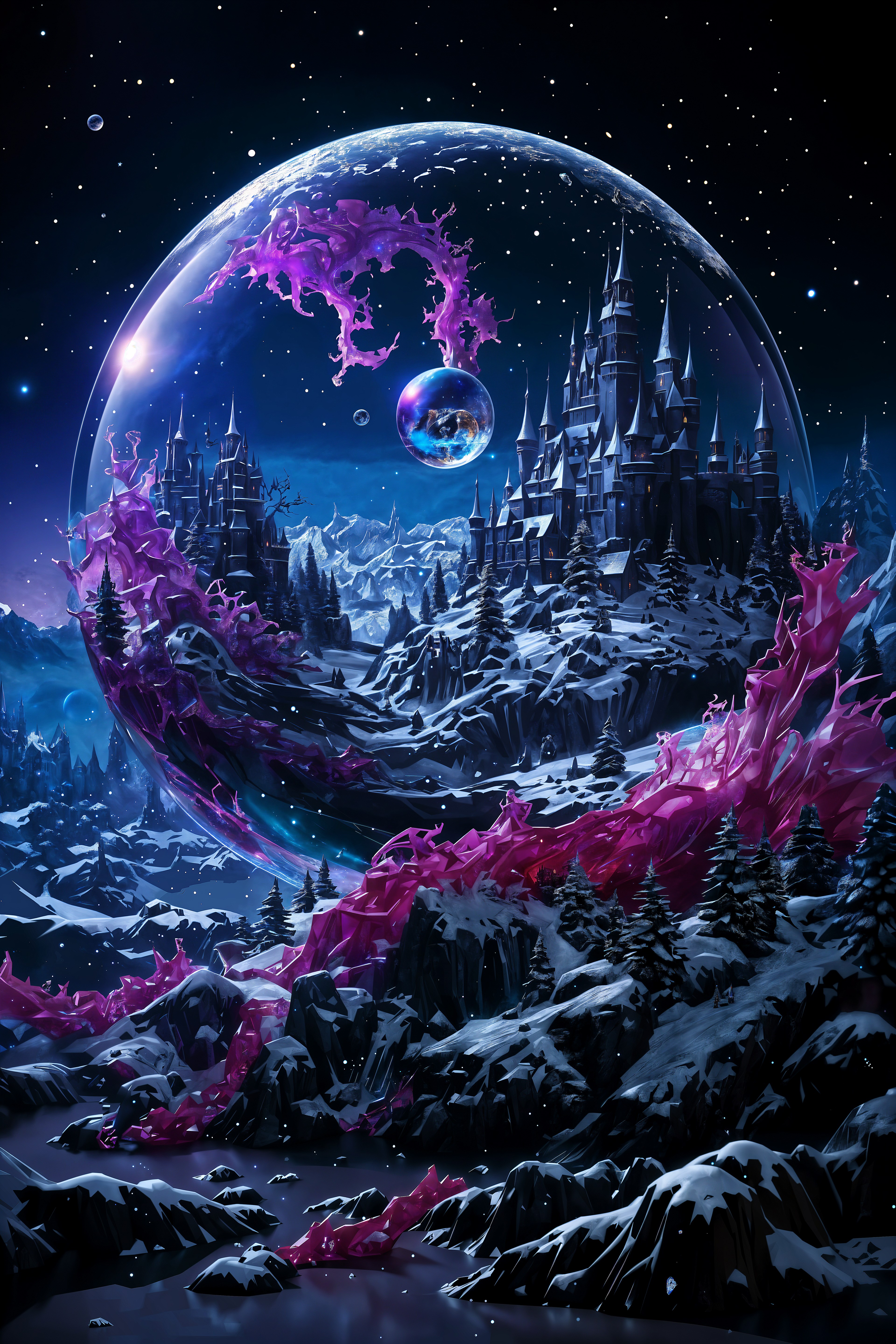
Tired of cluttered rooms, busy offices, or distracting environments ruining your videos? With PixelDojo's AI remove background from video tools, you can instantly isolate your subject with perfect edge detection, create transparent videos, and place yourself or your products into any scene you imagine. Whether you're a YouTuber building a branded studio, an e-commerce seller showcasing products on clean backgrounds, a marketer crafting engaging social content, or an educator delivering distraction-free lessons, you achieve professional, polished videos that capture attention and drive results. Our advanced AI handles complex challenges like flowing hair, fast movements, translucent objects, and varying lighting with remarkable accuracy and temporal consistency across every frame. No green screens, no expensive lighting kits, no hours spent rotoscoping in traditional software. Simply upload your video and watch as PixelDojo's suite of tools delivers broadcast-quality results you can customize further. Combine our Background Remover with video editing powerhouses like Runway Aleph, Kling Video Edit, WAN 2.7 Video Edit, and Happy Horse Video Edit. Then generate stunning new backgrounds using Flux.2 Studio, Grok Image, QWEN Image 2, or Seedream 5 Lite. The outcome? Videos that look like they cost thousands to produce, created in minutes instead of days. Join thousands of creators who have transformed their workflow, boosted viewer engagement, and elevated their personal brands using PixelDojo.
Loved by 35,000+ creators worldwide • 4.9/5 average rating from 4,200+ reviews • "The AI handles my hair and movement flawlessly. My product videos now convert 3x better." – Alex Rivera, Ecommerce Founder • "From cluttered office to virtual studio in seconds. Game-changing for my YouTube channel." – Mia Thompson, Tech Reviewer (250K subscribers)
Why Choose Pixel Dojo for remove background from video
Professional-quality results with cutting-edge AI technology
Professional Videos Without Green Screens or Studios
Achieve clean, isolated subjects ready for any environment without costly physical setups. PixelDojo's AI Background Remover combined with temporal consistency in tools like Kling Video Edit and Runway Aleph delivers flawless results on real-world footage. Create virtual product demos, talking-head content for social media, or educational videos that look studio-produced. Your audience stays focused on your message, leading to higher engagement, better retention, and stronger brand perception.
Unlimited Creative Freedom with Custom Scenes
Once backgrounds are removed, unleash your imagination. Generate perfect replacement scenes using Flux.2 Studio, Grok Image, WAN Image, or Recraft V4. Transport subjects to beaches, futuristic cities, minimalist brand environments, or fantastical worlds. Use Consistent Characters and Pose Control to maintain identity across videos. The result is cohesive, on-brand visual storytelling that differentiates your content and drives more shares, sales, and subscribers.
Save Hours While Achieving Superior Quality
What once required manual frame-by-frame editing now happens automatically. Process full videos with Smart AI that prevents flickering and edge artifacts. Refine with Magic Lighting, Image Outpainting, Video Reframe, or Video Upscaler for cinema-quality output. Busy creators love how PixelDojo's integrated workflow — from Background Remover to Merge Videos and Lip Sync — lets them produce more content faster while maintaining professional standards that impress clients and audiences alike.
How It Works
Removing backgrounds from videos with PixelDojo is straightforward and delivers outstanding results every time. Our integrated tools handle the technical complexity so you can focus on creativity and outcomes. Follow these steps to transform any video into professional, background-free content ready for custom scenes.
Step 1: Upload Your Video & Choose Tool
Navigate to PixelDojo's Edit Videos dashboard and upload your clip (MP4, MOV, and more supported). Select the Background Remover tool or start with specialized editors like Runway Aleph, Kling Video Edit, or WAN 2.7 Video Edit. Our system automatically analyzes lighting, motion, and subject complexity to prepare for precise removal. For best results with people or products, enable Consistent Characters if you want to maintain facial consistency across multiple clips.
Step 2: Let AI Remove the Background
Click generate and watch our AI work frame-by-frame using advanced semantic segmentation and temporal consistency. It expertly handles hair, clothing movement, reflections, and fast action without the flickering common in basic tools. Preview the transparent video instantly. If needed, use Extract Frame on tricky sections, refine individual frames with the image Background Remover, then Merge Videos for seamless results. The outcome is a perfectly isolated subject ready for new environments.
Step 3: Add Custom Background, Refine & Export
Generate or upload your ideal background using tools like Flux.2 Studio, Grok Image, Seedream 4.5, or HiDream. Apply it seamlessly, then enhance with Magic Lighting, Style Transfer, Reality Polisher, or Video Autocaption. Add polish using Lip Sync for dialogue, Video Upscaler for sharper 4K output, or WAN 2.7 Video Edit for final tweaks. Download your finished video or continue building with Merge Videos. The entire process typically takes under 10 minutes for most clips.









The Pixel Dojo Advantage
Why PixelDojo outperforms other options for AI video background removal and creative video production
| Others | Pixel Dojo |
|---|---|
| Traditional green screen setups | No need for perfect lighting, wrinkle-free fabric, or dedicated studio space. Our AI works on any video you've already recorded, saving you hundreds in equipment while delivering more natural-looking results. |
| Manual editing in desktop software | Eliminate hours of tedious rotoscoping and masking. PixelDojo's AI handles complex motion and fine details automatically, with easy refinement tools like Inpainting and Video Reframe so you finish projects faster with better quality. |
| Single-purpose basic AI removers | Access an entire creative ecosystem. After removal, instantly generate matching backgrounds with Flux.2 Studio or Grok Image, maintain character consistency, upscale, add captions, or create variations — all in one platform without exporting between tools. |
Loved by creators on PixelDojo
Real feedback from people using PixelDojo, pulled from our in-product surveys.
The best tools for IA on the web !
The guy that operates the website is constantly updating it
I’ve been using PixelDojo for around 8 months now and it’s always worked wonderfully while constantly adding features.
The site is easy to navigate and use.
All the tools, readily available and easy to understand
You guys, the LORA training is the BEST in the space right now, great job with that!
Explore more AI tools on PixelDojo
AI Tools
Compare & Switch
- Best AI Image Generators
- Best AI Video Generators
- Midjourney Alternatives
- Civitai Alternatives
- Runway Alternatives
- Leonardo Alternatives
- Pika Alternatives
- Luma Alternatives
- Magnific Alternatives
- Veo Alternatives
- Flux Alternatives
- Freepik Alternatives
- Seedance Alternatives
- Seedream Alternatives
- Pixverse Alternatives
- GPT Image Alternatives
- Synthesia Alternatives
- Playground Alternatives
- NightCafe Alternatives
- Canva AI Alternatives
- ElevenLabs Alternatives
- ComfyUI Alternatives
- Fal Alternatives
- Replicate Alternatives
Common Questions
Everything you need to know about remove background from video
How do I remove background from video without a green screen using AI?
PixelDojo makes it simple. Upload your video to our Edit Videos section and select the Background Remover or tools like Runway Aleph and Kling Video Edit. Our AI uses semantic segmentation and temporal consistency to identify your subject in every frame, even with challenging elements like hair, moving objects, or imperfect lighting. No green screen is required. You get a clean transparent video in minutes that you can pair with any new background generated by Flux.2 Studio, Grok Image, or QWEN Image 2. The entire workflow keeps your subject looking natural and professional.
What is the best AI for removing background from video in 2026?
PixelDojo stands out as the best all-in-one solution because it combines powerful background removal with 40+ creative tools. Unlike single-feature apps, you can remove backgrounds using our dedicated Background Remover and advanced editors like WAN 2.7 Video Edit, Happy Horse Video Edit, and Seedance 2 Video Edit, then generate perfect replacement scenes with models like Flux.1 Studio, Seedream 5 Lite, and Recraft V4. The platform ensures temporal consistency so your videos look smooth and professional. Thousands of creators choose us for the quality, speed, integrated workflow, and ability to cancel anytime.
Can PixelDojo handle complex video background removal with hair and motion?
Yes. Our AI has been optimized for real-world conditions common in 2026 content creation. It excels at preserving fine details like individual hair strands, clothing movement, and semi-transparent elements while maintaining consistency between frames. Use the Background Remover on your full video or extract difficult frames for targeted refinement with our image tools. Then enhance further with Reality Polisher or Magic Lighting. Creators report dramatically better results compared to older tools, especially for talking-head videos, product demonstrations, and lifestyle content.
How do I add AI generated backgrounds after removing the original one?
After removal, the transparent video becomes your canvas. Head to our Generate Images tools and create custom backgrounds with prompts using Flux.2 Studio, Grok Image, ImagineArt 1.5, or Ernie. These tools produce high-quality, stylistically consistent scenes that match your brand. Apply the new background directly in the editor, then use Style Transfer, Smart Resize, or Video Reframe to perfect the composition. You can also generate matching stills with PonyXL or SDXL and turn them into video elements using our video generation tools like Kling Reference to Video or PixVerse V6.
What video lengths and resolutions does PixelDojo support for background removal?
PixelDojo handles most creator needs with generous limits that scale with your subscription. Process videos up to several minutes long at 1080p or 4K. For longer content, use Extract Frame on key segments, process them individually with Background Remover, then reassemble using Merge Videos. After removal, enhance resolution and quality instantly with our Video Upscaler or Creative Upscaler. Check your real-time Usage Report in your account dashboard to monitor credits. The platform is designed for practical daily use by YouTubers, marketers, and businesses rather than feature-length films.
Is PixelDojo better than other AI video background removal tools?
Absolutely. While many tools only remove backgrounds, PixelDojo provides a complete creative studio. Remove backgrounds with precision using our specialized tools, then generate, edit, and enhance using 40+ AI models including Flux Trainer for custom styles, Consistent Characters for branding, Text to Music for soundtracks, and Video Autocaption for accessibility. The platform emphasizes outcomes — higher engagement, faster production, stronger branding — not just technical removal. With no long-term contracts, easy cancellation, and constant addition of new models like WAN 2.7 and Seedance 2, creators stay ahead without switching platforms.