zoom-out AI photo generator

Imagine transforming a simple photo into a captivating visual story by expanding its boundaries. With PixelDojo's Zoom-Out AI Photo Generator, you can effortlessly extend your images, revealing more context and depth. Whether you're a marketer aiming to showcase products in dynamic settings or a content creator enhancing narratives, our AI-powered tools make it simple to achieve stunning results.
Join over 10,000 creators who have enhanced their visuals using PixelDojo's AI tools. Rated 4.8/5 based on 2,000+ reviews.
Why Choose Pixel Dojo for zoom-out AI photo generator
Professional-quality results with cutting-edge AI technology
Enhance Visual Storytelling
Expand your images to reveal broader contexts, adding depth and intrigue to your narratives.
Save Time and Effort
Achieve professional image expansions without the need for complex editing software or skills.
Boost Engagement
Create captivating visuals that draw viewers in, increasing interaction and interest.
How It Works
Creating expansive images with PixelDojo is straightforward. Follow these simple steps:
Step 1: Select Your Image
Choose the photo you wish to expand. Ensure it's clear and well-composed for optimal results.
Step 2: Apply the Zoom-Out Feature
Use PixelDojo's 'Image to Image' tool to seamlessly extend your image's boundaries.
Step 3: Customize and Download
Adjust the expanded areas to your liking, then download the enhanced image for use.
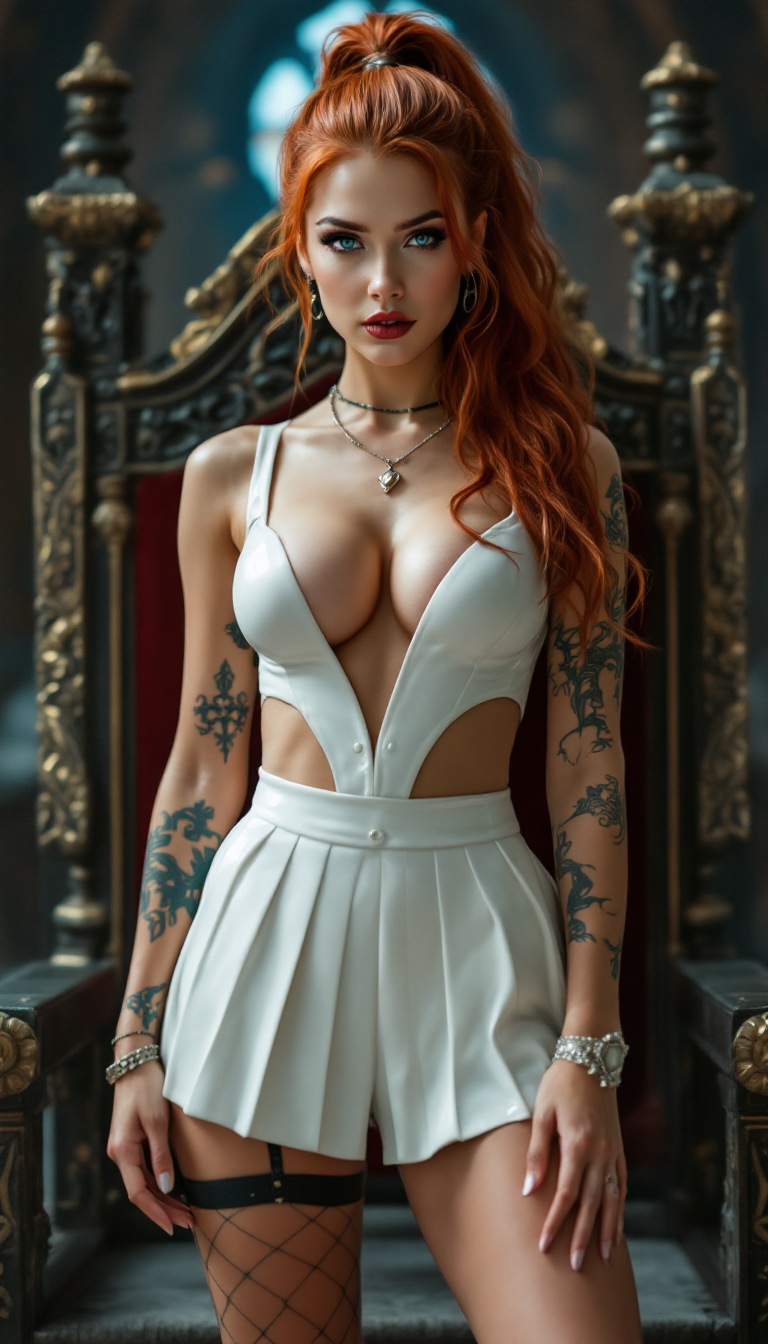
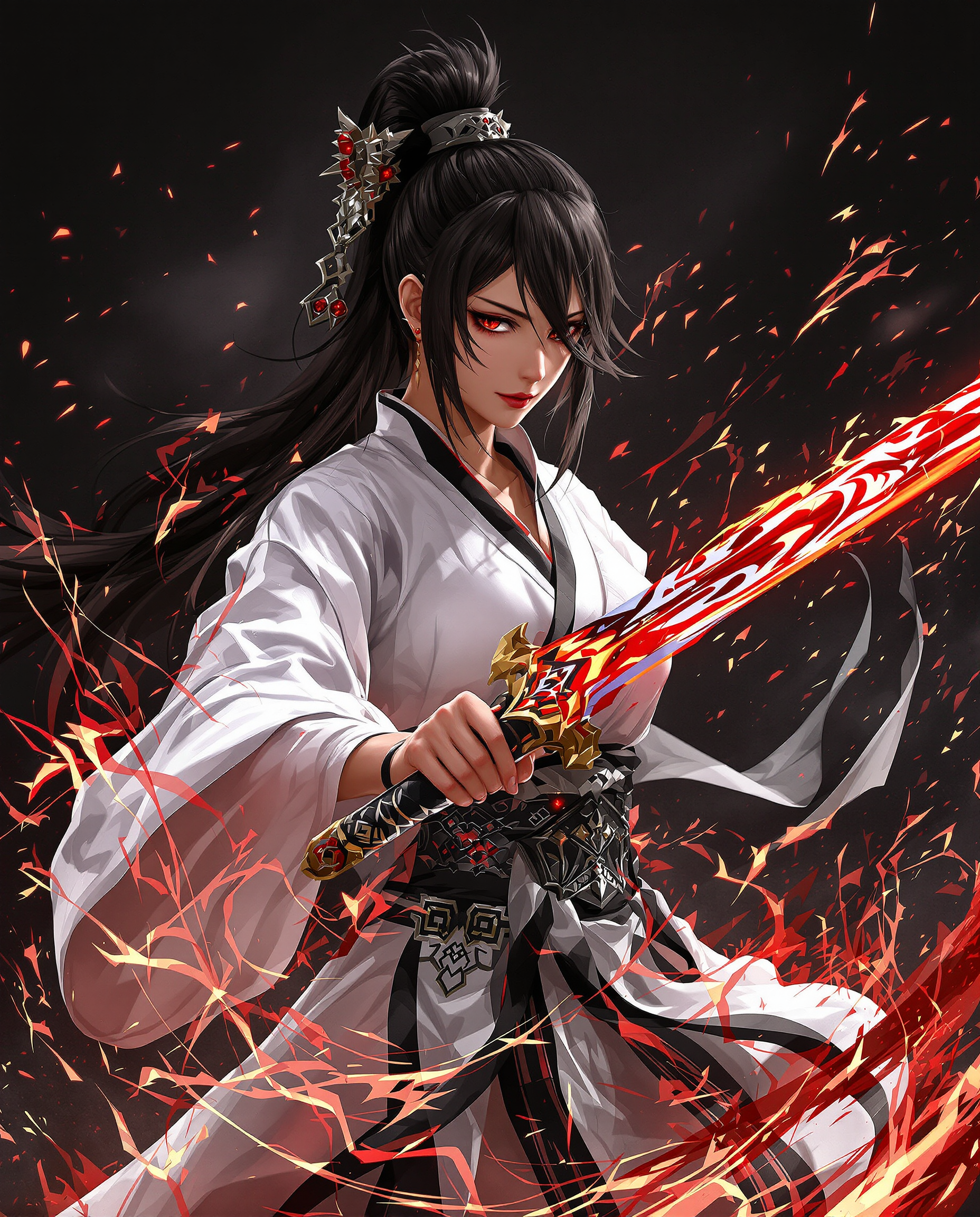
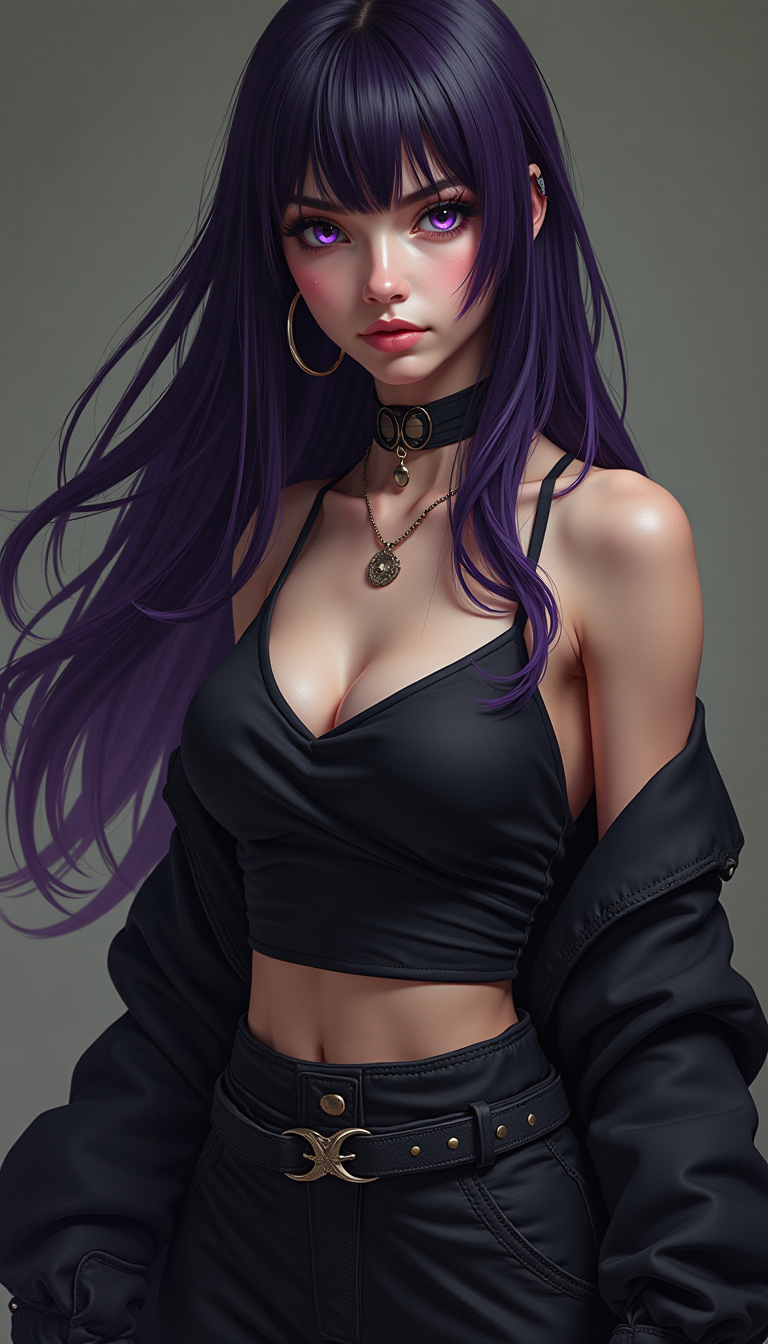
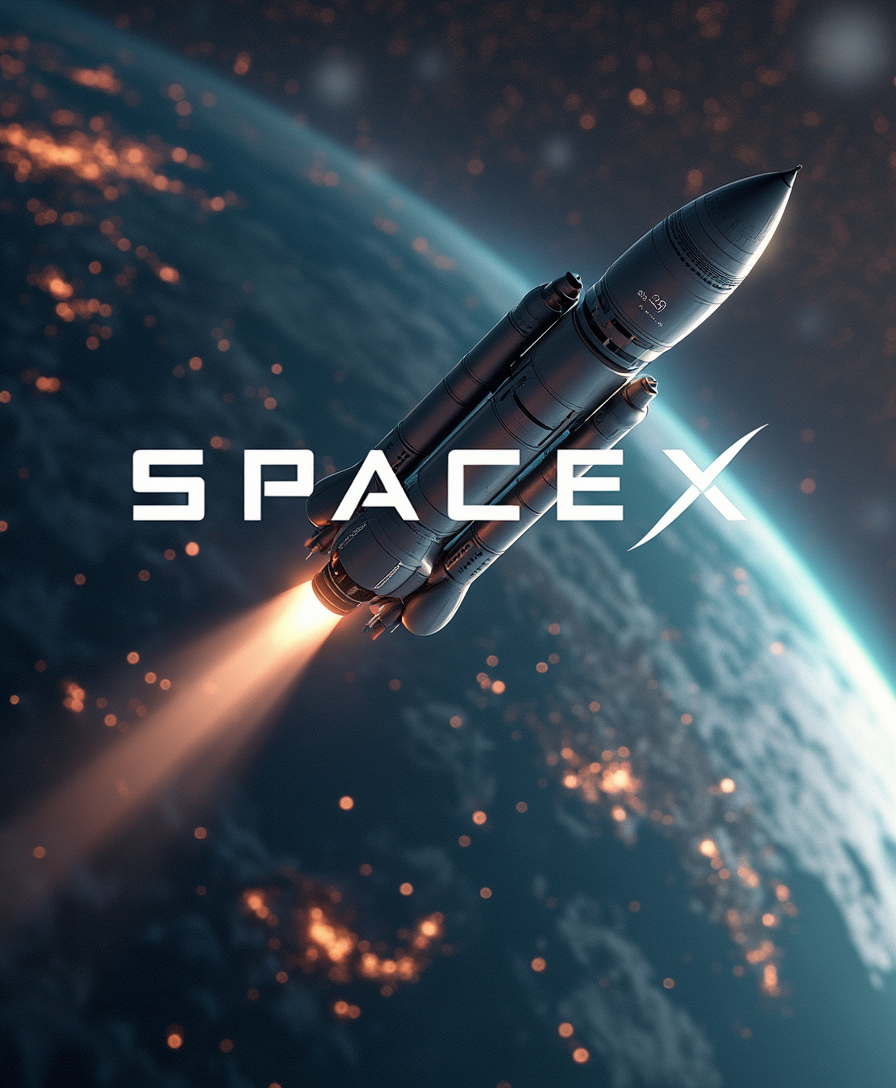


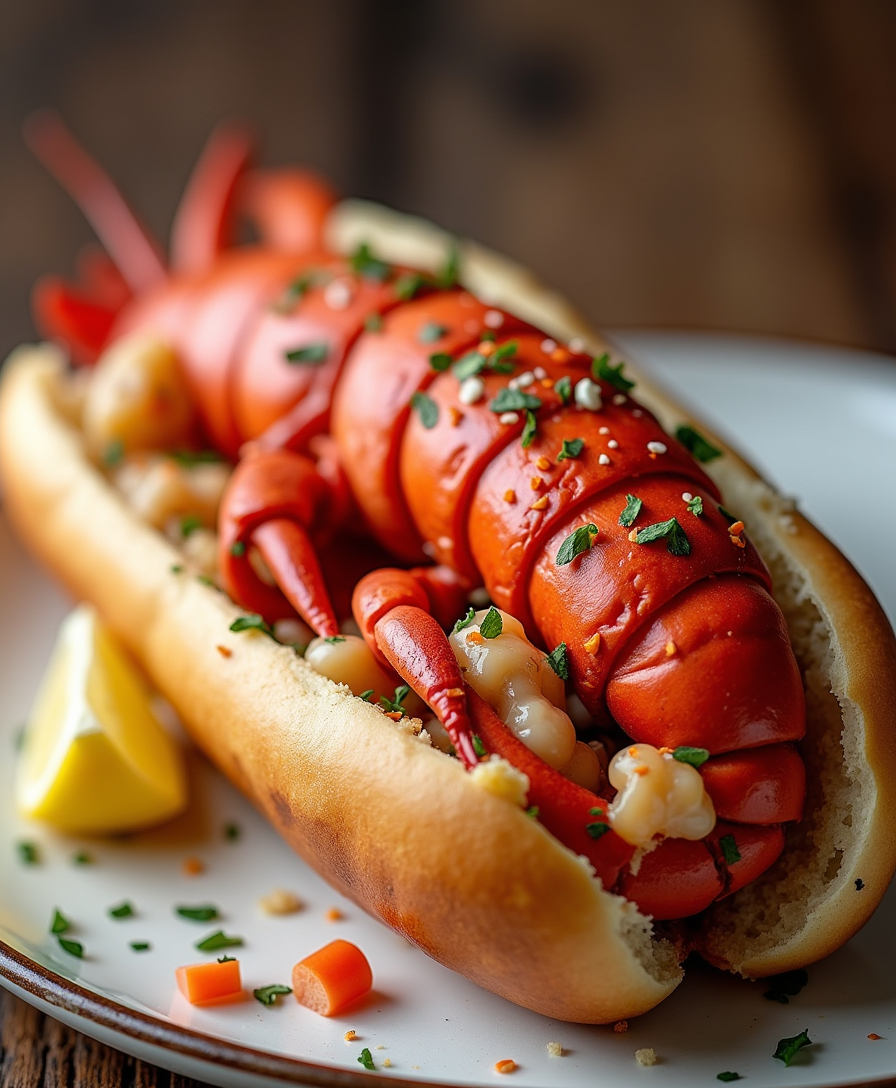

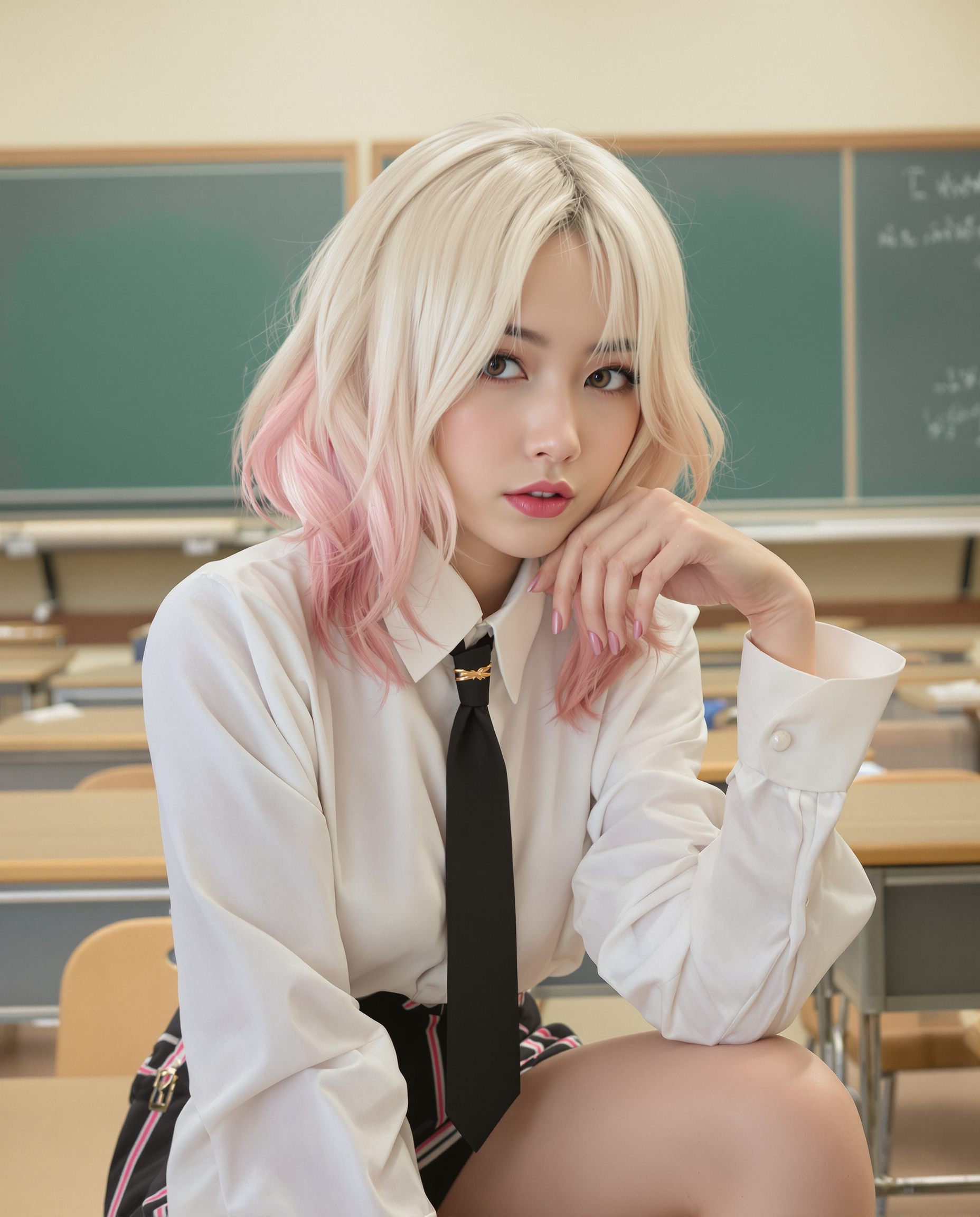
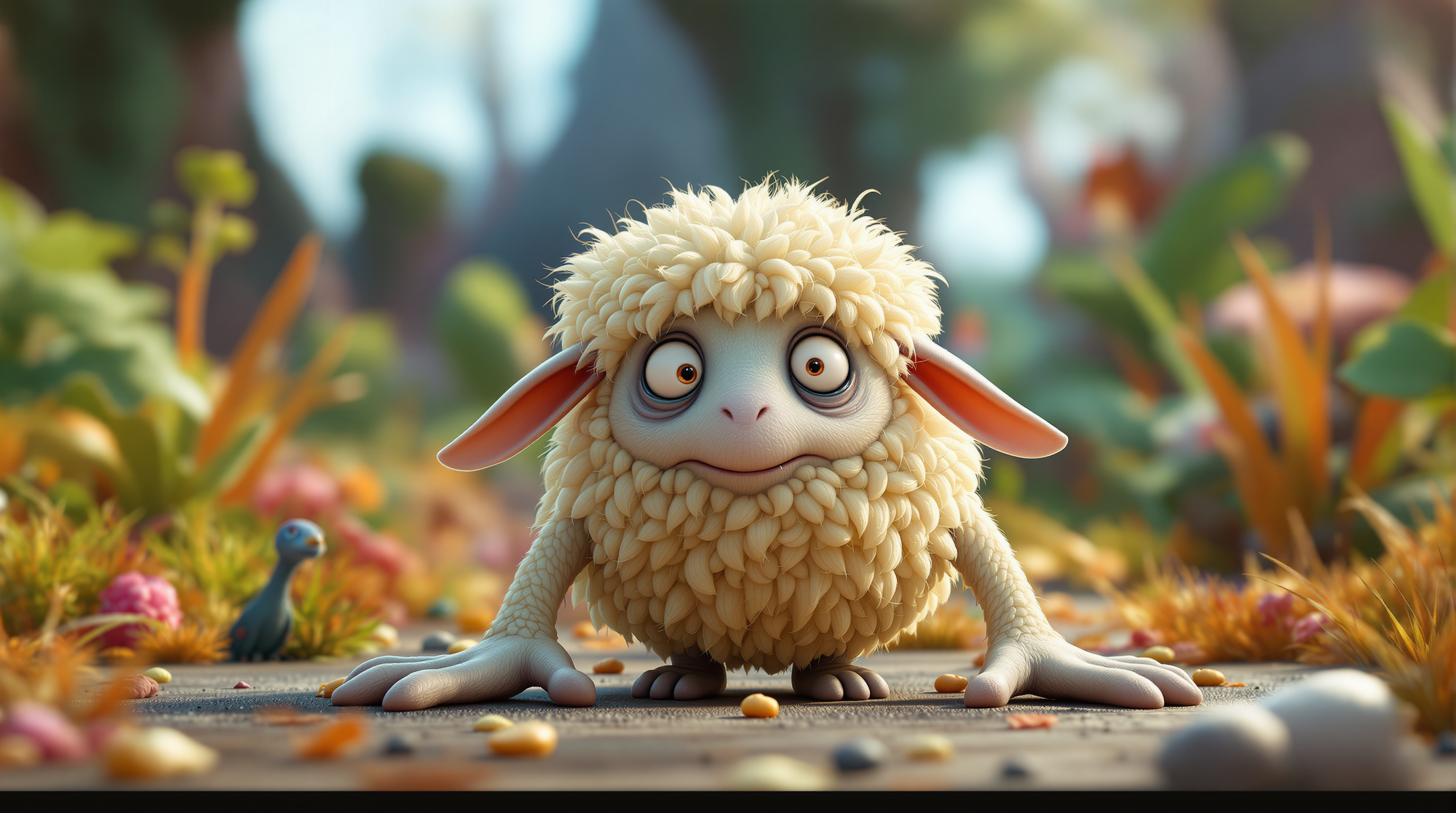
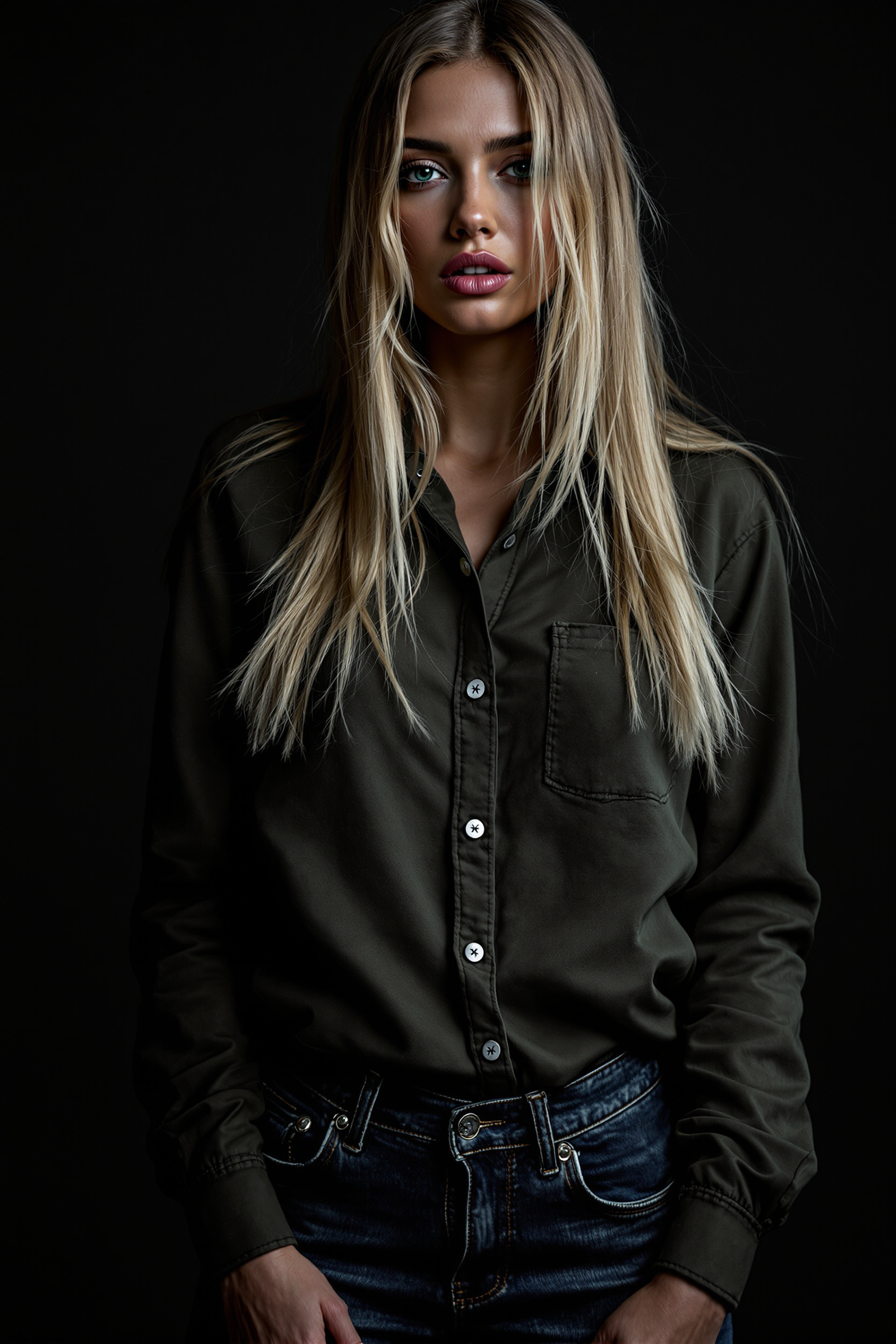
The Pixel Dojo Advantage
Why PixelDojo is the superior choice for expanding your images:
| Others | Pixel Dojo |
|---|---|
| Traditional Photo Editing | No need for manual editing skills; our AI automates the expansion process. |
| Generic AI Tools | Tailored specifically for seamless image expansion with high-quality results. |
| Manual Cropping and Resizing | Avoid distortion and quality loss; our AI maintains image integrity. |
Loved by creators on PixelDojo
Real feedback from people using PixelDojo, pulled from our in-product surveys.
Practically every Ai suite in one place? Who wouldn't?
versatile menu of tools
Best AI tool availble the suite is rad
Versatility quality, value, ROI, innovation
variety of tools available and prompt tools
A "one-stop-shop" for creators! Thanks!!
Explore more AI tools on PixelDojo
AI Tools
Compare & Switch
- Best AI Image Generators
- Best AI Video Generators
- Midjourney Alternatives
- Civitai Alternatives
- Runway Alternatives
- Leonardo Alternatives
- Pika Alternatives
- Luma Alternatives
- Magnific Alternatives
- Veo Alternatives
- Flux Alternatives
- Freepik Alternatives
- Seedance Alternatives
- Seedream Alternatives
- Pixverse Alternatives
- GPT Image Alternatives
- Synthesia Alternatives
- Playground Alternatives
- NightCafe Alternatives
- Canva AI Alternatives
- ElevenLabs Alternatives
- ComfyUI Alternatives
- Fal Alternatives
- Replicate Alternatives
Common Questions
Everything you need to know about zoom-out AI photo generator
How does PixelDojo's zoom-out AI photo generator work?
Our AI analyzes your image and intelligently extends its boundaries, adding contextually relevant content to create a seamless expansion.
Is there a limit to how much I can expand my image?
While our AI can significantly extend images, maintaining realism is key. Excessive expansion may result in less natural outcomes.
Do I need any prior editing experience to use this feature?
No, PixelDojo is designed for users of all skill levels. Our intuitive interface makes image expansion simple and accessible.
Can I customize the expanded areas of my image?
Yes, after the AI generates the expansion, you can adjust and fine-tune the added content to your preference.
What file formats are supported for image expansion?
PixelDojo supports common image formats such as JPEG, PNG, and BMP for both input and output.
Is there a free trial available?
Yes, we offer a free trial so you can experience the benefits of our tools before committing to a subscription.