Edit
Change Photo Angle: see your photo from another angle
Turn the camera after the shot: see your subject from the side, from above, from below or closer in, with the scene rebuilt around the new view.
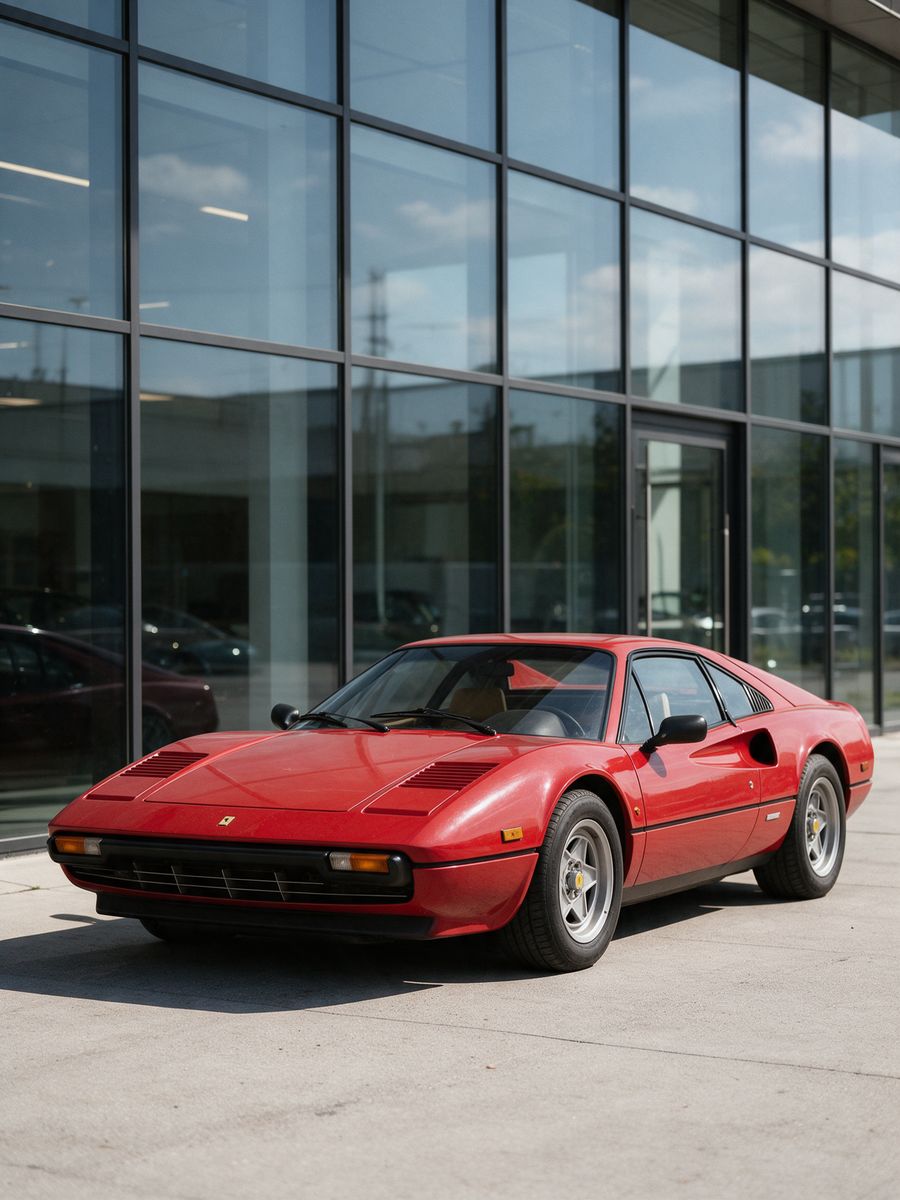
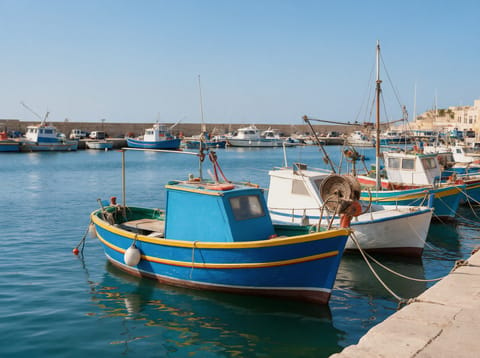
Before
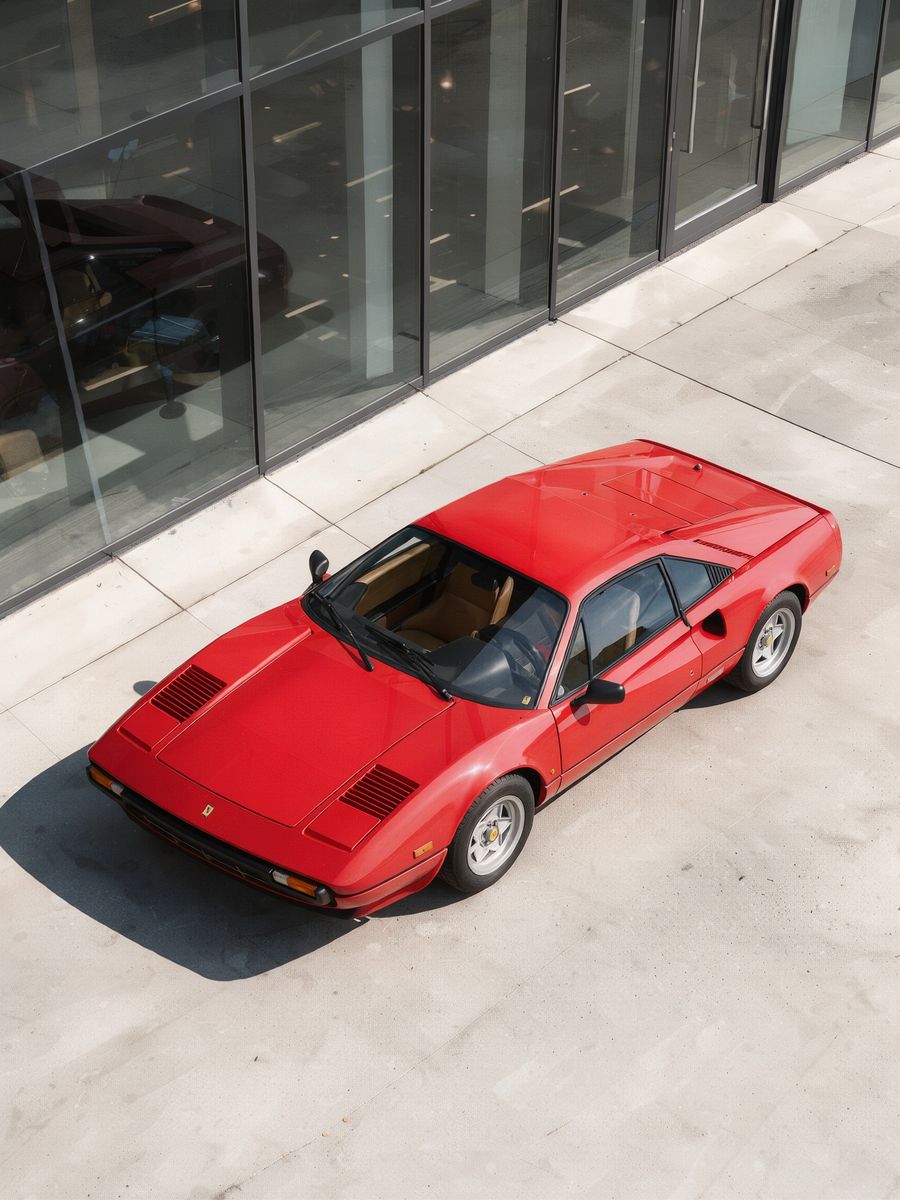
After, straight from our test, no retouching
What Change Photo Angle does
Change Photo Angle moves the camera after the shot: see your subject from the side, from above, from below, from behind or closer in.
How to use Change Photo Angle
- Upload your photo, or pick it from your library.
- Fill in new angle.
- Press Generate. The instructions for the job are already set up, so there is no prompt to write.
- Your image shows up right on the page. Save it to your library or download it.
Tips for the best result
- Clear photos with one main subject work best.
- Products, cars, rooms and people all work.
- Try a few angles for a full set.
Ideas for using it
- Product shots from every side.
- Real estate and car listings.
- New angles for social posts.
More tools
Uncrop Photo
Zoom out and see what was outside the frame.
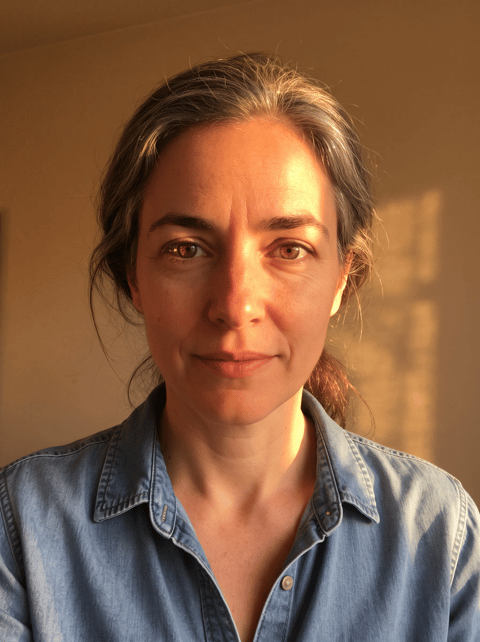

AI Photo Relight
Change the lighting after the shot.
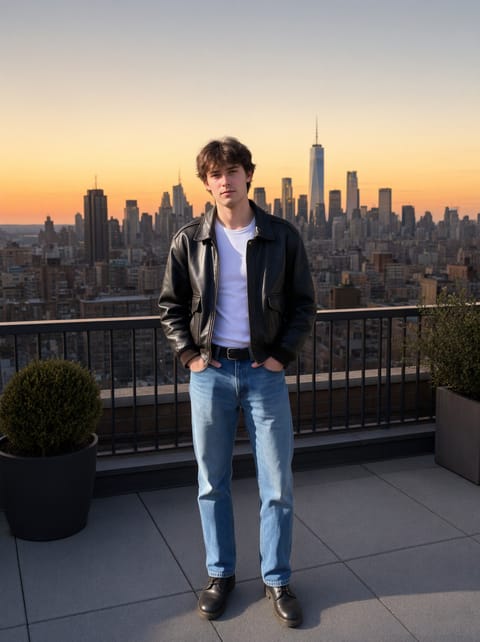

AI Background Changer
Put yourself anywhere.
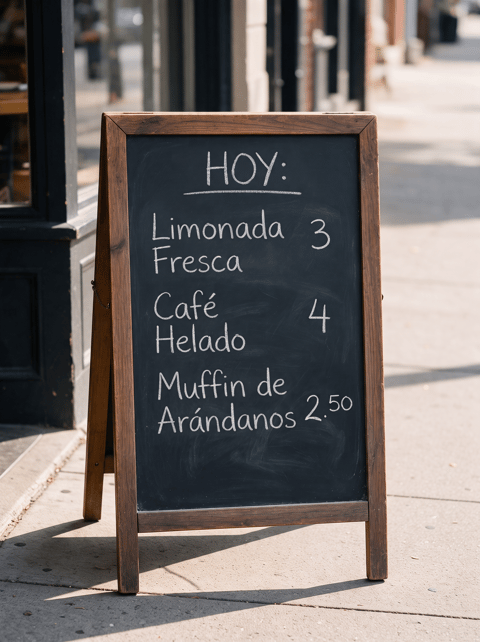

Image Translator
Translate the text inside a picture.
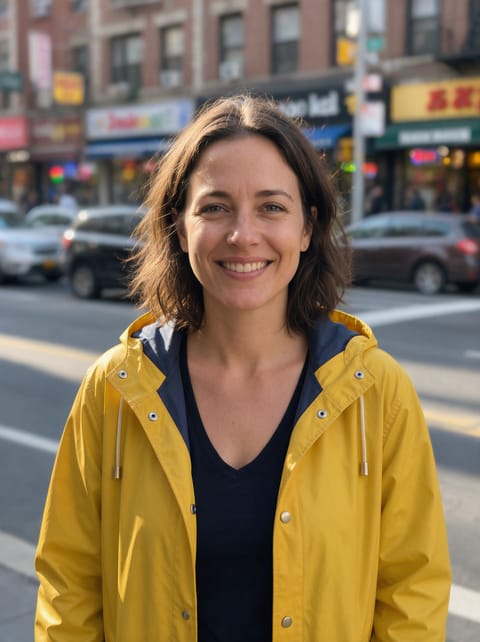

Blur Background
Portrait-mode bokeh for any photo.

Watermark Remover
Lift text and logo watermarks off your own photos.
Want motion instead? Video Effects turn one photo into a 5 second clip.
Go further
Change Photo Angle FAQ
Which angles can I pick?
Left side, right side, from above, low angle, from behind and closer up.
Does the subject change?
No. The subject stays the same; only the camera moves.
Is Change Photo Angle free?
Change Photo Angle is included with every PixelDojo plan and costs a few credits per image, shown on the Generate button before you run it.
Who owns the result, and can I use it commercially?
We assign you whatever rights we hold in the result, so you can use it in your own projects, commercial ones included, as long as what you uploaded was yours to use. Unsaved results are deleted after 24 hours, so save the ones you want to keep.
Can I use a photo of someone else?
Only photos of adults, of yourself or of people who agreed to it, and only images you have the right to edit. Every upload goes through the same safety checks as the rest of PixelDojo.