Holidays
Diwali Portrait: a glowing Diwali portrait of you
Dresses you in festive Diwali finery and lights you with oil lamps, marigolds and string lights for a warm festival portrait.
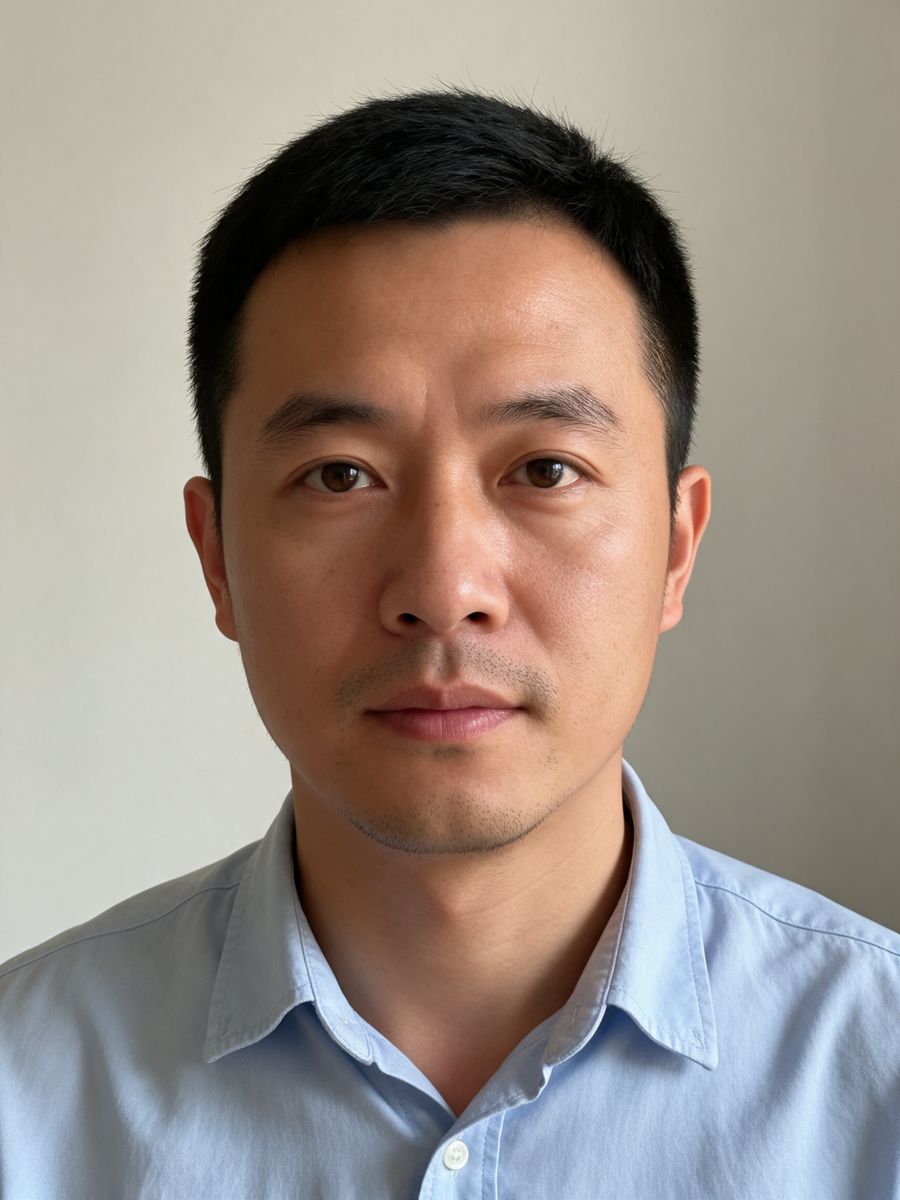
Before
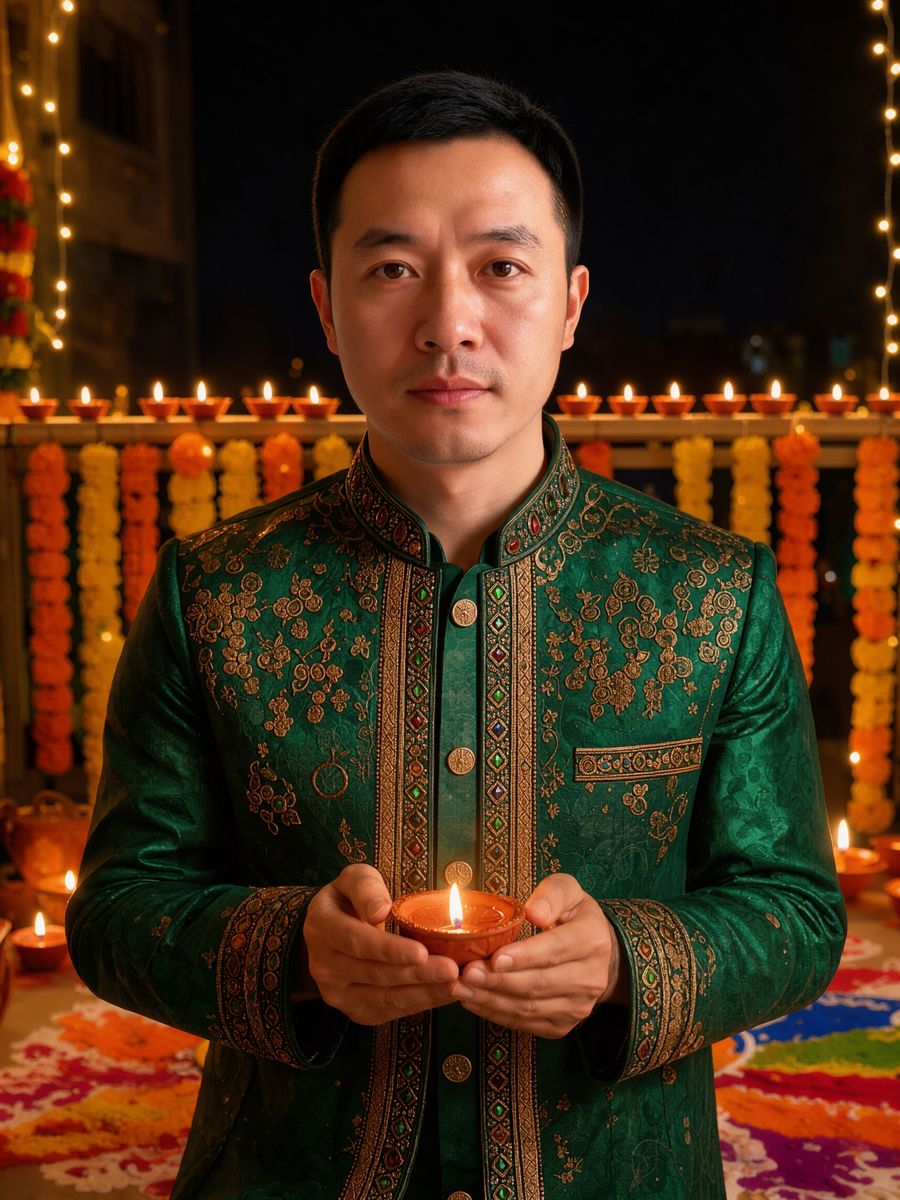
After, straight from our test, no retouching
Did best on this effect in our test.
Add a photo to start.
3 free every day. No card needed.
What Diwali Portrait does
Diwali Portrait dresses you in rich festive attire, puts a glowing diya in your hands and lights you with marigolds, string lights and rows of oil lamps for a warm festival portrait.
How to use the Diwali Portrait effect
- Upload your photo, or pick it from your library.
- Press Generate. The look is already set up, so there is no prompt to write.
- Your image shows up right on the page. Save it to your library or download it.
Tips for the best result
- A clear, front-facing portrait works best.
- Waist-up photos leave room for the diya.
- Post it on Diwali, November 8.
Ideas for using it
- A Diwali profile picture.
- A festival post for your feed.
- A family portrait for the celebration.
More photo effects
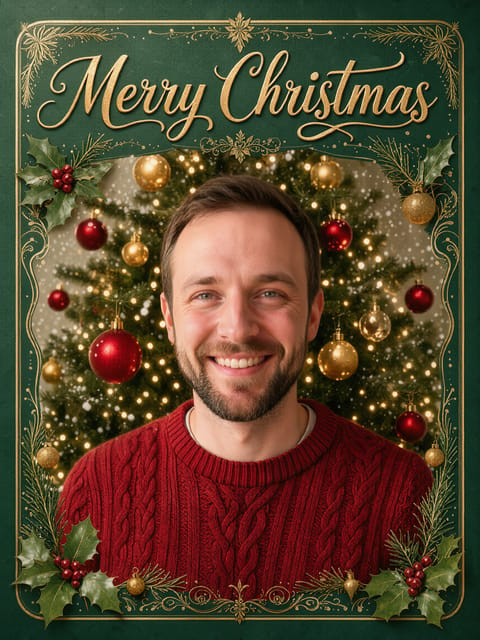

Christmas Card
Your photo on a classic Christmas card.
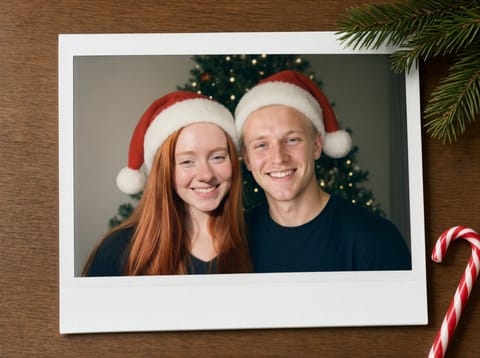

Holiday Polaroid Duo
Two photos, one holiday instant print.


Christmas Pet Poster
Your pet as a Christmas movie star.
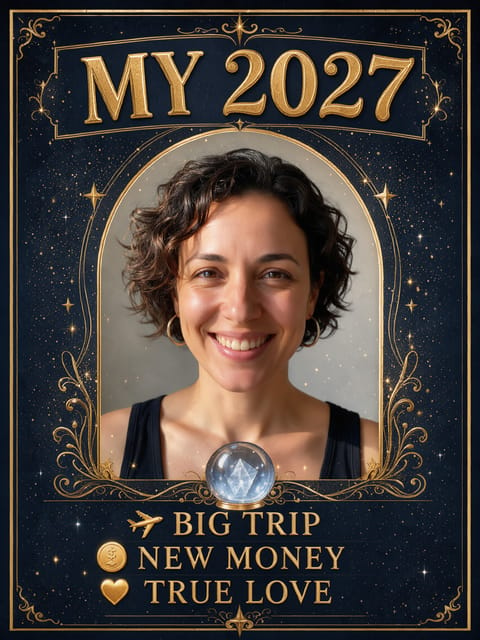

My 2027 Prediction
Your 2027 fortune, on a card.
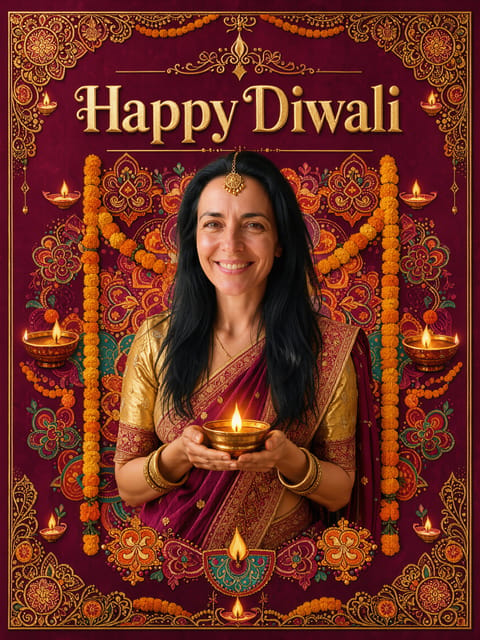

Diwali Card
Your photo on a Happy Diwali card.
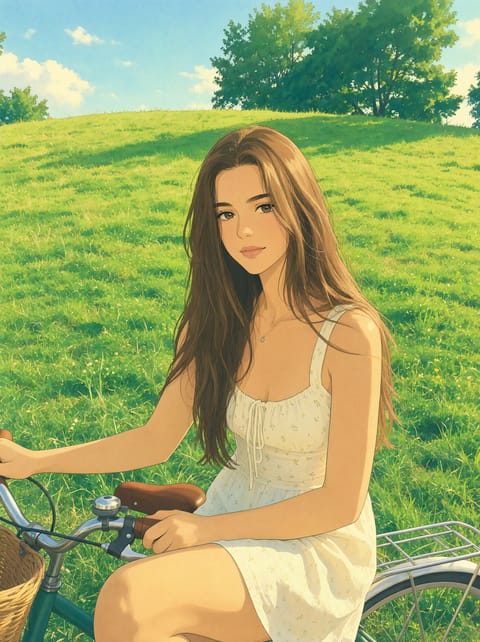
Ghibli Style Photo
Your photo as a Ghibli-style anime film still.
Want motion instead? Video Effects turn one photo into a 5 second clip.
Go further
Diwali Portrait FAQ
When is Diwali?
Diwali 2026 falls on November 8.
Can I print it?
Yes. It is a high-resolution image.
Is Diwali Portrait free?
Yes. A free PixelDojo account makes 3 free effects every day across Photo Effects and Video Effects, no card needed. Every plan unlocks as many as you like.
Who owns the result, and can I use it commercially?
We assign you whatever rights we hold in the result, so you can use it in your own projects, commercial ones included, as long as what you uploaded was yours to use. Unsaved results are deleted after 24 hours, so save the ones you want to keep.
Can I use a photo of someone else?
Only photos of adults, of yourself or of people who agreed to it, and only images you have the right to edit. Every upload goes through the same safety checks as the rest of PixelDojo.