Face & Body
AI Aging Filter: see yourself at 70
Ages the person in your photo by about forty years with gray hair, wrinkles and age spots, same face underneath.
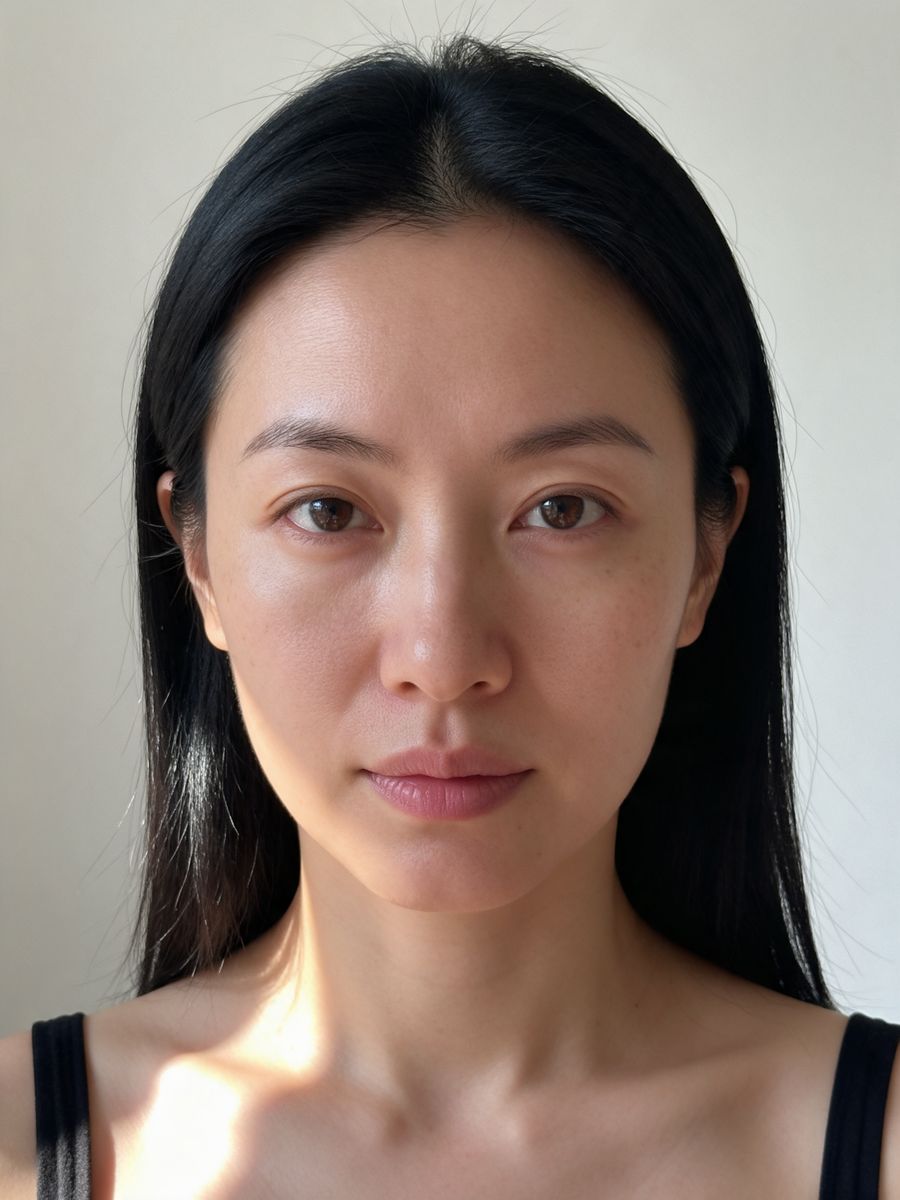
Before
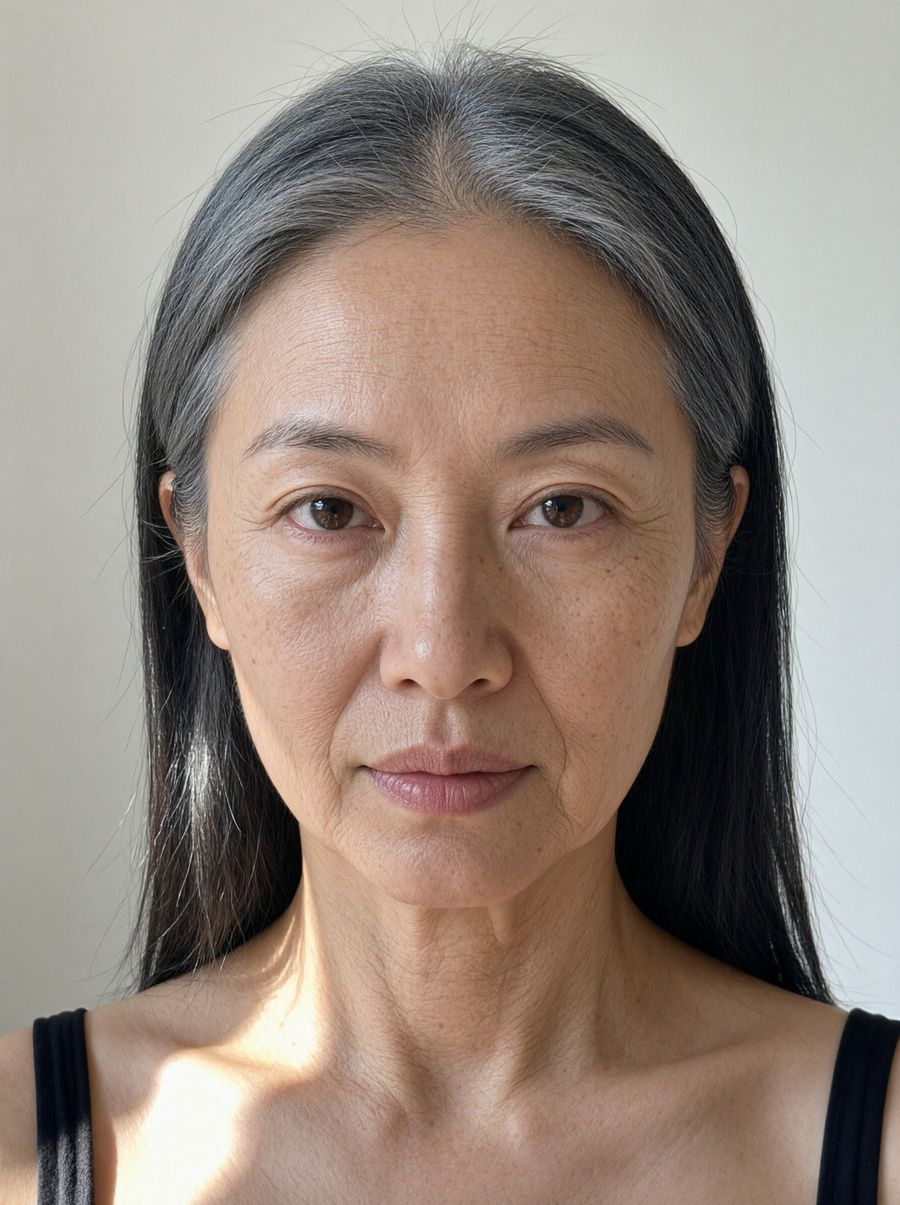
After, straight from our test, no retouching
Did best on this effect in our test.
Add a photo to start.
3 free every day. No card needed.
What AI Aging Filter does
AI Aging Filter shows you about forty years older: gray hair, deep wrinkles and age spots, with your face shape and eyes kept.
How to use the AI Aging Filter effect
- Upload your photo, or pick it from your library.
- Press Generate. The look is already set up, so there is no prompt to write.
- Your image shows up right on the page. Save it to your library or download it.
Tips for the best result
- Front-facing, evenly lit portraits age most realistically.
- Remove sunglasses; eyes carry the likeness.
- Try it with Baby Filter for a full life timeline.
Ideas for using it
- A fun "future me" post.
- Character design for a story set decades later.
- Couples comparing their future selves.
More photo effects
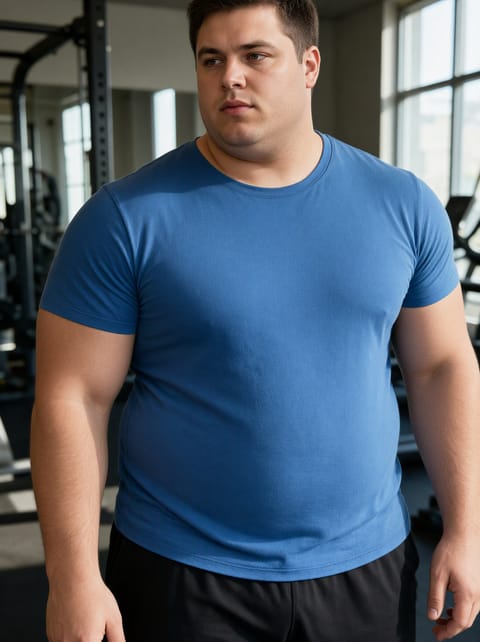
AI Fat Filter
See yourself with a heavier build.
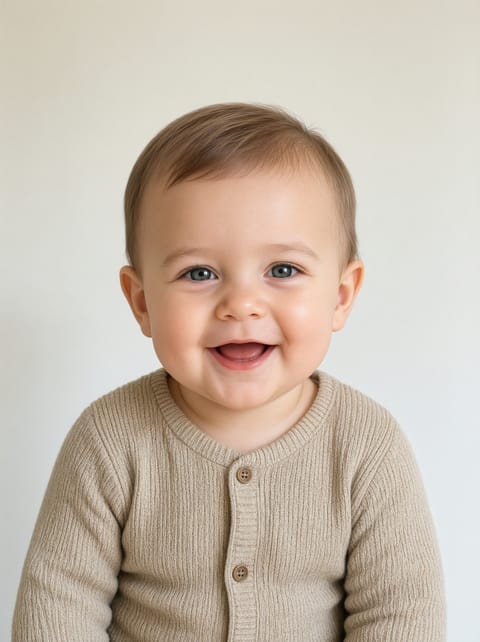
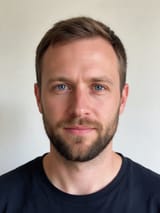
AI Baby Filter
What you looked like as a baby.
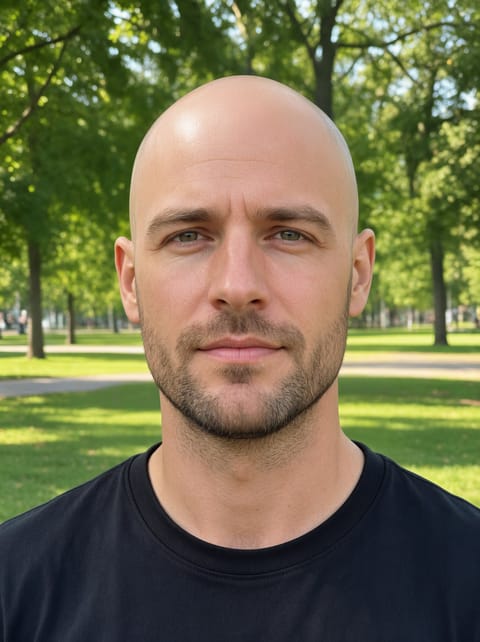
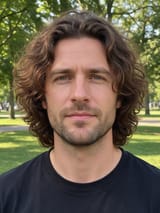
AI Bald Filter
Try the shaved head look.
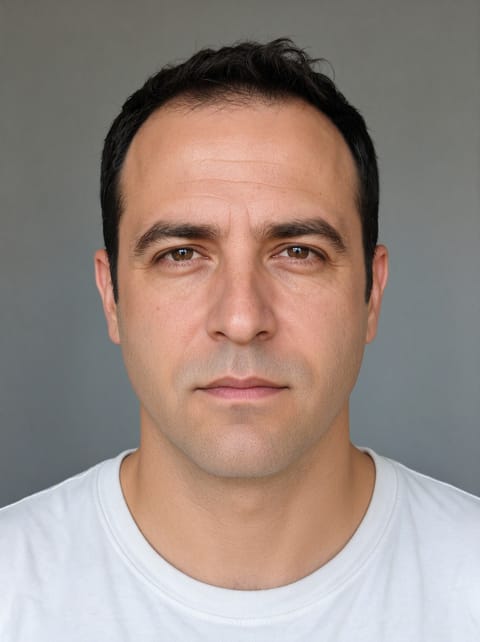
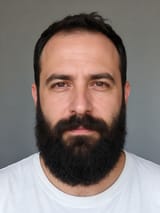
Beard Remover
See yourself clean shaven.
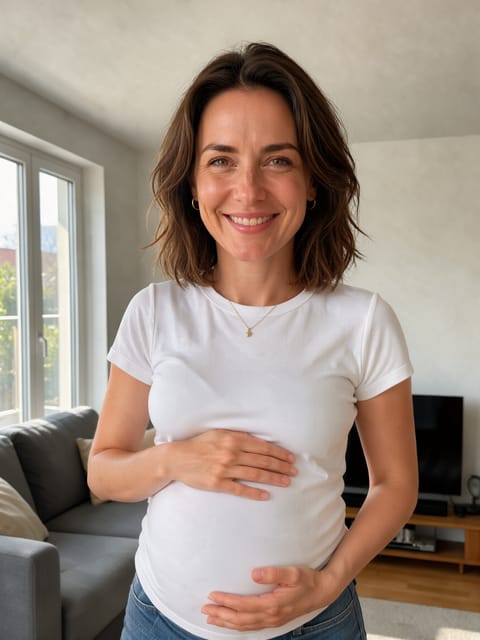

Pregnant AI Filter
See yourself expecting.

AI Skinny Filter
See yourself with a slimmer build.
Want motion instead? Video Effects turn one photo into a 5 second clip.
Go further
AI Aging Filter FAQ
How much older does it make me?
About 70 years old, whatever your starting age.
Does it keep my face?
Yes. In my test the eyes and face shape stayed the same.
Is AI Aging Filter free?
Yes. A free PixelDojo account makes 3 free effects every day across Photo Effects and Video Effects, no card needed. Every plan unlocks as many as you like.
Who owns the result, and can I use it commercially?
We assign you whatever rights we hold in the result, so you can use it in your own projects, commercial ones included, as long as what you uploaded was yours to use. Unsaved results are deleted after 24 hours, so save the ones you want to keep.
Can I use a photo of someone else?
Only photos of adults, of yourself or of people who agreed to it, and only images you have the right to edit. Every upload goes through the same safety checks as the rest of PixelDojo.