Art Styles
Watercolor Portrait: a soft watercolor painting of your photo
Paints your photo in loose watercolor on textured paper, with soft bleeding edges and light pencil lines showing through.
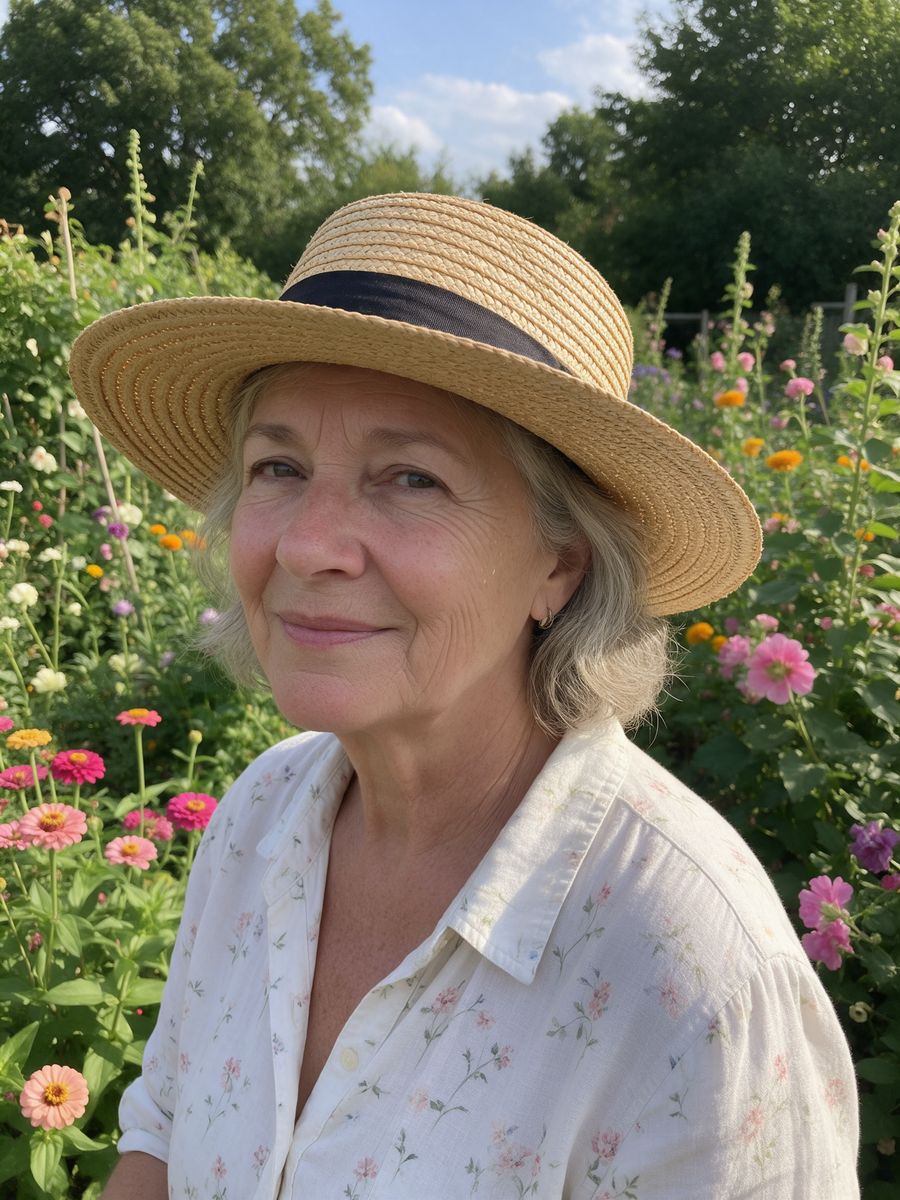
Before
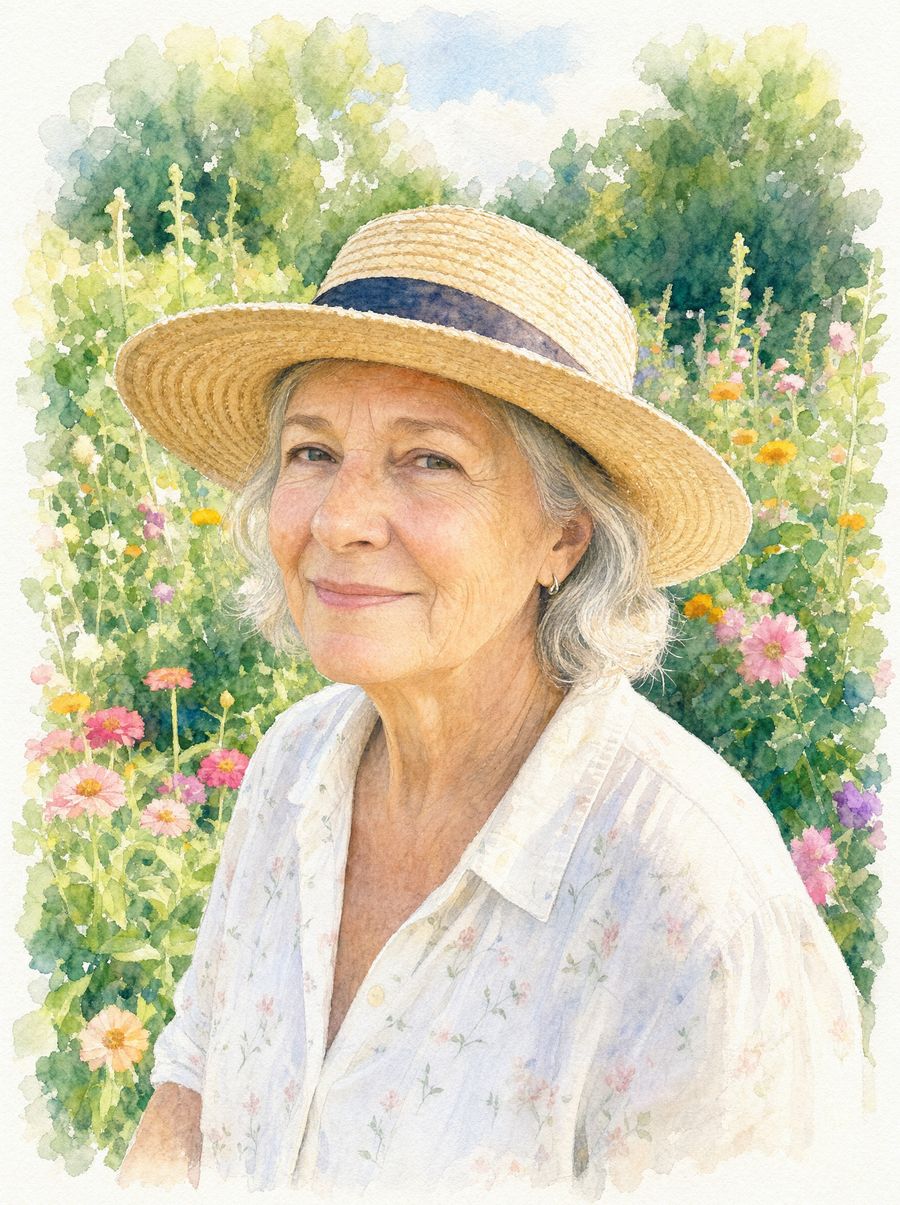
After, straight from our test, no retouching
Did best on this effect in our test.
Add a photo to start.
3 free every day. No card needed.
What Watercolor Portrait does
Watercolor Portrait repaints your photo as a loose watercolor on textured paper, with soft washes, blooms and bare paper at the edges.
How to use the Watercolor Portrait effect
- Upload your photo, or pick it from your library.
- Press Generate. The look is already set up, so there is no prompt to write.
- Your image shows up right on the page. Save it to your library or download it.
Tips for the best result
- Portraits in natural light paint most beautifully.
- Flowers and greenery give the loosest, prettiest washes.
- Print it on textured paper for the most convincing look.
Ideas for using it
- A framed gift for a parent or grandparent.
- Wedding or anniversary keepsakes.
- Illustrated invitations.
More photo effects
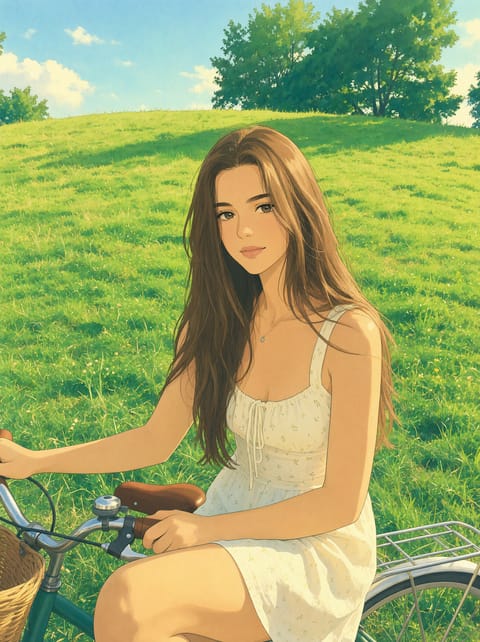
Ghibli Style Photo
Your photo as a Ghibli-style anime film still.
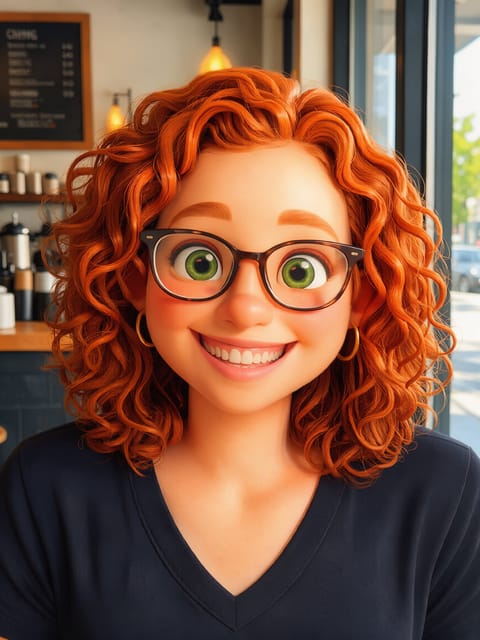

3D Cartoon Character
An animated-movie version of you.
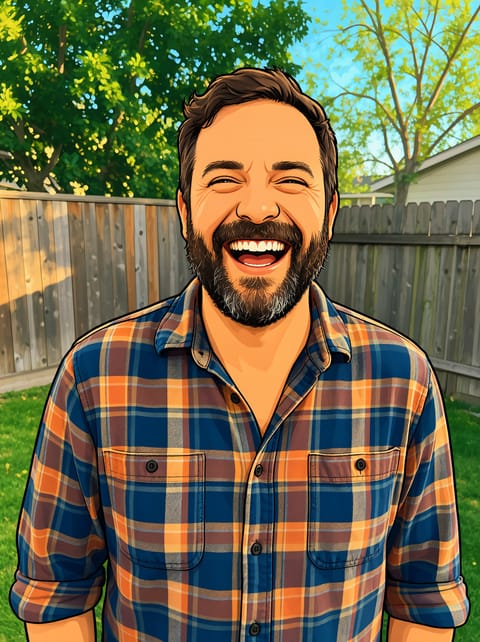
Photo to Cartoon
A bold, clean 2D cartoon of your photo.
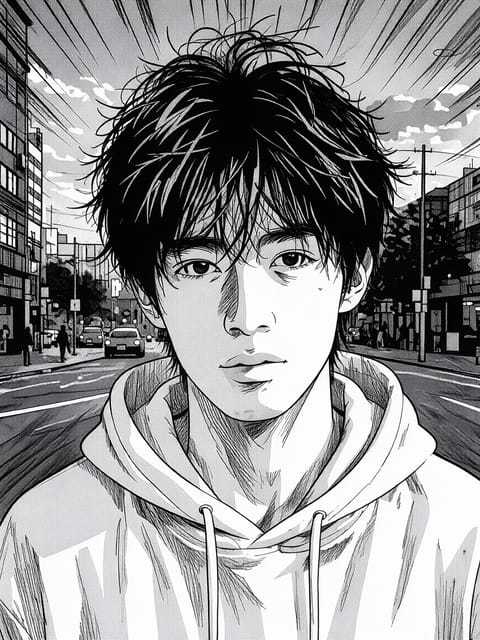
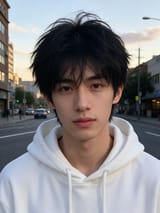
Manga Filter
Black and white manga panel art.
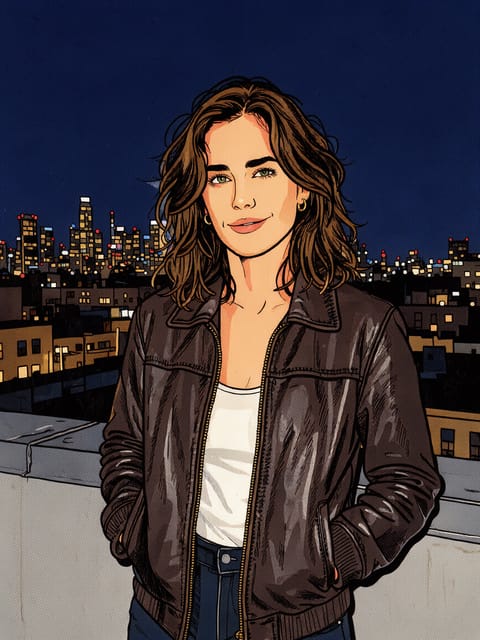

Comic Book Filter
A full-color comic book panel.
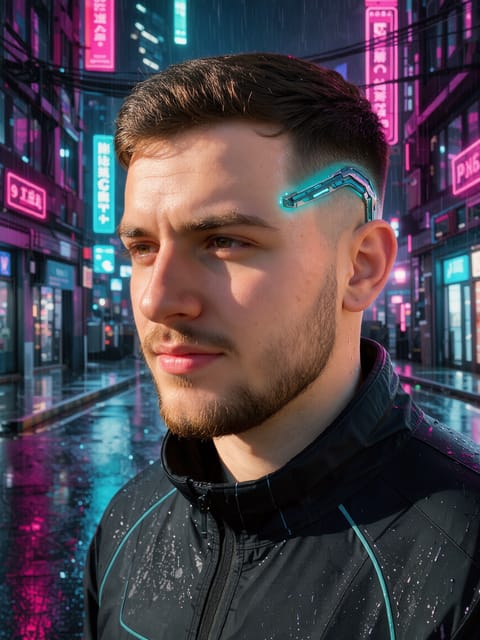
Cyberpunk Filter
Neon future city version of you.
Want motion instead? Video Effects turn one photo into a 5 second clip.
Go further
Watercolor Portrait FAQ
Does it look like a real painting?
It is made to: visible brush washes, paper grain and pencil lines. My test result read as a painting at a glance.
Can I print it?
Yes, it is a high-resolution image.
Is Watercolor Portrait free?
Yes. A free PixelDojo account makes 3 free effects every day across Photo Effects and Video Effects, no card needed. Every plan unlocks as many as you like.
Who owns the result, and can I use it commercially?
We assign you whatever rights we hold in the result, so you can use it in your own projects, commercial ones included, as long as what you uploaded was yours to use. Unsaved results are deleted after 24 hours, so save the ones you want to keep.
Can I use a photo of someone else?
Only photos of adults, of yourself or of people who agreed to it, and only images you have the right to edit. Every upload goes through the same safety checks as the rest of PixelDojo.