DiffusionBee alternative
DiffusionBee alternative for Mac users who want today's models
Pixel Dojo runs FLUX 3 Image, Nano Banana 2.1, Seedream 5 and GPT Image 2.5 in the cloud, so any Mac, even an old one, gets current image quality, prompt based editing and video, priced before every run.
DiffusionBee made Stable Diffusion easy on a Mac. We wanted to see what the same kind of prompt gets from current models, so we ran one workbench photo brief on four of them and then edited the best one with a sentence.
1 credit ($0.06) per image at 1K. Included in every plan, from $10/month.
Already a member? Sign in
By Brian Lovett · Updated
Beyond the single image
DiffusionBee users make art, photos and small animations. We made these on Pixel Dojo from the prompt shown.
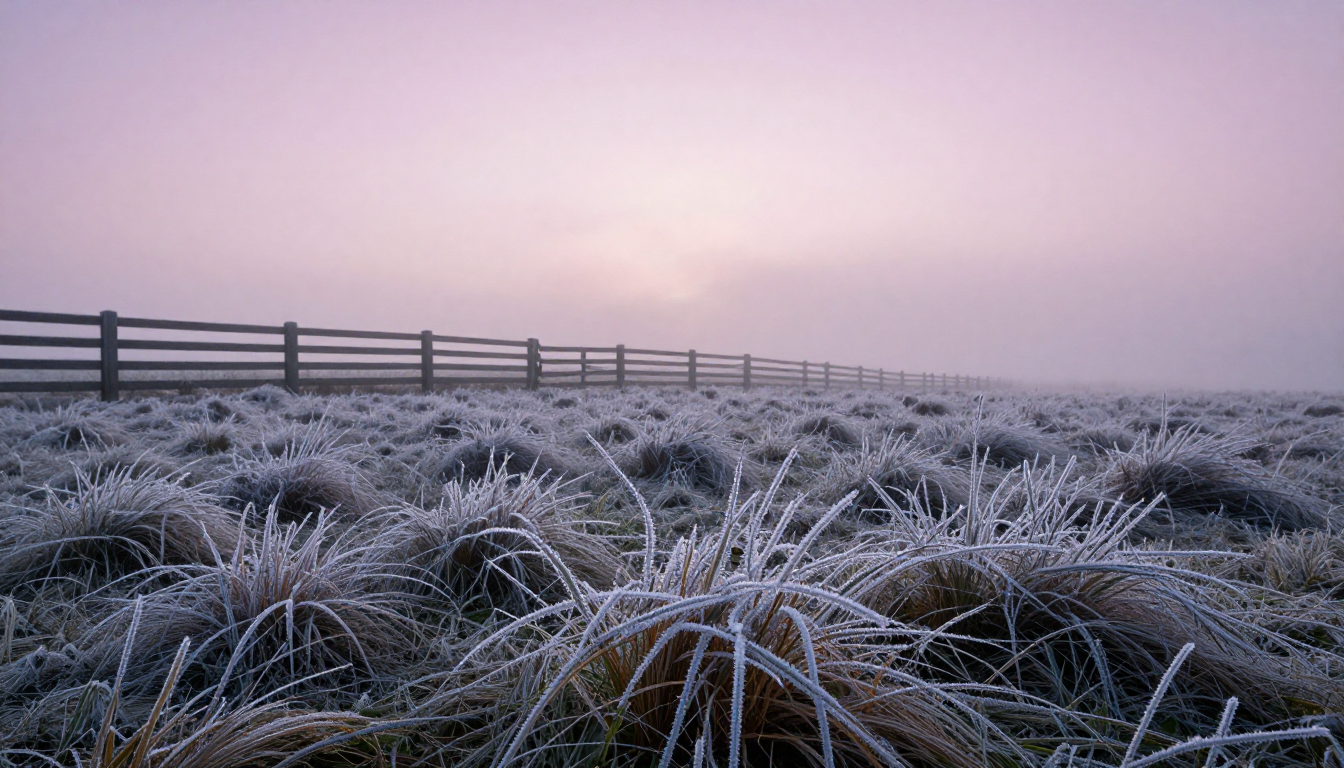
A landscape on Z-Image Turbo for 0.25 credits.
Landscape photograph of a frosted meadow at dawn, every grass blade rimmed with ice crystals, a wooden fence fading into low fog, pale pink sky, 24mm lens, crisp foreground detail.
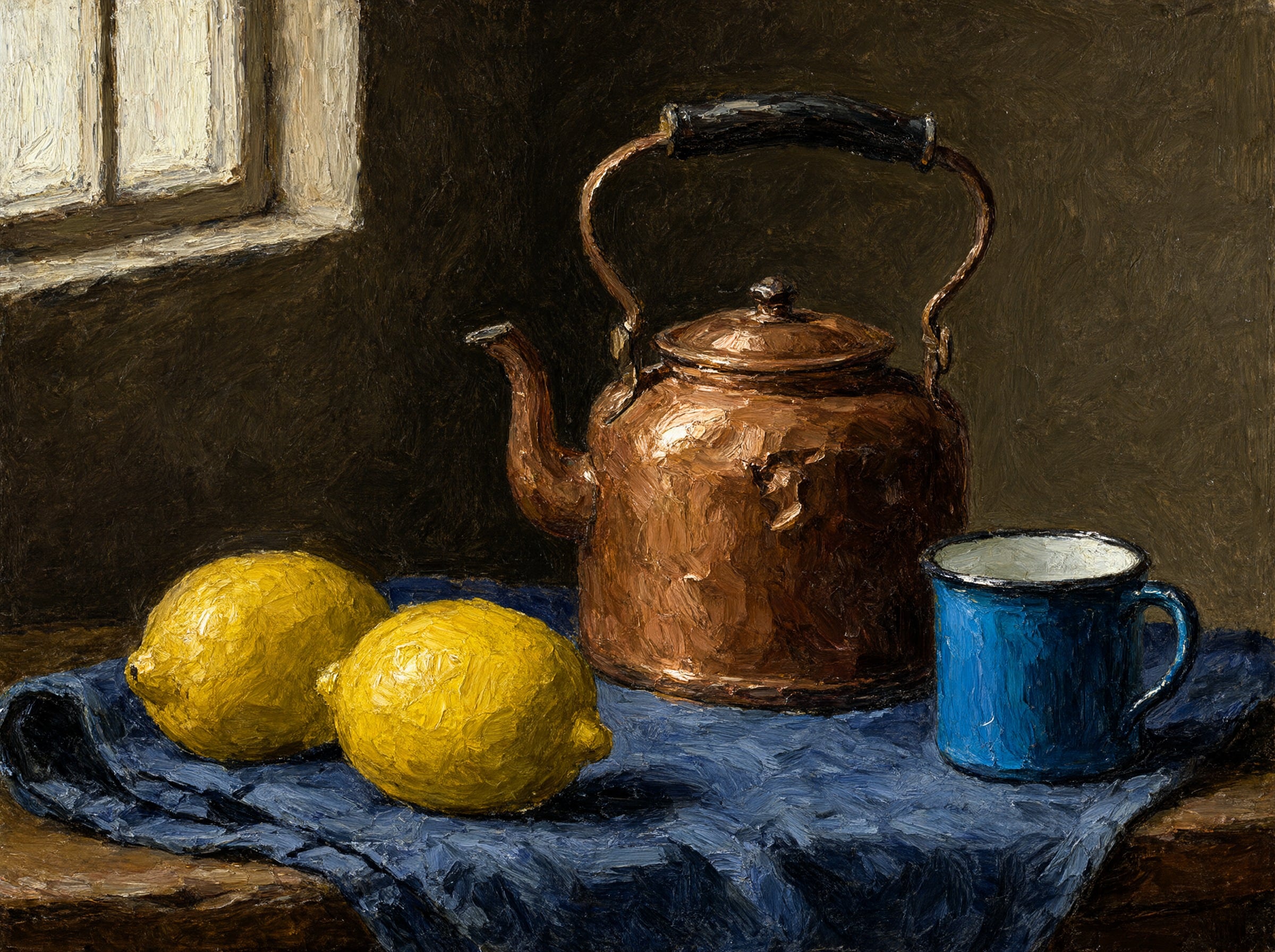
A painterly still life on Qwen Image 2.1 with thick brush texture.
Oil painting still life of three lemons, a dented copper kettle and a blue enamel cup on a folded indigo cloth, thick impasto brushstrokes, single window light from the left, dark umber background.
A 5 second clip on WAN 3.0 with clacking wheels and a whistle.
Slow sideways glide across a miniature model railway village at dusk, a tiny steam train passes lit cottages and a stone bridge, a puff of white steam, tilt shift look, soft clacking wheels and a faint whistle.
Macro nature on Kling 3.0 with splash and gull sounds.
Macro shot of a small red crab stepping across a tide pool rock as a gentle wave washes in, sea anemones closing, sunlight sparkling on the water, soft splash and gull calls.
The problem: local Stable Diffusion on a Mac is slow and standing still
DiffusionBee runs Stable Diffusion models on your own Mac. That keeps everything offline, but it means your hardware sets the speed, and its FAQ says Intel Macs without a dedicated graphics chip are very slow.
The model list has also stood still. The README lists SD 1.x, SD 2.x and SD XL, and the newest release on GitHub when we checked was 2.5.3 from August 2024. Image models have moved a long way since then.
One workbench photo on four current models, then a fill
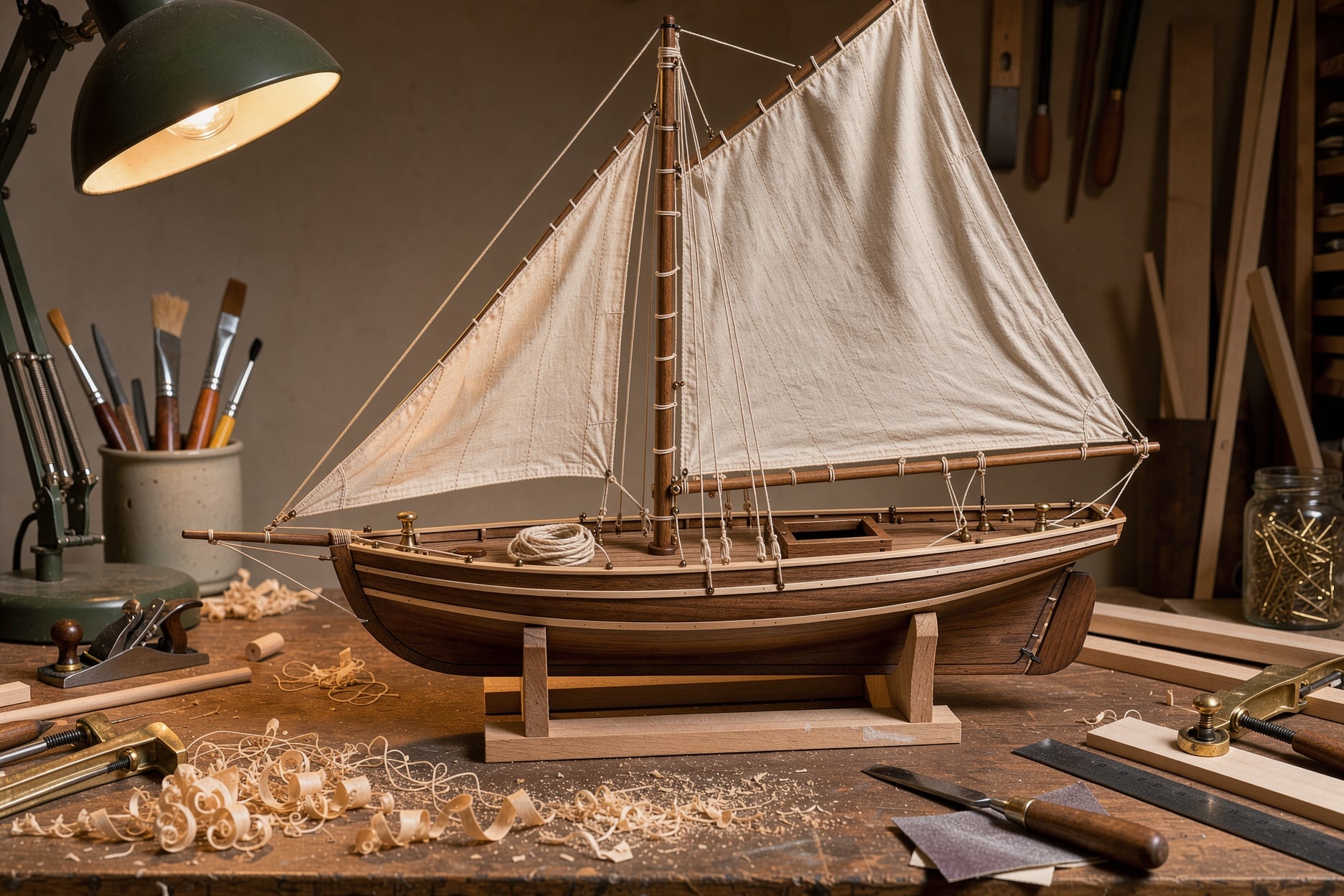
We wrote one studio photo brief, a hand built wooden sailboat model on a cluttered workbench, and ran it on FLUX 3 Image, Nano Banana 2.1, Seedream 5 and GPT Image 2.5. Then we asked Nano Banana 2.1 to add a lantern to the FLUX image, the same job as DiffusionBee's Generative Fill.
Studio photograph of a hand built wooden sailboat model on a cluttered workbench, cream linen sails, a tiny coil of rope on the deck, wood shavings and brass clamps around it, warm desk lamp light, 50mm lens, crisp detail.
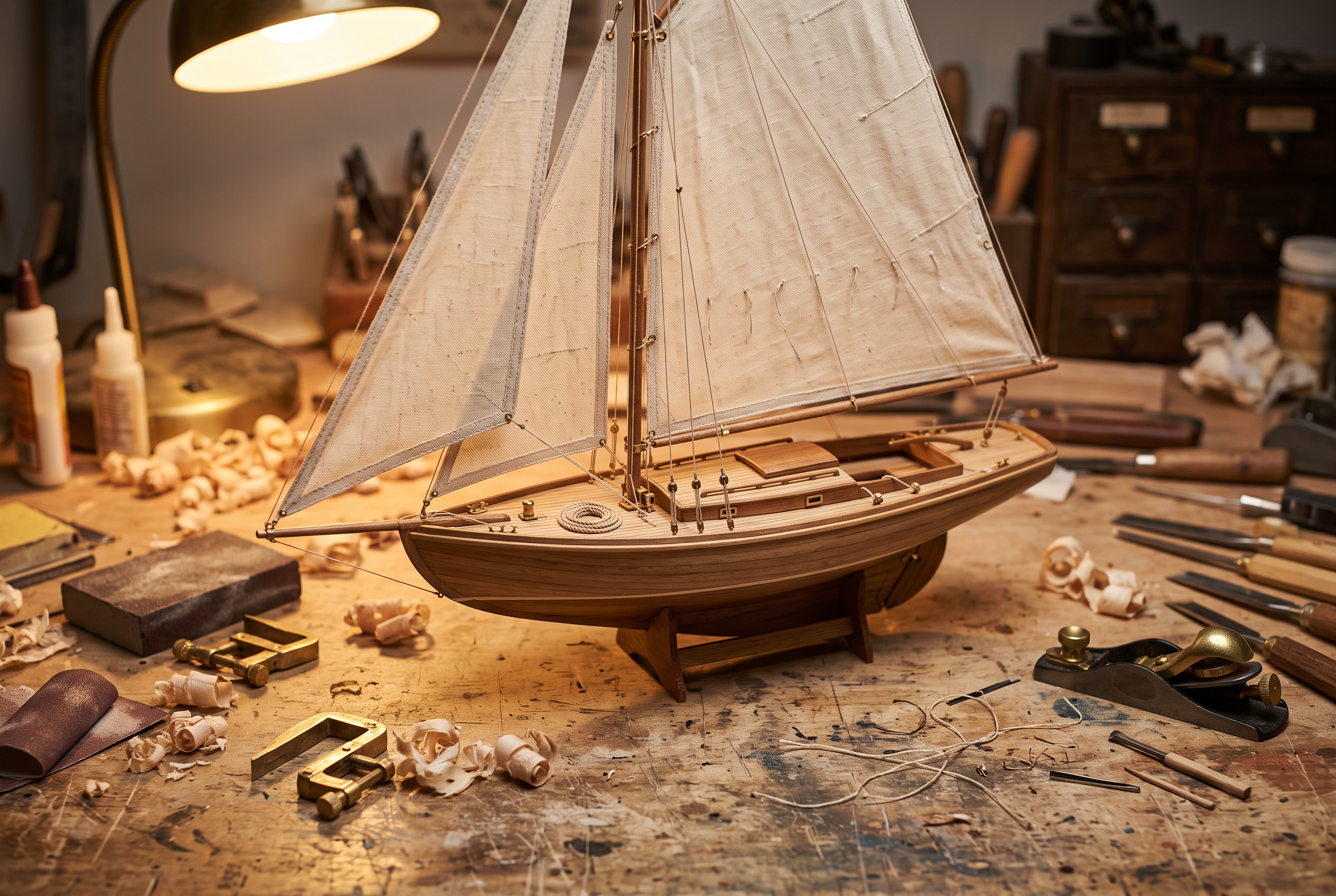
Studio photograph of a hand built wooden sailboat model on a cluttered workbench, cream linen sails, a tiny coil of rope on the deck, wood shavings and brass clamps around it, warm desk lamp light, 50mm lens, crisp detail.
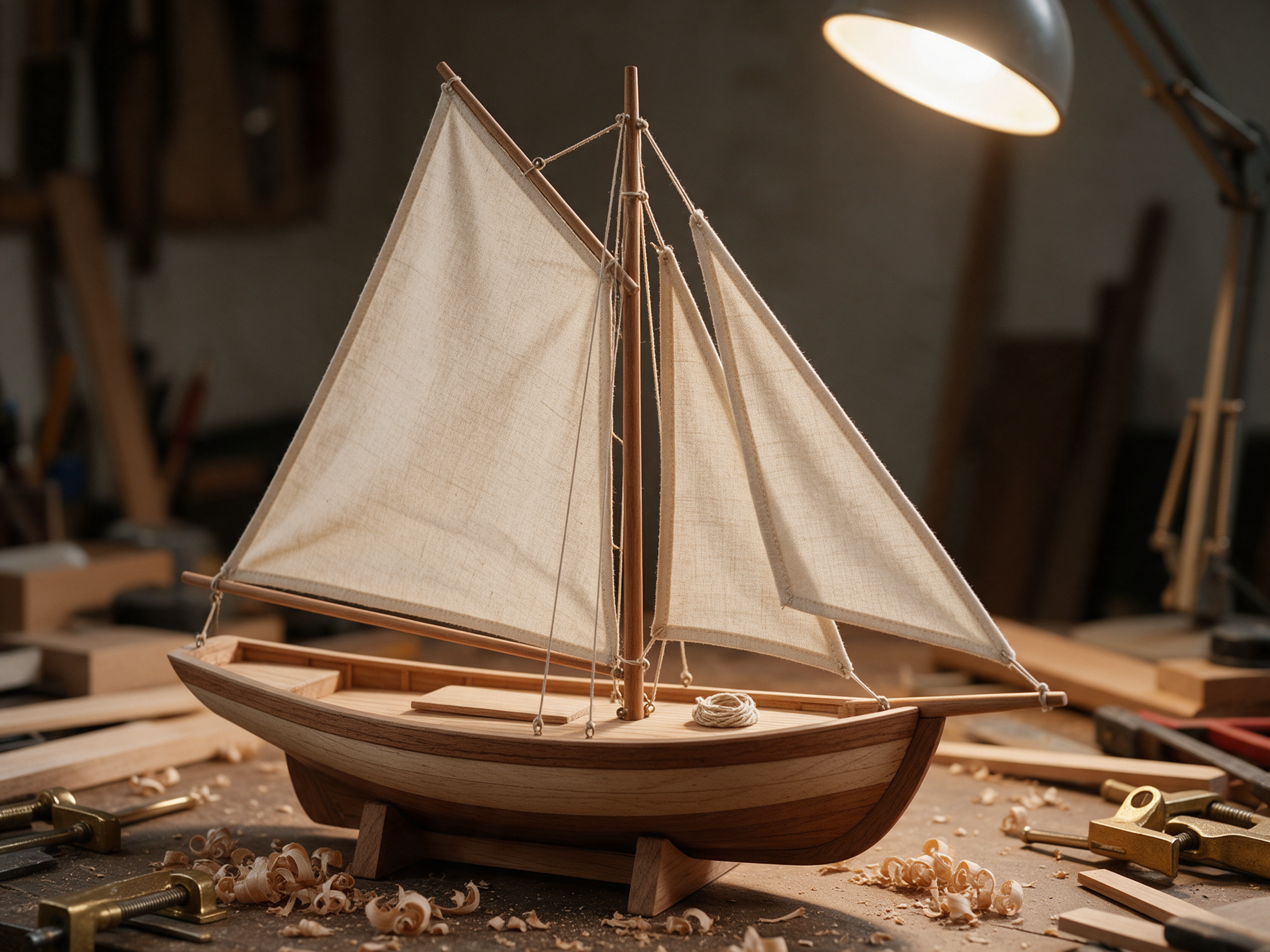
Studio photograph of a hand built wooden sailboat model on a cluttered workbench, cream linen sails, a tiny coil of rope on the deck, wood shavings and brass clamps around it, warm desk lamp light, 50mm lens, crisp detail.
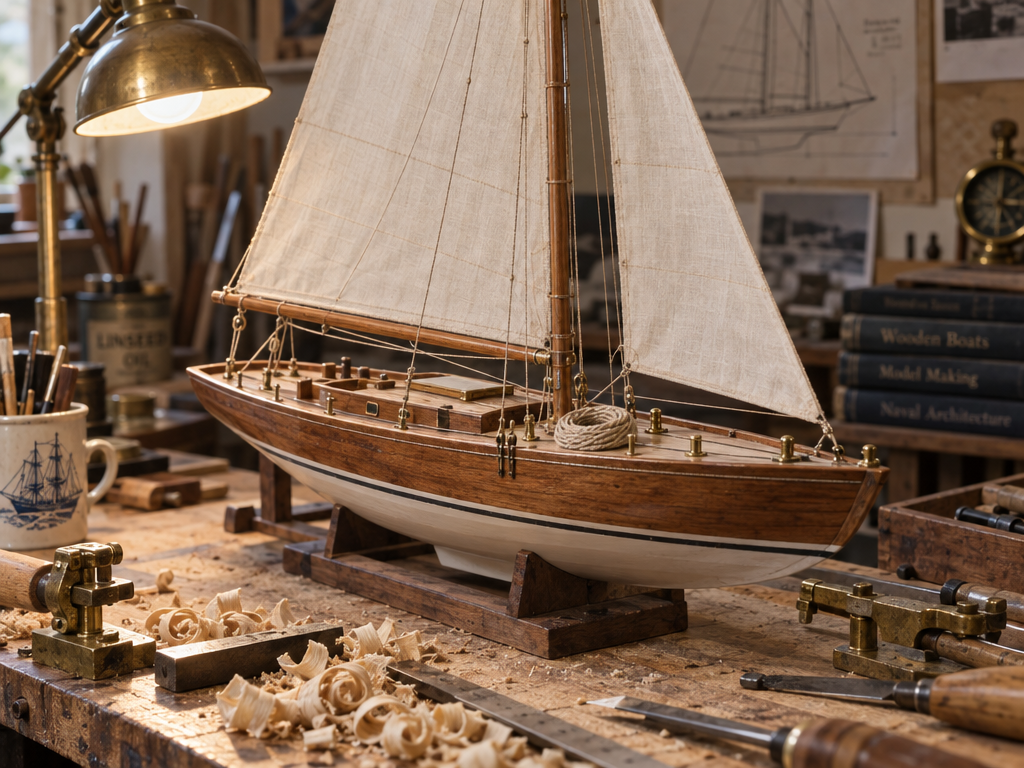
Studio photograph of a hand built wooden sailboat model on a cluttered workbench, cream linen sails, a tiny coil of rope on the deck, wood shavings and brass clamps around it, warm desk lamp light, 50mm lens, crisp detail.
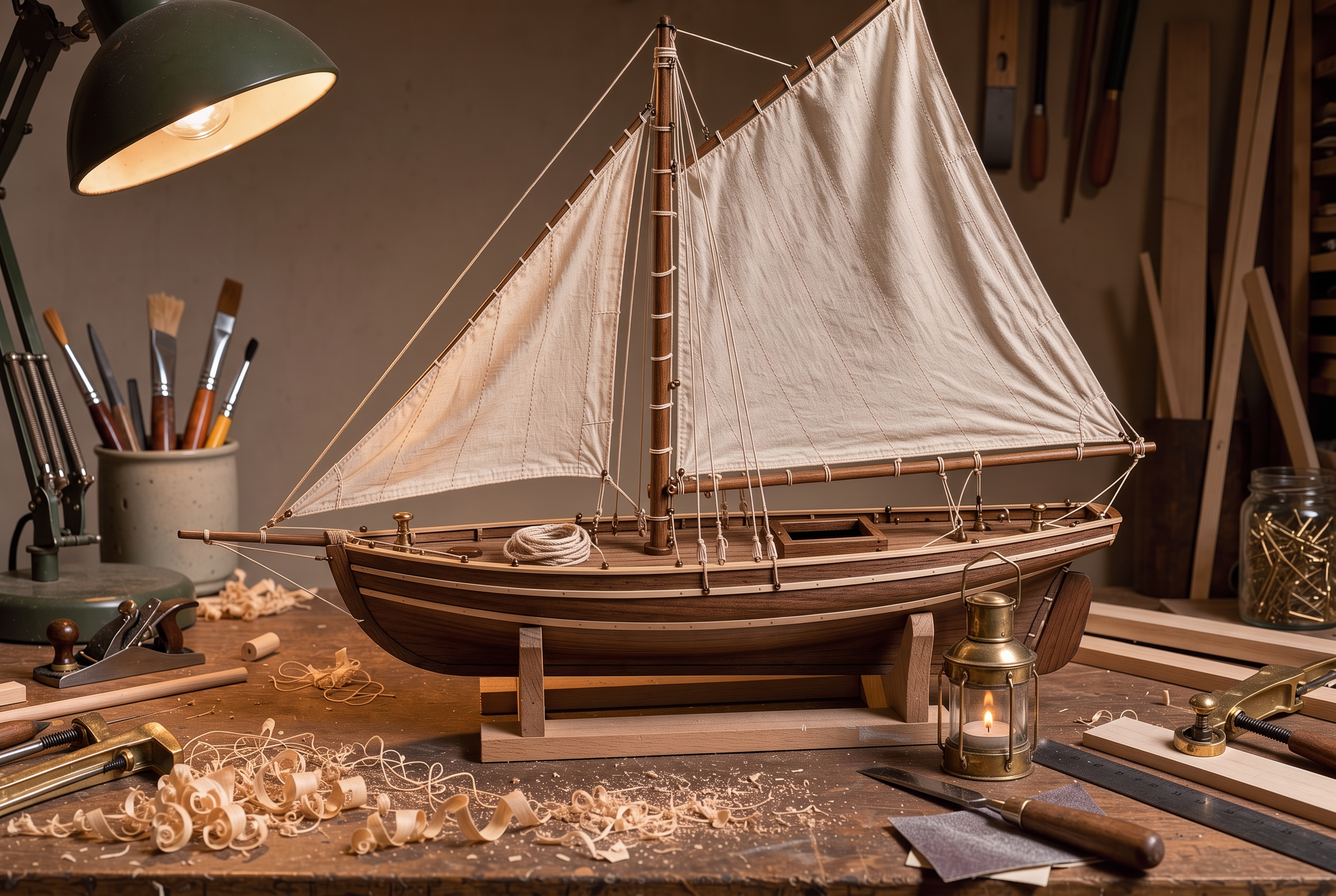
Edit the reference photo: add a small brass ship's lantern with a lit candle on the workbench just to the right of the sailboat model. Keep the boat, the sails, the tools, the wood shavings, the framing and the lamp light exactly the same.
- All four built a believable model boat with stitched sails, rigging lines and a coil of rope on deck.
- FLUX 3 Image gave the cleanest product style shot for 1 credit, so we used it for the fill.
- GPT Image 2.5 added the most story, with a ship mug, a drawing pinned to the wall and a white painted hull.
- The fill added a lit lantern on the bench and left the boat, sails, tools and lamp exactly as they were, from one sentence and no mask.
The verdict
If you want current image quality on a Mac, the cloud wins. Every result above came from a prompt box in the browser, with no download and no wait on your own hardware.
DiffusionBee vs Pixel Dojo at a glance
DiffusionBee facts come from its home page, README and GitHub releases, read on October 15, 2026.
| At a glance | DiffusionBee | Pixel Dojo |
|---|---|---|
| Where it runs | Locally on a Mac, 100% offline; needs macOS 13.1 or later, Apple silicon recommended | In the cloud, from any browser, plus a public API and hosted MCP server |
| Speed | Around 30 seconds per image on an 8GB M1 MacBook Air, per its FAQ | Set by the model, not your machine; each tile above lists its own time |
| Models | SD 1.x, SD 2.x, SD XL, Inpainting, ControlNet and LoRA | FLUX 3 Image, Nano Banana 2.1, Seedream 5, GPT Image 2.5, Qwen Image 2.1, Z-Image Turbo and more |
| Editing | Generative Fill, image to image, upscaler, image variants | Prompt based editing on Nano Banana, Qwen Image 2 Edit and FLUX Kontext, plus upscalers |
| Video | Video tools for animations | WAN 3.0, Kling 3.0, Seedance 2.5 and Veo 3.1 with sound |
| Training | Train custom models on your own images, locally | LoRA trainers for FLUX, Qwen, WAN and Z-Image |
| Cost and license | Open source under AGPL-3.0; images usable under the CreativeML Open RAIL-M license | Lite $10 a month for 160 credits, Pro $25 for 500 credits, Pro Max $50 for 1,100 credits; commercial use on every plan |
Why DiffusionBee users switch to Pixel Dojo
Unlimited on every plan
On every paid plan, Relax runs Qwen Image 2.1, FLUX 3 Image Klein and MiniMax H3 Turbo, plus every video and photo effect, unlimited with no credits spent.
Sensei, the AI director
Describe a project and Sensei plans it, prices it, waits for your approval and reviews every take.
One job AI tools
35 single purpose tools each do one edit from an upload: remove a watermark, an object or text, restore and colorize an old photo, swap a background, retouch a portrait or make a thumbnail.
Photo effects
45+ photo effects restyle a picture in one click, from a hand painted anime still to a boxed action figure or a magazine cover, and every one starts from your own upload.
Character Studio
Save a face once and call it by @name in any prompt, so the same person shows up in every image and clip.
Credits that roll over
Your credits roll over while you stay subscribed, so nothing you pay for disappears at the end of the month.
Every top model, plus an API
More than 80 image and 60 video models in one account, with a public API and a hosted MCP server for your own apps and AI assistants.
What Pixel Dojo costs a DiffusionBee user
Plans are Lite $10 a month for 160 credits, Pro $25 for 500 credits, Pro Max $50 for 1,100 credits. Every plan includes every model and commercial use. Credits roll over while you stay subscribed.
The four sailboat images cost between 1 and 2.5 credits each and the fill 1.5 credits, so a Lite month covers dozens of finished images.
Under our refund policy, a first purchase can be refunded within 7 days, in full if under 20% of the credits are used and pro-rated after that.
DiffusionBee questions
What is a good DiffusionBee alternative?
For current image quality on any Mac, Pixel Dojo runs FLUX 3 Image, Nano Banana 2.1, Seedream 5 and GPT Image 2.5 in the browser, with prompt based editing, LoRA trainers and video.
Is DiffusionBee still updated?
When we checked on October 15, 2026, the newest release on DiffusionBee's GitHub was version 2.5.3, published on August 14, 2024.
What Mac do I need for DiffusionBee?
DiffusionBee's site says it needs macOS 13.1 or later and recommends Apple silicon. It runs on Intel Macs, but much more slowly without a dedicated graphics chip.
Can I use DiffusionBee images commercially?
DiffusionBee's FAQ says you can freely use generated images as long as you follow the CreativeML Open RAIL-M license.
Can I do generative fill without DiffusionBee?
Yes. On Pixel Dojo you describe the change to an edit model. In our test Nano Banana 2.1 added a lit lantern to the workbench and kept the rest of the photo the same for 1.5 credits.
Switch from DiffusionBee to Pixel Dojo today
Write a prompt above or start from any example on this page. One plan covers every top model, six studios and Sensei, and your credits roll over.
Start with FLUX 3 ImageSources
Facts about DiffusionBee come from these public pages, checked on Oct 15, 2026. Prices and plans change; check the source before you buy.