AI video effect · Halloween
Late Night Call: a spooky phone call in a dark house
Upload a photo, press Generate, and post it anywhere.

3 free every day. No card needed.
What Late Night Call does
You stand in a dim living room lit by one lamp, then lift an old corded phone to your ear. As you listen your face tenses, and a tall hooded shadow drifts past the doorway behind you before you glance back over your shoulder.
A spooky phone call in a dark house
You answer an old phone in a dark house at night while a shadowy hooded figure drifts past the doorway behind you. Waist-up photos work best.
Still looks like you
The video opens on your exact photo, so the face, hair, outfit and surroundings carry through the whole effect.
Ready for spooky season
A costume-free Halloween look for posts, party invites and profile videos. Spooky and fun, never gory.
How to make a Late Night Call video
- Upload a photo, or pick one from your library.
- Press Generate. There is no prompt to write; the effect is already set up.
- Your 5 second HD video plays right on the page. Save it to your library or download it.
Tips for the best photo
- Use a waist-up photo with your hands loose, so the phone has a place to appear.
- Show a neutral or slightly curious face, since the nervous reaction builds from there.
- Pick a photo with soft or low lighting so it blends with the night room.
Ideas for using it
- A Halloween party host posting a creepy invite clip.
- A horror podcaster making a short teaser for a new episode.
- A friend sending a spooky prank clip to a group chat on October nights.
More effects

Marionette
Dance on strings on a creepy puppet stage.
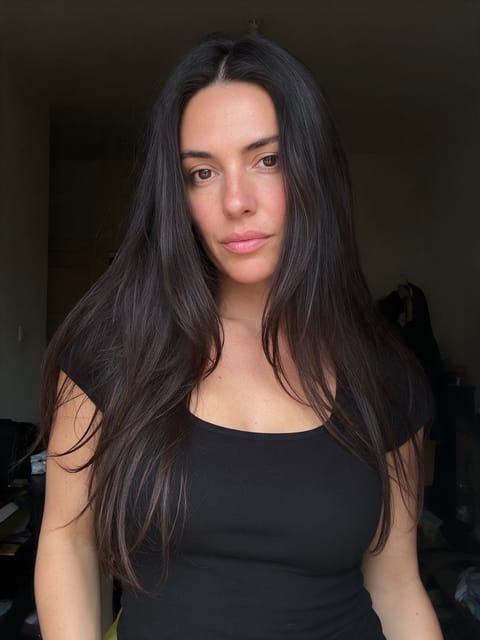
Eerie Trance
Lights flicker and your eyes begin to glow.

Shadow Swallow
Inky darkness creeps in and swallows the scene.

Something Below
Something huge glides beneath you in the lake.
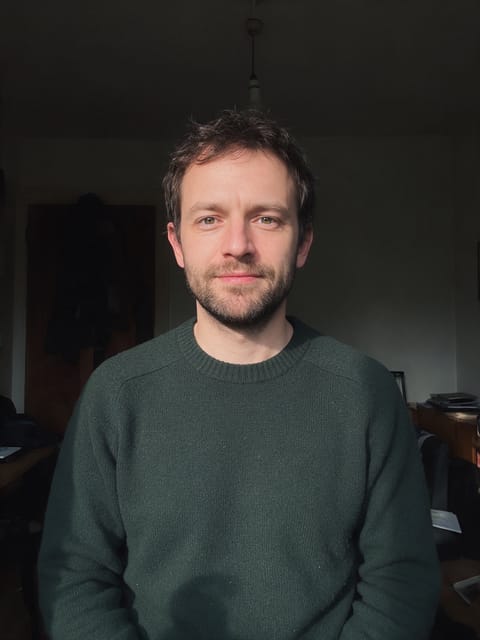
Dark Curse
A dark curse falls over you by candlelight.
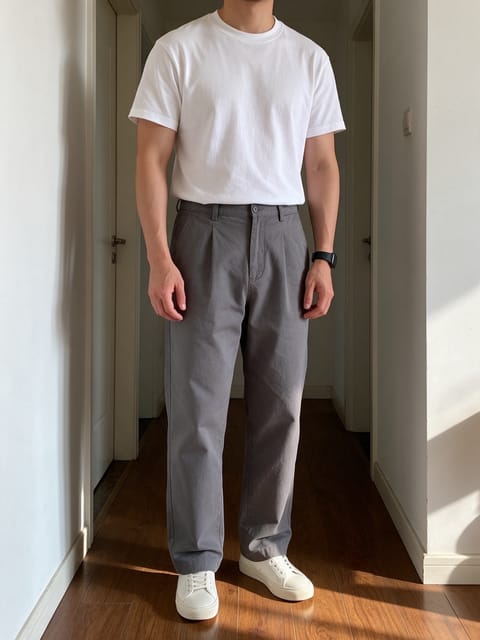
Zombie Patient
Stumble out of a flickering hospital ward.
Go further
Late Night Call FAQ
Will the hooded figure always be easy to see?
The figure passes in the background for a moment, adding to the tension alongside your reaction.
Does it keep my outfit?
Yes, your outfit and face stay the same while the room and mood change.
Do I need to write a prompt for Late Night Call?
No. Late Night Call is a ready-made effect: upload a photo and press Generate. The directions for the motion, camera and lighting are already built in.
How long is the Late Night Call video?
Every effect makes a 5 second HD video that matches the shape of your photo, portrait or landscape, ready to post anywhere.
Does the video have sound?
Yes. Each clip comes with matching ambient sound effects. It does not add music, so you can lay your own track over it in any editor.
Can I use a photo of someone else?
Only photos of adults, of yourself or of people who agreed to it. Every upload goes through the same safety checks as the rest of PixelDojo.