AI Video Effects
283 ready-made effects that turn one photo into a 5 second HD video. No prompt, no editing.
- 1Pick an effect
- 2Upload a photo
- 3Press Generate
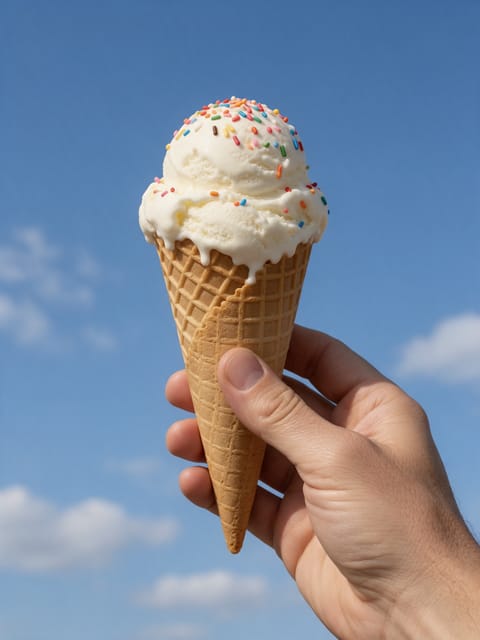
Melt
Melts away like warm wax.

Dust Away
Disintegrate into drifting dust.
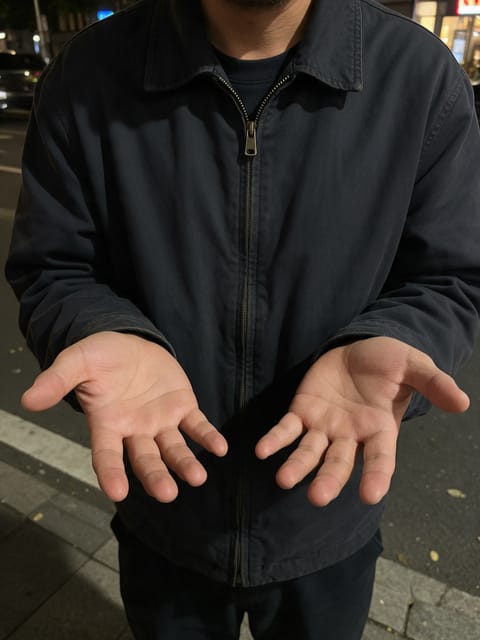
Fire Hands
Summon flames in your palms.

Freeze
Frozen solid in a creeping frost.

Money Rain
Make it rain.

Lightning
Crackling with electric power.

Shatter
Breaks apart like glass.
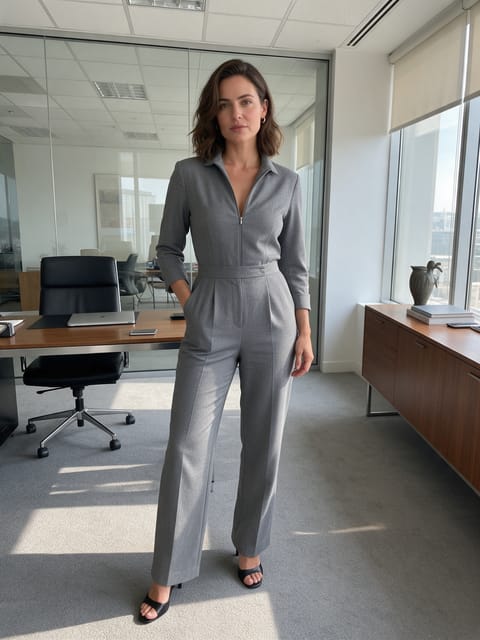
Hologram
Turn into a glowing hologram.

Petal Storm
Swirling flower petals.
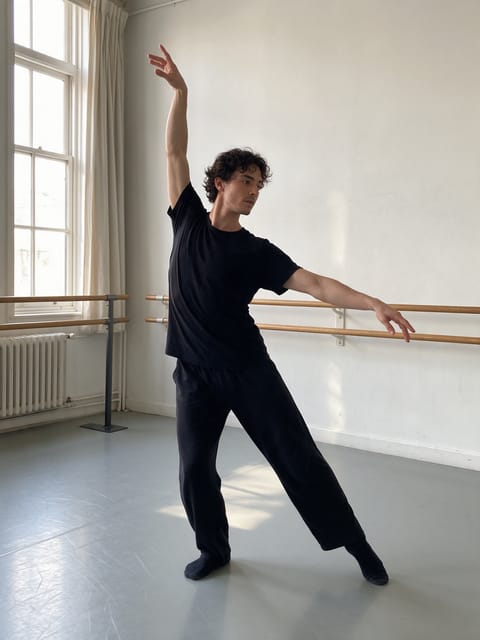
Neon Glow
Outlined in pulsing neon.
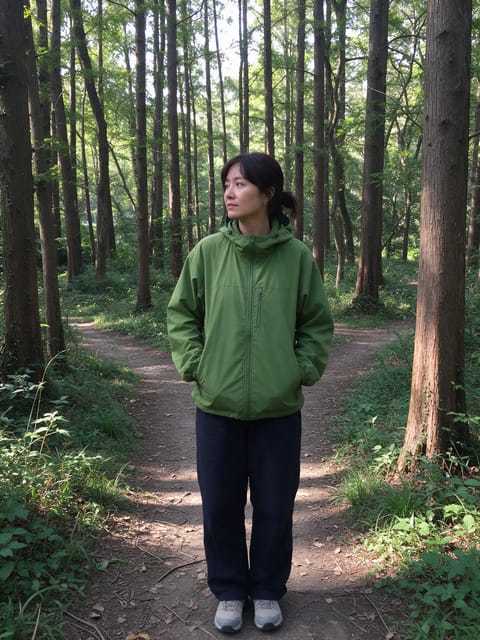
Portal
Step through a glowing portal.

Teleport
Vanish in a flash and reappear.
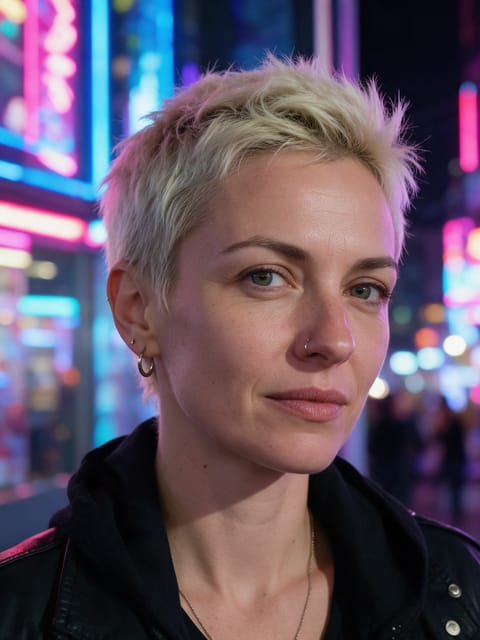
Glitch
Digital glitches and color splits.
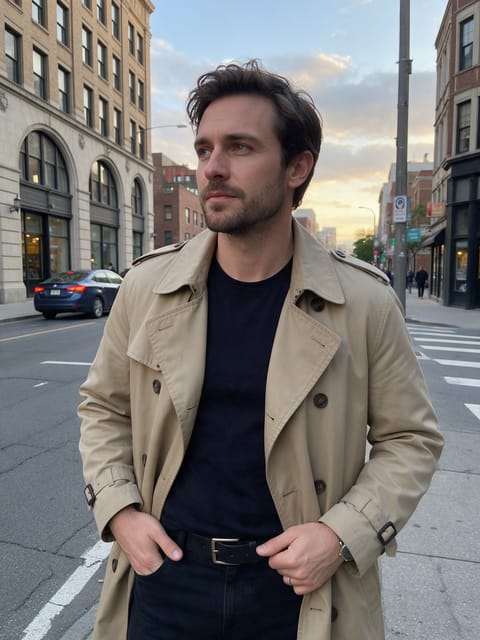
Rain Mood
A cinematic rain shower rolls in.

Butterfly Swarm
Butterflies gather around you.

Snowfall
Soft snow starts falling.

Confetti Pop
A burst of confetti to celebrate.

Color Burst
Burst into a cloud of color.

Flower Bloom
Flowers open all around you.
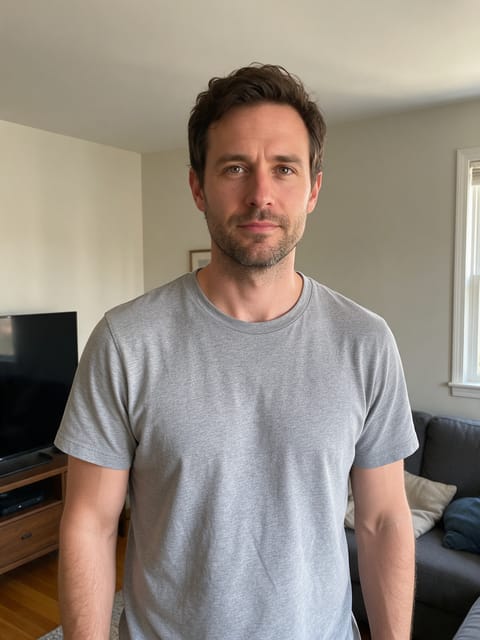
Quake Shake
The ground rumbles all around you.
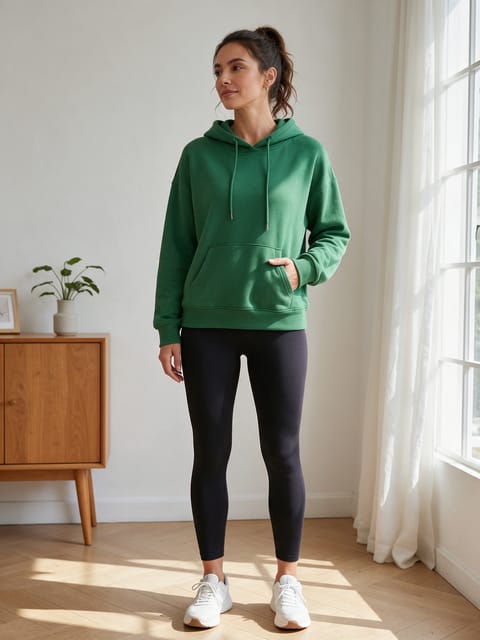
Zero Gravity
Float weightless with Earth in the window.

Frozen Rose
A rose of ice forms in your hand.
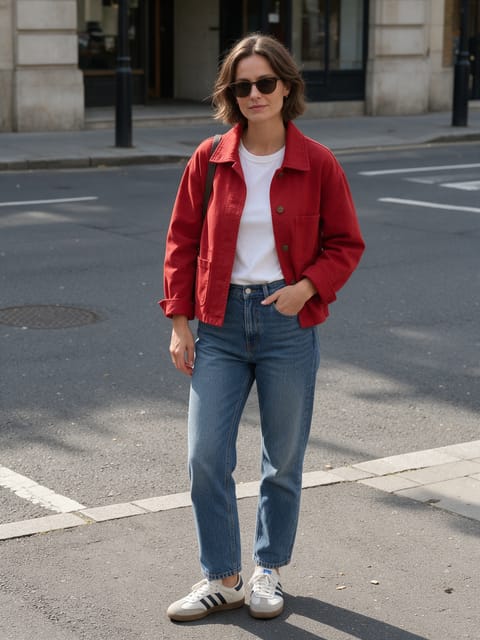
Speed Trail
Run so fast lightning trails behind you.
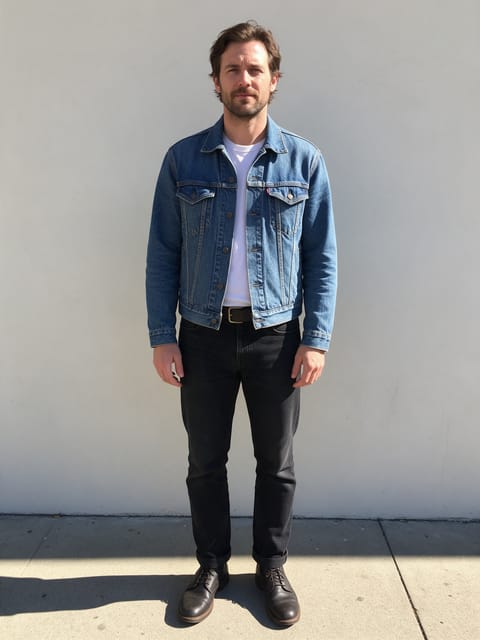
Frame Breakout
Step right out of your own photo.
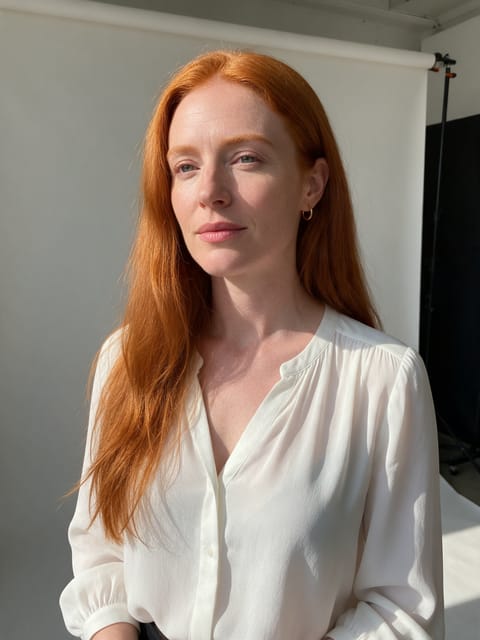
Slice Shift
Your photo slices apart and snaps back.
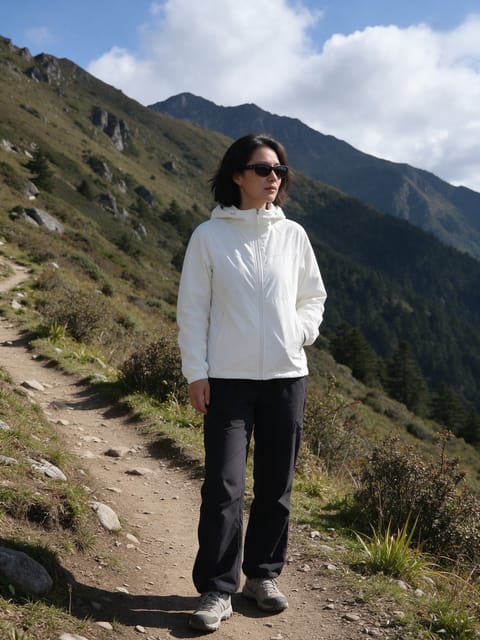
Depth Layers
Your photo splits into floating 3D layers.
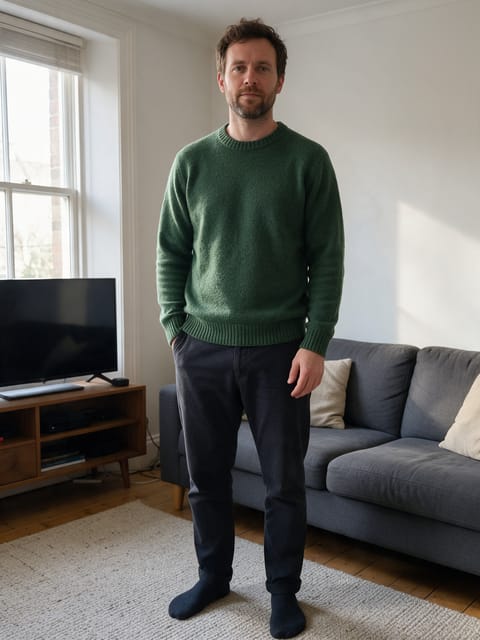
Gravity Shift
The world tilts and gravity goes sideways.

Giant Moon
A huge moon rises right behind you.
 2 photos
Splash Swap
A wave of water washes in the next photo.
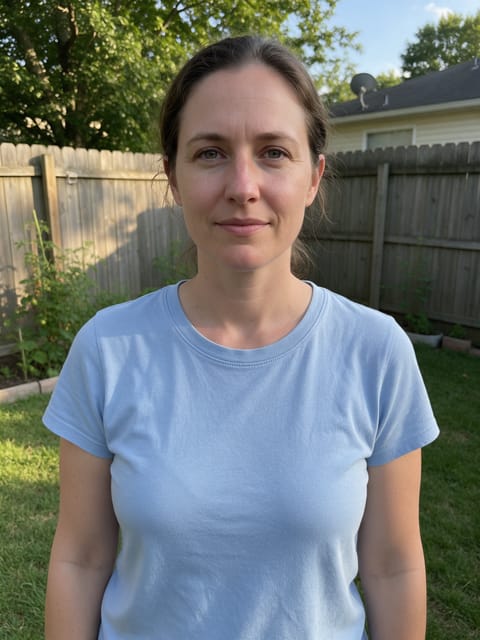
Underwater
The water rises and you're under the sea.

Paper Peel
The world around you peels away like paper.

Spot Color
The world fades to gray while you stay in full color.

Fluffy Clouds
Soft cotton clouds drift in all around you.

Pixie Orbit
Tiny glowing fairies circle around you.
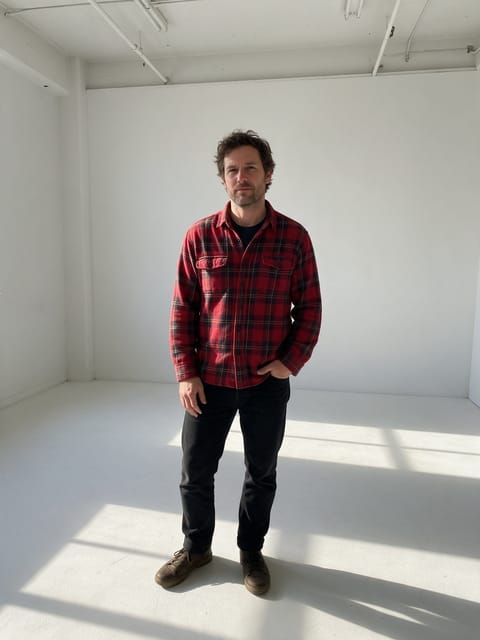
Clone Crowd
Copies of you pop up all around the frame.

Brick Mural
Your face as a giant street mural.
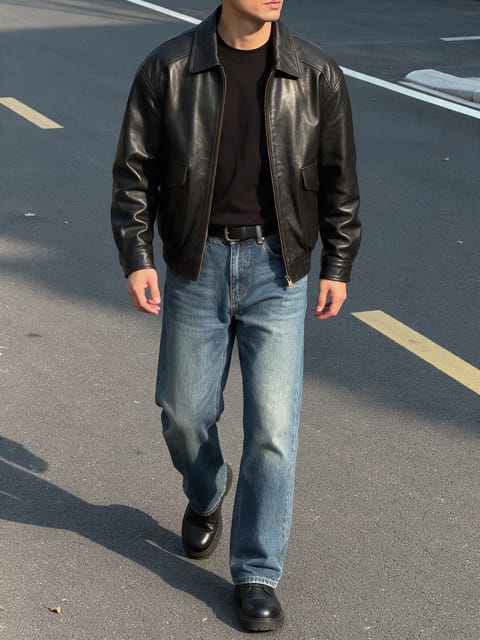
Cool Walkaway
Walk away cool as a fireball goes up behind you.

Horizon Blast
A colossal blast lights up the far horizon.
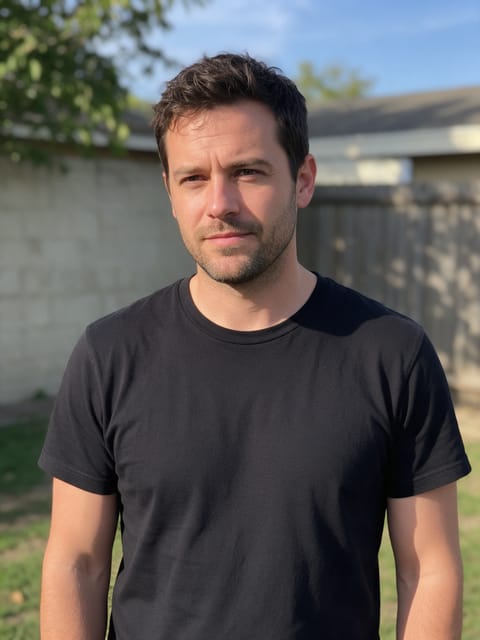
Action Fireball
An action movie fireball right behind you.

Lotus Aura
A golden lotus aura blooms around you.

Mouth Dive
The camera dives into your mouth and into space.

Spirit Rise
A glowing golden double rises out of you.
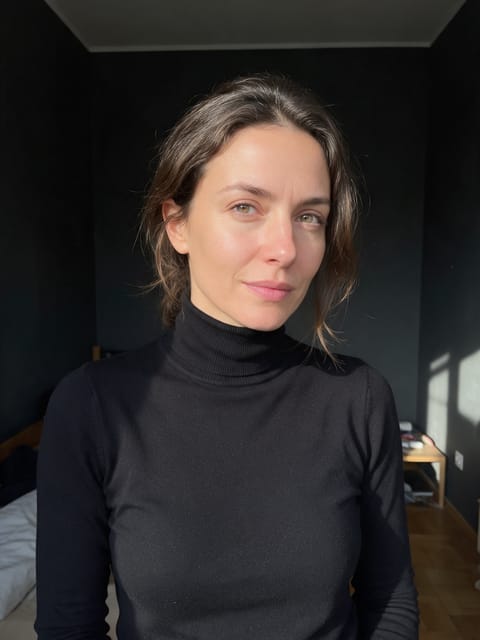
Data Rush
A flood of glowing data rushes past you.
How AI video effects work
Each effect is a finished shot that we directed and tested ahead of time: the motion, the camera move, the lighting and the sound are already set. You bring the photo. The video starts on your exact picture, so the face, outfit and background you uploaded carry into the clip.
Most effects need one photo. Duo effects like AI Hug, Dance Together and Cheers take one photo of each person, and Smooth Transition takes a start and an end photo. Product and Real Estate effects are built for shop listings and property photos rather than portraits.
Video Effects FAQ
What is an AI video effect?
A ready-made video shot, like a hug, a 360 spin or a zoom from space, that runs on your own photo. You pick the effect and upload a picture; there is no prompt to write.
Can I try video effects for free?
Yes. A free PixelDojo account gets 3 effects a day, with a small PixelDojo watermark on the video. Subscribers make as many as they like with no watermark.
What kind of photo should I upload?
A clear, well-lit photo where the subject fills a good part of the frame. Each effect page says what works best, for example a full-body shot for walking effects or a front-facing portrait for transformations.
How long does it take and how long is the video?
Every effect makes a 5 second HD video in the shape of your photo. Most are ready in a few minutes, and you can leave the page while it renders.
Can I use the videos on TikTok, Reels and Shorts?
Yes. Download the clip or save it to your library and post it anywhere. Portrait photos give you a vertical video that fits those feeds.
Can I use a photo of someone else?
Only photos of adults, of yourself or of people who agreed to it. Every upload goes through the same safety checks as the rest of PixelDojo.