AI video effect · Visual Effects
Glitch: digital glitches and color splits
Upload a photo, press Generate, and post it anywhere.

3 free every day. No card needed.
What Glitch does
Your photo starts out calm, then horizontal tears and red and cyan color splits begin slicing across the frame. The breaks hit hardest in the middle of the clip, with scan lines cutting through the face and the image jittering. Near the end it settles back toward the clean original.
Digital glitches and color splits
Your photo breaks into digital glitches, RGB splits and scan lines, then snaps back. Works with any photo.
Still looks like you
The video opens on your exact photo, so the face, hair, outfit and surroundings carry through the whole effect.
Movie-style effects without editing software
Effects that used to mean compositing and particle work in an editor, rendered in one pass with lighting that matches your photo.
How to make a Glitch video
- Upload a photo, or pick one from your library.
- Press Generate. There is no prompt to write; the effect is already set up.
- Your 5 second HD video plays right on the page. Save it to your library or download it.
Tips for the best photo
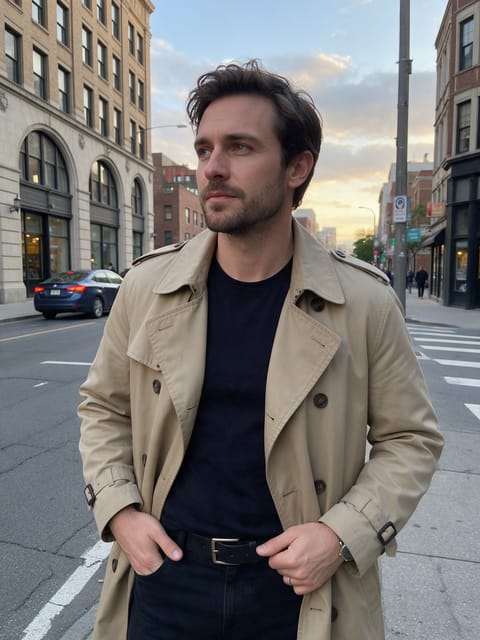
- Close-up portraits make the color splits most visible because the face fills the frame.
- Night shots with neon or city lights suit the cyberpunk feel, though any photo works.
- Use a sharp, in-focus photo so the glitch bands look crisp.
Ideas for using it
- A musician posting a teaser for a new electronic or synth track.
- A tech brand founder using a glitchy portrait as a launch-day profile video.
- An editor dropping a short glitch transition between clips in a montage.
More effects





Go further
Glitch FAQ
Does the glitch distort my face permanently in the clip?
No. The tears and color splits come and go, and the image returns to a clean version of your photo toward the end.
Can I use a product photo or a logo instead of a person?
Yes, the effect works on any photo, including products and logos.
Do I need to write a prompt for Glitch?
No. Glitch is a ready-made effect: upload a photo and press Generate. The directions for the motion, camera and lighting are already built in.
How long is the Glitch video?
Every effect makes a 5 second HD video that matches the shape of your photo, portrait or landscape, ready to post anywhere.
Does the video have sound?
Yes. Each clip comes with matching ambient sound effects. It does not add music, so you can lay your own track over it in any editor.
Can I use a photo of someone else?
Only photos of adults, of yourself or of people who agreed to it. Every upload goes through the same safety checks as the rest of PixelDojo.