AI video effect · Visual Effects
Snowfall: soft snow starts falling
Upload a photo, press Generate, and post it anywhere.

3 free every day. No card needed.
What Snowfall does
Big flakes start tumbling down around your subject from the first second. As the clip goes on, the snow piles up on the hair, collar and coat. Your subject tips their head back and smiles up into it at the end.
Soft snow starts falling
Big soft snowflakes start drifting down around your subject and settle on their hair and shoulders. Works with people and pets.
Still looks like you
The video opens on your exact photo, so the face, hair, outfit and surroundings carry through the whole effect.
Movie-style effects without editing software
Effects that used to mean compositing and particle work in an editor, rendered in one pass with lighting that matches your photo.
How to make a Snowfall video
- Upload a photo, or pick one from your library.
- Press Generate. There is no prompt to write; the effect is already set up.
- Your 5 second HD video plays right on the page. Save it to your library or download it.
Tips for the best photo
- Waist-up or chest-up shots show the snow collecting on hair and shoulders best.
- Dark coats and scarves make the white flakes pop.
- Outdoor photos with trees or a park behind you suit the effect more than indoor rooms.
Ideas for using it
- A small shop sharing a holiday greeting from the owner.
- A family posting a winter card clip featuring the dog sitting in the yard.
- A ski lodge or cafe welcoming the first cold week of the season.
More effects




Go further
Snowfall FAQ
Does my photo need to be taken in winter?
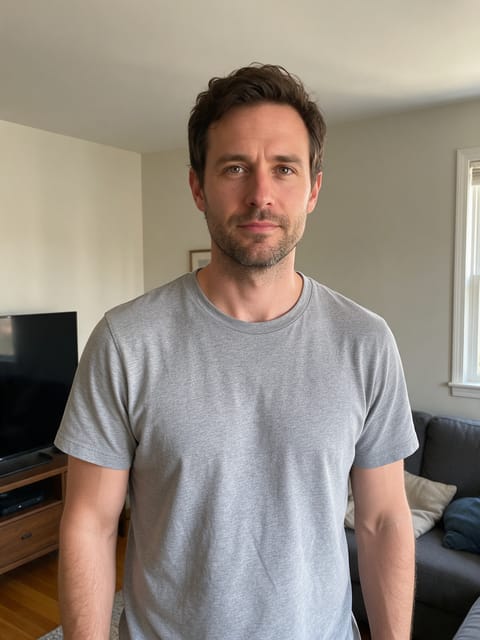
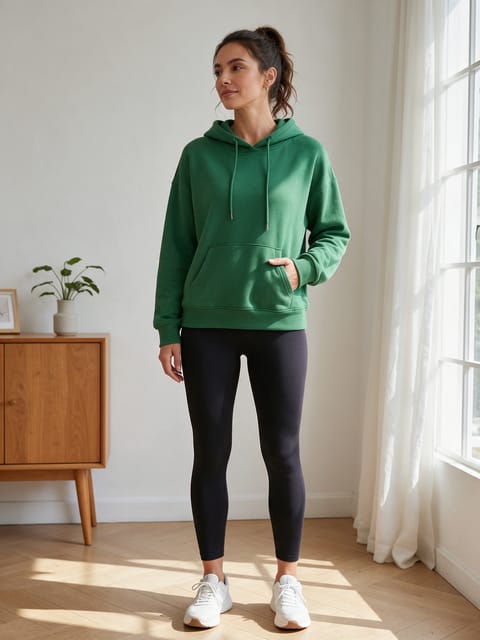
No. Our test photo had clear skies and no snow on the ground, and the flakes still fell and settled on the subject.
Can I use it on a pet?
Yes. Snow settles on fur the same way it does on hair and coats.
Do I need to write a prompt for Snowfall?
No. Snowfall is a ready-made effect: upload a photo and press Generate. The directions for the motion, camera and lighting are already built in.
How long is the Snowfall video?
Every effect makes a 5 second HD video that matches the shape of your photo, portrait or landscape, ready to post anywhere.
Does the video have sound?
Yes. Each clip comes with matching ambient sound effects. It does not add music, so you can lay your own track over it in any editor.
Can I use a photo of someone else?
Only photos of adults, of yourself or of people who agreed to it. Every upload goes through the same safety checks as the rest of PixelDojo.