AI video effect · Visual Effects
Splash Swap: a wave of water washes in the next photo
Upload two photos, press Generate, and post it anywhere.

3 free every day. No card needed.
What Splash Swap does
A wall of clear water crashes across your first photo from left to right, filling the frame with spray and droplets. When the wave falls away your second photo is underneath, with a few drops still hanging in the air.
A wave of water washes in the next photo
A big splash of water sweeps across the first photo and reveals the second. Two photos with similar framing work best.
Starts and ends exactly on your photos
The first frame is your start photo and the last frame is your end photo. Everything in between is one smooth, continuous move.
Movie-style effects without editing software
Effects that used to mean compositing and particle work in an editor, rendered in one pass with lighting that matches your photo.
How to make a Splash Swap video
- Upload two photos: start photo and end photo. You can also pick them from your library.
- Press Generate. There is no prompt to write; the effect is already set up.
- Your 5 second HD video plays right on the page. Save it to your library or download it.
Tips for the best photo
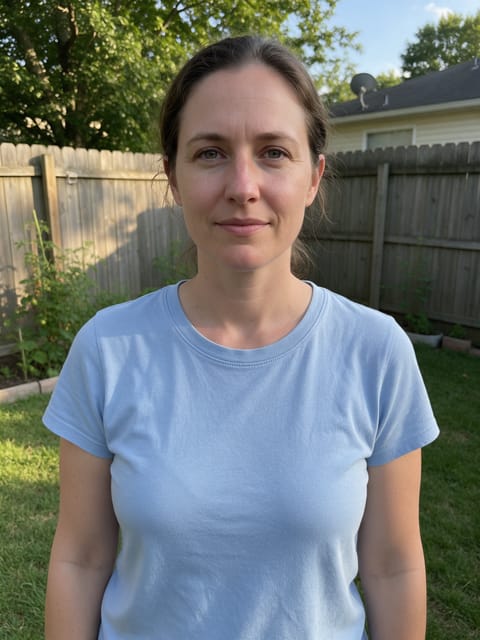
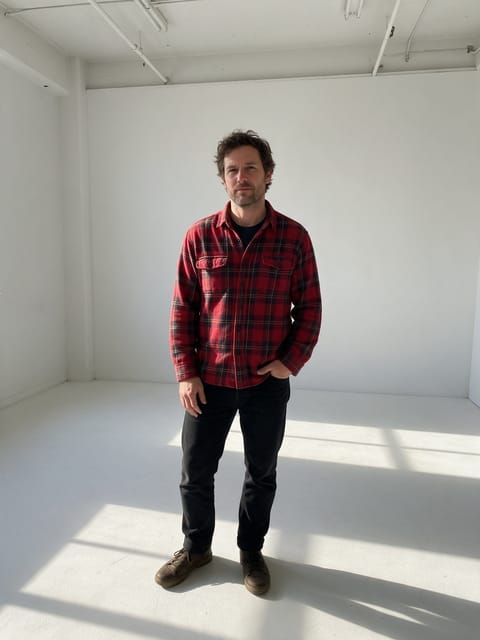
- Choose two photos where the person sits in a similar position, so the wave covers the change cleanly.
- Pair a relaxed shot with a polished one for the strongest before and after feel.
- Avoid very dark backgrounds in the first photo, because the water looks clearest against a bright scene.
Ideas for using it
- A fashion or style post that washes a casual outfit into a dressed up one.
- A summer to autumn season switch for a travel or lifestyle account.
- A fitness progress clip that splashes between two training photos.
More effects
Underwater
The water rises and you're under the sea.

Paper Peel
The world around you peels away like paper.

Spot Color
The world fades to gray while you stay in full color.

Fluffy Clouds
Soft cotton clouds drift in all around you.

Pixie Orbit
Tiny glowing fairies circle around you.
Clone Crowd
Copies of you pop up all around the frame.
Go further
Splash Swap FAQ
Will the water make my photo look wet?
A few droplets cling for the first moment after the wave passes, then the second photo settles in clean.
Does the wave always go left to right?
Yes, the splash sweeps across the frame in that direction, so frame your subject with that in mind.
Do I need to write a prompt for Splash Swap?
No. Splash Swap is a ready-made effect: upload two photos and press Generate. The directions for the motion, camera and lighting are already built in.
How long is the Splash Swap video?
Every effect makes a 5 second HD video that matches the shape of your photo, portrait or landscape, ready to post anywhere.
Does the video have sound?
Yes. Each clip comes with matching ambient sound effects. It does not add music, so you can lay your own track over it in any editor.
Can the start and end photos be in different places?
Yes. The effect moves the camera and morphs the scene between the two, so different outfits, rooms or backgrounds all work. Photos with a similar framing give the smoothest move.
Can I use a photo of someone else?
Only photos of adults, of yourself or of people who agreed to it. Every upload goes through the same safety checks as the rest of PixelDojo.