AI video effect · Visual Effects
Pixie Orbit: tiny glowing fairies circle around you
Upload a photo, press Generate, and post it anywhere.

3 free every day. No card needed.
What Pixie Orbit does
You stand still as tiny glowing fairies with shimmering wings fly in from the edges of the frame. They circle around you leaving golden sparkle trails, and one hovers near your shoulder.
Tiny glowing fairies circle around you
A swarm of small glowing fairies with sparkling wings flies in and circles you, leaving trails of light. Waist-up photos work best.
Still looks like you
The video opens on your exact photo, so the face, hair, outfit and surroundings carry through the whole effect.
Movie-style effects without editing software
Effects that used to mean compositing and particle work in an editor, rendered in one pass with lighting that matches your photo.
How to make a Pixie Orbit video
- Upload a photo, or pick one from your library.
- Press Generate. There is no prompt to write; the effect is already set up.
- Your 5 second HD video plays right on the page. Save it to your library or download it.
Tips for the best photo
- Use a waist up photo with open space around you for the fairies to circle.
- Pick a softly lit outdoor or garden background.
- Avoid busy patterns that could hide the tiny sparkles.
Ideas for using it
- A fairytale birthday invite for a child's party, using a parent or guest of honor.
- A cottagecore or fantasy account banner video.
- A wedding save the date with a woodland feel.
More effects

Clone Crowd
Copies of you pop up all around the frame.

Brick Mural
Your face as a giant street mural.
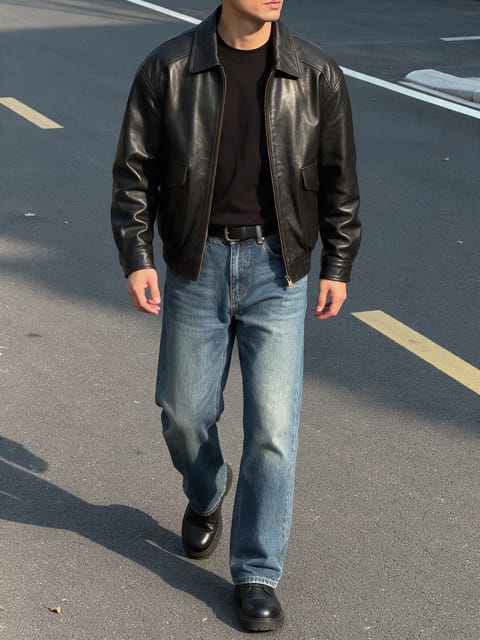
Cool Walkaway
Walk away cool as a fireball goes up behind you.

Horizon Blast
A colossal blast lights up the far horizon.

Action Fireball
An action movie fireball right behind you.

Lotus Aura
A golden lotus aura blooms around you.
Go further
Pixie Orbit FAQ
How many fairies show up?
A small group flits around you, with one coming close to your shoulder.
Do the fairies cover my face?
They circle around you, and your face stays in view.
Do I need to write a prompt for Pixie Orbit?
No. Pixie Orbit is a ready-made effect: upload a photo and press Generate. The directions for the motion, camera and lighting are already built in.
How long is the Pixie Orbit video?
Every effect makes a 5 second HD video that matches the shape of your photo, portrait or landscape, ready to post anywhere.
Does the video have sound?
Yes. Each clip comes with matching ambient sound effects. It does not add music, so you can lay your own track over it in any editor.
Can I use a photo of someone else?
Only photos of adults, of yourself or of people who agreed to it. Every upload goes through the same safety checks as the rest of PixelDojo.