AI video effect · Visual Effects
Giant Moon: a huge moon rises right behind you
Upload a photo, press Generate, and post it anywhere.

3 free every day. No card needed.
What Giant Moon does
The sky darkens to deep blue and a huge, detailed moon rises behind you until it fills most of the view. Its silver light lands on your face and shoulders as you look up at it and turn back to the camera.
A huge moon rises right behind you
An enormous glowing moon fills the sky behind you as the scene turns to night. Photos taken outdoors work best.
Still looks like you
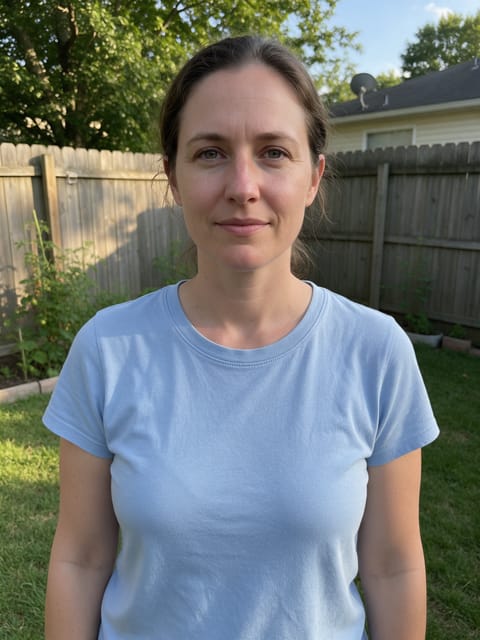
The video opens on your exact photo, so the face, hair, outfit and surroundings carry through the whole effect.
Movie-style effects without editing software
Effects that used to mean compositing and particle work in an editor, rendered in one pass with lighting that matches your photo.
How to make a Giant Moon video
- Upload a photo, or pick one from your library.
- Press Generate. There is no prompt to write; the effect is already set up.
- Your 5 second HD video plays right on the page. Save it to your library or download it.
Tips for the best photo
- Shoot outdoors with open sky behind you so the moon has somewhere to rise.
- Stand slightly off center so the moon fills the space beside you.
- Use a dusk or cloudy sky photo to match the move to night.
Ideas for using it
- A photographer makes a moody portrait clip for an album cover or reel.
- A couple posts an anniversary clip with a dramatic moon.
- A writer creates a book-teaser clip with a night sky.
More effects
 2 photos
Splash Swap
A wave of water washes in the next photo.
Underwater
The water rises and you're under the sea.

Paper Peel
The world around you peels away like paper.

Spot Color
The world fades to gray while you stay in full color.

Fluffy Clouds
Soft cotton clouds drift in all around you.

Pixie Orbit
Tiny glowing fairies circle around you.
Go further
Giant Moon FAQ
Does the daytime sky turn to night?
Yes, the sky darkens to deep blue as the moon rises.
Can I use an indoor photo?
It works best outdoors, since the moon needs a sky behind you.
Do I need to write a prompt for Giant Moon?
No. Giant Moon is a ready-made effect: upload a photo and press Generate. The directions for the motion, camera and lighting are already built in.
How long is the Giant Moon video?
Every effect makes a 5 second HD video that matches the shape of your photo, portrait or landscape, ready to post anywhere.
Does the video have sound?
Yes. Each clip comes with matching ambient sound effects. It does not add music, so you can lay your own track over it in any editor.
Can I use a photo of someone else?
Only photos of adults, of yourself or of people who agreed to it. Every upload goes through the same safety checks as the rest of PixelDojo.