AI video effect · Visual Effects
Fire Hands: summon flames in your palms
Upload a photo, press Generate, and post it anywhere.
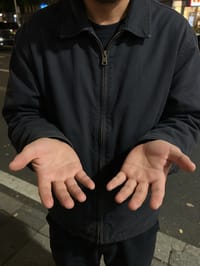
3 free every day. No card needed.
What Fire Hands does
Your subject holds out open palms, and small sparks catch in the middle of each hand. The flames grow taller and brighter frame by frame until both hands hold steady columns of fire that light up the area around them.
Summon flames in your palms
Flames ignite in your subject’s hands and swirl around them, lighting the scene with a warm glow. Waist-up photos with hands visible work best.
Still looks like you
The video opens on your exact photo, so the face, hair, outfit and surroundings carry through the whole effect.
Movie-style effects without editing software
Effects that used to mean compositing and particle work in an editor, rendered in one pass with lighting that matches your photo.
How to make a Fire Hands video
- Upload a photo, or pick one from your library.
- Press Generate. There is no prompt to write; the effect is already set up.
- Your 5 second HD video plays right on the page. Save it to your library or download it.
Tips for the best photo
- Hold both hands out with palms up and fully visible in the frame.
- Darker or evening photos make the fire glow and reflections pop.
- Keep fingers spread and relaxed rather than holding a phone or bag.
Ideas for using it
- Gamers posting a power reveal for a new character or season.
- Magicians and performers teasing an upcoming show.
- Bands sharing a fiery visual for a single or tour announcement.
More effects



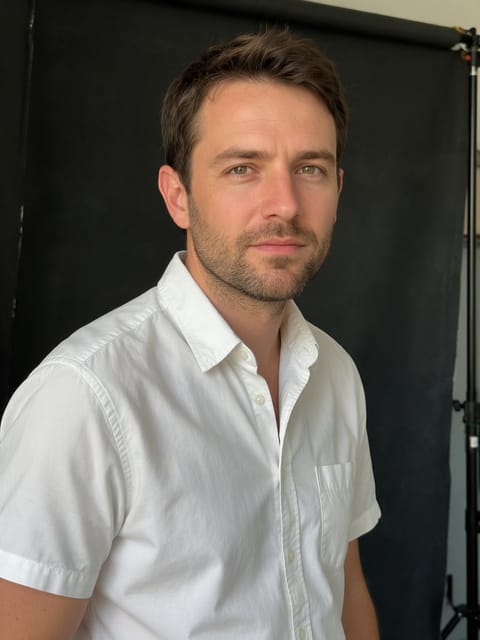
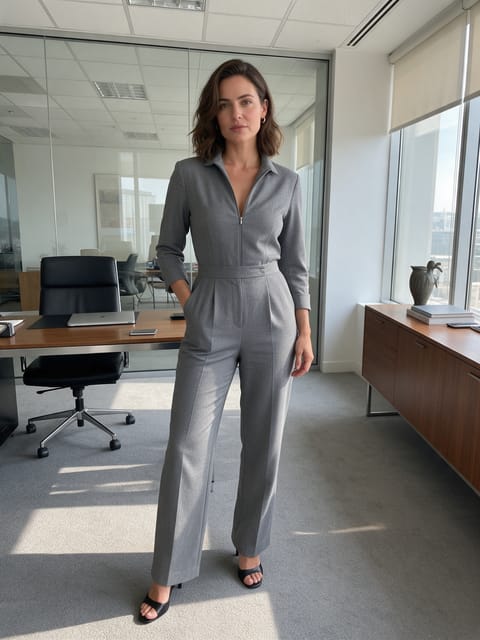

Go further
Fire Hands FAQ
Does the fire spread onto my clothes?
No. In our render the flames stayed in the palms and only lit the jacket with an orange glow.
Do I need my face in the photo?
No. Our test photo was framed from the chest down and worked well, and a waist up shot with the face works too.
Do I need to write a prompt for Fire Hands?
No. Fire Hands is a ready-made effect: upload a photo and press Generate. The directions for the motion, camera and lighting are already built in.
How long is the Fire Hands video?
Every effect makes a 5 second HD video that matches the shape of your photo, portrait or landscape, ready to post anywhere.
Does the video have sound?
Yes. Each clip comes with matching ambient sound effects. It does not add music, so you can lay your own track over it in any editor.
Can I use a photo of someone else?
Only photos of adults, of yourself or of people who agreed to it. Every upload goes through the same safety checks as the rest of PixelDojo.