AI video effect · Visual Effects
Slice Shift: your photo slices apart and snaps back
Upload a photo, press Generate, and post it anywhere.

3 free every day. No card needed.
What Slice Shift does
Your portrait turns into a printed card floating in a dark studio. It splits into vertical strips that slide up and down out of line with soft light showing in the gaps, then they glide back together and you finish with a smile.
Your photo slices apart and snaps back
The whole picture splits into strips that slide apart and lock back together. Any clear photo works.
Still looks like you
The video opens on your exact photo, so the face, hair, outfit and surroundings carry through the whole effect.
Movie-style effects without editing software
Effects that used to mean compositing and particle work in an editor, rendered in one pass with lighting that matches your photo.
How to make a Slice Shift video
- Upload a photo, or pick one from your library.
- Press Generate. There is no prompt to write; the effect is already set up.
- Your 5 second HD video plays right on the page. Save it to your library or download it.
Tips for the best photo
- Use a sharp portrait with a clear face, which makes the strip lines look crisp.
- Plain or softly lit backgrounds keep the slicing easy to follow.
- Leave a little space around your head and shoulders so the strips have a card edge to work with.
Ideas for using it
- A photographer opens a portfolio reel with a quick glitchy reveal of a headshot.
- A musician teases a single's cover art by slicing it apart and snapping it back.
- A creator uses it as a transition card between sections of a talking video.
More effects
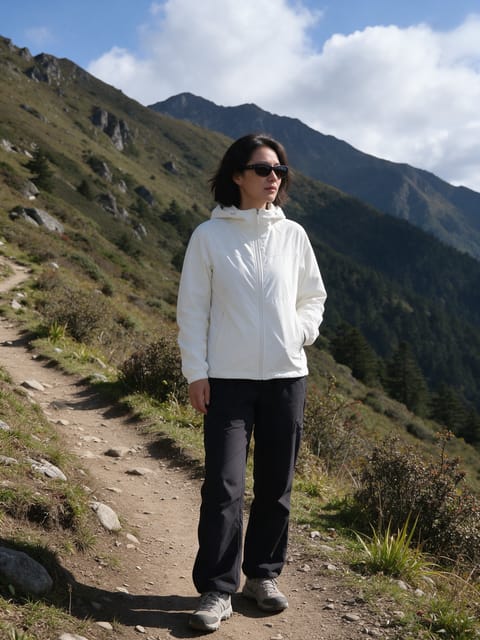
Depth Layers
Your photo splits into floating 3D layers.
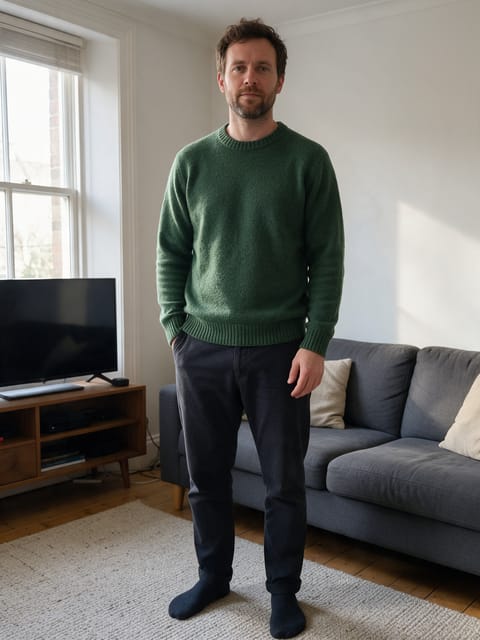
Gravity Shift
The world tilts and gravity goes sideways.
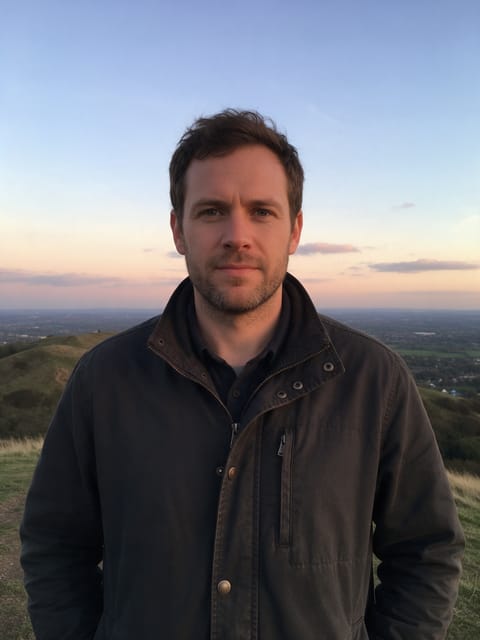
Giant Moon
A huge moon rises right behind you.
 2 photos
Splash Swap
A wave of water washes in the next photo.
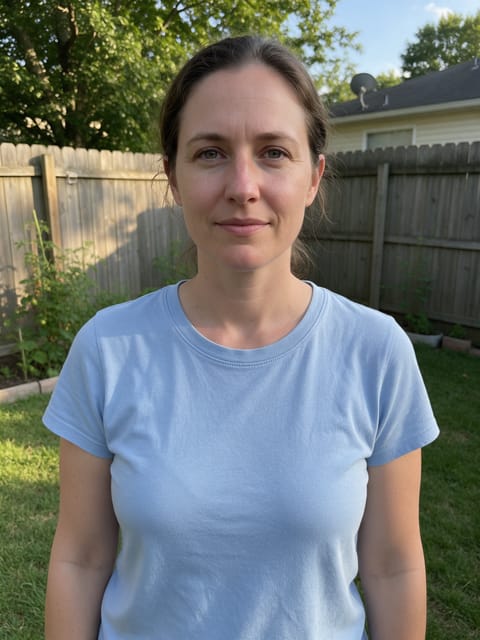
Underwater
The water rises and you're under the sea.

Paper Peel
The world around you peels away like paper.
Go further
Slice Shift FAQ
Will the strips cut through my face?
They slide across the whole picture and line up again by the end, leaving your face whole.
Can I use a landscape or product photo?
Any clear photo works. The strip motion does not depend on there being a person.
Do I need to write a prompt for Slice Shift?
No. Slice Shift is a ready-made effect: upload a photo and press Generate. The directions for the motion, camera and lighting are already built in.
How long is the Slice Shift video?
Every effect makes a 5 second HD video that matches the shape of your photo, portrait or landscape, ready to post anywhere.
Does the video have sound?
Yes. Each clip comes with matching ambient sound effects. It does not add music, so you can lay your own track over it in any editor.
Can I use a photo of someone else?
Only photos of adults, of yourself or of people who agreed to it. Every upload goes through the same safety checks as the rest of PixelDojo.