AI video effect · Visual Effects
Gravity Shift: the world tilts and gravity goes sideways
Upload a photo, press Generate, and post it anywhere.
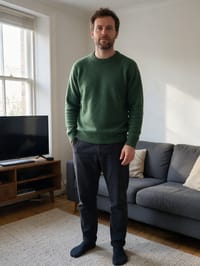
3 free every day. No card needed.
What Gravity Shift does
Your room slowly rotates sideways as if gravity has changed, and you lean and stretch your arms to keep your balance. The view keeps turning to a steep angle, then swings back level as you steady yourself and laugh.
The world tilts and gravity goes sideways
The room tips on its side while you lean and balance to stay upright. Full-body photos work best.
Still looks like you
The video opens on your exact photo, so the face, hair, outfit and surroundings carry through the whole effect.
Movie-style effects without editing software
Effects that used to mean compositing and particle work in an editor, rendered in one pass with lighting that matches your photo.
How to make a Gravity Shift video
- Upload a photo, or pick one from your library.
- Press Generate. There is no prompt to write; the effect is already set up.
- Your 5 second HD video plays right on the page. Save it to your library or download it.
Tips for the best photo
- Pick a photo taken indoors with visible furniture so the tilting is obvious.
- Leave space around your arms for the balancing pose.
- Stand in a full-body or three-quarter shot so your outfit can sway.
Ideas for using it
- A prankster posts a 'my house after one too many coffees' joke.
- A fitness coach uses it as a funny balance challenge teaser.
- A science teacher illustrates 'what if gravity changed' in a class clip.
More effects
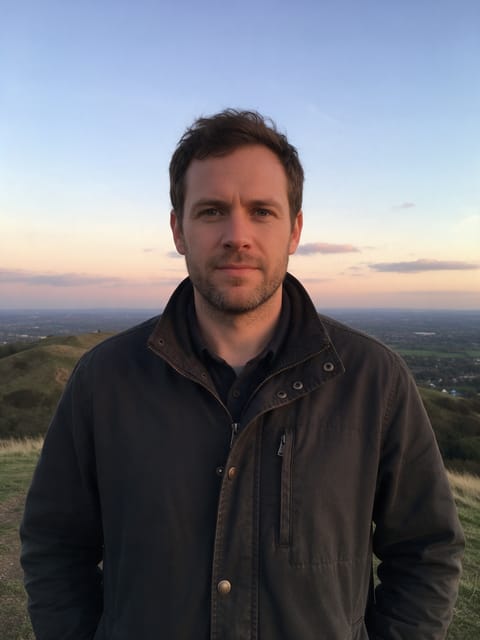
Giant Moon
A huge moon rises right behind you.
 2 photos
Splash Swap
A wave of water washes in the next photo.
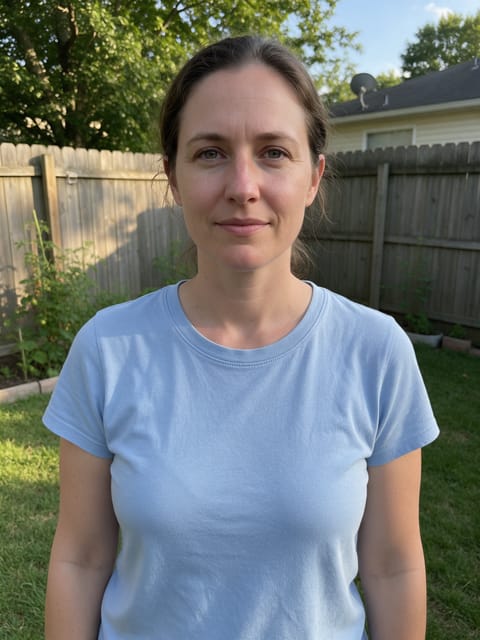
Underwater
The water rises and you're under the sea.

Paper Peel
The world around you peels away like paper.

Spot Color
The world fades to gray while you stay in full color.

Fluffy Clouds
Soft cotton clouds drift in all around you.
Go further
Gravity Shift FAQ
Does it make people dizzy?
The room turns slowly and swings back level by the end, a playful ride that suits anyone who enjoys a big, moving view.
Does the room need to be tidy?
No, though objects in the room tilt along with it, so a simple space reads best.
Do I need to write a prompt for Gravity Shift?
No. Gravity Shift is a ready-made effect: upload a photo and press Generate. The directions for the motion, camera and lighting are already built in.
How long is the Gravity Shift video?
Every effect makes a 5 second HD video that matches the shape of your photo, portrait or landscape, ready to post anywhere.
Does the video have sound?
Yes. Each clip comes with matching ambient sound effects. It does not add music, so you can lay your own track over it in any editor.
Can I use a photo of someone else?
Only photos of adults, of yourself or of people who agreed to it. Every upload goes through the same safety checks as the rest of PixelDojo.