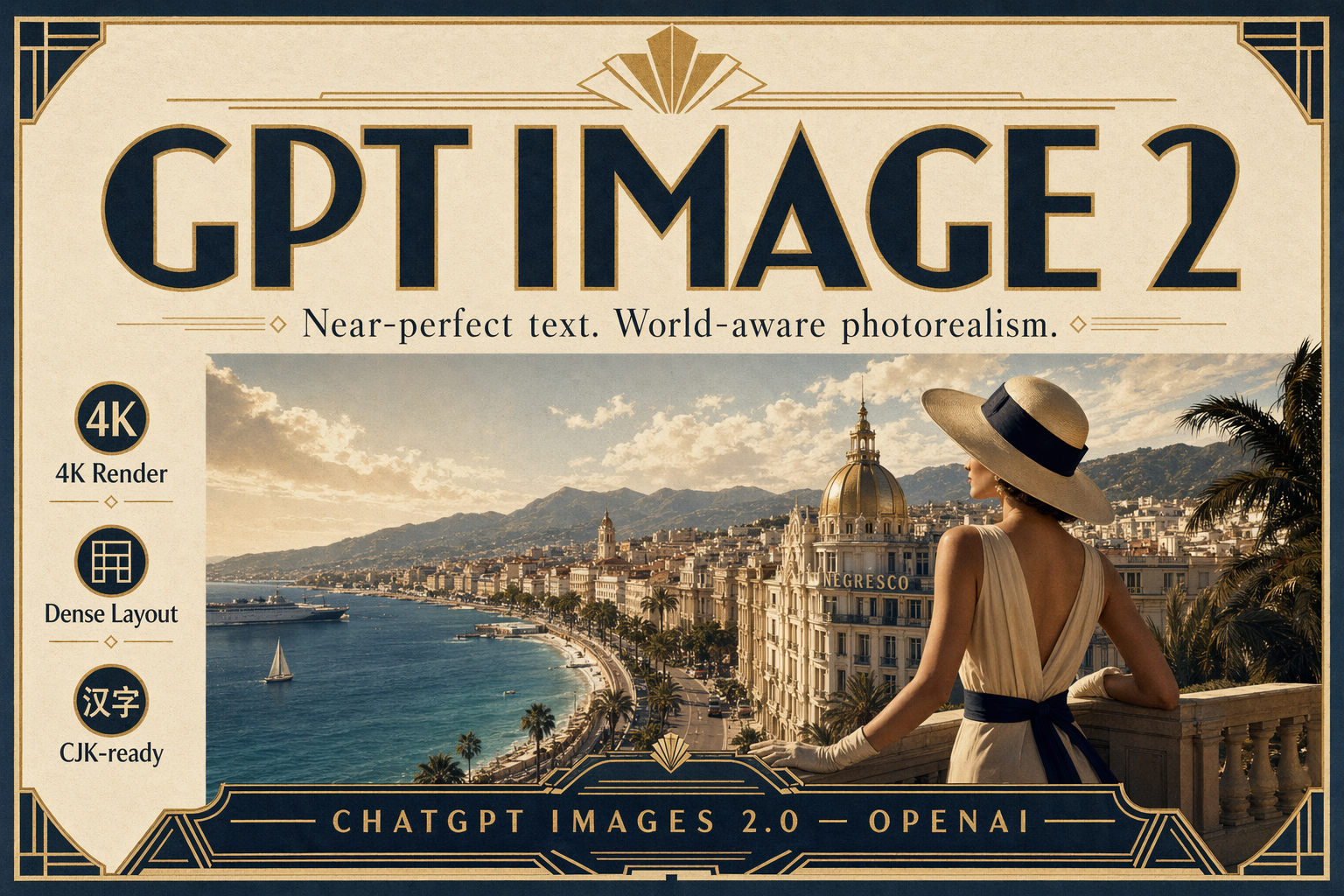
A premium art-deco travel poster on thick matte paper. Large headline in bold geometric type: "GPT IMAGE 2". Subhead beneath it in clean serif: "Near-perfect text. World-aware photorealism." Bottom tagline in small caps: "CHATGPT IMAGES 2.0 — OPENAI". Include three tiny side callouts in perfect alignment: "4K Render", "Dense Layout", "CJK-ready". Cream, navy, and warm gold palette, subtle paper grain, museum-grade typography.
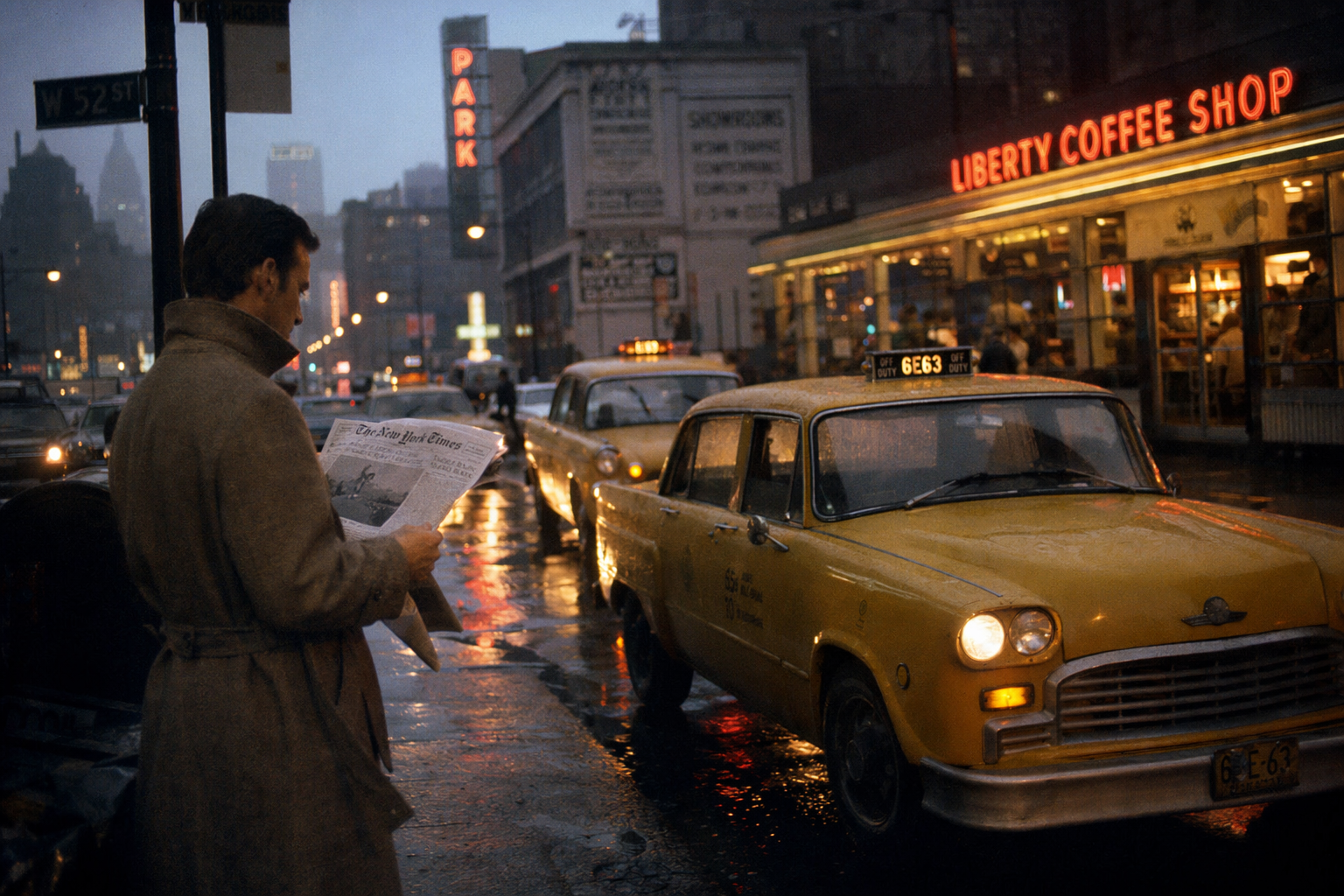
A photorealistic editorial photograph of a rainy 1970s Manhattan street at dusk, yellow cabs reflected in wet asphalt, neon diner sign reading "LIBERTY COFFEE SHOP" in warm tungsten, a man in a wool trench coat reading a newspaper at the curb. Kodak Portra color palette, accurate wet-surface physics, believable tungsten-vs-neon color mixing, 35mm grain, shallow depth of field.
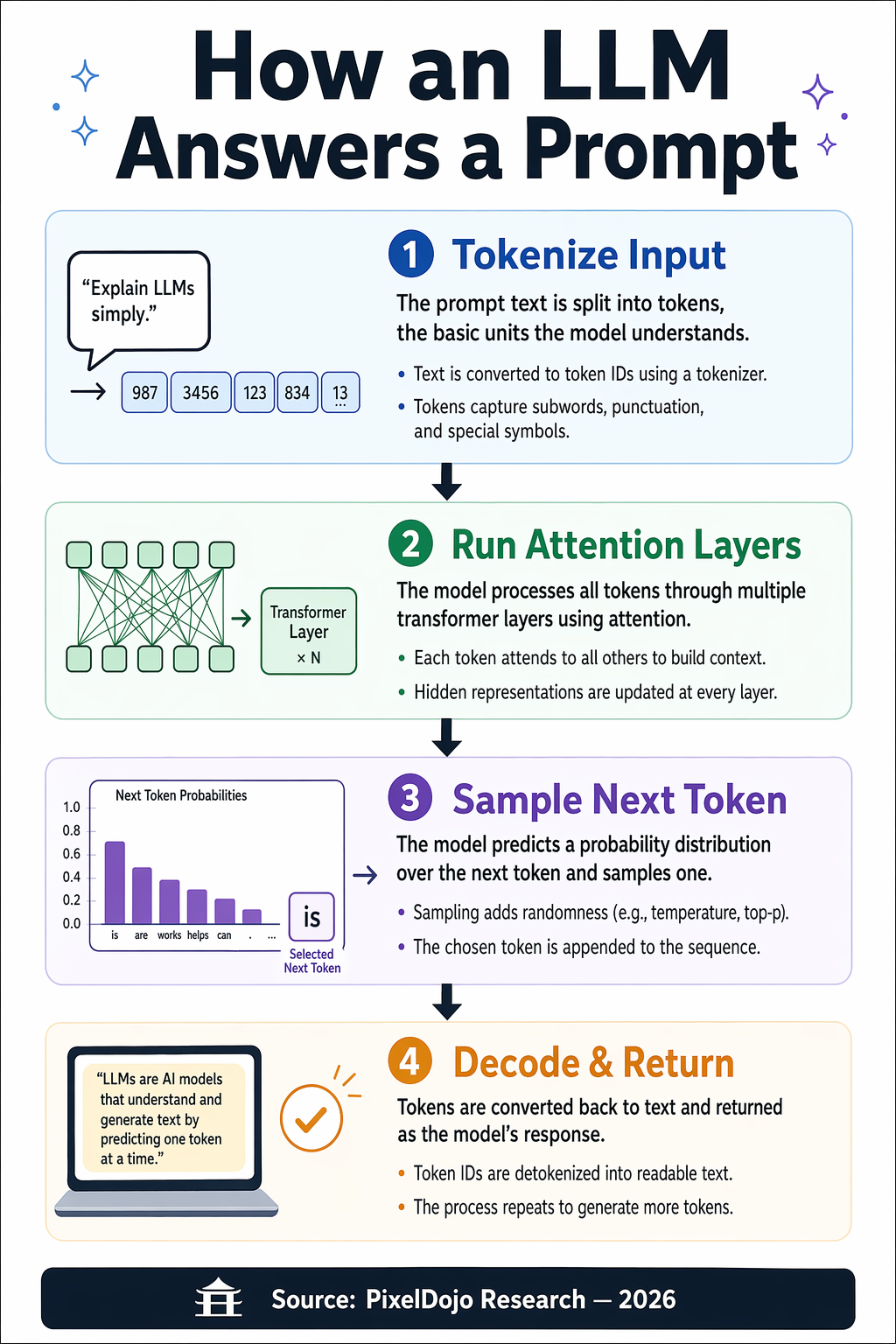
An editorial infographic poster titled "How an LLM Answers a Prompt" in large bold sans-serif at the top. Four clearly labeled stages arranged vertically with arrows between them: "1. Tokenize Input", "2. Run Attention Layers", "3. Sample Next Token", "4. Decode & Return". Each stage has a small icon, a one-sentence caption, and two bullet notes. Bottom footer: "Source: PixelDojo Research — 2026". Clean vector style, strong visual hierarchy, legible at thumbnail size, balanced grid layout.
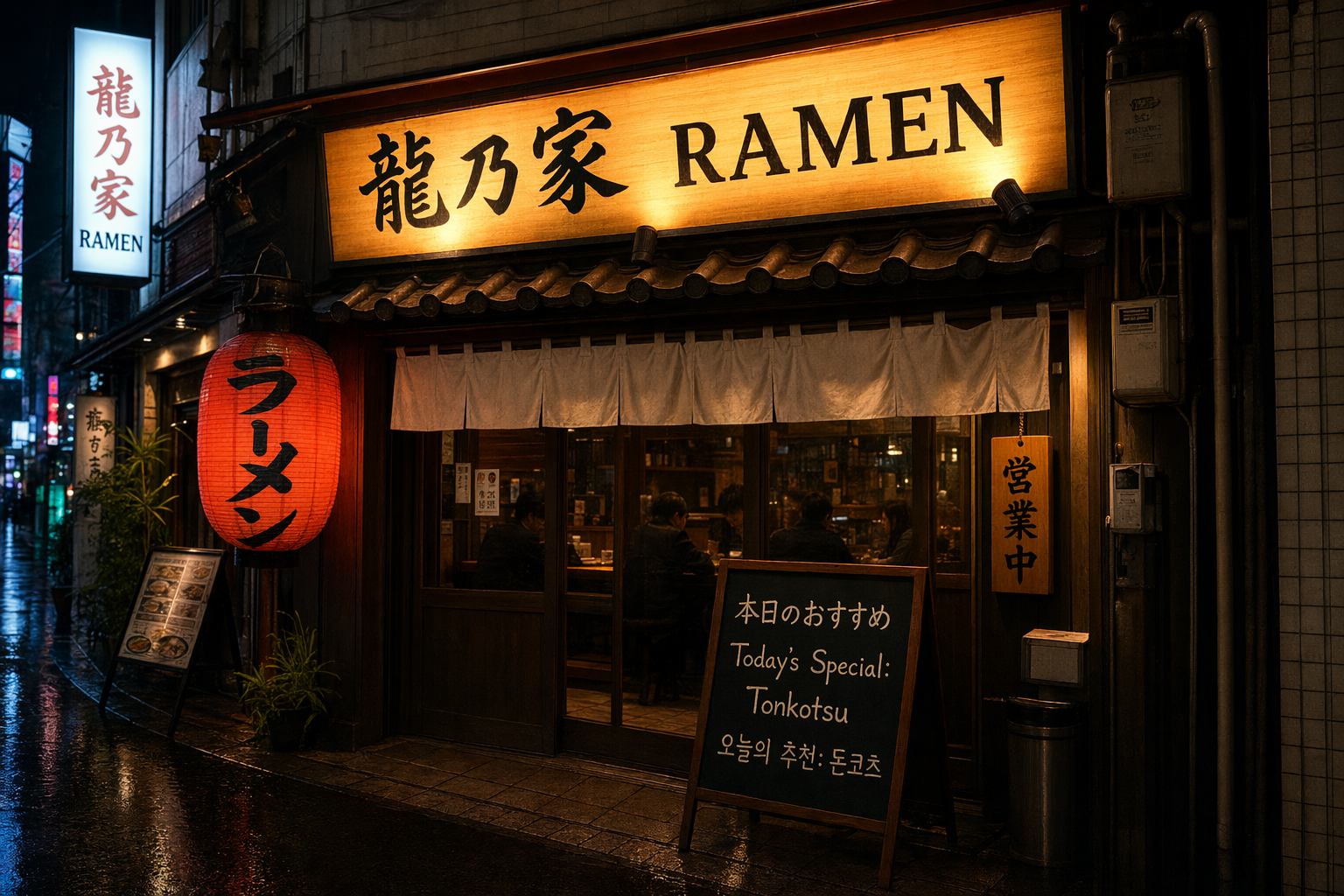
A photorealistic Tokyo ramen shop exterior at night, glowing lantern, wooden signage, rain-slick street. The main illuminated sign reads "龍乃家 RAMEN" in precise kanji plus clean Latin letters. A secondary chalkboard out front reads in three languages with correct spelling: Japanese "本日のおすすめ", English "Today's Special: Tonkotsu", Korean "오늘의 추천: 돈코츠". Cinematic color grading, believable neon bloom, accurate reflections.
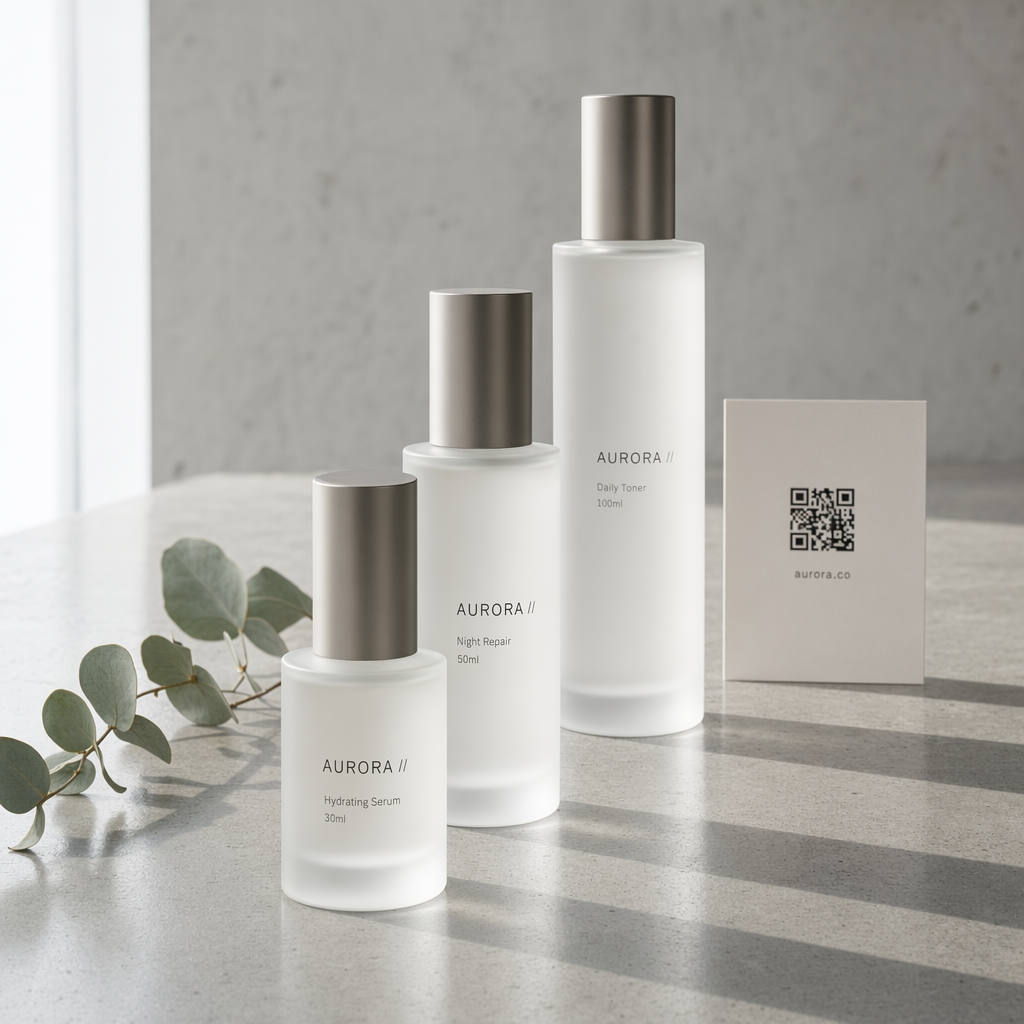
Studio product photography of a minimalist skincare set on polished concrete. Three frosted-glass bottles of varying heights. Front bottle label reads "AURORA // Hydrating Serum 30ml" in thin modern sans-serif. Middle bottle label reads "AURORA // Night Repair 50ml". Back bottle label reads "AURORA // Daily Toner 100ml". A small card behind them shows a QR code and the text "aurora.co". Soft north-window lighting, eucalyptus sprig, luxury beauty aesthetic, sharp label legibility, clean negative space.
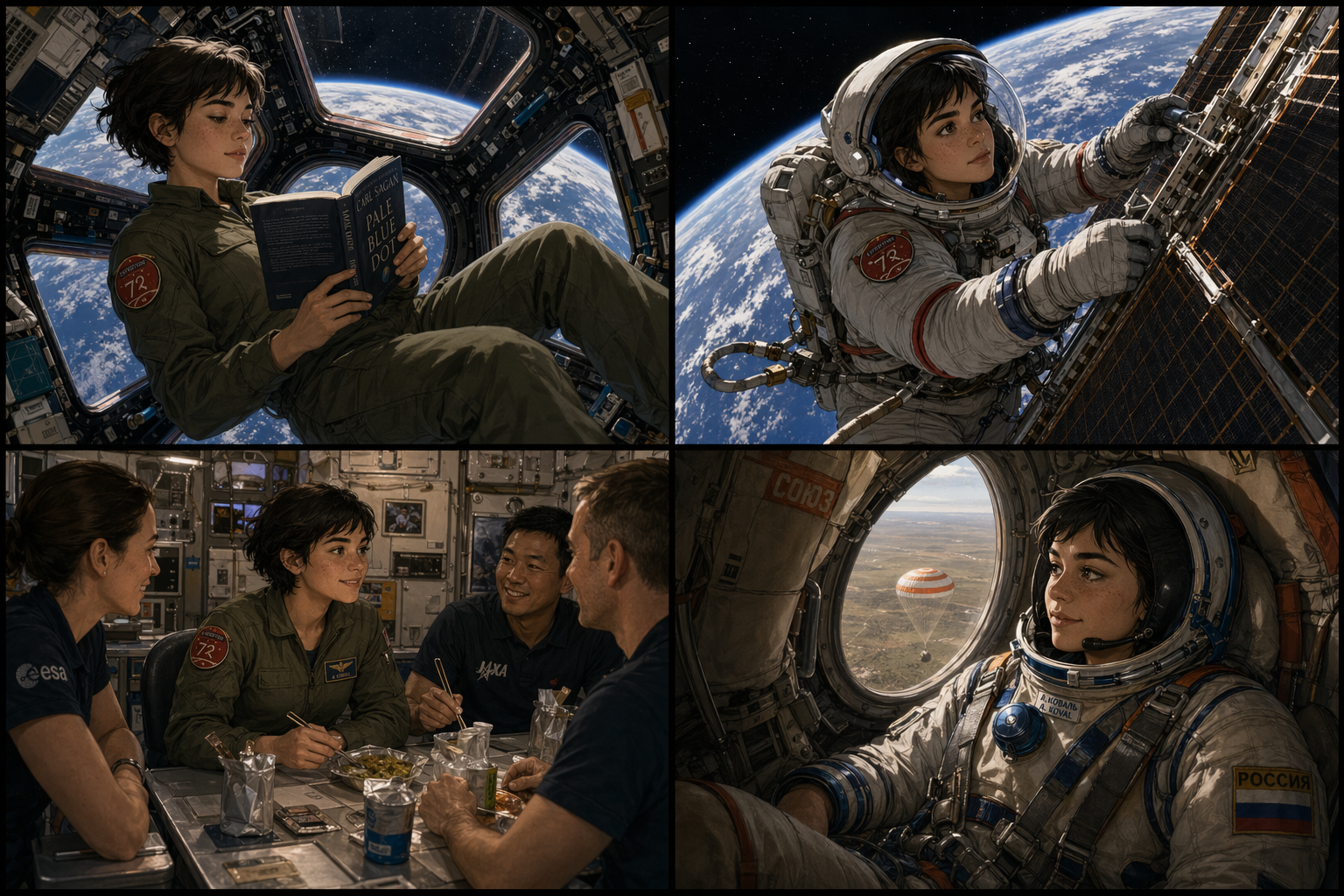
A 2x2 storyboard panel featuring the same young woman astronaut in each panel — short dark hair, freckled nose, olive flight suit with a red mission patch, always drawn with consistent face, proportions, and outfit. Panel 1: floating inside the ISS reading a book by the cupola window. Panel 2: fixing a solar panel during EVA, Earth behind her. Panel 3: sharing a meal with crew in the galley. Panel 4: descending in a Soyuz capsule, Kazakhstan steppe below. Thin black panel borders, cinematic lighting, semi-realistic illustrated style, strong identity lock.
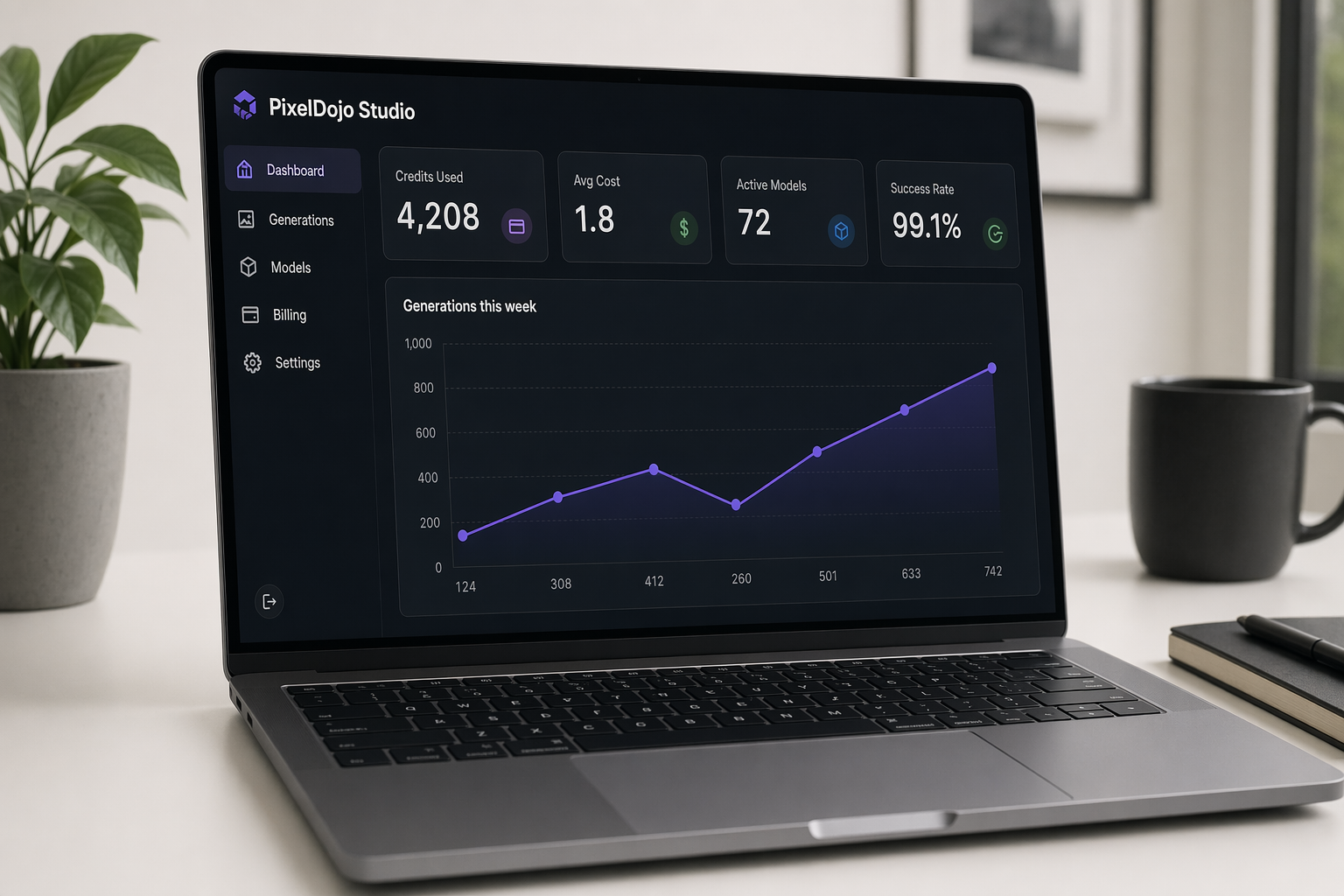
A photorealistic rendering of a laptop on a clean desk displaying a dark-mode SaaS analytics dashboard titled "PixelDojo Studio". Left sidebar shows legible navigation items: "Dashboard", "Generations", "Models", "Billing", "Settings". Main panel shows a large line chart labeled "Generations this week" with the values 124, 308, 412, 260, 501, 633, 742 along the x-axis. Four stat cards on top read exactly: "Credits Used 4,208", "Avg Cost 1.8", "Active Models 72", "Success Rate 99.1%". Every UI label is sharp and correctly spelled, subtle reflections on screen.
A [artifact type] with flawless typography. Main headline: "[HEADLINE]". Subhead: "[subhead line]". Include callouts with exact text: "[callout A]", "[callout B]", "[callout C]". Art direction: [style + color palette], editorial layout, high readability.
資訊圖表範本
適合資訊密集、結構清晰,且需標示階段或區塊的資料視覺化圖表。
An infographic titled "[TITLE]" with [N] labeled [stages/sections] arranged [vertically/horizontally] with arrows between them: "1. [Step one]", "2. [Step two]", "3. [Step three]", "4. [Step four]". Each has a small icon, a one-sentence caption, and [X] bullet notes. Footer: "[source/attribution]". Clean [vector/editorial] style, strong visual hierarchy, balanced grid layout.
多語言招牌範本
適合需要正確呈現多種文字系統的圖片。
A [scene description]. The main sign reads "[primary text in target script]" in [language/script]. A secondary sign reads in [N] languages with correct spelling: [language A] "[exact text]", [language B] "[exact text]", [language C] "[exact text]". [Lighting + color direction].
角色一致性範本
適合分鏡與多場景連貫敘事,確保角色始終一致。
A [grid layout] featuring the same [character description — be specific: age, hair, clothing, distinguishing marks] in each panel, always drawn with consistent face, proportions, and outfit. Panel 1: [scene one]. Panel 2: [scene two]. Panel 3: [scene three]. Panel 4: [scene four]. [Art style + framing direction], strong identity lock.
商品示意圖範本
適合包裝、周邊商品,以及所有需要清晰呈現品牌文案的設計。
Studio product photography of [product description] on [surface]. [N] items visible. Item 1 label reads "[exact brand + SKU + size]". Item 2 label reads "[exact brand + SKU + size]". Accent element (card/QR/tag) shows "[exact URL or code]". [Lighting direction], [aesthetic keywords], sharp label legibility, clean negative space.