被写体+動作+スタイル+背景情報
1文で組み立てるプロンプトの基本形
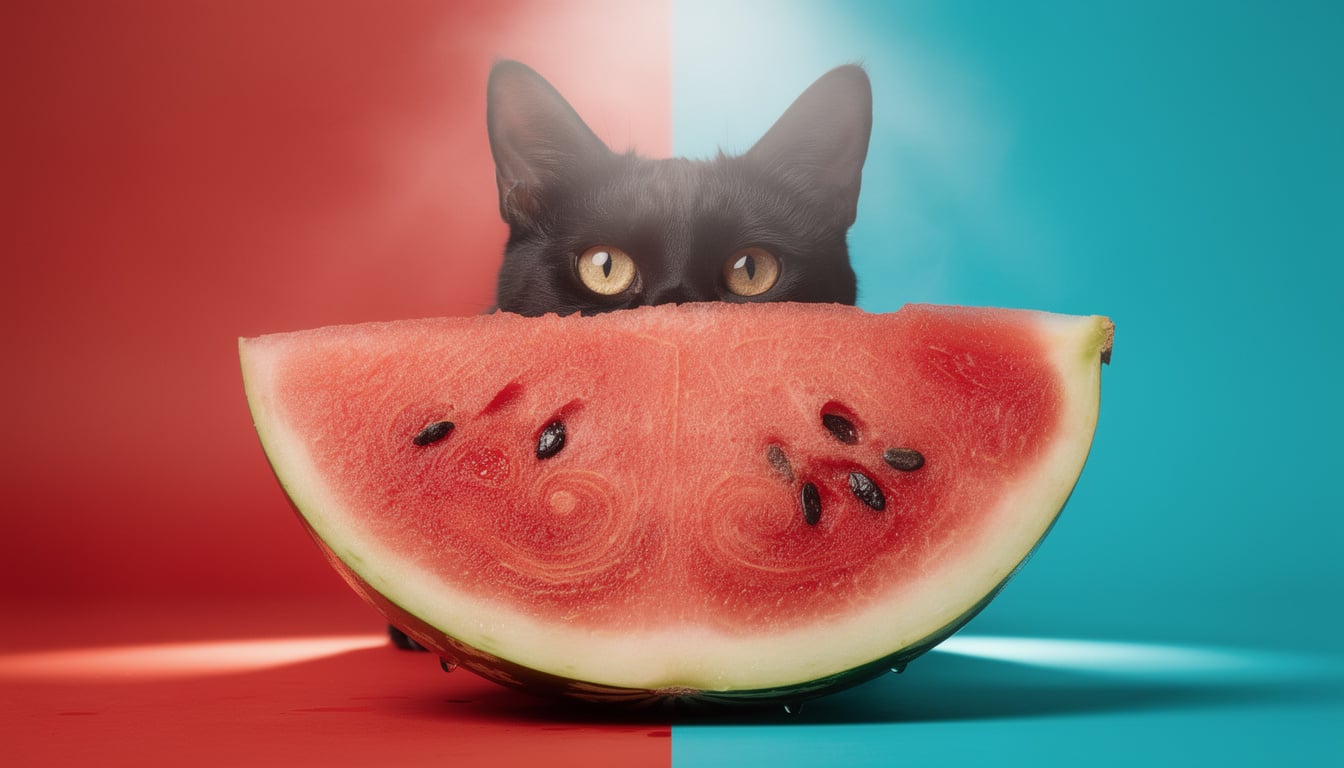
Black cat hiding behind a watermelon slice, professional studio shot, bright red and turquoise background with summer mystery vibe.
主役となる被写体と動作を最初に置き、スタイルとシーンの背景情報を続けると、構図をより的確にコントロールできます。
Flux 2 プロンプトガイド
Flux 2 Pro/Maxを使いこなす、Flux 2 プロンプトガイド。生成例をコピーしてアレンジし、PixelDojoですぐに試せます。
手法の参考元: FLUX.2公式プロンプトガイド.
Flux 2の力を引き出すのは、明確で、順序立てた、具体的なプロンプトです。基本となる構成はこちらです。 被写体+動作+スタイル+背景情報。重要な情報は冒頭に置き、ネガティブプロンプトではなく、実現したい内容を直接伝えます。
被写体と動作を最初に伝え、スタイルと背景情報を続けます。構図が安定しやすくなります。
Fluxは前方のトークンを重視するため、譲れない条件は最初に置きます。
Flux 2はネガティブプロンプトに頼りません。代わりに、実現したい仕上がりを伝えます。
文字は引用符で囲み、HEXカラーは具体的なオブジェクトに紐づけて、ブランドの統一感を保ちます。
1文で組み立てるプロンプトの基本形
Black cat hiding behind a watermelon slice, professional studio shot, bright red and turquoise background with summer mystery vibe.
主役となる被写体と動作を最初に置き、スタイルとシーンの背景情報を続けると、構図をより的確にコントロールできます。
リアルさを生むレンズとカメラの指定
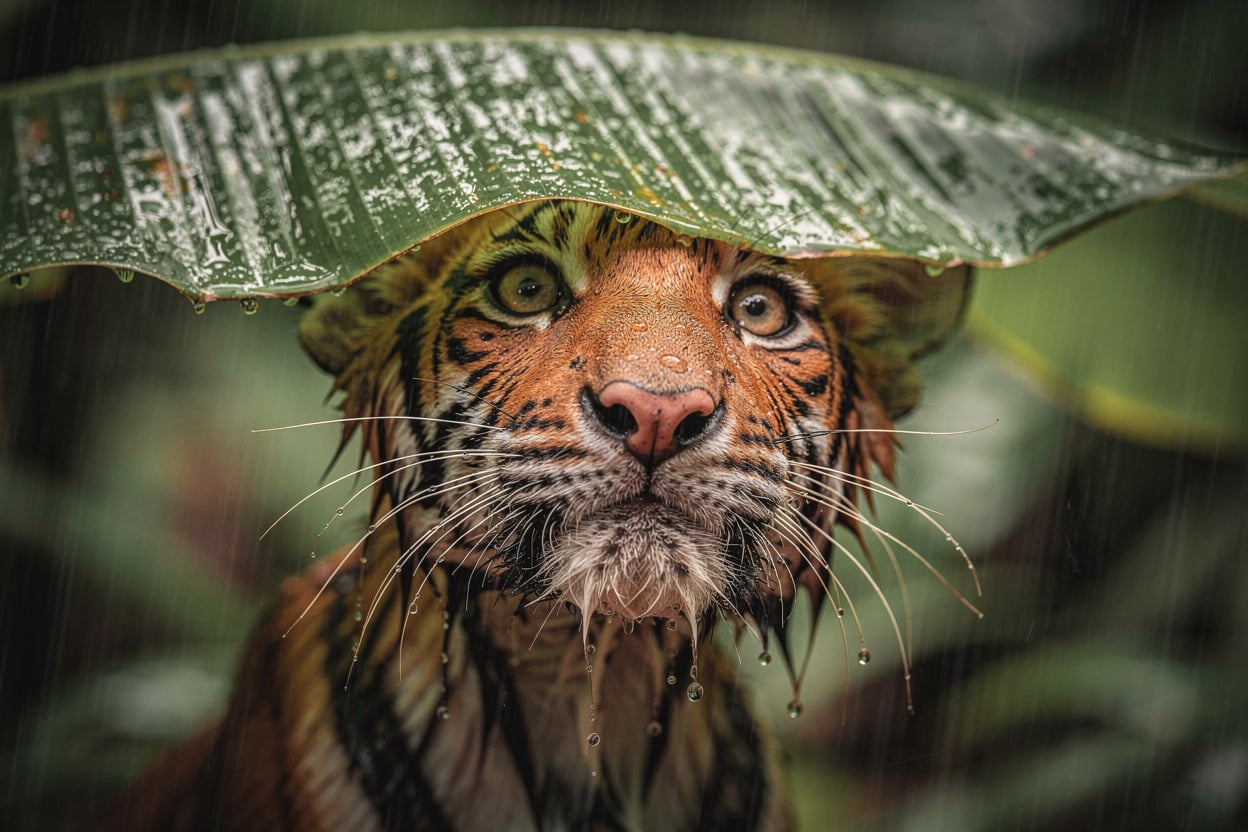
Soaking wet tiger cub taking shelter under a banana leaf in rainy jungle, close-up wildlife portrait, shot on Sony A7IV with 85mm lens at f/2.8, natural overcast light, cinematic detail.
「プロの写真」のような抽象的な言葉より、カメラやレンズを具体的に指定するほうが、優れた結果につながります。

引用符で囲んだ文字と明確なデザイン指定
Groovy retro poster with the quote "If you love me let me sleep". Bold 70s typography in deep red and warm pink tones. Cream background, orange doodles, playful vintage layout, clean readable text.
必ず描画したい文字列はダブルクォーテーションで囲み、文字の内容だけでなく、レイアウトのスタイルも指定します。
ブランドカラーを正確に再現
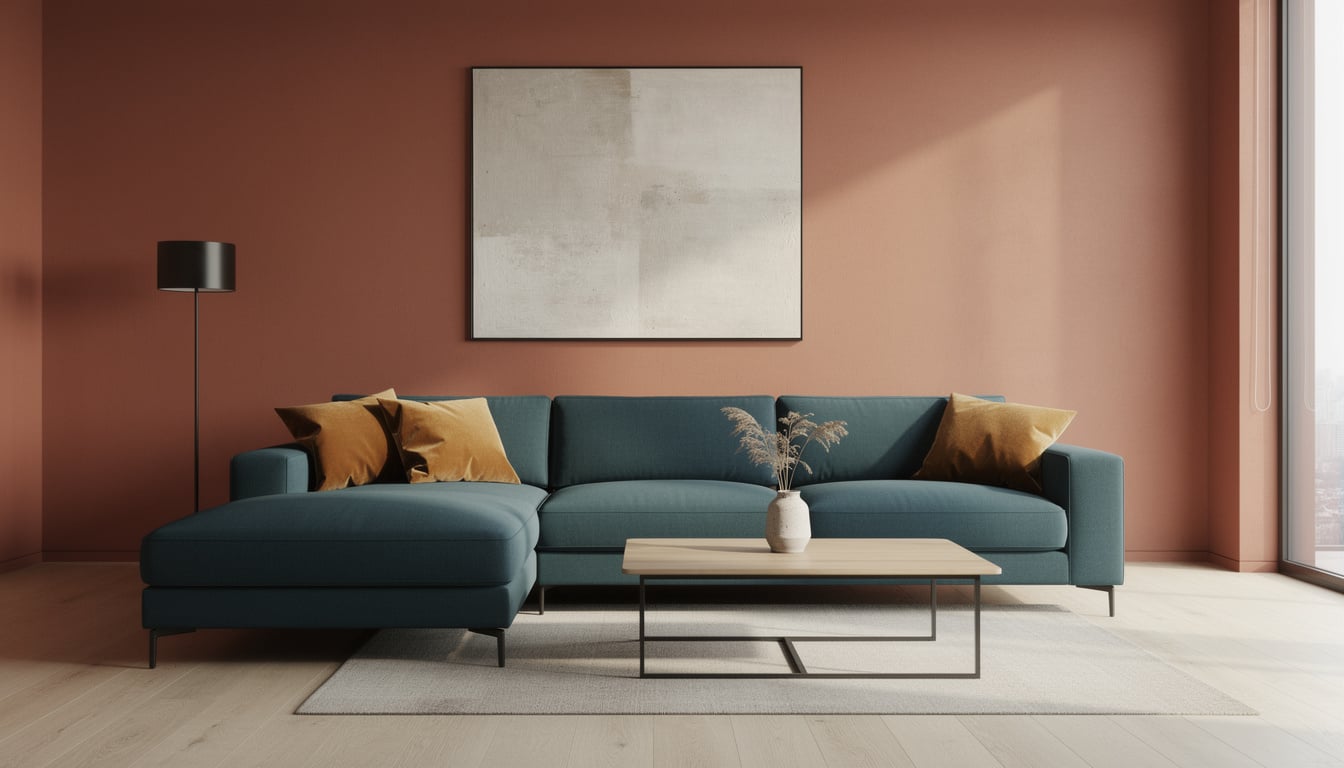
A modern living room with warm terracotta walls in hex #C4725A, a large L-shaped sectional sofa in deep teal hex #1B6B6F, and golden amber hex #E8A847 accent pillows. Soft afternoon light, minimal editorial interior photography.
色の配置がぶれないように、各HEX値を特定のオブジェクトに紐づけます。
構造化した入力で制作をコントロール
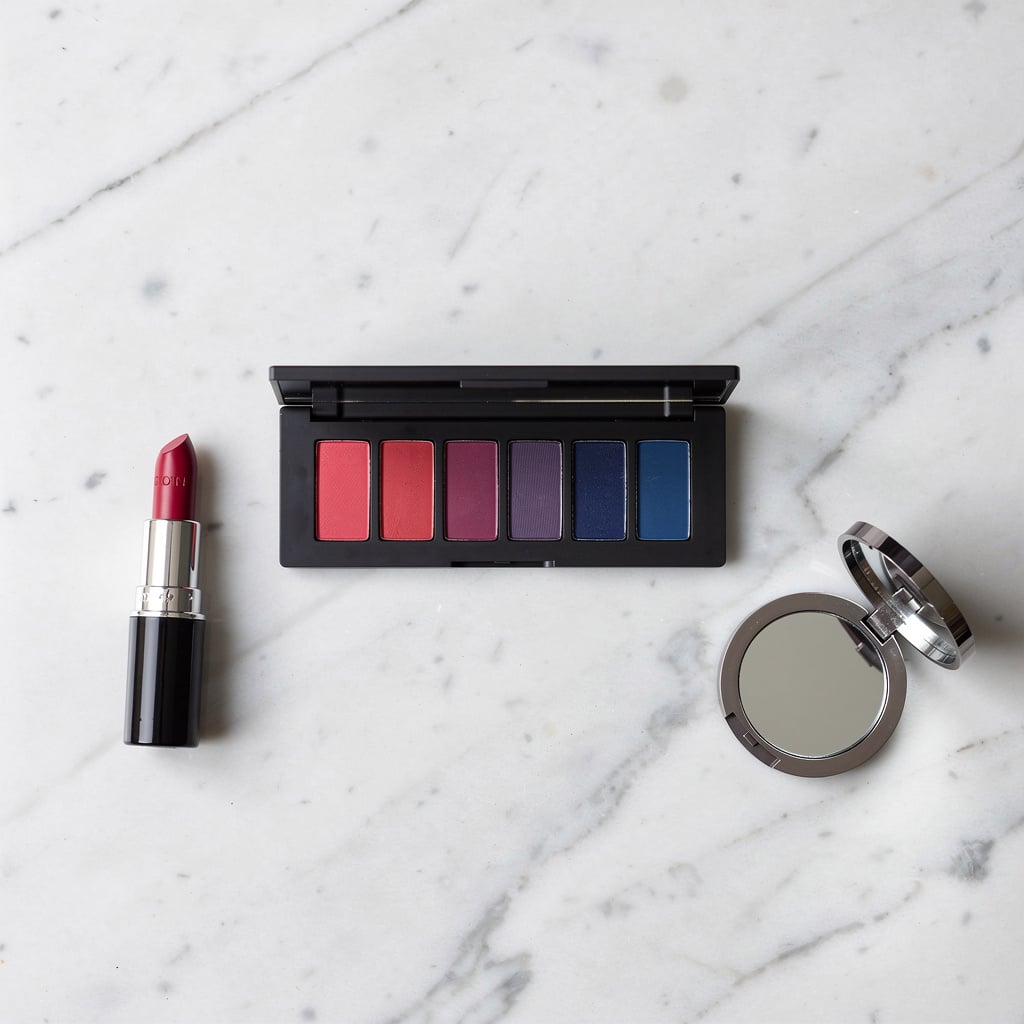
{ "scene": "Makeup flat lay on marble surface", "subjects": [ { "description": "eyeshadow palette with clean rectangular pans", "colors": ["#E91E63", "#9C27B0", "#673AB7", "#3F51B5"] }, { "description": "lipstick and compact mirror arranged around palette", "colors": ["#E91E63", "#3F51B5"] } ], "style": "beauty product photography", "lighting": "soft diffused overhead lighting" }
構成の再現性を保ち、シーン内の複数の要素を精密に制御したいときは、JSONを使います。
Flux 2で幅広く使える基本構成です。
ポスター、広告、エディトリアルデザインのモックアップに。
構造化された制作ワークフローや自動化に。