Nano Banana Pro プロンプトガイド&NB2

Nano Bananaに指示する
Pro & NB2

Nano Banana Pro プロンプトガイドでは、実践的な手法と生成例を通じて、論理的な指示が必要な編集、文字描画、インフォグラフィック、一貫性を保つワークフローの仕上がりを高めます。ProとNano Banana 2の比較も並べて確認できます。

概要

Nano Banana Proは、指示への忠実さ、文字描画、複数段階の視覚的推論に優れています。品質を大きく伸ばす鍵は、出力形式、必須の文言、変えてはいけない要素を、自然な言葉で的確に指定することです。

プロンプト実践ガイド

出力形式を明確に指定

手順付きワークシート、セクション分けしたインフォグラフィック、2x2の絵コンテ、雑誌の表紙など、作りたい構成を具体的に伝えます。

正確な文字列を引用符で囲む

文字中心の画像では、重要な文言をダブルクォーテーションで囲み、配置場所も指定します。

変えてはいけない要素を固定

編集では、人物の同一性、ポーズ、構図、スタイル、照明など、変えてはいけない要素を明記します。

専門用語を使う

デザインや技術系のプロンプトには、エディトリアルレイアウト、注釈、シェーダーコード、セクション見出しなど、実際の専門用語を使います。

生成例

推論+構造化出力

推論+構造化出力

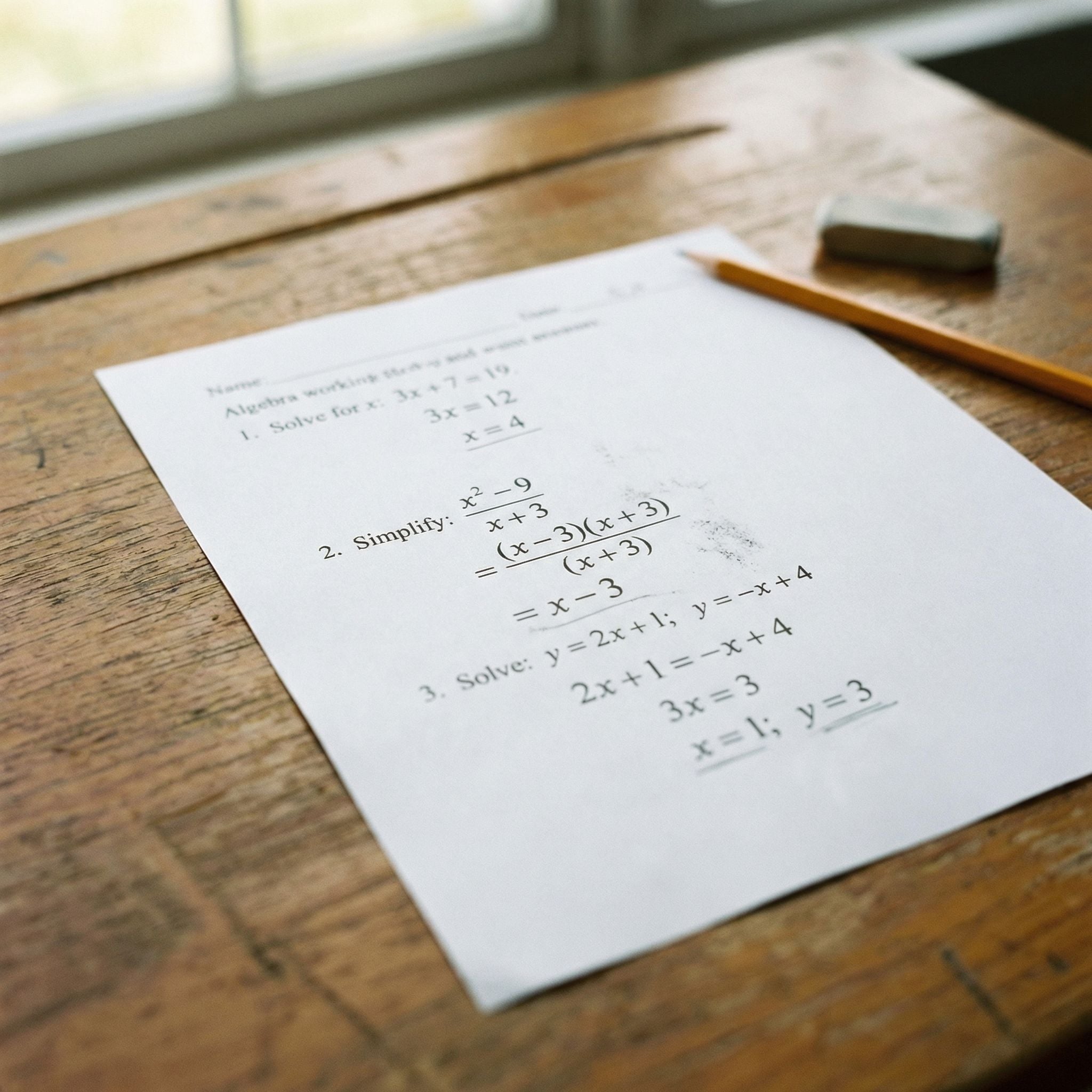
解答までの手順を見せる

A realistic close-up photo of a math worksheet on a wooden desk. The worksheet has three algebra questions, each answered neatly in pencil with full step-by-step working shown under each problem. Natural window light, shallow depth of field, highly legible handwriting, classroom realism.

構造を持たせたい場合は、求める形式と表現媒体を指定します。例:鉛筆書きの解答過程を見せる。
文字とデザインを一緒に作る

文字とデザインを一緒に作る

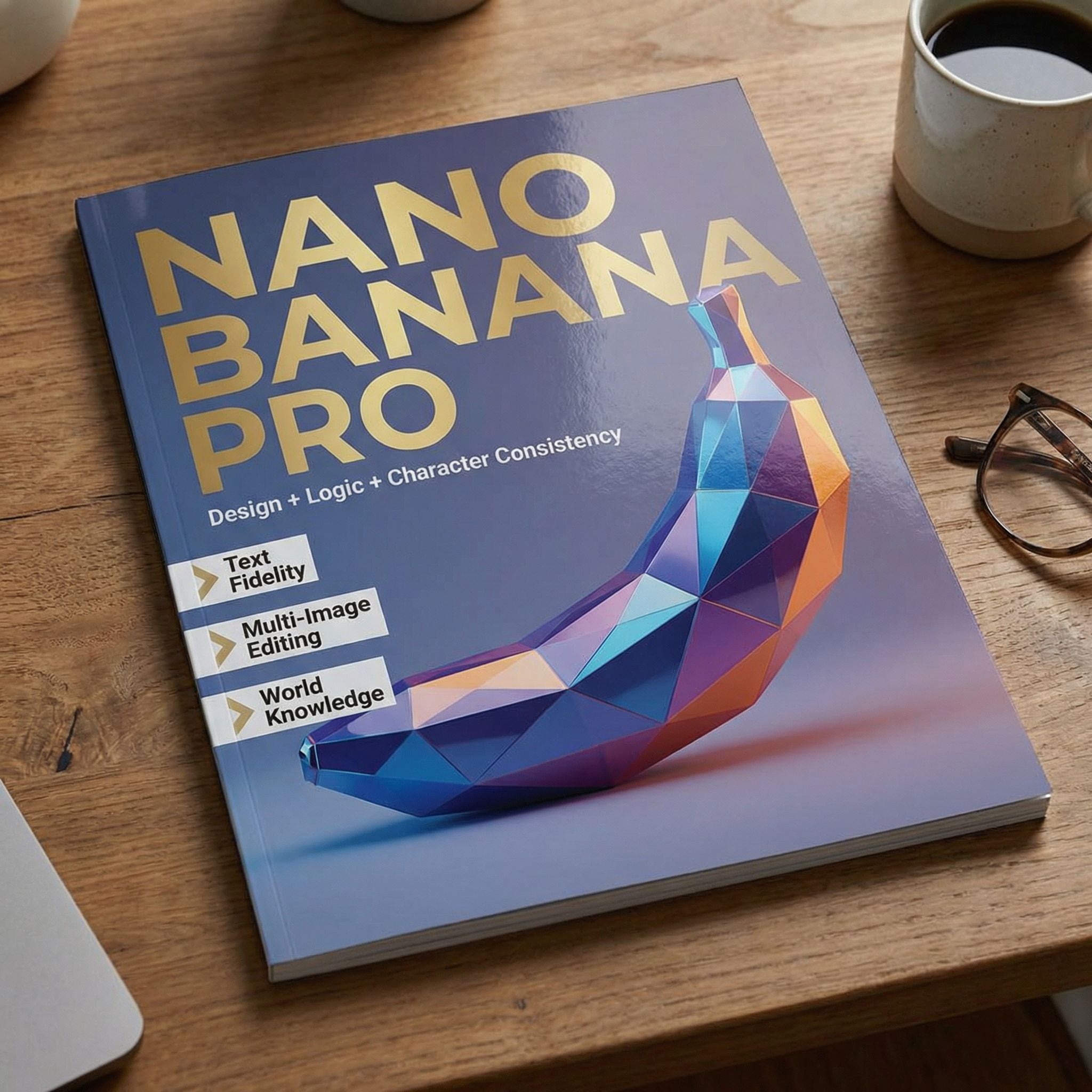
指定文言に忠実で、レイアウトも自在

A premium glossy magazine cover on a desk with flawless typography. Main headline in large text: "NANO BANANA PRO". Subhead line: "Design + Logic + Character Consistency". Include three short callouts with exact text: "Text Fidelity", "Multi-Image Editing", "World Knowledge". Editorial layout, modern art direction, realistic print texture.

正確に表示したい文字列はダブルクォーテーションで囲み、各テキストブロックの名前も明記します。

高密度インフォグラフィック構成

高密度インフォグラフィック構成

情報の階層が伝わるビジュアル

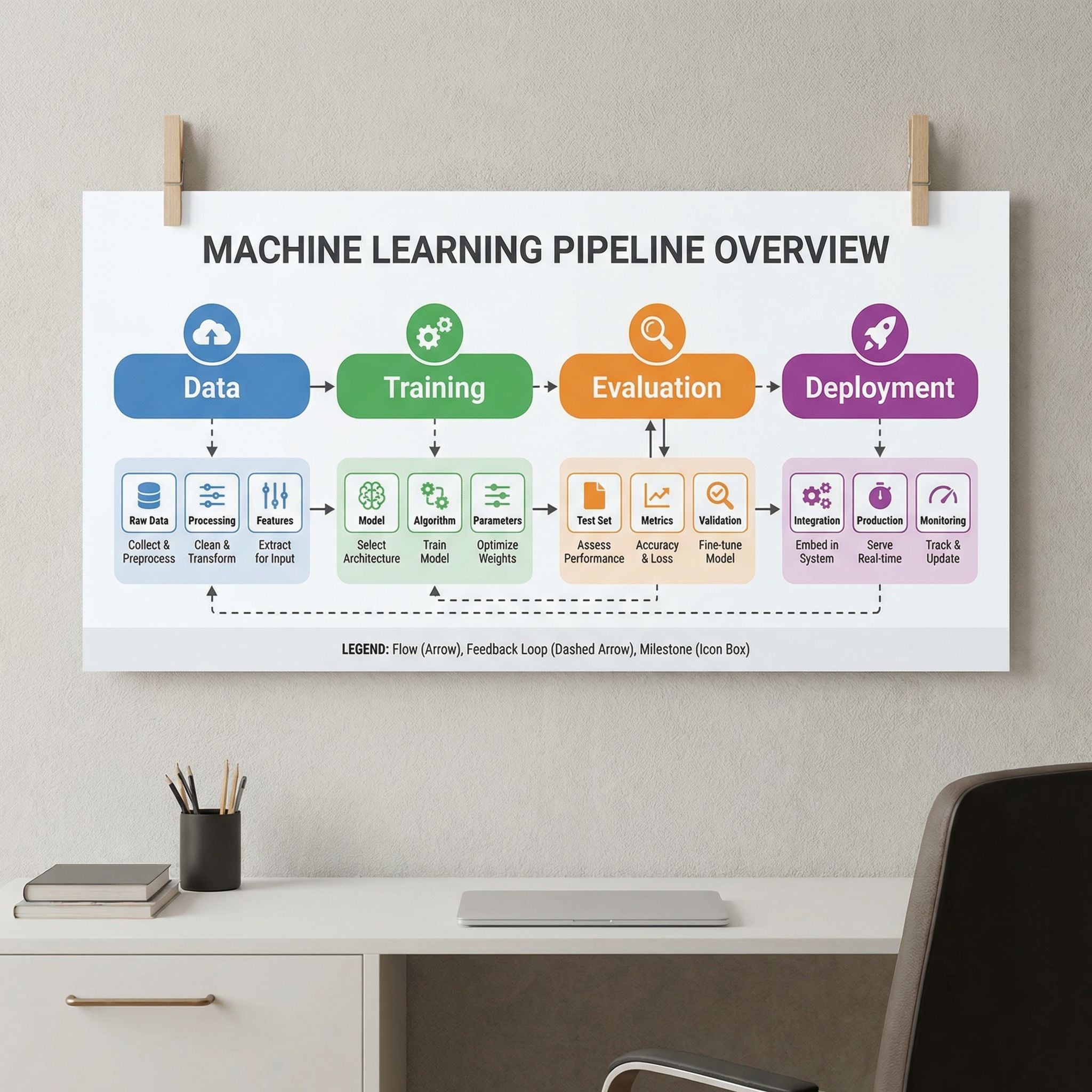
A wall-mounted educational infographic poster about machine learning pipelines, clean vector style with rich visual hierarchy. Include section headers with exact text: "Data", "Training", "Evaluation", "Deployment". Add arrows, icons, and concise annotation labels. Highly readable, balanced composition, polished design.

インフォグラフィックの質を高めるには、情報の階層、ラベル、読みやすさを同じプロンプト内で指定します。

コード描画

コード描画

技術コンテンツの構文ブロックも読みやすく

A cinematic desk scene with a laptop displaying a crisp React + WebGL shader code snippet in a dark theme editor. The code is clear and structured with imports, component function, and shader strings. Soft ambient lighting, photorealistic details, no gibberish UI text.

React、シェーダーコード、エディターのスタイルなど、技術的な前提を具体的に指定して、存在しない構文の生成を抑えます。

同じキャラクターの絵コンテ

同じキャラクターの絵コンテ

複数シーンで同じキャラクターを維持

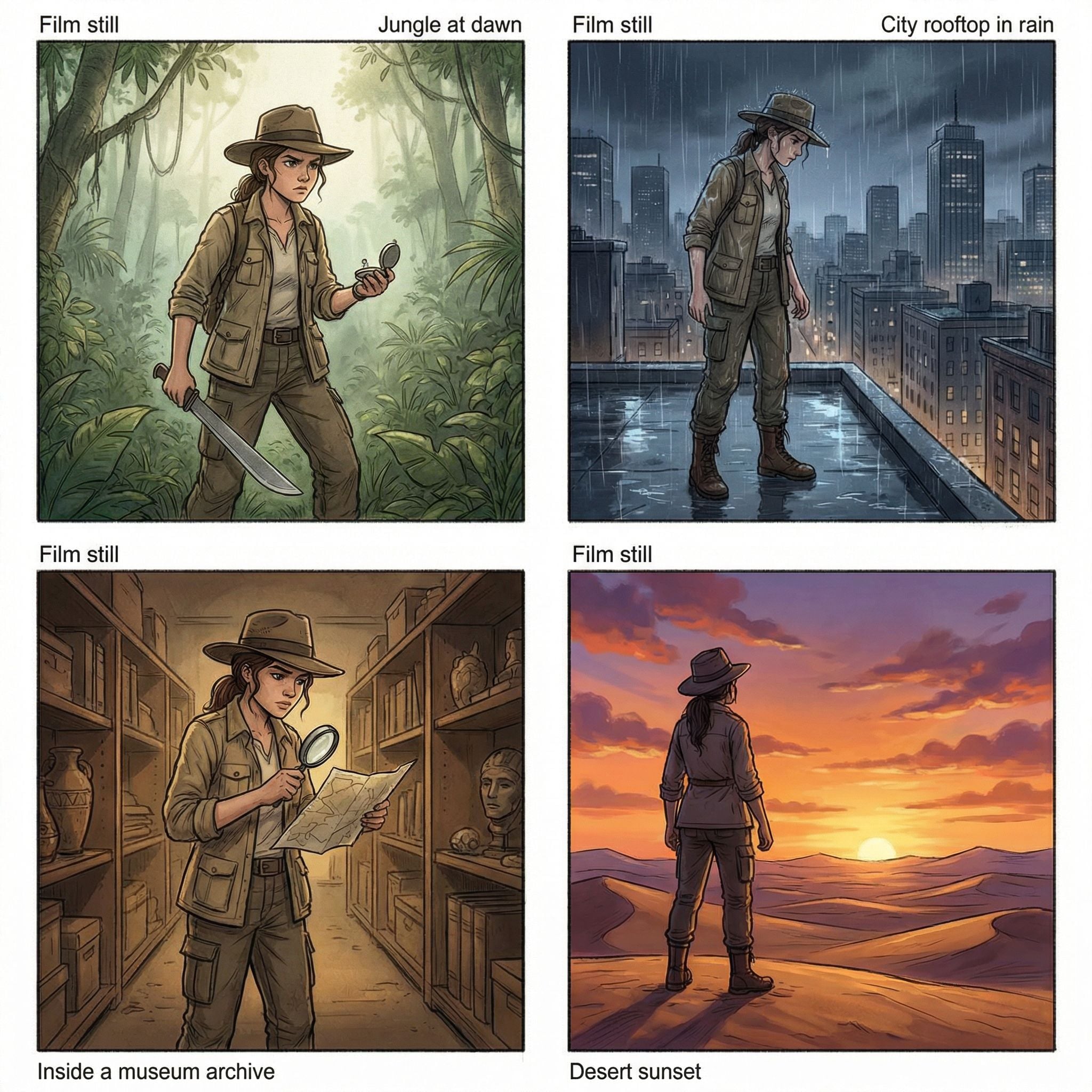
A 2x2 storyboard grid featuring the same young female explorer character in each panel, consistent face and outfit. Panel 1: in a jungle at dawn. Panel 2: on a city rooftop in rain. Panel 3: inside a museum archive. Panel 4: desert sunset. Keep character identity and styling consistent across all panels, cinematic framing.

複数コマで同じ人物を描く場合は、人物の同一性を保つ条件を明記します。

Nano Banana 2

Nano Banana 2は、Proと並ぶ最新モデルです。プロンプトの基本原則は共通ですが、コストと品質のバランスが異なります。

Nano Banana Pro

  • 1Kまたは2Kで4.5クレジット
  • 4K解像度で7.5クレジット
  • 複雑なプロンプトや編集に強い
  • 高密度レイアウトで最高の再現性

Nano Banana 2

  • 1K解像度で2.25クレジット
  • 2Kで3クレジット、4Kで4.5クレジット
  • 1回の生成コストを抑えられる
  • 普段使いの標準モデル

ProとNB2を並べて比較

同じプロンプトで、モデルを変えて比較。以下の各ペアは、まったく同じプロンプトで生成しています。ProとNano Banana 2が同じリクエストをどう表現するかを確認できます。

フォトリアル

Photorealism - Nano Banana ProPro
Photorealism - Nano Banana 2NB2

タイポグラフィと文字

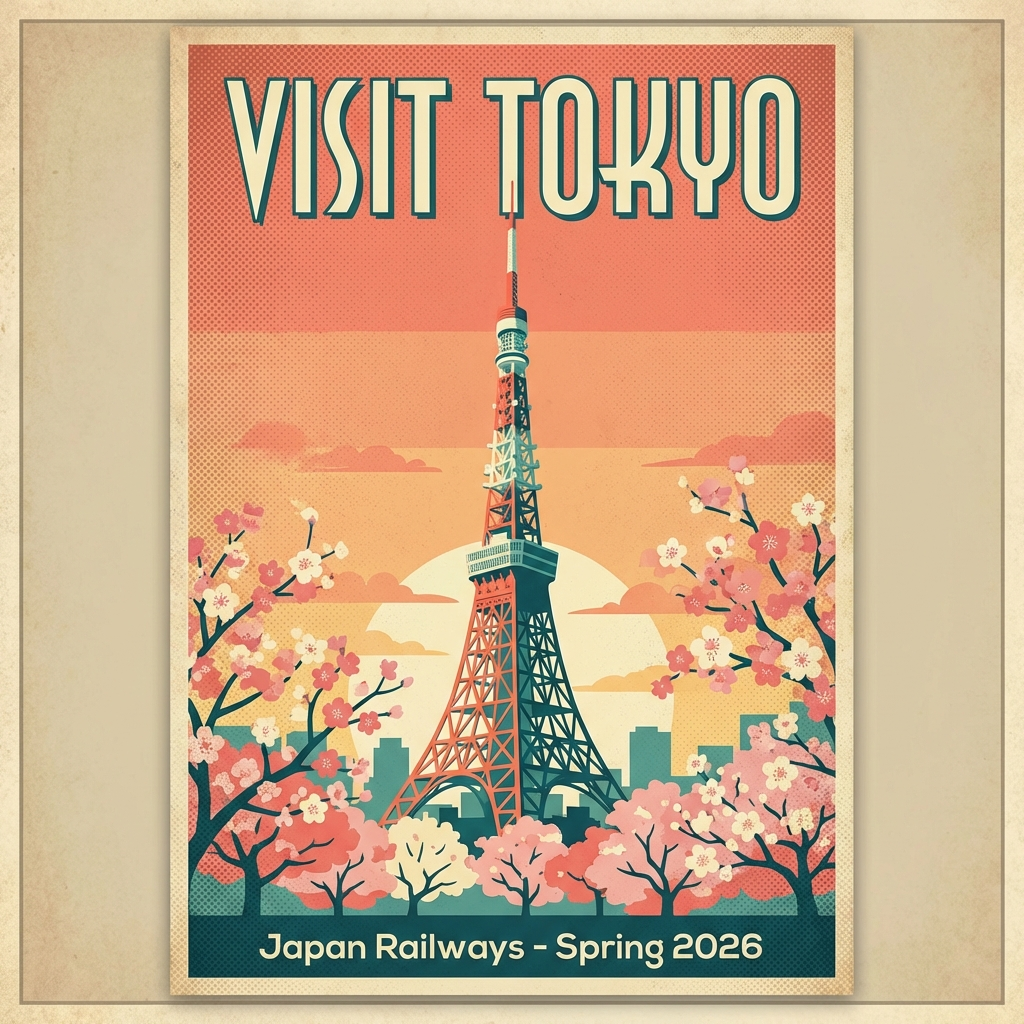
Typography & Text - Nano Banana ProPro
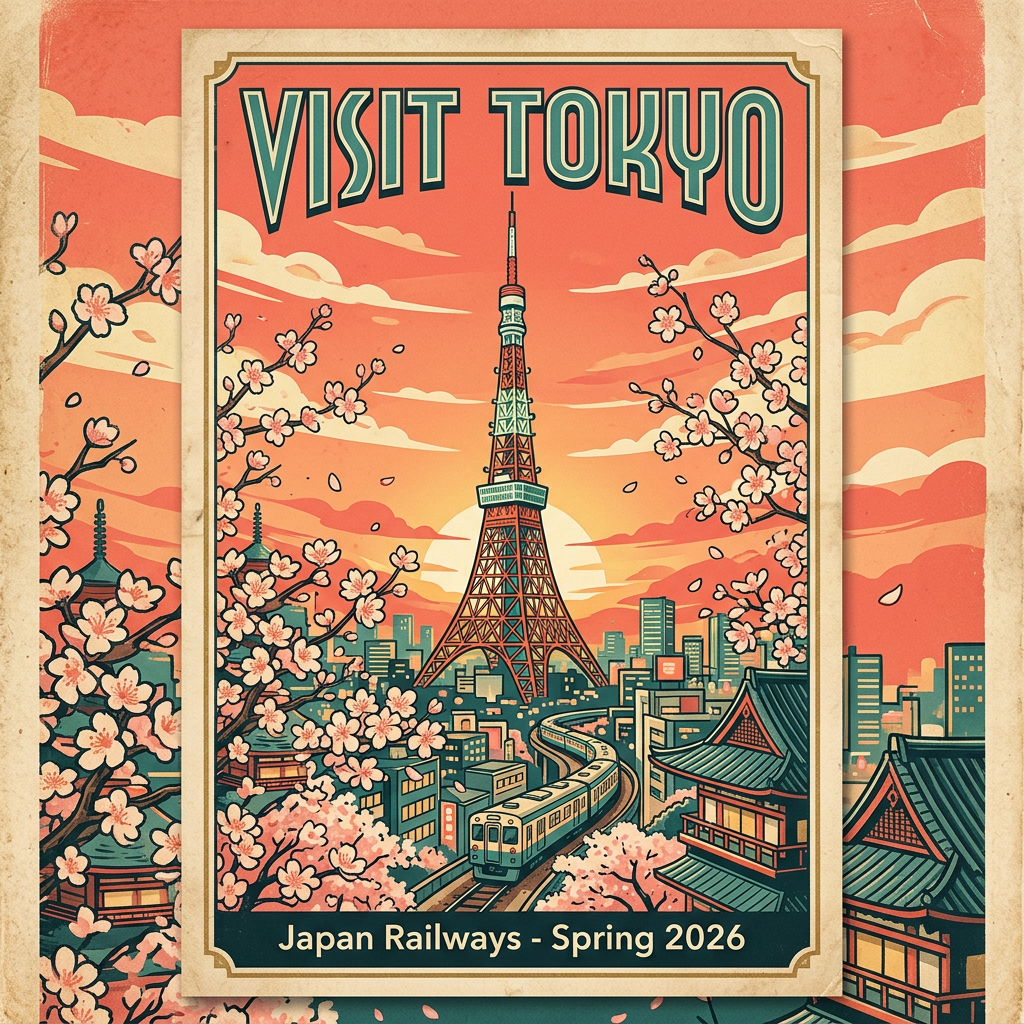
Typography & Text - Nano Banana 2NB2

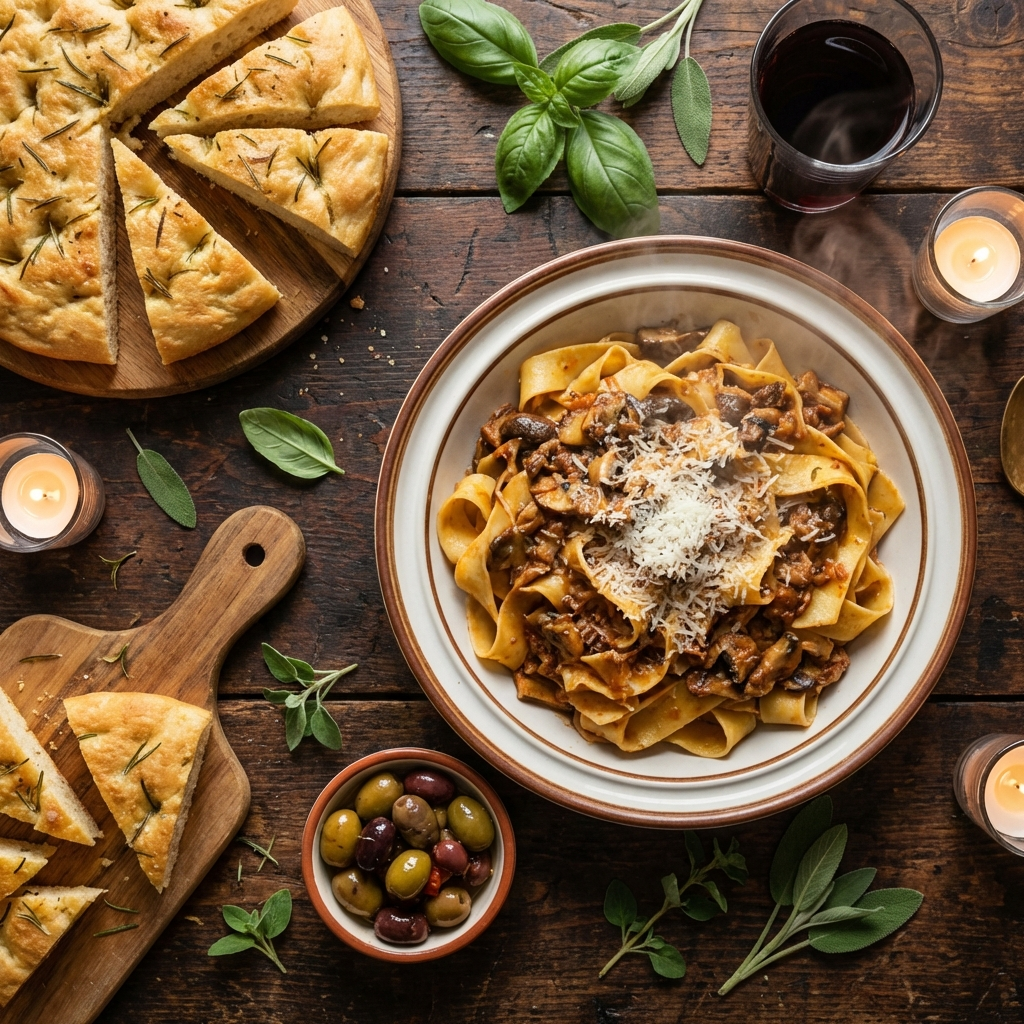
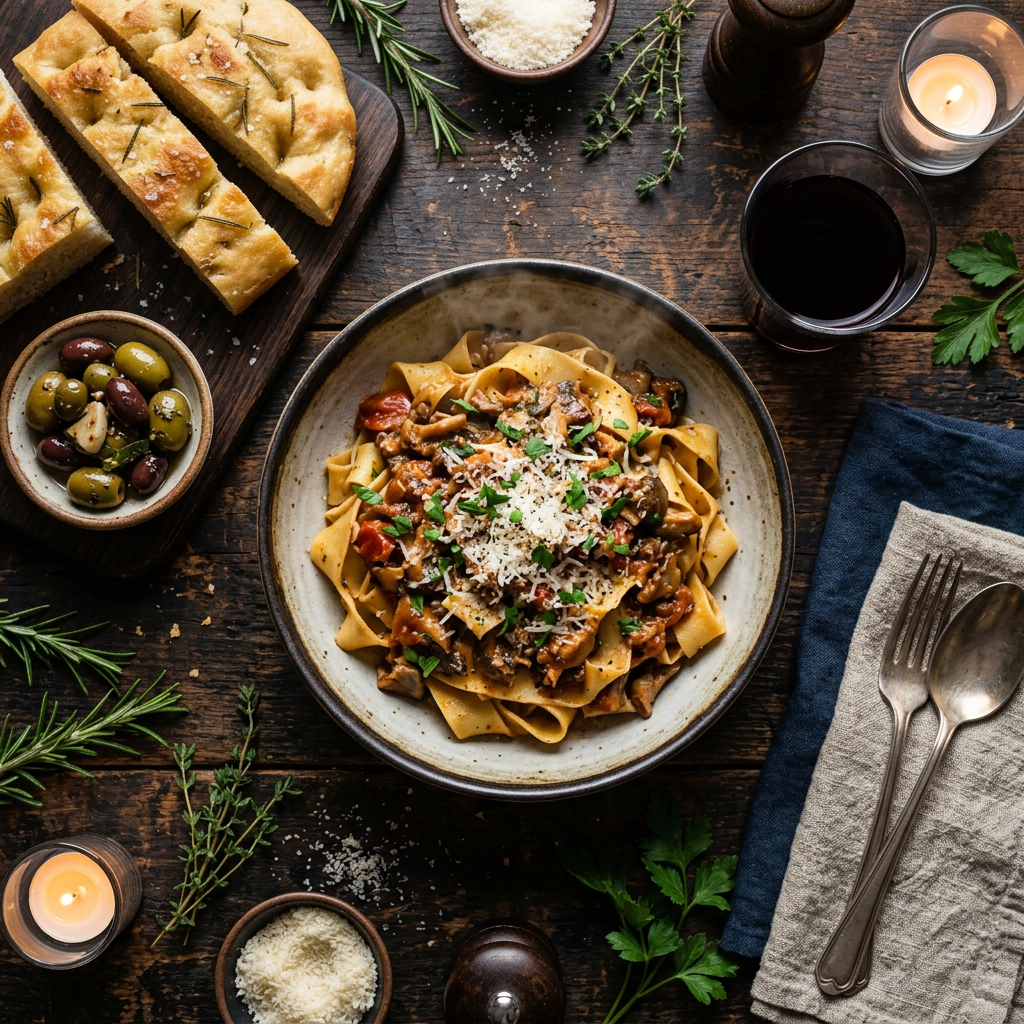
フードフォト

Food Photography - Nano Banana ProPro
Food Photography - Nano Banana 2NB2

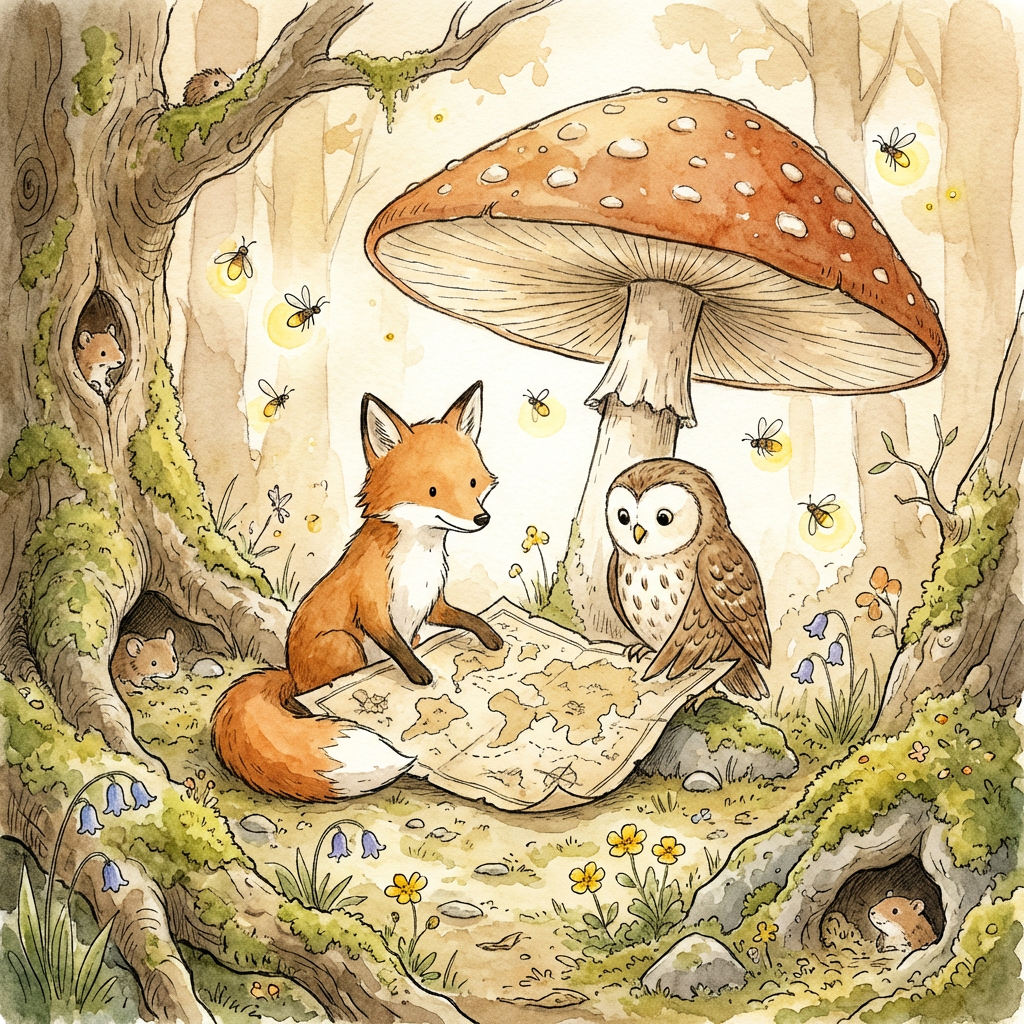
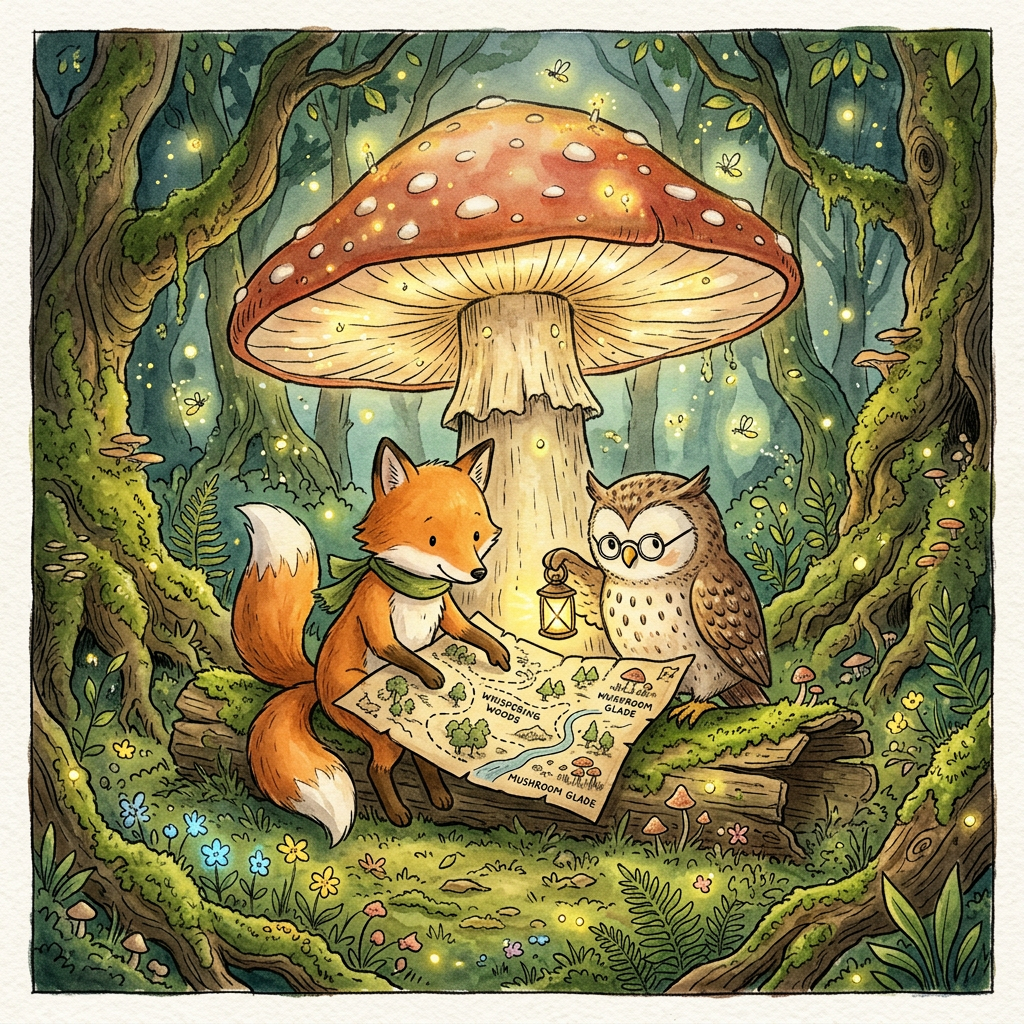
イラストスタイル

Illustration Style - Nano Banana ProPro
Illustration Style - Nano Banana 2NB2

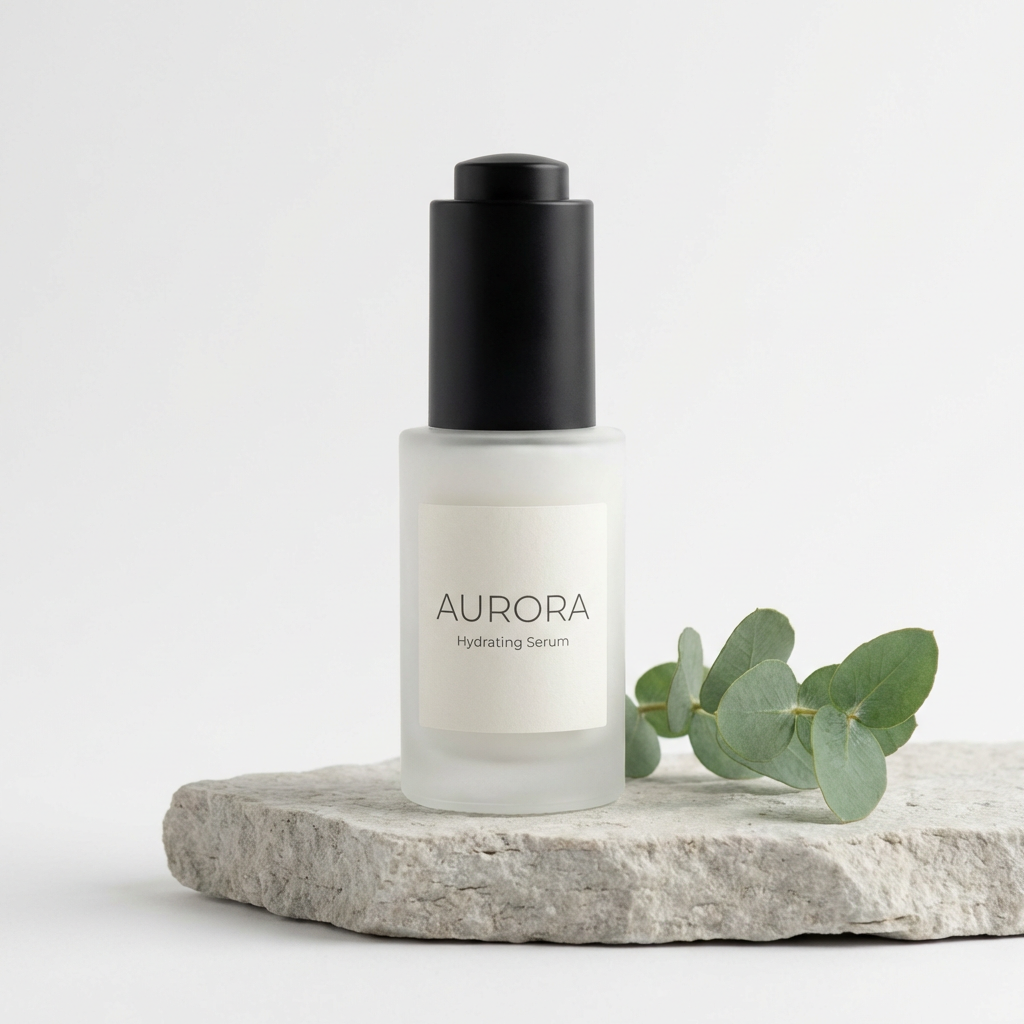
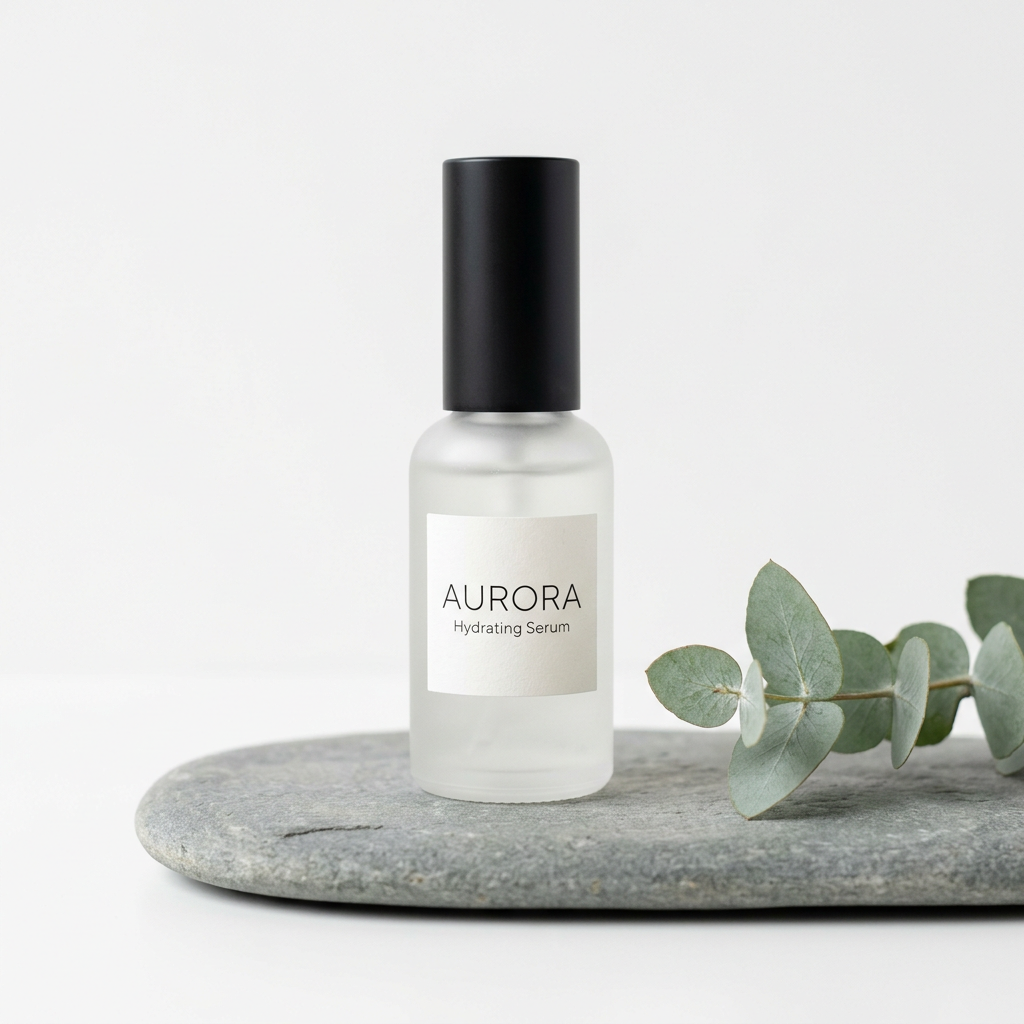
商品モックアップ

Product Mockup - Nano Banana ProPro
Product Mockup - Nano Banana 2NB2

プロンプトテンプレート

論理+注釈テンプレート

ワークシート、ホワイトボード、解説用の画像に使えます。

Create a [format] that solves [topic/task] with step-by-step reasoning. Show work clearly in [style], include labels "[label 1]", "[label 2]", "[label 3]". Keep handwriting/typography legible and natural.

文字+レイアウトテンプレート

ポスター、雑誌の表紙、デザインモックアップに使えます。

Design a [artifact type] with exact headline "[headline]". Include supporting text "[subhead]" and callouts "[callout A]", "[callout B]". Style: [editorial direction], [color palette], [composition constraints], high readability.

キャラクター一貫性テンプレート

絵コンテや、複数シーンで一貫性を保ちたいときに使えます。

Create a [grid/panel count] showing the same character across different scenes: [scene 1], [scene 2], [scene 3], [scene 4]. Keep face, outfit, and proportions consistent in every panel. Maintain [camera/style constraints].

チェックリスト

  • まず出力形式を決めます。ポスター、ワークシート、絵コンテなど、作りたい形を指定しましょう。
  • 正確に表示したい文言は引用符で囲みます。
  • 情報量が多い場合は、配置と情報の階層を指定します。
  • 一貫性を保つため、見た目の条件を具体的に指定します。
  • 狙いどおりに改善するため、一度に変える要素は1つに絞ります。