Veo 3.1 プロンプトガイド

Google Veo 3.1にプロンプトを入力
映画のような演出を自在に

Veo 3.1 プロンプトガイド。画像からの動画生成、複数の参照画像を使ったシーン作成、開始・終了フレームの補間を、生成動画の実例で学ぶ実践ガイドです。

概要

Veo 3.1 プロンプトガイドの要点は、ショットの構図、レンズの表現、被写体のスタイル、カメラワークを明確に指定することです。これが映像の品質を最も高めます。さらに細かくコントロールするには、参照画像で人物や物体の同一性を固定し、開始・終了フレームで物語の始点と終点を固定しましょう。

プロンプト実践ガイド

ショットの構図を決める

構図と被写体の数は、早い段階で指定しましょう。ワンショット、肩越しのショット、場面全体を見せるワイドショットなどが使えます。

レンズとピントを言葉で指定する

レンズの表現を具体的に指定しましょう。浅い被写界深度、マクロレンズ、広角、パンフォーカスなどが使えます。

カメラの動きを演出する

ドリーイン、左パン、トラッキングショット、クレーンアップ、ウィップパンなど、撮影用語で動きを指定しましょう。

モードごとの設定を使いこなす

一貫性を保つなら reference_images、場面をつなぐなら image + last_frame、速さを重視するなら Veo 3.1 Fast を使いましょう。

生成動画

進化した画像からの動画生成(Fast)

1枚の画像に、リアルな動きを

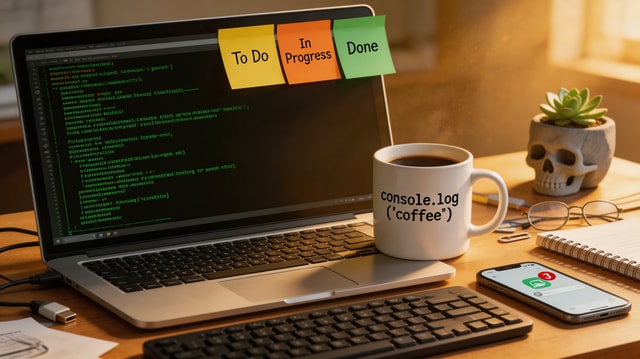
A cinematic push-in on a software engineer desk at night. Terminal lines update subtly on screen, keyboard LEDs pulse, steam drifts from a coffee mug, and city lights flicker through the window. Smooth camera motion, realistic micro-movements, no jump cuts.

画像からの動画生成では、明確なカメラワークを1つ軸にして、具体的な動きの指示を2-3個加えると、完成度が高まります。

使用した入力素材

入力画像
入力画像

参照画像からの動画生成(Standard)

複数の参照画像を、統一感のあるシーンに

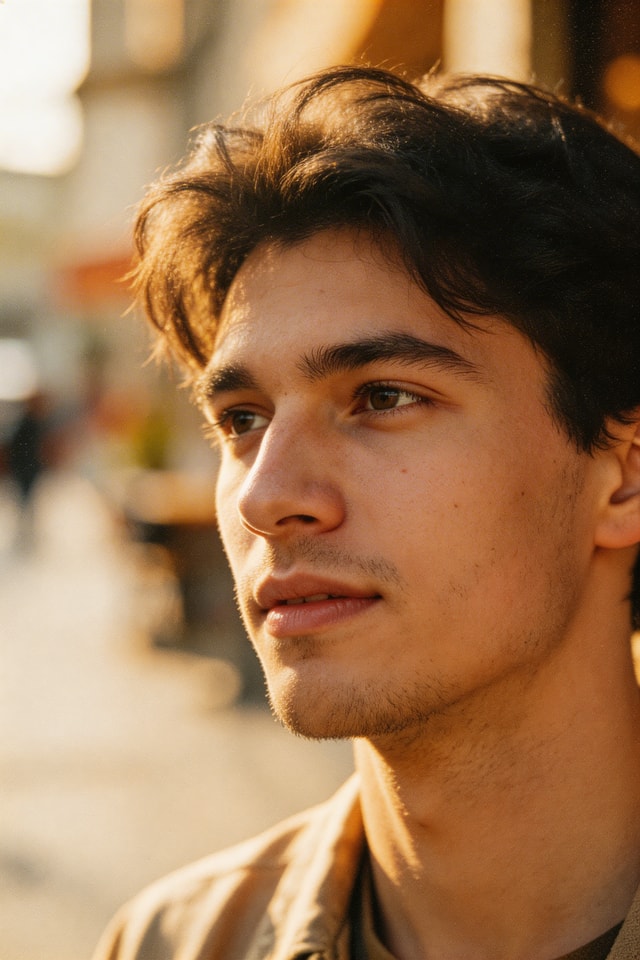
A UGC-style product review shot. The same woman from the character reference sits at the desk background and presents the ceramic mug to camera, rotating it in her hand and smiling. Keep her identity and mug shape consistent with references, natural gestures, handheld realism.

各参照画像の役割を、キャラクター、商品、環境などと明示すると、人物や物体の一貫性が高まります。

使用した入力素材

キャラクターの参照画像

キャラクターの参照画像

商品の参照画像

商品の参照画像

背景の参照画像

背景の参照画像

開始・終了フレームの補間

物語の始まりと終わりをコントロール

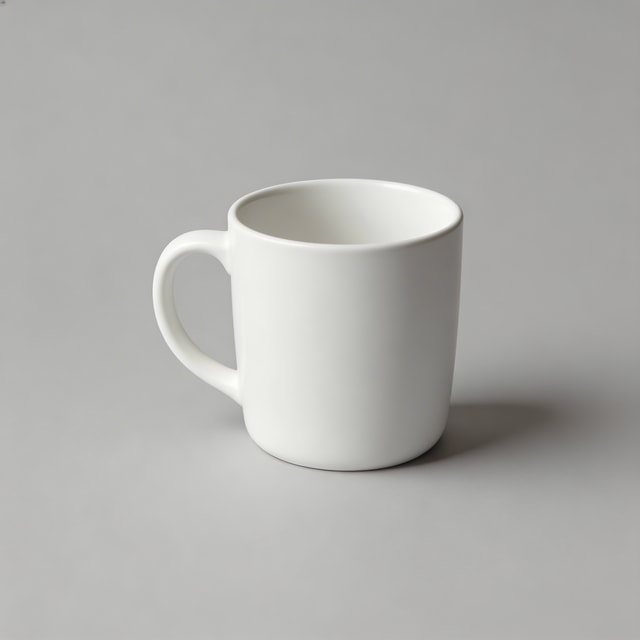
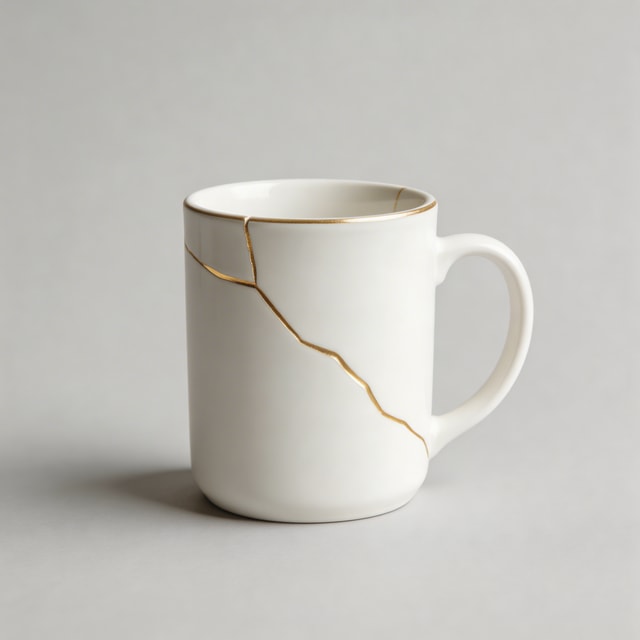
A smooth tabletop transformation sequence where a plain white mug develops elegant gold kintsugi cracks. Maintain studio framing and soft product-lighting continuity while morphing naturally from first frame to last frame.

冒頭のショットと同じくらい結末も重要なときは、開始・終了フレームモードを使いましょう。

使用した入力素材

開始フレーム

開始フレーム

終了フレーム

終了フレーム

プロンプトテンプレート

画像からの動画生成用テンプレート

魅力的な開始画像が1枚あり、自然な動きを加えたいときに使います。

Start from this image and create a [shot type] with [camera movement]. Subject action: [action details]. Environment motion: [secondary motion]. Keep realism high, natural timing, and no abrupt transitions.

参照画像からの動画生成用テンプレート

生成する複数のシーンで、キャラクターや商品の一貫性を保ちたいときに使います。

Use reference 1 as the character, reference 2 as the product, and reference 3 as the environment. Create a [scene type] where the character [action] with the product. Preserve identity and object details from references, cinematic natural motion.

開始・終了フレーム用テンプレート

変化の過程や物語の展開をコントロールしたいときに使います。

Generate a continuous video that starts exactly from the first frame and ends exactly on the last frame. Show [transformation/process] between them with [camera behavior], [lighting continuity], and smooth interpolation.

チェックリスト

  • 構図、被写体の数、カメラワークを1文で指定しましょう。
  • レンズやピントの指定で、映像のルックをコントロールします。マクロ、広角、浅い被写界深度などを加えましょう。
  • 画像からの動画生成、参照画像、開始・終了フレームから、目的に合うモードを選びましょう。
  • 参照画像を使う場合は、それぞれの役割をプロンプトで明確にしましょう。
  • まずは高速でラフを生成し、その後は一度に1つの要素を変えながら調整しましょう。