캐릭터 일관성 프롬프트 가이드

캐릭터 특징 유지하기
생성할 때마다 일관되게

캐릭터 일관성 프롬프트 가이드예요. PixelDojo 캐릭터 도구로 행동, 배경, 스타일이 달라지거나 완전히 변신해도 얼굴의 고유한 특징을 유지하는 실전 방법을 알려드려요.

개요

캐릭터 일관성을 높이려면 프롬프트를 두 부분으로 나눠요: 캐릭터 고정 특징 (절대 바뀌면 안 되는 특징)과 변경 지시 (이번에 바꿀 요소)이에요. 모든 프롬프트에서 이 두 블록을 명확히 구분해 주세요.

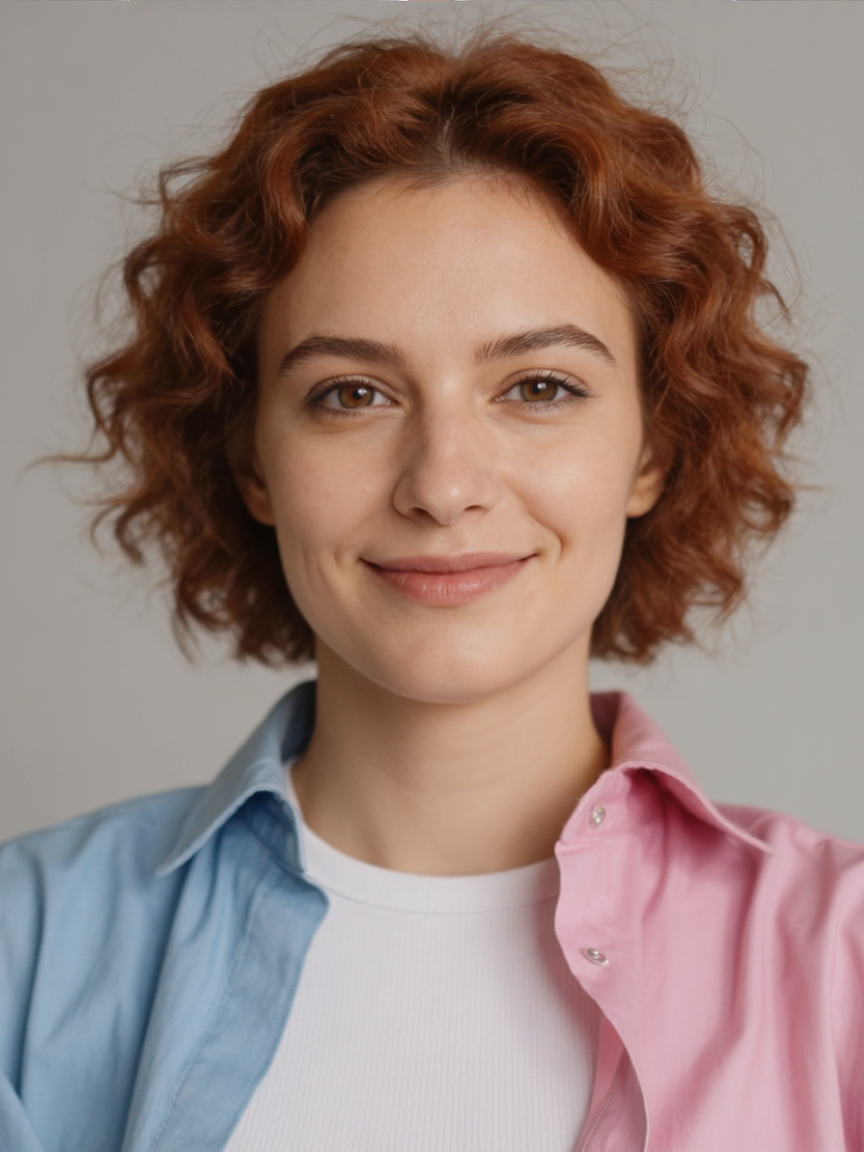
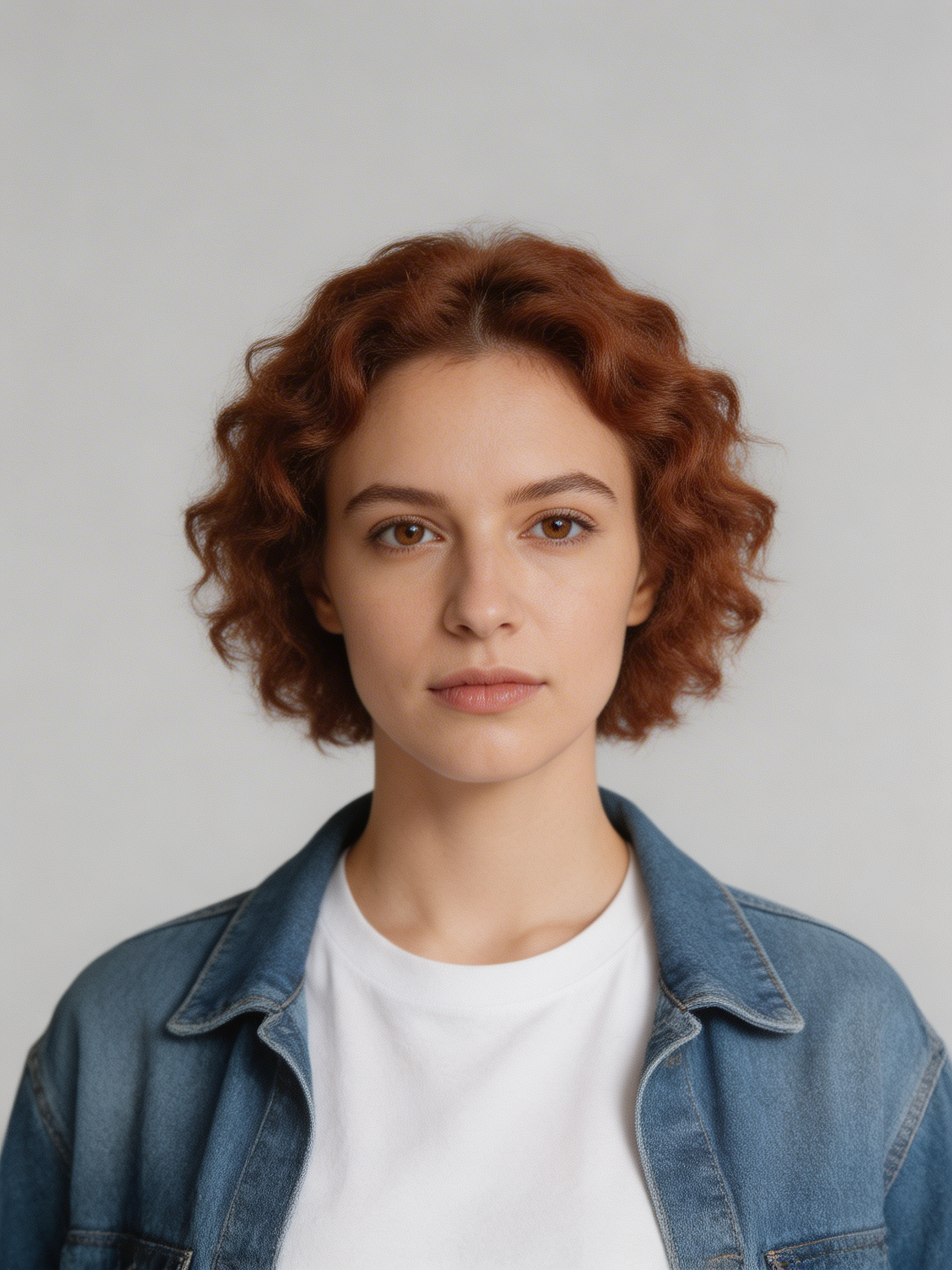
모든 예시에 사용한 기준 캐릭터:

일관성 예시에 사용한 기준 캐릭터

PixelDojo에서 생성한 기준 캐릭터를 아래 모든 예시에 재사용했어요.

프롬프트 실전 가이드

고정 특징 명시하기

눈 색, 머리 실루엣, 얼굴형, 시그니처 의상의 디테일처럼 2-4가지 특징을 항상 다시 적어 주세요.

바꿀 요소 하나 정하기

행동, 배경, 스타일, 의상, 장르 중 핵심 요소는 한 번에 하나씩 바꿔 주세요.

역할 중심으로 묘사하기

프롬프트 앞부분에 '참조 이미지와 동일한 인물' 같은 표현을 넣어 캐릭터의 고유한 특징을 더 확실하게 고정해 주세요.

스타일 변경 뒤 고유한 특징 다시 강조하기

애니메이션, 수채화, 판타지 프롬프트에서는 스타일 지시 뒤에 캐릭터 고정 특징을 다시 적어 주세요.

생성 예시

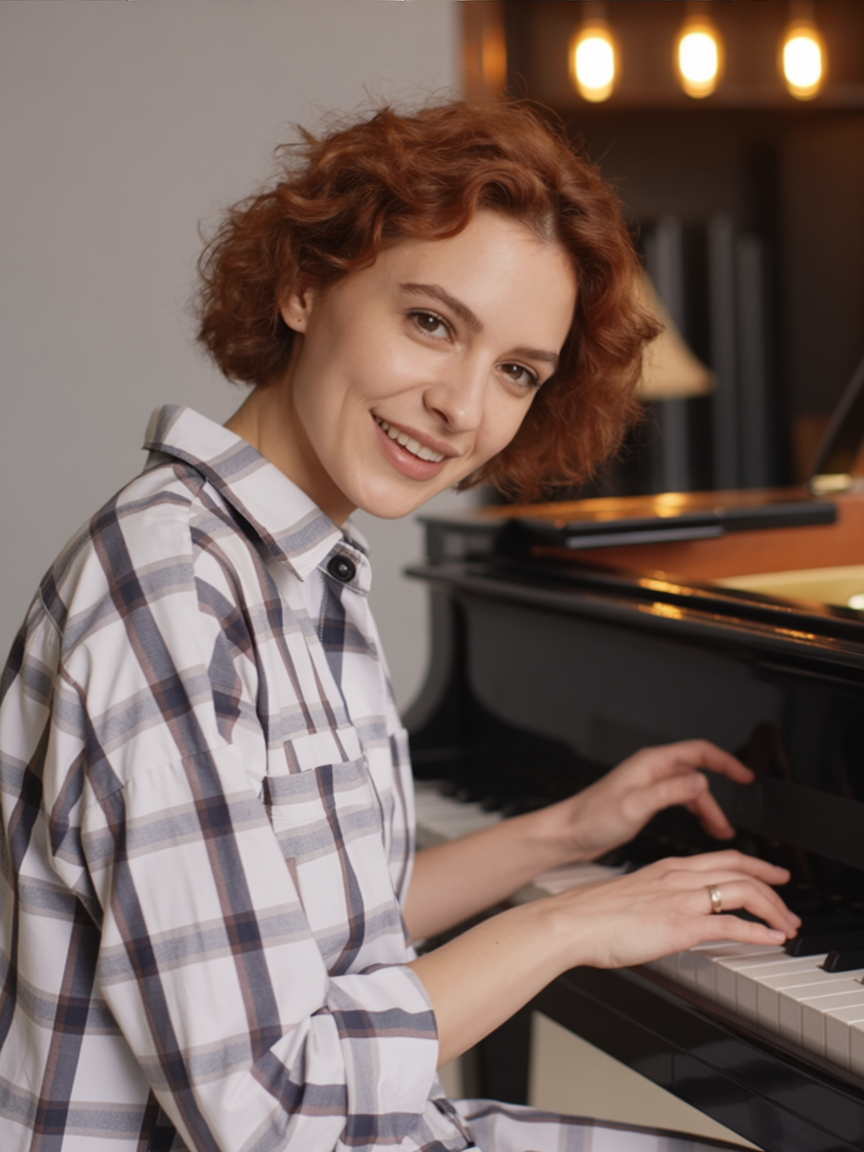
새로운 행동: 피아노 연주

새로운 행동: 피아노 연주

얼굴 특징은 그대로, 행동만 바꾸기

The same person from the reference is playing a grand piano on a small jazz stage. Warm tungsten practical lights, candid performance expression, realistic hands, shallow depth of field.

동작을 분명하게 나타내는 동사에 장면 맥락을 더하면, 모델이 캐릭터의 특징을 유지하면서 구도를 다양하게 바꿀 수 있어요.
배경 변경: 여름 숲

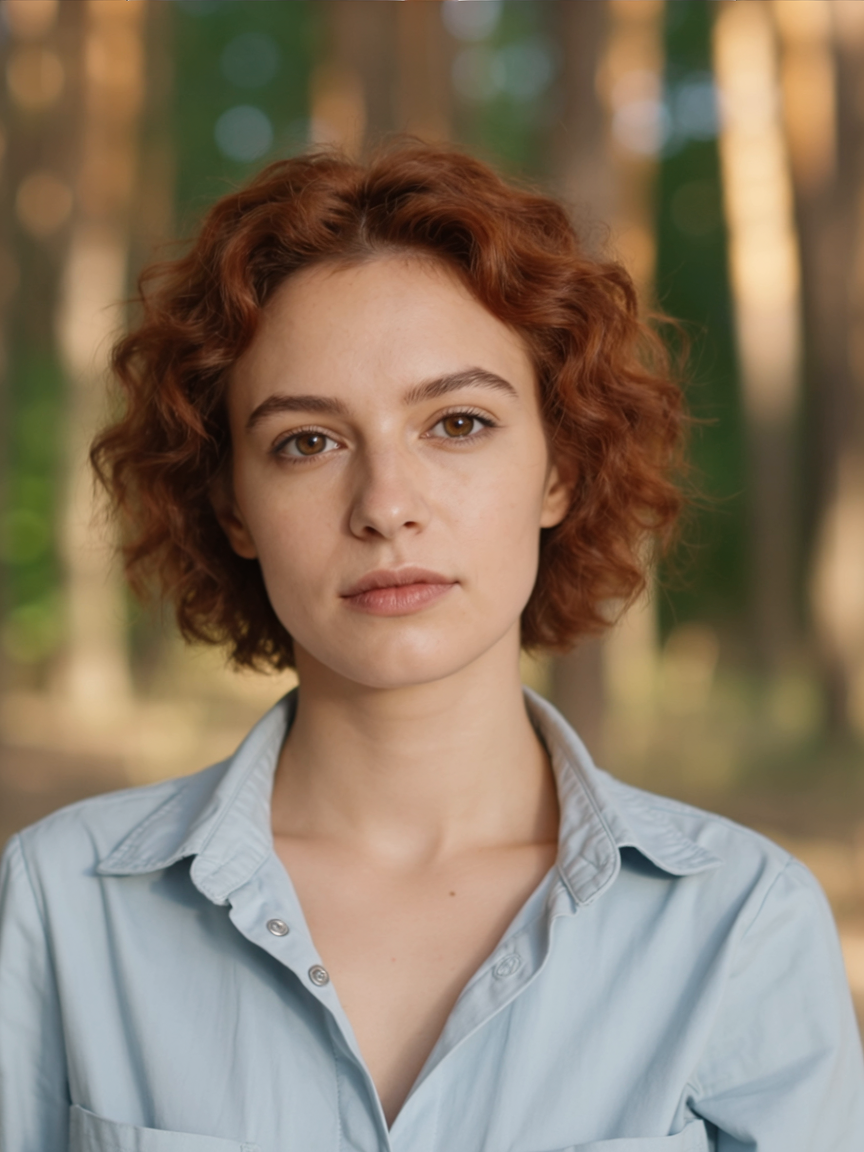
배경 변경: 여름 숲

캐릭터를 완전히 새로운 장면으로 옮기기

A half-length portrait photo of the same person in a summer forest at golden hour. Keep facial identity, eye color, hairstyle, and face shape consistent. Natural bokeh and cinematic color grading.

장면이 크게 바뀔 때는 눈 색, 얼굴형, 헤어스타일처럼 바뀌면 안 되는 특징을 명확히 나열해 주세요.

의상 + 날씨 변경

의상 + 날씨 변경

의상과 분위기 함께 바꾸기

The same person standing in city rain at night wearing a yellow raincoat. Preserve face identity, eye color, and hairstyle from reference. Wet hair strands, raindrops on coat, realistic lighting reflections.

캐릭터 특징을 고정하는 문장과 시각적 변화를 지시하는 문장을 하나씩 쓰면, 고유한 특징이 달라지는 것을 줄일 수 있어요.

직업 변경: 셰프

직업 변경: 셰프

같은 인물을 새로운 상황에 배치하기

The same person working as a chef in a busy restaurant kitchen, plating food. Keep identity and facial details consistent while changing outfit to chef whites and apron.

바꿀 요소인 역할과 의상, 유지할 요소인 얼굴 디테일을 명확히 지정해 주세요.

스타일 변환: 애니메이션

스타일 변환: 애니메이션

핵심 특징은 그대로, 표현 매체만 바꾸기

Restyle the same person as high-quality anime key art while preserving hairstyle silhouette, eye color, and facial proportions. Dynamic lighting, polished linework, vibrant color palette.

스타일 지시 뒤에 캐릭터 고정 특징을 다시 적으면 스타일 변경이 더 잘 적용돼요.

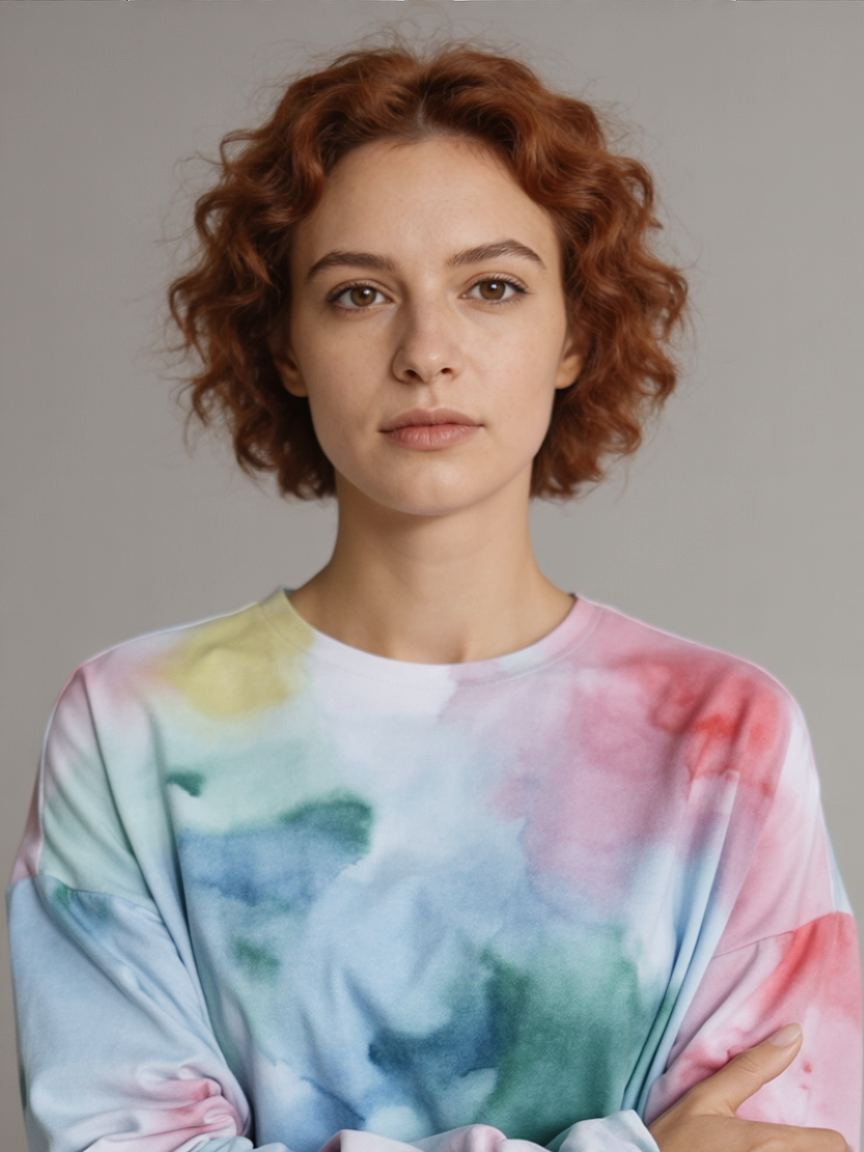
스타일 변환: 수채화

스타일 변환: 수채화

캐릭터의 특징을 살린 창의적인 스타일 변신

Create a watercolor painting of the same person in a city park. Preserve identity traits from reference while using soft watercolor edges, paper texture, and gentle pastel color transitions.

회화 스타일에서는 얼굴이 과도하게 변형되지 않도록 캐릭터의 고유한 특징을 유지하라고 명확히 요청해 주세요.

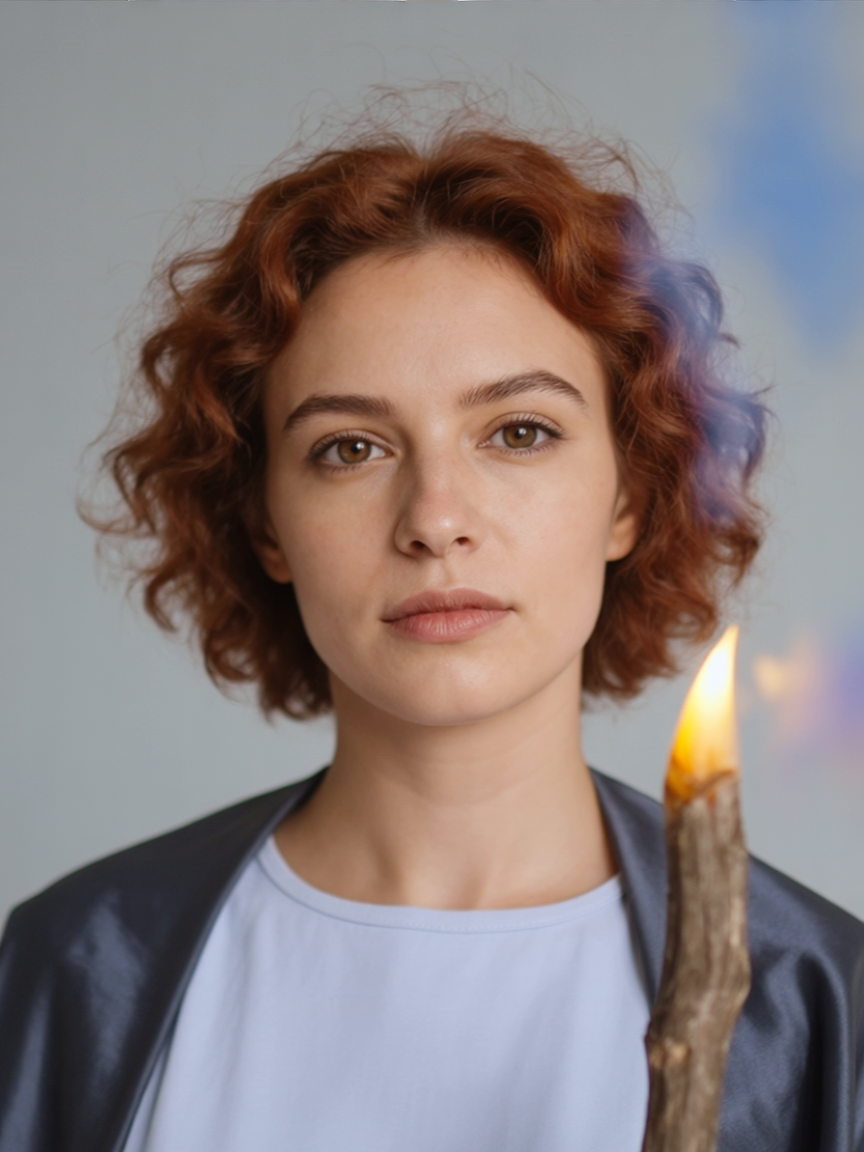
완전 변신: 판타지 마녀

완전 변신: 판타지 마녀

의상과 배경은 크게 바꿔도, 캐릭터는 그대로

Transform the same person into a fantasy witch in a moonlit forest. Keep facial likeness, eye color, and hairstyle consistent. Dark flowing cloak, glowing staff, cinematic atmosphere.

완전히 다른 모습으로 변신시킬 때는 판타지 요소를 설명한 뒤 캐릭터의 고유한 특징 2-3가지를 다시 강조해 주세요.

프롬프트 템플릿

행동 변경 템플릿

같은 캐릭터에게 다른 행동을 시킬 때 사용해요.

The same person from the reference is [new activity] in [location]. Keep [identity trait 1], [identity trait 2], and [identity trait 3] consistent. Visual style: [camera/lens/mood].

배경 변경 템플릿

같은 인물을 새로운 배경으로 옮길 때 사용해요.

A [shot type] portrait of the same person in [new environment]. Preserve facial identity, [scar/freckles], [hair details], and [eye color details]. Add [lighting notes] and [composition notes].

스타일 변환 템플릿

애니메이션, 일러스트, 수채화 스타일로 바꿀 때 사용해요.

Restyle the same person as [style]. Preserve identity anchors: [trait 1], [trait 2], [trait 3]. Keep recognizable facial structure while applying [style characteristics].

완전 변신 템플릿

인물의 닮은꼴을 유지하면서 판타지나 다른 장르로 변신시킬 때 사용해요.

Transform the same person into [new persona]. Keep facial likeness and core identity anchors ([trait 1], [trait 2], [trait 3]) consistent. Add [costume], [environment], and [atmosphere] details.

체크리스트

  • 프롬프트를 '참조 이미지와 동일한 인물'로 시작해 주세요.
  • 생성할 때마다 캐릭터 고정 특징을 2-4가지 적어 주세요.
  • 반복 생성할 때마다 핵심 요소는 하나만 바꿔요.
  • 스타일이나 장르를 지정한 뒤 캐릭터의 고유한 특징을 다시 강조해 주세요.
  • 큰 변신에 앞서 작은 변화부터 단계적으로 시도해 보세요.