Nano Banana Pro 프롬프트 가이드 & NB2

Nano Banana에 프롬프트 입력
Pro & NB2

Nano Banana Pro 프롬프트 가이드에서 실전 활용법과 생성 예시를 만나보세요. 논리가 중요한 편집부터 텍스트 렌더링, 인포그래픽, 일관성 유지 작업까지 결과를 끌어올려요. Pro와 Nano Banana 2의 결과를 나란히 비교할 수 있어요.

개요

Nano Banana Pro는 지시 이행, 텍스트 렌더링, 여러 단계의 시각적 추론에 강해요. 결과물의 품질을 높이는 핵심은 대개 정확한 자연어 프롬프트예요. 출력 형식, 꼭 들어갈 텍스트, 바뀌면 안 되는 요소를 명확히 정해요.

프롬프트 실전 가이드

출력 형식을 명확하게

모델이 만들어야 할 구조를 정확히 알려줘요. 풀이 단계가 있는 학습지, 인포그래픽 섹션, 2x2 스토리보드, 잡지 표지처럼 구체적으로 지정해요.

정확한 문구는 큰따옴표로

텍스트가 많은 결과물은 핵심 문구를 큰따옴표로 감싸고 배치 위치도 지정해요.

고정 요소 유지

편집할 때는 인물의 정체성, 포즈, 구도, 스타일, 조명 등 바뀌면 안 되는 요소를 명확히 적어요.

분야별 전문 용어 활용

디자인이나 기술 프롬프트에는 에디토리얼 레이아웃, 콜아웃, 셰이더 코드, 섹션 제목처럼 실제 분야에서 쓰는 용어를 넣어요.

생성 예시

추론 + 구조화된 출력

추론 + 구조화된 출력

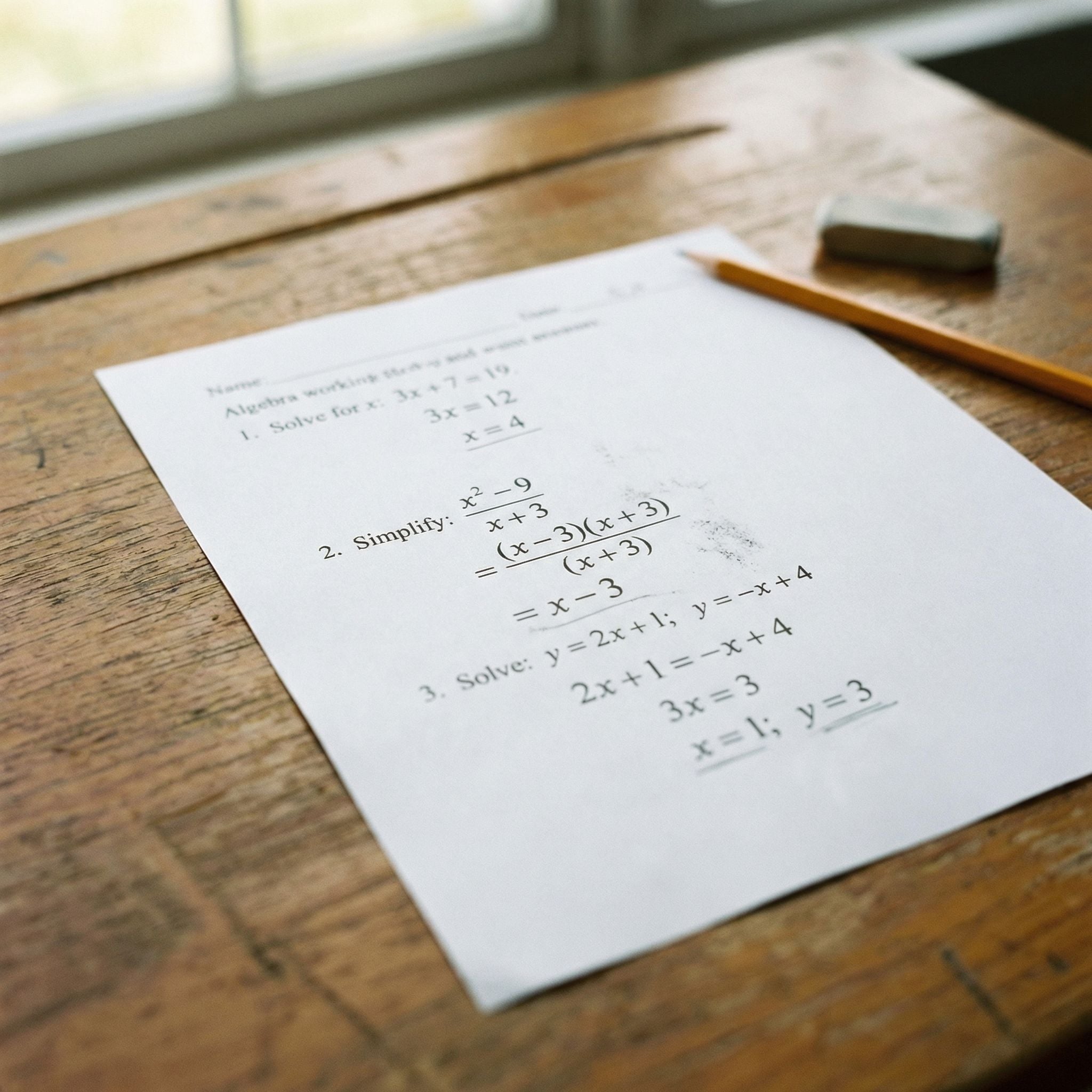
풀이 과정이 보이는 문제 해결

A realistic close-up photo of a math worksheet on a wooden desk. The worksheet has three algebra questions, each answered neatly in pencil with full step-by-step working shown under each problem. Natural window light, shallow depth of field, highly legible handwriting, classroom realism.

구조가 중요할 때는 원하는 형식과 표현 매체를 지정해요. 예를 들어 연필로 쓴 풀이 과정이 보이도록 요청해요.
텍스트와 디자인을 함께

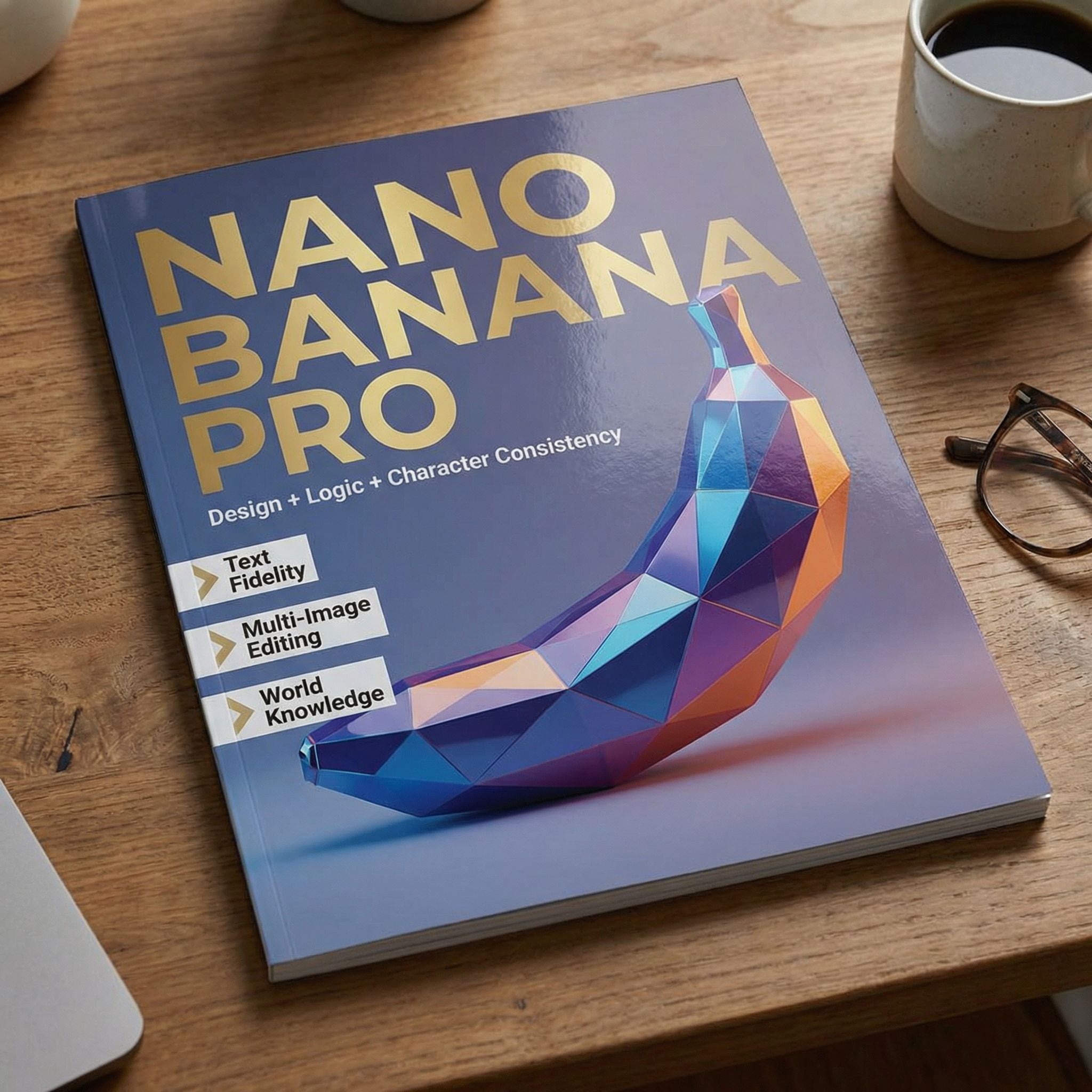
텍스트와 디자인을 함께

텍스트 지시를 충실히 반영하고 레이아웃까지 스타일링

A premium glossy magazine cover on a desk with flawless typography. Main headline in large text: "NANO BANANA PRO". Subhead line: "Design + Logic + Character Consistency". Include three short callouts with exact text: "Text Fidelity", "Multi-Image Editing", "World Knowledge". Editorial layout, modern art direction, realistic print texture.

정확히 들어가야 할 문구는 큰따옴표로 감싸고, 각 텍스트 블록의 이름도 명확히 지정해요.

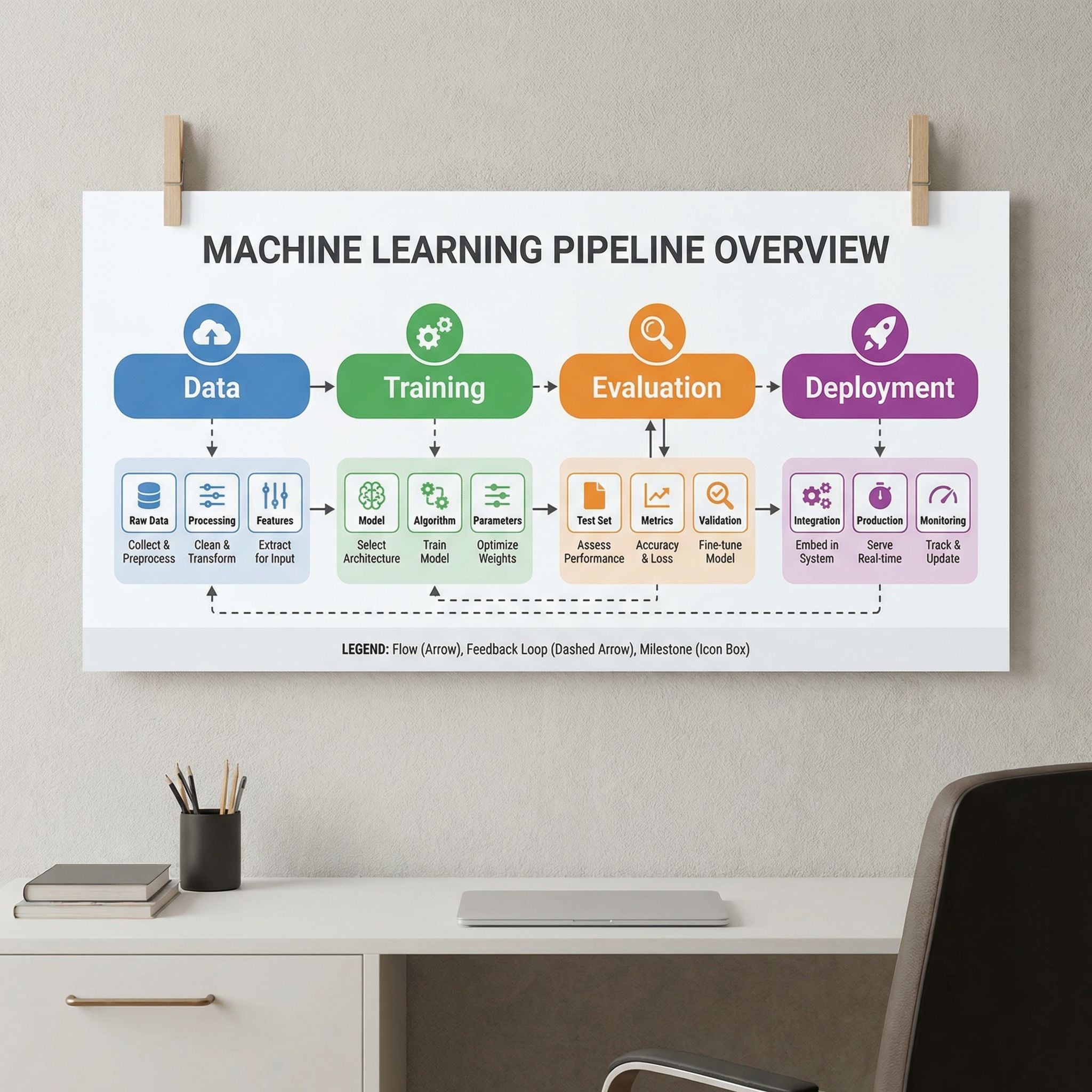
고밀도 인포그래픽 구성

고밀도 인포그래픽 구성

위계가 잡힌 정보 중심 비주얼

A wall-mounted educational infographic poster about machine learning pipelines, clean vector style with rich visual hierarchy. Include section headers with exact text: "Data", "Training", "Evaluation", "Deployment". Add arrows, icons, and concise annotation labels. Highly readable, balanced composition, polished design.

완성도 높은 인포그래픽을 만들려면 정보의 위계, 라벨, 가독성을 하나의 프롬프트에 함께 명시해요.

코드 렌더링

코드 렌더링

문법 블록이 또렷하게 읽히는 기술 콘텐츠

A cinematic desk scene with a laptop displaying a crisp React + WebGL shader code snippet in a dark theme editor. The code is clear and structured with imports, component function, and shader strings. Soft ambient lighting, photorealistic details, no gibberish UI text.

React, 셰이더 코드, 에디터 스타일 등 기술적 맥락을 정확히 짚어주면 잘못된 문법 생성을 줄일 수 있어요.

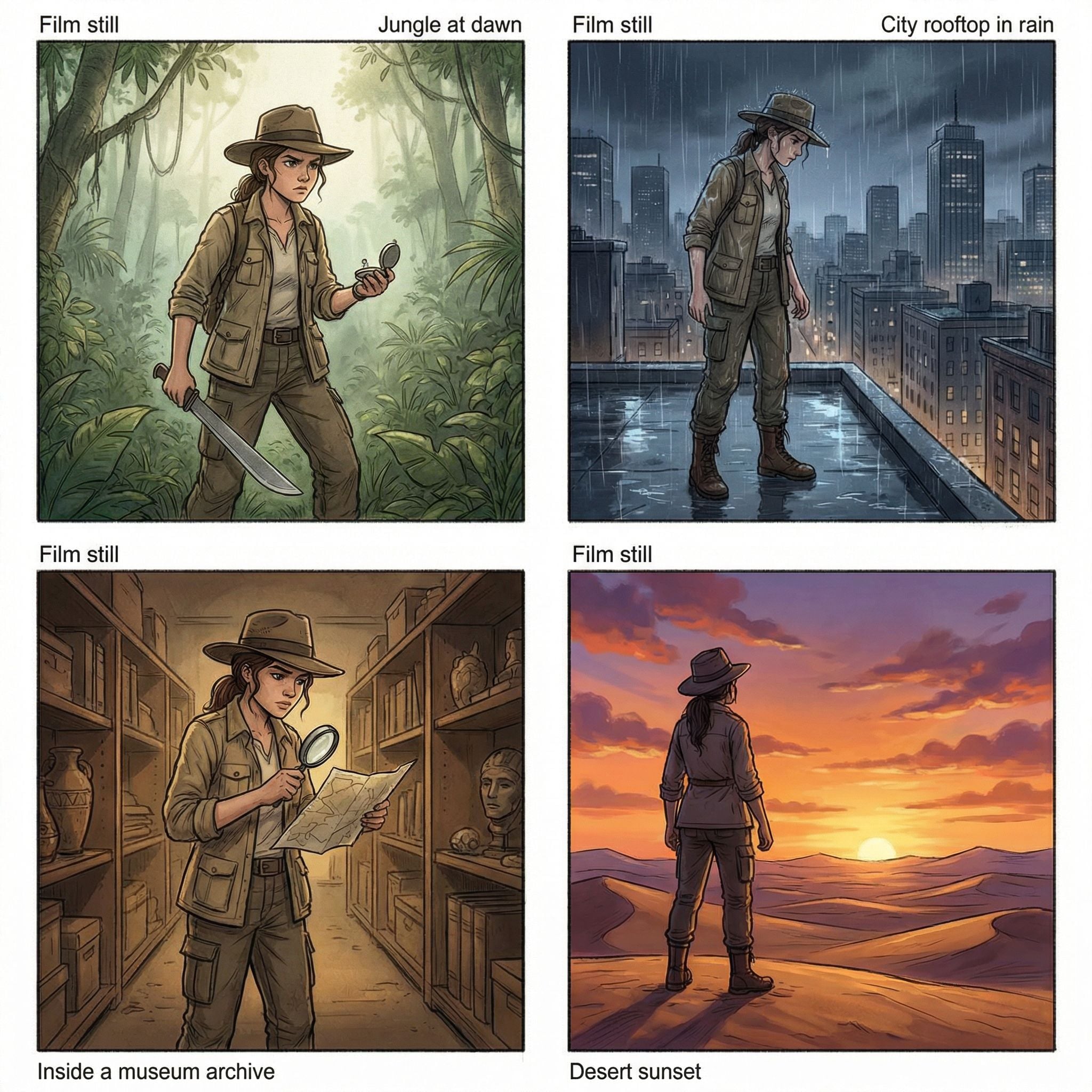
캐릭터 일관성 스토리보드

캐릭터 일관성 스토리보드

여러 장면에서 같은 캐릭터 유지

A 2x2 storyboard grid featuring the same young female explorer character in each panel, consistent face and outfit. Panel 1: in a jungle at dawn. Panel 2: on a city rooftop in rain. Panel 3: inside a museum archive. Panel 4: desert sunset. Keep character identity and styling consistent across all panels, cinematic framing.

여러 컷에서 연속성을 유지하려면 캐릭터의 정체성을 고정하는 조건을 명확히 적어요.

Nano Banana 2

Nano Banana 2는 Pro와 함께 제공되는 최신 모델이에요. 프롬프트 작성 원칙은 같지만, 비용과 품질의 균형은 달라요.

Nano Banana Pro

  • 1K 또는 2K에서 4.5 크레딧
  • 4K 해상도에서 7.5 크레딧
  • 복잡한 프롬프트와 편집에 강함
  • 복잡한 레이아웃에서 최고의 충실도

Nano Banana 2

  • 1K 해상도에서 2.25 크레딧
  • 2K에서 3 크레딧, 4K에서 4.5 크레딧
  • 생성당 비용이 더 경제적
  • 일상 작업의 기본 모델

Pro vs NB2: 나란히 비교

같은 프롬프트, 다른 모델. 아래의 각 비교 쌍은 완전히 동일한 프롬프트로 생성했어요. Pro와 Nano Banana 2가 같은 요청을 어떻게 구현하는지 확인해 보세요.

실사 표현

Photorealism - Nano Banana ProPro
Photorealism - Nano Banana 2NB2

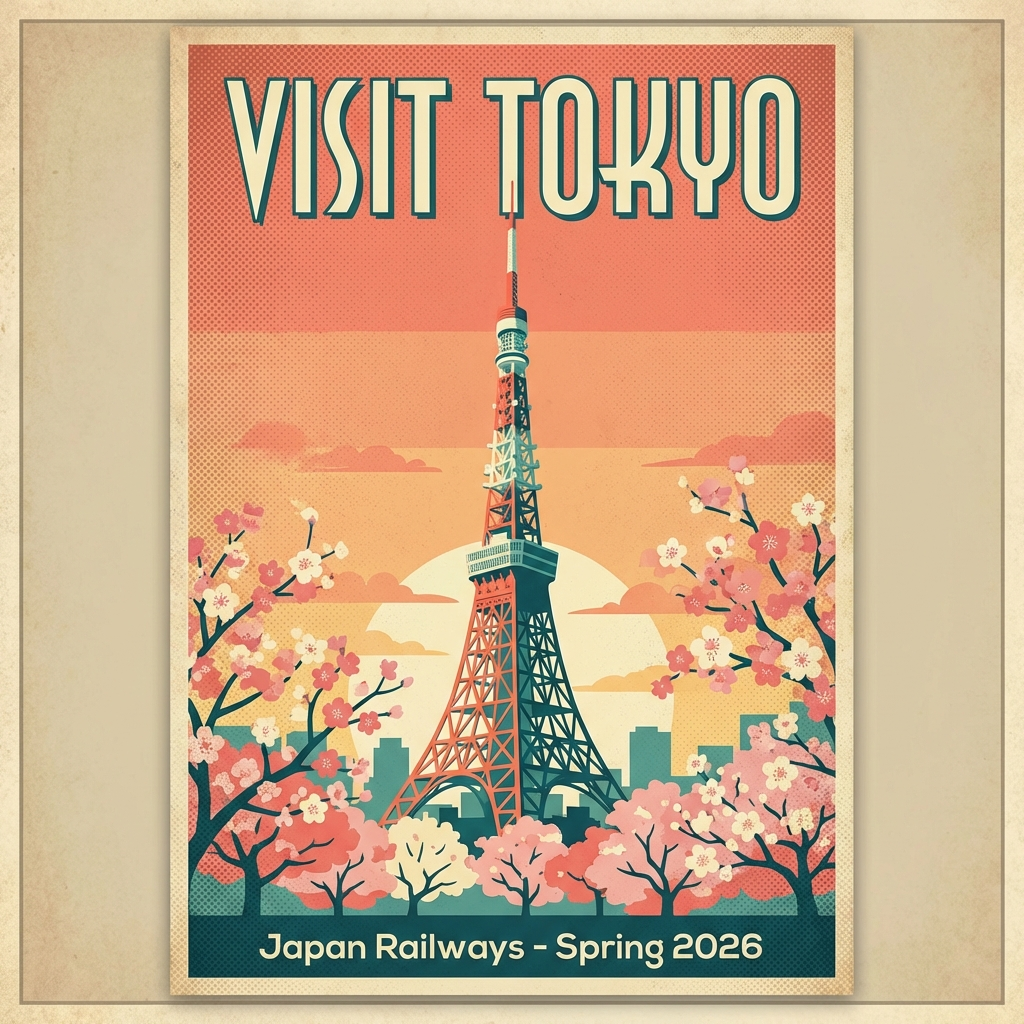
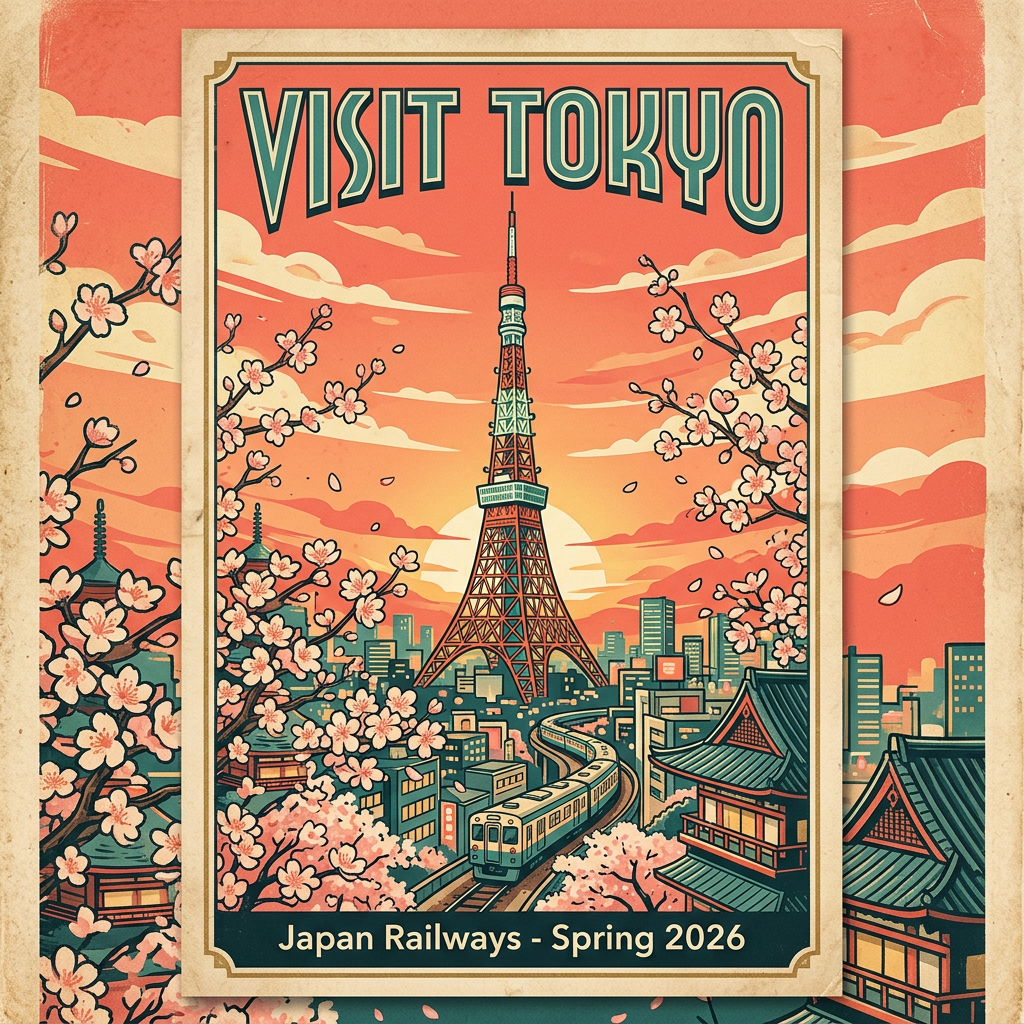
타이포그래피 & 텍스트

Typography & Text - Nano Banana ProPro
Typography & Text - Nano Banana 2NB2

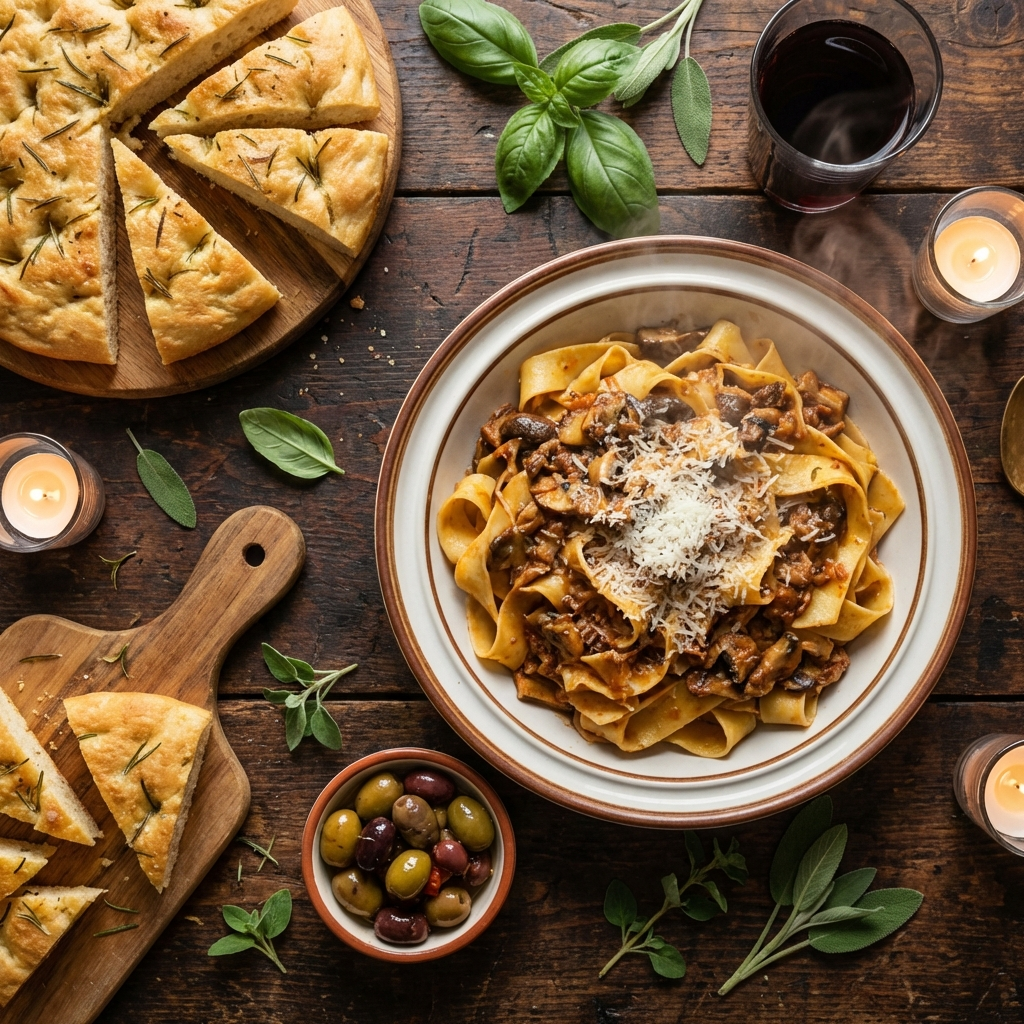
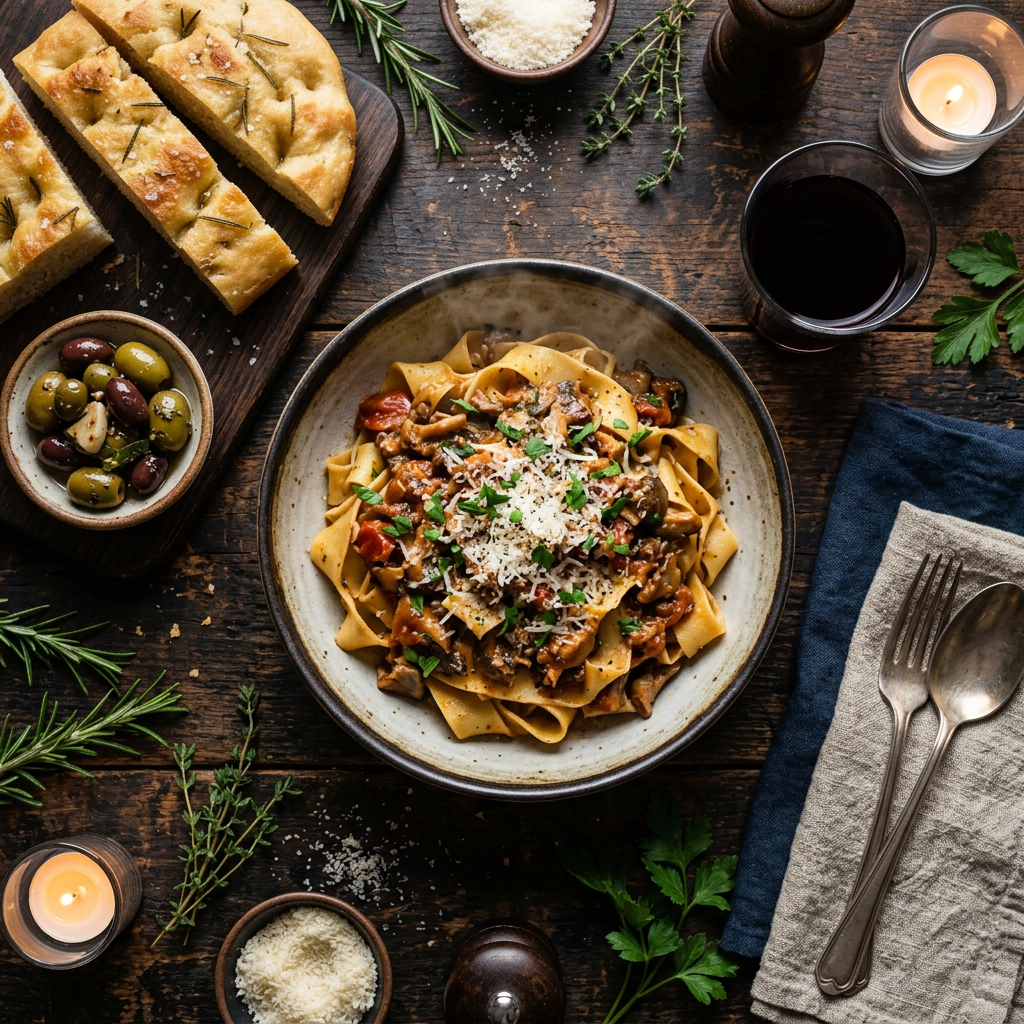
음식 사진

Food Photography - Nano Banana ProPro
Food Photography - Nano Banana 2NB2

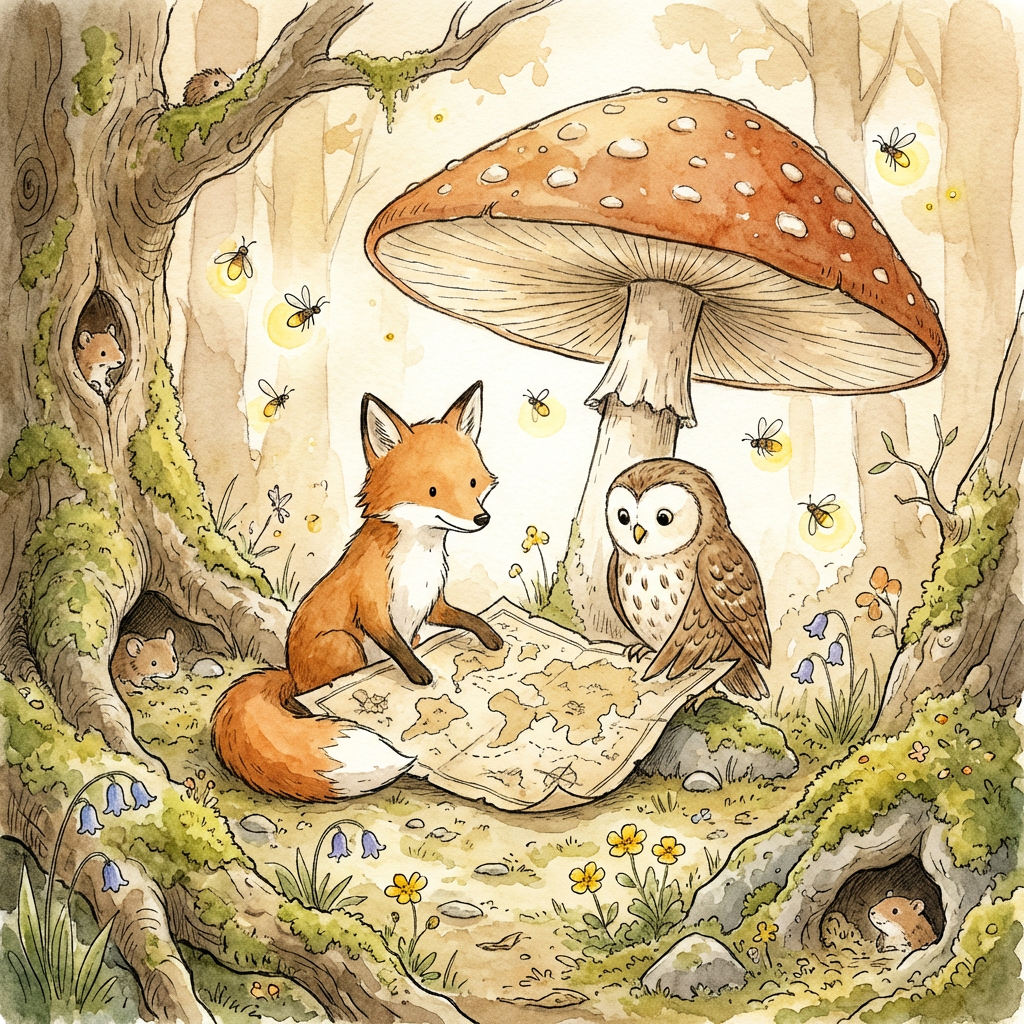
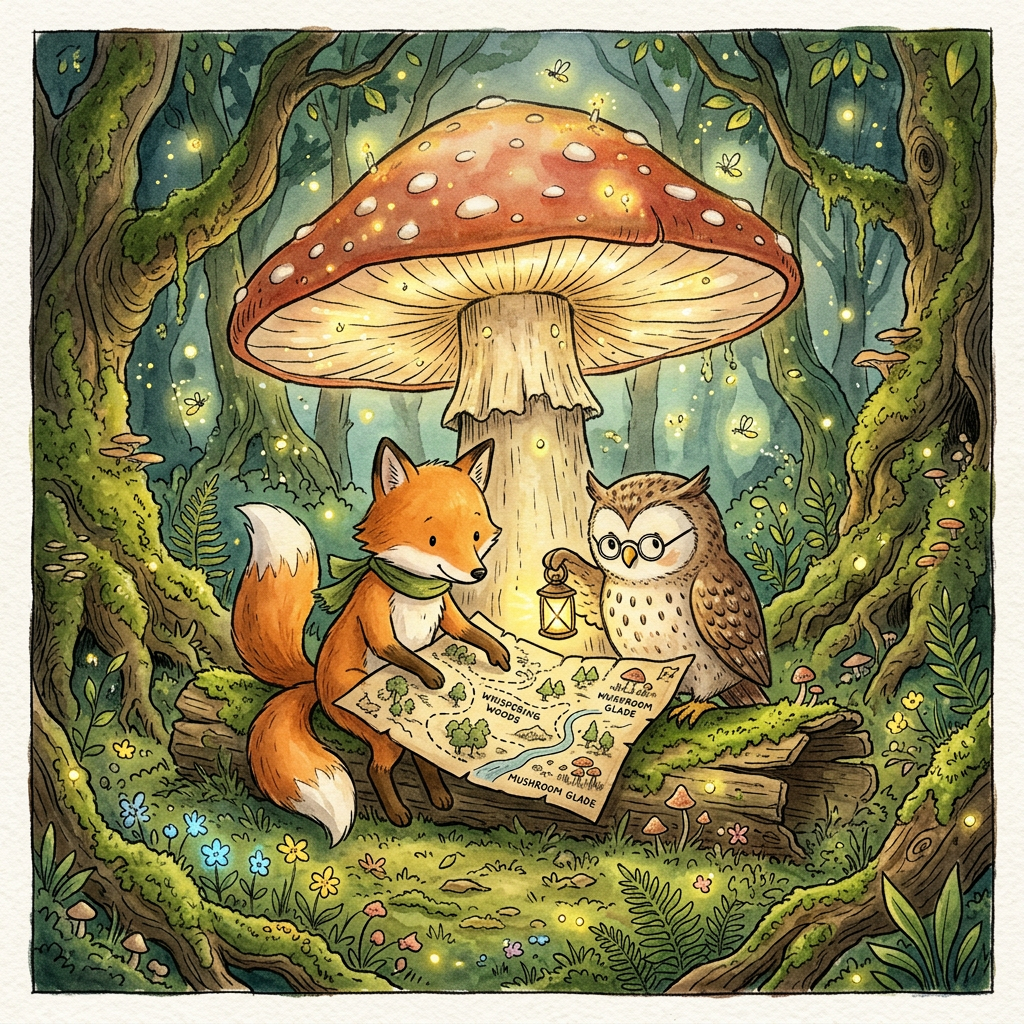
일러스트 스타일

Illustration Style - Nano Banana ProPro
Illustration Style - Nano Banana 2NB2

제품 목업

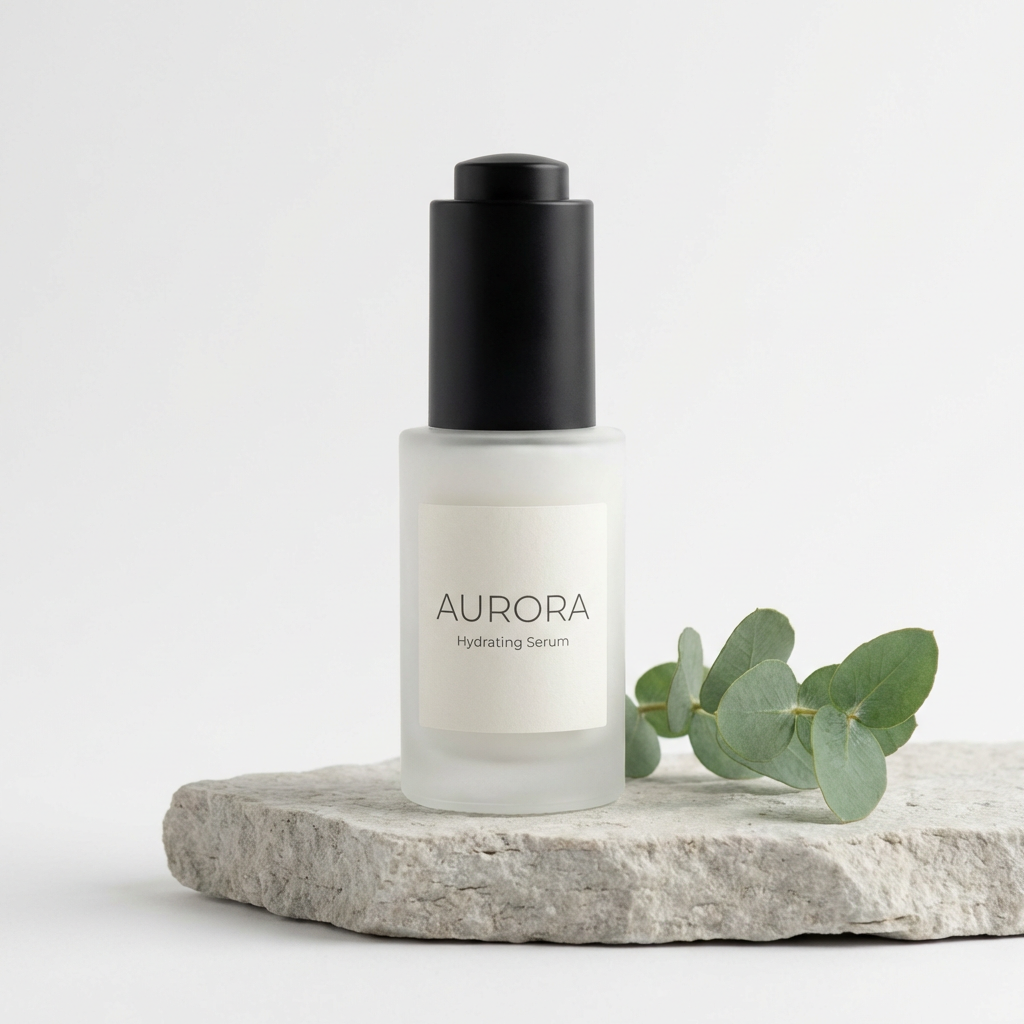
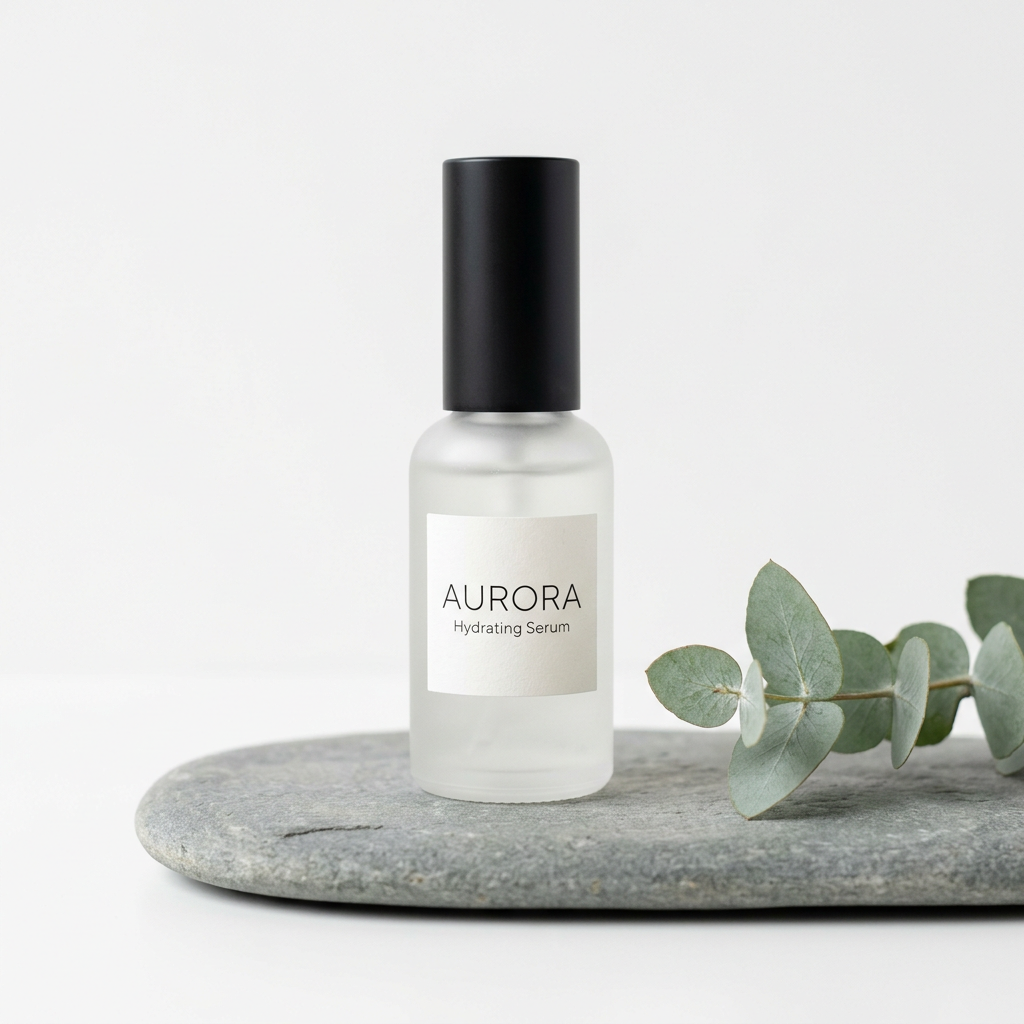
Product Mockup - Nano Banana ProPro
Product Mockup - Nano Banana 2NB2

프롬프트 템플릿

논리 + 주석 템플릿

학습지, 화이트보드, 설명용 결과물에 활용해요.

Create a [format] that solves [topic/task] with step-by-step reasoning. Show work clearly in [style], include labels "[label 1]", "[label 2]", "[label 3]". Keep handwriting/typography legible and natural.

타이포그래피 + 레이아웃 템플릿

포스터, 잡지 표지, 디자인 목업에 활용해요.

Design a [artifact type] with exact headline "[headline]". Include supporting text "[subhead]" and callouts "[callout A]", "[callout B]". Style: [editorial direction], [color palette], [composition constraints], high readability.

캐릭터 일관성 템플릿

스토리보드나 여러 장면의 연속성을 유지하는 작업에 활용해요.

Create a [grid/panel count] showing the same character across different scenes: [scene 1], [scene 2], [scene 3], [scene 4]. Keep face, outfit, and proportions consistent in every panel. Maintain [camera/style constraints].

체크리스트

  • 포스터, 학습지, 스토리보드 등 출력 형식부터 정해요.
  • 그대로 렌더링해야 하는 텍스트는 큰따옴표로 감싸요.
  • 정보가 많을수록 배치와 위계를 구체적으로 정해요.
  • 일관성을 유지하려면 시각적 조건을 구체적으로 정해요.
  • 결과를 원하는 방향으로 개선하려면 한 번에 하나의 변수만 바꿔요.