Veo 3.1 프롬프트 가이드

Google Veo 3.1 프롬프트 작성하기
영화처럼 정교한 연출로

이미지 기반 영상, 여러 레퍼런스를 활용한 장면, 첫/마지막 프레임 보간까지. 실제 생성 영상으로 배우는 실전 Veo 3.1 프롬프트 가이드예요.

개요

Veo 3.1 프롬프트 가이드의 핵심은 샷 구도, 렌즈 표현, 피사체 스타일, 카메라 움직임을 명확히 지정하는 거예요. 이 요소들을 분명히 할 때 Veo 3.1의 영상 품질이 가장 크게 향상돼요. 더 정교하게 제어하려면 레퍼런스로 인물과 사물의 정체성을 고정하고, 첫/마지막 프레임으로 이야기의 시작과 끝을 설정하세요.

프롬프트 실전 가이드

샷 구도 정하기

구도와 피사체 수를 처음부터 명시하세요. 싱글 샷, 오버 더 숄더, 와이드 설정 샷 등을 활용해보세요.

렌즈와 초점 용어 활용하기

얕은 초점, 매크로 렌즈, 광각, 깊은 초점처럼 렌즈 특성을 직접 명시하세요.

카메라 움직임 연출하기

돌리 인, 왼쪽 팬, 트래킹 샷, 크레인 업, 휩 팬처럼 촬영 용어로 움직임을 묘사하세요.

모드별 설정 활용하기

일관성이 중요하면 reference_images를, 장면 전환에는 image + last_frame을, 속도가 중요하면 Veo 3.1 Fast를 사용하세요.

생성된 영상

향상된 이미지 기반 영상 생성 (Fast)

이미지 한 장에 사실적인 움직임 더하기

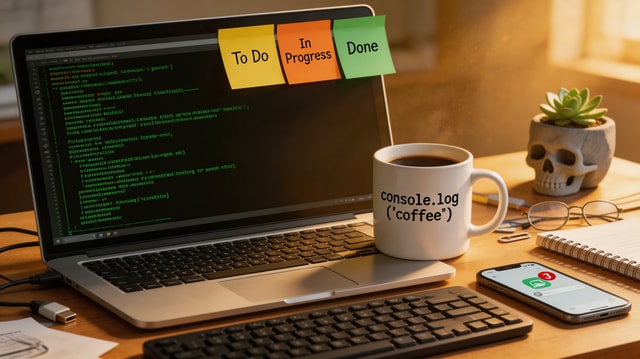
A cinematic push-in on a software engineer desk at night. Terminal lines update subtly on screen, keyboard LEDs pulse, steam drifts from a coffee mug, and city lights flicker through the window. Smooth camera motion, realistic micro-movements, no jump cuts.

완성도 높은 이미지 기반 영상을 만들려면 명확한 카메라 움직임 하나에 구체적인 동작 지시 2-3개를 더해 샷을 구성하세요.

사용한 입력 자료

입력 이미지
입력 이미지

레퍼런스 기반 영상 생성 (Standard)

여러 레퍼런스를 하나의 자연스러운 장면으로

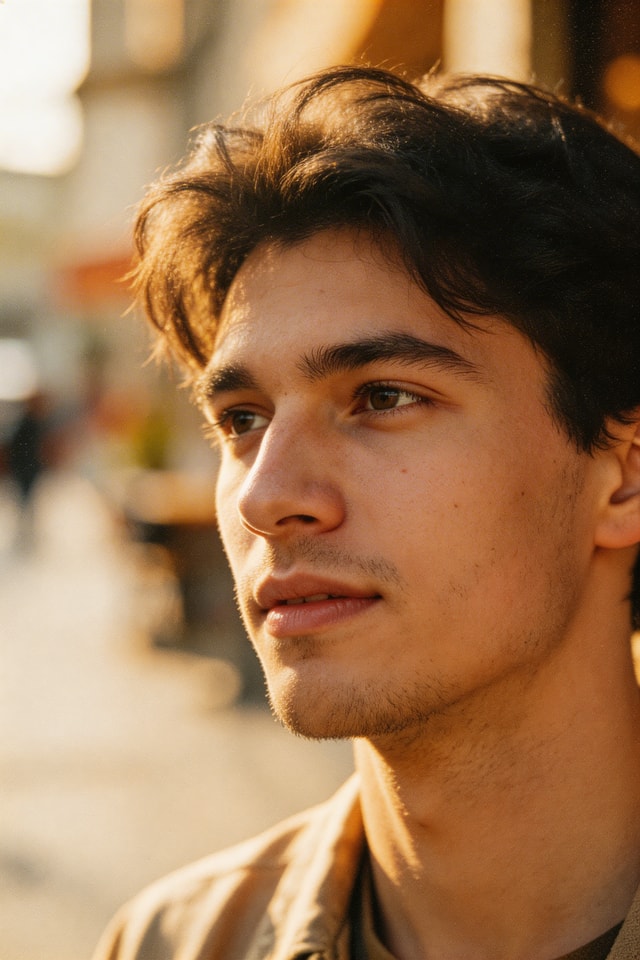
A UGC-style product review shot. The same woman from the character reference sits at the desk background and presents the ceramic mug to camera, rotating it in her hand and smiling. Keep her identity and mug shape consistent with references, natural gestures, handheld realism.

각 레퍼런스의 역할을 캐릭터, 제품, 환경 등으로 지정하면 인물의 정체성과 사물의 일관성을 높일 수 있어요.

사용한 입력 자료

캐릭터 레퍼런스

캐릭터 레퍼런스

제품 레퍼런스

제품 레퍼런스

배경 레퍼런스

배경 레퍼런스

첫 + 마지막 프레임 보간

이야기의 시작과 끝을 원하는 대로

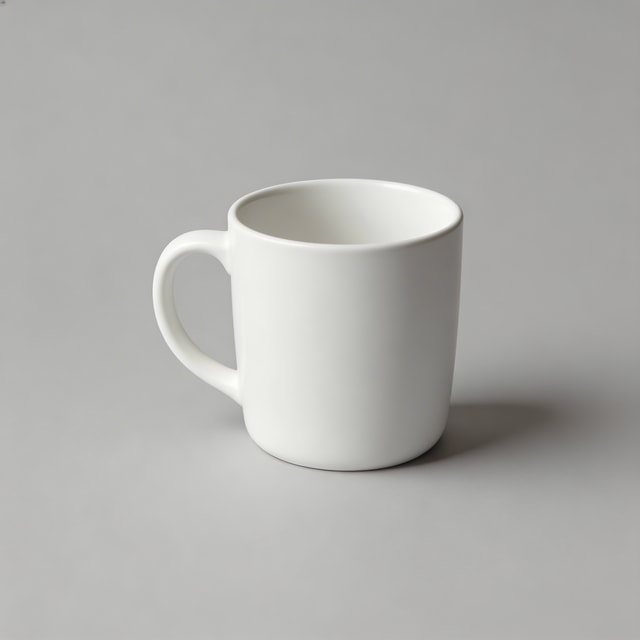
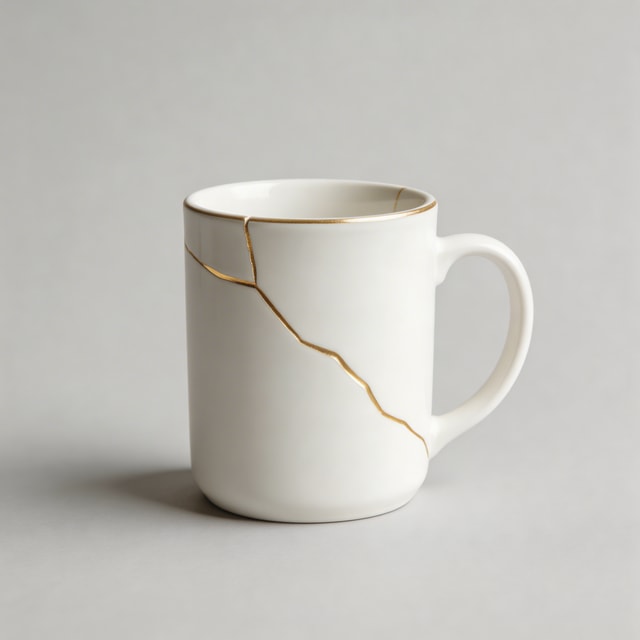
A smooth tabletop transformation sequence where a plain white mug develops elegant gold kintsugi cracks. Maintain studio framing and soft product-lighting continuity while morphing naturally from first frame to last frame.

마지막 장면이 첫 장면만큼 중요하다면 첫/마지막 프레임 모드를 사용하세요.

사용한 입력 자료

첫 프레임

첫 프레임

마지막 프레임

마지막 프레임

프롬프트 템플릿

이미지 기반 영상 템플릿

시작점으로 삼을 확실한 이미지 한 장이 있고, 자연스러운 움직임을 더하고 싶을 때 사용하세요.

Start from this image and create a [shot type] with [camera movement]. Subject action: [action details]. Environment motion: [secondary motion]. Keep realism high, natural timing, and no abrupt transitions.

레퍼런스 기반 영상 템플릿

생성하는 여러 장면에서 캐릭터와 제품을 일관되게 유지할 때 사용하세요.

Use reference 1 as the character, reference 2 as the product, and reference 3 as the environment. Create a [scene type] where the character [action] with the product. Preserve identity and object details from references, cinematic natural motion.

첫 + 마지막 프레임 템플릿

원하는 변형과 이야기 흐름을 정교하게 연출할 때 사용하세요.

Generate a continuous video that starts exactly from the first frame and ends exactly on the last frame. Show [transformation/process] between them with [camera behavior], [lighting continuity], and smooth interpolation.

체크리스트

  • 구도, 피사체 수, 카메라 움직임을 한 문장으로 지정하세요.
  • 렌즈와 초점 스타일을 더해 원하는 룩을 연출하세요. 매크로, 광각, 얕은 초점을 활용해보세요.
  • 이미지 기반 영상, 레퍼런스, 첫+마지막 프레임 중 목적에 맞는 모드를 선택하세요.
  • 레퍼런스를 사용할 때는 프롬프트에 각 레퍼런스의 역할을 명확히 적어주세요.
  • 먼저 빠르게 초안을 만든 뒤, 한 번에 하나의 변수만 바꾸며 다듬어보세요.