模型比較
GPT Image 2.6 vs 2.5
這次 GPT Image 2.6 vs 2.5,我們用相同八組提示詞並排實測。尺寸相同、品質設定相同,每組各生成一次。差異一次看清楚。
試用 GPT Image 2.6重點先看
- 2.6 的畫面更豐富、細節更到位,人物照片的進步最明顯。
- 文字一樣準確。海報、菜單與資訊圖表,兩個版本的每個字都拼對了。
- 高品質的點數用量相同。低品質與中品質在 2.6 上會多花一點點數。
- 2.6 的 Sunburst 約多花 10 秒。想要快,選 2.6 的 Flare,約 11 秒就能完成。
- 2.5 好用的提示詞,不用改就能直接用在 2.6。
改了什麼
| GPT Image 2.5 | GPT Image 2.6 | |
|---|---|---|
| 影像品質 | 乾淨銳利 | 質感更豐富,場景細節更多 |
| 圖片中的文字 | 準確 | 準確,字體更有設計感 |
| 高品質點數用量 | 2 點數 | 2 點數 |
| 低品質 / 中品質點數用量 | 0.5 / 1 點數 | 1 / 1.5 點數 |
| Sunburst 速度(高品質,本次實測) | 21 至 41 秒 | 30 至 55 秒 |
| Flare 速度(高品質) | 約為 Sunburst 的一半 | 約 11 秒 |
| 參考圖片 | 最多 8 張 | 最多 8 張 |
含文字的旅遊海報
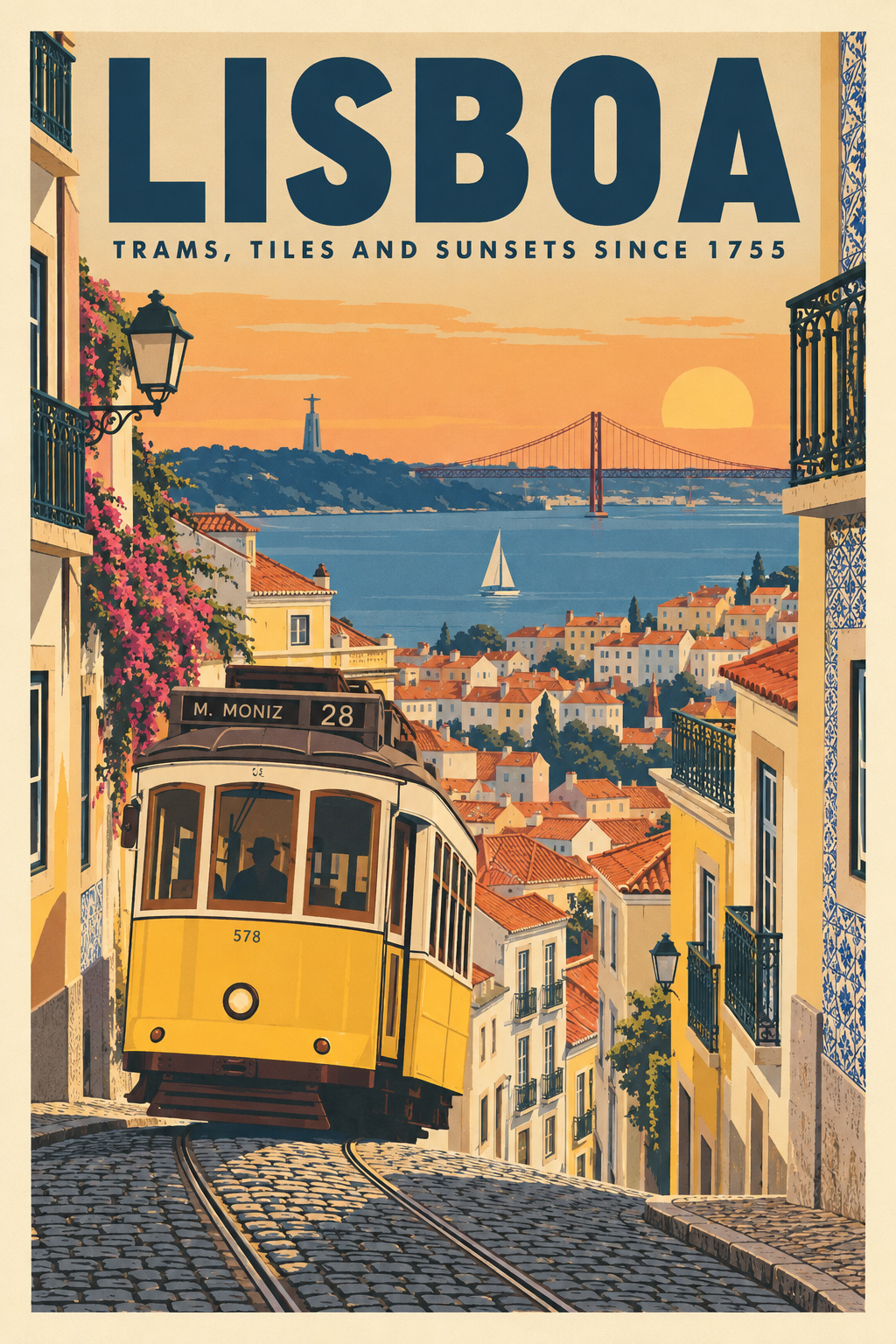
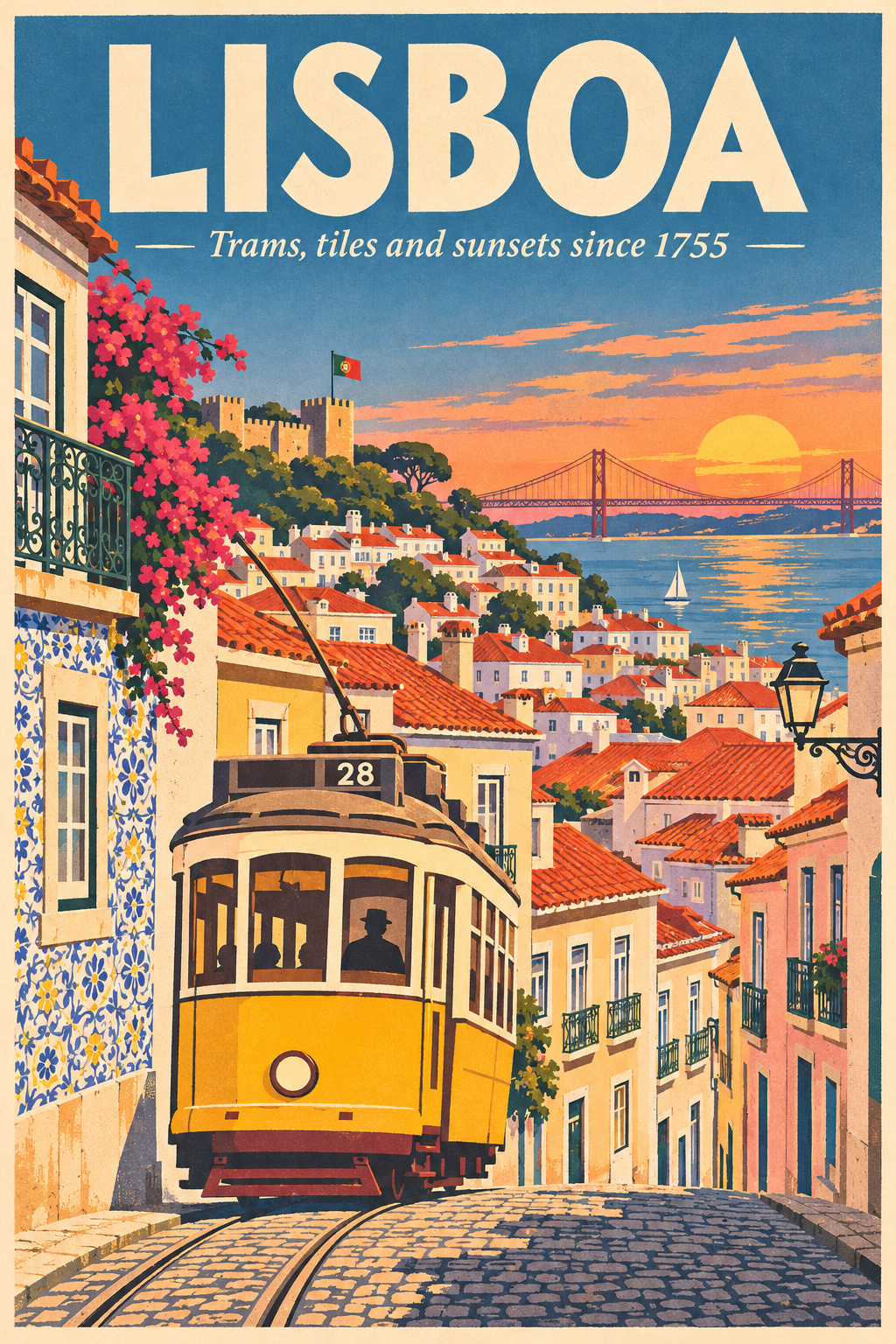
兩者的每個字都拼對了。2.6 放進更多城市細節,像是城堡、磁磚與花朵,副標題的字體也更精緻。2.5 則在電車上加了提示詞沒要求的街名。
A vintage travel poster for 'LISBOA' with the subtitle 'Trams, tiles and sunsets since 1755' in smaller type, a yellow tram climbing a steep cobbled street, terracotta rooftops and the river behind, flat screen-print style, cream border
資訊圖表
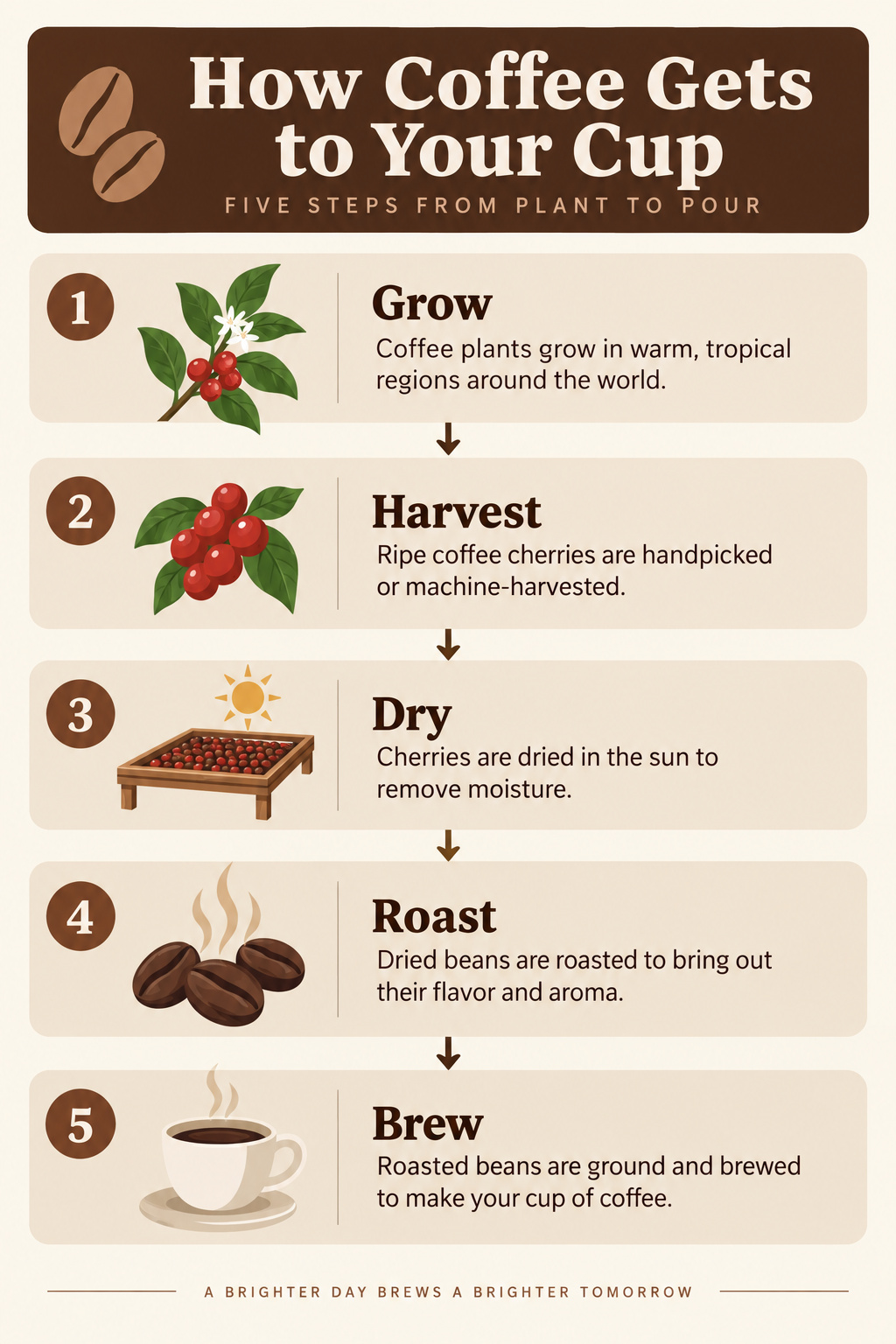
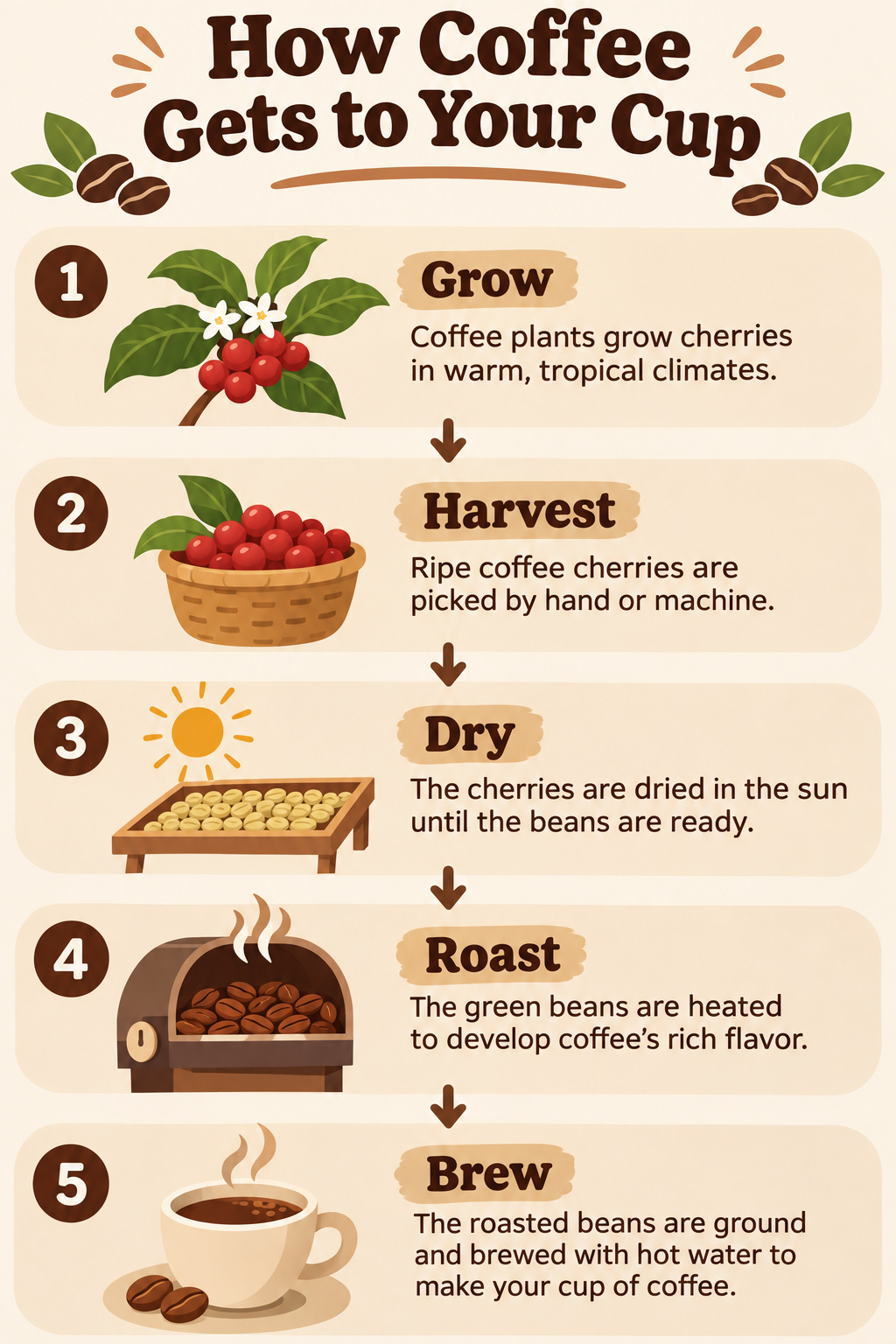
兩者都把五個步驟依序排好,文字清楚。2.6 的圖示更豐富,文案也更具體。2.5 每行文字更精簡,更貼近提示詞的要求。
A clean infographic titled 'How Coffee Gets to Your Cup' with five numbered steps in a vertical flow: 1 Grow, 2 Harvest, 3 Dry, 4 Roast, 5 Brew, each with a small flat icon and one short line of text, warm brown and cream palette
黑板菜單
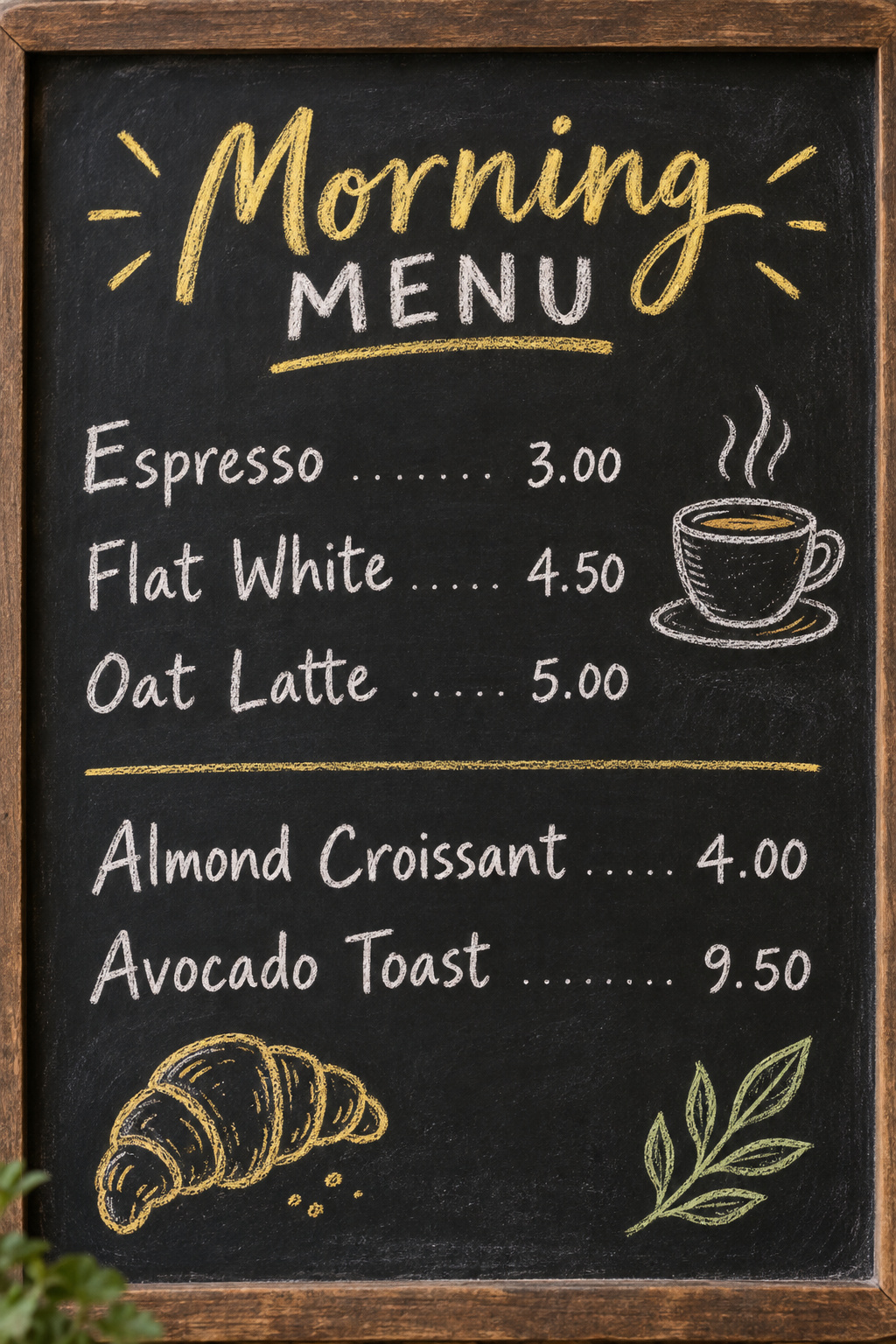
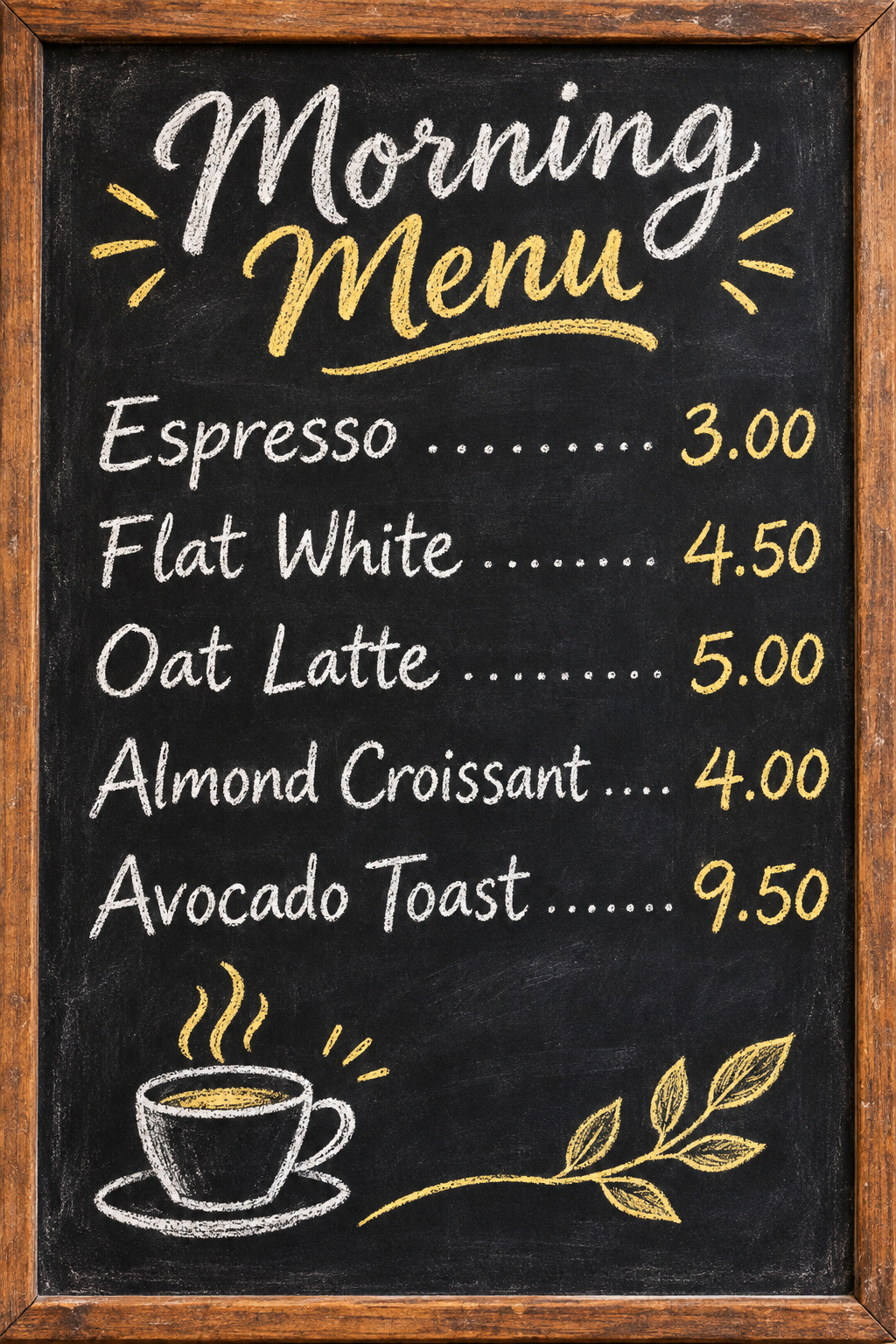
兩者的每個品項與價格都正確。2.6 的字更大,價格也改用黃色,站遠一點也能更快看清菜單。
A chalkboard cafe menu titled 'Morning Menu' listing: Espresso 3.00, Flat White 4.50, Oat Latte 5.00, Almond Croissant 4.00, Avocado Toast 9.50, hand-lettered in white and yellow chalk with small doodles of a cup and a leaf
數量精準
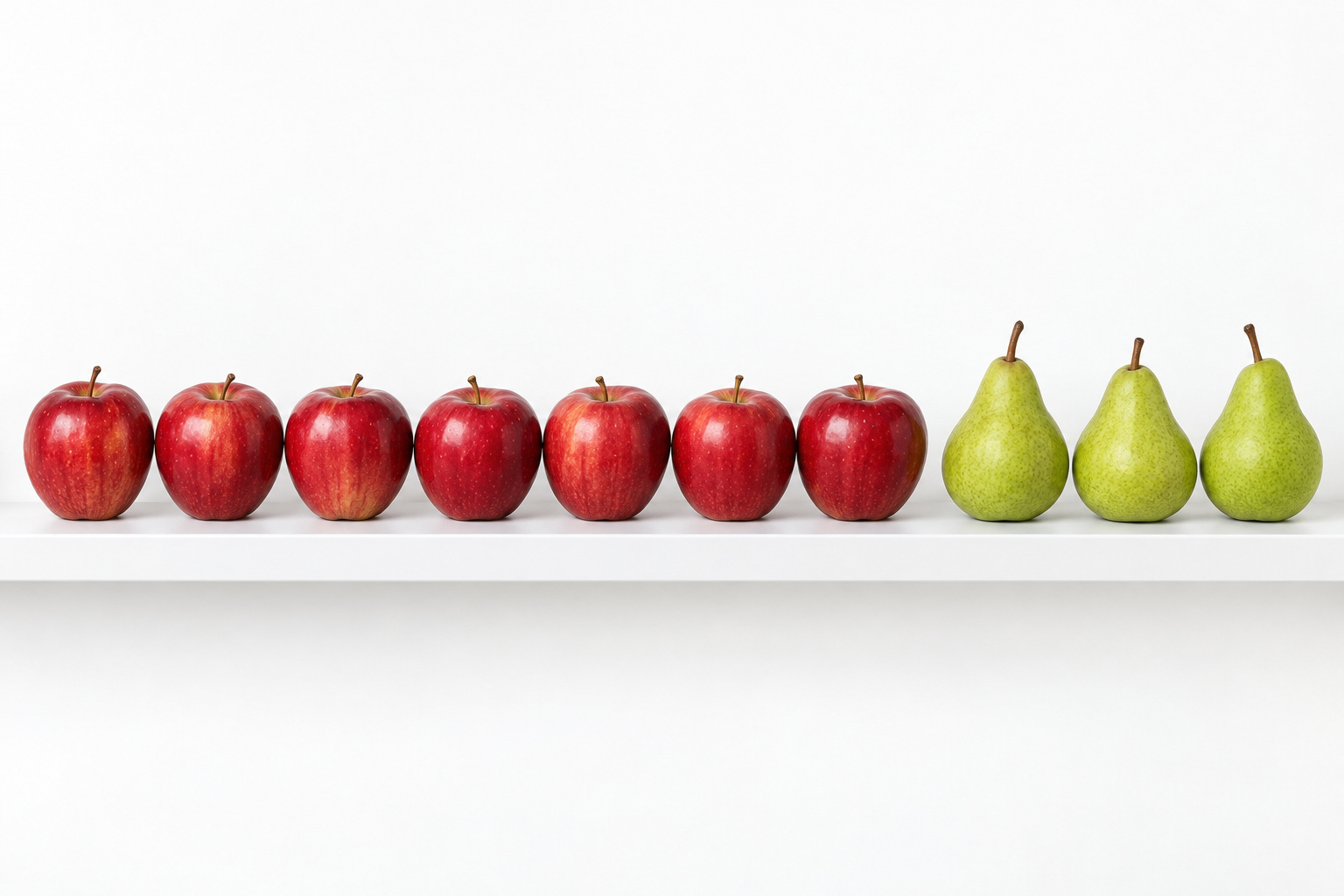
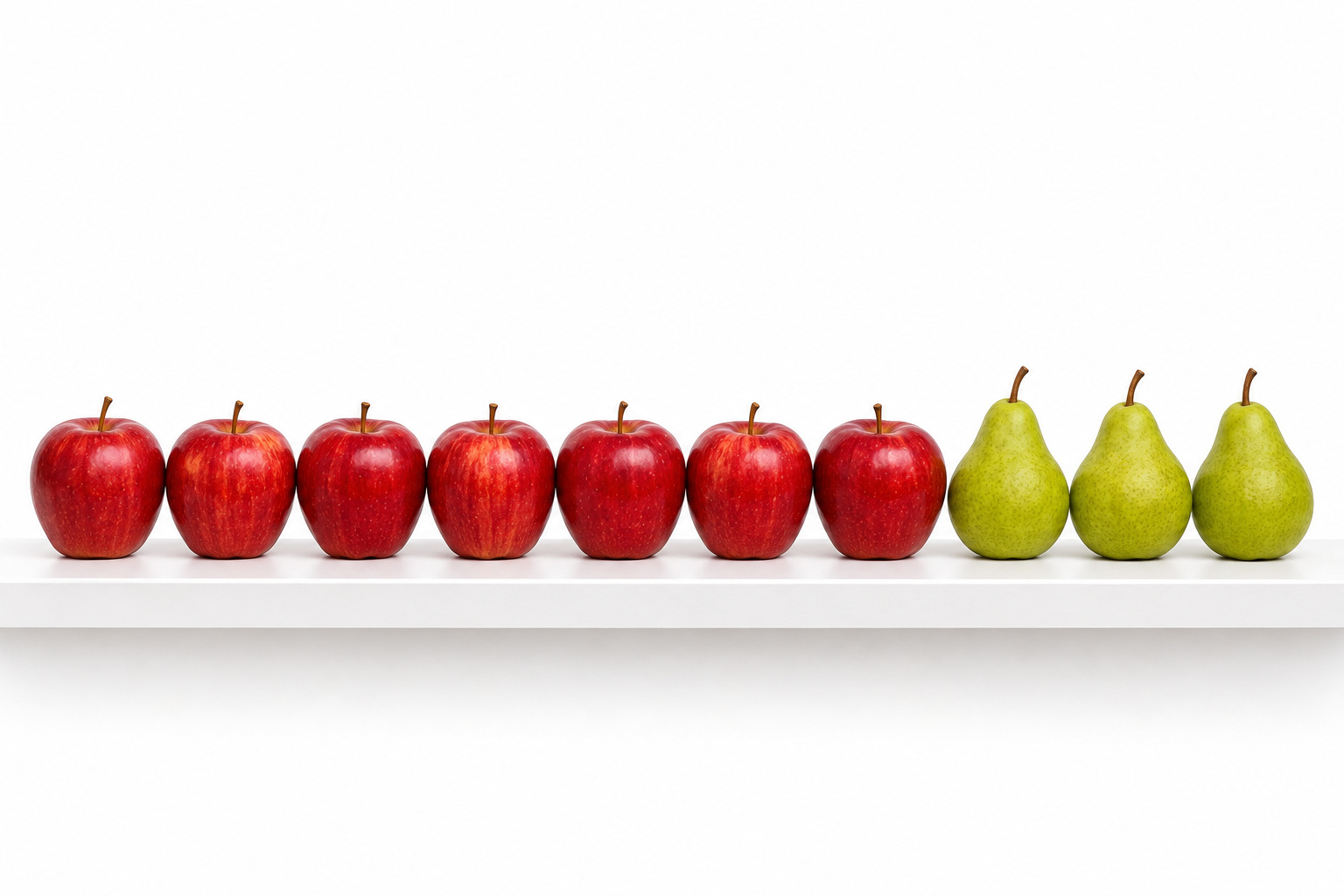
平手。兩者都依照正確順序,呈現七顆蘋果和三顆梨子。
Exactly seven red apples in a row on a white shelf, with exactly three green pears to their right, studio product photo, even light, white background
人像照片
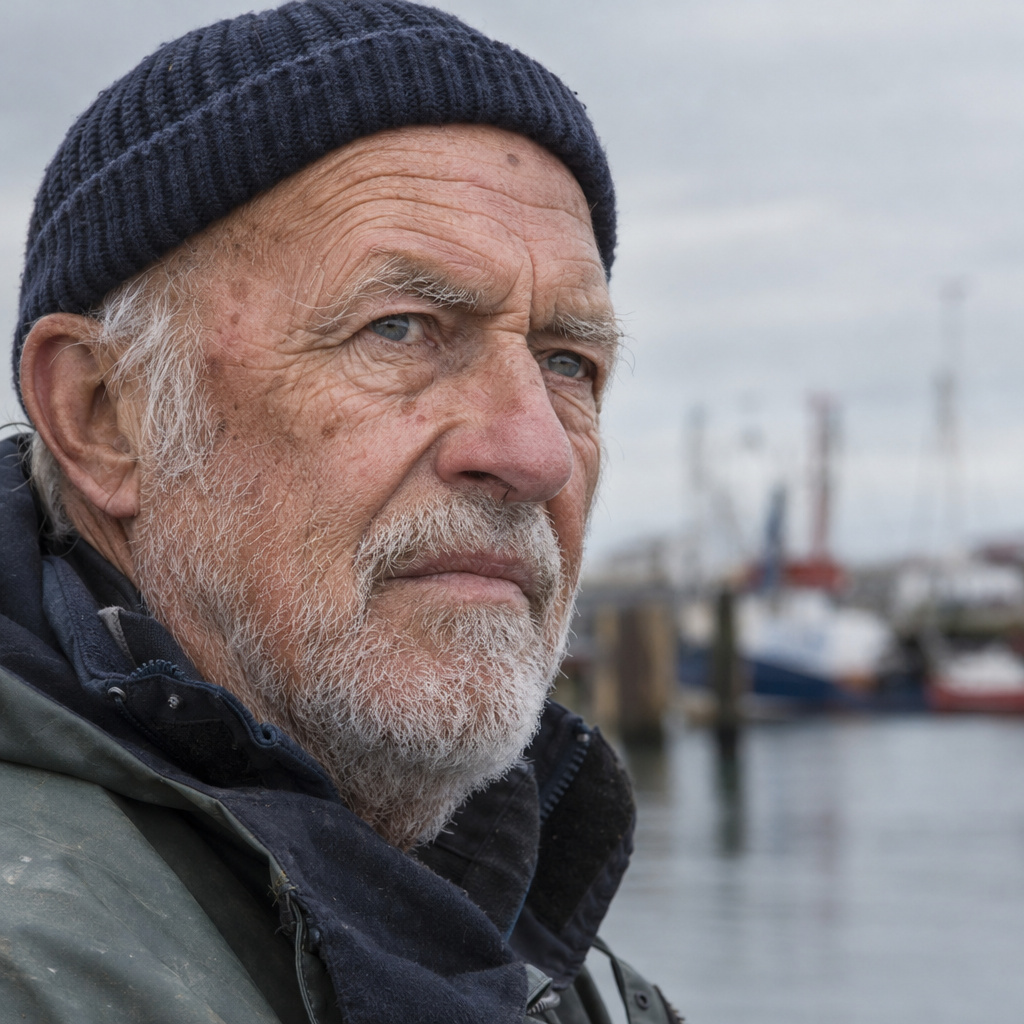
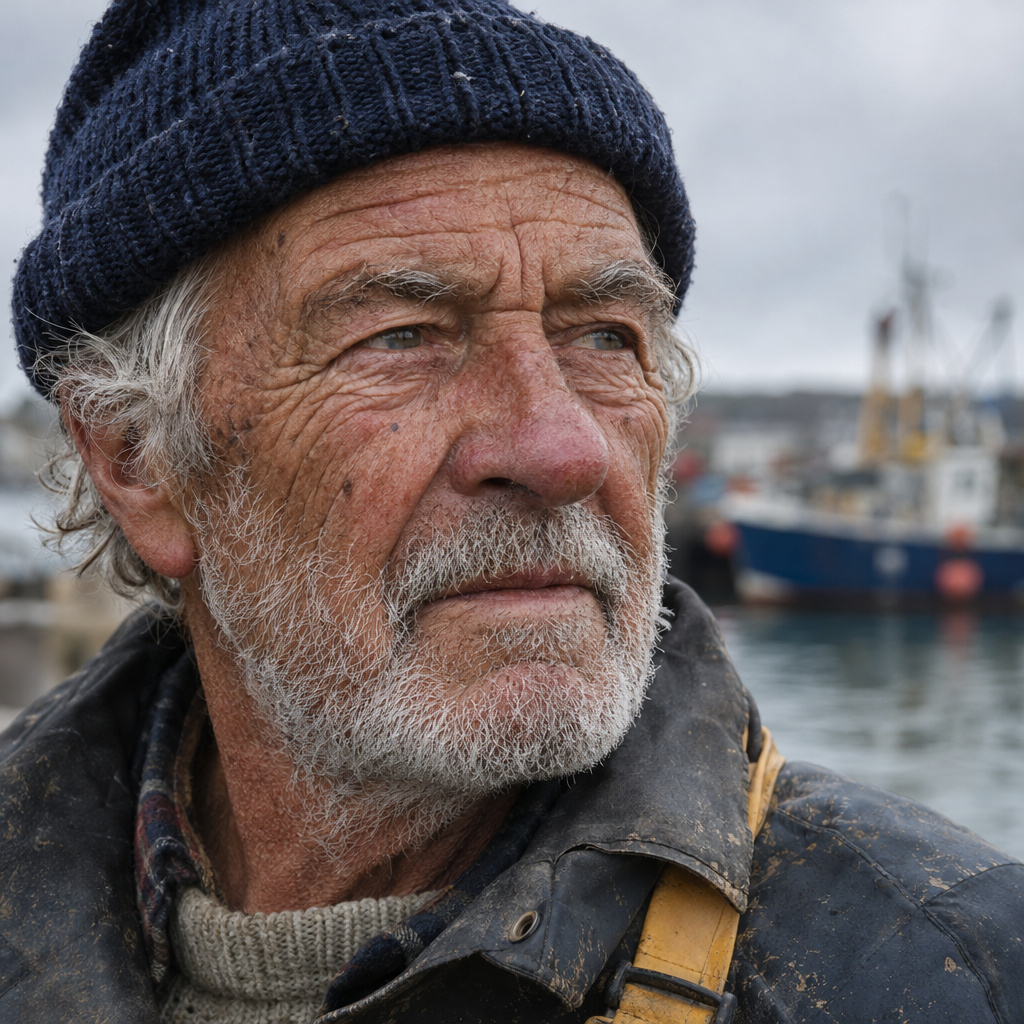
這是本次實測進步最明顯的一項。2.6 的皺紋更深、皮膚更有風吹日曬的痕跡,工作外套也更顯磨損,看起來就像真正的漁夫。2.5 乾淨銳利,但更像攝影棚裡的模特兒。
Close-up portrait photo of an elderly fisherman with a weathered face, white stubble and a knitted navy cap, looking past the camera, harbor out of focus behind him, overcast light, 85mm lens, fine skin texture
手部
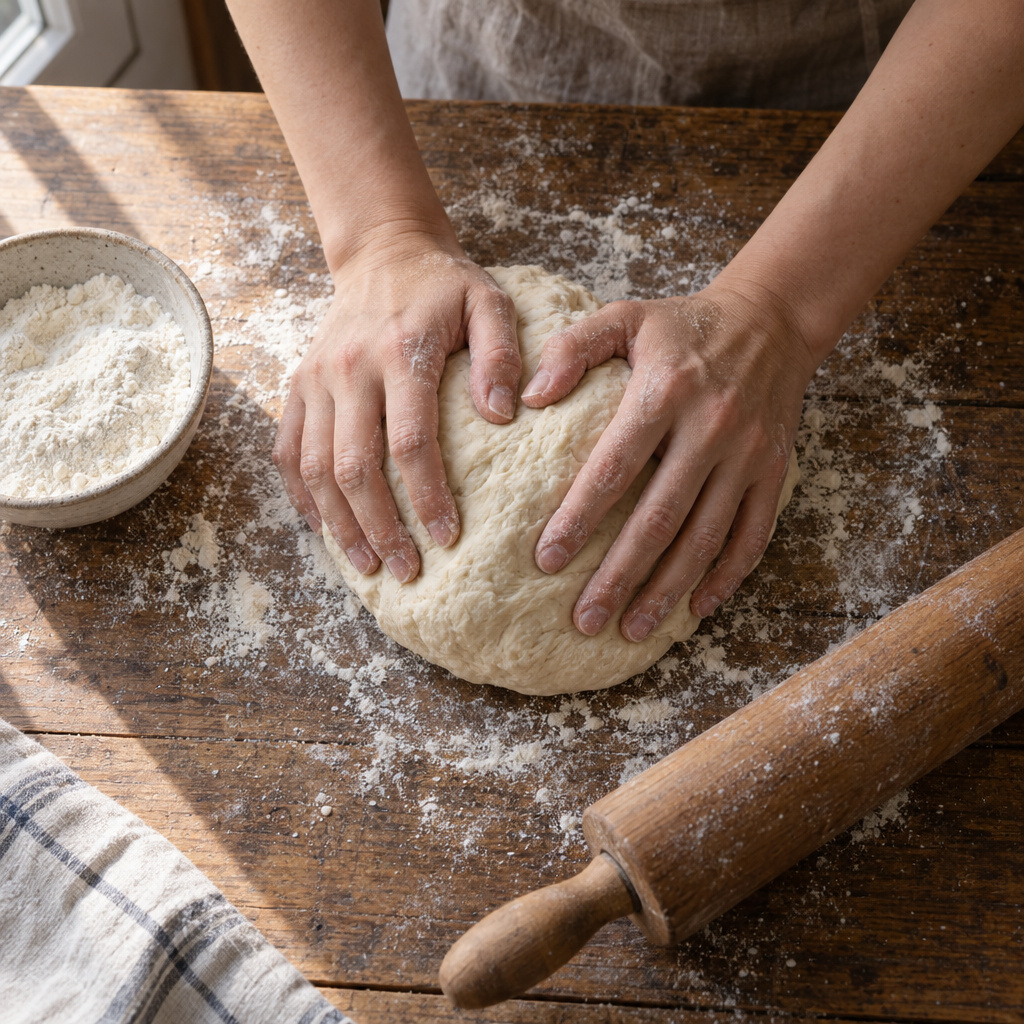
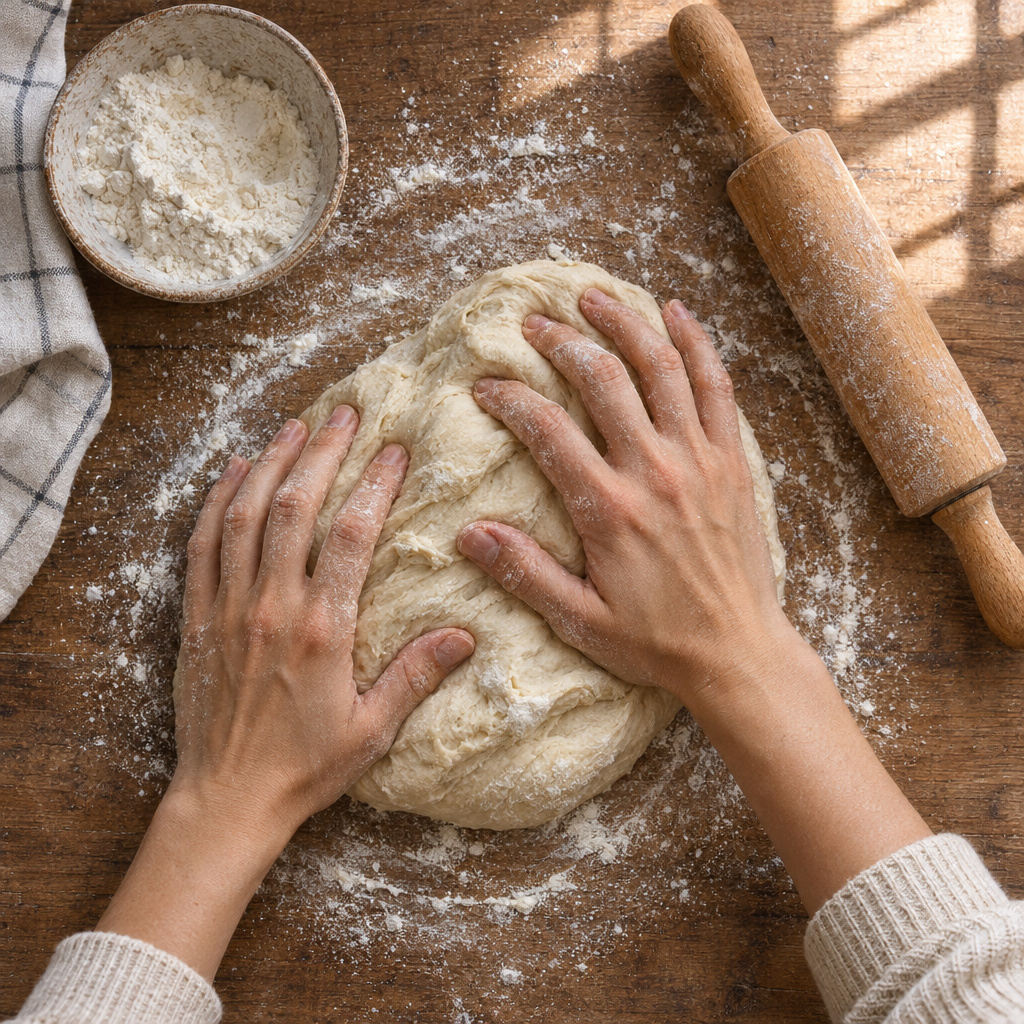
兩者的每隻手都有五根手指。2.6 多了毛衣袖口、皮膚上的麵粉與更強的窗光,讓場景更有生活感。
Overhead photo of two hands kneading bread dough on a floured wooden table, a small bowl of flour and a wooden rolling pin beside them, soft window light, every finger clearly visible
編輯:產品融入場景
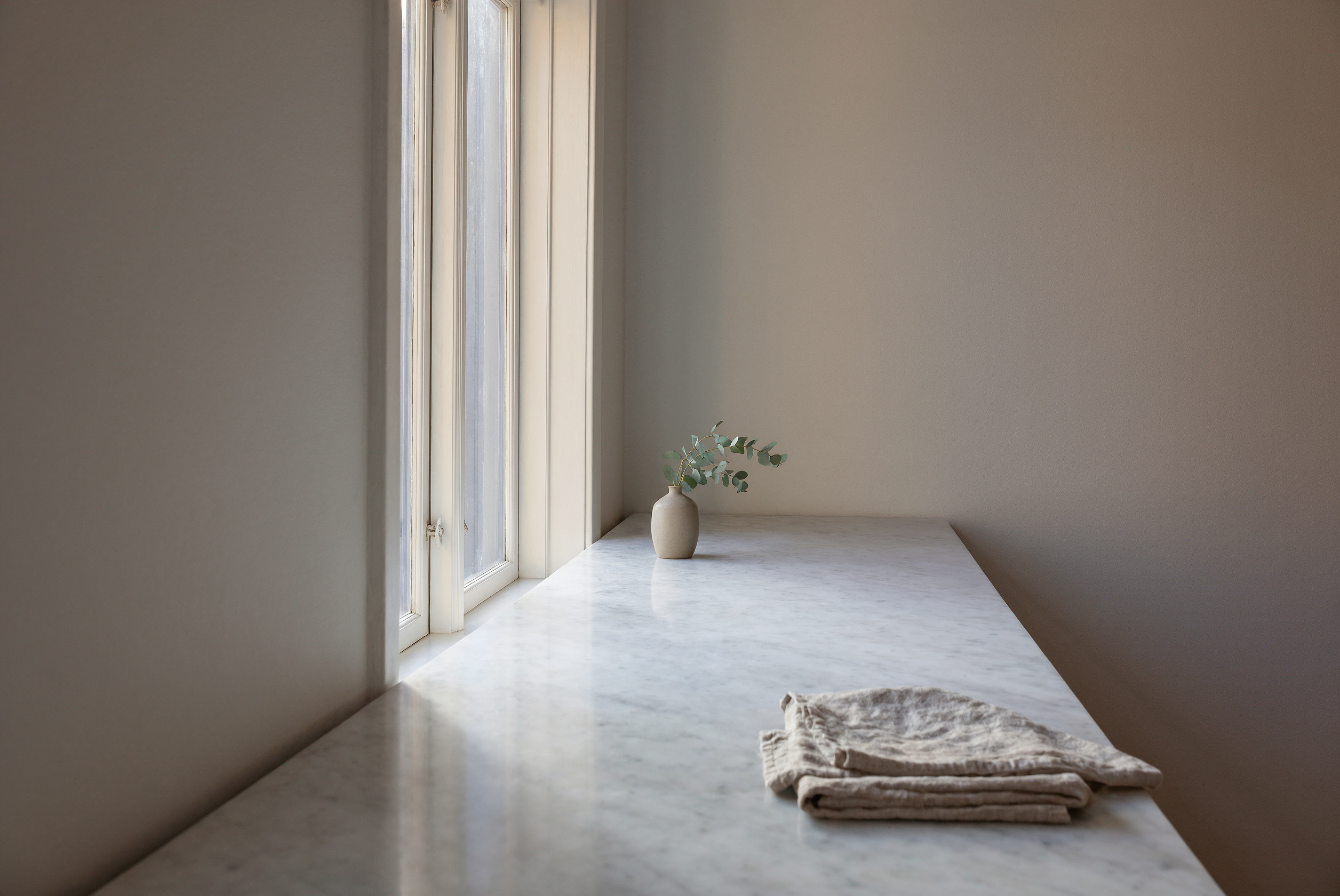
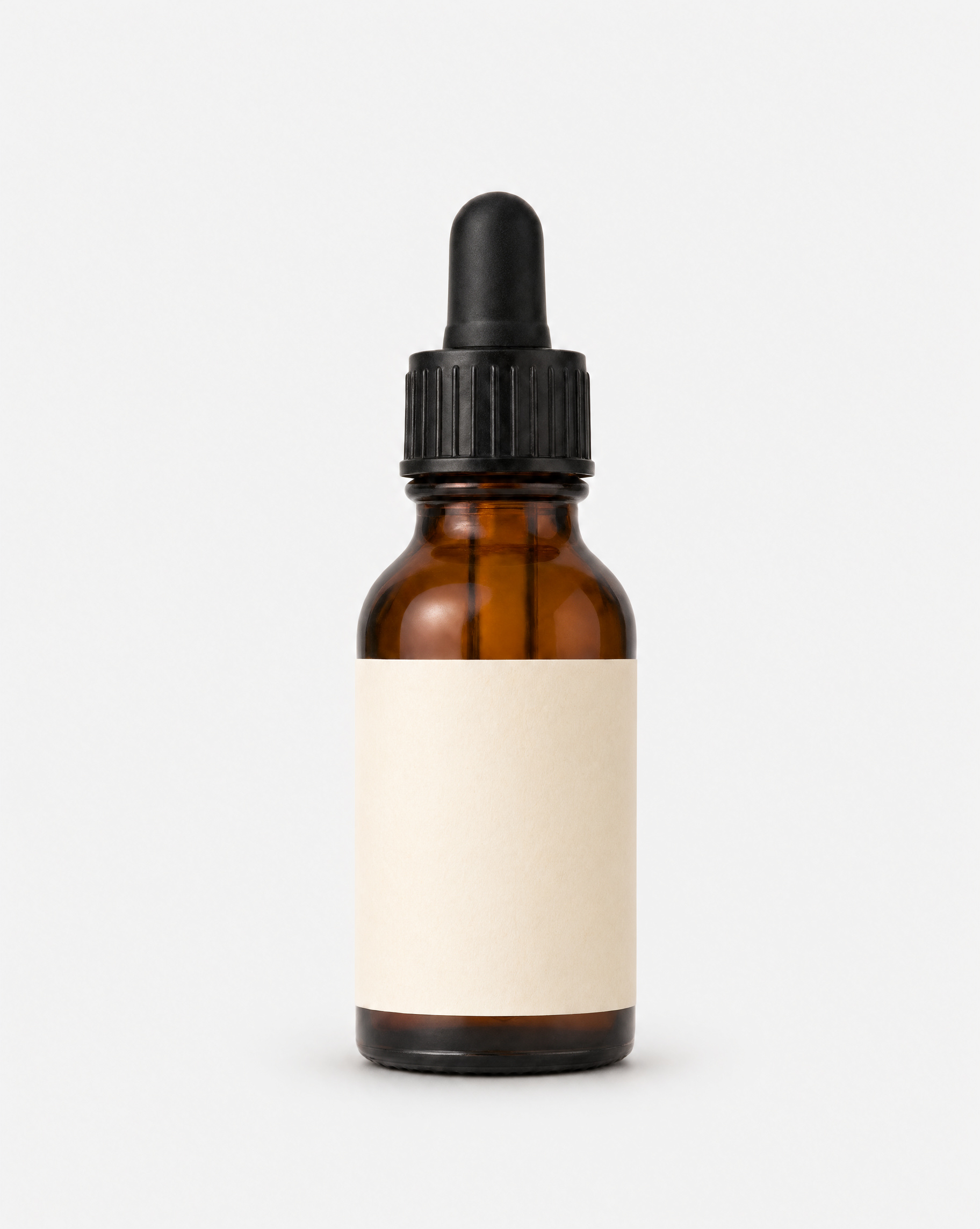
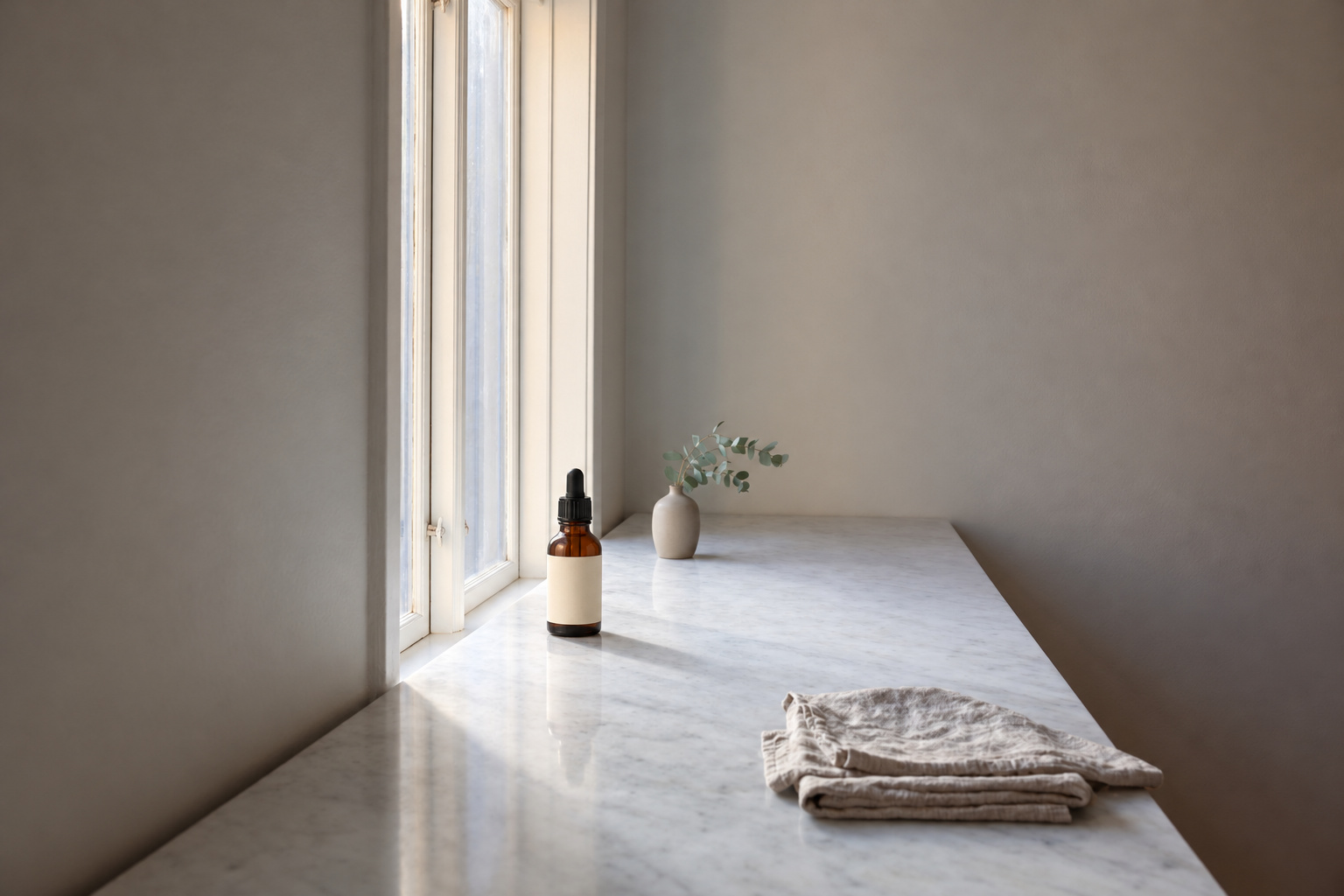
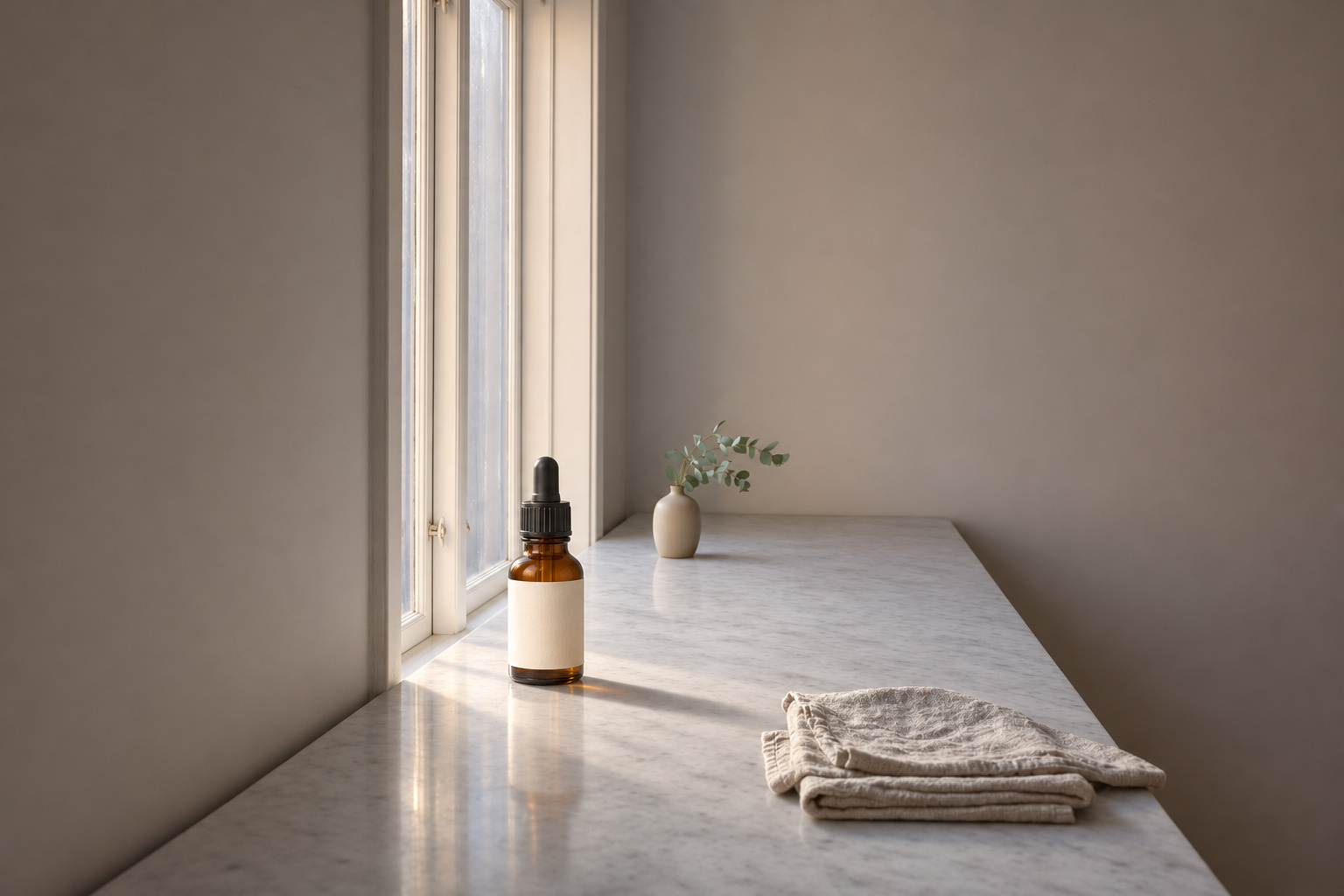
兩者都完整保留房間原貌。2.6 把瓶子放在陽光照到的位置,在大理石上映出琥珀色光暈。2.5 則把瓶子放得更小、更靠後。
Place the serum bottle from the second image on the marble counter in the first image, near the window, keep the morning light and add a soft natural shadow. Keep everything else the same.
編輯:同一人物,換個場景
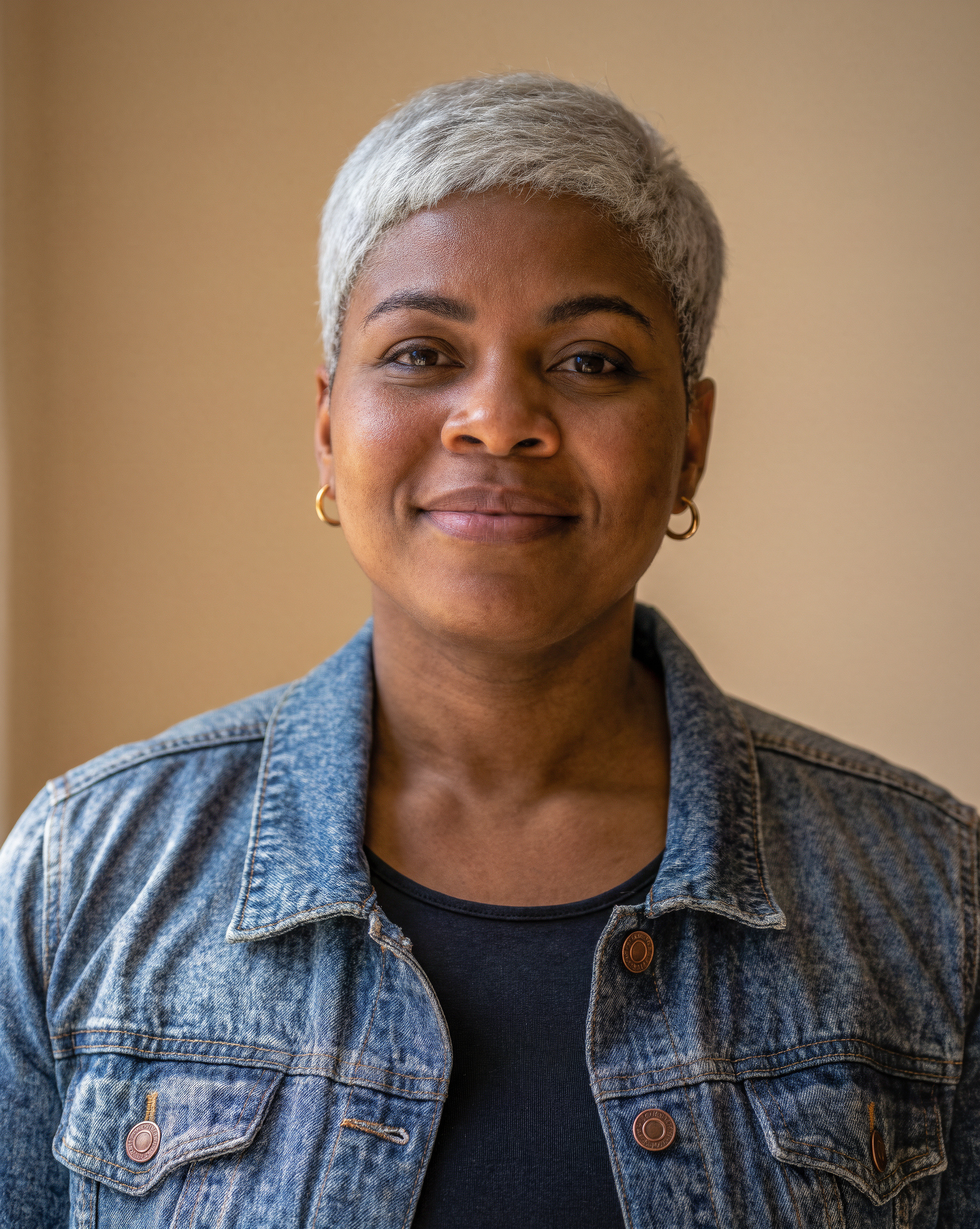
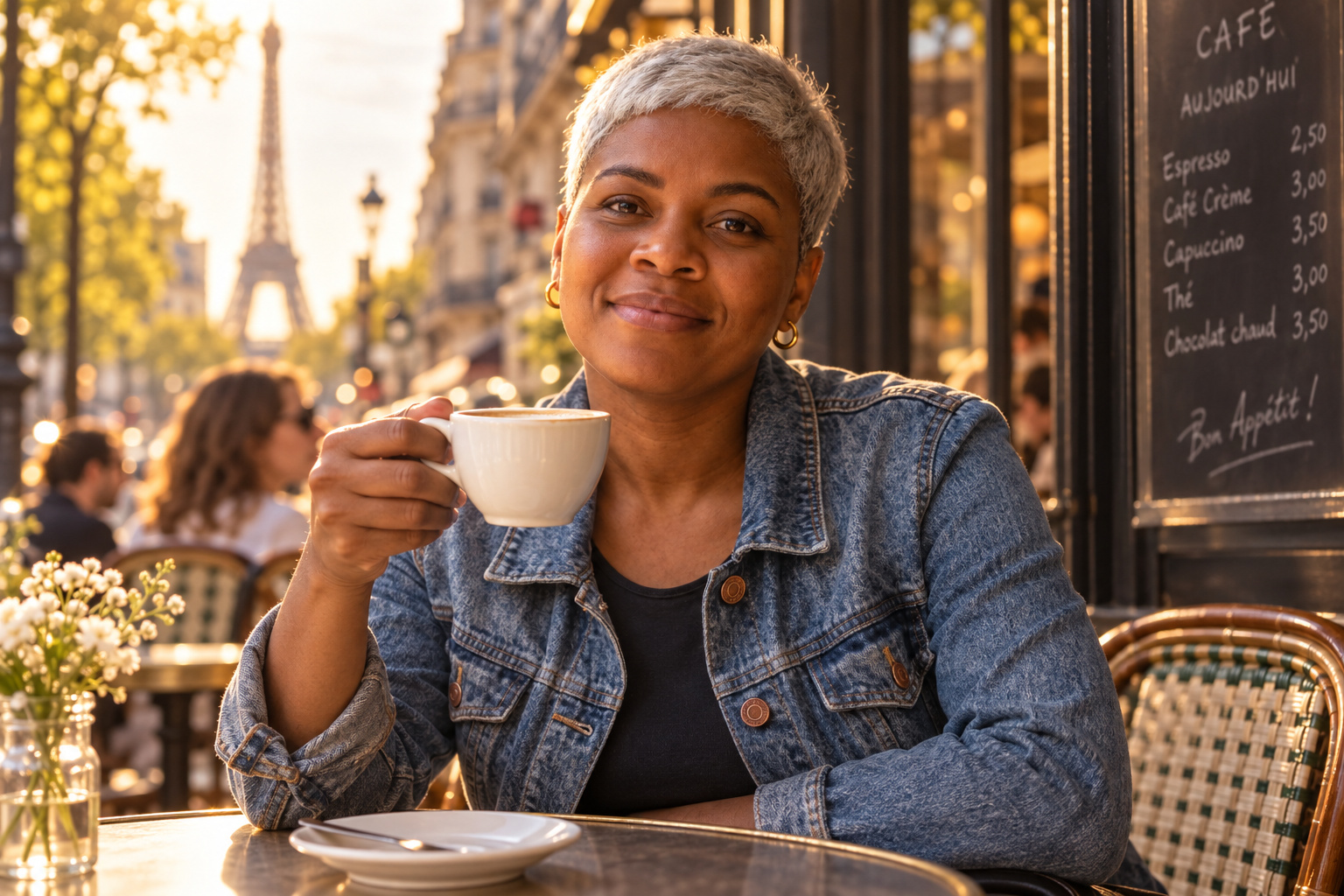
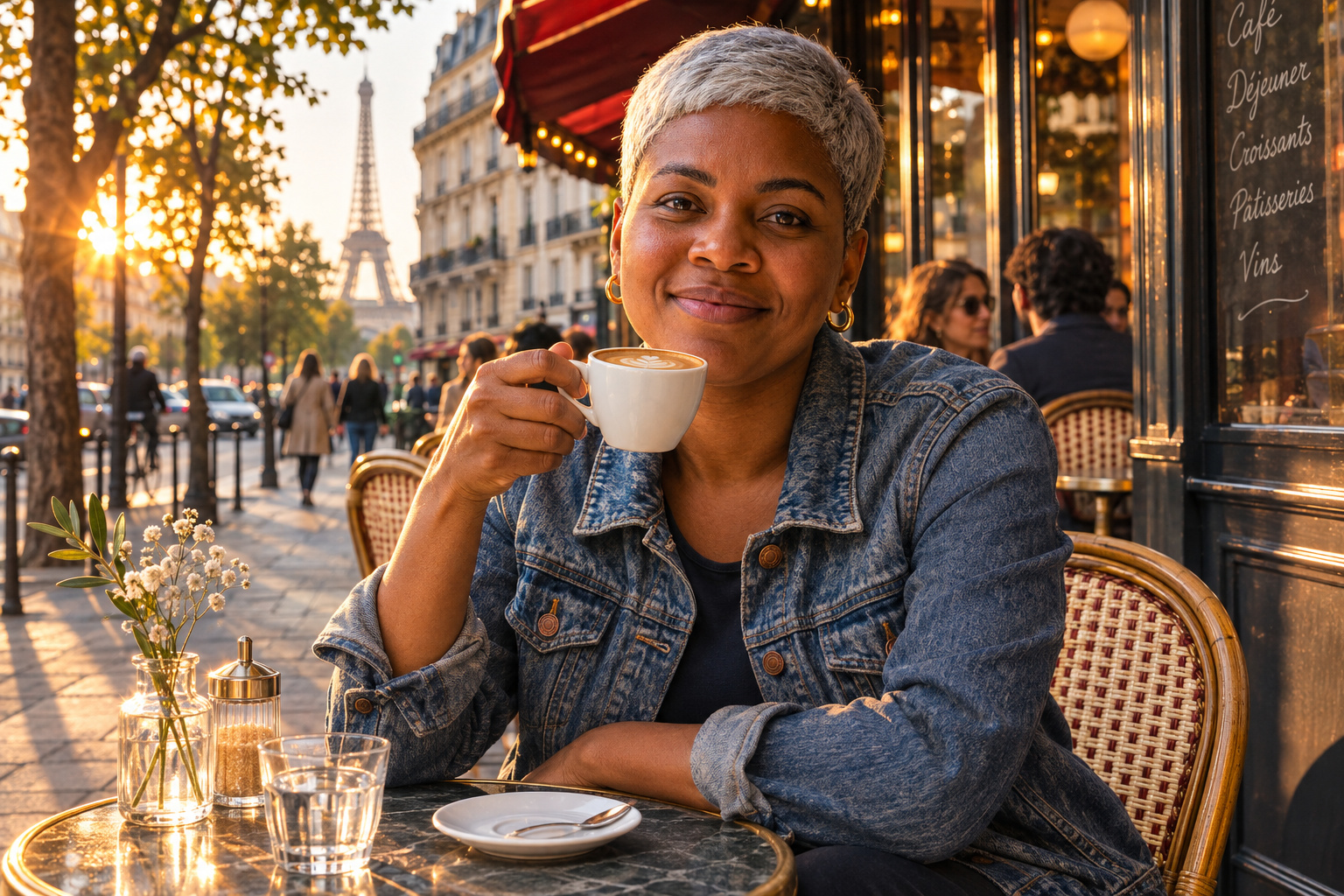
兩者都保留了她的臉、髮型、外套與耳環。2.6 的街景更豐富,有路過的行人、帶拉花的拿鐵,還有穿過樹梢的陽光。
The same woman from the image sitting at a cafe table in Paris, holding a cup of coffee, wearing the same denim jacket and gold earrings, candid street photograph, golden hour