Nano Banana Pro 提示詞指南與 NB2 攻略

為 Nano Banana 下提示詞
Pro 與 NB2

這份 Nano Banana Pro 提示詞指南結合實戰技巧與生成範例,幫你做好複雜邏輯編修、文字呈現、資訊圖表,以及維持一致性的工作流程,並收錄 Pro 與 Nano Banana 2 的並排比較。

總覽

Nano Banana Pro 擅長遵循指令、呈現文字與多步驟視覺推理。想讓品質躍升,關鍵通常在於用精準的自然語言提示詞,定義輸出格式、必要文字,以及必須維持不變的內容。

提示詞實戰攻略

明確指定格式

直接告訴模型要產出什麼結構,例如附步驟的學習單、分區資訊圖表、2x2 分鏡、雜誌封面等。

用引號鎖定精確字串

製作大量文字的畫面時,用雙引號框住關鍵文案,並指定出現位置。

鎖定不變要素

編修圖片時,寫清楚哪些不能變,例如人物身分、姿勢、取景、風格、光線。

使用領域專業用語

撰寫設計與技術提示詞時,加入專業用語,例如編輯式版面、標註、著色器程式碼、區塊標題。

生成範例

推理+結構化輸出

推理+結構化輸出

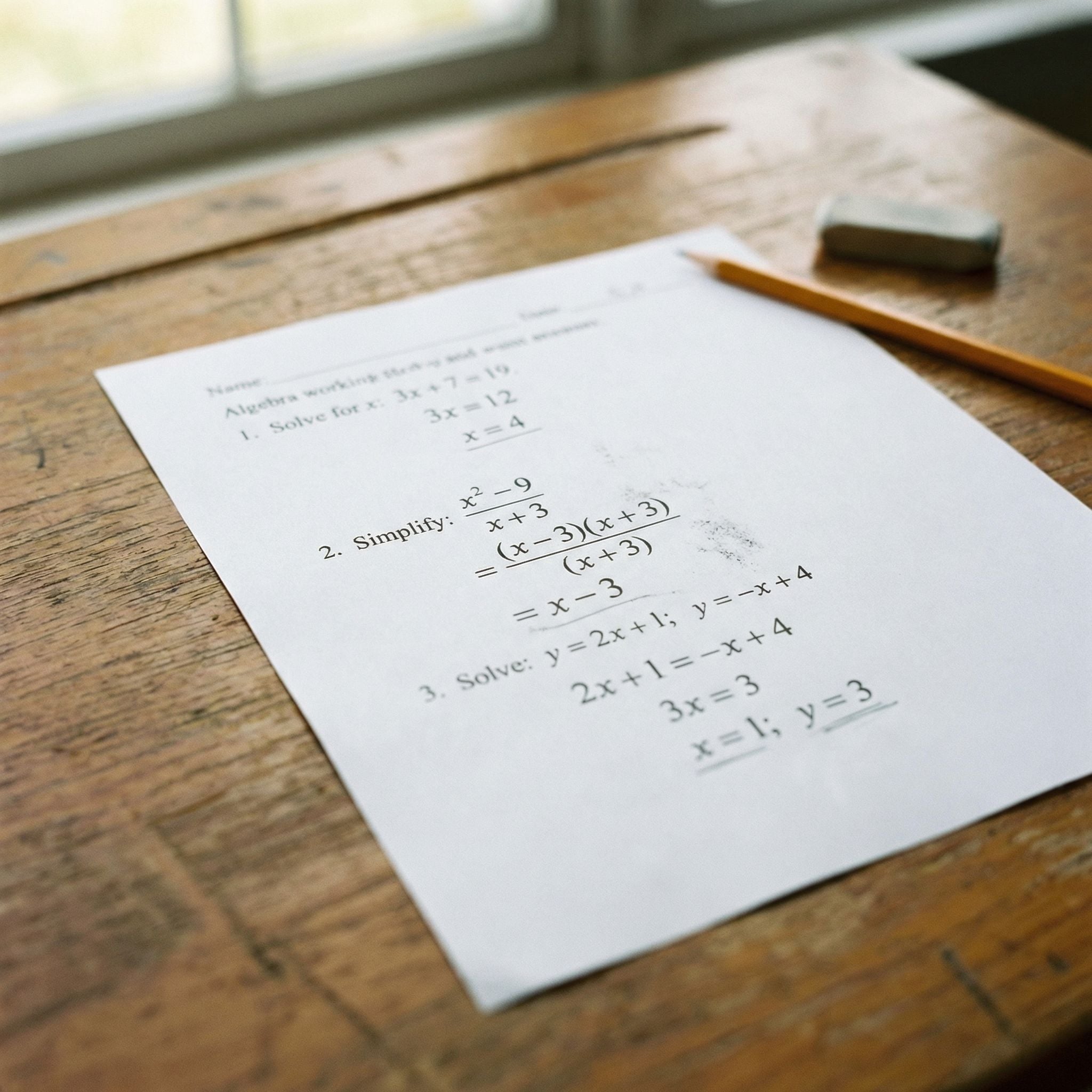
解題過程清楚呈現

A realistic close-up photo of a math worksheet on a wooden desk. The worksheet has three algebra questions, each answered neatly in pencil with full step-by-step working shown under each problem. Natural window light, shallow depth of field, highly legible handwriting, classroom realism.

需要結構化呈現時,指定預期格式與媒材,例如以鉛筆書寫呈現解題過程。
文字與設計一次到位

文字與設計一次到位

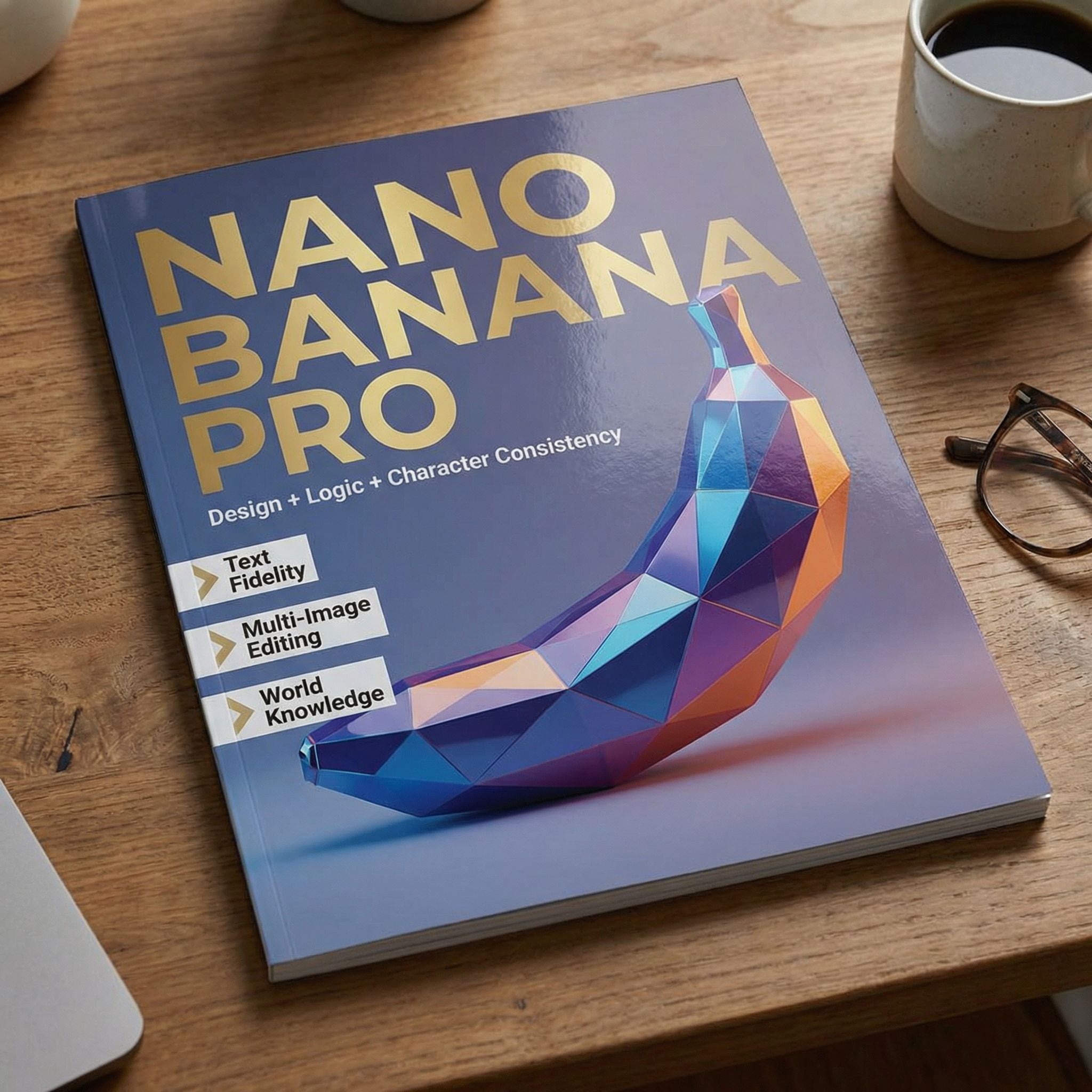
文字精準到位,兼顧版面風格

A premium glossy magazine cover on a desk with flawless typography. Main headline in large text: "NANO BANANA PRO". Subhead line: "Design + Logic + Character Consistency". Include three short callouts with exact text: "Text Fidelity", "Multi-Image Editing", "World Knowledge". Editorial layout, modern art direction, realistic print texture.

用雙引號框住精確字串,並明確命名每個文字區塊。

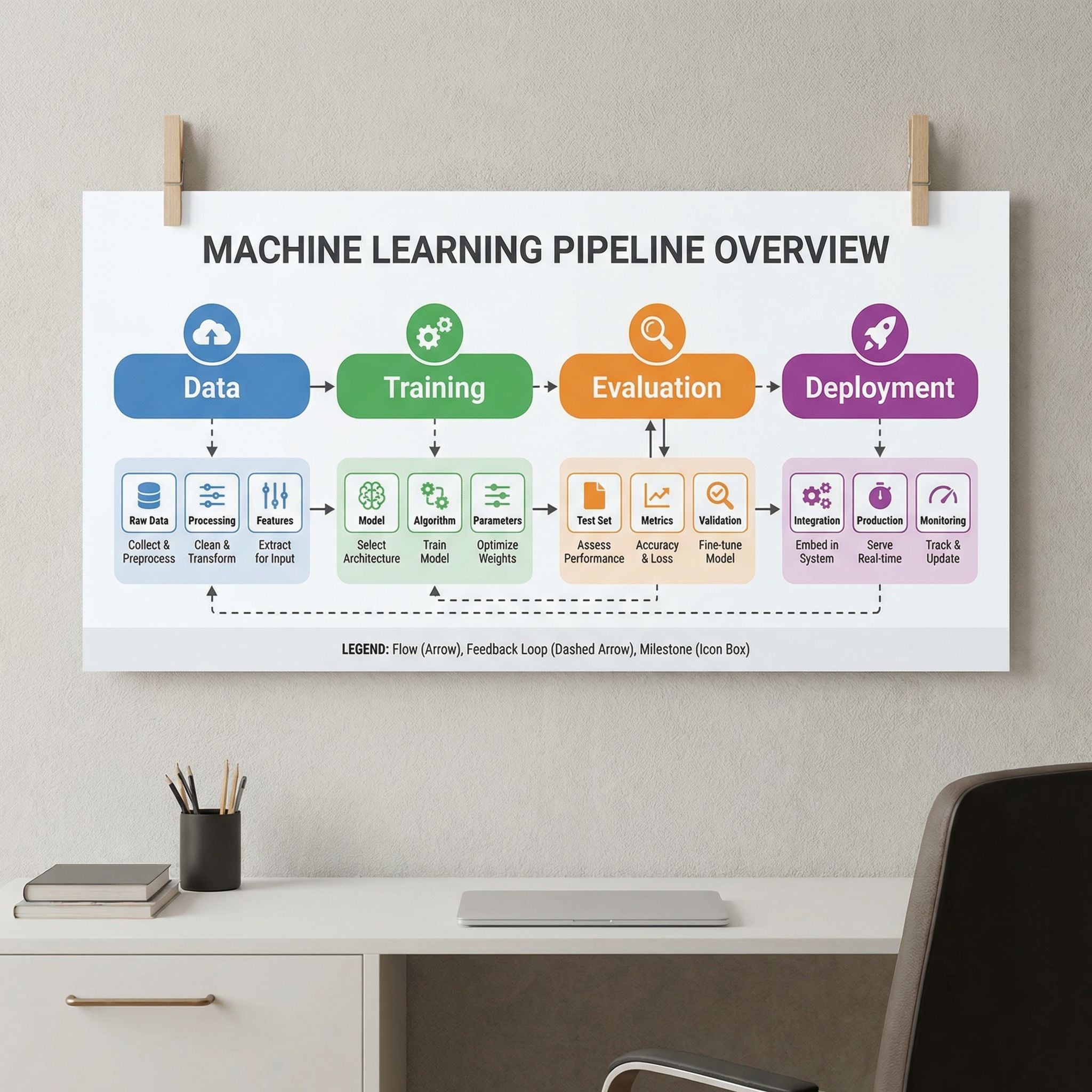
高資訊密度圖表構圖

高資訊密度圖表構圖

資訊豐富、層級分明的視覺設計

A wall-mounted educational infographic poster about machine learning pipelines, clean vector style with rich visual hierarchy. Include section headers with exact text: "Data", "Training", "Evaluation", "Deployment". Add arrows, icons, and concise annotation labels. Highly readable, balanced composition, polished design.

想提升資訊圖表品質,就在同一段提示詞中交代資訊層級、標籤與可讀性。

程式碼呈現

程式碼呈現

技術內容搭配清晰易讀的語法區塊

A cinematic desk scene with a laptop displaying a crisp React + WebGL shader code snippet in a dark theme editor. The code is clear and structured with imports, component function, and shader strings. Soft ambient lighting, photorealistic details, no gibberish UI text.

點明技術情境,例如 React、著色器程式碼、編輯器樣式,減少模型憑空生成語法。

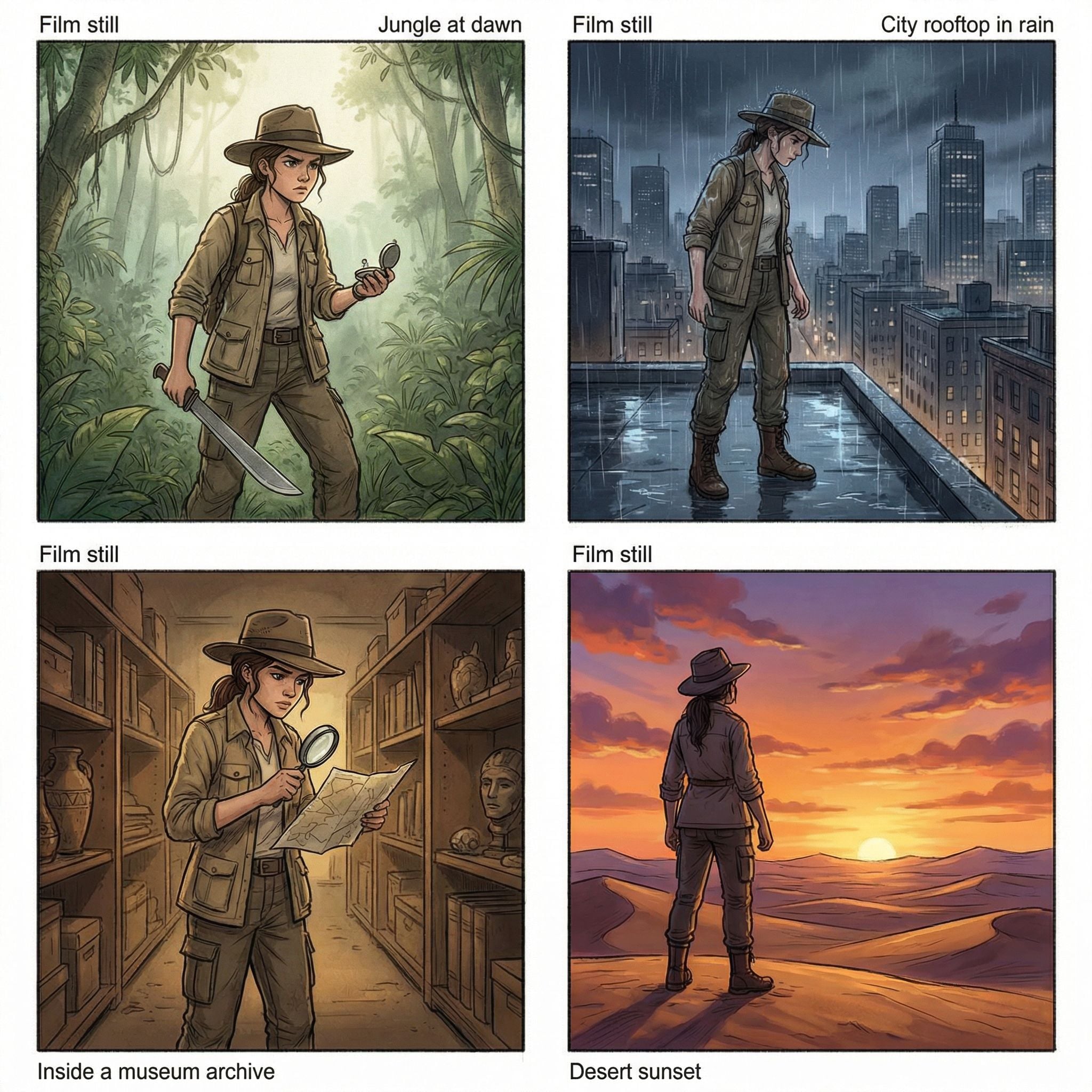
角色一致性分鏡

角色一致性分鏡

跨場景維持同一角色

A 2x2 storyboard grid featuring the same young female explorer character in each panel, consistent face and outfit. Panel 1: in a jungle at dawn. Panel 2: on a city rooftop in rain. Panel 3: inside a museum archive. Panel 4: desert sunset. Keep character identity and styling consistent across all panels, cinematic framing.

要求多格畫面保持連貫時,明確寫出鎖定角色身分的限制。

Nano Banana 2

Nano Banana 2 是與 Pro 並行的最新版本。提示詞原則相同,但在成本與品質之間提供不同的平衡。

Nano Banana Pro

  • 1K 或 2K 需 4.5 點數
  • 4K 解析度需 7.5 點數
  • 擅長複雜提示詞與編修
  • 高密度版面還原度最高

Nano Banana 2

  • 1K 解析度需 2.25 點數
  • 2K 需 3 點數,4K 需 4.5 點數
  • 單次生成更省點數
  • 日常首選模型

Pro 與 NB2:並排比較

同一段提示詞,不同模型演繹。下方每組圖片都使用完全相同的提示詞生成,直接比較 Pro 與 Nano Banana 2 如何處理同一個要求。

擬真效果

Photorealism - Nano Banana ProPro
Photorealism - Nano Banana 2NB2

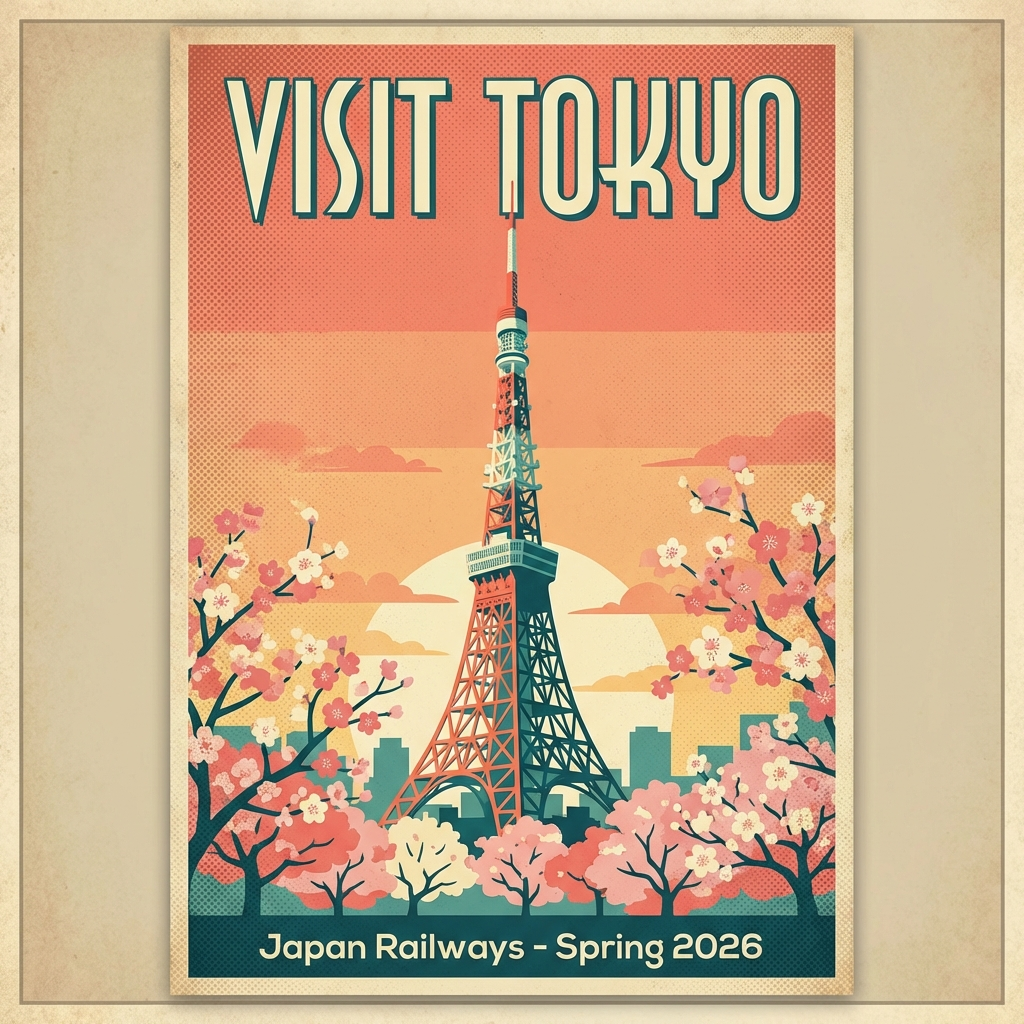
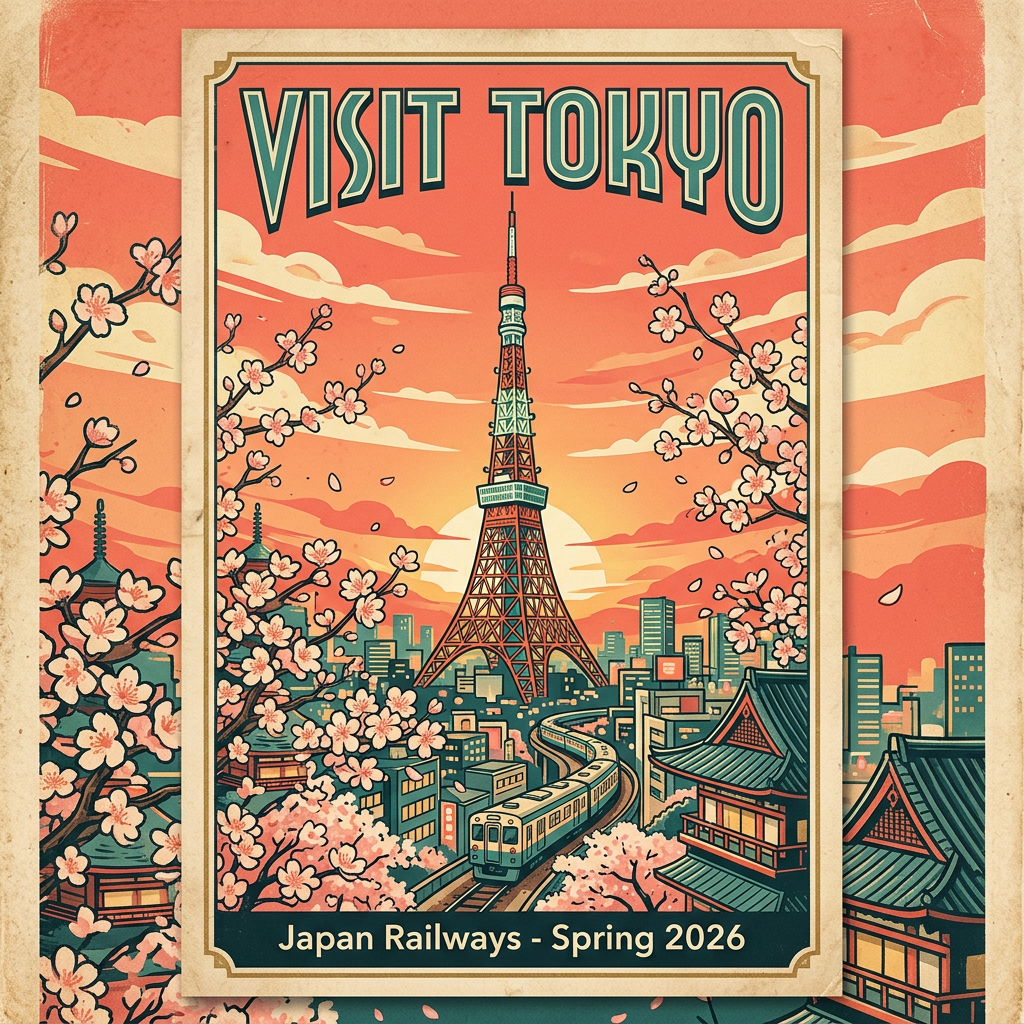
字體排印與文字

Typography & Text - Nano Banana ProPro
Typography & Text - Nano Banana 2NB2

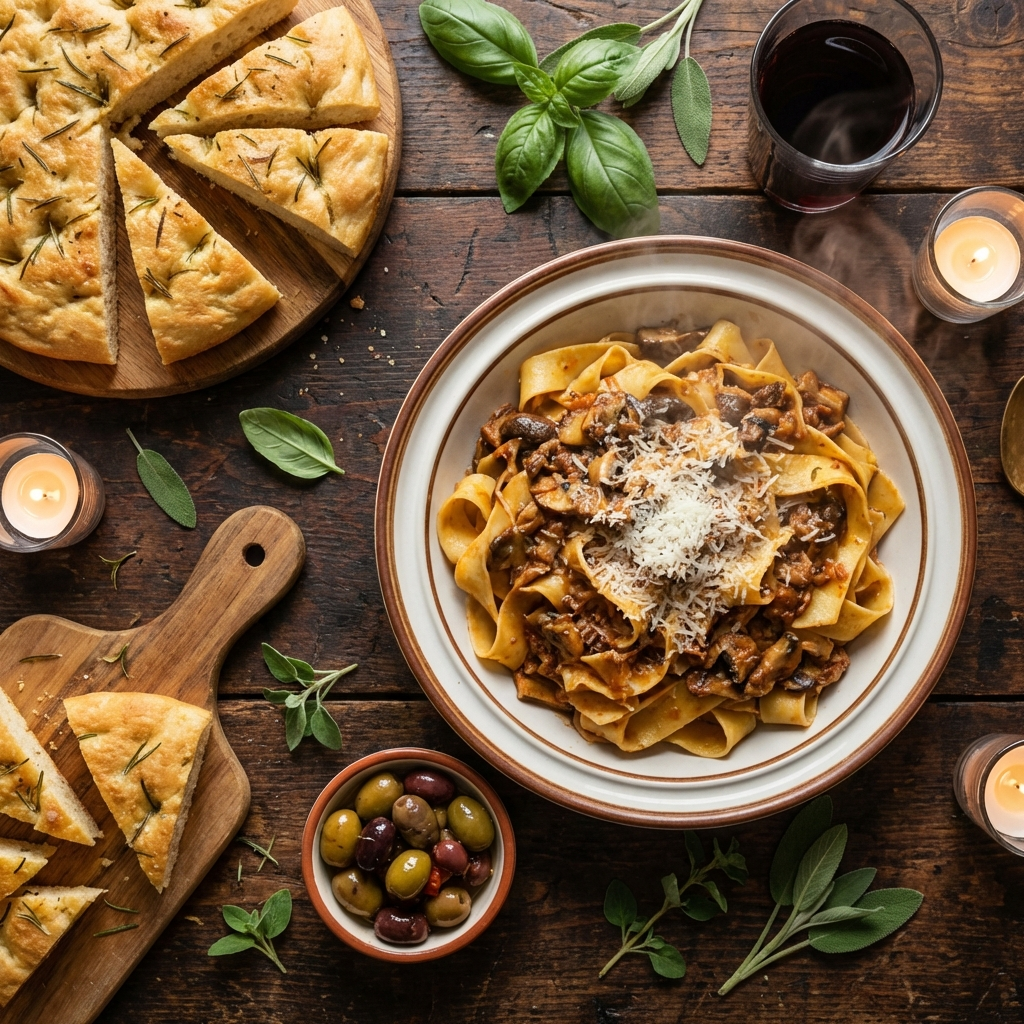
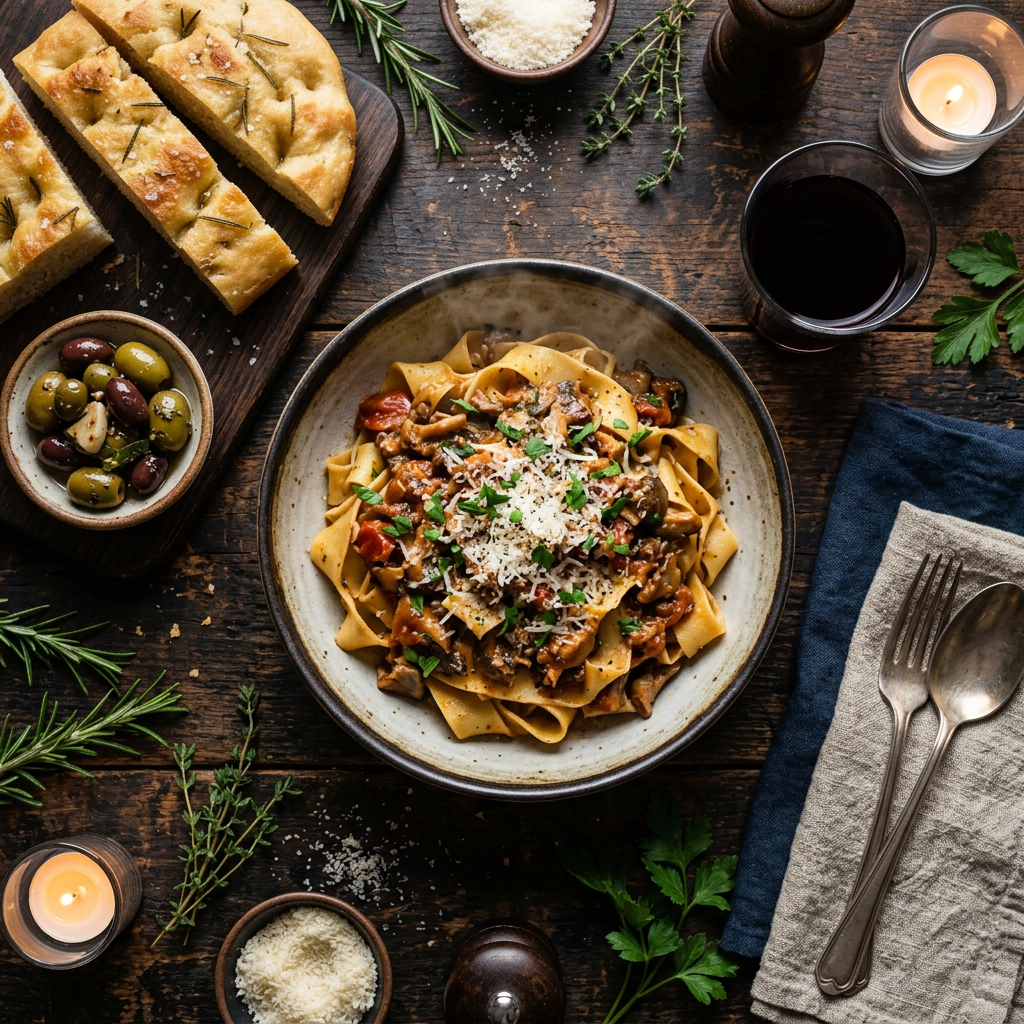
美食攝影

Food Photography - Nano Banana ProPro
Food Photography - Nano Banana 2NB2

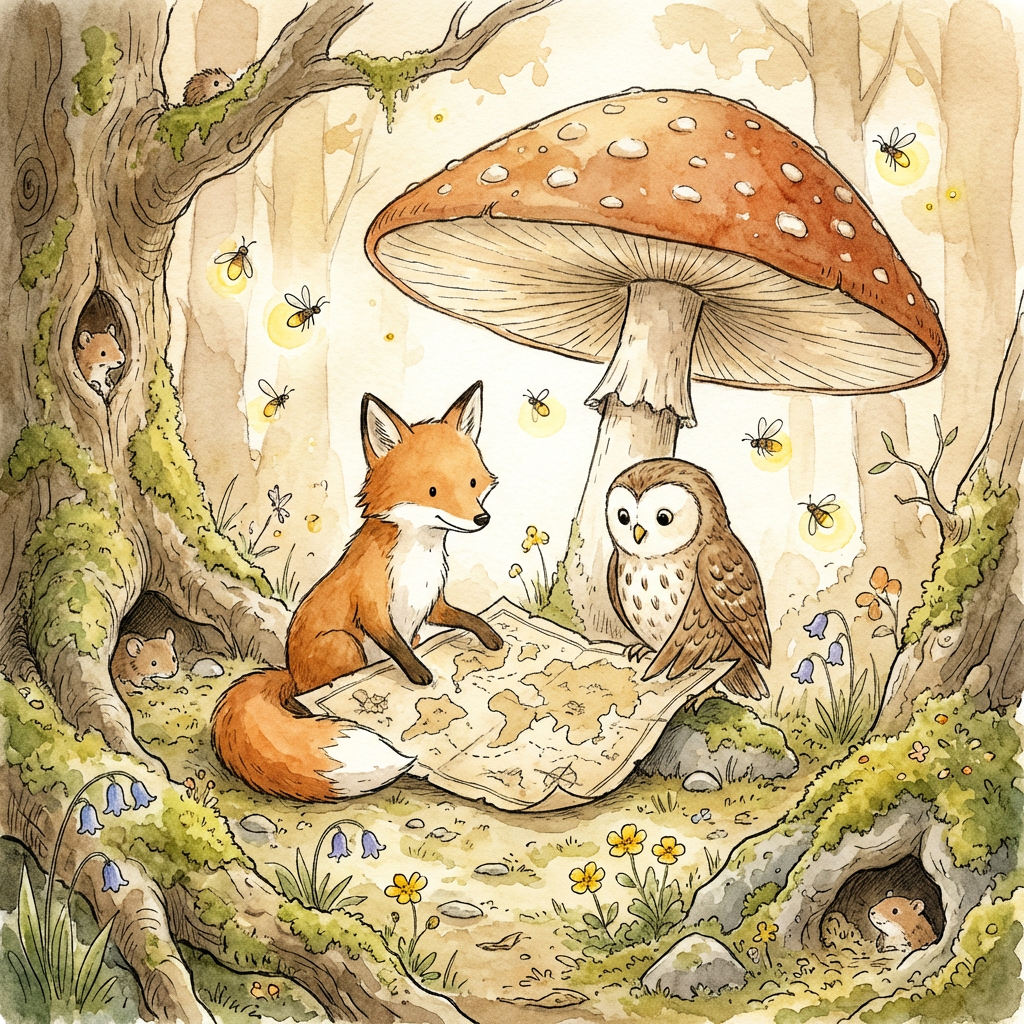
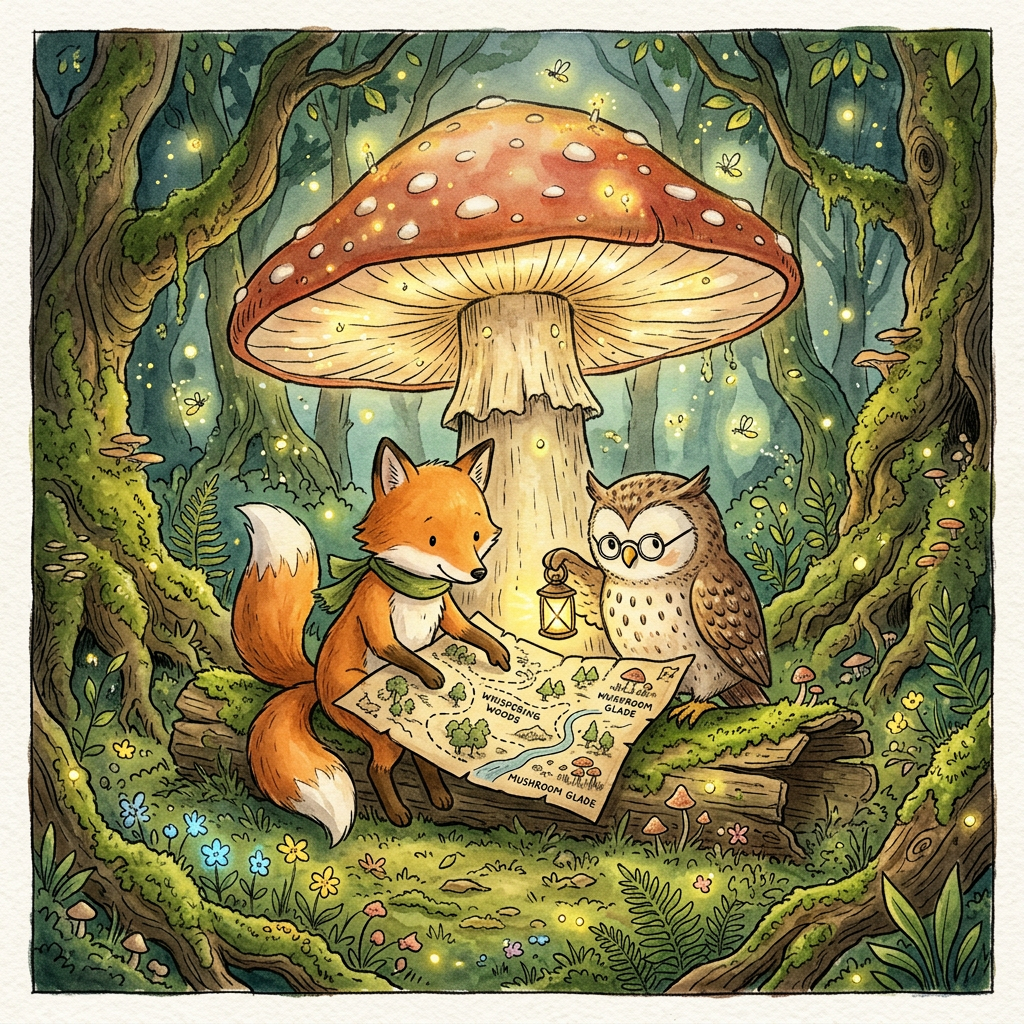
插畫風格

Illustration Style - Nano Banana ProPro
Illustration Style - Nano Banana 2NB2

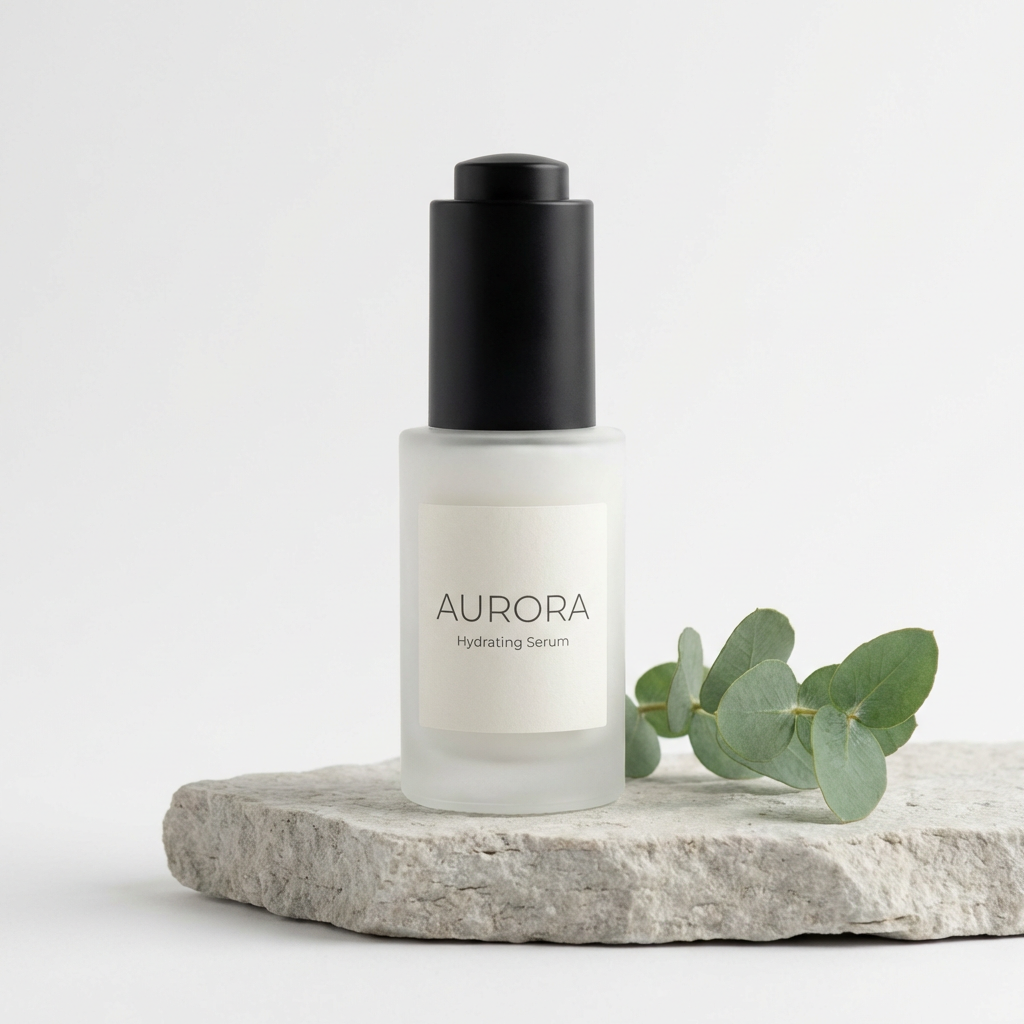
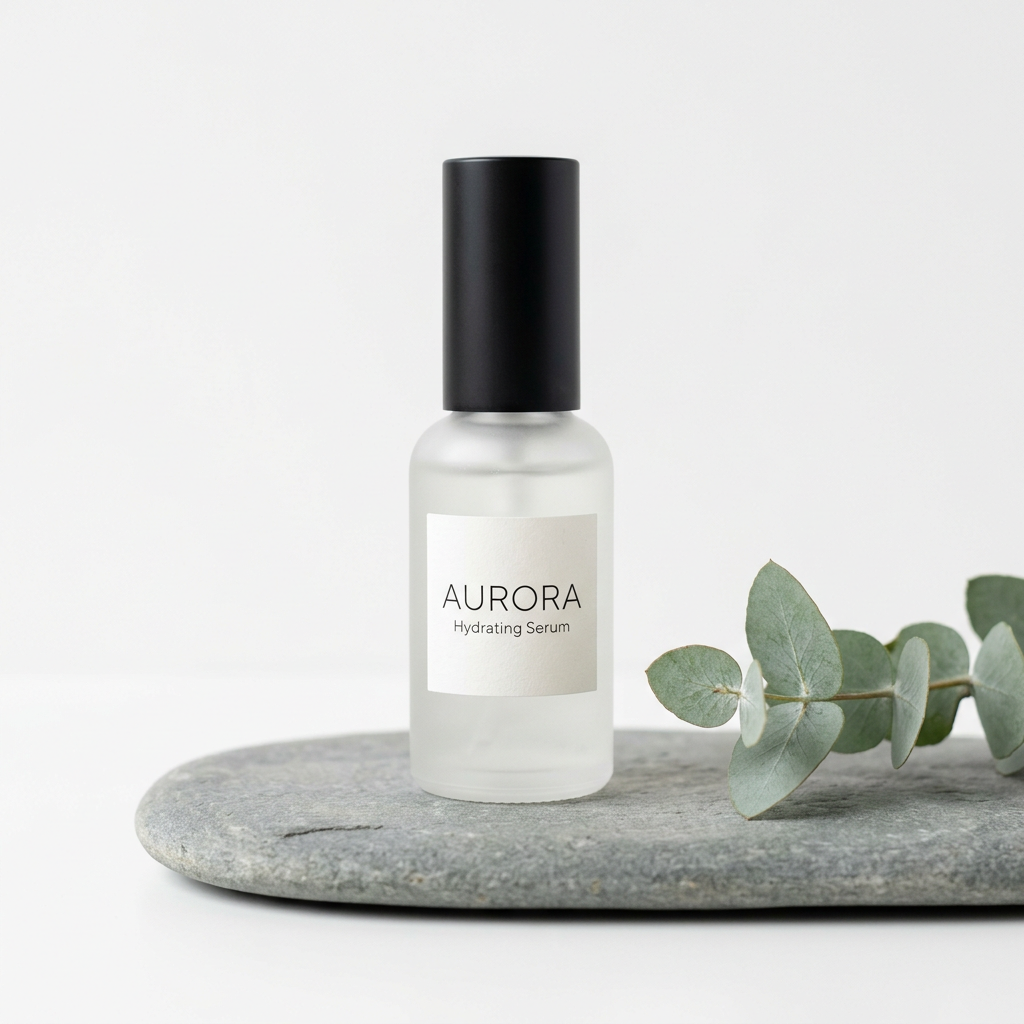
產品 Mockup

Product Mockup - Nano Banana ProPro
Product Mockup - Nano Banana 2NB2

提示詞範本

邏輯+標註範本

適用於學習單、白板與解說型內容。

Create a [format] that solves [topic/task] with step-by-step reasoning. Show work clearly in [style], include labels "[label 1]", "[label 2]", "[label 3]". Keep handwriting/typography legible and natural.

字體排印+版面範本

適用於海報、雜誌封面與設計 Mockup。

Design a [artifact type] with exact headline "[headline]". Include supporting text "[subhead]" and callouts "[callout A]", "[callout B]". Style: [editorial direction], [color palette], [composition constraints], high readability.

角色一致性範本

適用於分鏡與多場景連貫畫面。

Create a [grid/panel count] showing the same character across different scenes: [scene 1], [scene 2], [scene 3], [scene 4]. Keep face, outfit, and proportions consistent in every panel. Maintain [camera/style constraints].

檢查清單

  • 先定義輸出格式,例如海報、學習單、分鏡等。
  • 必須精準呈現的文字,請用引號框起來。
  • 資訊密集時,指定各項資訊的位置與層級。
  • 用具體的視覺限制維持一致性。
  • 每次只調整一個變因,精準掌控改善方向。