Veo 3.1 提示詞指南

為 Google Veo 3.1 下提示詞
搭配電影級鏡頭控制

實用的 Veo 3.1 提示詞指南,搭配實際生成的影片範例,掌握圖片轉影片、多參考圖場景與首尾影格內插。

總覽

這份 Veo 3.1 提示詞指南的關鍵:提示詞越清楚定義鏡頭構圖、鏡頭語言、主體風格與攝影機運動,Veo 3.1 的畫質提升就越明顯。想進一步掌控成果,用參考圖鎖定身分特徵,再用首尾影格鎖定故事的起點與結局。

提示詞實戰攻略

設定鏡頭構圖

一開始就指定取景方式與主體數量:單一鏡頭、過肩鏡頭、廣角定場鏡頭等。

善用鏡頭與對焦語言

直接指定鏡頭效果:淺景深、微距鏡頭、廣角、深景深。

指揮攝影機運動

用電影術語描述運動:推軌前進、向左搖鏡、跟拍、升降鏡頭上升、快速甩鏡。

善用各模式的專屬控制項

要維持一致性:用 reference_images。要做轉場:用 image + last_frame。要拚速度:用 Veo 3.1 Fast。

生成影片

強化圖片轉影片(快速)

從一張圖片出發,加入逼真動態

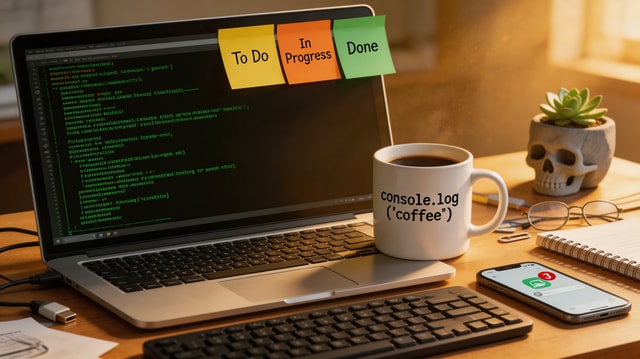
A cinematic push-in on a software engineer desk at night. Terminal lines update subtly on screen, keyboard LEDs pulse, steam drifts from a coffee mug, and city lights flicker through the window. Smooth camera motion, realistic micro-movements, no jump cuts.

想讓圖片轉影片更出色,用一個明確的攝影機運動搭配 2-3 個具體動態指示,確立鏡頭方向。

使用的輸入素材

輸入圖片

輸入圖片

參考圖轉影片(標準)

融合多張參考圖,打造協調一致的場景

A UGC-style product review shot. The same woman from the character reference sits at the desk background and presents the ceramic mug to camera, rotating it in her hand and smiling. Keep her identity and mug shape consistent with references, natural gestures, handheld realism.

標明每張參考圖的用途(角色、產品、環境),提升角色身分與物件的一致性。

使用的輸入素材

角色參考圖

角色參考圖

產品參考圖

產品參考圖

背景參考圖

背景參考圖

首尾影格內插

掌控故事的起點與結局

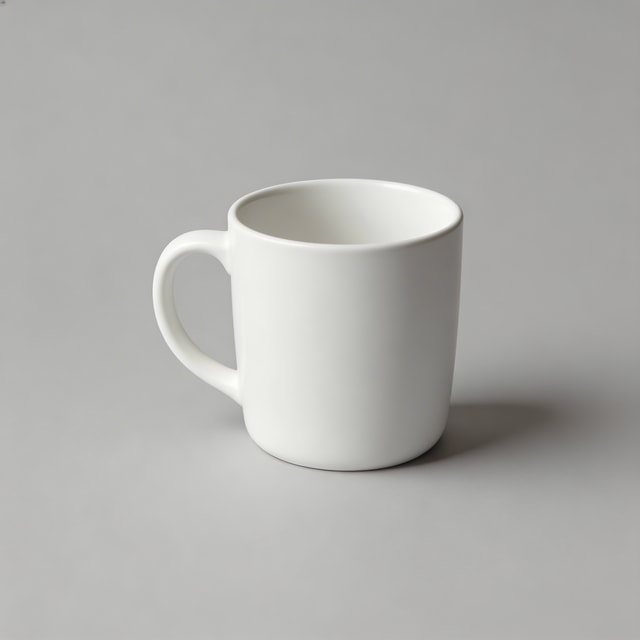
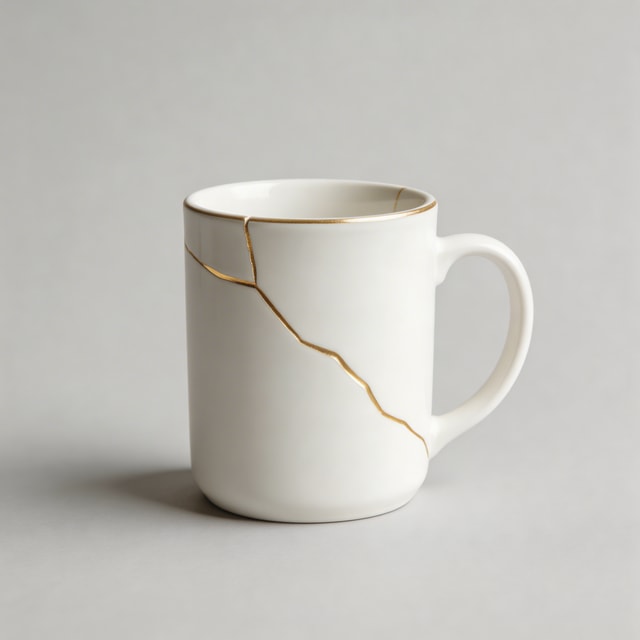
A smooth tabletop transformation sequence where a plain white mug develops elegant gold kintsugi cracks. Maintain studio framing and soft product-lighting continuity while morphing naturally from first frame to last frame.

當結尾狀態和開場鏡頭同樣重要時,就用首尾影格模式。

使用的輸入素材

首影格

首影格

尾影格

尾影格

提示詞範本

圖片轉影片範本

手上有一張出色的起始圖片,想加入自然可信的動態時,就用這個模式。

Start from this image and create a [shot type] with [camera movement]. Subject action: [action details]. Environment motion: [secondary motion]. Keep realism high, natural timing, and no abrupt transitions.

參考圖轉影片範本

適合用來維持不同生成場景中的角色與產品一致性。

Use reference 1 as the character, reference 2 as the product, and reference 3 as the environment. Create a [scene type] where the character [action] with the product. Preserve identity and object details from references, cinematic natural motion.

首尾影格範本

適合用來精準掌控變化過程與故事發展。

Generate a continuous video that starts exactly from the first frame and ends exactly on the last frame. Show [transformation/process] between them with [camera behavior], [lighting continuity], and smooth interpolation.

檢查清單

  • 用一句話交代取景方式、主體數量與攝影機運動。
  • 加入鏡頭與對焦風格,掌控畫面質感(微距、廣角、淺景深)。
  • 選對模式:圖片轉影片、參考圖轉影片,或首尾影格。
  • 使用參考圖時,在提示詞中明確定義每張圖的用途。
  • 先快速生成初稿,接著每次只調整一個變數。