ai voice AI Generator
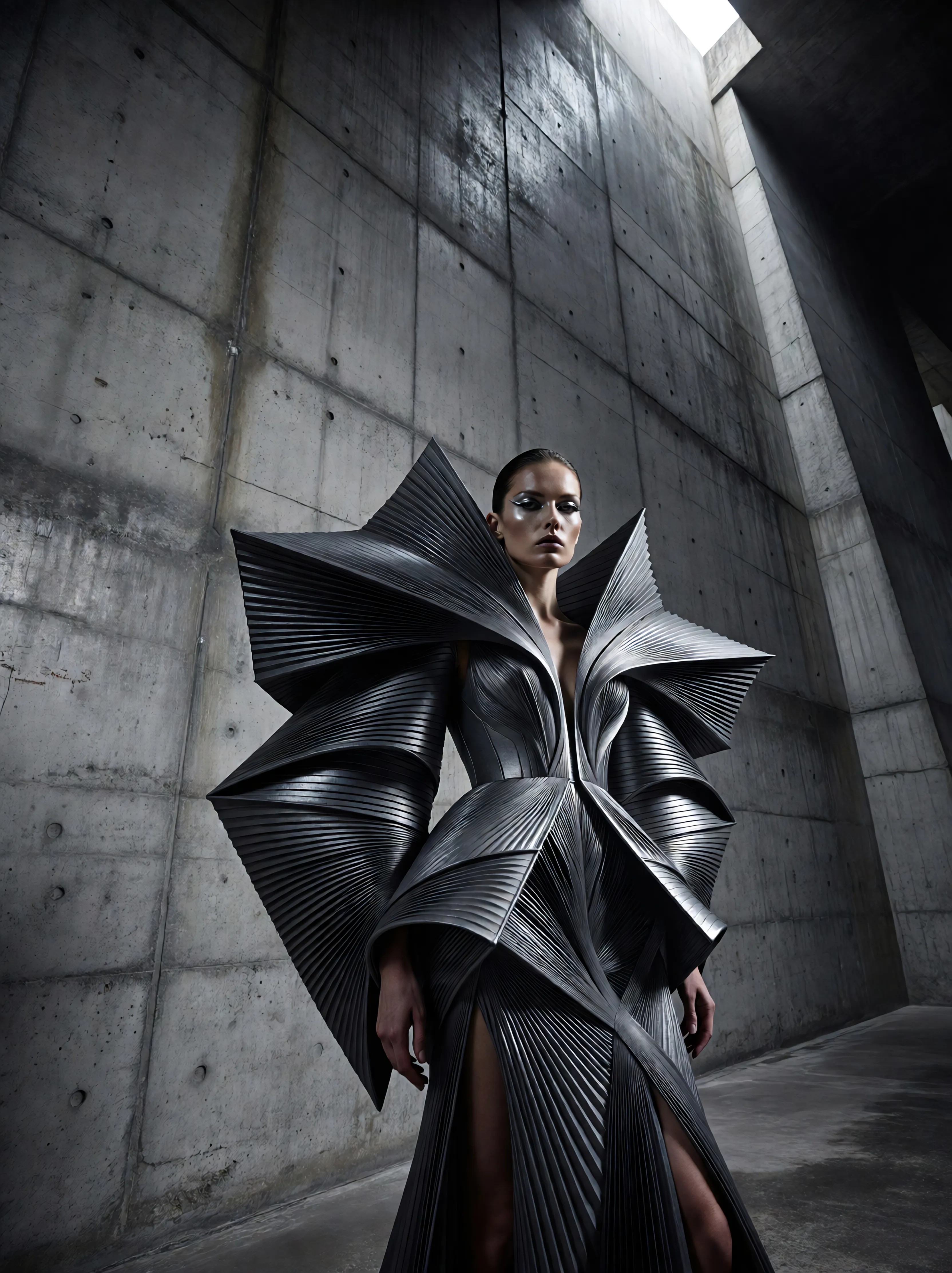
Generated on PixelDojo. Produced by PixelDojo's generation pipeline.
Imagine turning your scripts into captivating voiceovers that sound just like a professional narrator, all without hiring expensive talent or spending hours in a studio. With PixelDojo's AI voice generator, you can create realistic, expressive voices for your videos, podcasts, audiobooks, and marketing content in minutes. Whether you're a content creator, marketer, or educator, our tools help you engage audiences, save time, and produce high-quality audio that drives results. Powered by cutting-edge models like Text To Speech and WAN Sound to Video, PixelDojo makes it simple to achieve studio-grade outcomes from the comfort of your home.
Real image examples generated on PixelDojo
Every example below was produced on PixelDojo. Hover to see the prompt.
Ia-fashion
image-to-image

Ia-stylized
image-to-image

Ia-cinematic
image-to-image
A friendly female podcaster in a cool modern studio announcing that Pixel Dojo now has sup…
image-to-video
A kpop girl dancing and singing a song about how pixel dojo is the only ai tool you need
image-to-video
A kpop girl dancing and singing a song about how pixel dojo is the only ai tool you need
image-to-video
Models you can run on PixelDojo for ai voice
Switch models without switching tools. Each one runs in the same PixelDojo studio.
What you can do with ai voice on PixelDojo
Generate Images From Voice
Creators speak their image prompts aloud. We convert the voice input into matching visuals.
Edit Images With Speech
We accept voice commands to adjust existing images. Changes reflect the spoken instructions directly.
Instant Voice Prompt Rendering
We process spoken prompts without delay. Users receive generated images based on their voice input.
Apply Styles Via Voice
Creators describe desired styles verbally. We transfer those styles onto new or existing images.
Join over 50,000 creators worldwide who trust PixelDojo for their AI voice needs. Rated 4.9/5 stars on Product Hunt, with users praising our seamless integration and natural-sounding results. 'PixelDojo transformed my video production workflow!' - Verified User.
Why Choose Pixel Dojo for ai voice
Professional-quality results with cutting-edge AI technology
Produce Professional Voiceovers Instantly
Skip the recording sessions and generate high-quality, natural-sounding voices that match your brand's tone, helping you create engaging content faster and captivate your listeners from the first word.
Enhance Videos with Custom Audio
Seamlessly add voiceovers to your AI-generated videos, boosting viewer retention and making your stories more immersive, all while saving hours on post-production.
Scale Your Content Creation Effortlessly
Generate unlimited voices in multiple languages and styles, allowing you to expand your reach globally and produce more content without increasing your workload or budget.
How It Works
Creating stunning AI voices with PixelDojo is straightforward and user-friendly. Our platform guides you through each step, ensuring you get professional results every time.
Step 1: Choose Your Tool
Start by selecting from our specialized audio tools like Text To Speech for converting scripts to voice, or WAN Sound to Video for integrating audio directly into your visuals. This sets the foundation for your custom voice project.
Step 2: Enter Your Prompt
Input your text script and customize parameters such as tone, accent, or emotion using our intuitive editor. Tools like Text To Music can even add background scores to complement your voiceover.
Step 3: Customize & Download
Refine your audio with edits via Video to Sound or Lip Sync for perfect synchronization, then download your high-quality file ready for use in videos or podcasts.
The Pixel Dojo Advantage
Why PixelDojo outperforms other options for AI voice generation
| Others | Pixel Dojo |
|---|---|
| Traditional voice recording | Eliminate costly studio time and equipment needs; generate unlimited variations instantly without retakes or scheduling hassles. |
| Generic AI tools | Access integrated image and video tools for seamless workflows, plus advanced customization like emotional tones that generic options lack. |
| Manual audio editing | Automate the entire process from text to polished audio, saving you hours of tedious editing while delivering consistent, professional quality. |
Loved by creators on PixelDojo
Real feedback from people using PixelDojo, pulled from our in-product surveys.
ease of use, variety of tools, high quality trainings, and a well-maintained discord channel
Ease of use, friendliness and support of the owner, continued innovation.
it is an amazing site to create a pics and vids for those who don't have the hardware themselves
good tools in one place
Prompt updates, strong features, and a community that is always willing to help and hear/act on professional feedback. I've never had a better experience.
user friendly all in one thing
Explore more AI tools on PixelDojo
AI Tools
Compare & Switch
- Best AI Image Generators
- Best AI Video Generators
- Midjourney Alternatives
- Civitai Alternatives
- Runway Alternatives
- Leonardo Alternatives
- Pika Alternatives
- Luma Alternatives
- Magnific Alternatives
- Veo Alternatives
- Flux Alternatives
- Freepik Alternatives
- Seedance Alternatives
- Seedream Alternatives
- Pixverse Alternatives
- GPT Image Alternatives
- Synthesia Alternatives
- Playground Alternatives
- NightCafe Alternatives
- Canva AI Alternatives
- ElevenLabs Alternatives
- ComfyUI Alternatives
- Fal Alternatives
- Replicate Alternatives
Common Questions
Everything you need to know about ai voice
What is the best AI voice generator for realistic text to speech?
PixelDojo stands out as the best AI voice generator for realistic text to speech, offering tools like Text To Speech that produce natural, expressive voices in over 50 languages. You can customize pitch, speed, and emotion to match your needs, helping you create professional audio for videos, e-learning, or accessibility features without any technical expertise.
How can I create AI voiceovers for videos using AI tools?
With PixelDojo, creating AI voiceovers for videos is simple using WAN Sound to Video or Video to Sound tools. Input your script, select a voice style, and integrate it directly into your AI-generated videos from models like Runway Gen-4 Video. This results in synchronized, high-quality content that boosts engagement and saves production time.
What are the latest trends in AI voice generation techniques?
Latest trends in AI voice generation include multilingual support, emotional inflection, and voice cloning, as seen in advancements from models like those powering PixelDojo's Text To Speech. You can leverage these to create personalized voices for global audiences, enhancing storytelling in podcasts or ads, all while staying ahead with our regularly updated 40+ tools.
Can I generate custom AI voices for podcasts with PixelDojo?
Absolutely, PixelDojo lets you generate custom AI voices for podcasts using Text To Music and Text To Speech. Craft unique narrations with various accents and tones, add background music, and export ready-to-publish files. Thousands of creators use this to produce episodes faster, increasing output without compromising quality.
How to integrate AI voice with image and video generation?
PixelDojo makes integrating AI voice with image and video generation seamless via tools like OVI (Audio+Video) and Lip Sync. Generate images with Flux or videos with Kling v2.5 Turbo Pro, then overlay custom voices from Text To Speech for complete multimedia projects, perfect for tutorials or social media content.
Is there a free AI voice generator with high-quality output?
PixelDojo offers a free tier for its AI voice generator, providing high-quality output through tools like Text To Speech. Upgrade for unlimited access and advanced features, loved by thousands worldwide. Cancel anytime and start creating realistic voices that rival professional recordings today.