Pencil Sketch AI Generator
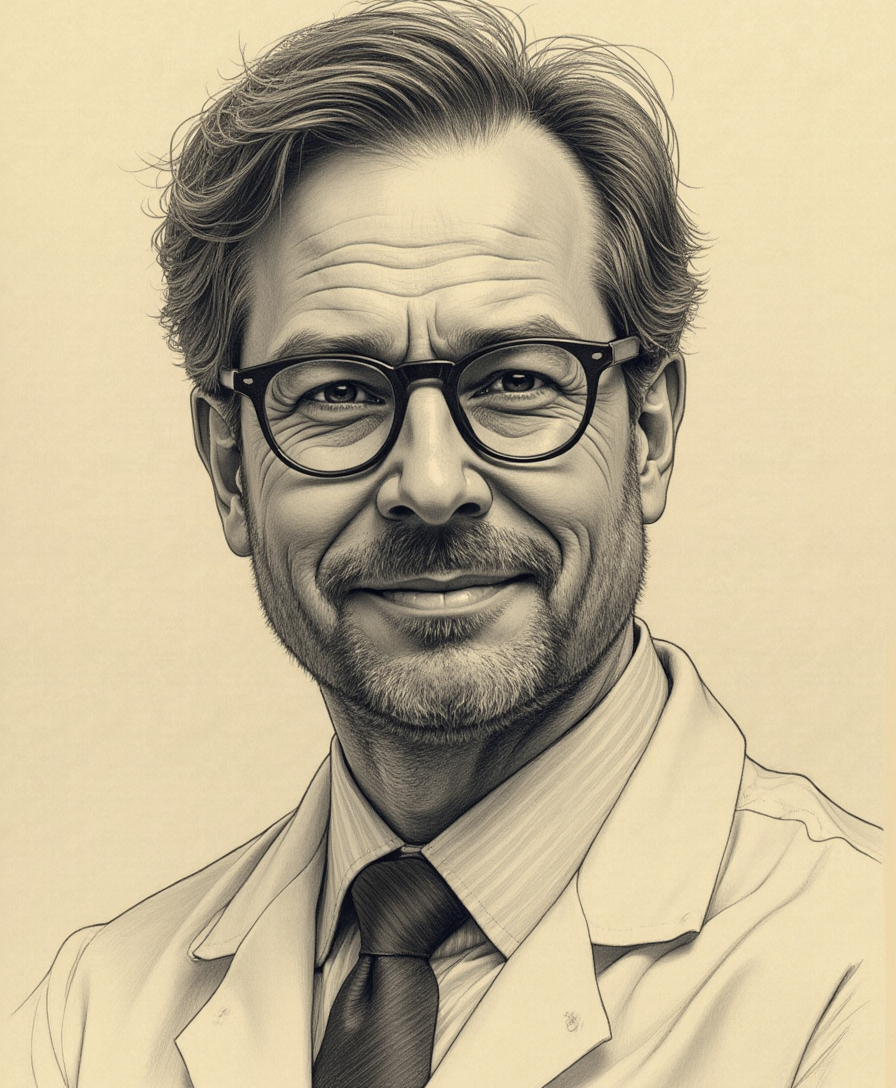
Generated on PixelDojo. Produced by PixelDojo's generation pipeline.
Unleash your creativity by transforming your photos into stunning pencil sketches with PixelDojo's advanced AI tools. Whether you're an artist seeking inspiration or someone looking to add an artistic touch to your images, our platform makes it simple and accessible.
Real image examples generated on PixelDojo
Every example below was produced on PixelDojo. Hover to see the prompt.
A highly detailed
stable-diffusion
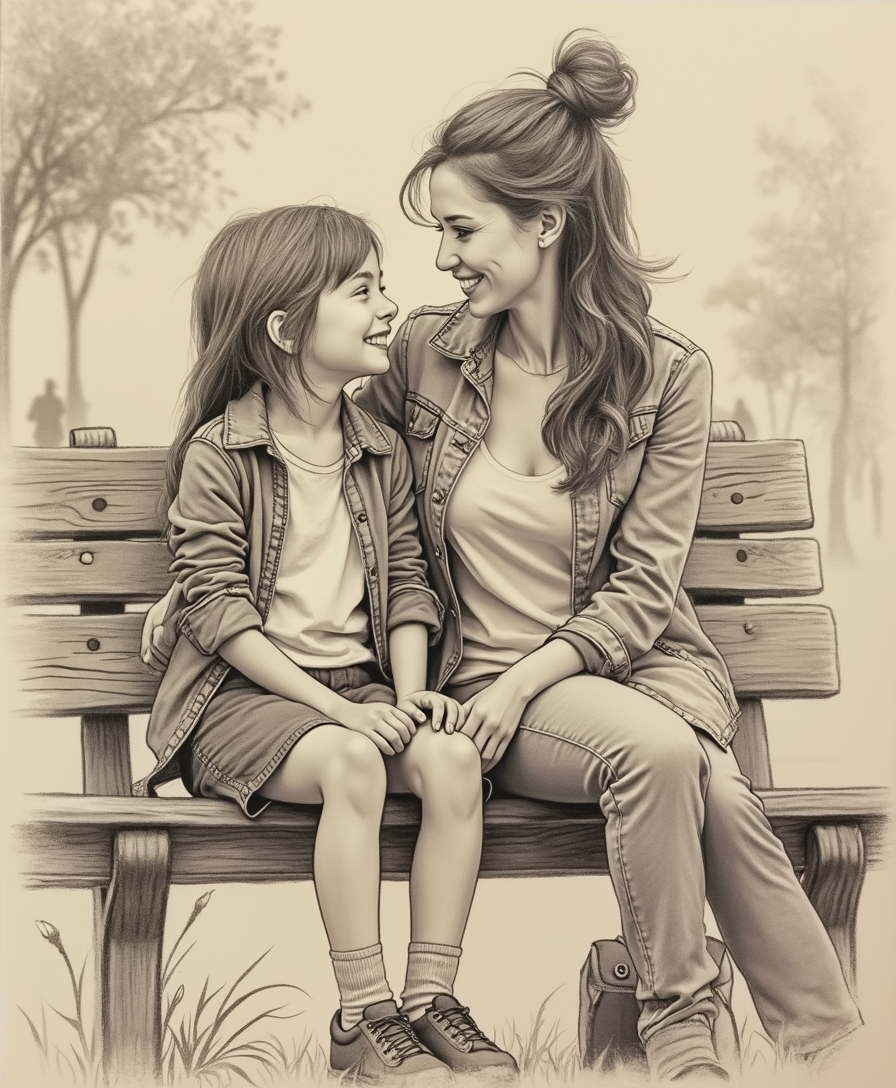
A detailed pencil sketch of a mother and her 12-year-old daughter sitting on a park bench
flux
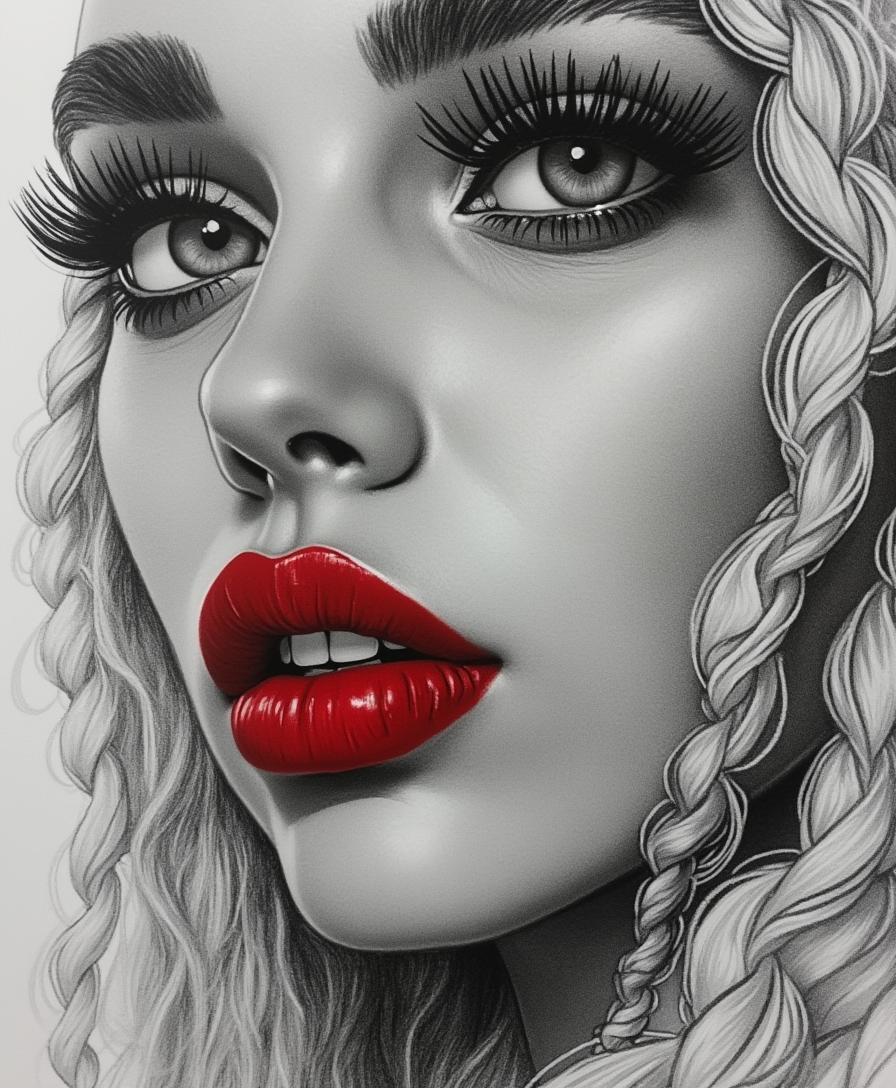
Black and white sketch in simple pencil
stable-diffusion
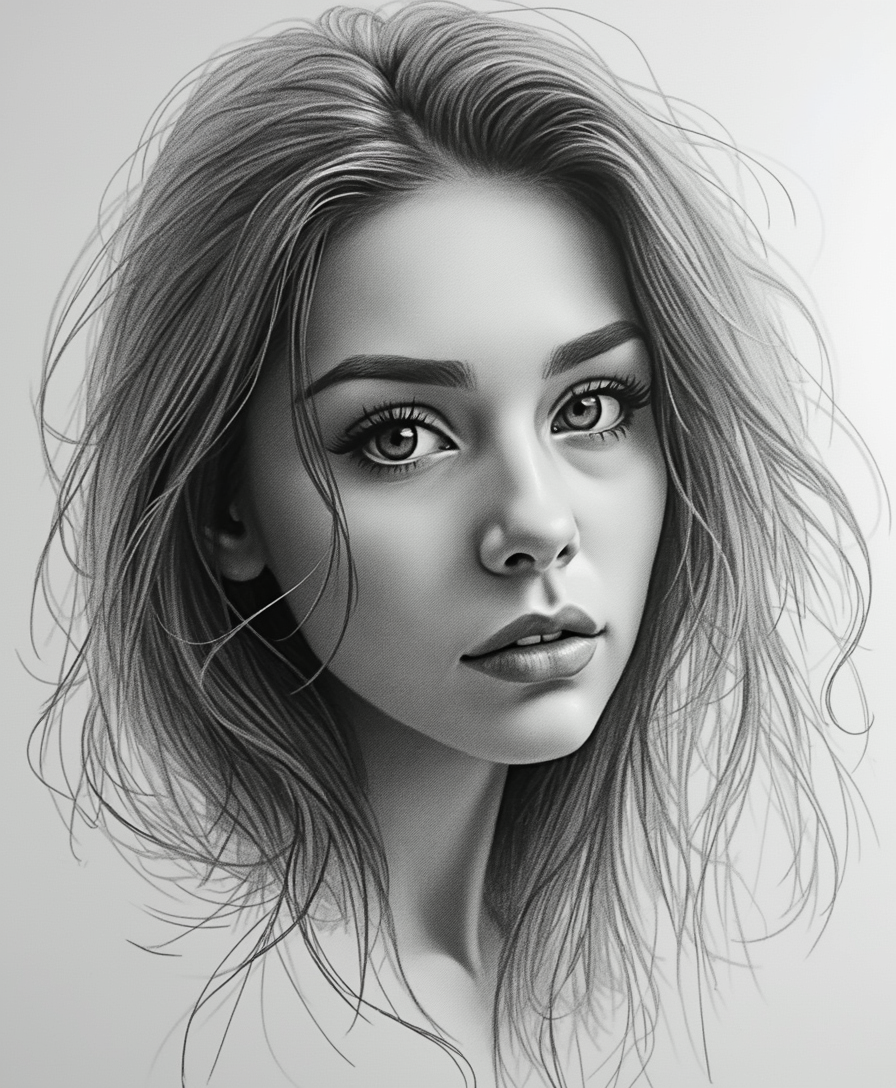
Transform the uploaded photo into a detailed black-and-white pencil sketch
flux
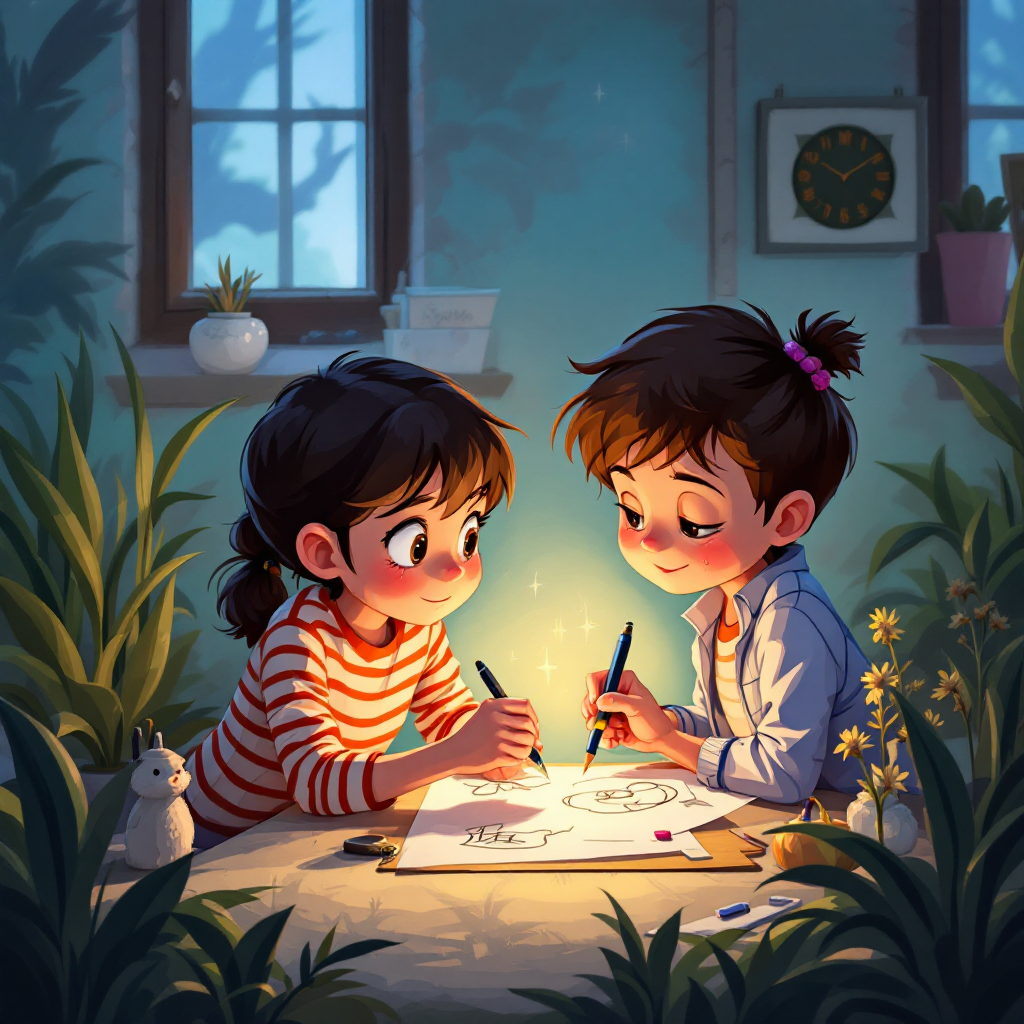
Two cartoon characters drawing a picture
flux-studio
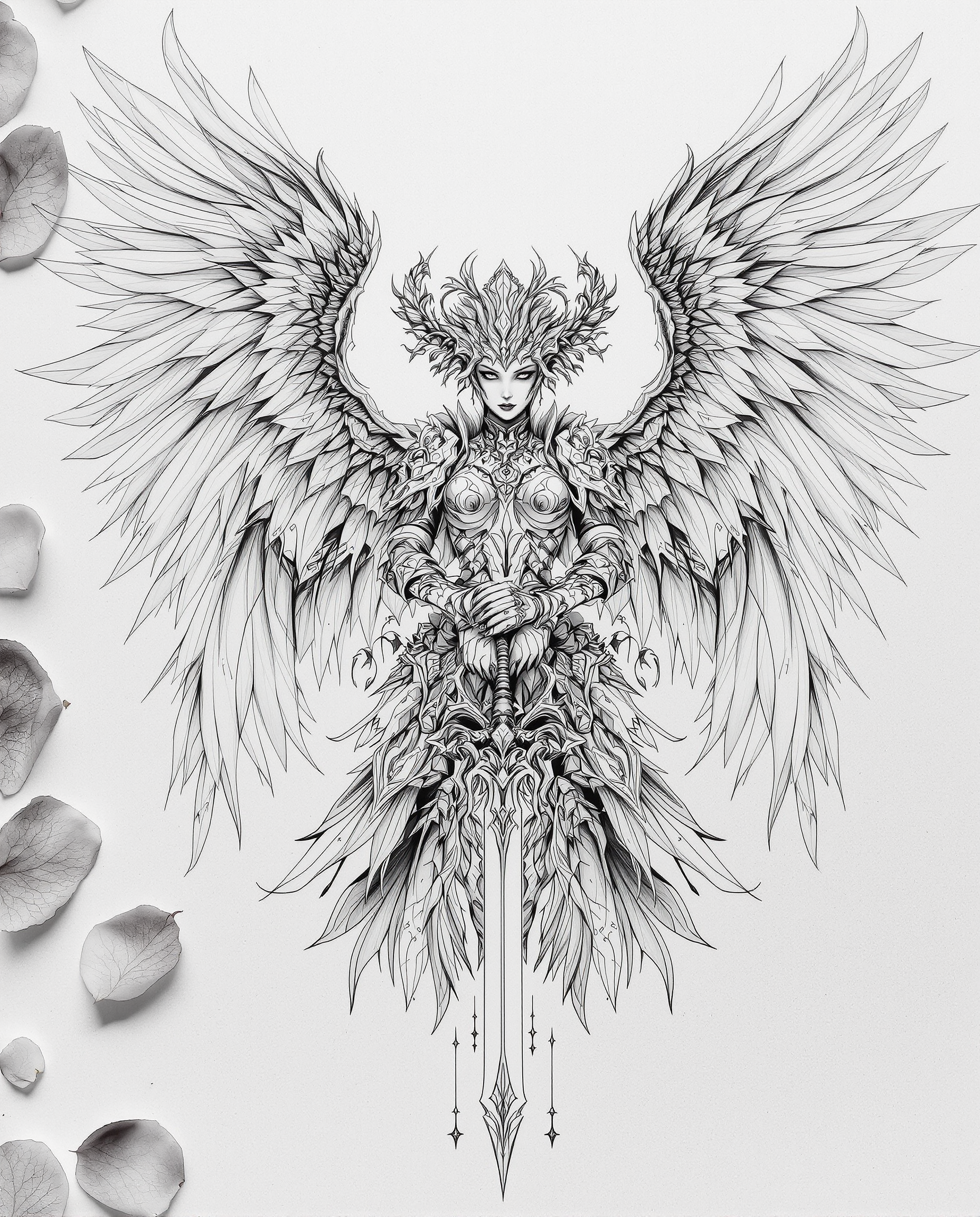
A highly detailed
flux
Models you can run on PixelDojo for Pencil Sketch
Switch models without switching tools. Each one runs in the same PixelDojo studio.
What you can do with Pencil Sketch on PixelDojo
Text to Pencil Sketch
We turn text prompts into pencil sketch images. Users set line weight and shading levels before generation.
Multiple Pencil Styles
We offer hatching cross hatching and stippling options. Creators select a style and apply it to any prompt.
Batch Sketch Creation
We generate several pencil sketch variations from one prompt. Users review and keep the versions they need.
Export Sketch Files
We let creators download finished sketches in PNG or JPEG. Files retain original line detail at chosen resolutions.
Join over 10,000 satisfied users who have created more than 500,000 unique pencil sketch images using PixelDojo's AI technology.
Why Choose Pixel Dojo for Pencil Sketch
Professional-quality results with cutting-edge AI technology
Effortless Transformation
Convert your photos into realistic pencil sketches in seconds, without any prior artistic skills.
High-Quality Outputs
Generate high-resolution sketches that capture intricate details and textures, suitable for both digital and print media.
Creative Flexibility
Customize your sketches with various styles and settings to match your artistic vision.
How It Works
Creating pencil sketch images with PixelDojo is a straightforward process. Follow these simple steps to bring your photos to life:
Step 1: Choose Your Tool
Select the 'Pencil Sketch' style from our range of AI tools to begin the transformation process.
Step 2: Upload Your Photo
Upload the image you wish to convert into a pencil sketch. Ensure the photo is clear and well-lit for optimal results.
Step 3: Customize & Download
Adjust settings such as shading intensity and line weight to achieve your desired effect. Once satisfied, download your high-quality pencil sketch image.
The Pixel Dojo Advantage
Why PixelDojo is the superior choice for generating pencil sketch images:
| Others | Pixel Dojo |
|---|---|
| Traditional Sketching | Save time and effort by instantly converting photos to sketches without manual drawing. |
| Generic AI Tools | Benefit from specialized algorithms tailored specifically for high-quality pencil sketch generation. |
| Manual Photo Editing | Achieve consistent and realistic sketch effects without the need for complex editing skills. |
Loved by creators on PixelDojo
Real feedback from people using PixelDojo, pulled from our in-product surveys.
All the tools needed in one dashboard
Very fair and very broad in tools.
Accurate results
Great site and so much fun to use!
very useful set of tools for image creation, upscaling and enhancement
ease of use, variety of tools, high quality trainings, and a well-maintained discord channel
Explore more AI tools on PixelDojo
AI Tools
Compare & Switch
- Best AI Image Generators
- Best AI Video Generators
- Midjourney Alternatives
- Civitai Alternatives
- Runway Alternatives
- Leonardo Alternatives
- Pika Alternatives
- Luma Alternatives
- Magnific Alternatives
- Veo Alternatives
- Flux Alternatives
- Freepik Alternatives
- Seedance Alternatives
- Seedream Alternatives
- Pixverse Alternatives
- GPT Image Alternatives
- Synthesia Alternatives
- Playground Alternatives
- NightCafe Alternatives
- Canva AI Alternatives
- ElevenLabs Alternatives
- ComfyUI Alternatives
- Fal Alternatives
- Replicate Alternatives
Common Questions
Everything you need to know about Pencil Sketch
How does PixelDojo's AI pencil sketch generator work?
PixelDojo utilizes advanced AI algorithms to analyze your photos and apply realistic pencil sketch effects, capturing intricate details and textures.
Can I customize the style of the pencil sketch?
Yes, you can adjust various settings such as shading intensity and line weight to achieve your desired artistic effect.
Is PixelDojo suitable for professional use?
Absolutely. PixelDojo generates high-resolution, detailed sketches suitable for both digital and print media, making it ideal for professional projects.
Do I need any artistic skills to use PixelDojo?
No prior artistic skills are required. PixelDojo's user-friendly interface makes it accessible to everyone.
Can I use PixelDojo on mobile devices?
Yes, PixelDojo is optimized for both desktop and mobile devices, allowing you to create sketches on the go.
Is there a free trial available?
Yes, PixelDojo offers a free trial so you can explore our tools and create pencil sketches before committing to a subscription.