Watercolor AI Generator
Generated on PixelDojo. Produced by PixelDojo's generation pipeline.
Experience the timeless beauty of watercolor art without the need for traditional painting skills. With PixelDojo's advanced AI tools, you can effortlessly transform your ideas into stunning watercolor masterpieces. Whether you're an artist seeking new mediums or a novice exploring creative expression, our platform empowers you to create captivating watercolor images with ease.
Real image examples generated on PixelDojo
Every example below was produced on PixelDojo. Hover to see the prompt.
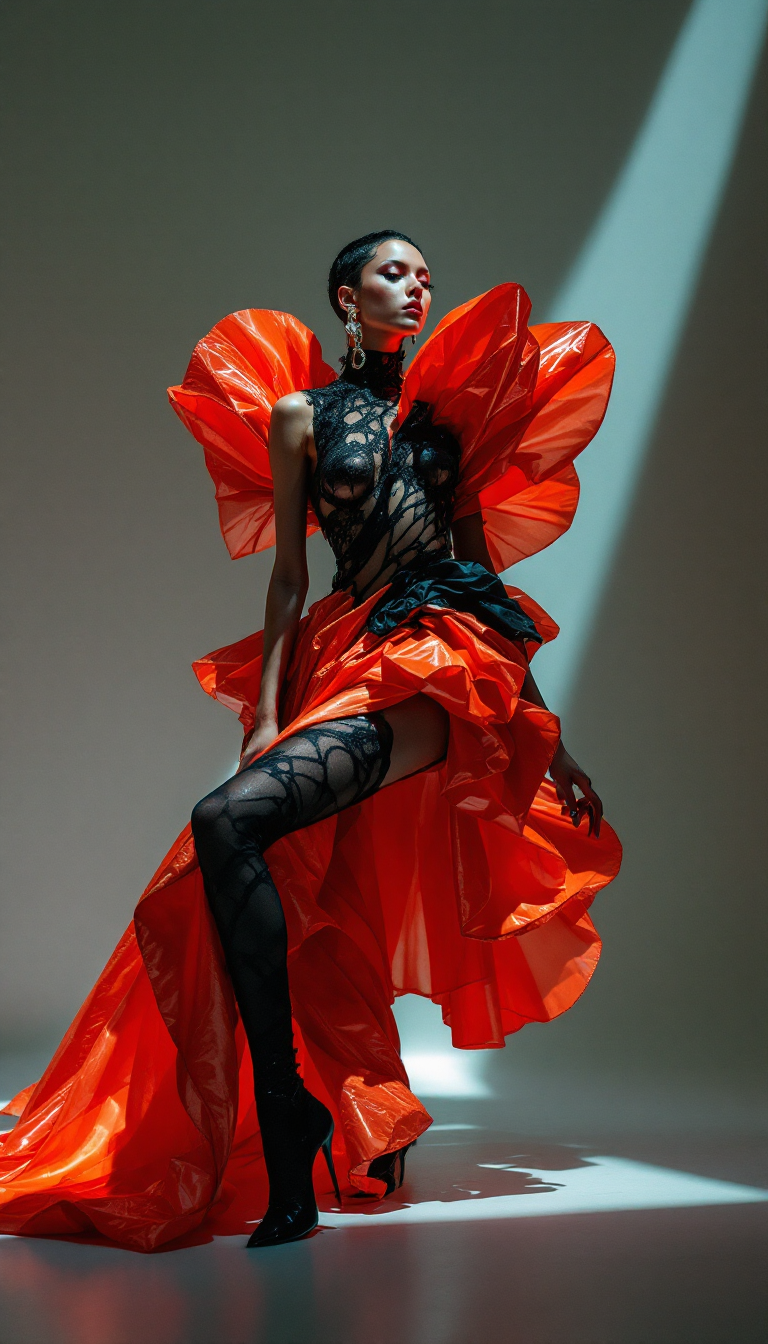
A striking top avant-garde fashion model captured in a high-fashion editorial for Vogue ma…
flux
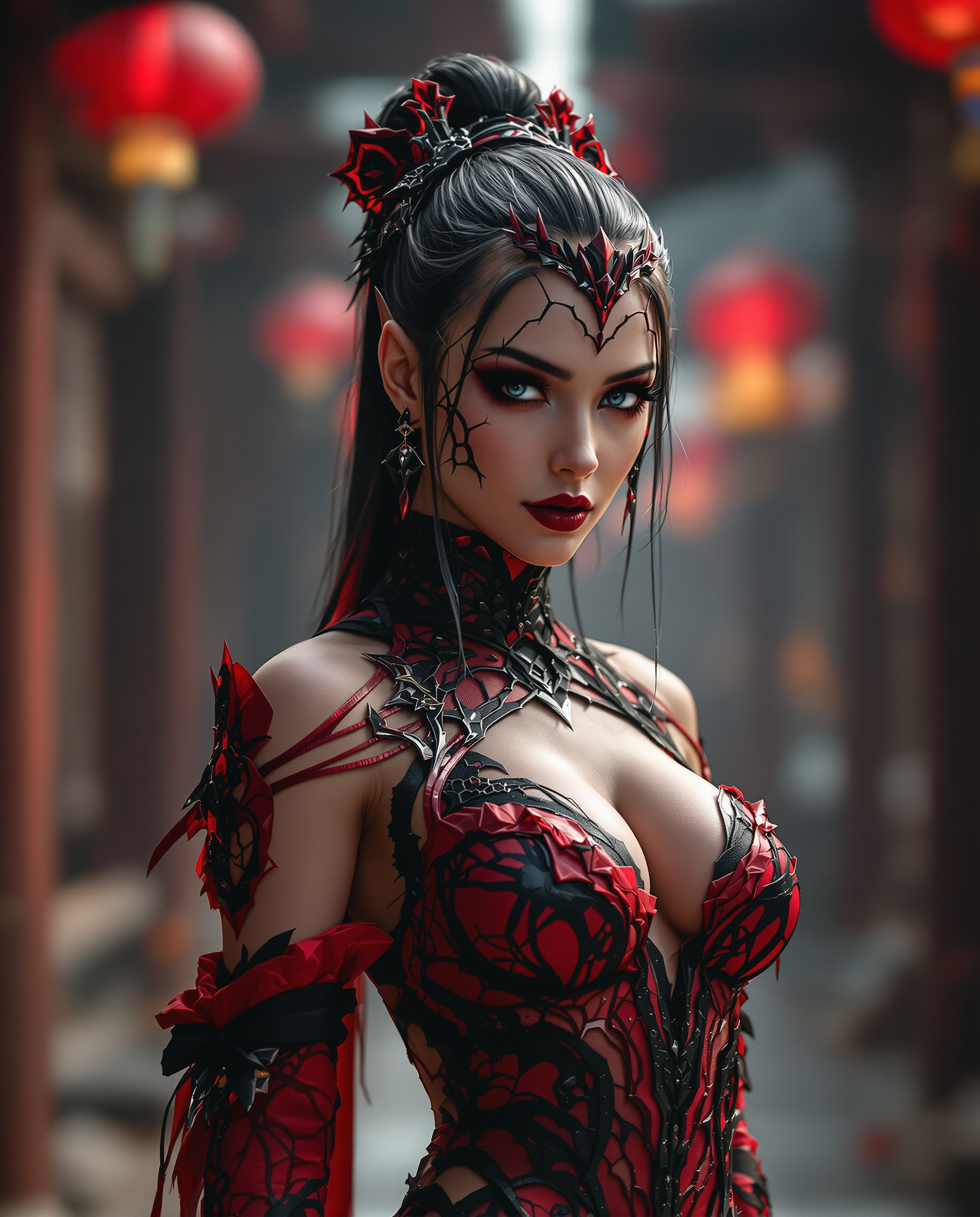
A stunning digital photograph of a female character in a striking red and black costume
flux
I_face_neutral
flux-inpainting-lora
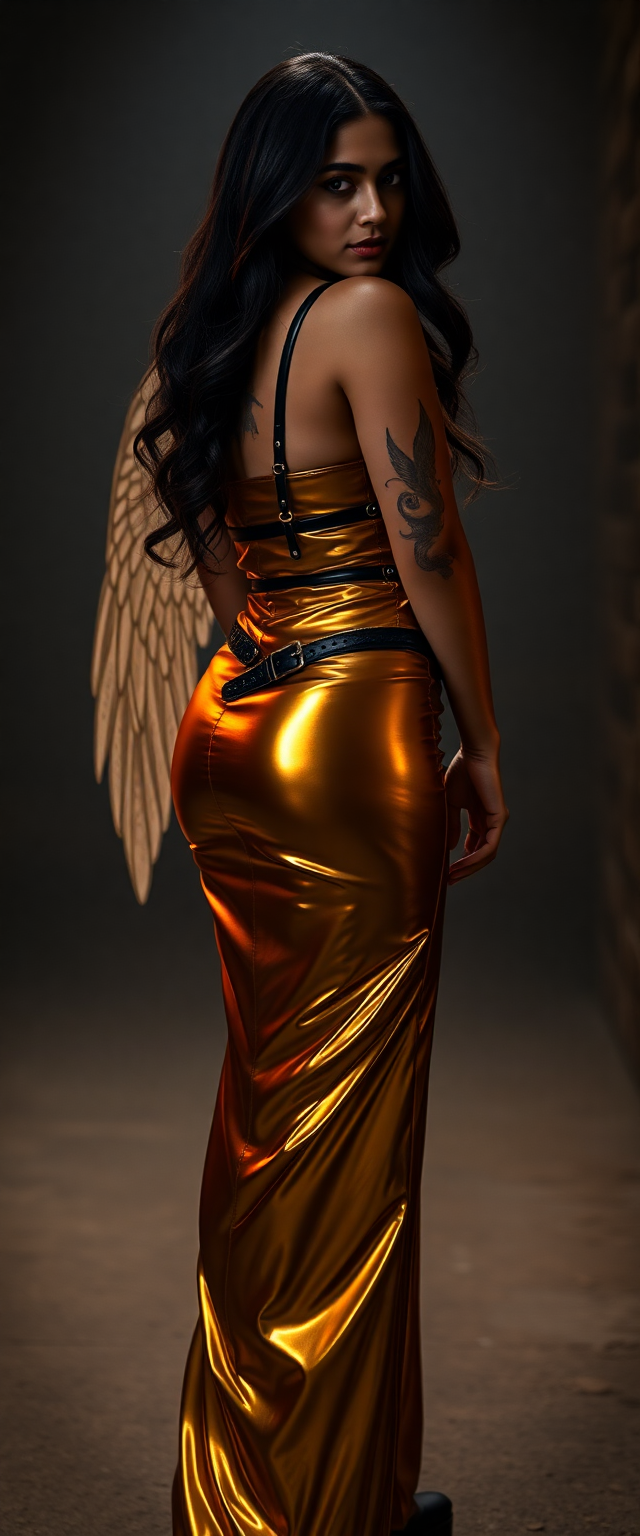
A captivating 21-year-old Bollywood beauty
flux
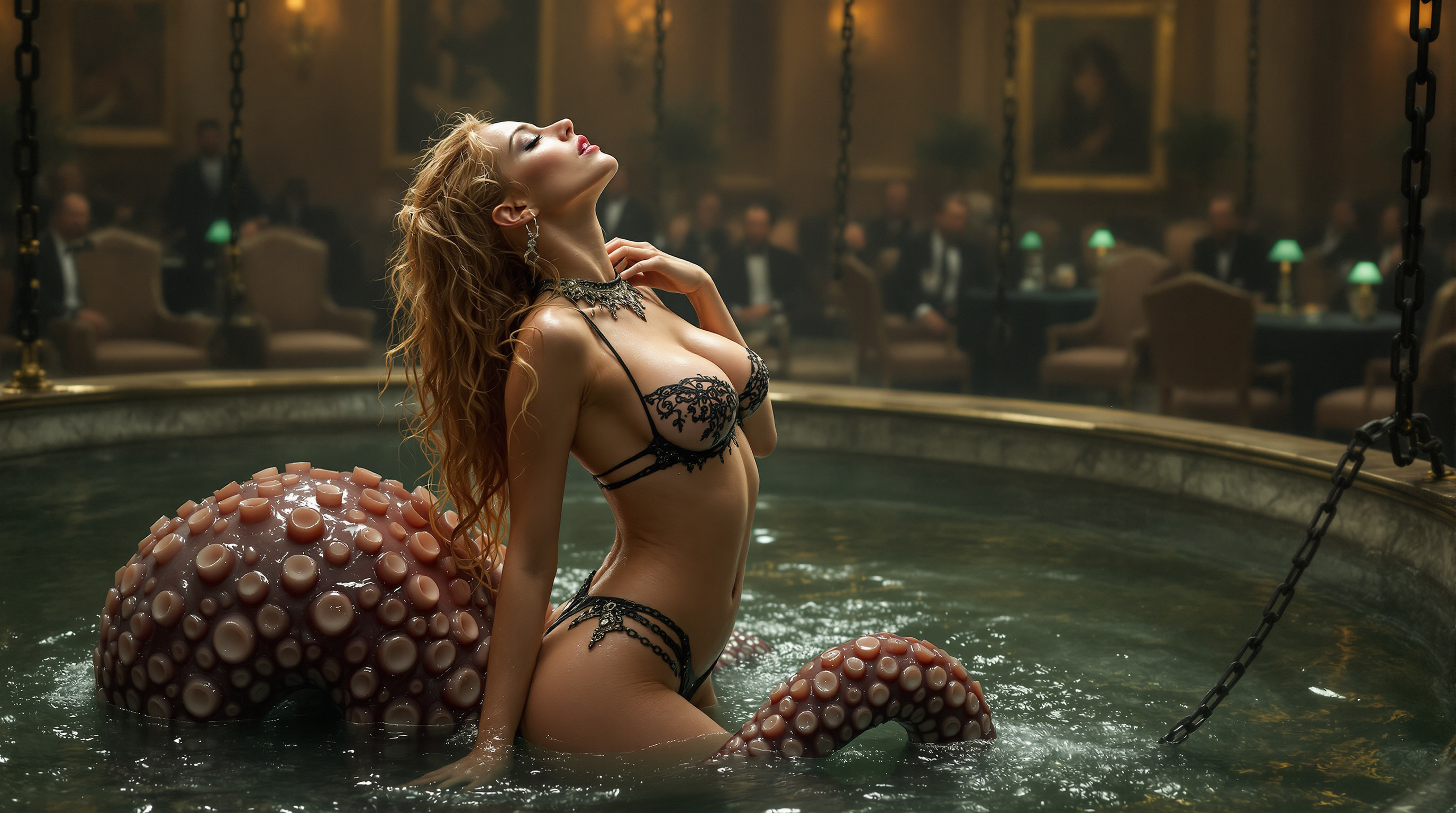
IMG_XXXX
flux
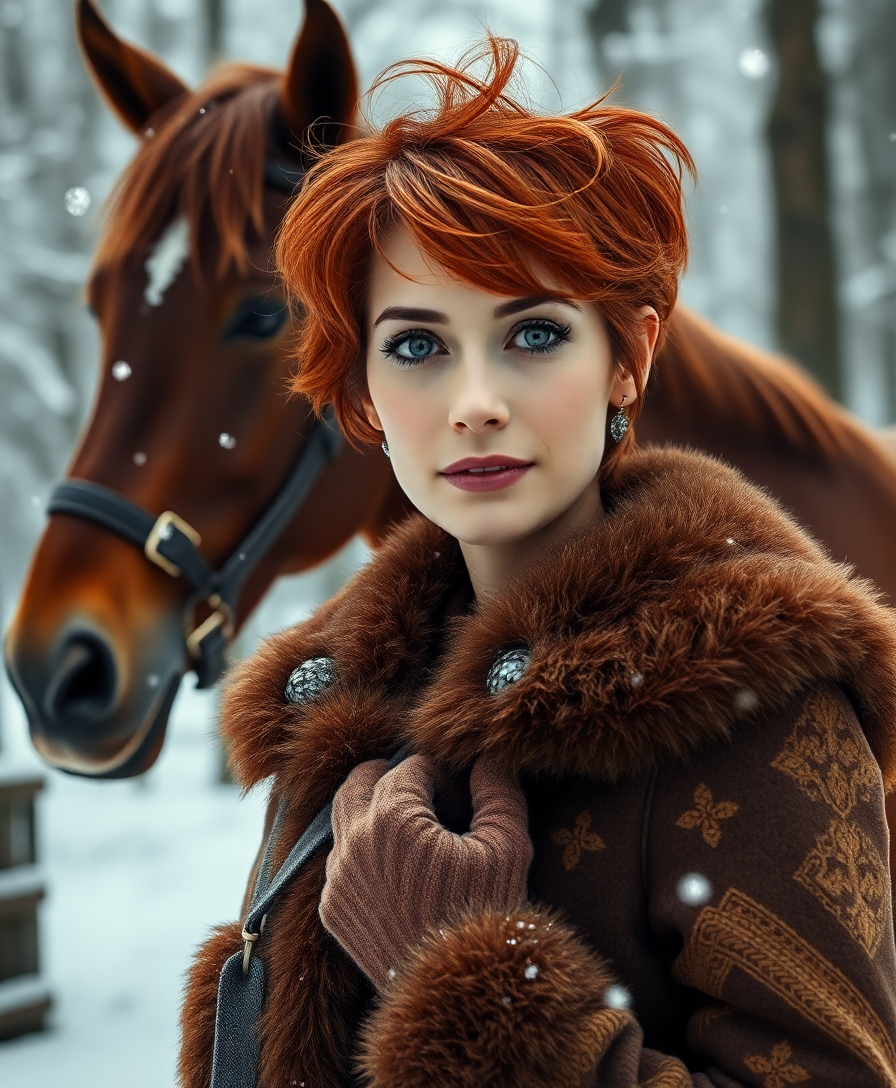
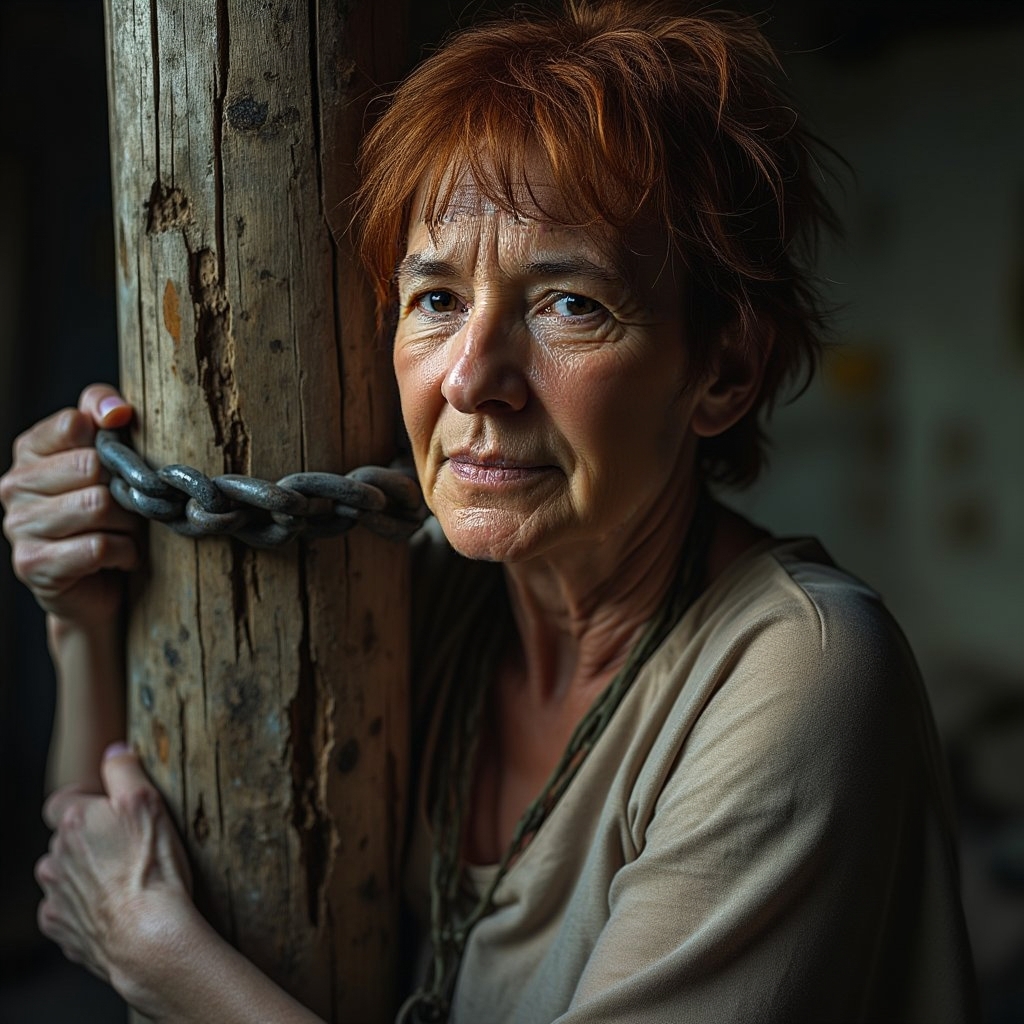
A hyperrealistic photo of a 40-year-old woman with short red messy hair
flux
Models you can run on PixelDojo for Watercolor
Switch models without switching tools. Each one runs in the same PixelDojo studio.
What you can do with Watercolor on PixelDojo
Prompt Based Watercolor Creation
We let creators enter text descriptions to generate original watercolor images.
Custom Brush and Paper Effects
Creators adjust brush size and paper texture when producing watercolor outputs.
Reference Image Stylization
We apply watercolor effects to uploaded images while retaining main subjects.
Batch Watercolor Variations
Creators receive multiple watercolor options from one prompt for review.
Join over 10,000 creators who have generated more than 500,000 images using PixelDojo's AI tools. Rated 4.8/5 by our satisfied users.
Why Choose Pixel Dojo for Watercolor
Professional-quality results with cutting-edge AI technology
Effortless Creativity
Generate beautiful watercolor art without any prior painting experience.
Time-Saving
Create intricate watercolor images in seconds, eliminating the lengthy process of traditional painting.
Versatile Applications
Use your AI-generated watercolor art for personal projects, professional designs, or social media content.
How It Works
Creating stunning watercolor images with PixelDojo is simple and intuitive. Follow these steps to bring your artistic visions to life:
Step 1: Choose Your Tool
Select the 'Flux Creator' tool from PixelDojo's suite to begin your watercolor creation journey.
Step 2: Enter Your Prompt
Describe the image you want to create. For example, 'A serene landscape in watercolor style with soft pastel colors.'
Step 3: Customize & Download
Adjust settings like color intensity and brushstroke style to your preference, then download your high-resolution watercolor image.
The Pixel Dojo Advantage
Why PixelDojo outperforms other options for watercolor image generation:
| Others | Pixel Dojo |
|---|---|
| Traditional Watercolor Painting | No need for physical materials or painting skills; create digital watercolor art instantly. |
| Generic AI Tools | Specialized tools designed specifically for authentic watercolor effects, offering more realistic results. |
| Manual Digital Painting | Significantly reduces the time and effort required to achieve watercolor effects digitally. |
Loved by creators on PixelDojo
Real feedback from people using PixelDojo, pulled from our in-product surveys.
Accurate results
Great site and so much fun to use!
very useful set of tools for image creation, upscaling and enhancement
ease of use, variety of tools, high quality trainings, and a well-maintained discord channel
Ease of use, friendliness and support of the owner, continued innovation.
it is an amazing site to create a pics and vids for those who don't have the hardware themselves
Explore more AI tools on PixelDojo
Popular AI Models
AI Tools
Compare & Switch
- Best AI Image Generators
- Best AI Video Generators
- Midjourney Alternatives
- Civitai Alternatives
- Runway Alternatives
- Leonardo Alternatives
- Pika Alternatives
- Luma Alternatives
- Magnific Alternatives
- Veo Alternatives
- Flux Alternatives
- Freepik Alternatives
- Seedance Alternatives
- Seedream Alternatives
- Pixverse Alternatives
- GPT Image Alternatives
- Synthesia Alternatives
- Playground Alternatives
- NightCafe Alternatives
- Canva AI Alternatives
- ElevenLabs Alternatives
- ComfyUI Alternatives
- Fal Alternatives
- Replicate Alternatives
Common Questions
Everything you need to know about Watercolor
Can I create watercolor images without any painting experience?
Absolutely! PixelDojo's AI tools are designed for users of all skill levels, enabling you to create stunning watercolor art without prior experience.
How long does it take to generate a watercolor image?
With PixelDojo, you can generate a high-quality watercolor image in just a few seconds, saving you time compared to traditional methods.
Can I customize the style of the watercolor images?
Yes, PixelDojo offers various customization options, allowing you to adjust elements like color intensity and brushstroke style to match your vision.
Is there a limit to the number of images I can create?
PixelDojo offers credit-based plans starting at $10 a month, with no daily caps on image generation.
Can I use the generated images for commercial purposes?
Yes, images created with PixelDojo can be used for both personal and commercial projects, adhering to our terms of service.
Do I need to install any software to use PixelDojo?
No installation is required. PixelDojo is a web-based platform accessible from any device with an internet connection.