ai podcast generator
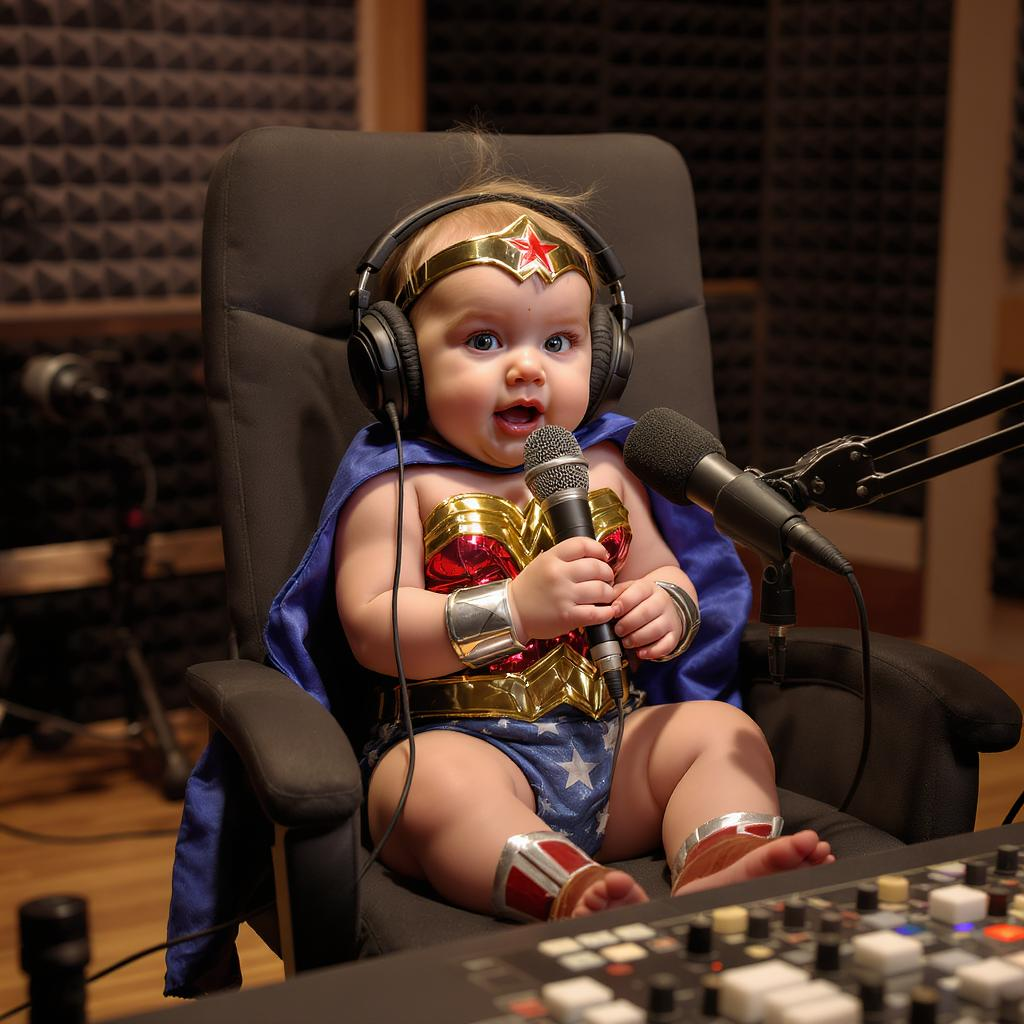
Generated on PixelDojo. Produced by PixelDojo's generation pipeline.
Imagine launching a podcast that instantly stands out on Spotify, Apple Podcasts, and YouTube—without hiring a designer or spending weeks on production. PixelDojo's AI podcast generator empowers you to create professional cover art, engaging video clips, consistent host characters, and even supporting audio elements that convert casual browsers into loyal listeners. In today's crowded podcast landscape, where AI-generated shows are rapidly expanding, your visuals become the key differentiator. You can produce square 3000x3000 covers that remain crystal-clear even at tiny thumbnail sizes, transform your episodes into shareable social videos, and maintain a cohesive brand across every graphic and clip. Focus on crafting great conversations while PixelDojo handles the high-converting assets that drive subscriptions, shares, and growth. Whether you're starting a true crime series, a business interview show, or a daily news roundup, you'll achieve studio-quality results in minutes. Thousands of creators already use these tools to skip expensive studios and traditional workflows, delivering polished podcasts that attract audiences and build authority faster than ever.
Real image examples generated on PixelDojo
Every example below was produced on PixelDojo. Hover to see the prompt.
A baby wonder woman talking on a pod cast in a studio
flux-studio
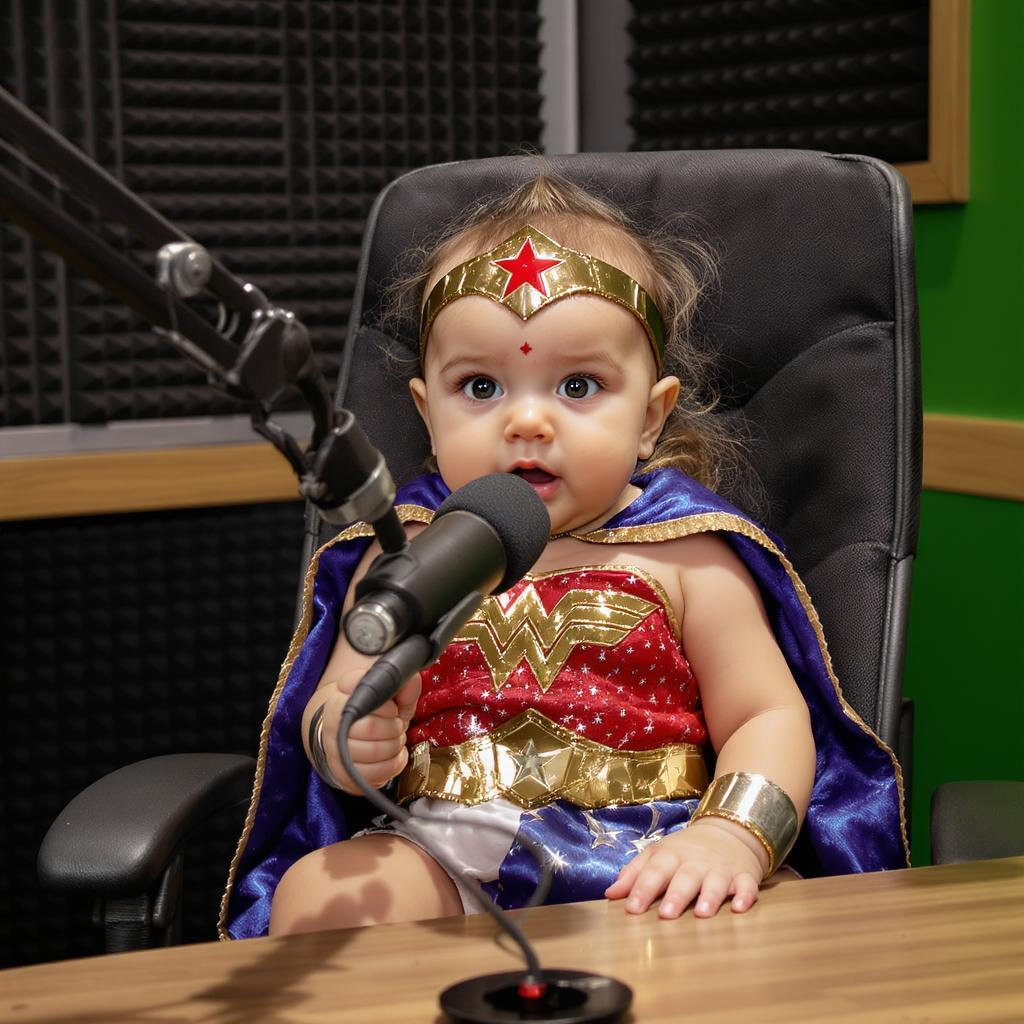
A baby wonder woman talking on a pod cast in a studio
flux-studio
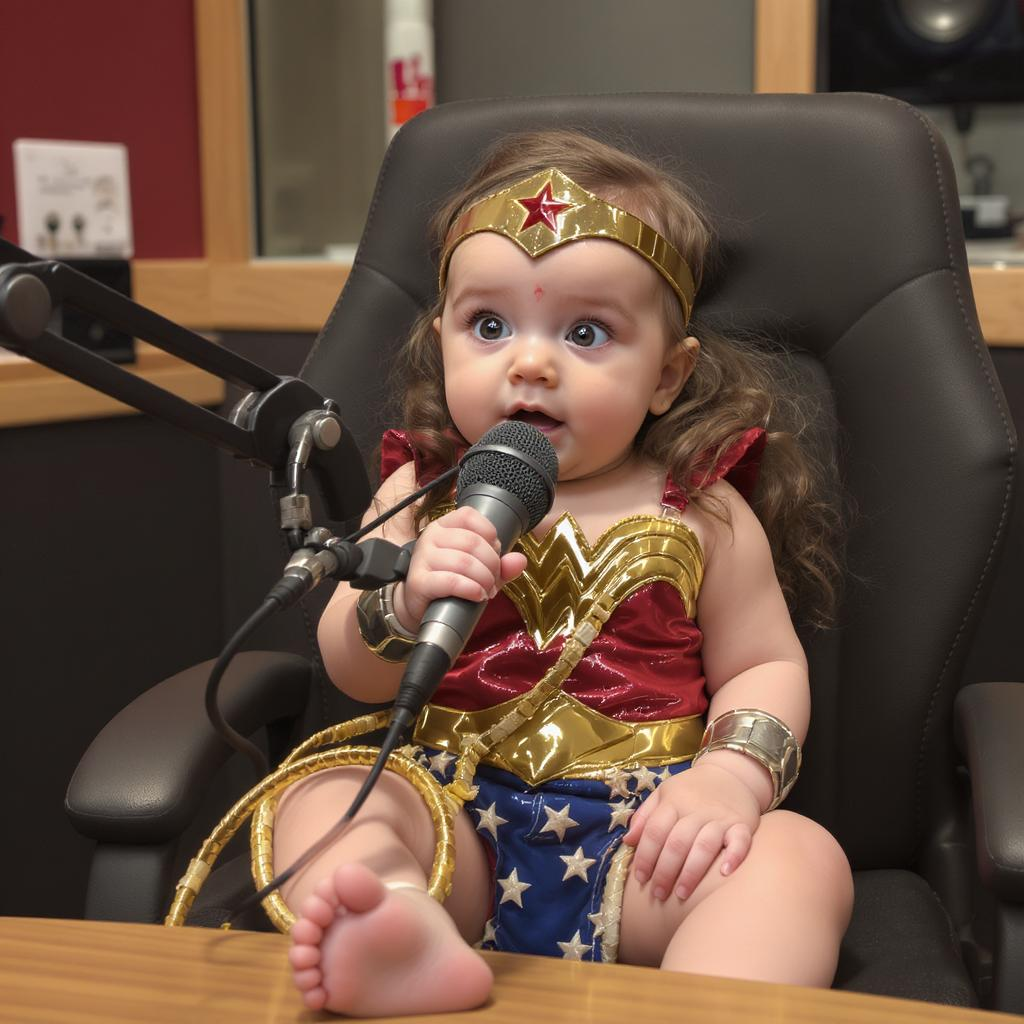
A baby wonder woman talking on a pod cast in a studio
flux-studio
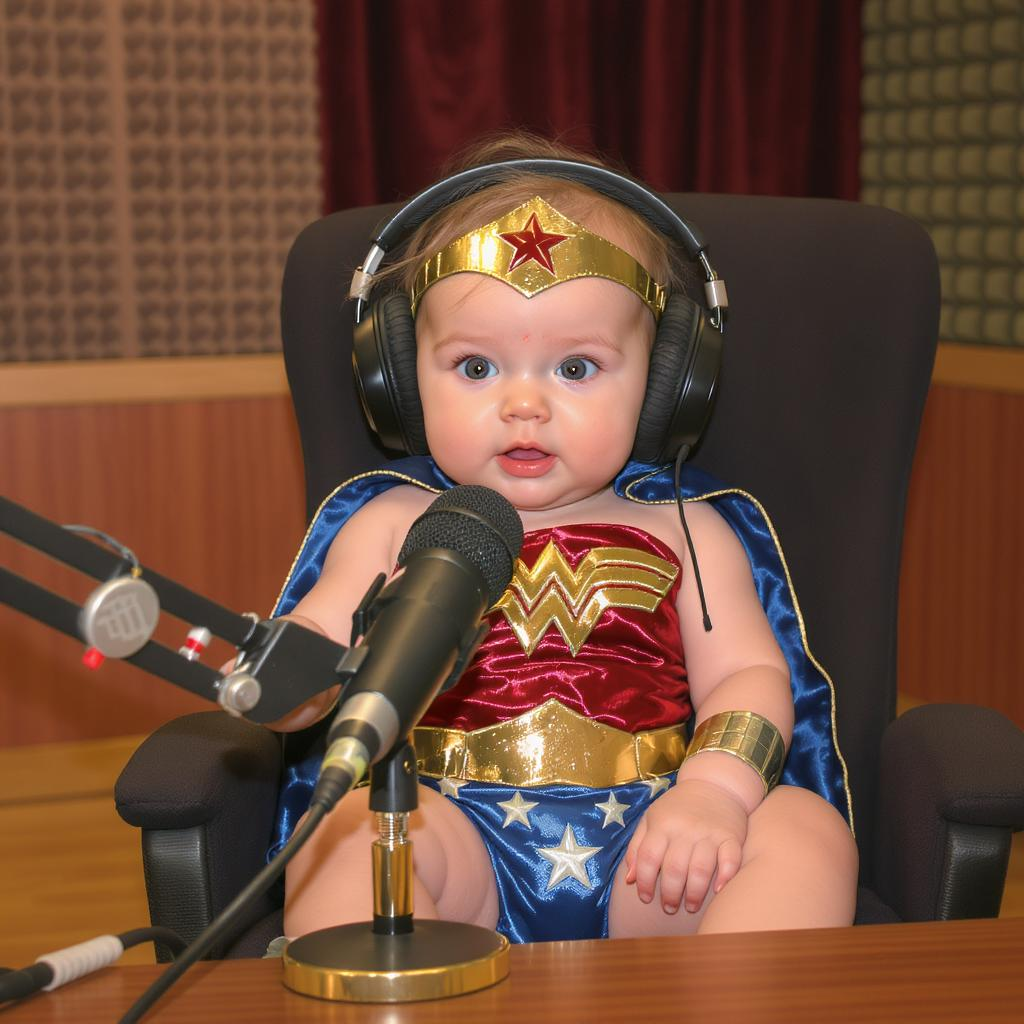
A baby wonder woman talking on a pod cast in a studio
flux-studio
Make in more ear tones like mocha edited
gpt-image-1-5

Create a YouTube Header for "FLUXPRO" AI image generation
flux
Models you can run on PixelDojo for ai podcast generator
Switch models without switching tools. Each one runs in the same PixelDojo studio.
What you can do with ai podcast generator on PixelDojo
Podcast Cover Art
We generate show covers and artwork from your title, tone, and style notes so you can ship a clear visual identity for each series.
Episode Image Variants
We create multiple episode thumbnails and promotional stills from the same brief, giving you options for players, social posts, and listings.
Consistent Show Branding
We reuse your colors, characters, and layout cues across images so new episodes stay aligned with the look you already use.
Quick Visual Drafts
We turn a short prompt into image drafts you can refine, so you can test covers and episode art before you publish.
Trusted by thousands of creators worldwide who have launched standout podcasts. Access 40+ cutting-edge AI tools in one platform. Join them today and cancel anytime if it's not the right fit.
Why Choose Pixel Dojo for ai podcast generator
Professional-quality results with cutting-edge AI technology
Attract Listeners with Eye-Catching Covers That Convert
You generate high-contrast, bold-typography podcast covers optimized for every platform. Your show pops in crowded app grids, leading to more taps, follows, and episode plays from the very first glance.
Turn Episodes into Viral Video Clips Overnight
You transform audio into dynamic promo videos and social shorts that explode your reach on YouTube, TikTok, and Instagram. More people discover your podcast through engaging visuals instead of just audio.
Build Instant Brand Recognition with Consistent Hosts
You create and reuse the same professional host characters and avatars across covers, videos, and thumbnails. Your audience instantly recognizes your show, boosting trust and repeat listens.
How It Works
You can create a complete set of AI podcast assets in just three simple steps. PixelDojo puts professional image, video, and character tools at your fingertips so you spend time on content, not production.
Step 1: Choose Your Perfect Tool
Head to Generate Images and pick Ideogram 4 for covers with perfectly readable titles, Flux.2 Studio or GPT Image 2 for photorealistic host portraits, Recraft V4.1 for clean graphic styles, or Nano Banana 2 for fast concepts. For videos, select VEO 3.1, Kling Video, or Marketing Studio. Need consistent faces? Start with Consistent Characters or Kling Avatar.
Step 2: Craft a Winning Prompt
Describe exactly what you need: 'square 3000x3000 professional podcast cover, bold sans-serif title Your Show Name, high-contrast navy-to-gold gradient, stylized microphone, readable at 55px thumbnail, true crime mood, no tiny details.' Add genre, color palette, and mood. For videos, include host actions and scene. Generate multiple variations instantly.
Step 3: Refine, Upscale, and Download Ready-to-Use Assets
Use Edit Images tools like Inpainting, Style Transfer, Background Remover, or Change Camera Angle to perfect every detail. Upscale with P-Image Upscale or Magnific Upscaler for crisp 3000x3000 output. For videos, add Video Autocaption or Merge Videos. Download in the exact formats platforms require and start publishing.
The Pixel Dojo Advantage
Why PixelDojo outperforms other options for AI podcast generator needs
| Others | Pixel Dojo |
|---|---|
| Traditional podcast creation | You skip weeks of waiting and thousands in designer or studio fees. Generate professional covers, videos, and hosts in minutes instead of days. |
| Generic AI tools | You get 40+ specialized tools in one place—including Ideogram 4 for perfect text, consistent character systems, and dedicated video generators—rather than juggling multiple disconnected platforms. |
| Manual photo editing | You describe what you want in plain language and receive ready-to-upload assets. No Photoshop expertise or hours of layering required. |
Loved by creators on PixelDojo
Real feedback from people using PixelDojo, pulled from our in-product surveys.
Top notch quality and strong prompt adherence.
A well resourced sunscription with attention to updates.
Easy to use and there's lots of options.
super lora download
Great variety of tools to create and modify images and video.
Lots of Tools, and the one time I needed support I got help right away
Explore more AI tools on PixelDojo
Popular AI Models
AI Tools
Compare & Switch
- Best AI Image Generators
- Best AI Video Generators
- Midjourney Alternatives
- Civitai Alternatives
- Runway Alternatives
- Leonardo Alternatives
- Pika Alternatives
- Luma Alternatives
- Magnific Alternatives
- Veo Alternatives
- Flux Alternatives
- Freepik Alternatives
- Seedance Alternatives
- Seedream Alternatives
- Pixverse Alternatives
- GPT Image Alternatives
- Synthesia Alternatives
- Playground Alternatives
- NightCafe Alternatives
- Canva AI Alternatives
- ElevenLabs Alternatives
- ComfyUI Alternatives
- Fal Alternatives
- Replicate Alternatives
Common Questions
Everything you need to know about ai podcast generator
How do I create AI podcast cover art that looks professional and ranks well on Spotify and Apple Podcasts?
You start with Ideogram 4 or Recraft V4.1 on PixelDojo for covers that keep titles perfectly readable. Use a prompt specifying 3000x3000 square format, high contrast, bold sans-serif text limited to four words, and a simple graphic element. Test the result at 55px size, then upscale with P-Image Upscale. This combination meets every platform spec and helps your show stand out in search results and app grids.
What is the best way to generate AI podcast video clips from my audio episodes?
You upload a still or generate a host image first, then use VEO 3.1 or Kling Video to create talking-head or scene-based clips. Add your audio via Seed Audio 1.0 or Text to Speech, apply Video Autocaption, and export vertical or square formats. Marketing Studio and Film Studio let you produce complete promo packages that drive traffic back to your full episodes.
Can I keep the same podcast host looking consistent across every cover and video?
Yes. You train or generate a base character with Consistent Characters, Character Sheets, or Ideogram Character, then reuse it with Face Swap, LoRA Face Swap, Kling Video Character Swap, or WAN Video Character Swap. This gives you a recognizable host that appears identical in thumbnails, episode art, and video clips, building instant brand recognition.
How can I make AI-generated podcast thumbnails that get more clicks?
You focus on high-contrast colors, large readable text, and one strong visual idea using Flux.2 Studio or GPT Image 2. Generate several variations, then use Image Analyzer or Reality Polisher to refine. PixelDojo's tools let you quickly test what performs best so your thumbnails outperform generic stock images and increase click-through rates.
Does PixelDojo include AI tools for podcast audio, music, and voiceovers?
Absolutely. You can generate original background music with Text to Music, create natural-sounding hosts or guests with Text to Speech and Seed Audio 1.0, and even produce full audio elements that pair perfectly with your visuals. Everything stays in one workflow so your complete podcast package—visuals plus audio—comes together faster.
Is there any risk or long-term commitment when using PixelDojo as my AI podcast generator?
None. You get instant access to 40+ cutting-edge tools used by thousands of creators worldwide. Start generating covers, videos, and characters today and cancel anytime if it doesn't fit your needs. There are no long contracts—just professional results whenever you need them.