Photography
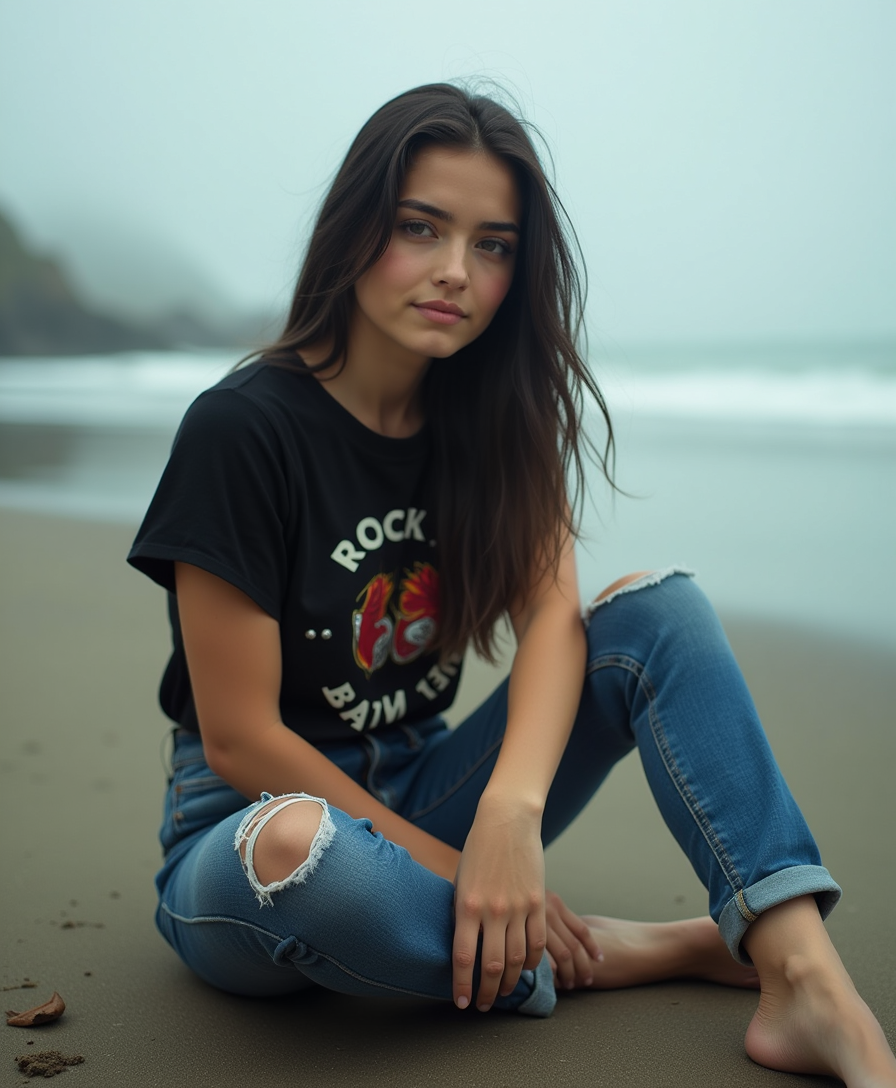
Generated on PixelDojo. Produced by PixelDojo's generation pipeline.
Unlock the power of AI to create stunning, photorealistic images that capture the essence of traditional photography. With PixelDojo's advanced AI tools, you can effortlessly generate high-quality images that mirror the depth, lighting, and texture of real-world photography. Whether you're a professional photographer seeking to expand your creative horizons or an enthusiast eager to explore new possibilities, PixelDojo empowers you to bring your vision to life.
Real image examples generated on PixelDojo
Every example below was produced on PixelDojo. Hover to see the prompt.
Professional photograph of a young woman with dark hair and refined features
flux
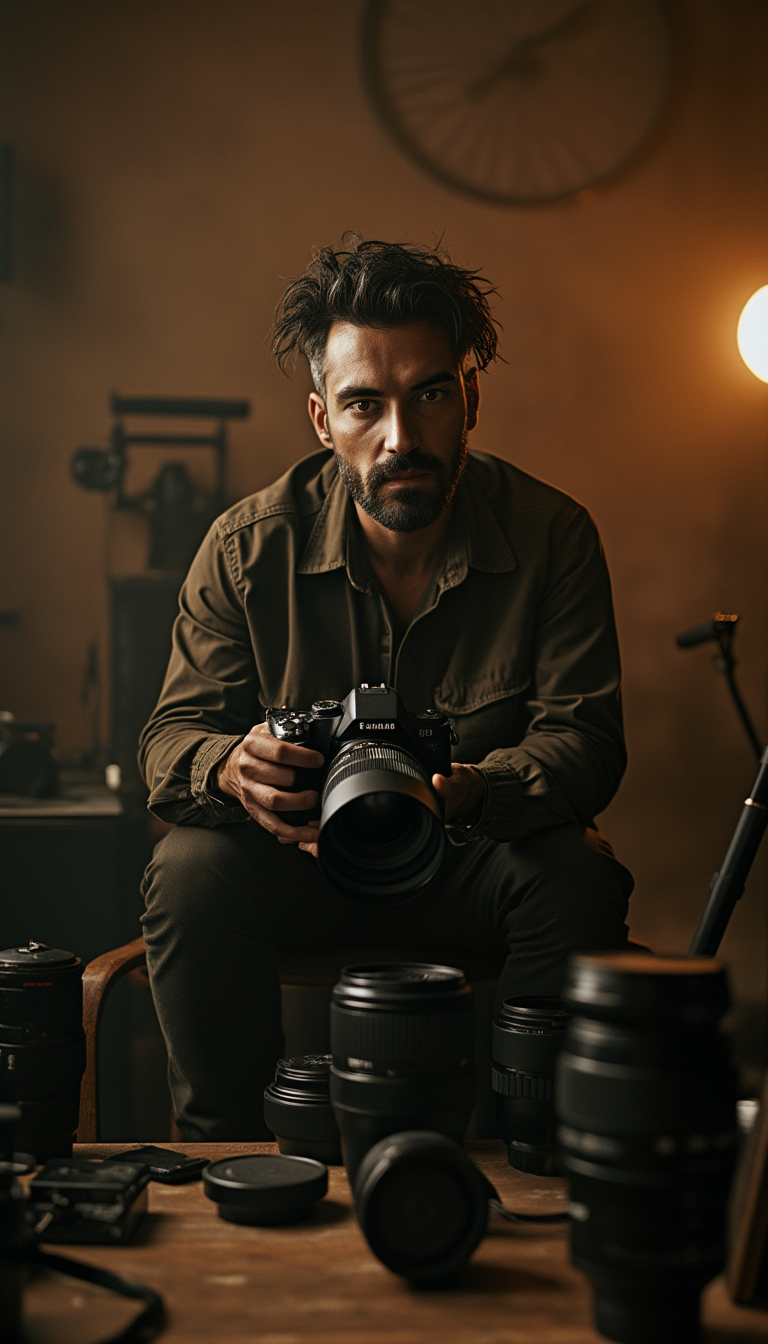
A dramatic
stable-diffusion
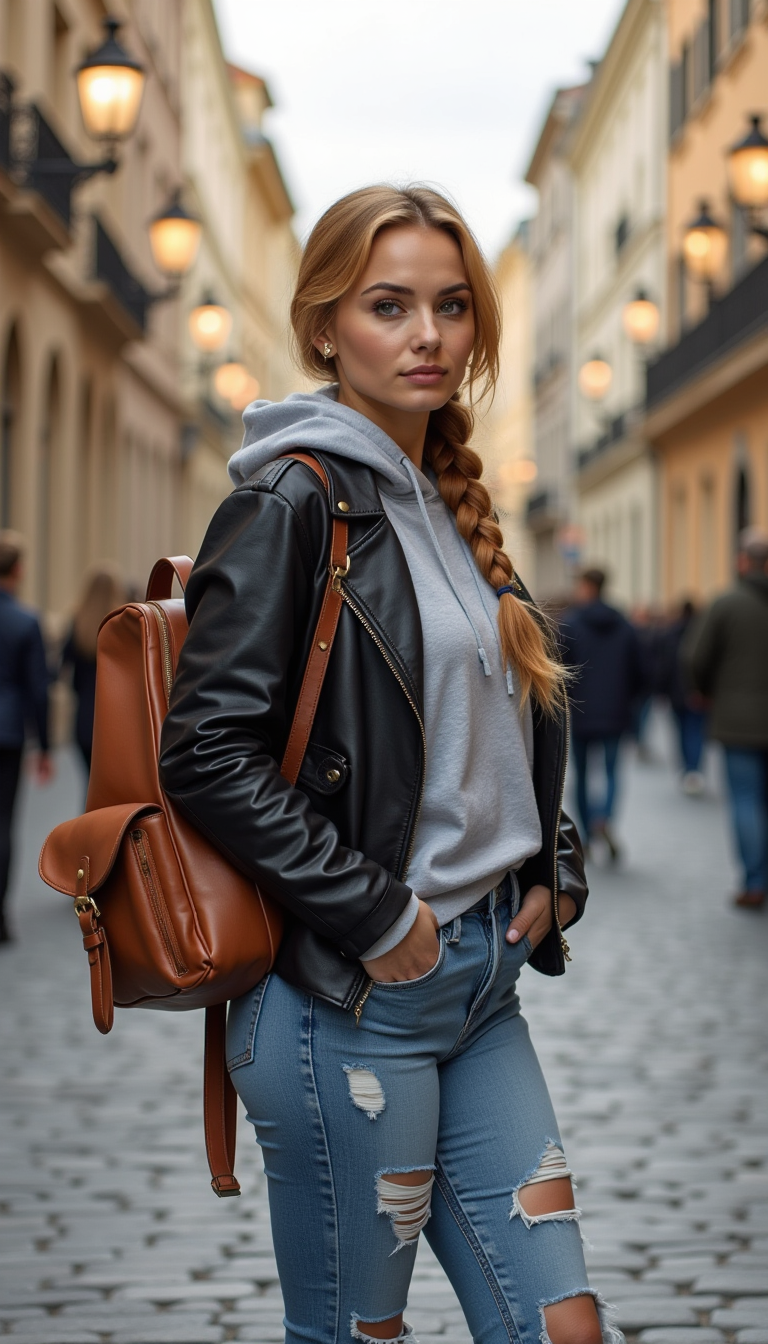
Photography a honey blonde
stable-diffusion
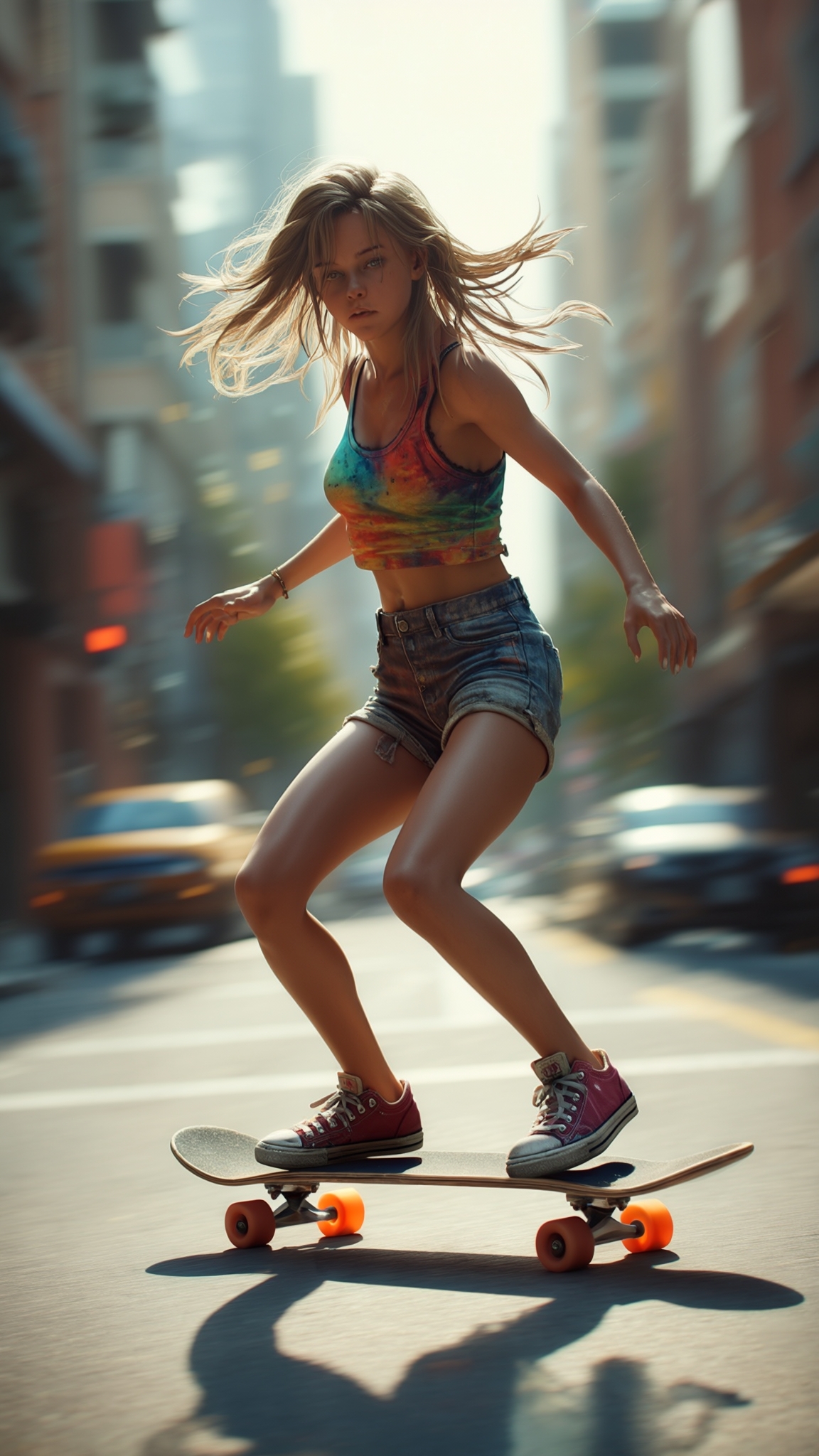
Photorealistic skater girl in tight shorts and belly free tank top driving skateboard
stable-diffusion
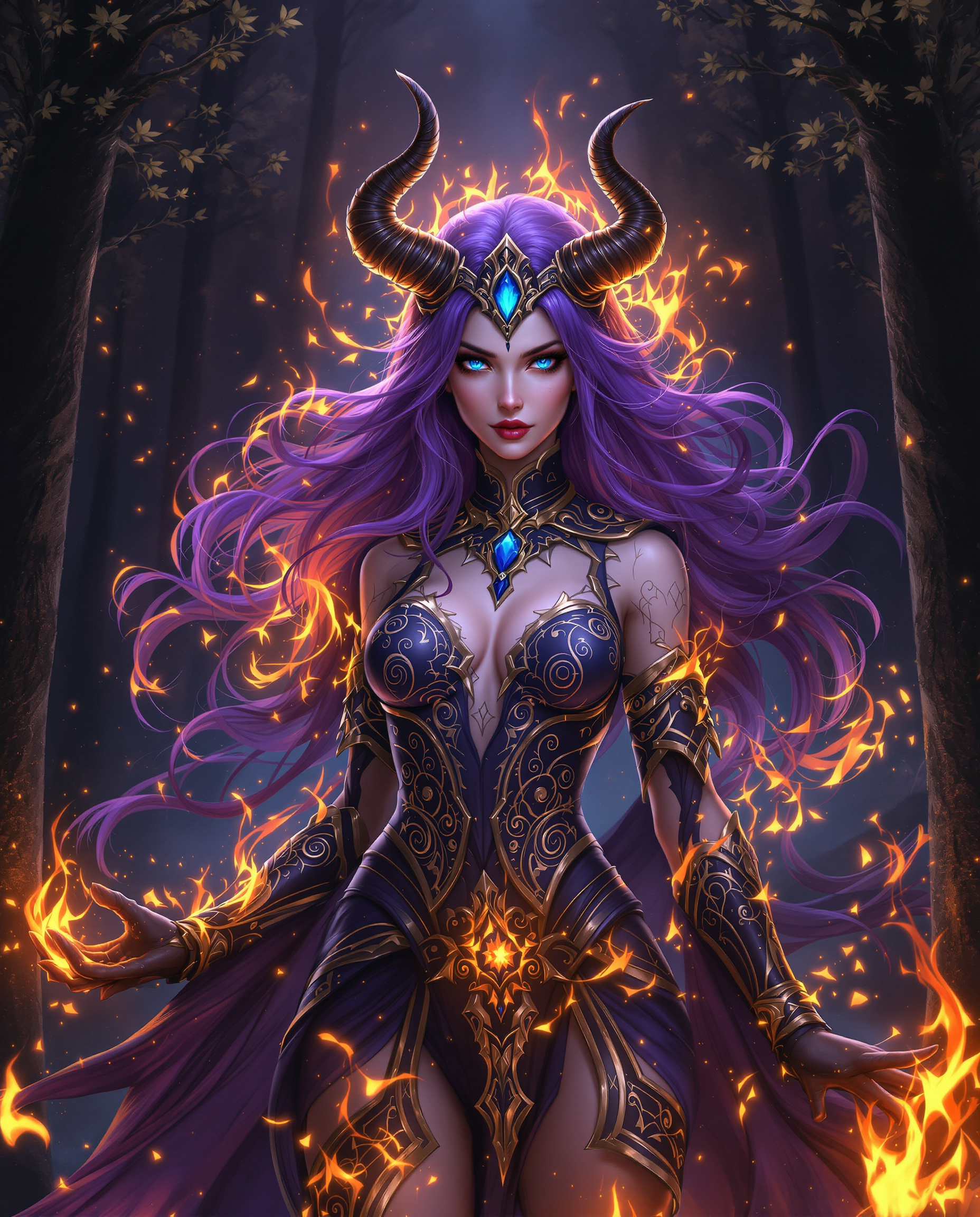
This is a realistic photo photograph of a female real person digital artwork that features…
flux
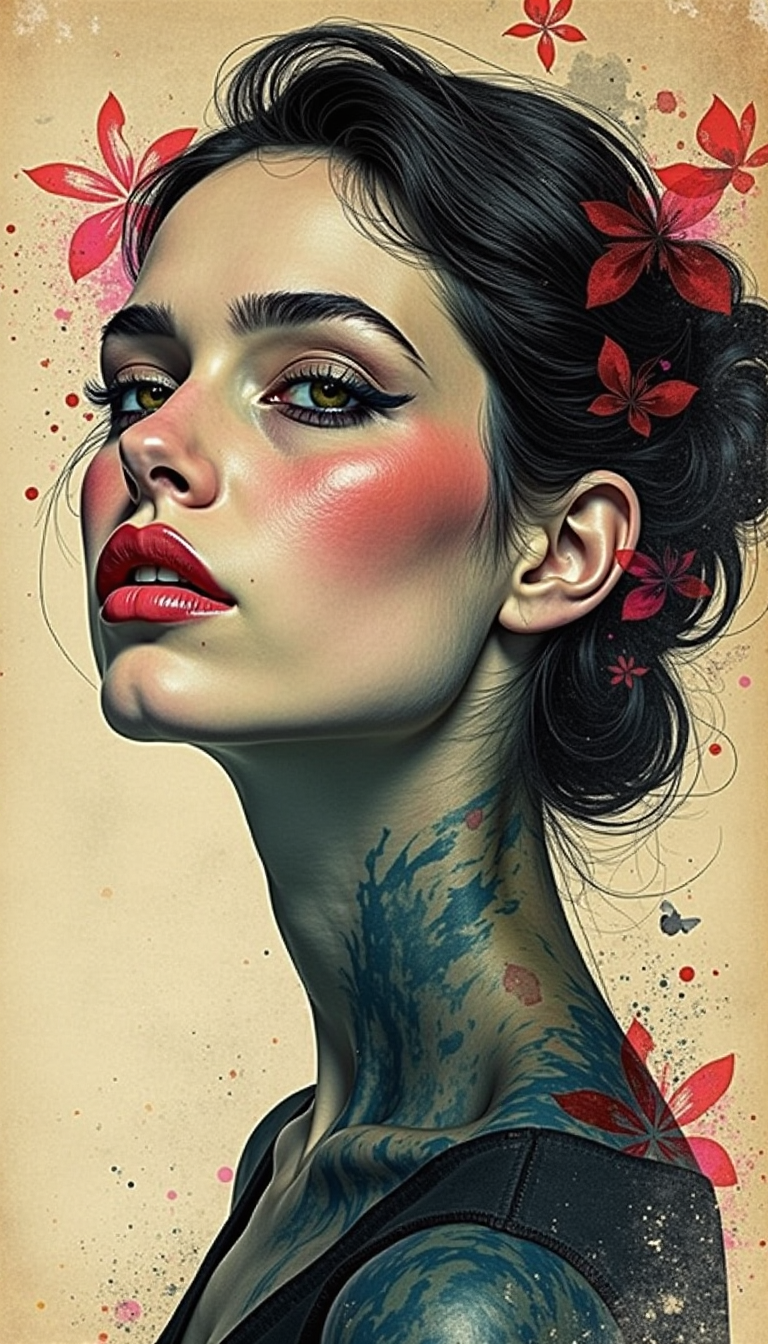
Trending magazine cover
stable-diffusion
Models you can run on PixelDojo for Photography
Switch models without switching tools. Each one runs in the same PixelDojo studio.
What you can do with Photography on PixelDojo
Generate Photorealistic Portraits
We create images from text prompts that show natural skin tones and expressions.
Adjust Lighting and Framing
Creators modify light direction and composition before final image output.
Select Camera Viewpoints
We support specification of angles to produce varied perspectives in each result.
Output Print Ready Files
Images are generated at resolutions that support both digital and physical reproduction.
Join over 10,000 creators who have transformed their ideas into captivating photography-style images using PixelDojo's AI technology. Our platform boasts a 4.8/5 satisfaction rating, reflecting our commitment to quality and user success.
Why Choose Pixel Dojo for Photography
Professional-quality results with cutting-edge AI technology
Effortless Realism
Generate images with authentic lighting, depth, and texture that rival traditional photography.
Creative Freedom
Experiment with various styles and compositions without the constraints of physical equipment or locations.
Time Efficiency
Produce high-quality images in minutes, streamlining your creative workflow and reducing post-processing time.
How It Works
Creating photography-style images with PixelDojo is a straightforward process that unleashes your creative potential.
Step 1: Choose Your Tool
Select from PixelDojo's suite of AI tools designed for photography image generation, such as Flux Creator or SDXL Image Creator.
Step 2: Enter Your Prompt
Describe the scene you envision using natural language prompts. For example, 'a serene sunset over a mountain range with a clear sky.'
Step 3: Customize & Download
Refine your image by adjusting parameters like lighting, depth of field, and color balance. Once satisfied, download your high-resolution image.
The Pixel Dojo Advantage
Why PixelDojo outperforms other options for photography image generation:
| Others | Pixel Dojo |
|---|---|
| Traditional photography | Eliminate the need for expensive equipment and location scouting while achieving comparable results. |
| Generic AI tools | Access specialized tools tailored for photography-style image generation, ensuring higher quality and realism. |
| Manual photo editing | Save time with automated processes that deliver professional-grade images without extensive editing skills. |
Loved by creators on PixelDojo
Real feedback from people using PixelDojo, pulled from our in-product surveys.
I love this app
It has all the tools I can think of...
deployment rate of splendid features is incredible. Legend
large selection of tools on one platform
the amount you can do on this site
all in one place
Explore more AI tools on PixelDojo
Popular AI Models
AI Tools
Compare & Switch
- Best AI Image Generators
- Best AI Video Generators
- Midjourney Alternatives
- Civitai Alternatives
- Runway Alternatives
- Leonardo Alternatives
- Pika Alternatives
- Luma Alternatives
- Magnific Alternatives
- Veo Alternatives
- Flux Alternatives
- Freepik Alternatives
- Seedance Alternatives
- Seedream Alternatives
- Pixverse Alternatives
- GPT Image Alternatives
- Synthesia Alternatives
- Playground Alternatives
- NightCafe Alternatives
- Canva AI Alternatives
- ElevenLabs Alternatives
- ComfyUI Alternatives
- Fal Alternatives
- Replicate Alternatives
Common Questions
Everything you need to know about Photography
How does PixelDojo create realistic photography-style images?
PixelDojo utilizes advanced AI models trained on vast datasets of real-world photographs. By analyzing patterns in lighting, composition, and texture, our tools generate images that closely mimic traditional photography.
Can I customize the generated images to match my vision?
Absolutely. PixelDojo offers a range of customization options, allowing you to adjust elements like lighting, depth of field, and color balance to align with your creative vision.
Is PixelDojo suitable for beginners?
Yes, PixelDojo is designed with user-friendliness in mind. Our intuitive interface and guided processes make it accessible for users of all skill levels.
What file formats are available for download?
Generated images can be downloaded in various formats, including JPEG and PNG, ensuring compatibility with your preferred platforms and tools.
Are there any limitations on the number of images I can create?
PixelDojo offers flexible subscription plans to suit different needs. Depending on your plan, you can generate a specific number of images per month, with options to upgrade for higher usage.
How does PixelDojo ensure the quality of generated images?
Our AI models undergo continuous training and refinement, incorporating user feedback and advancements in technology to consistently produce high-quality, realistic images.